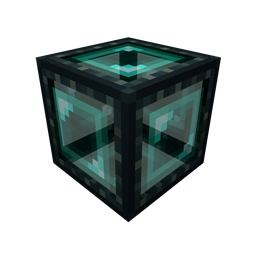
Community listing page, reviews here may not be monitored by the author.
Ender Box (Fabric)

No reviews yet
Move blocks and manage lag-heavy machines with ease!
Community voices
Reviews
No reviews yet. Be the first to review this project!
Get it on
Available Platforms
About
Project Details
For authors
Embed Badge
If you're the author of this project, you can embed a live badge anywhere that supports HTML or Markdown. It updates automatically whenever ratings change.
Use HTML for any page that supports it, or Markdown for README files and Markdown-based descriptions.
Identifiers
Platform IDs
About
Description
This mod requires Fabric, not Forge.
Features
- Ender Box: a nice way to move blocks around while keeping their contents intact (heavily inspired by Mekanism cardboard box)
- Ender Boxer: automatically contains the block it's pointing at within an Ender Box while provided with a redstone signal.
Requirements
As is visible in the dependencies section, this mod requires the Fabric API as well as Fabric Language Kotlin.
I also highly recommend that you install ToolTip AutoWrap because the tooltips in this mod include a description of the blocks and thus are quite long.
Remarks
The Ender Box not only serves to move around hard-to-move blocks like chests, but it also reduces lag when placed around machines that do a lot of processing every tick or are complex to render.
To that end, the Ender Boxer allows you to automate the process of boxing and unboxing blocks to reduce lag when unused and still remain available for use when needed.
Screenshots
Gallery
-
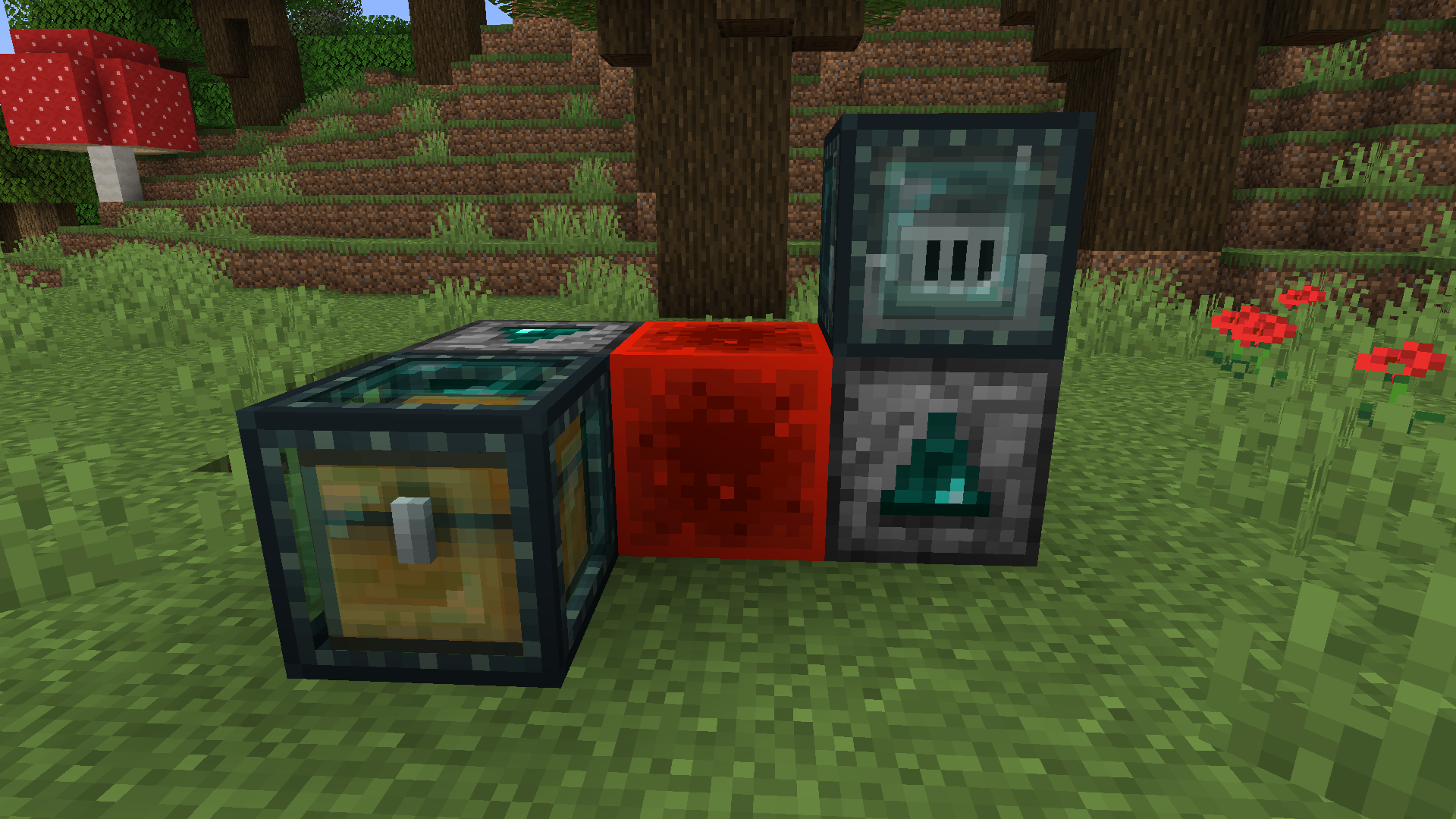 Ender Boxer After …and apply redstone power! The block is encased instantly, and will be unwrapped as soon as the boxer stops being powered.
 -
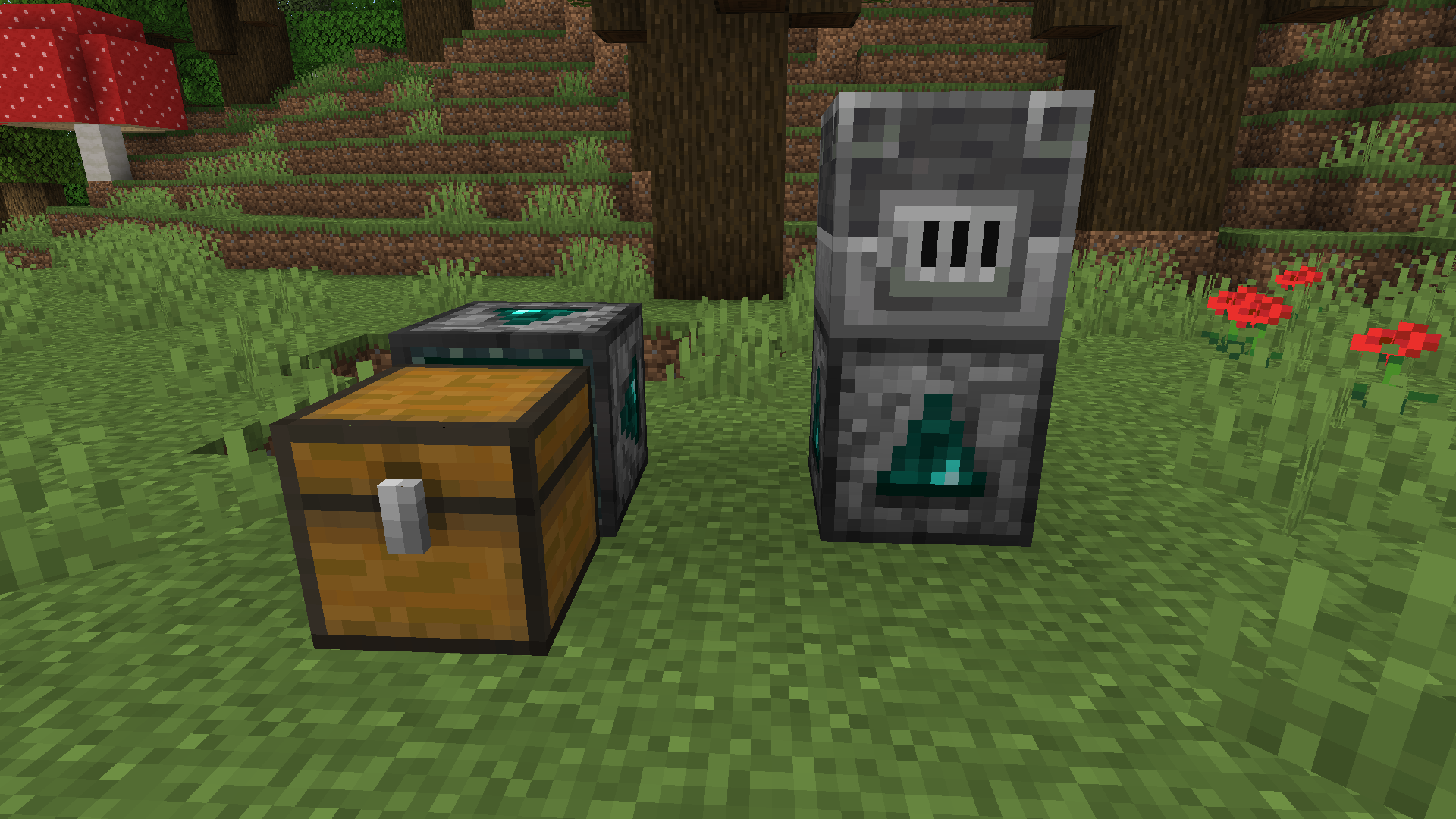 Ender Boxer Before Automate your box wrapping with the Ender Boxer™! Simply point it at the block you want to encase…
 -
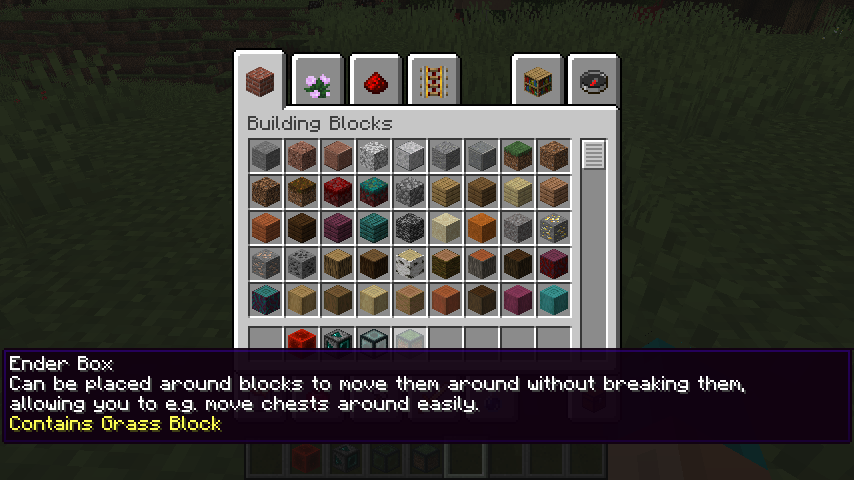 Ender Box Tooltip Of course there's also a handy tooltip to tell you what's in it!
 -
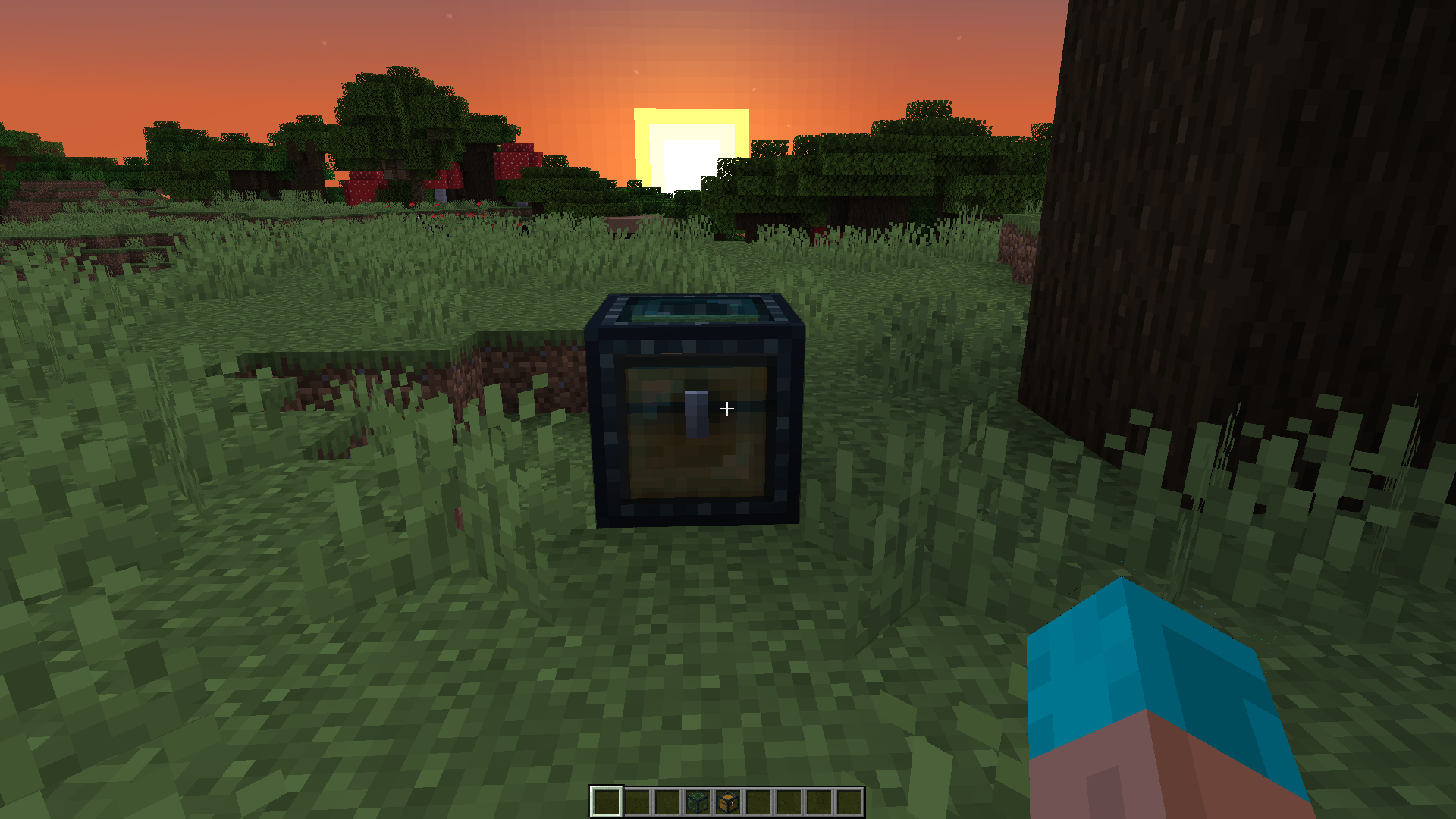
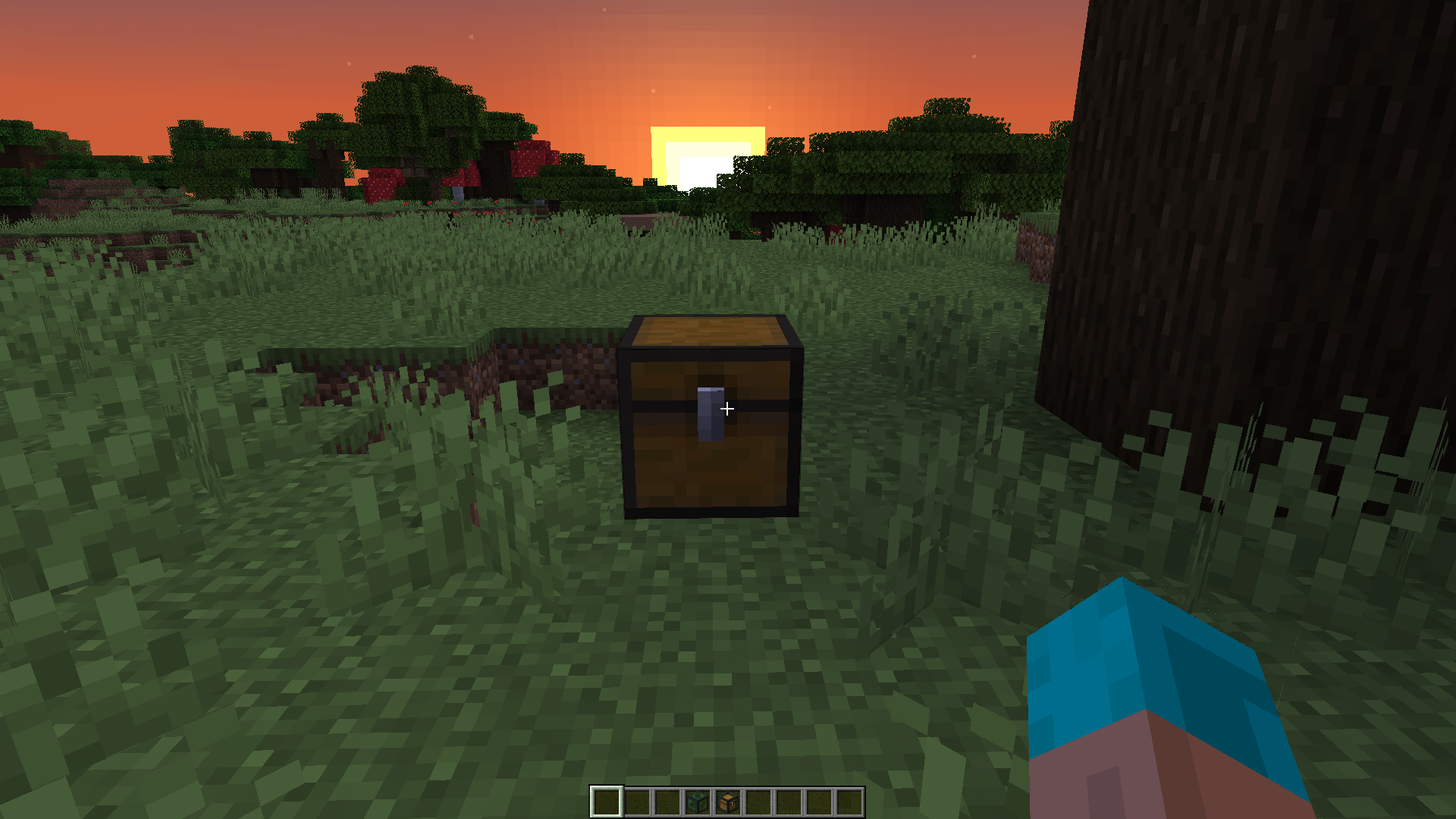 Ender Box Unboxed Once placed, just right click to unwrap it and get back to the original block!
 -
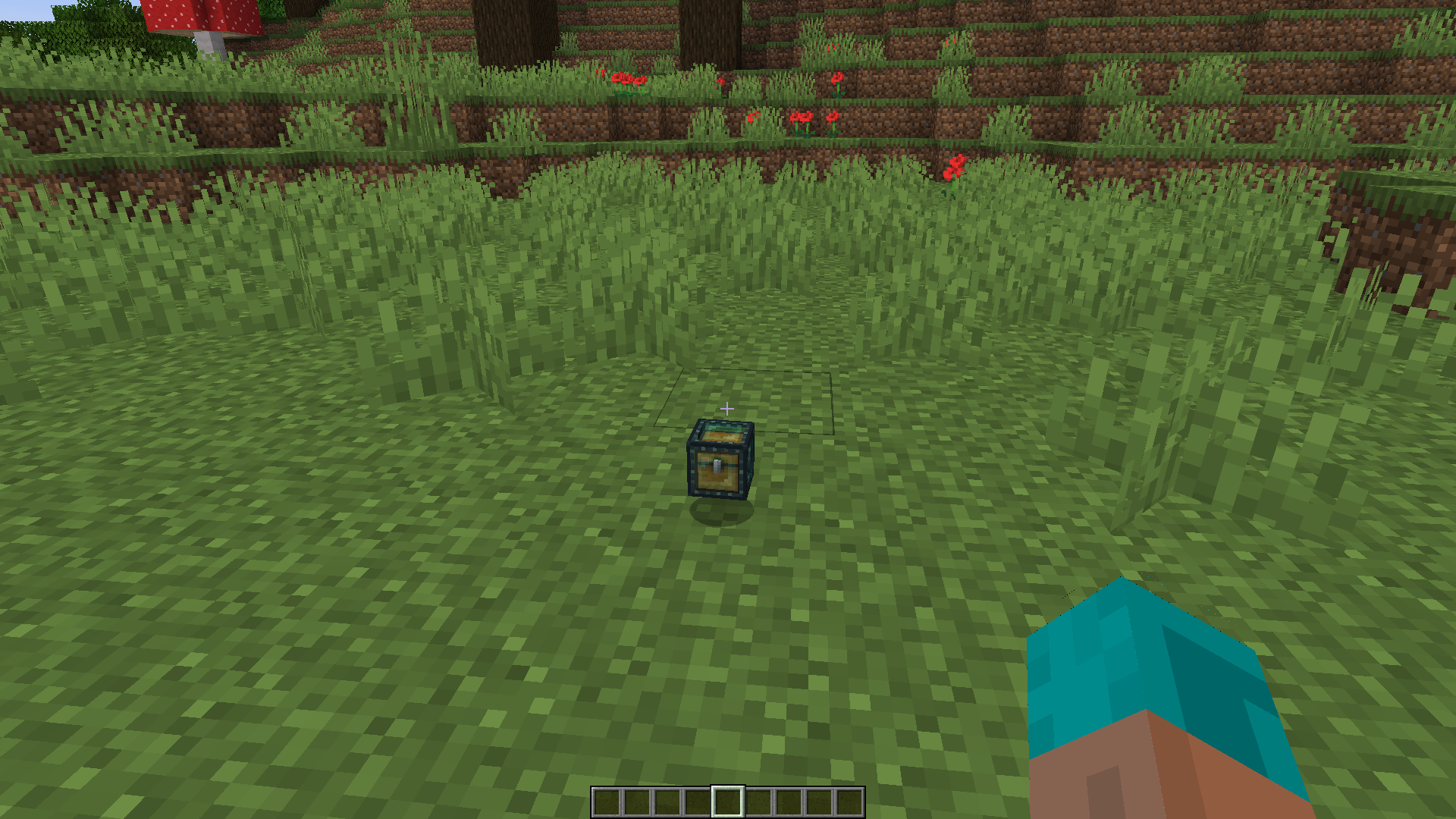
 Ender Box Moved You can pick up that dropped item and place it anywhere.
 -
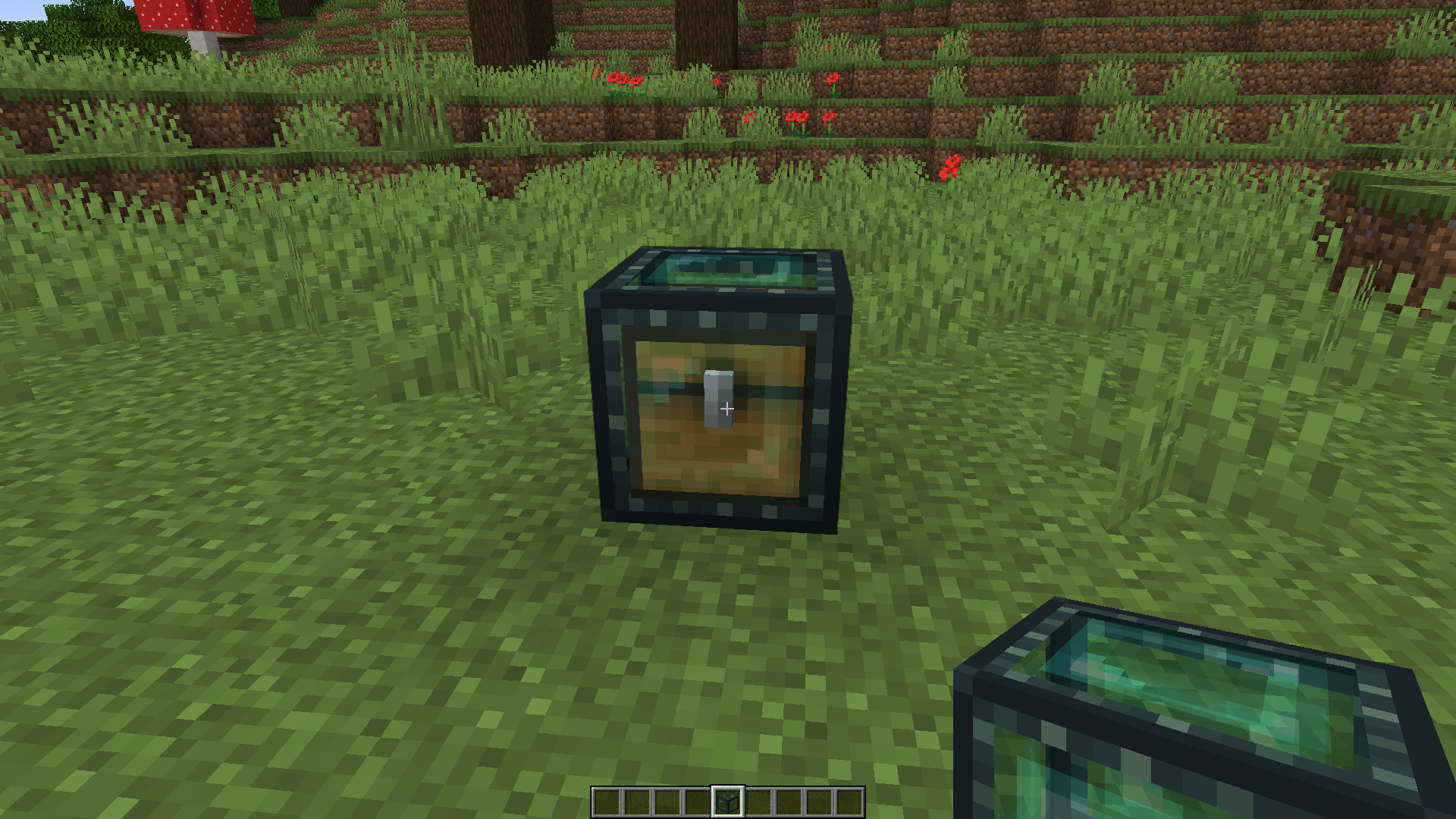
 Ender Box Dropped This really becomes useful when you break the box, receiving an item of the box containing the chest with all its contents.
 -
 Ender Box After The solution is easy: just wrap it in an ender box! Crafted from an ender pearl as well as some paper and obsidian, it can hold (pretty much) any block with ease!
 -
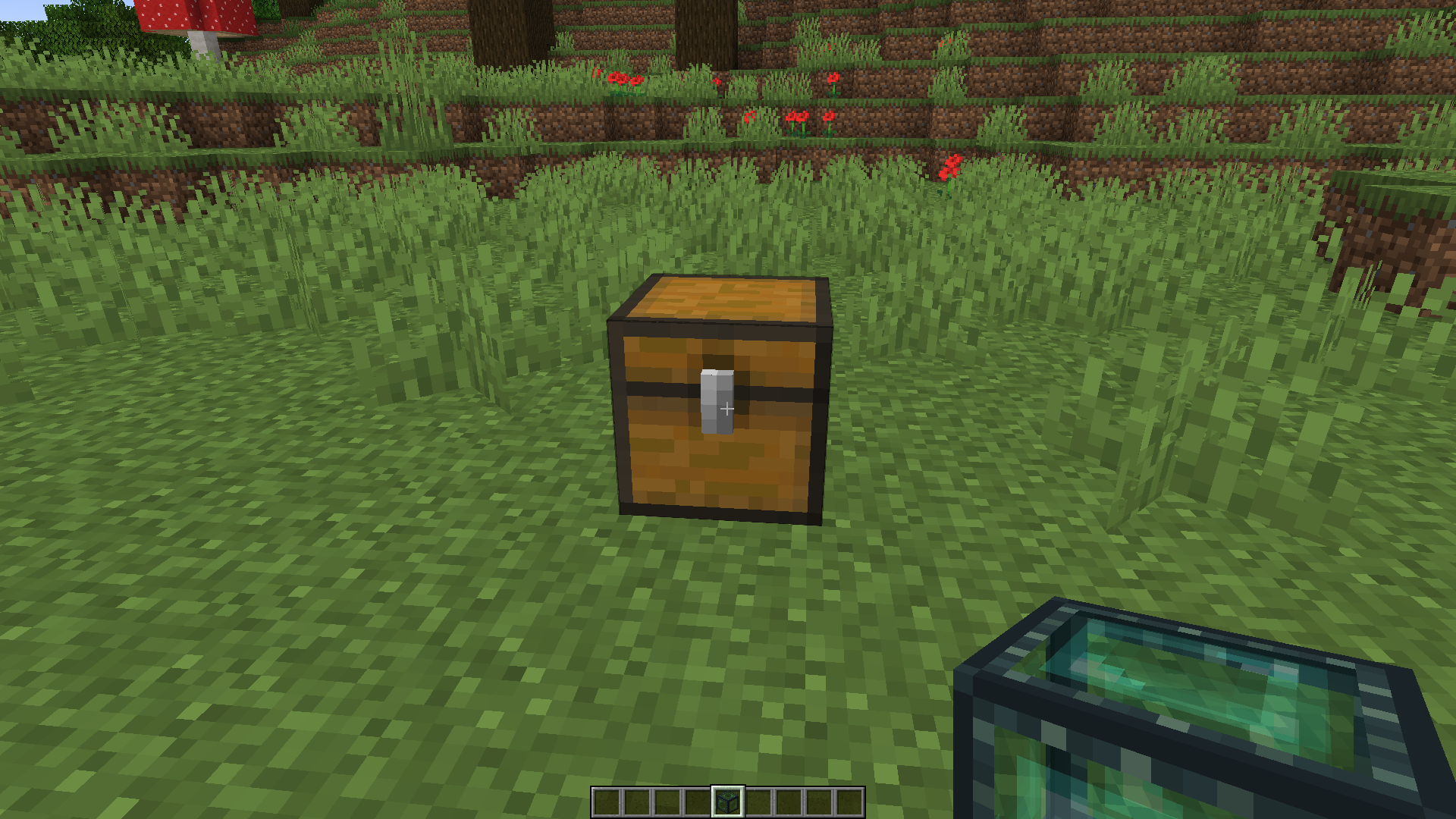 Ender Box Before Ever wanted to move a chest without spilling its contents all over the place?
Versions
Files
Relations
Project Relations
More like this
Similar Mods
Suggestions use data such as tags, dependencies, dependents, descriptions, titles, and more to rank how much they overlap with this mod.
On ModDex
Community snapshot
By the numbers
Statistics
Want to reach Minecraft players?
We're looking for a server hosting partner to feature here and other parts of the site. Interested? Send us a message!
Get in touchGet it on
Available Platforms
On ModDex
Community snapshot
By the numbers