
Community listing page, reviews here may not be monitored by the author.
Enhanced Overlay

No reviews yet
Settings for Hitboxes, Scoreboard, Chat, Subtitles, Tablist, Debug Screen, Nametags, and Text Displays and an option for a fake Enchantment Glint
Community voices
Reviews
No reviews yet. Be the first to review this project!
Get it on
Available Platforms
Compatibility
Supported Environments
Runs entirely on the client. Works on vanilla servers.
About
Project Details
For authors
Embed Badge
If you're the author of this project, you can embed a live badge anywhere that supports HTML or Markdown. It updates automatically whenever ratings change.
Use HTML for any page that supports it, or Markdown for README files and Markdown-based descriptions.
Identifiers
Platform IDs
About
Description


Enhanced Overlay
Settings for:
- Hitboxes
- Scoreboard
- Chat
- Subtitles
- Tablist
- Debug Screen
- Nametags
- Text Displays
You can also disable your own potion effect particles from showing in first person perspective.
Adds an option for a fake Enchantment Glint that you can add to any item that renders like the normal Enchantment Glint does so it uses the same texture.
Uses YetAnotherConfigLib for the config.
Set text background opacity to 0 in the Minecraft Accessibility Settings to disable the chat background as well.
Why is there no mod icon?
I'm not an artist and I dont want to use AI for it.
Compatibility:
- Should be compatible with most Fabric mods
- Partially compatible with PVP Clients like Lunar and Feather, you just have to try it and see if it works, some settings just work, some don't and for some you have to change settings in the client settings.
Screenshots
Gallery
-
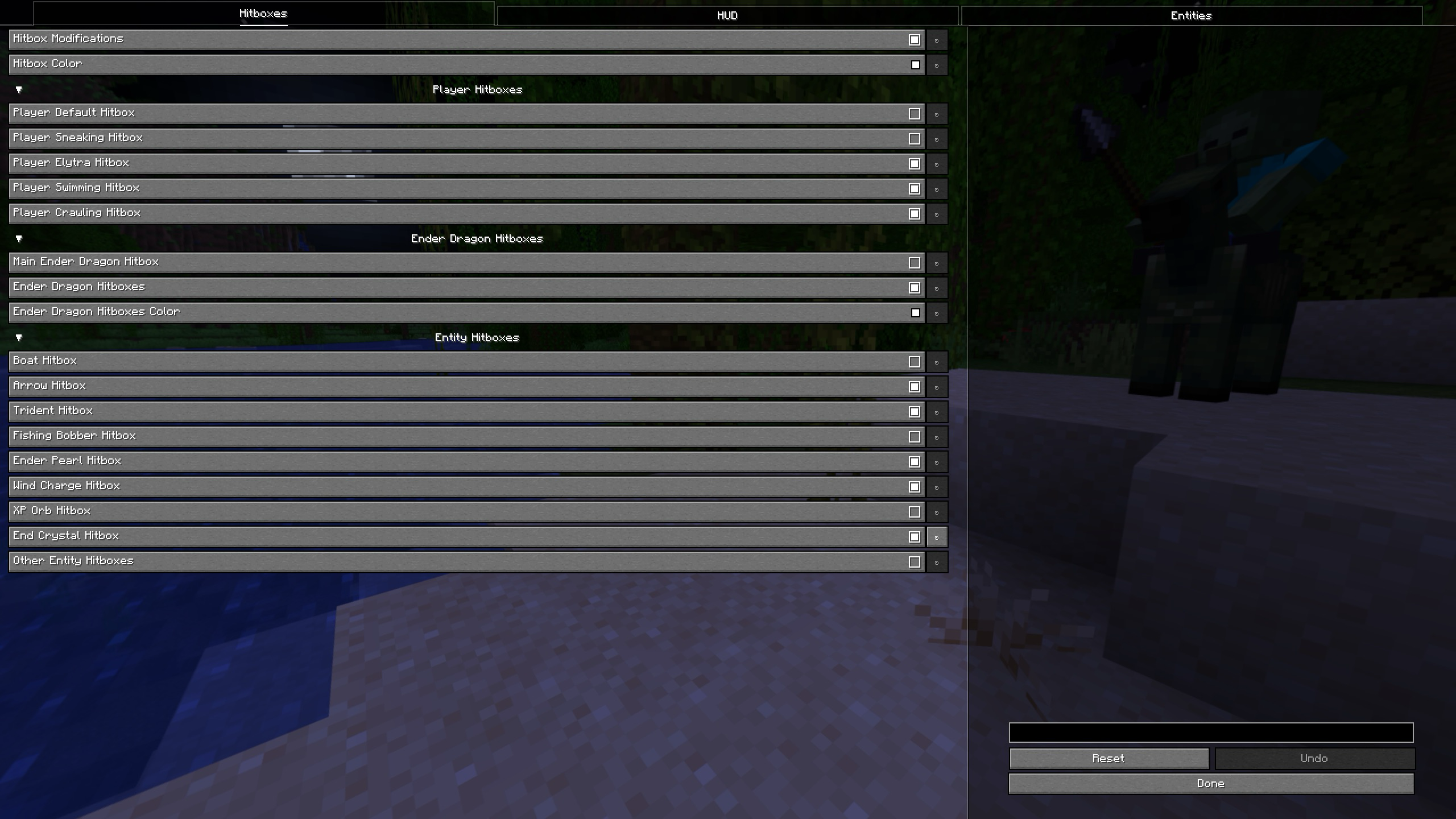 Config (Hitboxes)
 -
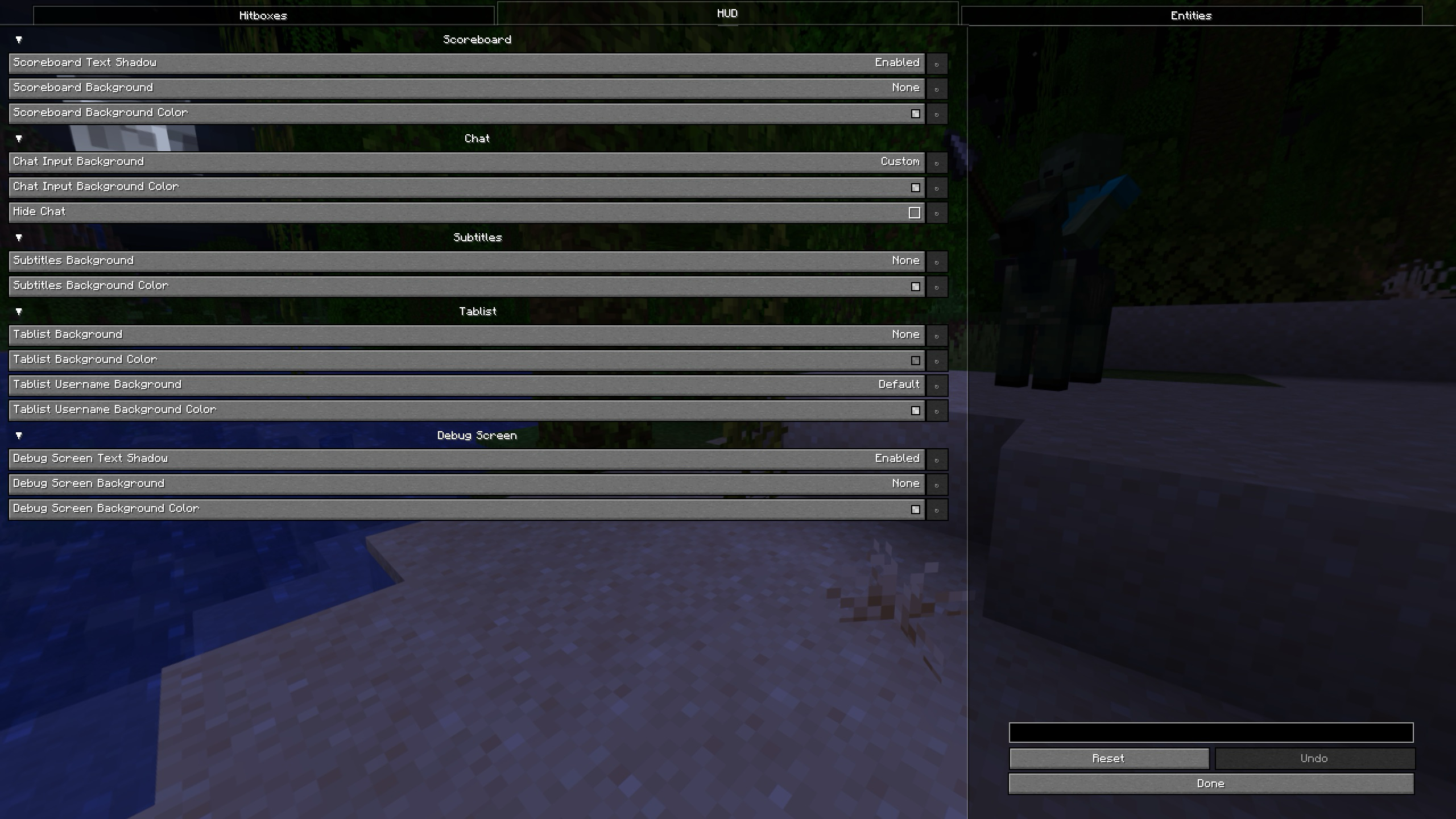 Config (HUD)
 -
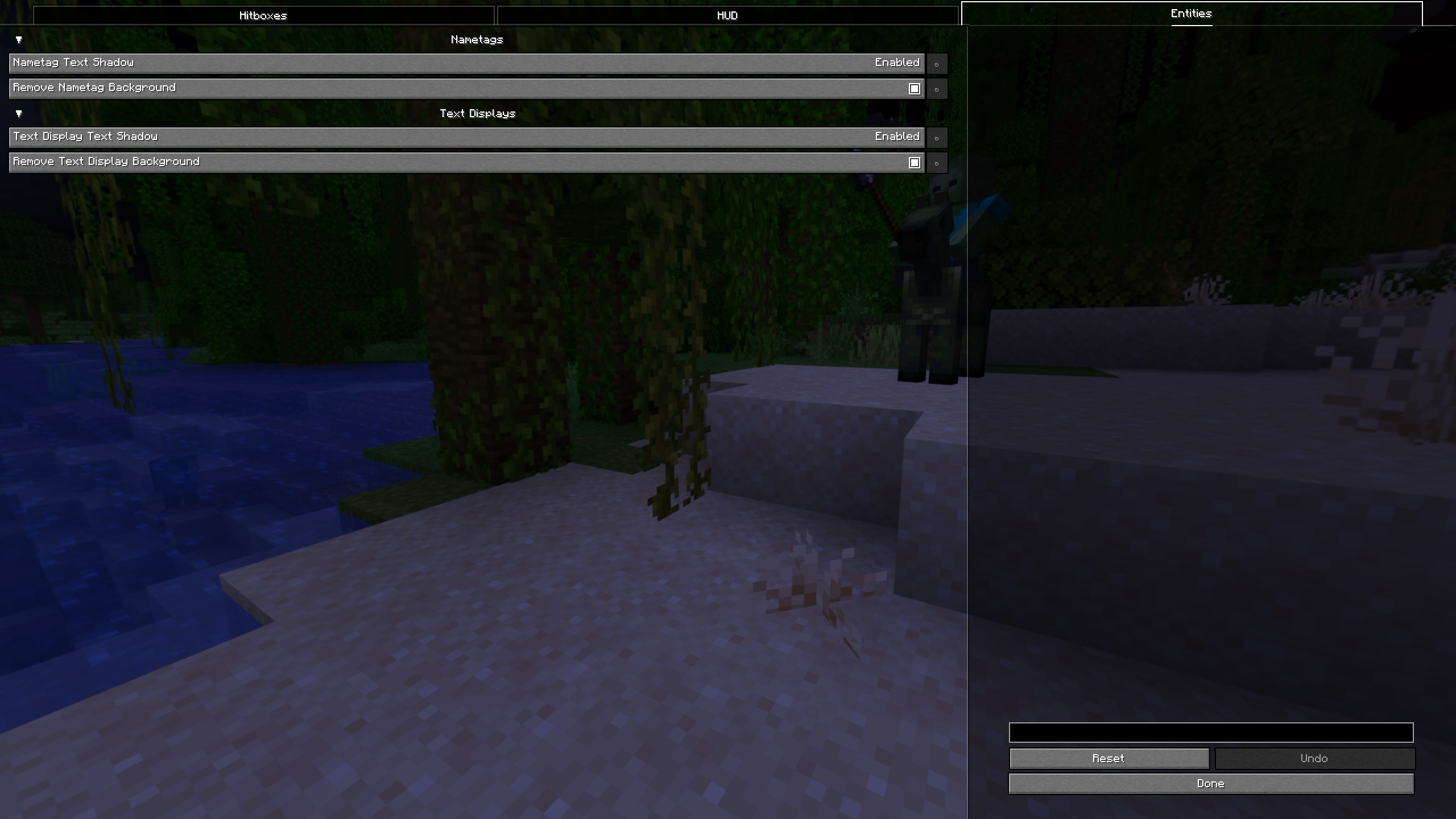 Config (Entities)
 -
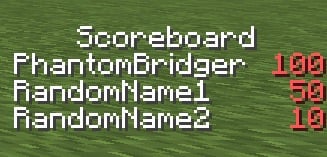 Scoreboard (Enhanced Overlay)
 -
 Subtitles (Enhanced Overlay)
 -
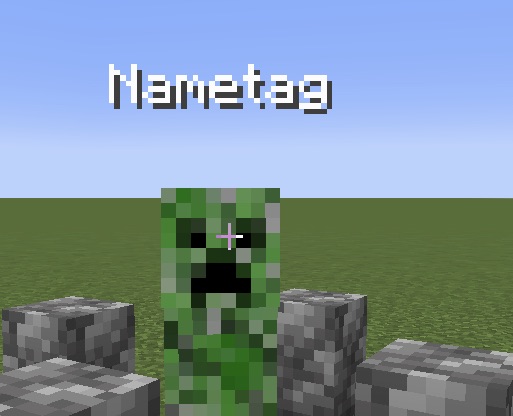 Nametag (Enhanced Overlay)
 -
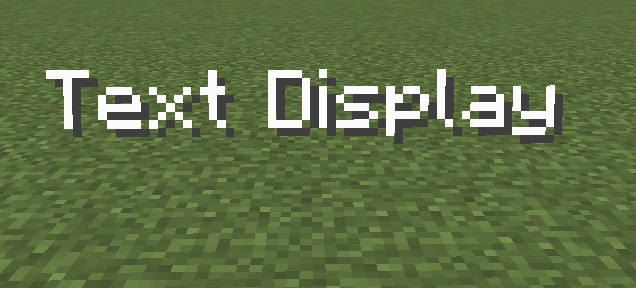 Text Display (Enhanced Overlay) /summon text_display ~ ~1 ~ {default_background:1b,shadow:0b,text:'"Text Display"'} It gets rendered with shadow and without background while it's spawned with background enabled and shadow disabled.
 -
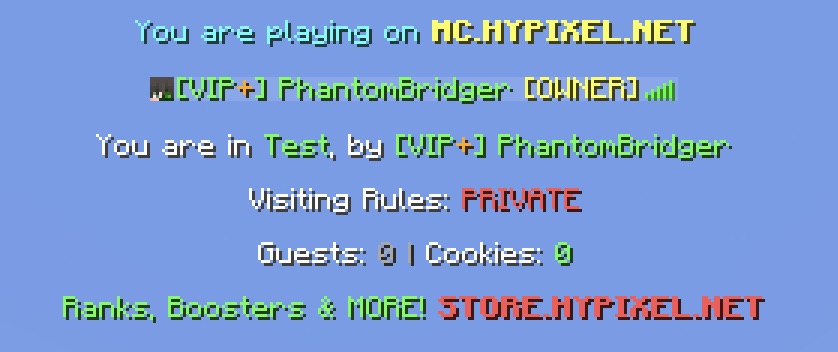 Tablist (Enhanced Overlay)
Versions
Files
Relations
Project Relations
More like this
Similar Mods
Suggestions use data such as tags, dependencies, dependents, descriptions, titles, and more to rank how much they overlap with this mod.
On ModDex
Community snapshot
By the numbers
Statistics

Want to reach Minecraft players?
We're looking for a server hosting partner to feature here and other parts of the site. Interested? Send us a message!
Get in touchGet it on
Available Platforms
On ModDex
Community snapshot
By the numbers