
Community listing page, reviews may not be monitored by the author.
Entity Manager - Configurable Abilities, Effects, Leveling and more

No reviews yet
Customize any mob's stats, abilities, loot, gear and variants through an in-game editor, with optional leveling that makes mobs stronger as players progress.

Community voices
Reviews
No reviews yet. Be the first to review this project!
Get it on
Available Platforms
About
Project Details
For authors
Embed Badge
If you're the author of this project, you can embed a live badge anywhere that supports HTML or Markdown. It updates automatically whenever ratings change.
Use HTML for any page that supports it, or Markdown for README files and Markdown-based descriptions.
Identifiers
Platform IDs
Resources
External Links
About
Description
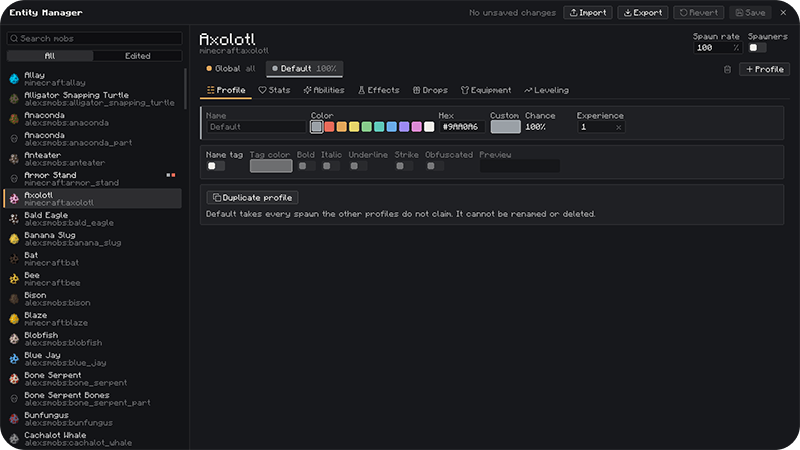
Customize any mob in Minecraft, Vanilla or Modded, from one in-game editor. No commands or JSON editing needed.
How to use
1. Press K in game to open the editor. You can change the key in Controls.
2. Pick a mob on the left, then add profiles with + Profile.
3. Edit the tabs: Profile, Stats, Abilities, Effects, Drops, Equipment, Leveling.
4. In singleplayer changes apply instantly.
Profiles (Mob variants)
- Give any mob several variants, each with its own spawn chance. For example: 95% normal zombie, 5% "Elite".
- The Default profile is the vanilla mob. Your custom profiles take their share of spawns, and Default gets the rest.
- Each profile has its own name, colour and optional name tag, with any colour, bold, italic, underline, strikethrough or obfuscated.
- Spawn rate is a separate setting per mob. It makes a mob more or less common without touching the variant chances.
What each profile can change
- Stats: health, damage, speed, armor and every other vanilla attribute.
- Abilities: apply effects at range, shoot projectiles (fireballs, arrows, potions, wither skulls, TNT, shulker bullets, evoker fangs, lightning, or projectiles from other mods), summon other mobs, or suffocate the target.
- Ability Settings: each ability has its own cooldown, chance and range. It can target the mob's attack target, the nearest player, or everyone around it.
- Effects: effects the mob may spawn with, each with its own chance, optionally permanent.
- Drops: custom items with chances, amounts, a Looting bonus and enchantments, or replace the vanilla drops completely.
- Equipment: armor and weapons with a wear chance, a drop chance and enchantments.
- Leveling: mobs spawn with higher and higher levels as the player is progressing. You can pick which stats scale with the level.
Global profile
- Each mob also has a Global profile that applies on top of all its variants.
- Click the small box next to a field to force that value on every profile. Those fields then appear locked in the other profiles.
- Abilities, effects and drops added in Global go to every variant.
Compatibility
- Mobs, items, effects, enchantments and potions from other mods show up in the editor automatically.
Using the config on a server
The editor only runs on the client, so you build the config in singleplayer and copy it to the server. The server never receives edits from players' editors.
1. Set everything up in singleplayer and click Save. Use Export if you want a copy somewhere else.
2. Copy the file to the server: config/entity-manager/entity-manager.json An exported entity-manager-export.json works too.
3. Check the server log for a line like Loaded <number> configured entities from <name> to confirm it worked.
Screenshots
Gallery
-
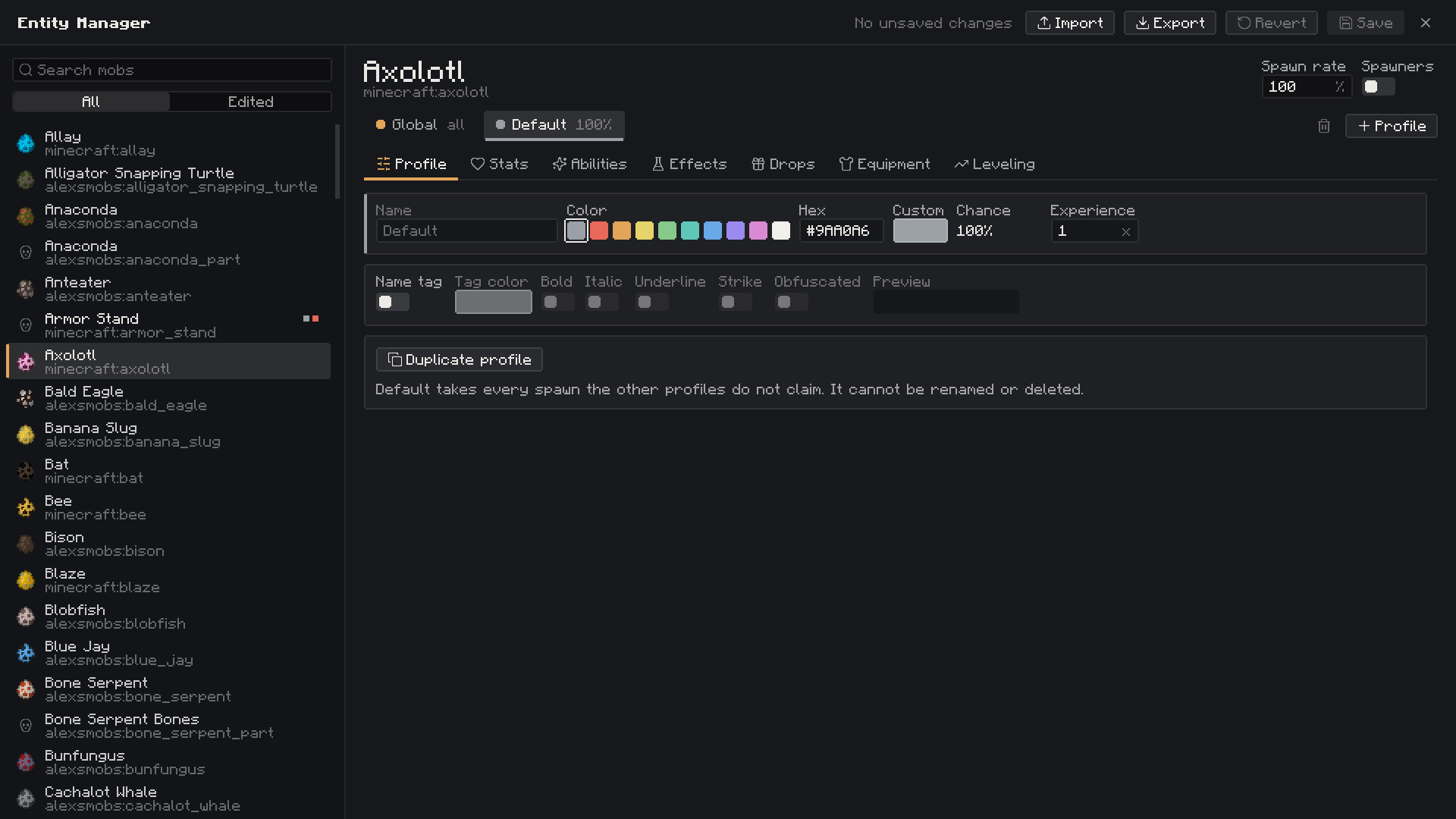 Profile Category
 -
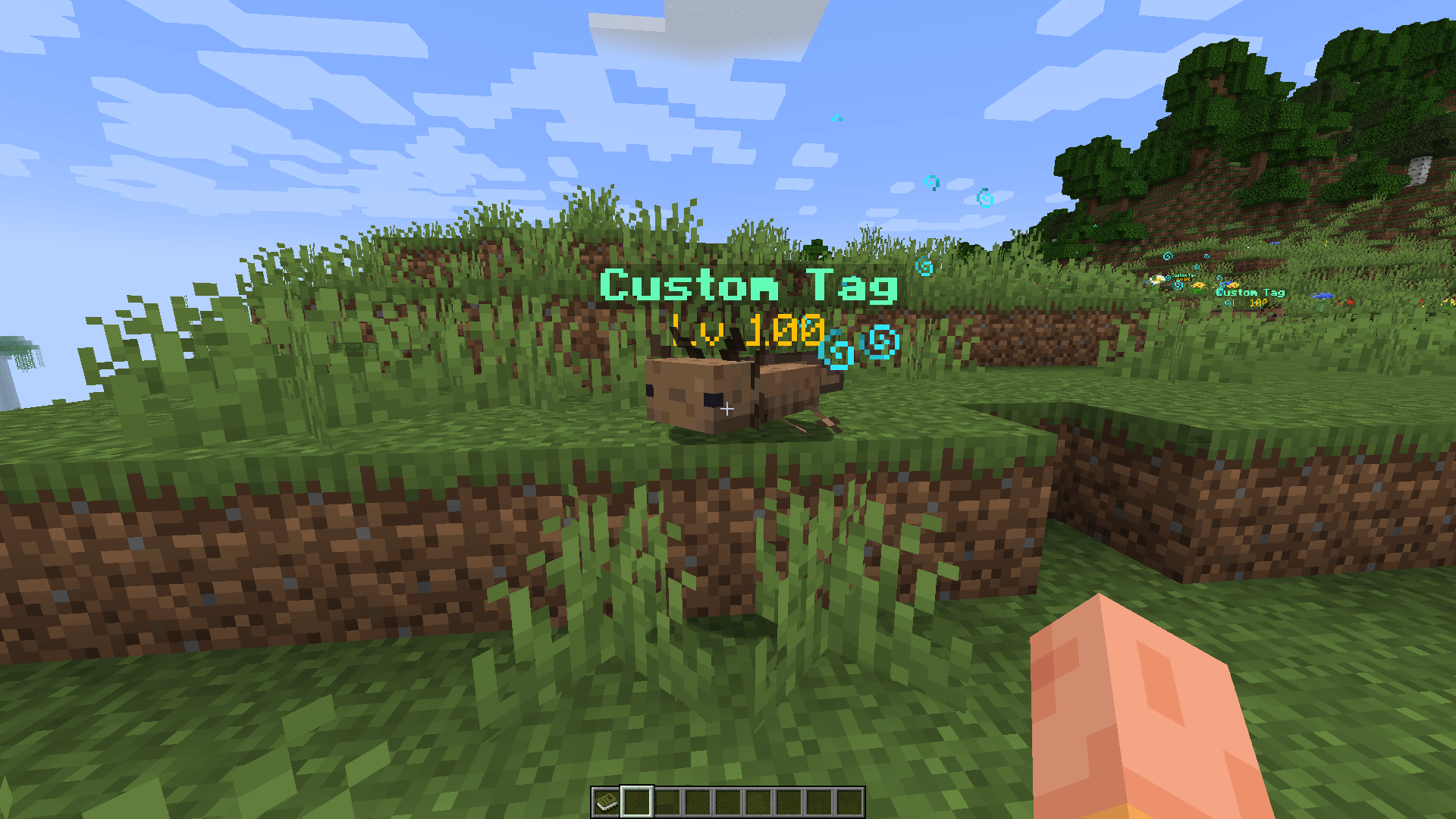 Simple in-game preview
 -
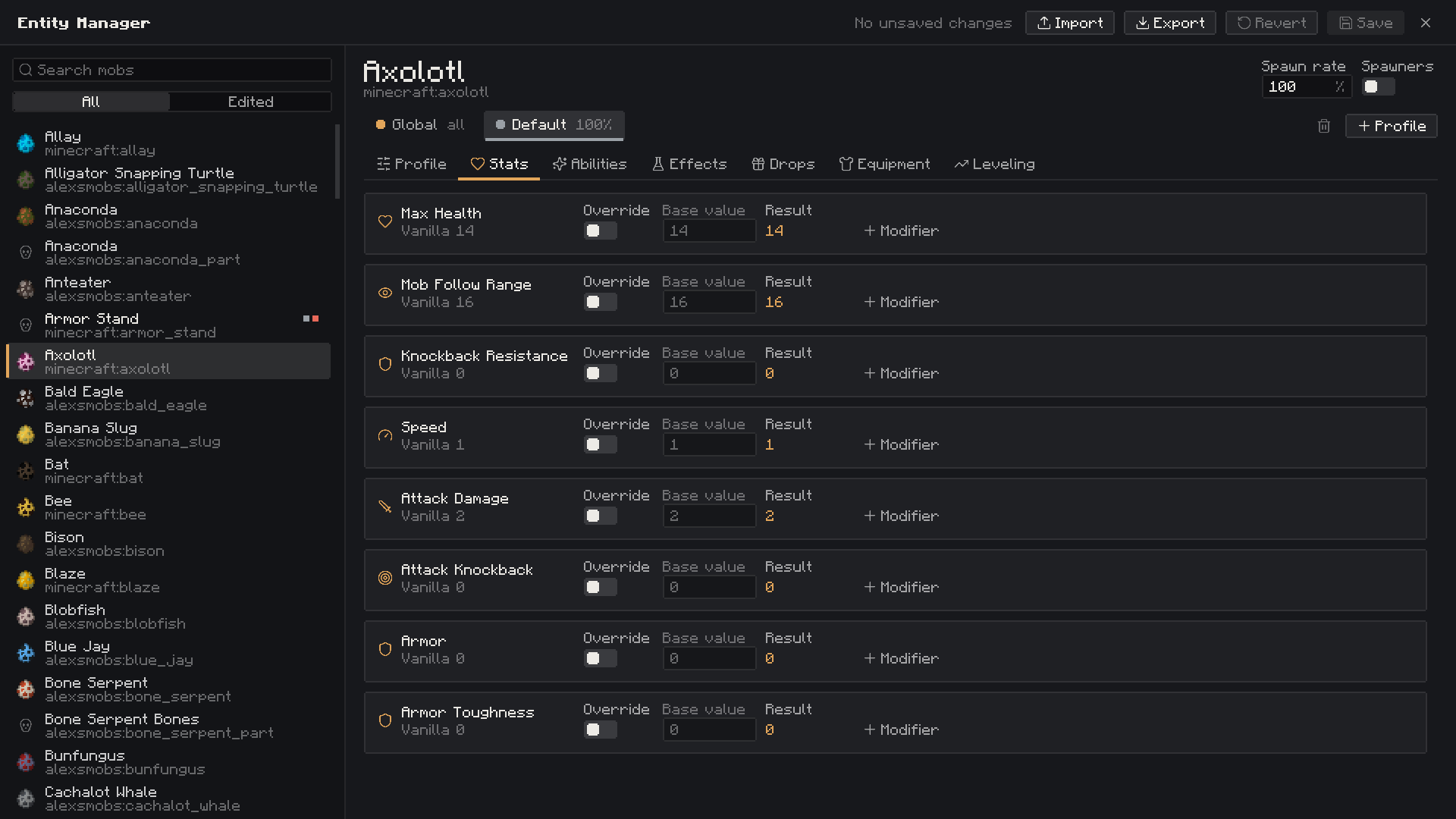 Stats Category
 -
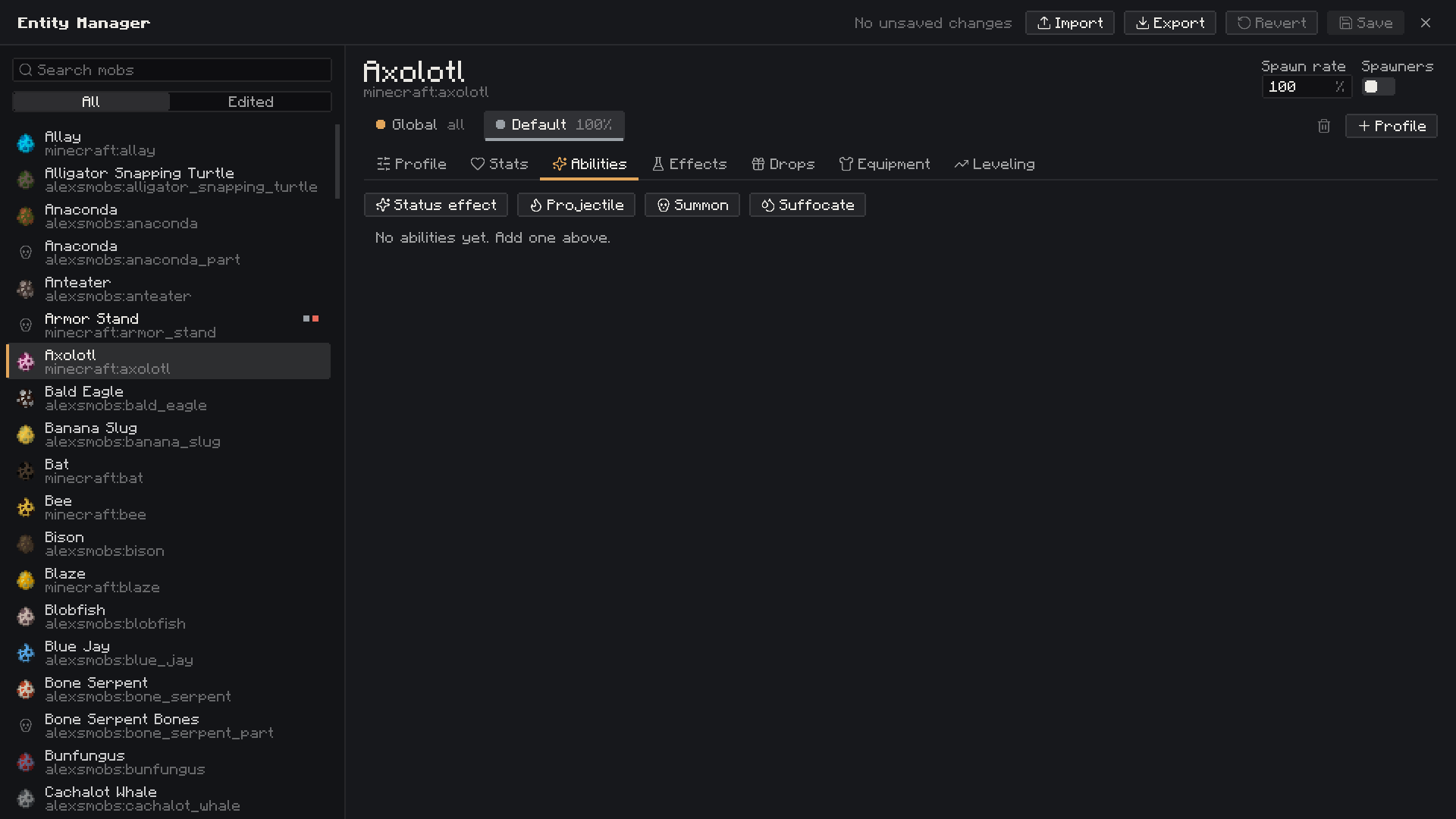 Abilities Category
 -
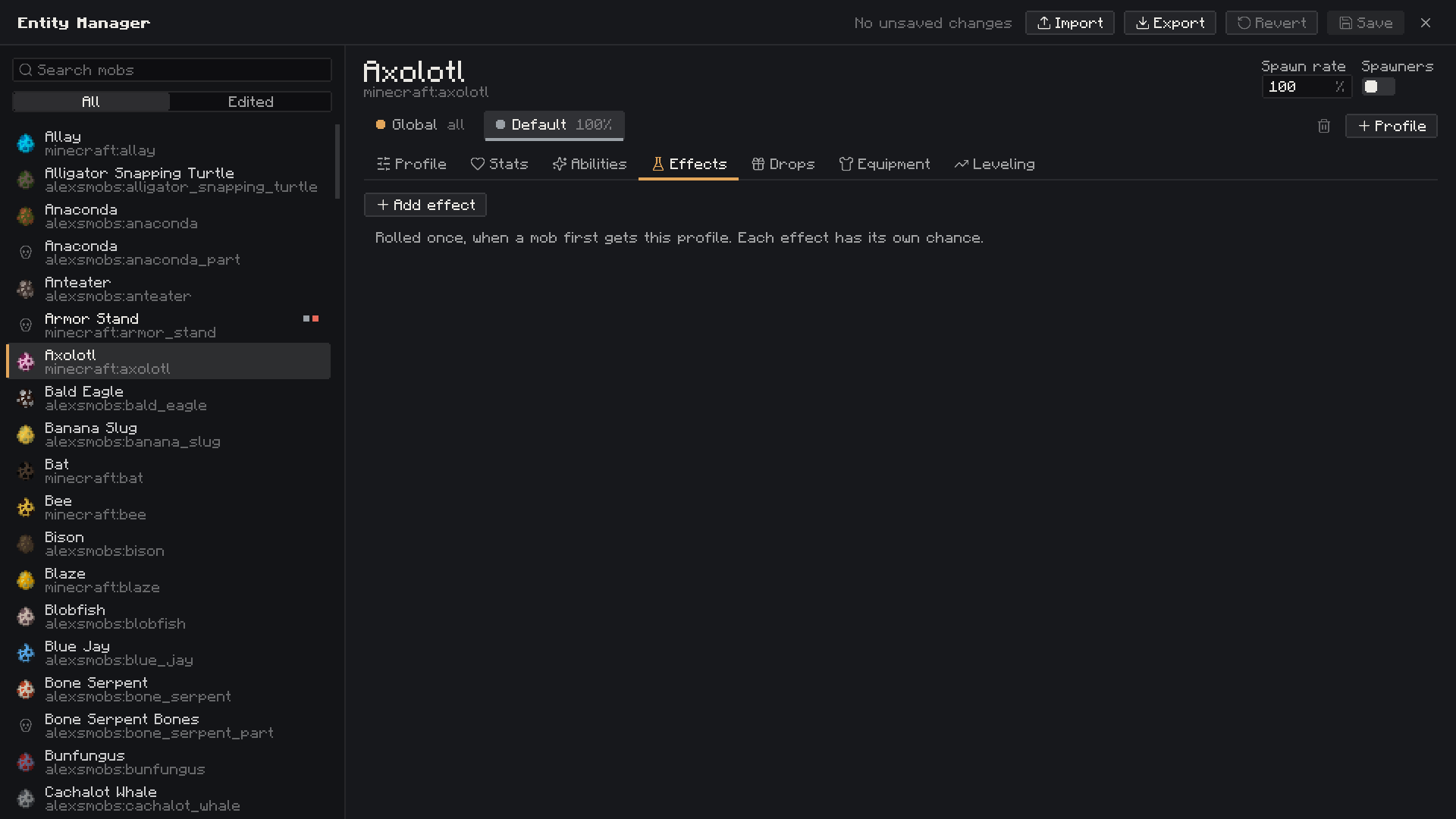 Effects Category
 -
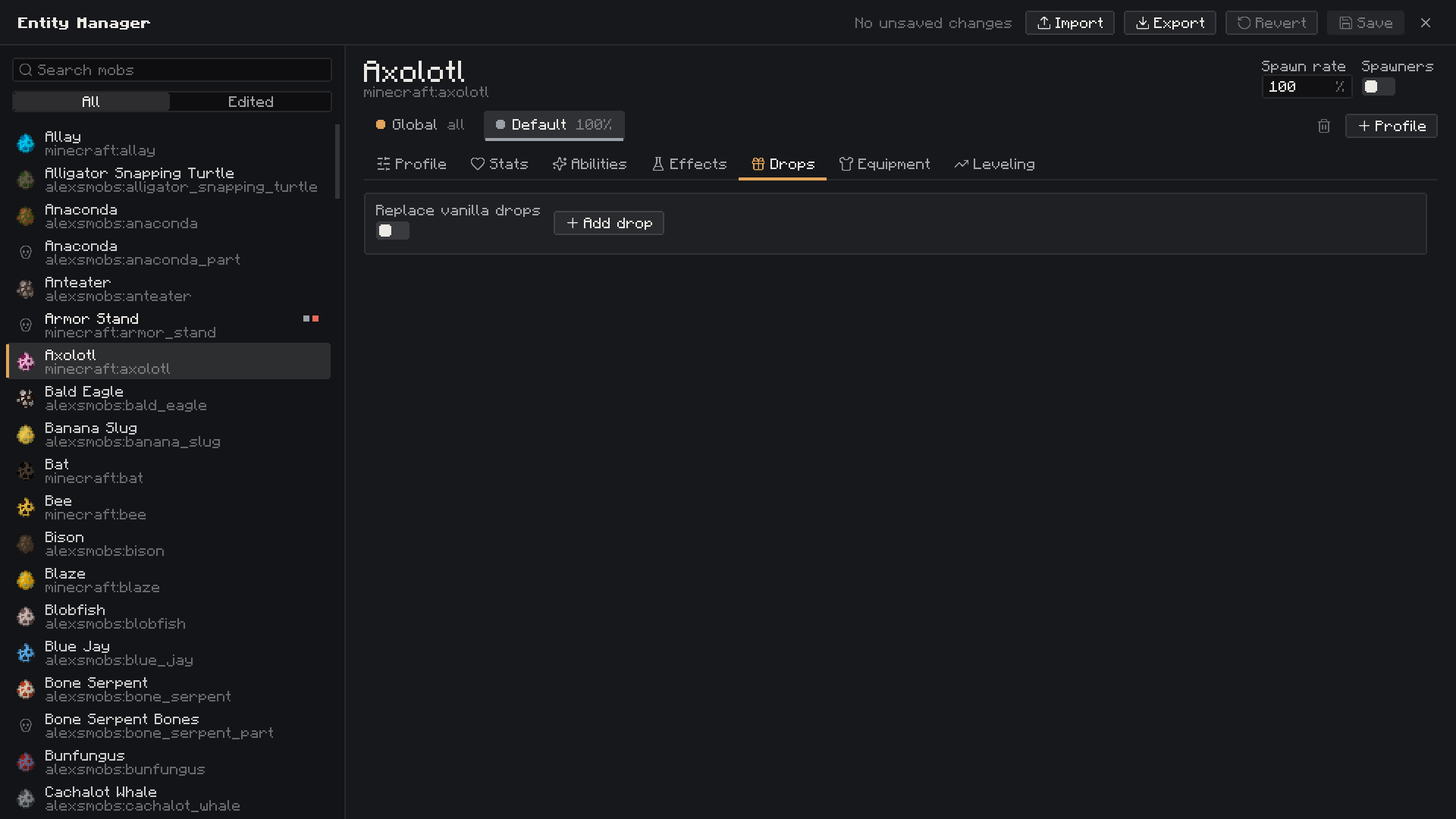 Drops Category
 -
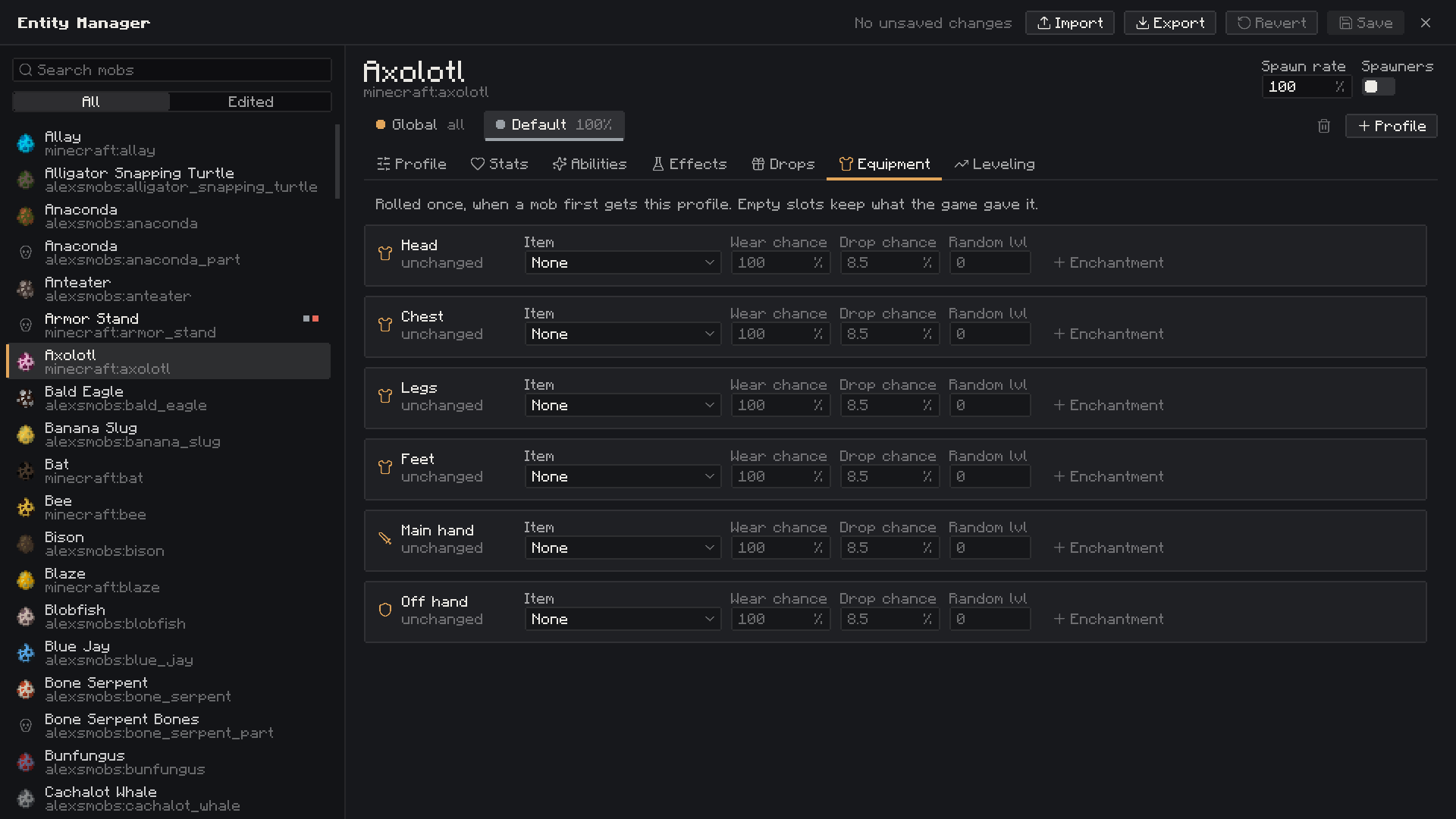 Equipment Category
 -
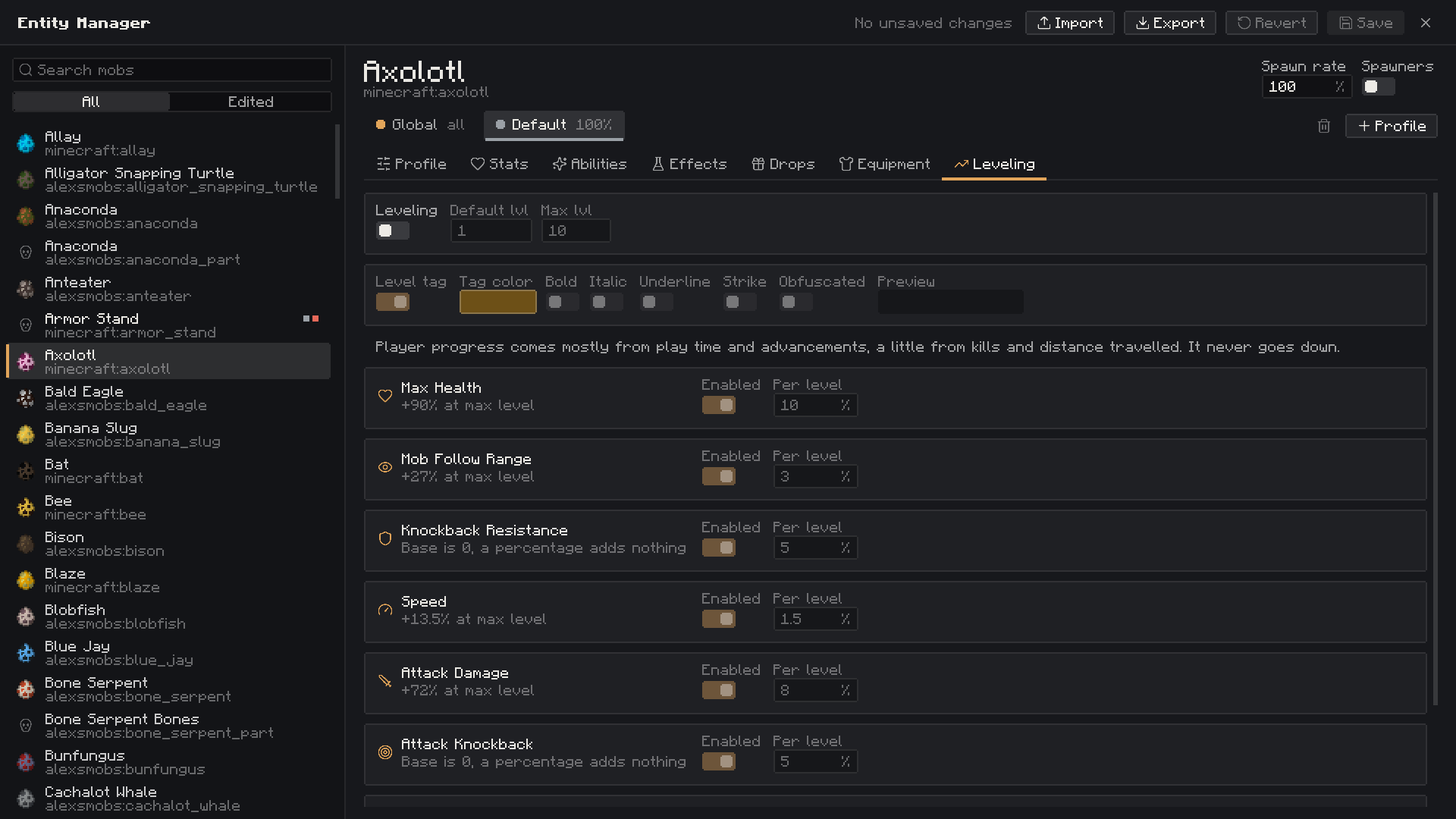 Leveling Category
Versions
Files
Relations
Project Relations
More like this
Similar Mods
Suggestions use data such as tags, dependencies, dependents, descriptions, titles, and more to rank how much they overlap with this mod.
On ModDex
Community snapshot
By the numbers
Statistics

Get it on
Available Platforms
On ModDex
Community snapshot
By the numbers
Statistics
Resources