
Community listing page, reviews may not be monitored by the author.
Everything RGB Profiles

No reviews yet
Reactive RGB keyboard lighting in the style of Terraria. Your keyboard shows the biome you're in, the boss you're fighting and what's happening to you.

Community voices
Reviews
No reviews yet. Be the first to review this project!
Get it on
Available Platforms
About
Project Details
For authors
Embed Badge
If you're the author of this project, you can embed a live badge anywhere that supports HTML or Markdown. It updates automatically whenever ratings change.
Use HTML for any page that supports it, or Markdown for README files and Markdown-based descriptions.
Identifiers
Platform IDs
Resources
External Links
About
Description
Your keyboard finally knows what you're going through.
Most RGB integrations give your keyboard one color per biome. Plains? Green. Desert? Sandy. And honestly, fair: it works, it's readable, and someone had to do it first.
But your keyboard has a hundred-odd individually addressable lights, and we could not stop thinking about that. So instead of picking a color, Everything RGB Profiles draws the place you're in, the thing you're fighting and the trouble you're in, live, across the whole board. Inspired by Terraria's RGB support, which turned the keyboard into part of the game and ruined plain colors for us forever.
What it does
Every biome gets its own scene, not just a tint. Sunlight dapples through the jungle canopy. Wind tears across the windswept hills in streaks. The sun crosses the badlands' banded cliffs. Swamps bubble, desert winds rip sand across, oceans roll, and the deep dark does its creepy little twinkle.
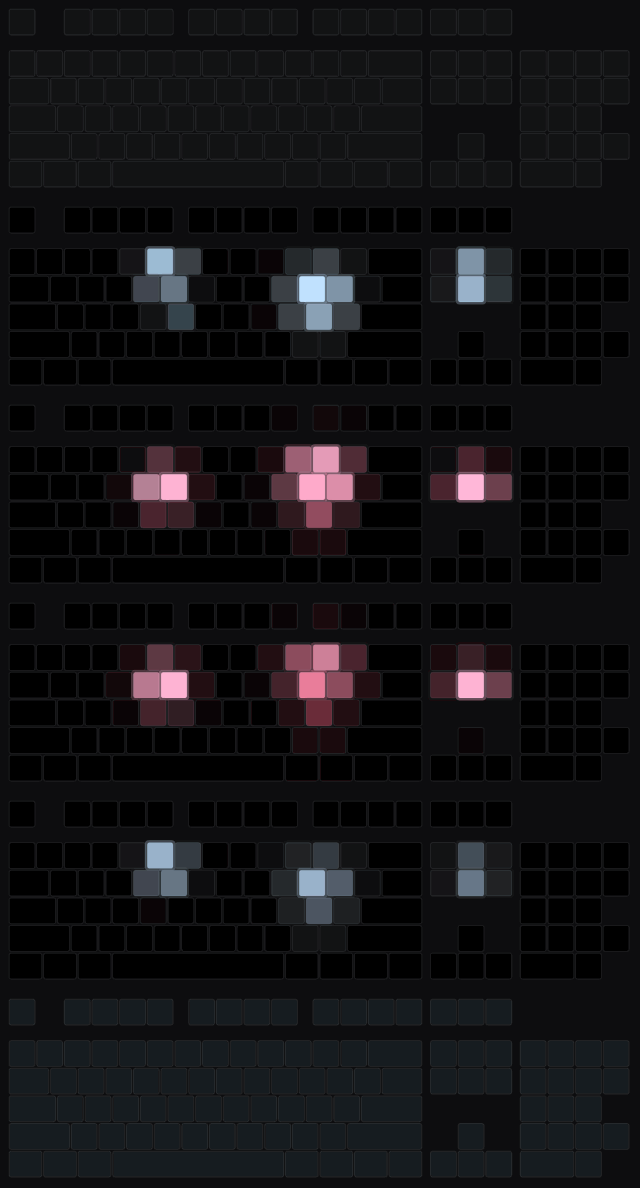
Bosses show up on your keys.
- The Wither: three heads tracking separately, spitting skulls you can watch fly across the board.
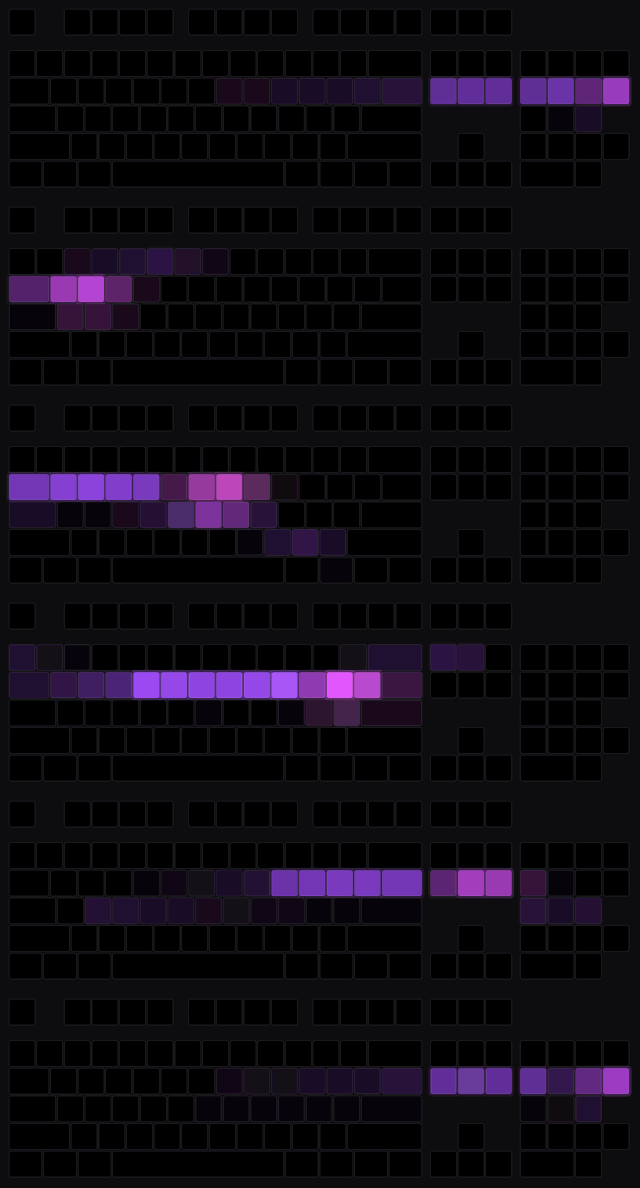
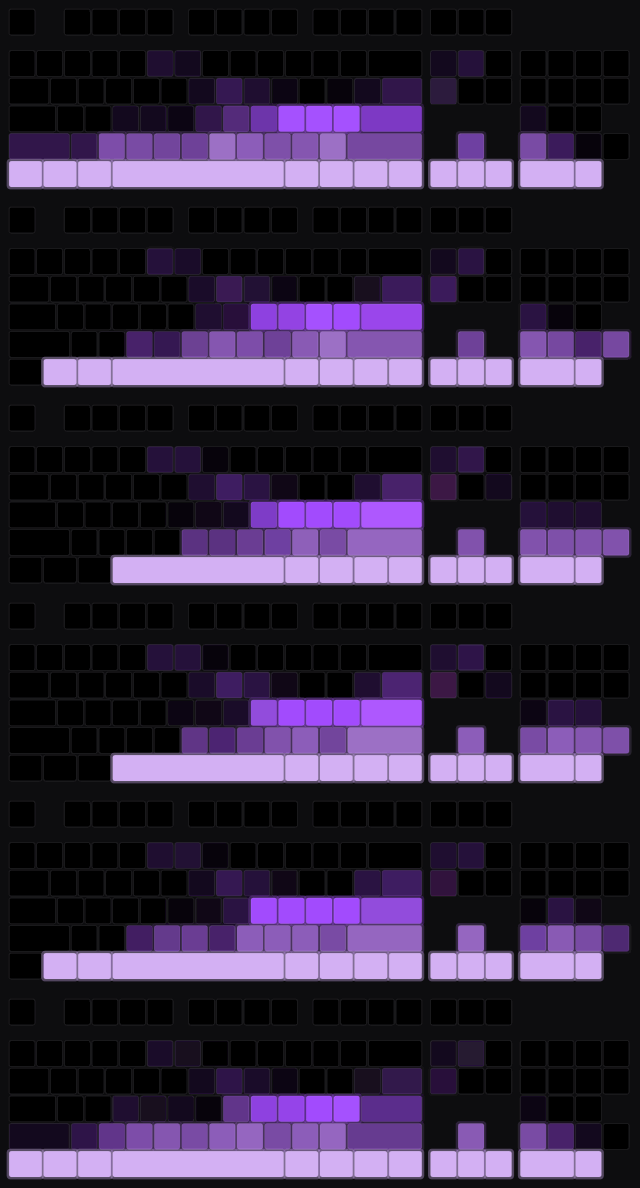
- The Ender Dragon: its wingspan across the whole keyboard, with breath fire burning along the floor.
- The Elder Guardian: one enormous eye, charging its laser right at you.
- The Warden: you'll know. The sculk sensors ping and the shriekers escalate on the way there.
Your situation, at a glance. Low health, hunger, burning, lightning, rain, snow, raids marching across the bottom rows, and a moon crossing the sky at night. Drowning? The water literally rises up the keyboard. Level up and it celebrates. Die, and blood runs down the keys until you respawn. Dramatic? Yes. Accurate? Also yes.
Portals that feel like travelling. Step into a Nether or End portal and a spiral charges up, then carries you through to the other side in that dimension's colors.
A title-screen theme, because the menu deserves to feel included.
Gallery
🌿 Overworld biomes
Jungle
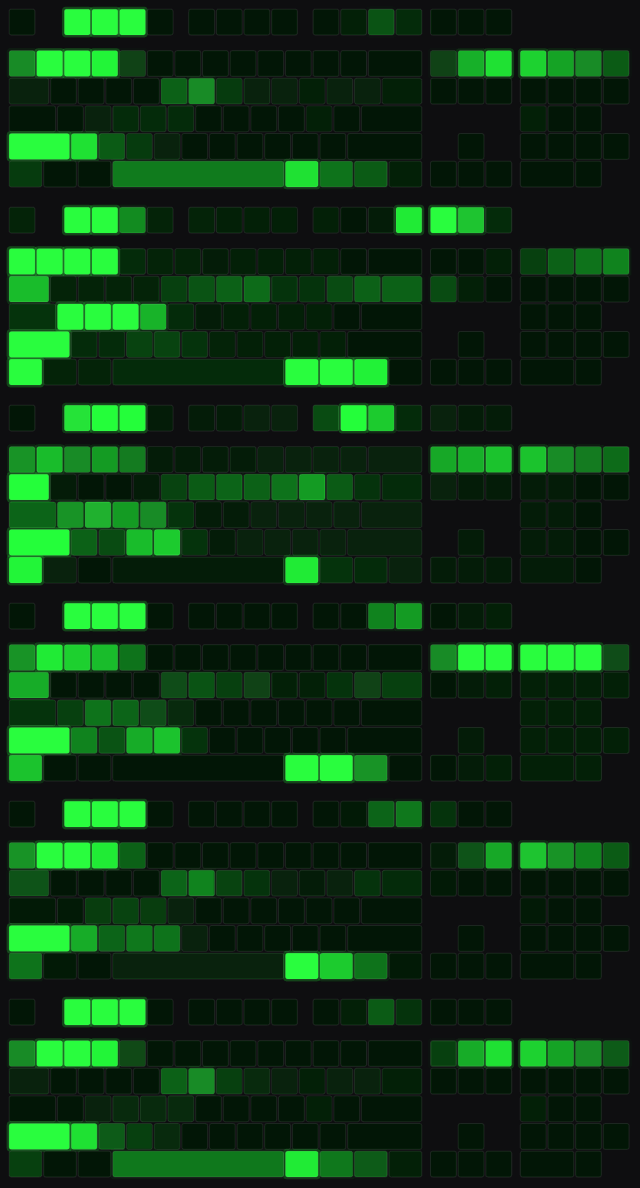
Windswept Hills

Badlands
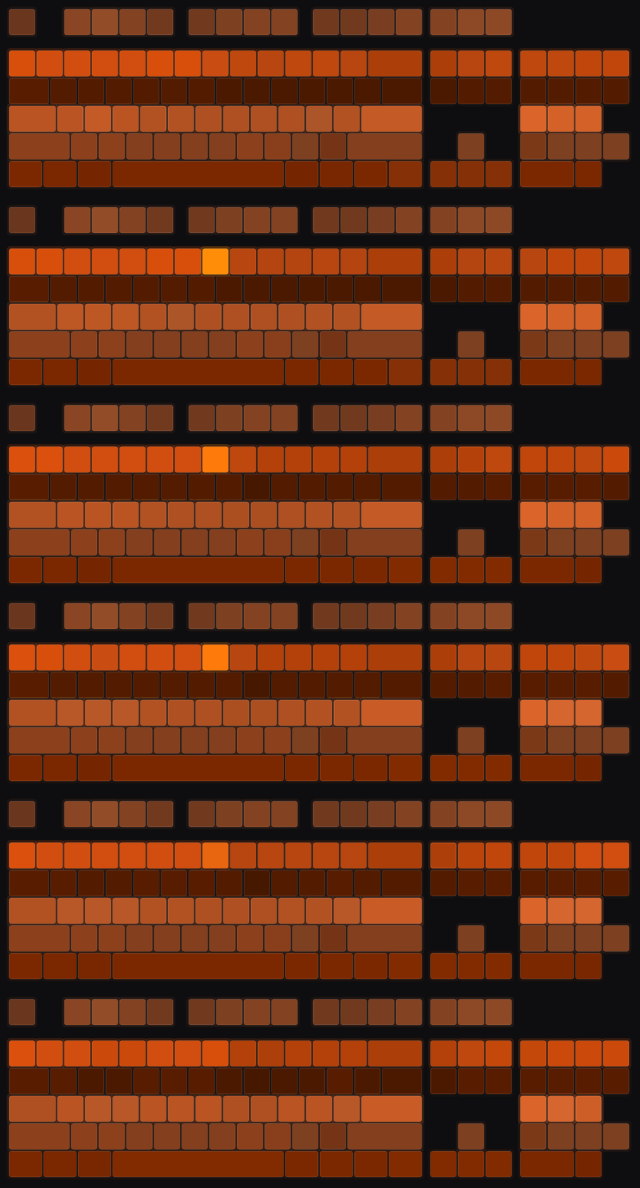
Desert
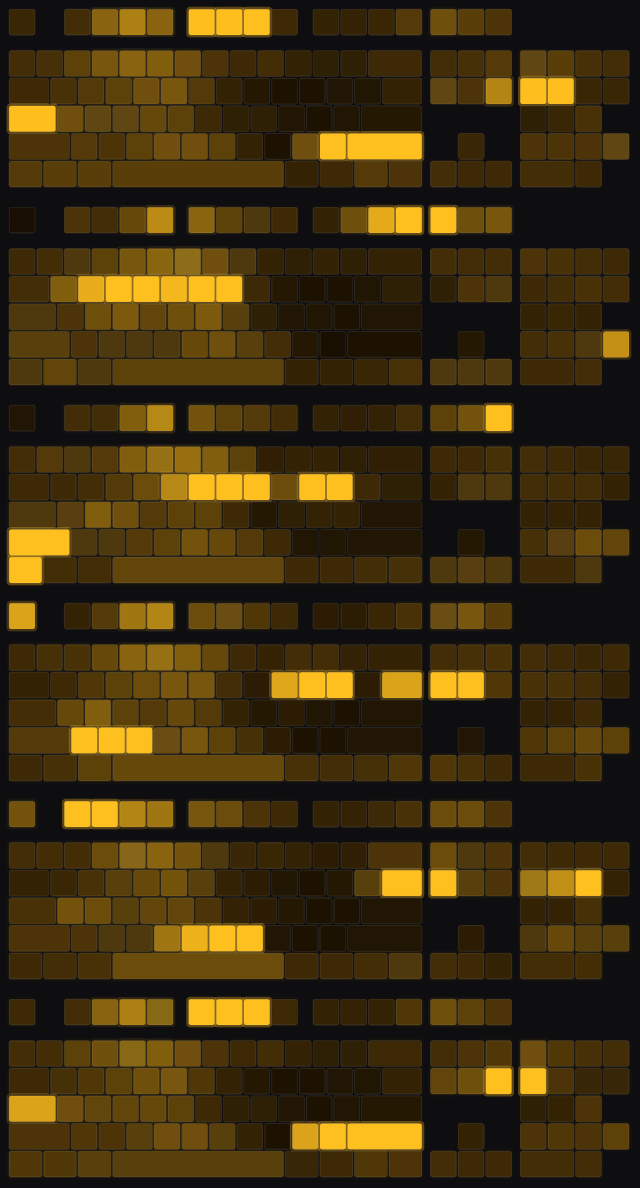
Swamp
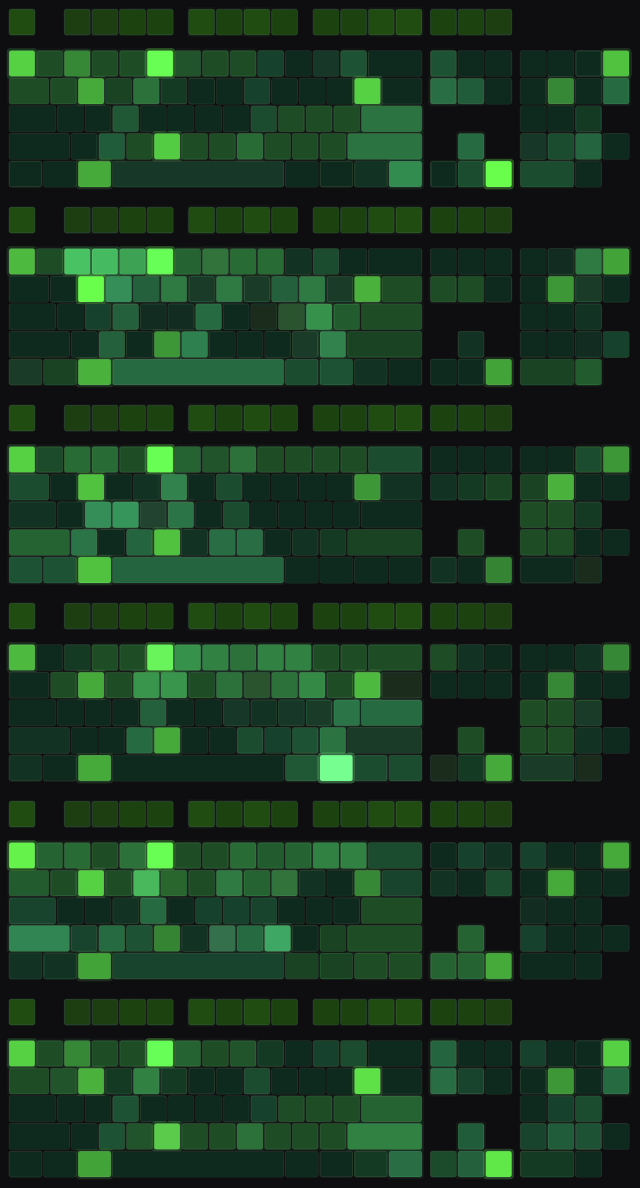
Sunflower Plains
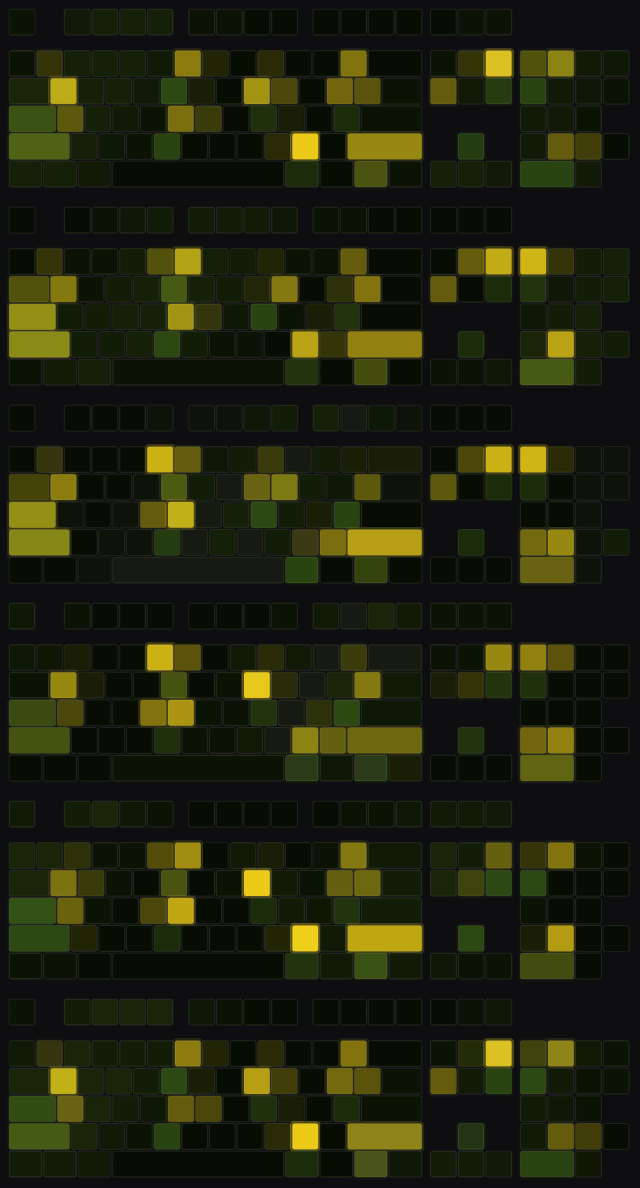
Cherry Grove
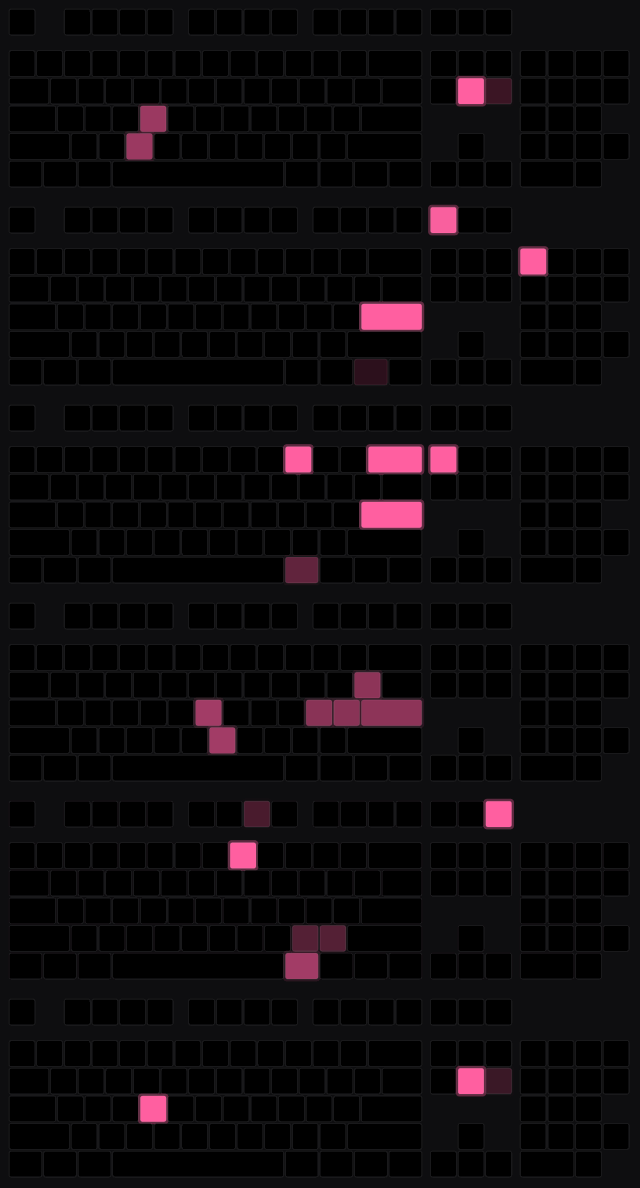
Frozen Peaks
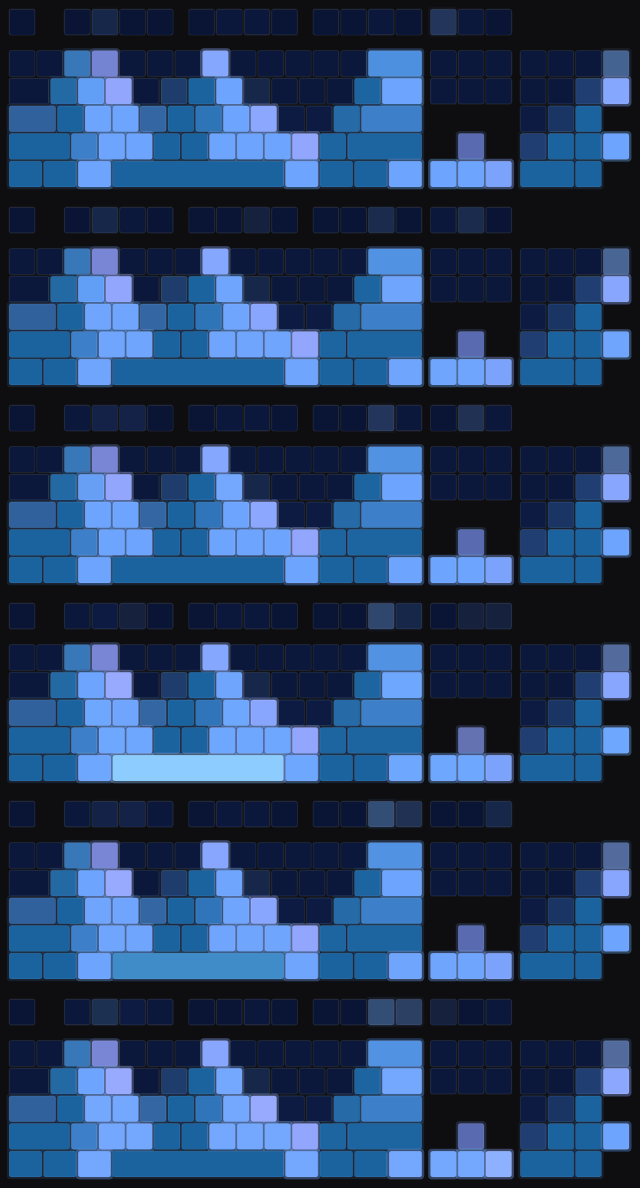
🌊 Oceans and caves
Warm Ocean
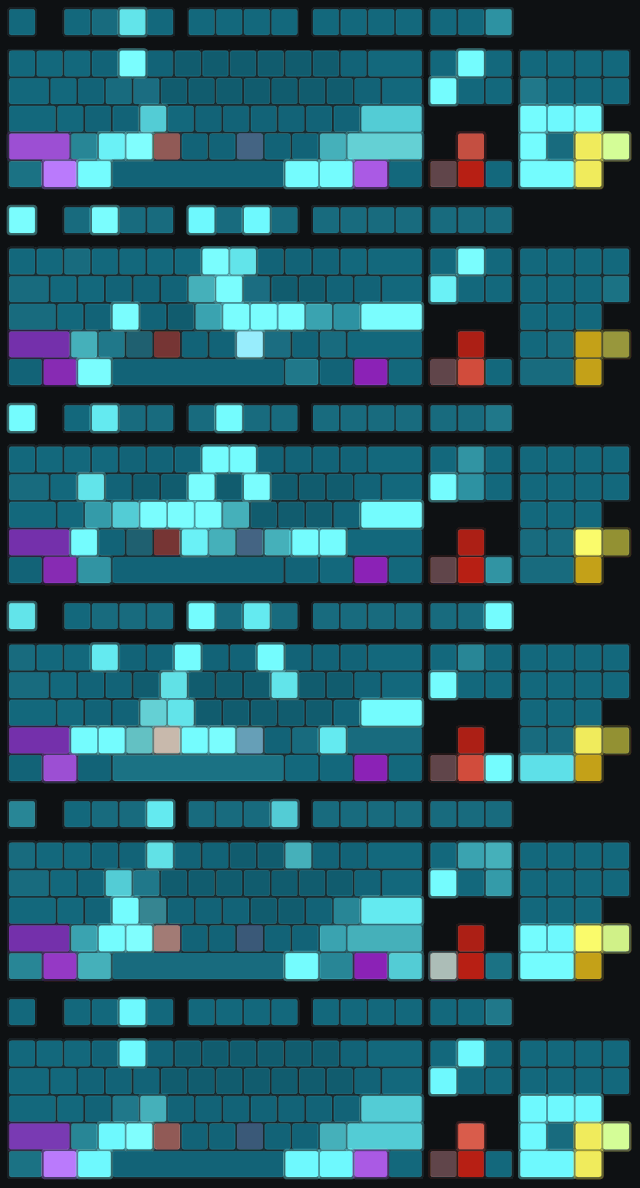
Frozen Ocean

Lush Caves
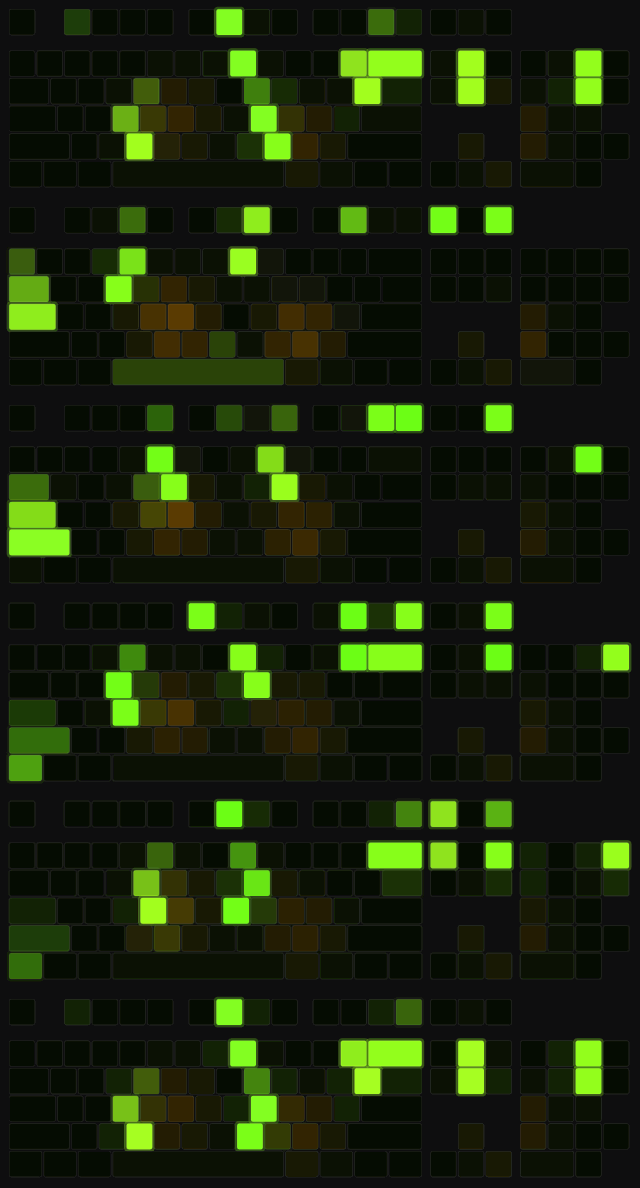
Dripstone Caves
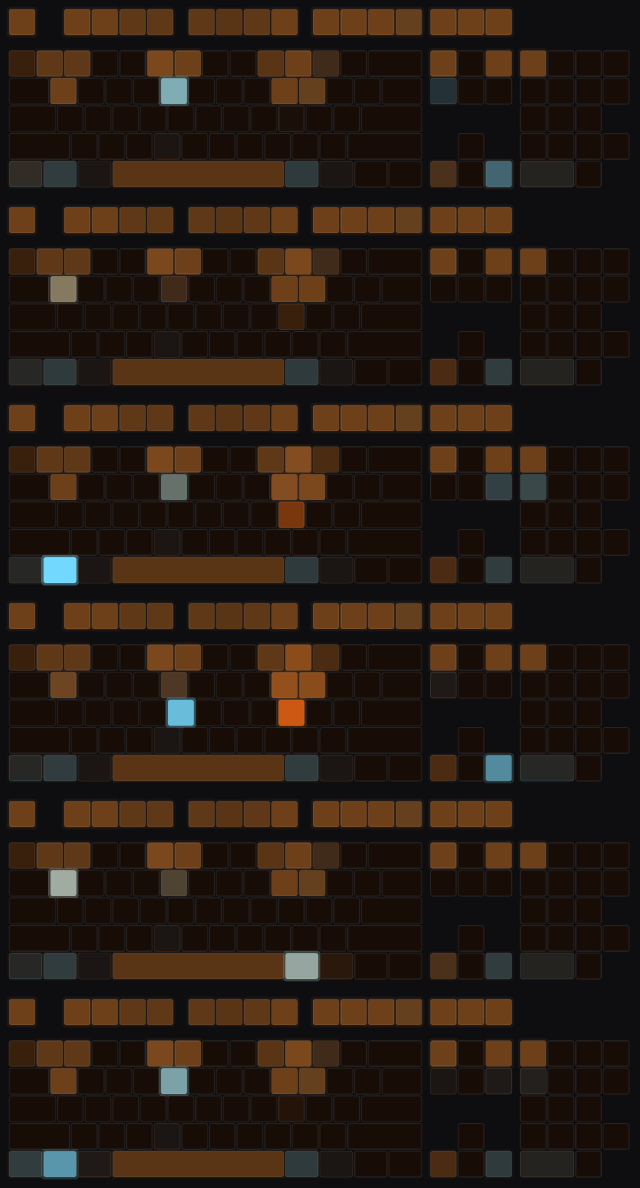
Deep Dark
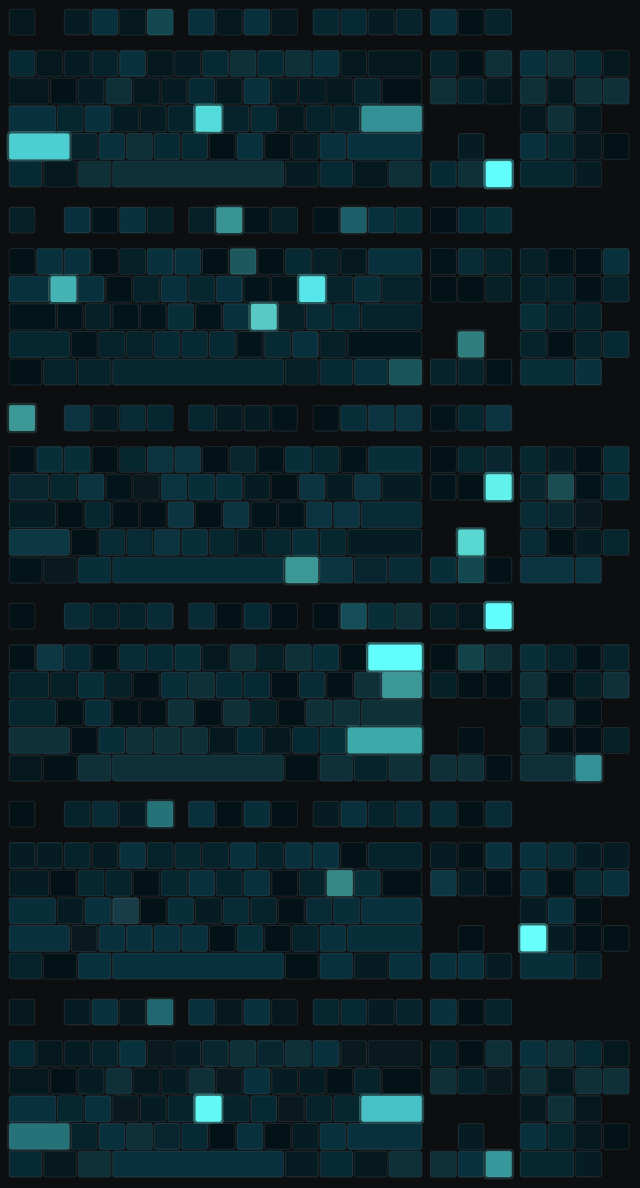
Sulfur Caves - (26.2+)
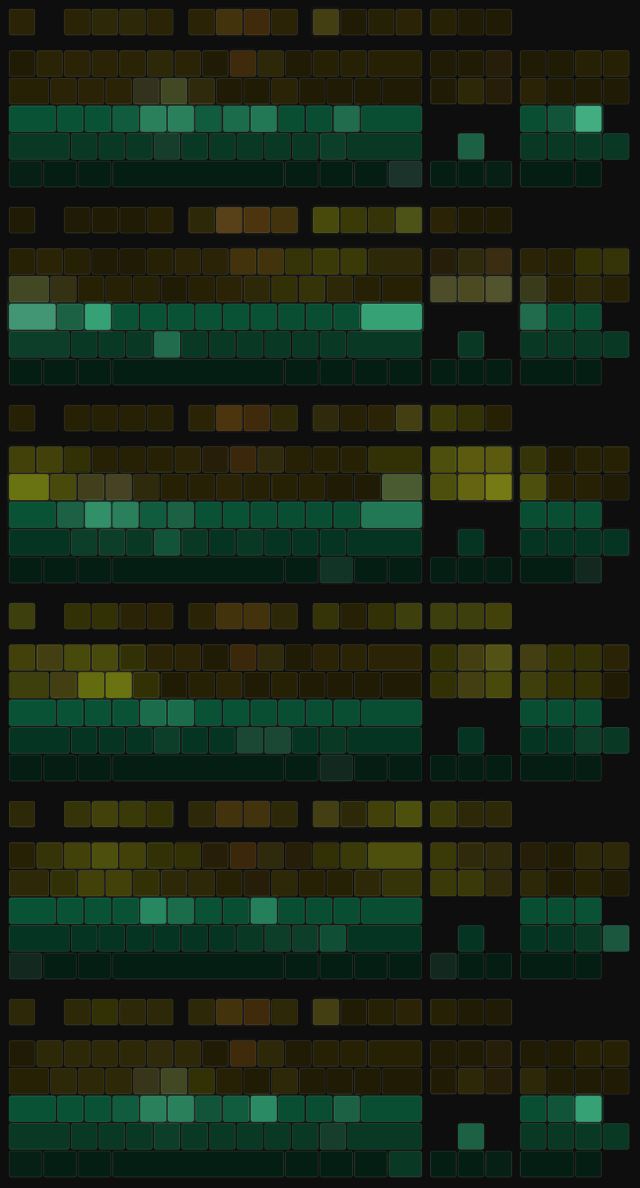
🔥 The Nether and the End
Nether Wastes
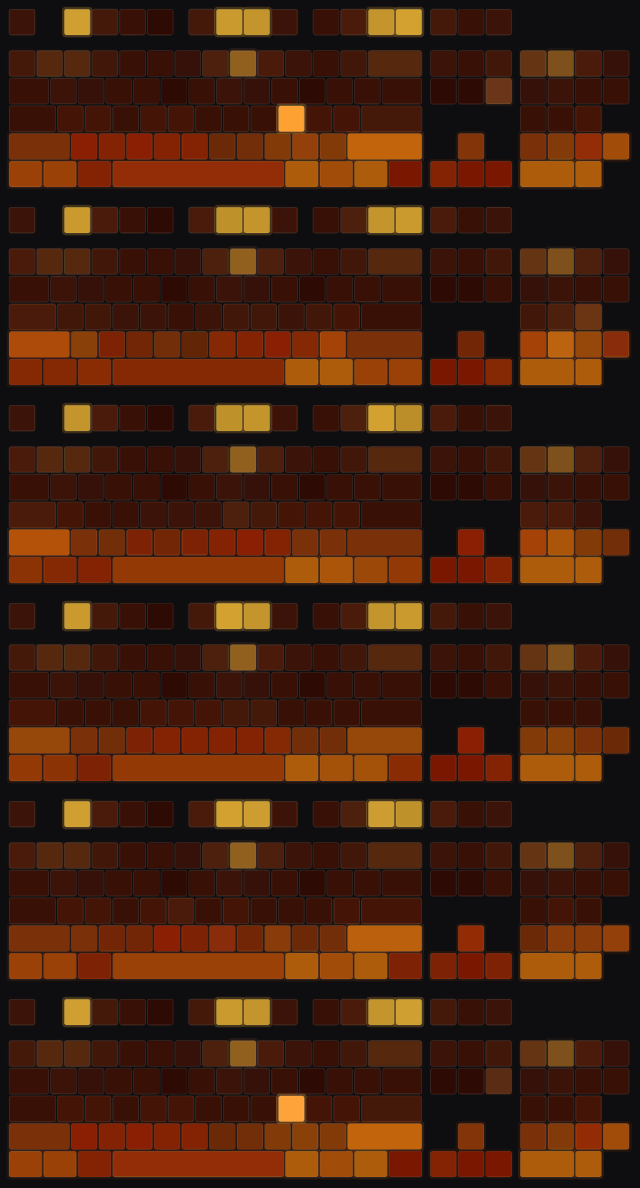
Crimson Forest
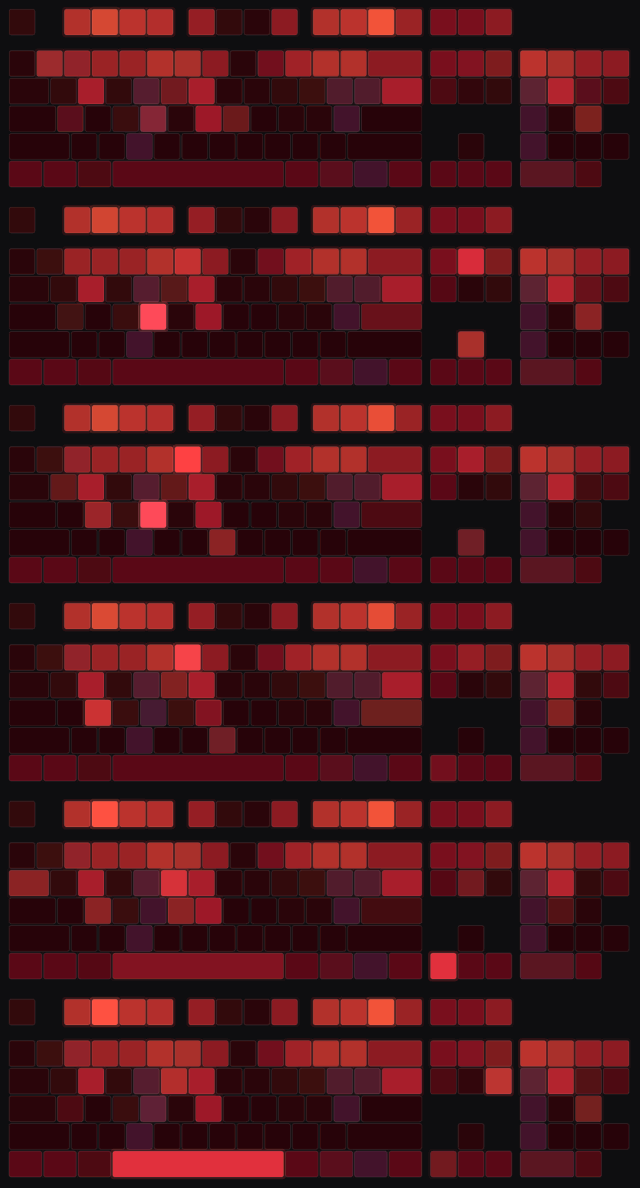
Soul Sand Valley

Basalt Deltas
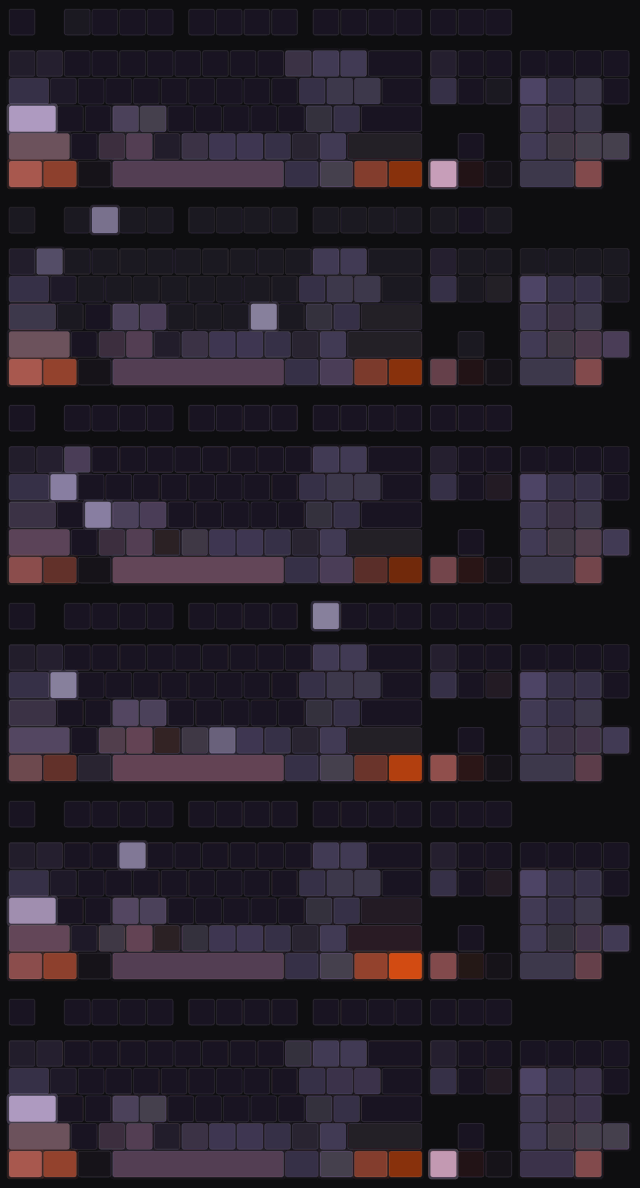
The End

⚔️ Bosses
The Wither - (Full Fight Animation)
The Ender Dragon - (Flying, Fire Breath, Dying)
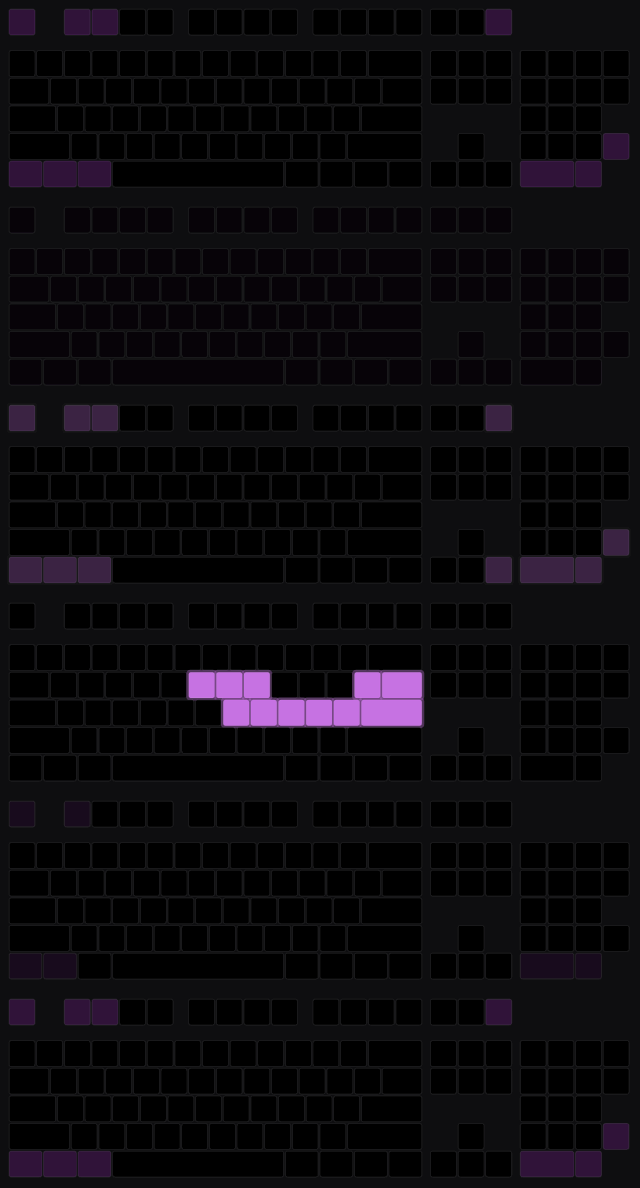
The Elder Guardian - (Swimming, Beam)

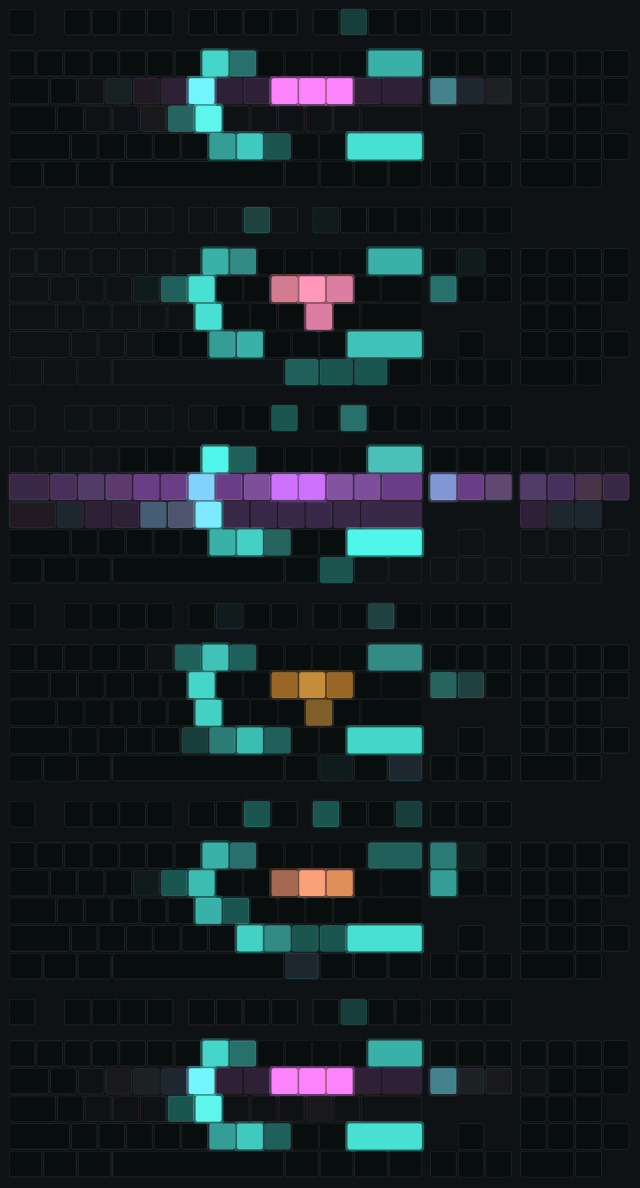
The Warden Emerging

💀 Things happening to you
Drowning
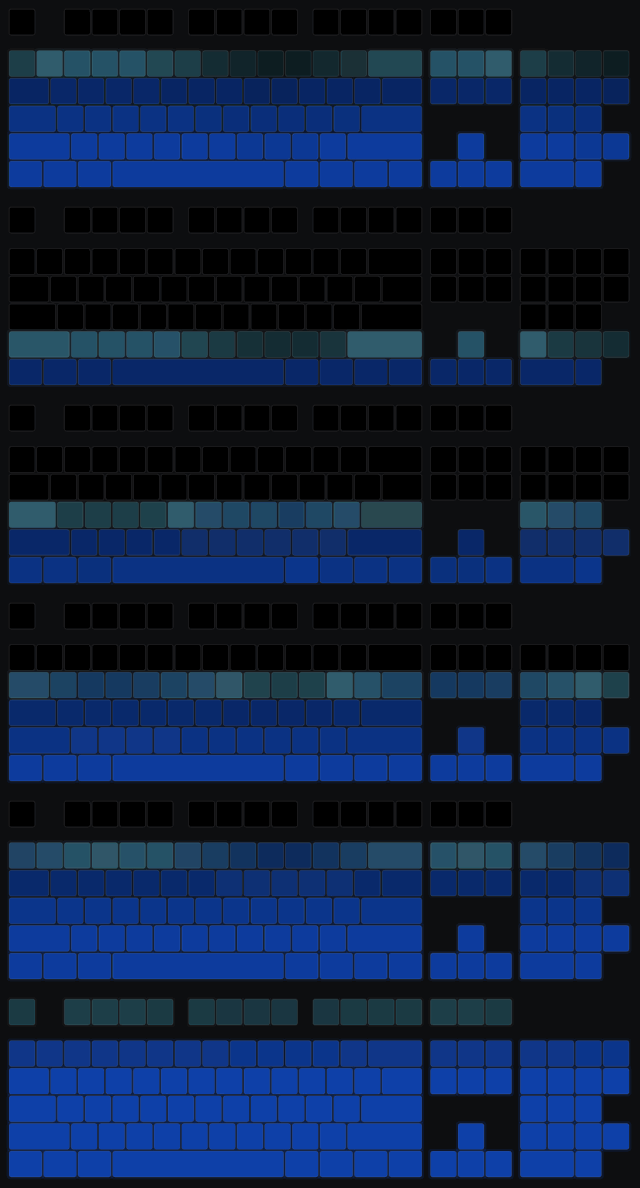
Burning

Death Screen
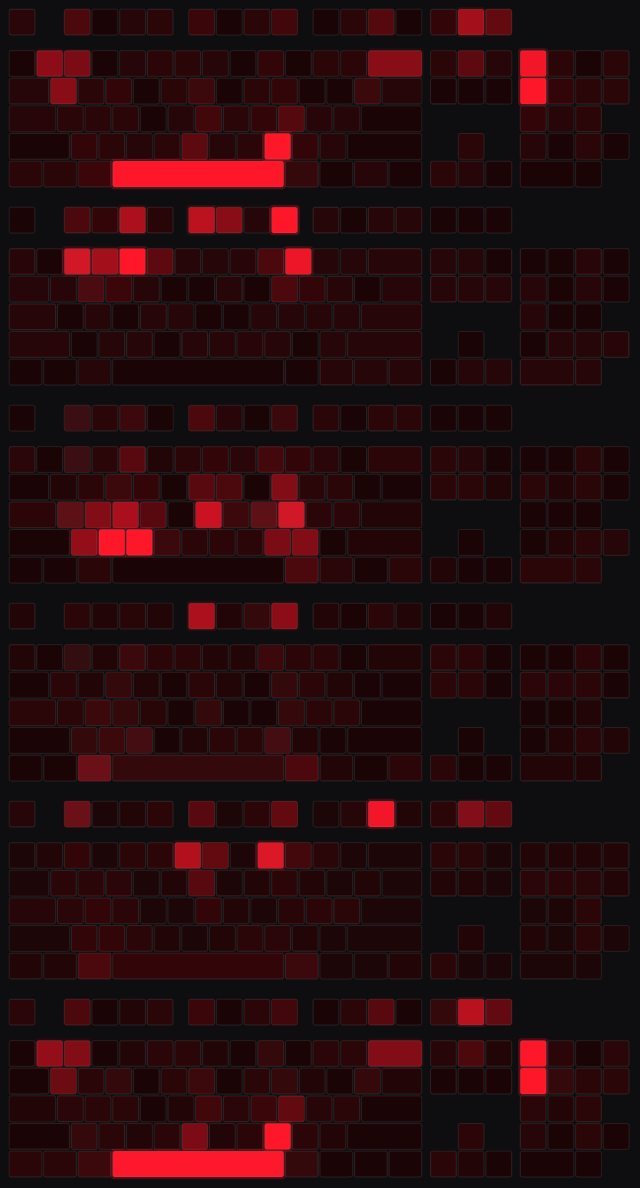
Level up
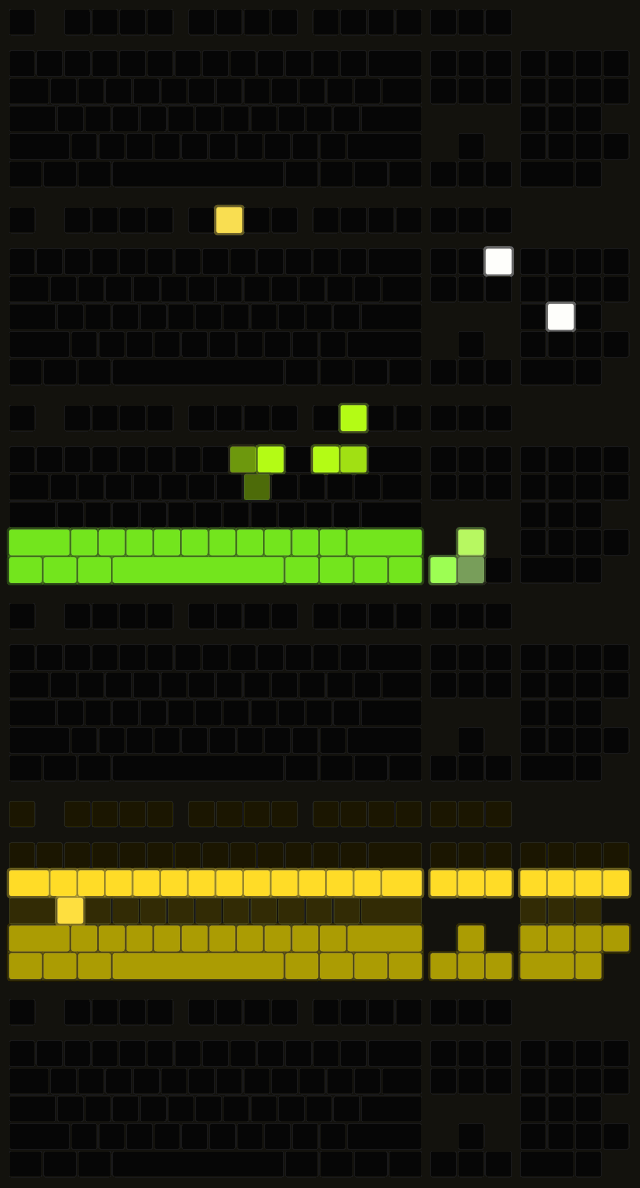
Rain
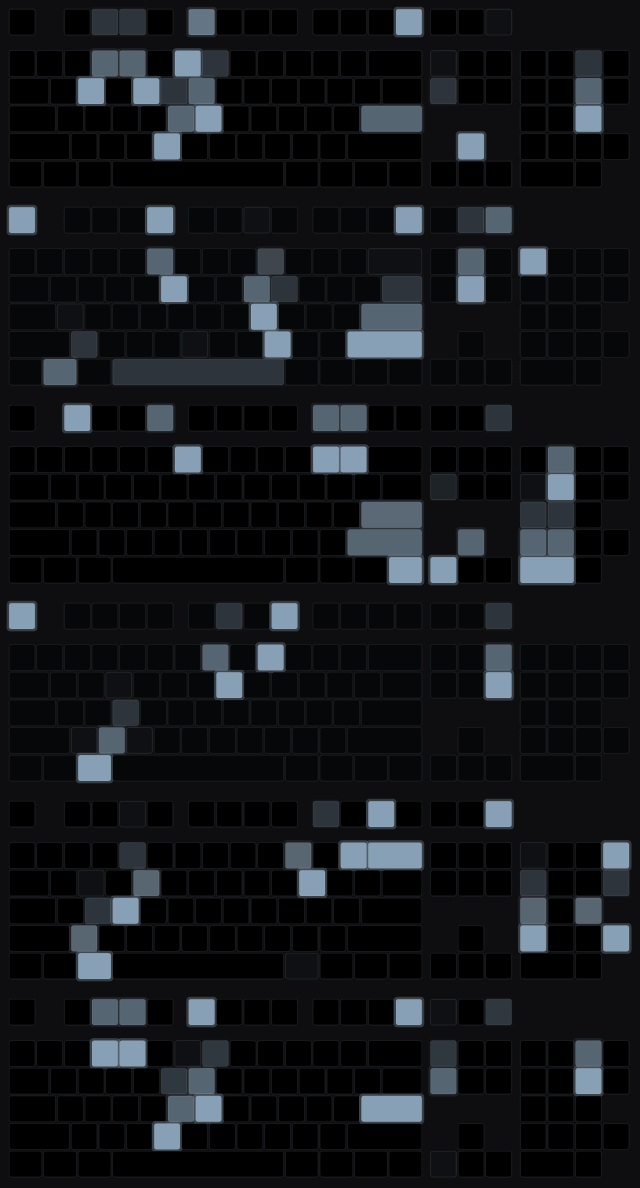
Night
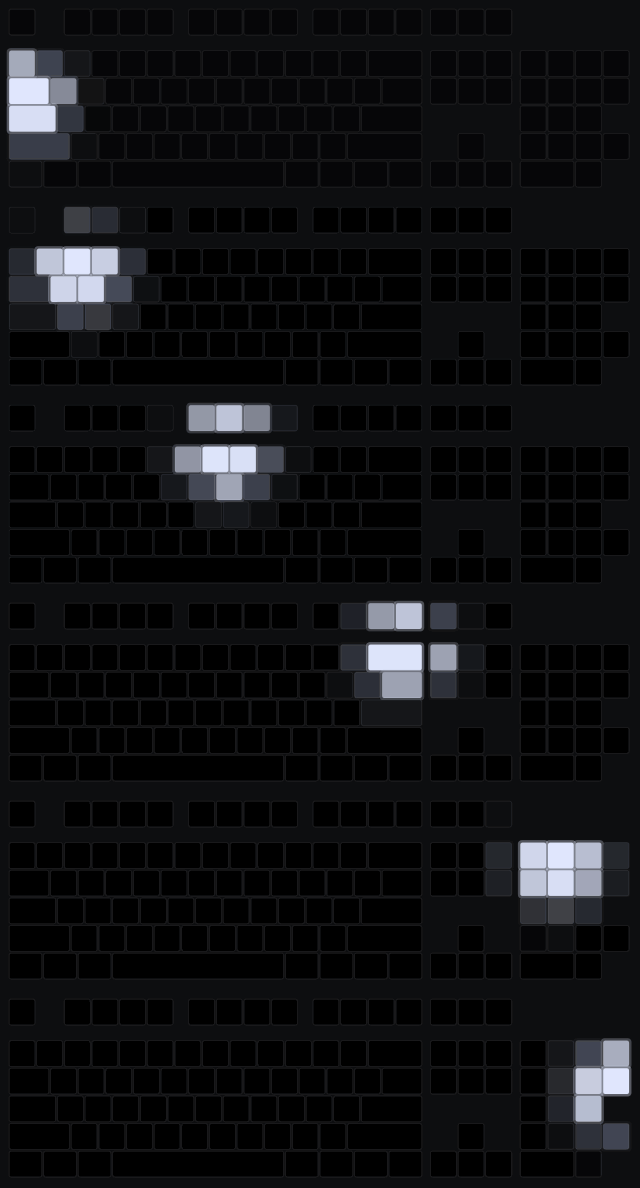
Raid March In & Battle

Raid Victory
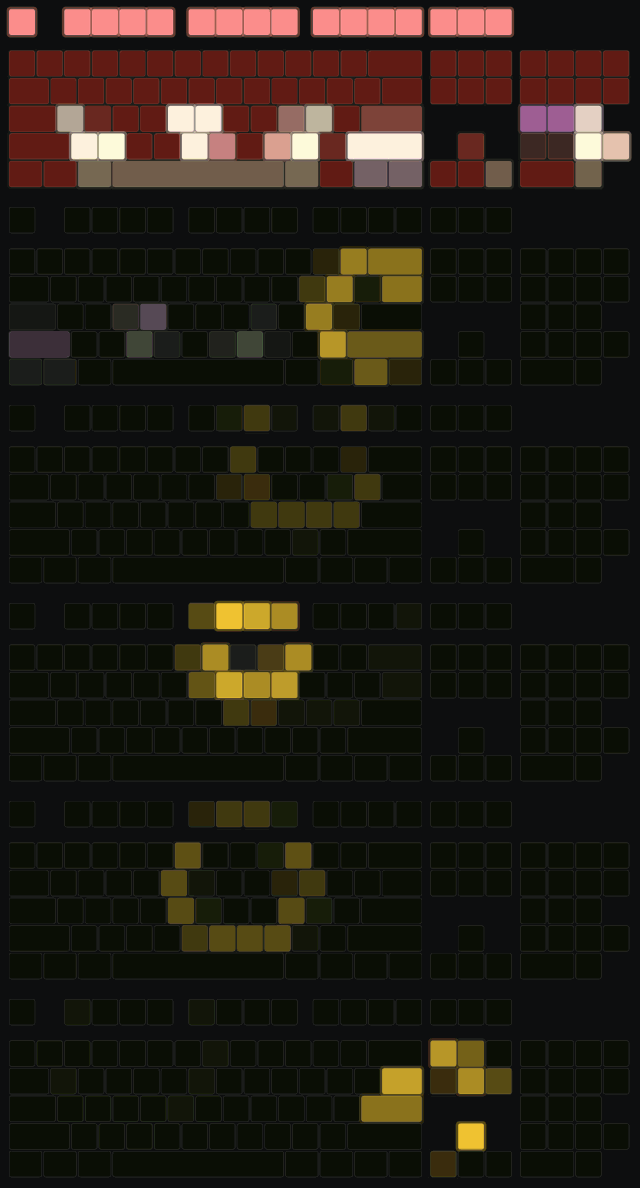
Raid Defeat
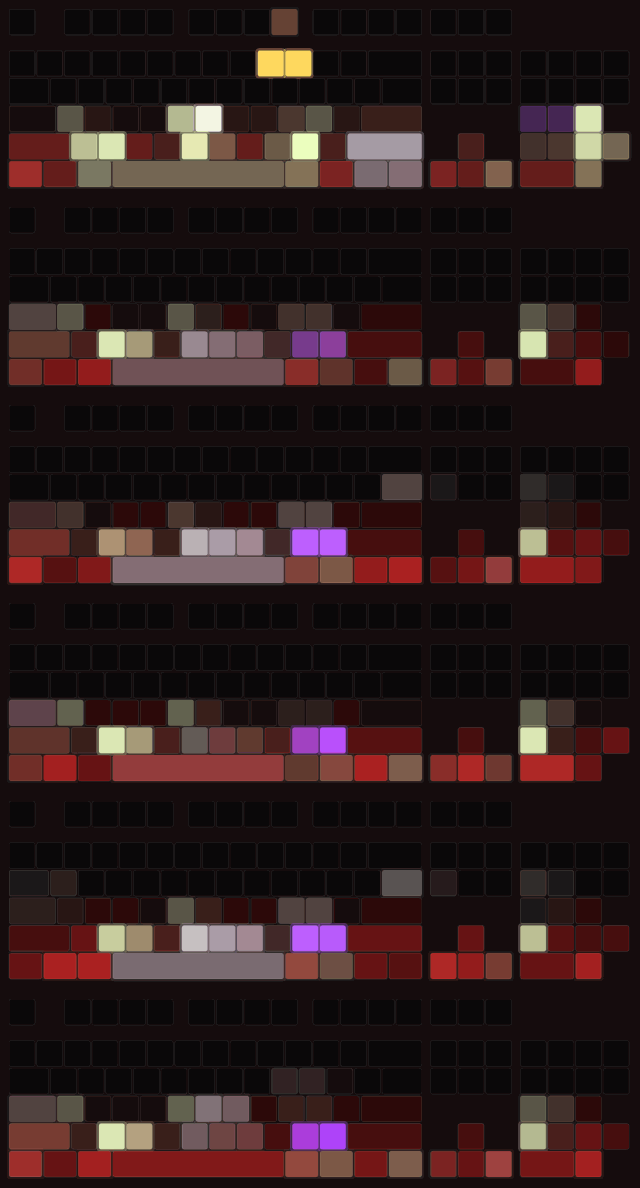
🌀 Portals
Nether portal
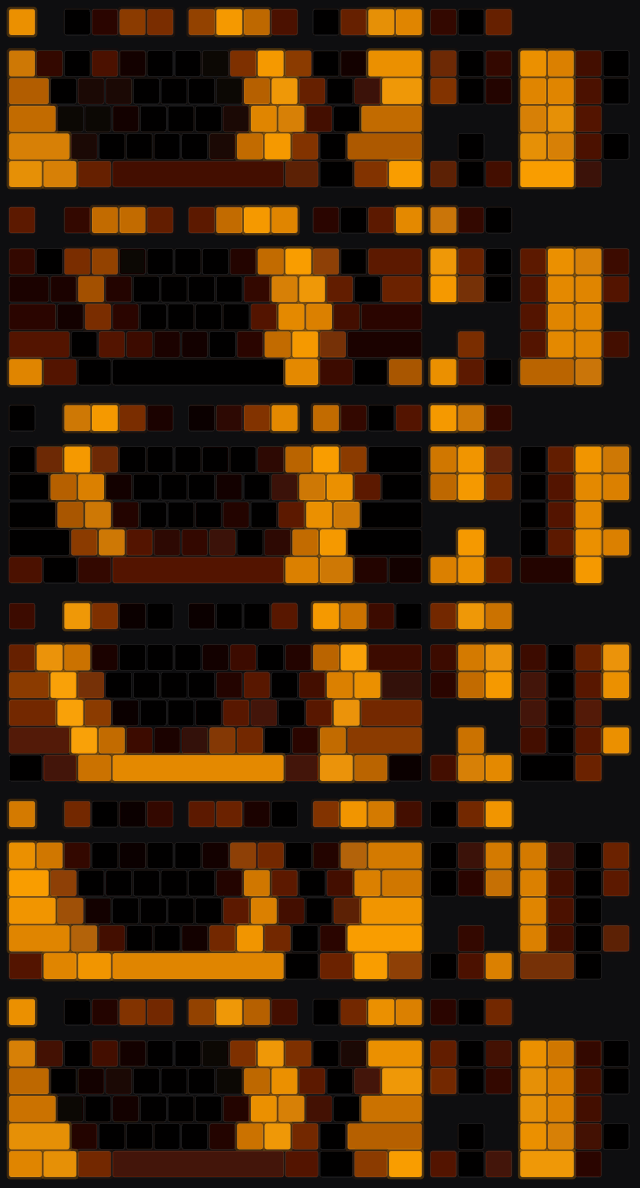
End portal
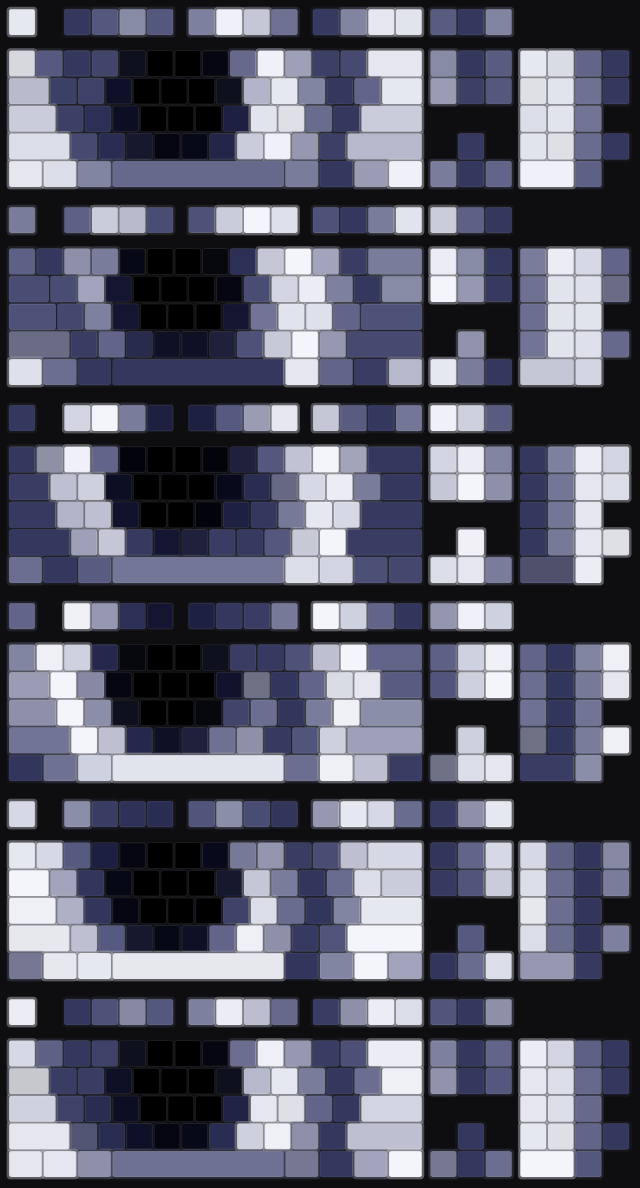
The Bumblezone portal
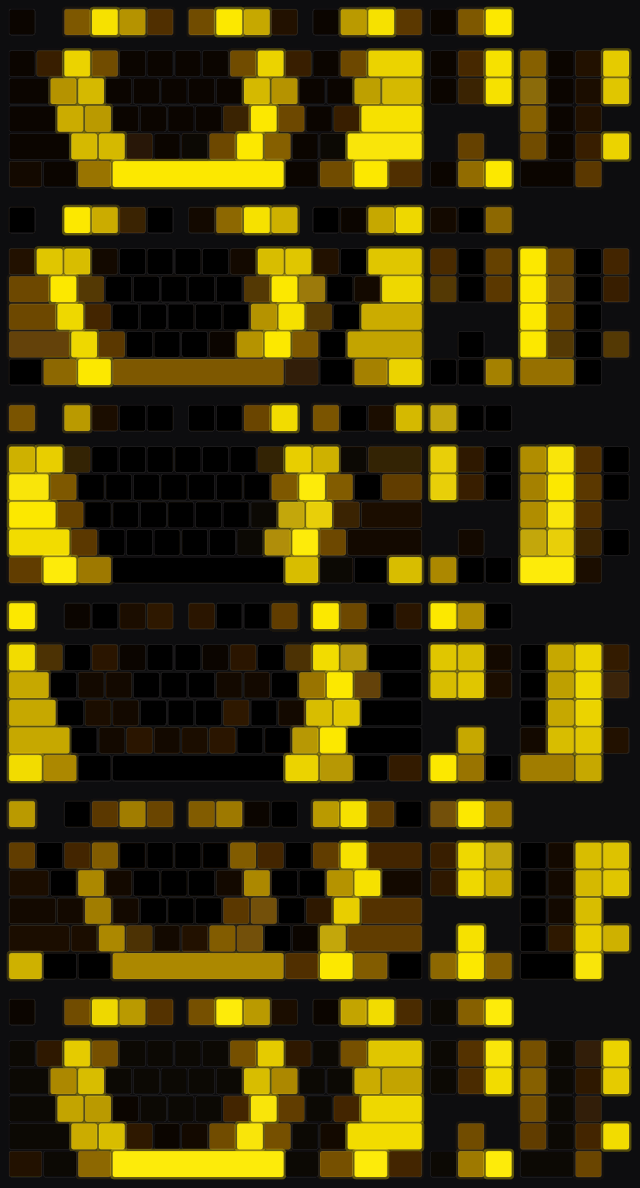
Twilight Forest portal
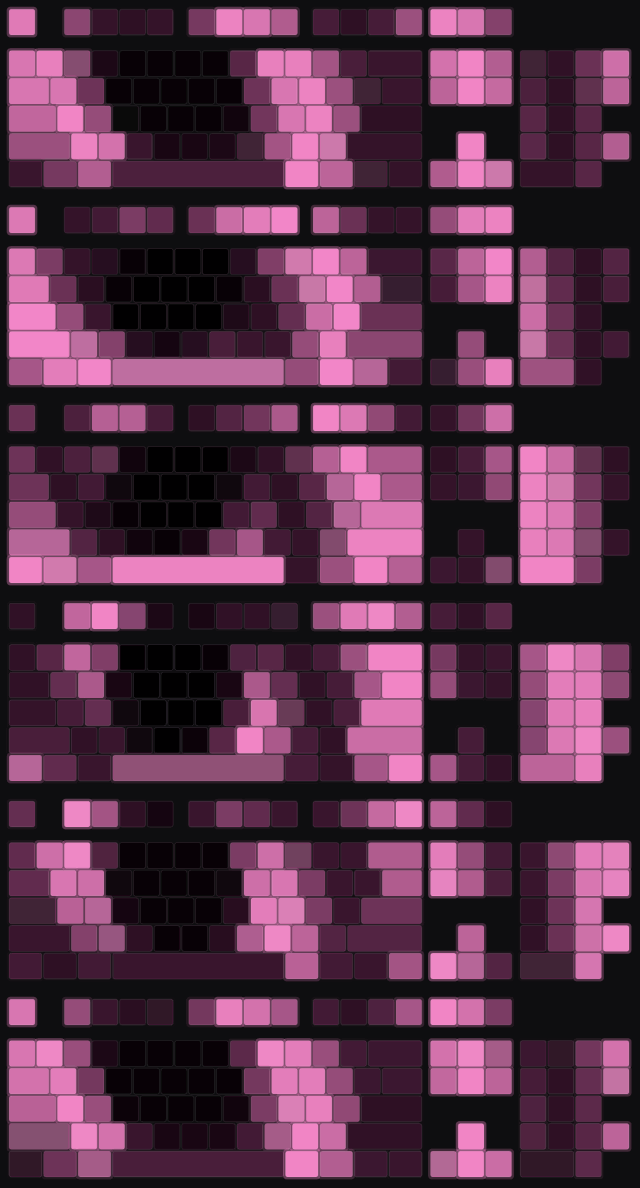
🏠 Title screen
Pre-26.2

Sulfur Update
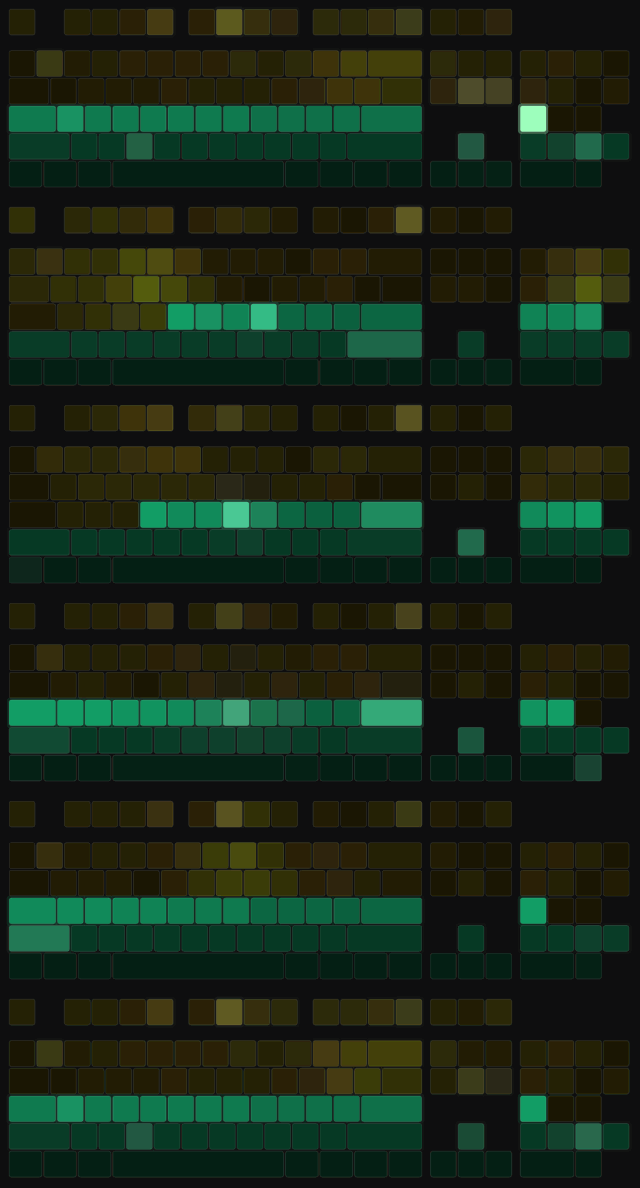
Supported hardware
| Software | Status |
|---|---|
| Corsair iCUE | Tested on real hardware |
| Razer Chroma | Supported, not yet tested on real hardware |
| Logitech G HUB | Supported, not yet tested on real hardware |
| SteelSeries GG | Supported, not yet tested on real hardware |
| OpenRGB (SDK Server on) | Tested on real hardware |
| ASUS Aura | Supported on v0.1.1+, not yet tested on real hardware |
| MSI Mystic Light | Supported on v0.1.1+ with a free SDK download from MSI (the mod walks you through it), not yet tested on real hardware |
| Gigabyte Control Center | Not possible natively. Use OpenRGB, see below |
| Philips Hue | Wishlist, needs hardware to build. See below |
Your lighting software just needs to be running. On one of the untested ones? Congrats, you're a pioneer. 🎉 Run /rgbprofiles report in game and send the file it writes to our issue tracker. It genuinely helps.
Something not lighting up? /rgbprofiles status tells you what the mod thinks is going on, and /rgbprofiles test runs a quick hardware check.
ASUS and MSI support arrived in v0.1.1. If your keyboard isn't lighting up, check the mod version first: /rgbprofiles status won't list them on v0.1.0.
MSI owners, one quick download and you're in. Mystic Light support works through MSI's own Mystic Light SDK, which MSI hands out for free but doesn't let us bundle with the mod. So it takes one extra step:
- The mod tells you when you need it. If it spots MSI hardware and the SDK isn't there, it says so once in chat.
/rgbprofiles msigives you MSI's download link and the folder the file goes in, and only MSI's own file is accepted. - Mystic Light has to be running. Install MSI Center with its Mystic Light module, and open Mystic Light before you launch Minecraft. If it isn't running, the mod skips MSI instead of keeping you waiting.
One heads-up: MSI's SDK doesn't say where individual keys are, so MSI devices light up in zones rather than key by key.
ASUS owners, no download needed. ASUS doesn't put out a public Aura SDK anymore, but Armoury Crate still ships one under the hood. It installs a lighting library that any program on your PC is allowed to talk to, and that library comes with its own built-in list of everything it can do. The mod reads that list and asks Armoury Crate to change your colours. It doesn't poke at your hardware directly and doesn't bundle any ASUS files. As long as Armoury Crate is installed, you're set.
The catch: ASUS never documented any of this, so there's no promise it stays the same. If an Armoury Crate update ever breaks it, /rgbprofiles report and an issue on our tracker is how we'll find out.
Gigabyte owners, we tried. Honestly. We went through Gigabyte's RGB Fusion SDK (the one they hand out for free) file by file, and native keyboard support isn't happening. Here's what we found:
- Every library in it is 32-bit. The only 64-bit file in the whole package is a driver that sits underneath those libraries, not something a program can use on its own. Minecraft runs on 64-bit Java, and 64-bit Java can't load a 32-bit library. Square peg, round hole, and no amount of shoving fixes it.
- It only knows two keyboards: the Gigabyte XK700 and the AORUS K9, both several years old. Anything newer simply isn't in it.
- Even those two wouldn't work on your PC. The keyboard library was built against a debug version of Microsoft's runtime, which normally only comes with Microsoft's developer tools and isn't ours to ship. It also needs another Gigabyte file that the SDK doesn't include.
Newer Gigabyte and AORUS keyboards are run by Gigabyte Control Center, and as far as we can find, it has no public SDK at all.
So what now? Until Gigabyte releases a 64-bit SDK that knows its current keyboards, your way in is OpenRGB. "Wait, how does OpenRGB pull it off when you can't?" It skips Gigabyte's software entirely and talks to the lighting hardware directly. That means working out every device's IDs and writing its own code to drive each one, which is a mountain of work they've already climbed. Turn on its SDK Server and this mod will happily light up whatever OpenRGB can see.
Philips Hue owners, we see you too. We'd genuinely love to turn your whole room into a Nether portal, and Hue's API is friendlier than most: it's plain web requests to the Hue Bridge on your own network. The catch is that building it properly means owning the hardware, and Hue's own getting-started guide says as much:
- Step one is literally "make sure your bridge is connected". Everything goes through a physical Hue Bridge, and there's no official stand-in to test against without one.
- Every new app has to be approved by pressing the physical button on the bridge. Hue does this on purpose, to prove whoever's asking actually has their hands on it. Great for your security, rough for a developer with no bridge to press. That's us; bridgeless. 😢
So for now Hue stays on the wishlist. Writing it blind and hoping your lights do the right thing isn't something we're willing to ship. If that ever changes (a bridge lands on our desk, or a Hue owner fancies being a tester), this is high on the list.
Modpacks and other mods
A biome from another mod with no profile of its own still gets a color worked out from the biome itself, so a big modpack won't leave you staring at grey. Modded bosses get a boss lighting effect of their own.
Hand-made mod support. Auto-colors are fine. Your favorite mods deserve better than fine, so these are getting lighting of their own:
| Mod | Status | In release builds | Experimental builds only |
|---|---|---|---|
| YUNG's Better End Island | ✅ Done | The full dragon respawn ritual, pillar by pillar | |
| Tough As Nails | 🧪 Testing | Thirst, freezing, overheating | |
| The Aether | 🚧 In progress | Portal effect | Slider, Sun Spirit and Valkyrie Queen fights, getting a full rework |
| The Twilight Forest | 🚧 In progress | Portal effect | The Naga, with more bosses on the way |
| The Bumblezone | 🚧 In progress | Portal effect | |
| The Undergarden | 🚧 In progress | Portal effect | |
| Tropicraft | 🚧 In progress | Portal effect | |
| Legendary Monsters | 🚧 In progress | The Obliterator, Cloud Golem and Possessed Paladin | |
| Oh The Biomes We've Gone | 🚧 In progress | Enchanted Tangle, Sakura Grove, Weeping Witch Forest | |
| Biomes O' Plenty | 🚧 In progress | Lavender Forest, plus a shared theme for the rest | |
| Regions Unexplored | 🚧 In progress | Magnolia Woodland, plus a shared theme for the rest | |
| Vampirism | 🚧 In progress | Vampire Forest | |
| Eternal Starlight | 📋 Planned | ||
| Stellaris | 📋 Planned, if space keeps calling | ||
| Ad Astra | 📋 Planned, if space keeps calling |
Got a mod you'd love to see on this list? Let us know on the issue tracker.
Make it yours
Every biome, boss and dimension is a line in a JSON file you can edit, colors and patterns both, and one wildcard line covers everything a whole mod adds. The rest lives in the regular config file. If your keyboard doesn't report its own layout, you can describe it yourself.
Client-side only
Servers don't need it, and you can join any server with it installed, modded or vanilla. It doesn't send anything anywhere either. The only thing it talks to is the lighting software on your own PC.
The fine print
- Includes Corsair's iCUE SDK runtime, unmodified, which belongs to Corsair. Only used to interact with iCUE and allowed to redistribute.
- Not affiliated with Mojang, Microsoft, Corsair, Razer, Logitech, SteelSeries, ASUS, MSI, Gigabyte, Signify (Philips Hue), OpenRGB or Re-Logic.
- Modpacks welcome, as long as the pack downloads the mod from an official page rather than bundling the file. See the license for the details.
Screenshots
Gallery
-
boss_elder_guardian_charge_and_fire.gif boss_elder_guardian_charge_and_fire.gif
-
boss_ender_dragon_dying.gif boss_ender_dragon_dying.gif
-
boss_ender_dragon_fire_breath.gif boss_ender_dragon_fire_breath.gif
-
boss_ender_dragon_flying.gif boss_ender_dragon_flying.gif
-
effect_drowning_repeating.gif effect_drowning_repeating.gif
-
effect_level_up_repeating.gif effect_level_up_repeating.gif
-
effect_menu_sulfur.gif effect_menu_sulfur.gif
-
effect_night_moon_repeating.gif effect_night_moon_repeating.gif
-
effect_raid_70_to_85_repeating.gif effect_raid_70_to_85_repeating.gif
-
effect_raid_85_to_100_repeating.gif effect_raid_85_to_100_repeating.gif
-
minecraft_badlands.gif minecraft_badlands.gif
-
minecraft_basalt_deltas.gif minecraft_basalt_deltas.gif
-
minecraft_crimson_forest.gif minecraft_crimson_forest.gif
-
minecraft_deep_dark.gif minecraft_deep_dark.gif
-
minecraft_desert.gif minecraft_desert.gif
-
portal_minecraft_the_end.gif portal_minecraft_the_end.gif
-
portal_minecraft_the_nether.gif portal_minecraft_the_nether.gif
-
boss_wither.gif boss_wither.gif
-
image-attachment_f6096662-b10b-4fc1-b62a-b2e199549ae2.gif
-
minecraft_frozen_peaks.gif minecraft_frozen_peaks.gif
Versions
Files
Relations
Project Relations
More like this
Similar Mods
Suggestions use data such as tags, dependencies, dependents, descriptions, titles, and more to rank how much they overlap with this mod.
On ModDex
Community snapshot
By the numbers
Statistics

Get it on
Available Platforms
On ModDex
Community snapshot
By the numbers
Statistics
Resources