
Community listing page, reviews here may not be monitored by the author.
(Forge, 1.20.1) EyeMod - A Working Phone in Minecraft


No reviews yet
Adds a working, realistic, phone to the game
Community voices
Reviews
No reviews yet. Be the first to review this project!
Get it on
Available Platforms
Compatibility
Supported Environments
Must be installed on both the client and the server.
About
Project Details
For authors
Embed Badge
If you're the author of this project, you can embed a live badge anywhere that supports HTML or Markdown. It updates automatically whenever ratings change.
Use HTML for any page that supports it, or Markdown for README files and Markdown-based descriptions.
Identifiers
Platform IDs
Resources
External Links
About
Description
Eyemod
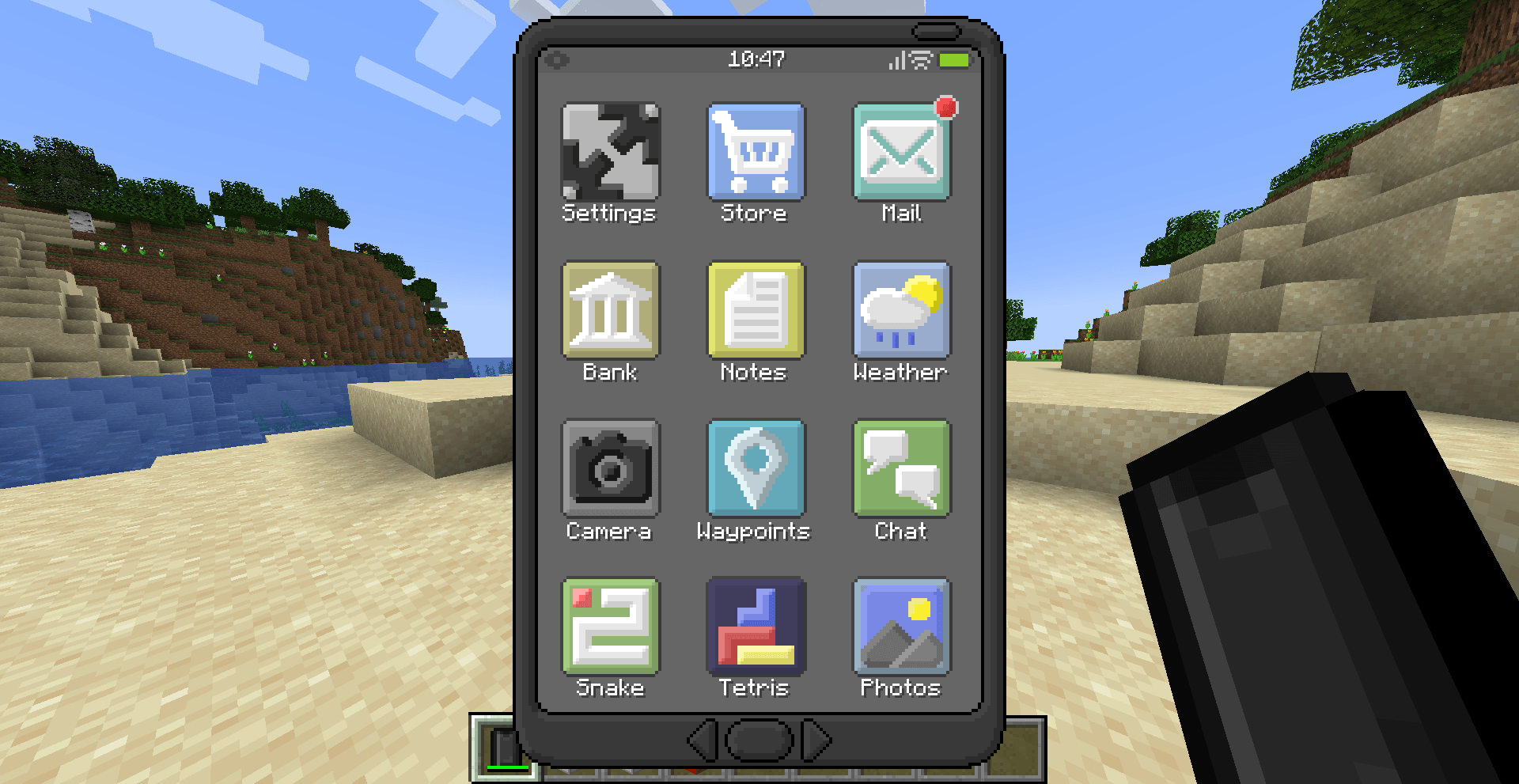
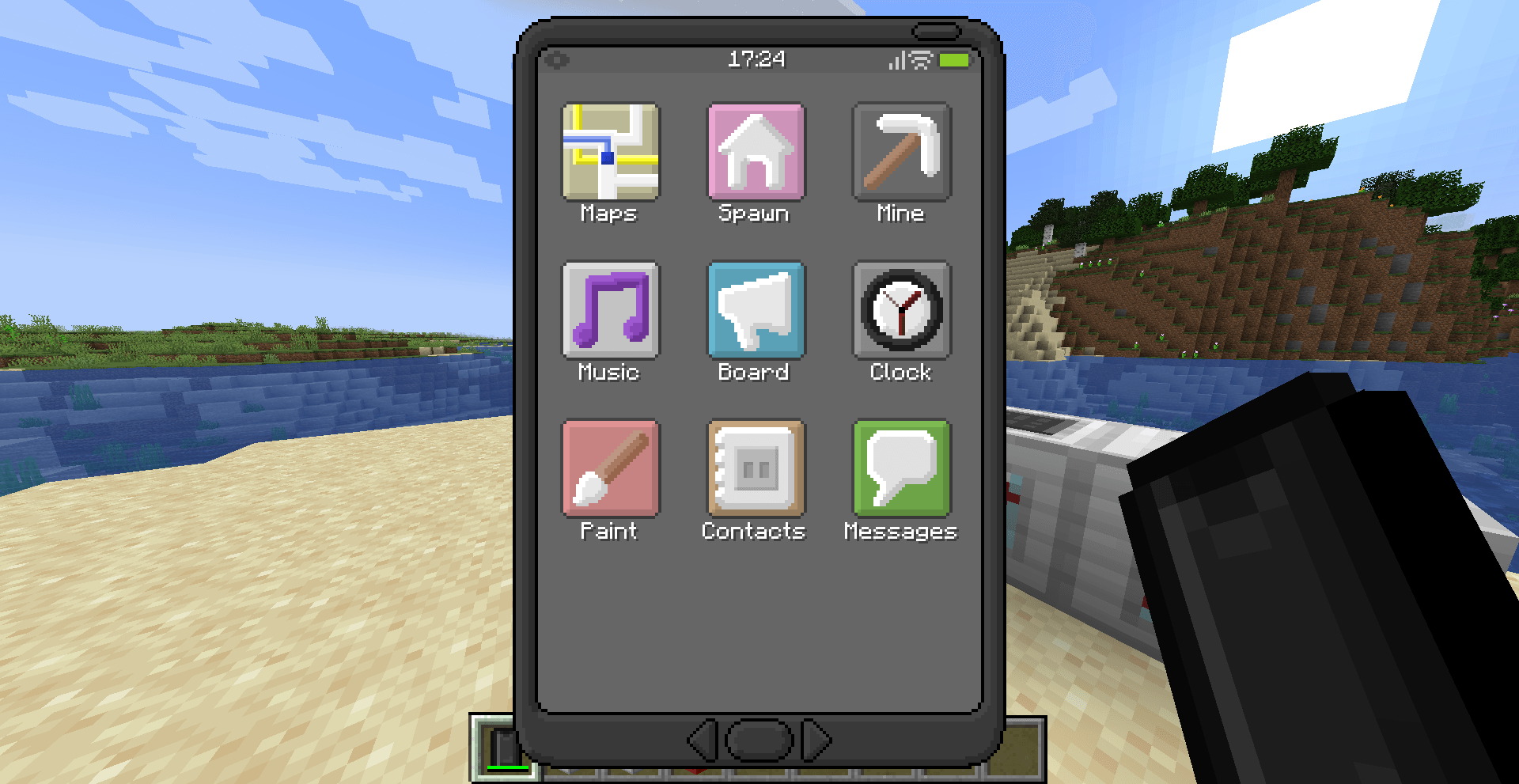
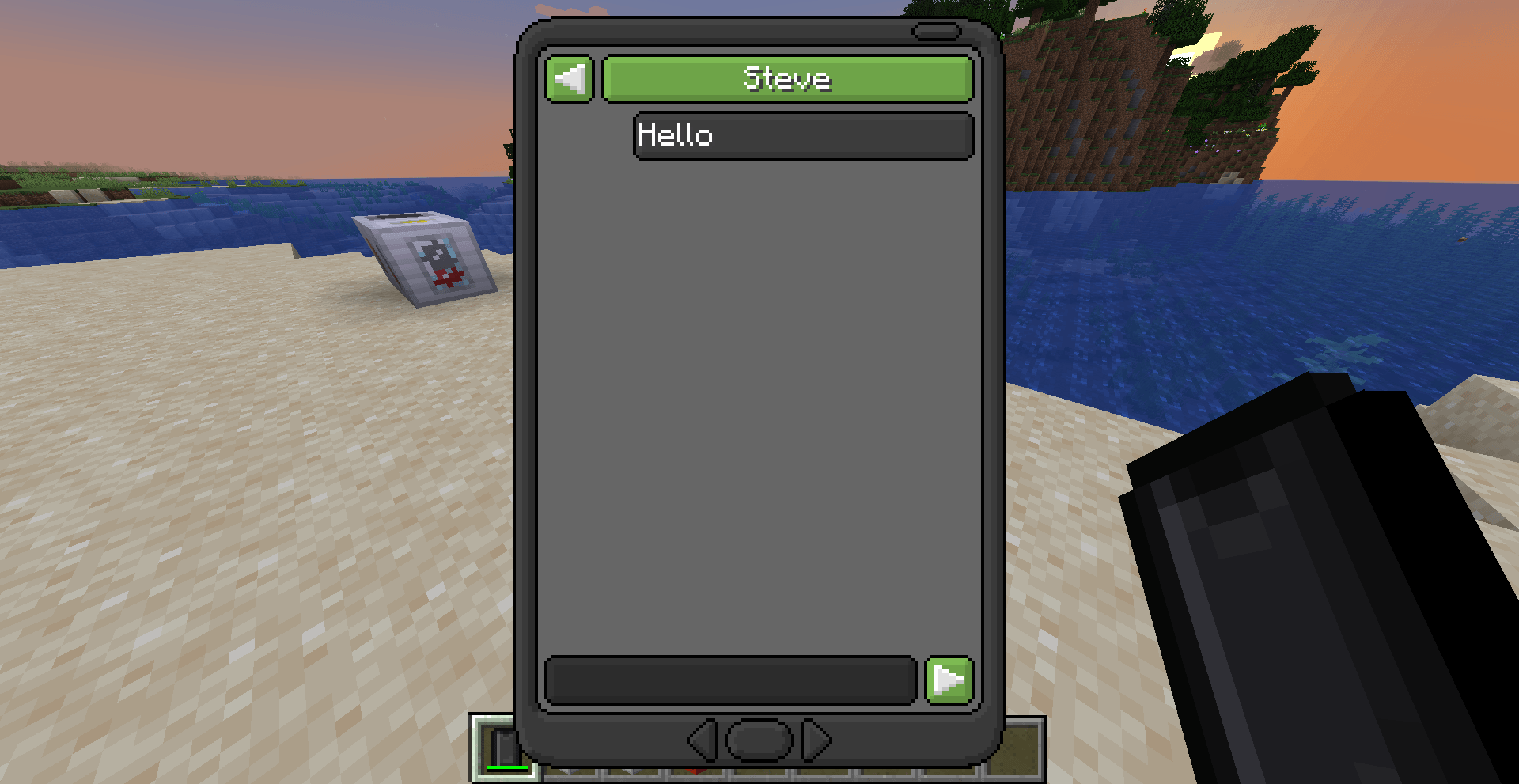
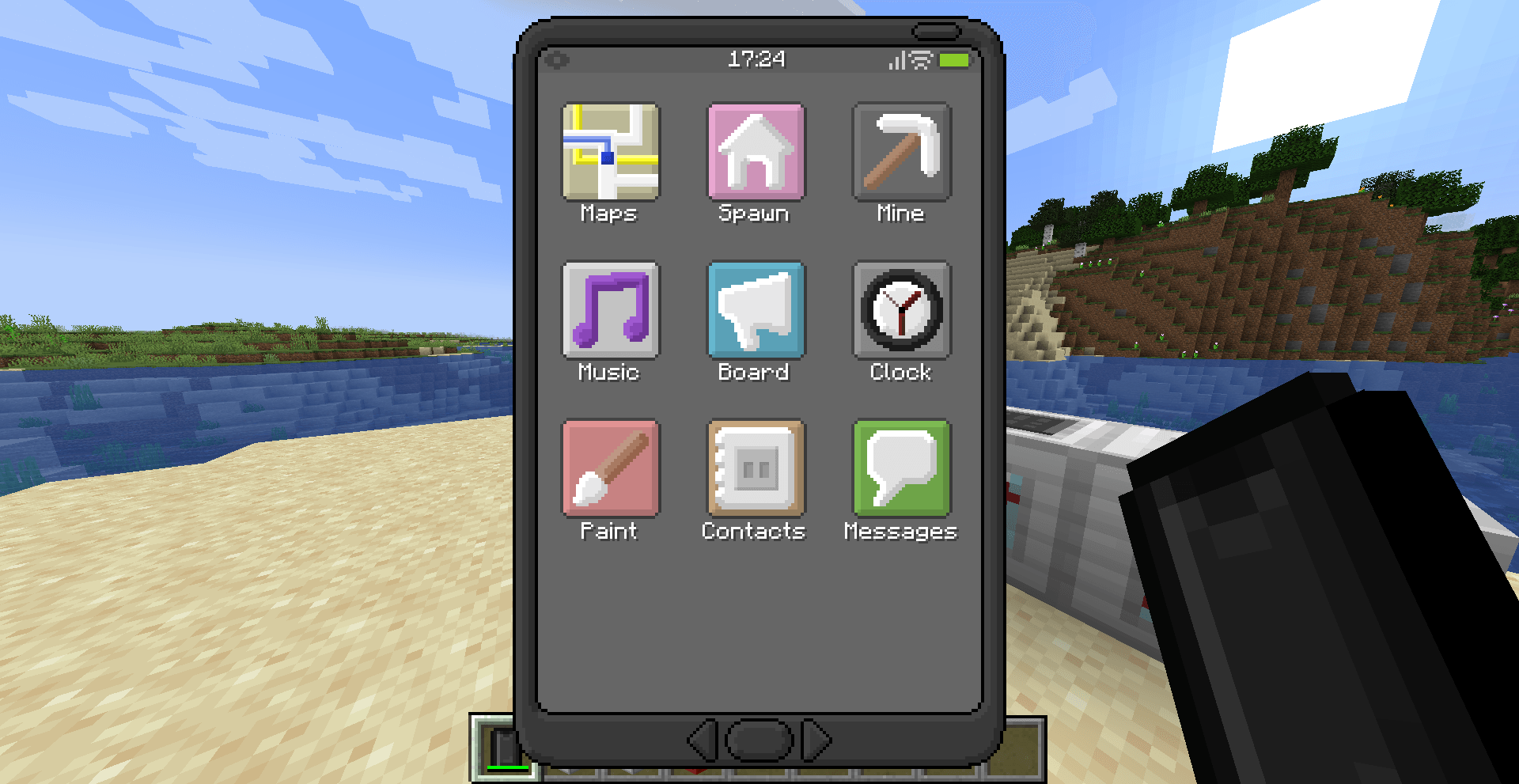
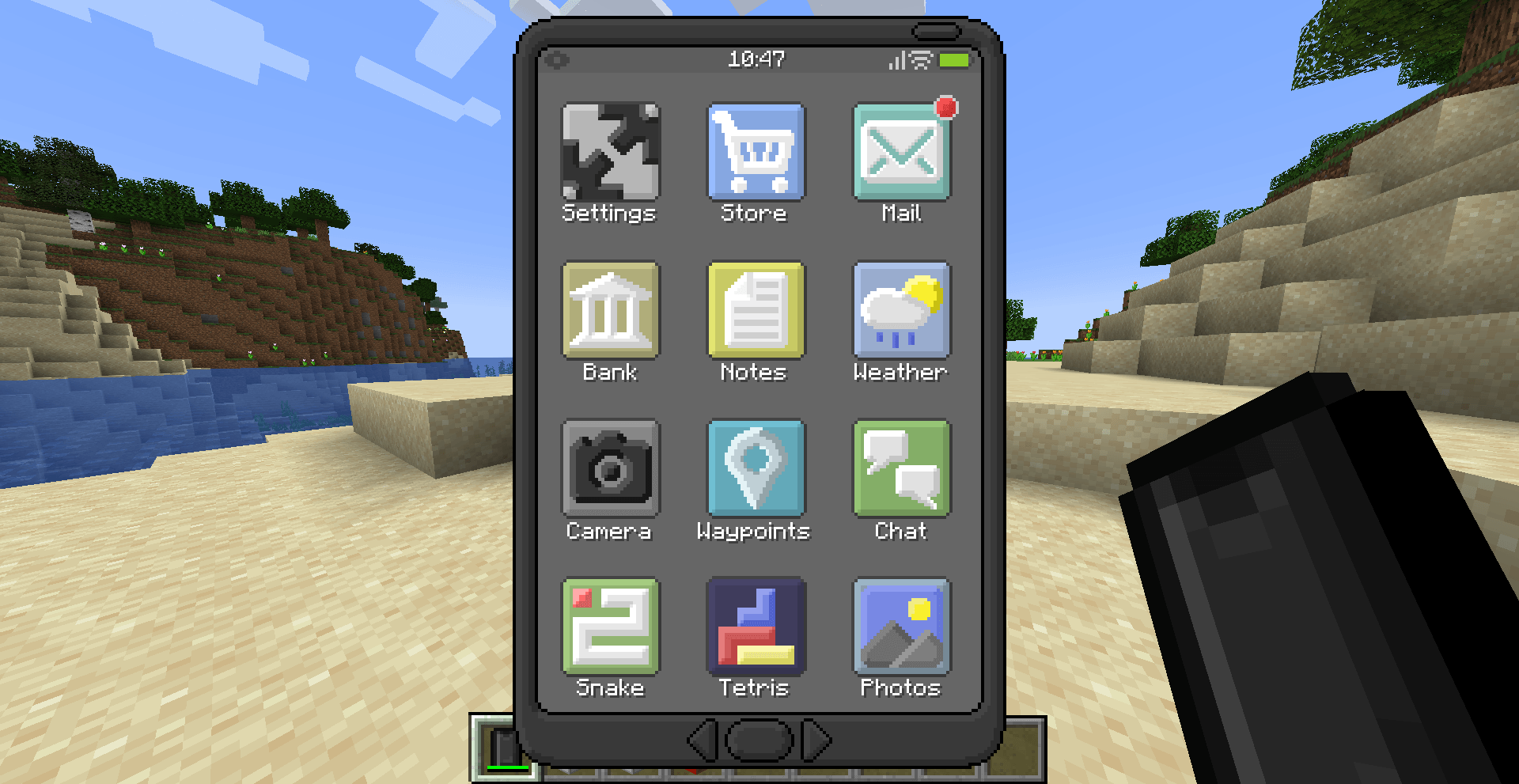
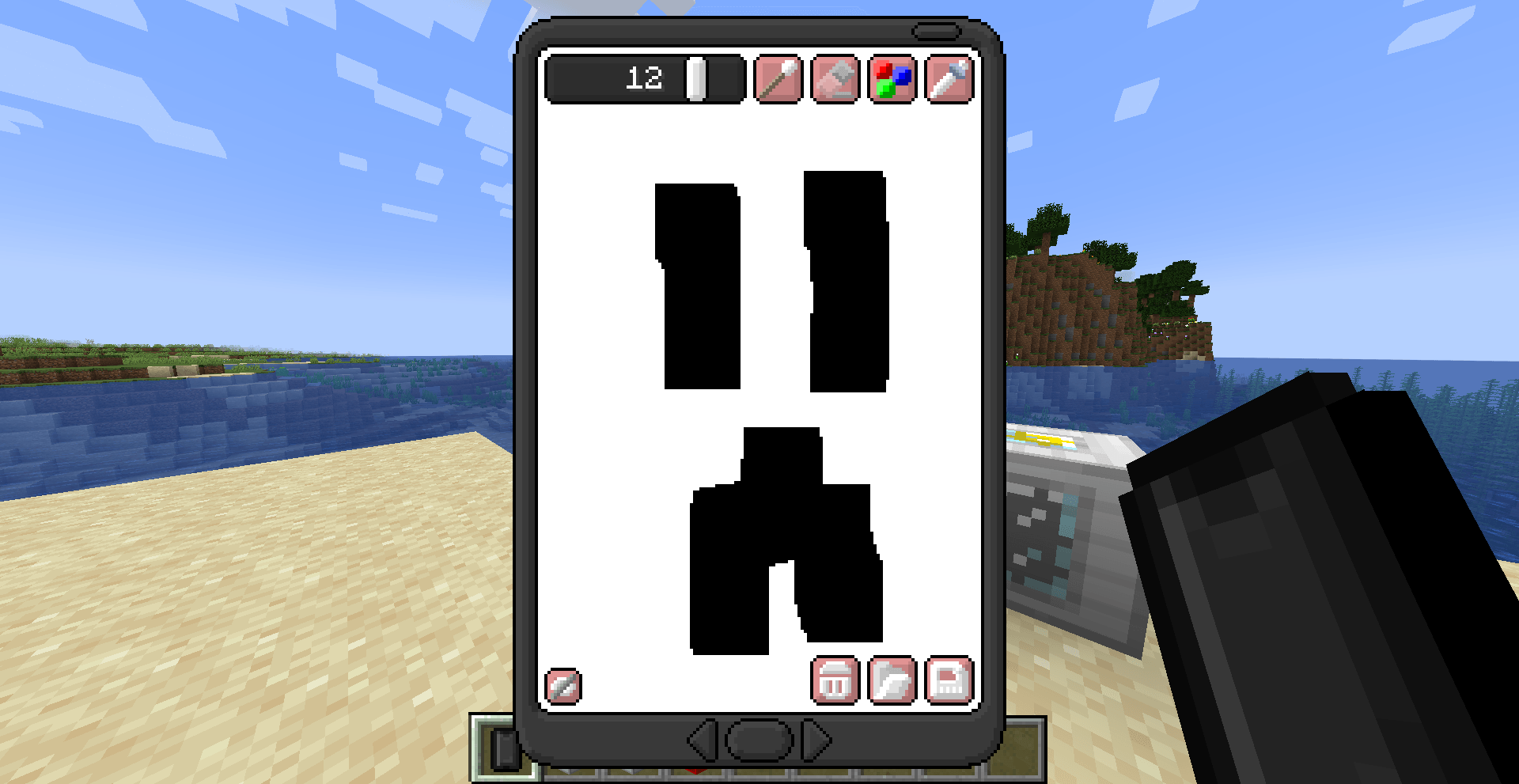
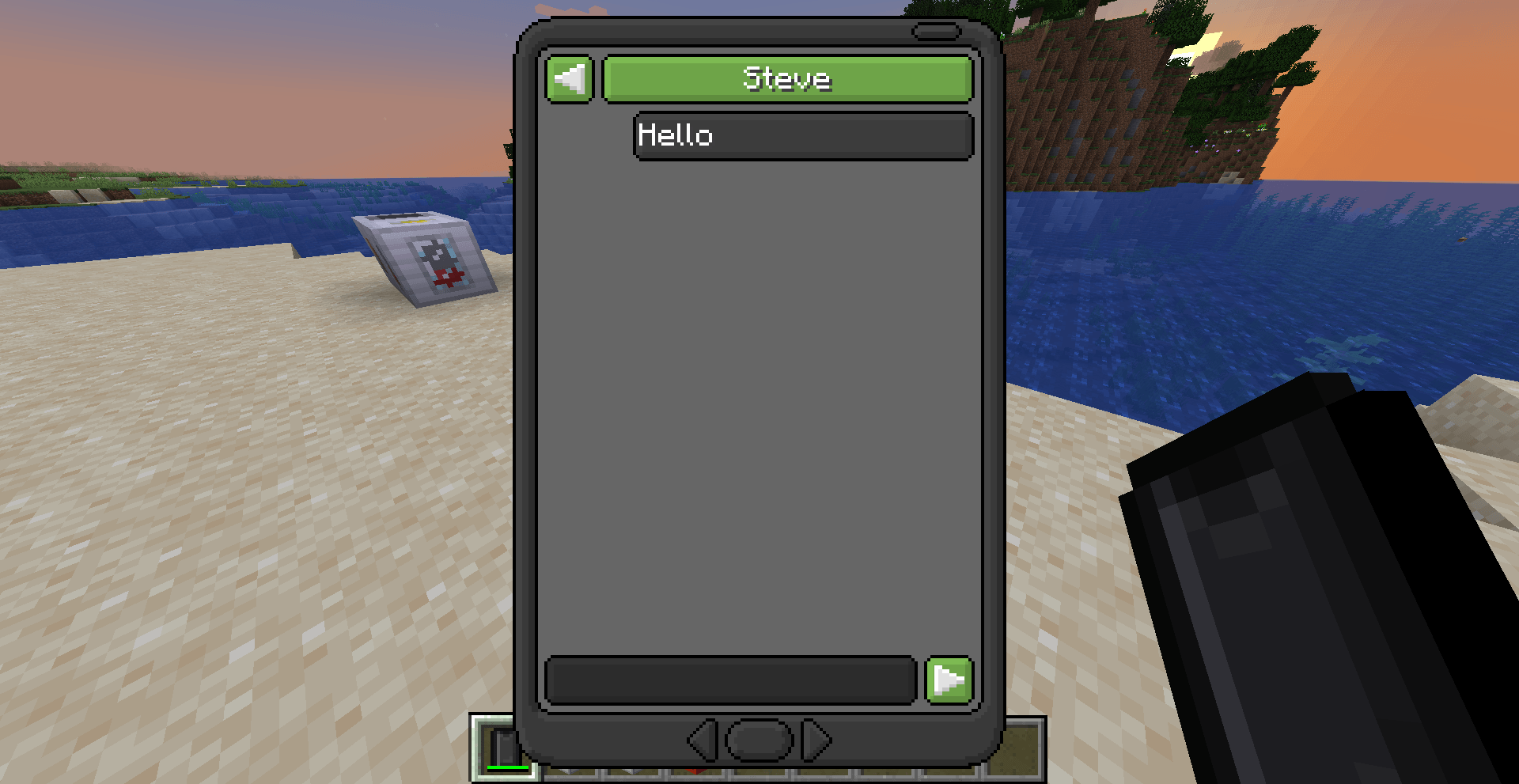
This mod adds a working, realistic phone to minecraft. You can message your friends, play games, take and edit pictures and much more. It provides a wide range of functionalities, while some are more tailored towards a server, most apps can also be quite useful in singleplayer.
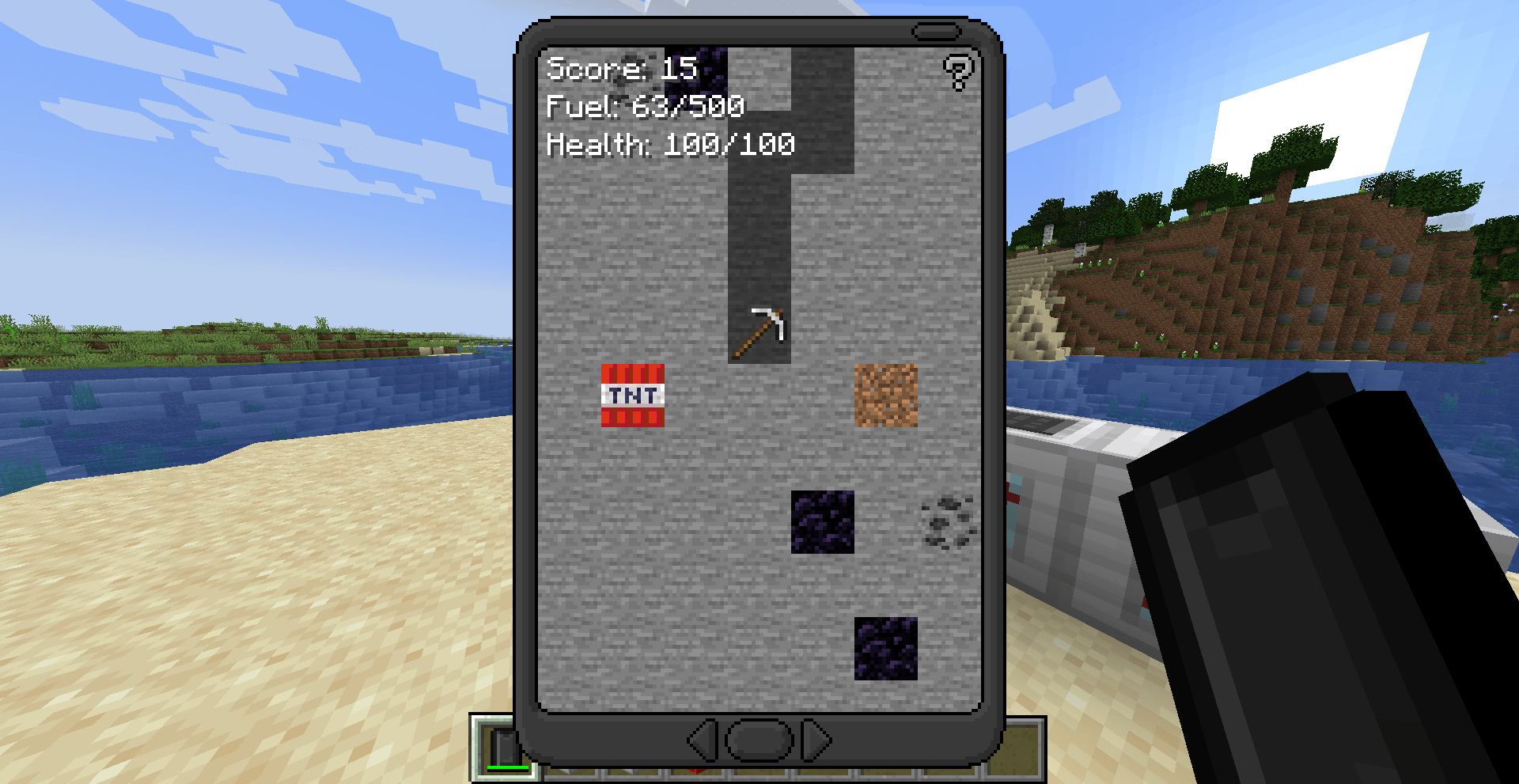
The 1.20+ version removes the OP apps from the app selection, such as the TNT app. This makes it a bit safer to install the mod on your server, without having to worry about players griefing the server if you did not change the config correctly. Those apps will come back on a later date, as a seperate mod.
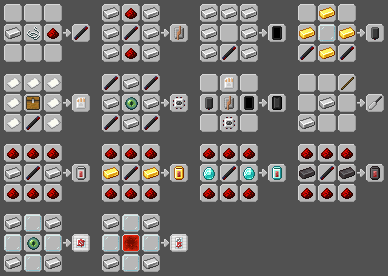
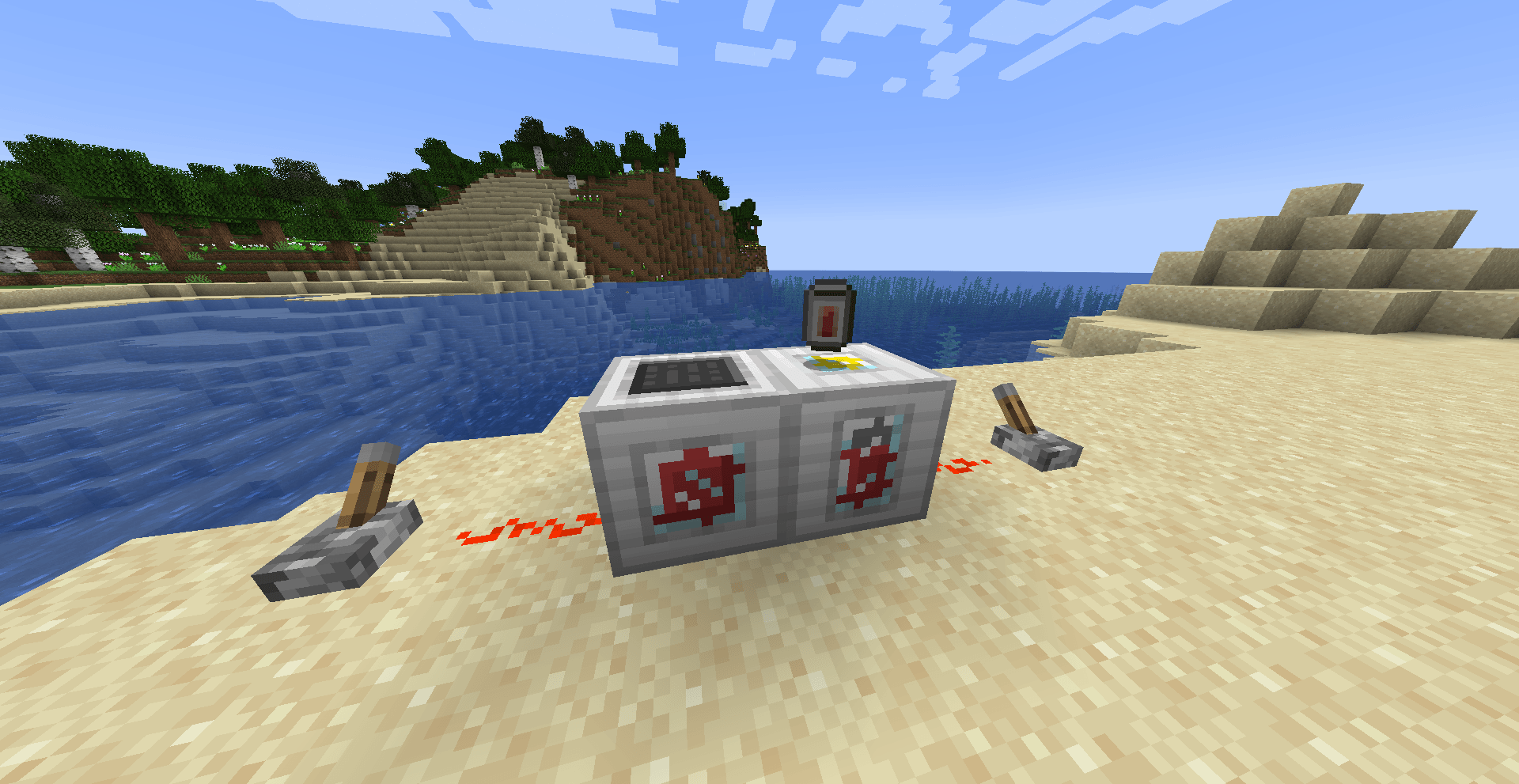
Keep a Powerbank in your inventory to extent the battery duration!
Config
Before playing the mod, there might be some settings your want to change to make it work for your server, or singleplayer world. To change the config, go to your local .minecraft folder (or your server directory if you have it installed on your server) and find the eyemod-config file in the config folder.
Some properties (such the prices & access list) require the app id. This app id is constructed as follows: <MODID>:<NAME>. The mod id of this mod is 'eyemod' and the name is usually the same as the name of the app (spaces are _). (tip: check the json data of an EyePhone with all apps the see the ids in the 'installed' section, using /data get entity @p SelectedItem). The id for the maps app is for example: 'eyemod:maps'.
Shops
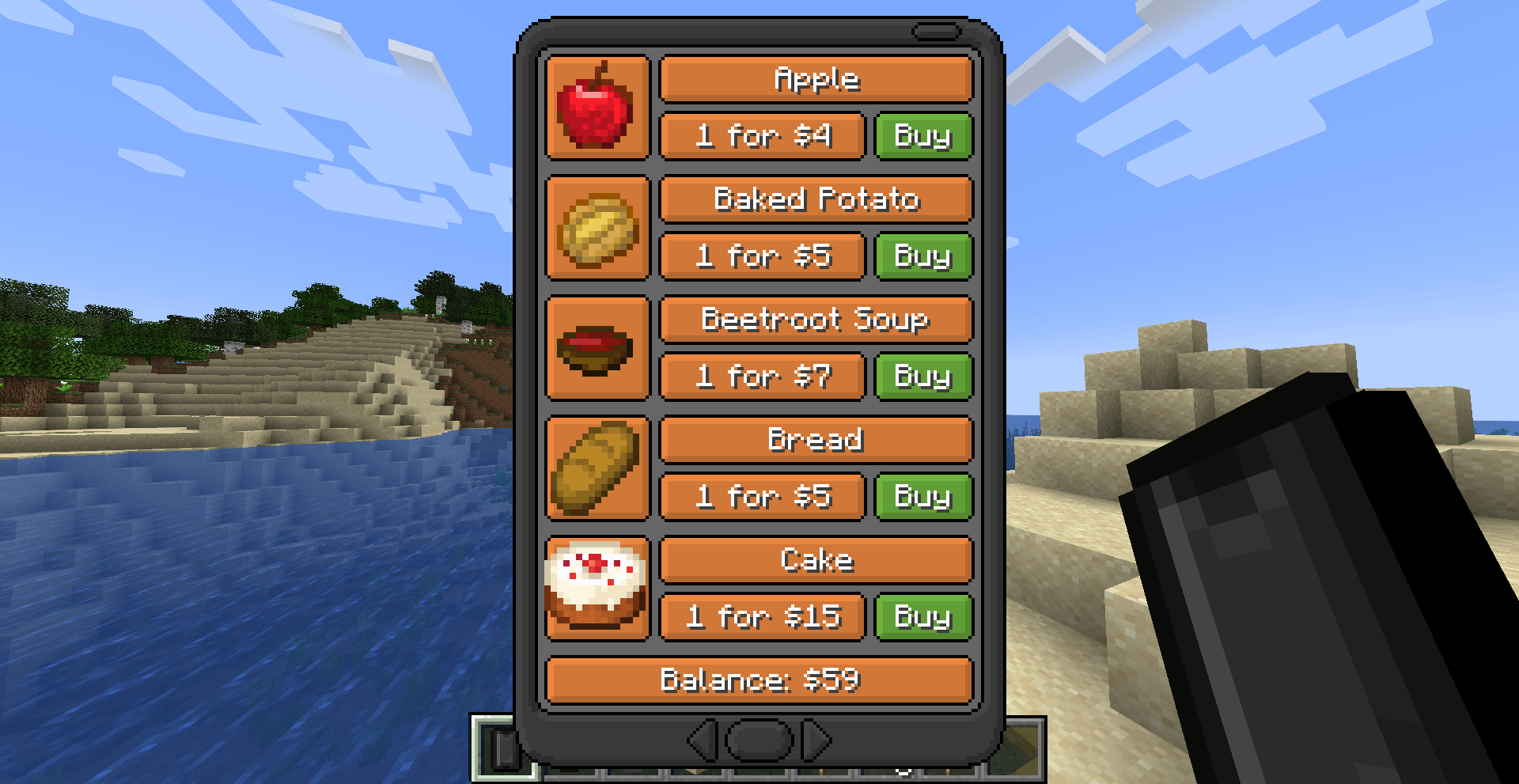
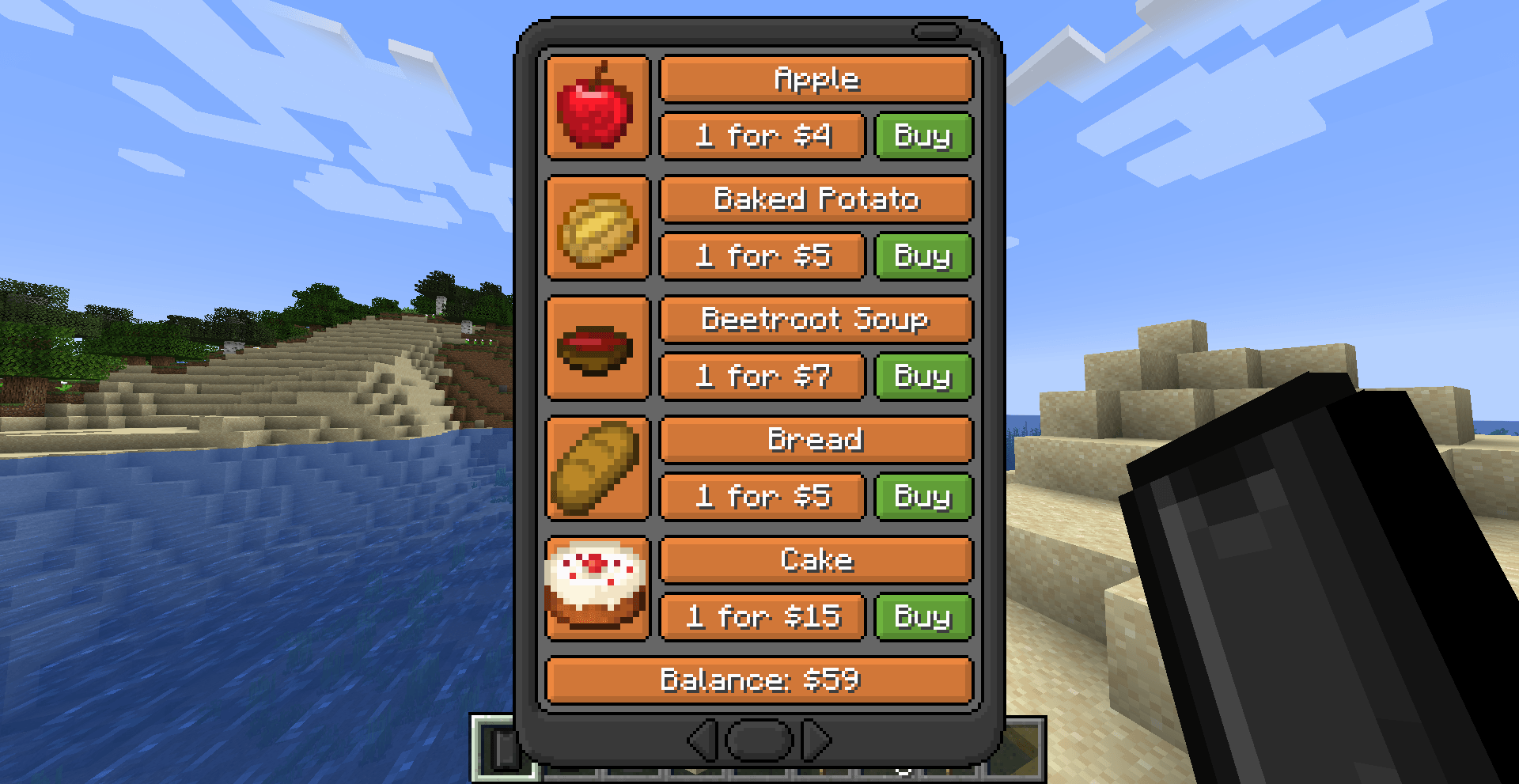
The shop apps are turned off by default. If you like to be able to buy items with your chosen currency (default: emeralds), you can enable the shops in the config. Navigate to your config and change the option: allowShopApps to 'true', This will add both the Food and Util shop to the EyePhone. You can also adjust the items sold in the shop by changing the foodShop and utilShop lists in the config. Use the currency property to change the item that can be exchanged for in-game money.
Spawns
Another feature is the ability to list some predefined spawn locations (like your spawn hub, or the nether hub). This list will be shown in the Spawn app. The locations can be added in the config using the spawnLocation list, you can add locations like this:
["NAME=X/Y/Z/WORLD", "NAME2=X/Y/Z/WORLD"] e.g. ["Spawn=1/2/3/minecraft:overworld", "Nether=1/2/3/minecraft:the_nether", "End=1/2/3/minecraft:the_end"]
Users can also set their own home in the spawn app. By default, players are not allowed to teleport to those locations, however if you turn on the allowHome and/or allowSpawns properties, the player is able to teleport to their home or the spawn locations respectivily.
Access
Apps can be disabled using the access property in the config. Add apps to this list to enable/disable them. Use 0 to enable the app, 1 to enable the app only for OP's and 2 to completly disable the app. For example:
["eyemod:maps=1", "eyemod:notes=2"]
Most apps enabled by default (0). If you want to disable any OP/cheat app, you can set the disableCheatApps property to true, this disables all the apps that are marked as cheat apps in the code (the base version does not contain any cheat apps, however, some future app extension mods might).
Prices
As for the access, the prices of the apps can also be changed. This works the same as the access, only with the price, for example:
["eyemod:maps=100", "eyemod:notes=0"]
Storage
To prevent large amounts of NBT data, there is a length cap per EyePhone, if this cap is reached, the EyePhone data is cleared automatically. This cap is editable in the maxStorage property. You might want to lower this number if you play on a large server, however, if you play locally, it might not matter that much. The storage is calculated based on the amount of characters in the NBT data. For simplicity, I assume that 1 character is 2 bytes. The player can use the settings app to clear data for a specific app or all apps together.
Server
You might want to install this mod on your server, that is possible. Read the config section to see what you can change to make this mod work for your server. Additionally, there are some things that are good to know if you are the owner, or an operator on the server.
Bans
Due to the fact that players can freely communicate with each other, some players might abuse this system. Therefore, as an operator of the server (or your SP world), you can ban a specific player in the settings app using their name. This disables that player from communicating using the EyePhone.
Storage
All the accounts and messages of players are stored per world. An account of a player contains the money and bought apps of that player. The messages are the messages that are send to that player. Those will be retrieved if that player opens their EyePhone (or an EyePhone that belongs to that user is opened). There is a cap of 64 messages that can be stored per player, per app. Additionally the banned players are also stored here, and the board and chat messages. So if you delete the file in the world directory, all this data will be lost.
📱 EyeMod — A Fully Functional Phone for Minecraft
Message friends, snap photos, play games, and more — all from inside Minecraft.
EyeMod brings a working, realistic smartphone experience to your world. Whether you're running a bustling SMP or a solo survival world, the EyePhone packs a wide range of apps to keep you connected and entertained.
💡 Tip: Keep a Powerbank in your inventory to extend your battery life!
✨ Features
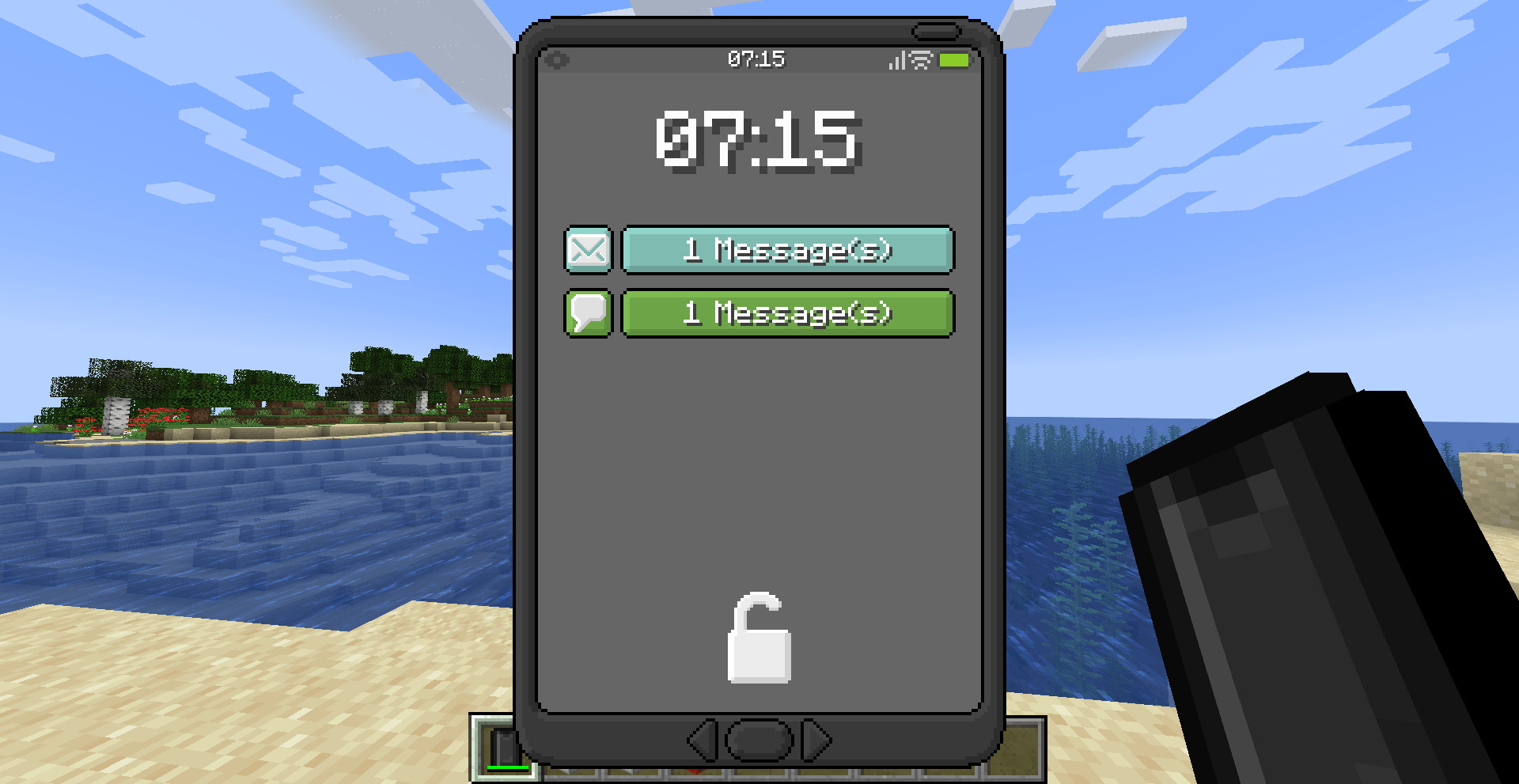
- 💬 Messaging — Chat with other players directly through the phone
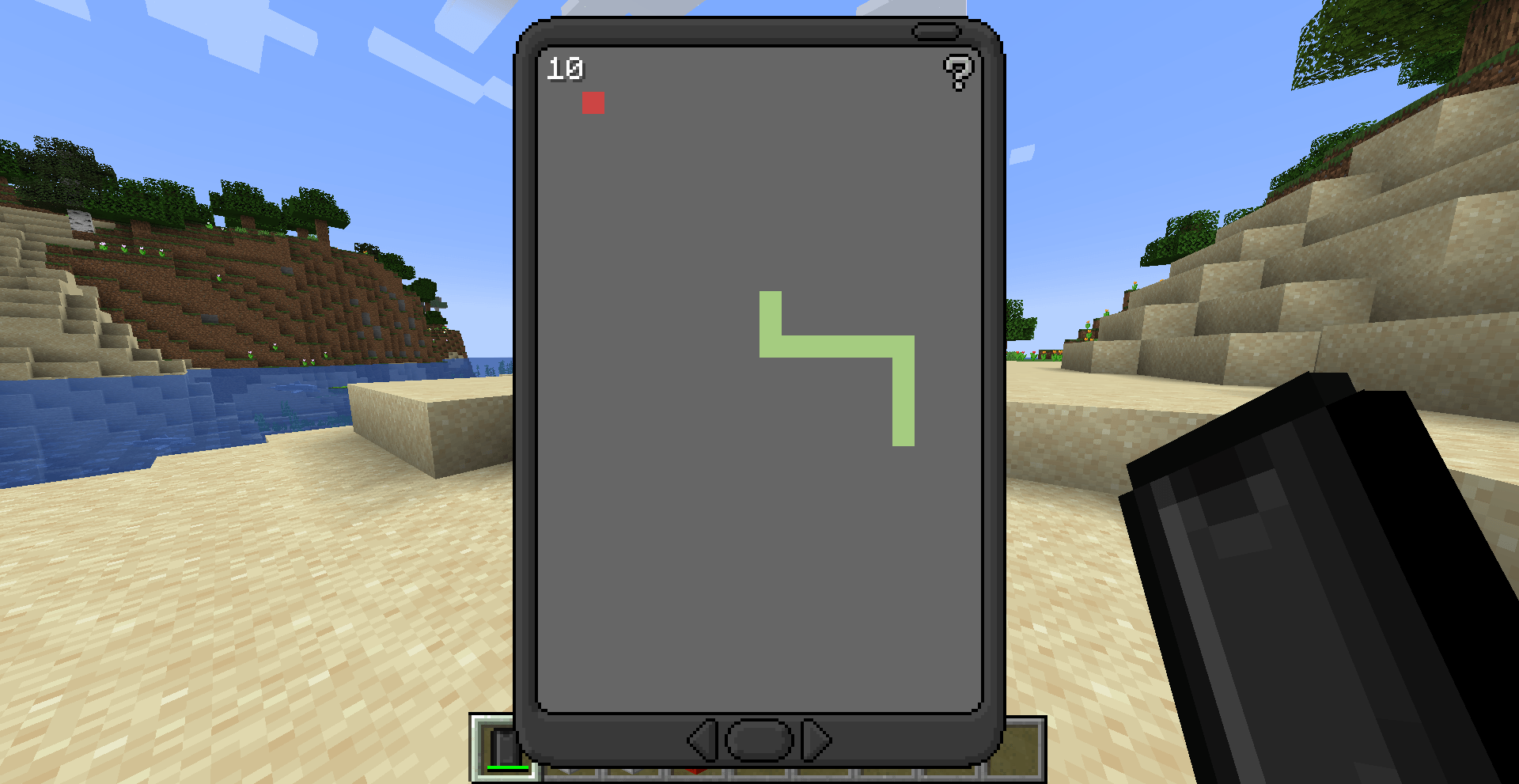
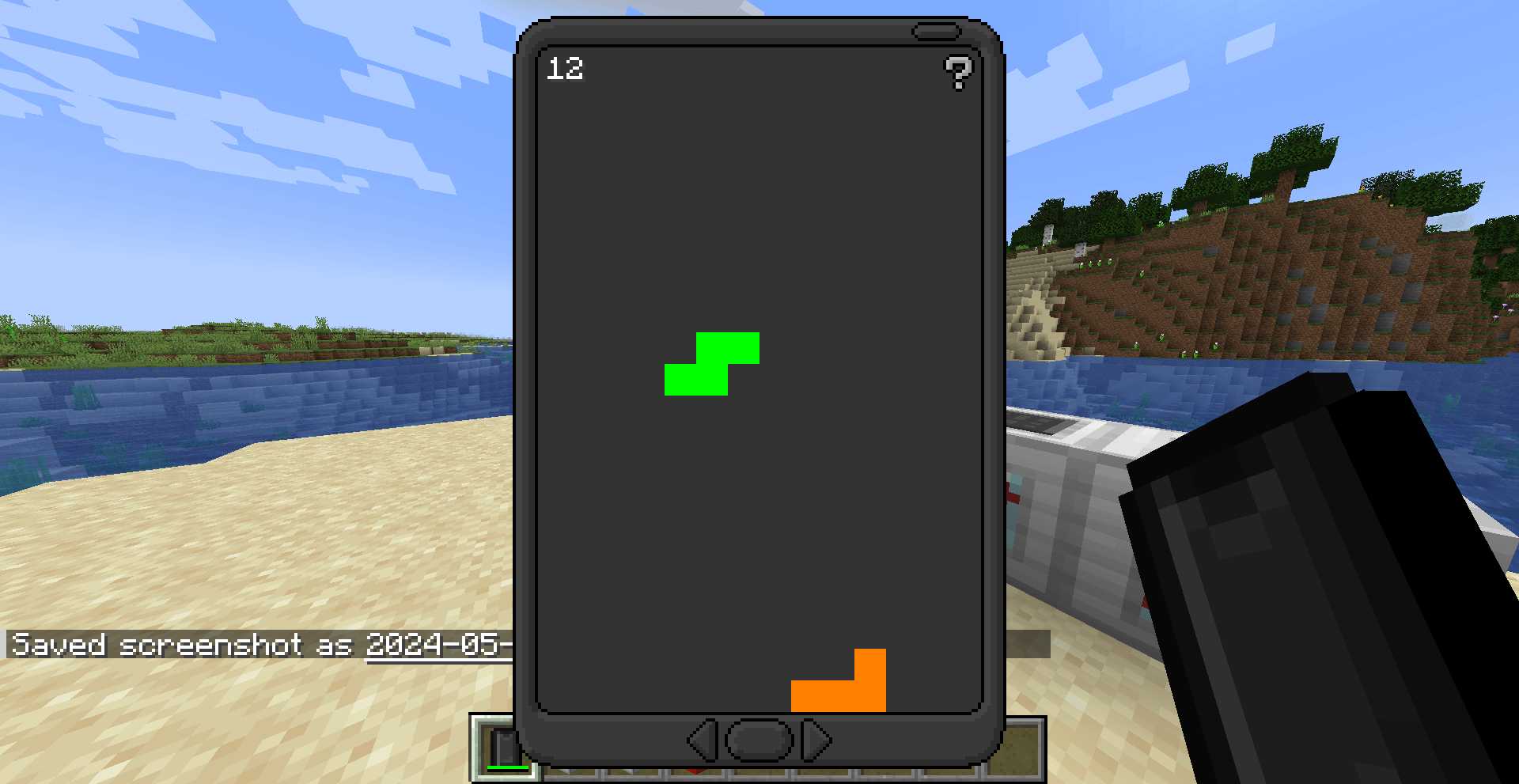
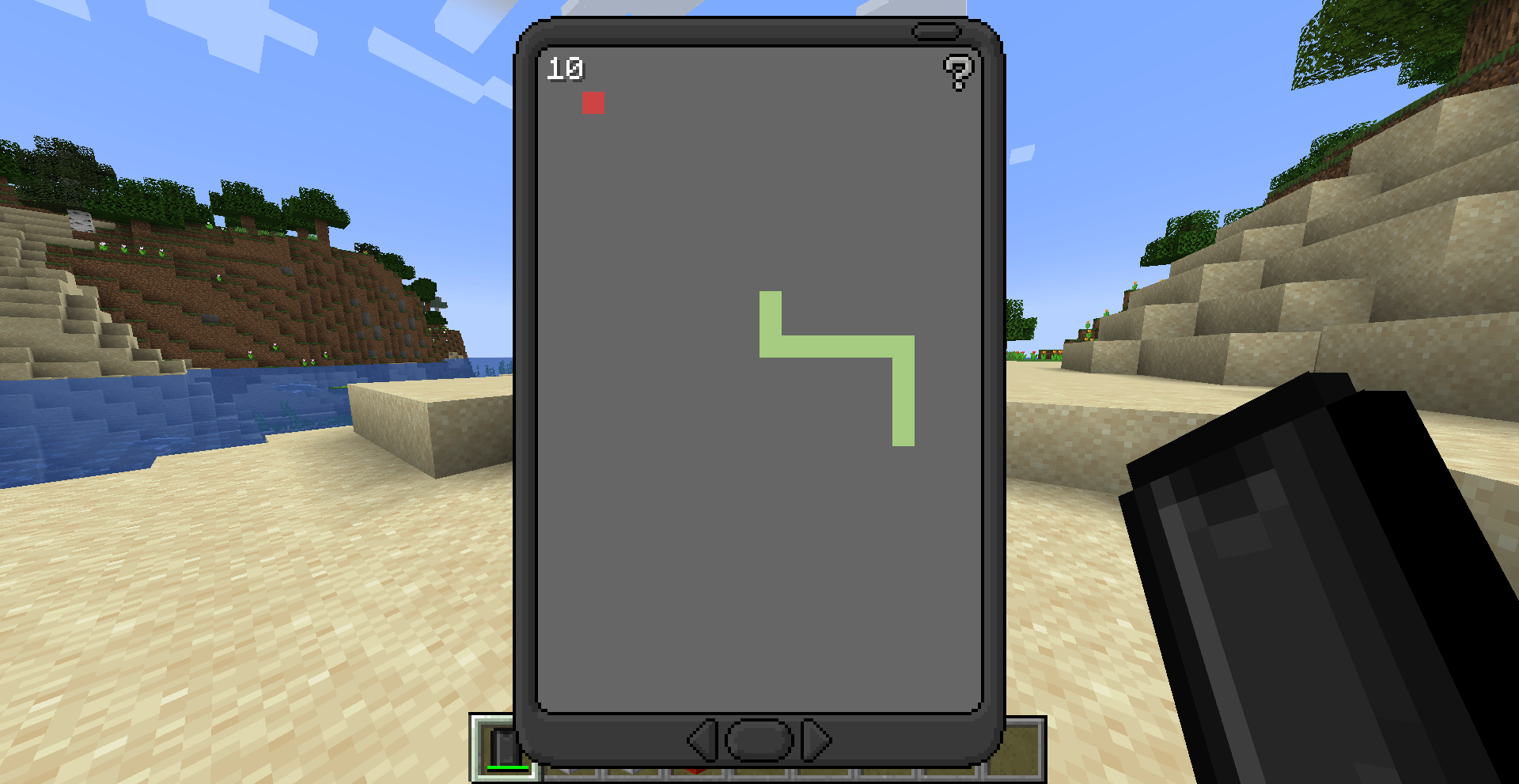
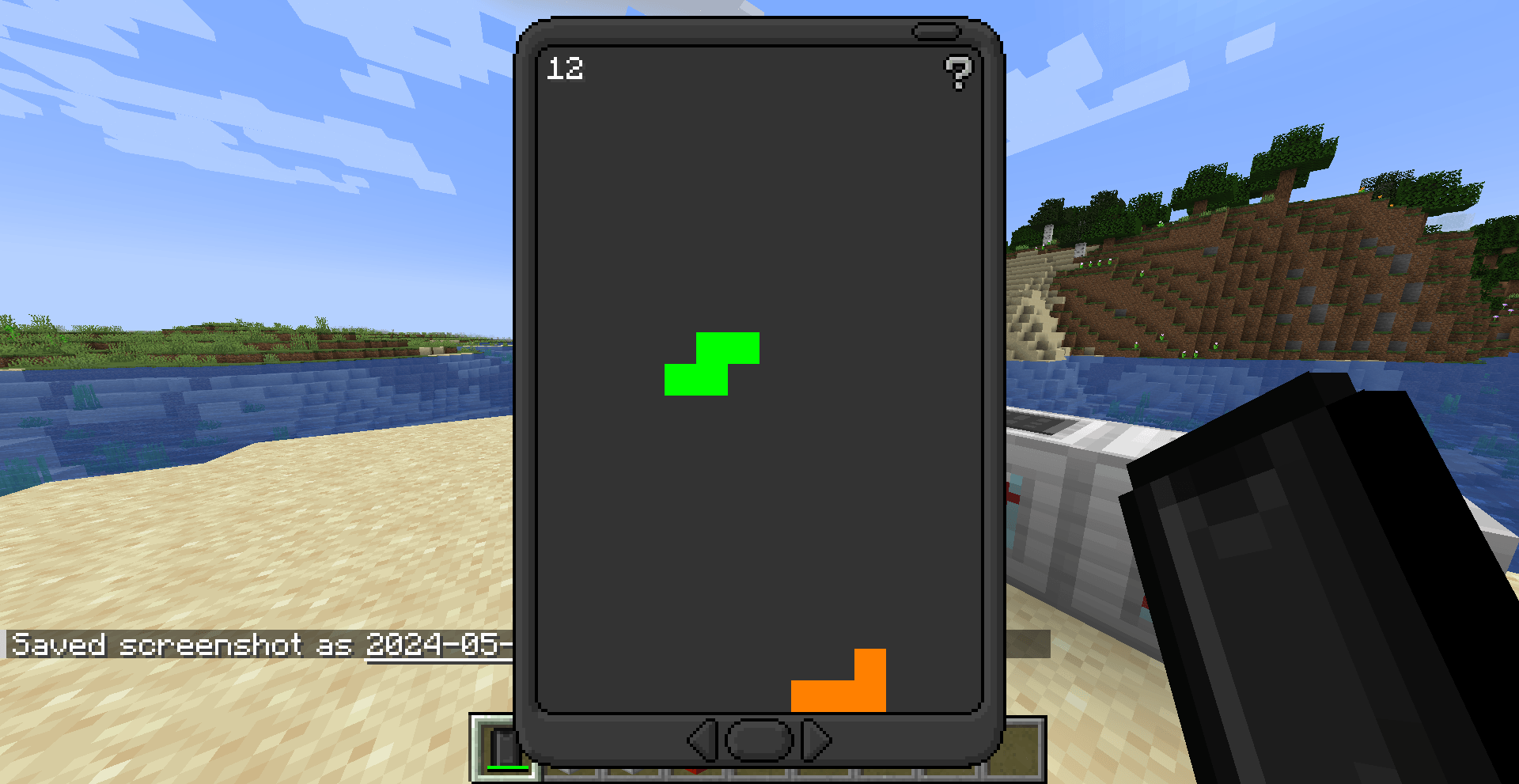
- 🎮 Mini-games — Play games right on your EyePhone
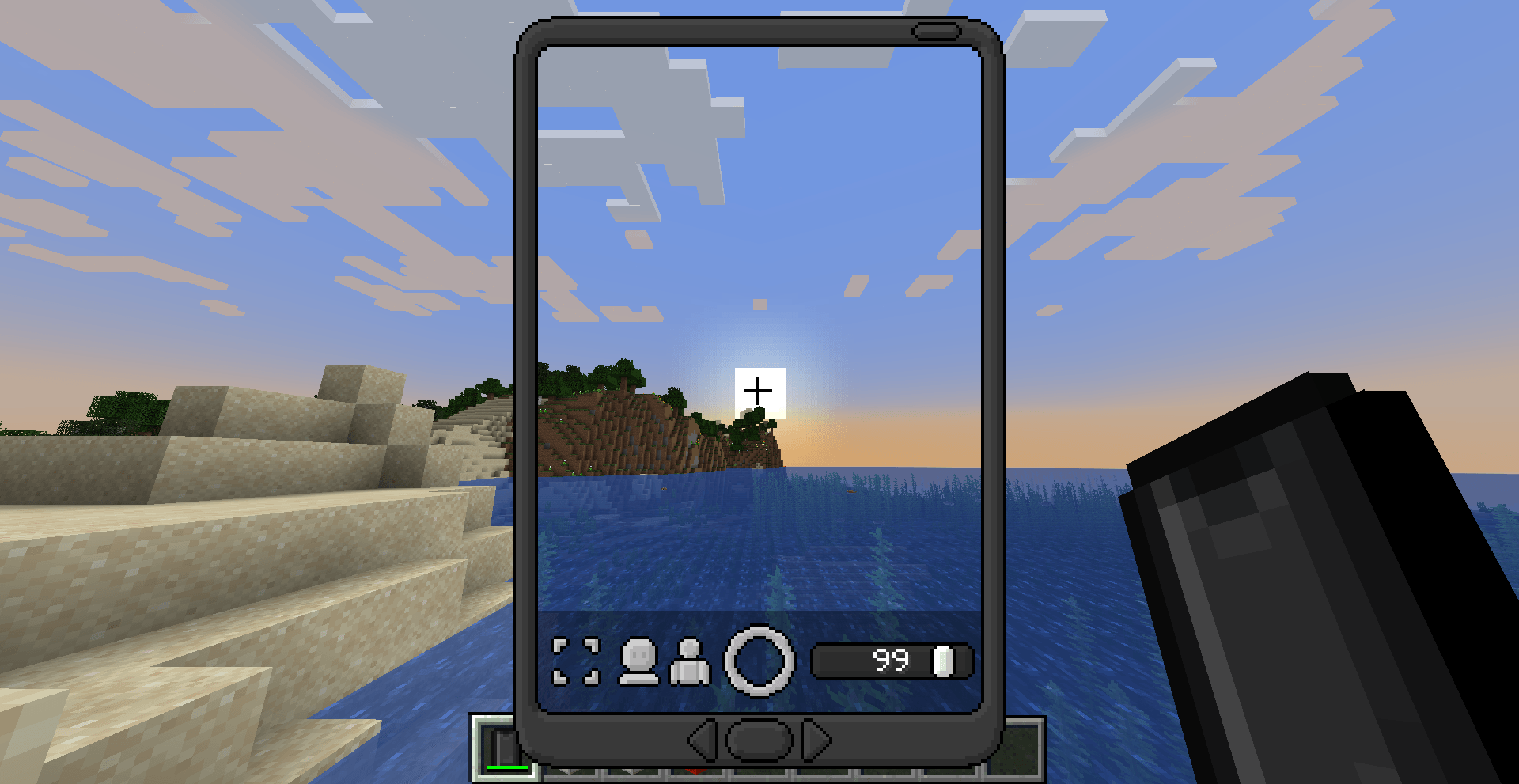
- 📸 Camera & Photo Editing — Take and edit in-game pictures
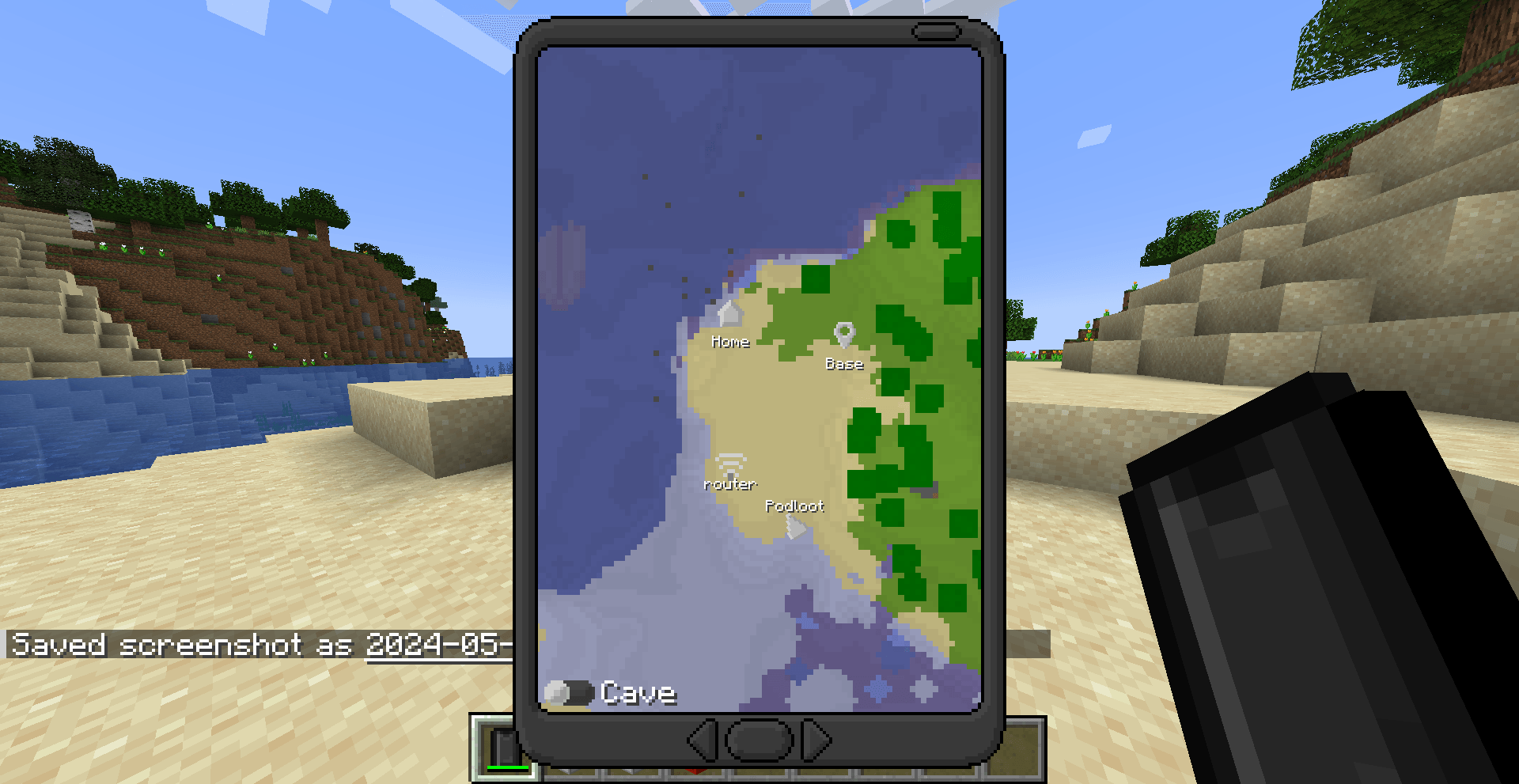
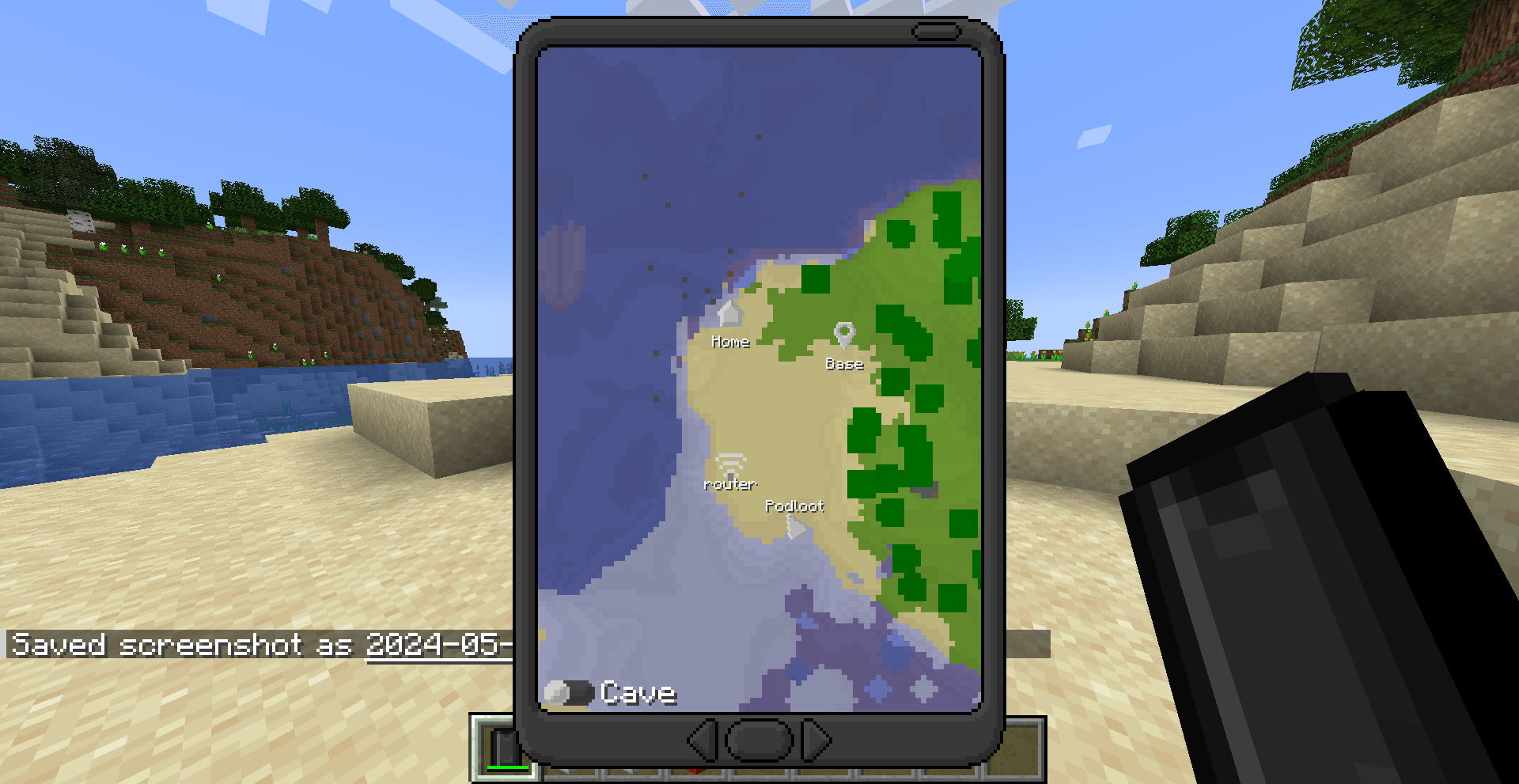
- 🗺️ Maps, Notes, Shops, Spawns — A full suite of utility apps
- ⚙️ Highly configurable — Tailor almost everything to your server or world
1.20+ Note: OP/cheat apps (like the TNT app) have been removed from the default app selection to make server installs safer out of the box. These will return as a separate companion mod in a future update.
⚙️ Configuration
The config file lives in your .minecraft/config/ folder (or your server directory). Most of the mod's behavior can be tweaked there.
App IDs
Many config options require an app ID, which follows this format:
<modid>:<appname>
The mod ID is eyemod, and the app name is usually the app's display name with spaces replaced by underscores. For example, the Maps app ID is eyemod:maps.
💡 Pro tip: Run
/data get entity @p SelectedItemwhile holding an EyePhone to inspect all installed app IDs directly from the NBT data.
🛒 Shops
Shops are disabled by default. To enable them:
- Open your config file
- Set
allowShopAppstotrue
This unlocks the Food Shop and Util Shop apps on the EyePhone. You can customize the items sold in each shop via the foodShop and utilShop lists, and change the accepted currency using the currency property (default: Emeralds).
🏠 Spawn Locations
The Spawn app lets you list predefined teleport destinations — perfect for a spawn hub, nether portal, or end gateway. Add them in the config like this:
["Spawn=1/2/3/minecraft:overworld", "Nether=1/2/3/minecraft:the_nether"]
Players can also set a personal Home location. Teleportation is disabled by default — enable it with:
allowHome— lets players teleport to their homeallowSpawns— lets players teleport to predefined spawn points
🔒 App Access Control
Control which apps are available and to whom using the access config list:
| Value | Behavior |
|---|---|
0 |
Enabled for all players (default) |
1 |
Enabled for OPs only |
2 |
Completely disabled |
Example:
["eyemod:maps=1", "eyemod:notes=2"]
To disable all cheat-tagged apps at once, set disableCheatApps to true.
💰 App Pricing
App prices work the same way as access control — just use the price instead of an access level:
["eyemod:maps=100", "eyemod:notes=0"]
💾 Storage
EyePhone data is stored as NBT, so there's a per-phone character cap to keep things performant. If the cap is hit, data is automatically cleared.
- Adjust the cap with the
maxStorageproperty - For large servers, consider lowering this value
- Players can manually clear app data from the Settings app
Storage is calculated at ~2 bytes per character.
🖥️ Server Setup
EyeMod is fully server-compatible. Here's what server owners and operators should know:
🚫 Banning Players
Since the EyePhone allows free player-to-player communication, abuse can happen. Operators can ban a player from using the EyePhone directly through the Settings app by entering their username. Banned players lose access to all communication features.
📂 Data Storage
Player data is stored per world and includes:
- 💳 Account info (money, purchased apps)
- 💬 Messages (up to 64 per player, per app)
- 🚫 Ban list
- 📋 Board and chat messages
⚠️ Warning: Deleting the world data file removes all of the above permanently.
Screenshots
Gallery
-
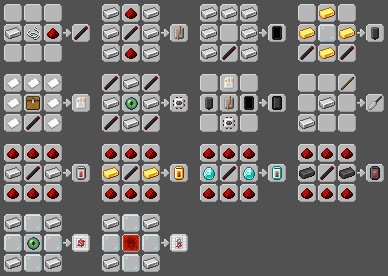
 recipes.png recipes.png
 -
 2024-05-19_10.26.51.png 2024-05-19_10.26.51.png
 -
 2024-05-19_10.22.01.png 2024-05-19_10.22.01.png
 -
 2024-05-19_10.28.07.png 2024-05-19_10.28.07.png
 -
 2024-05-19_10.26.09.png 2024-05-19_10.26.09.png
 -
 2024-05-19_10.37.17.png 2024-05-19_10.37.17.png
 -
 2024-05-19_10.25.11.png 2024-05-19_10.25.11.png
 -
 2024-05-19_10.21.05.png 2024-05-19_10.21.05.png
 -
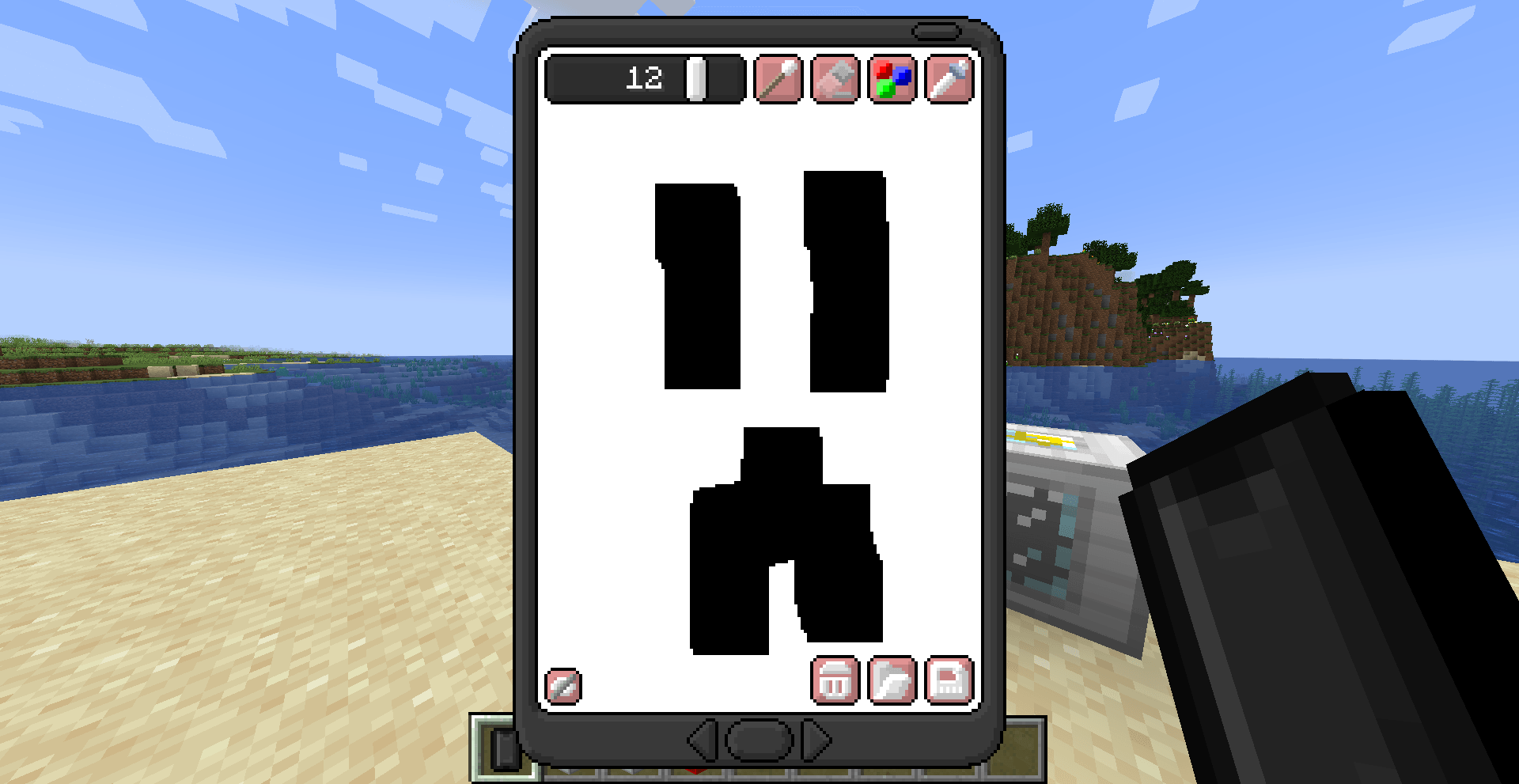 2024-05-19_10.13.05.png 2024-05-19_10.13.05.png
 -
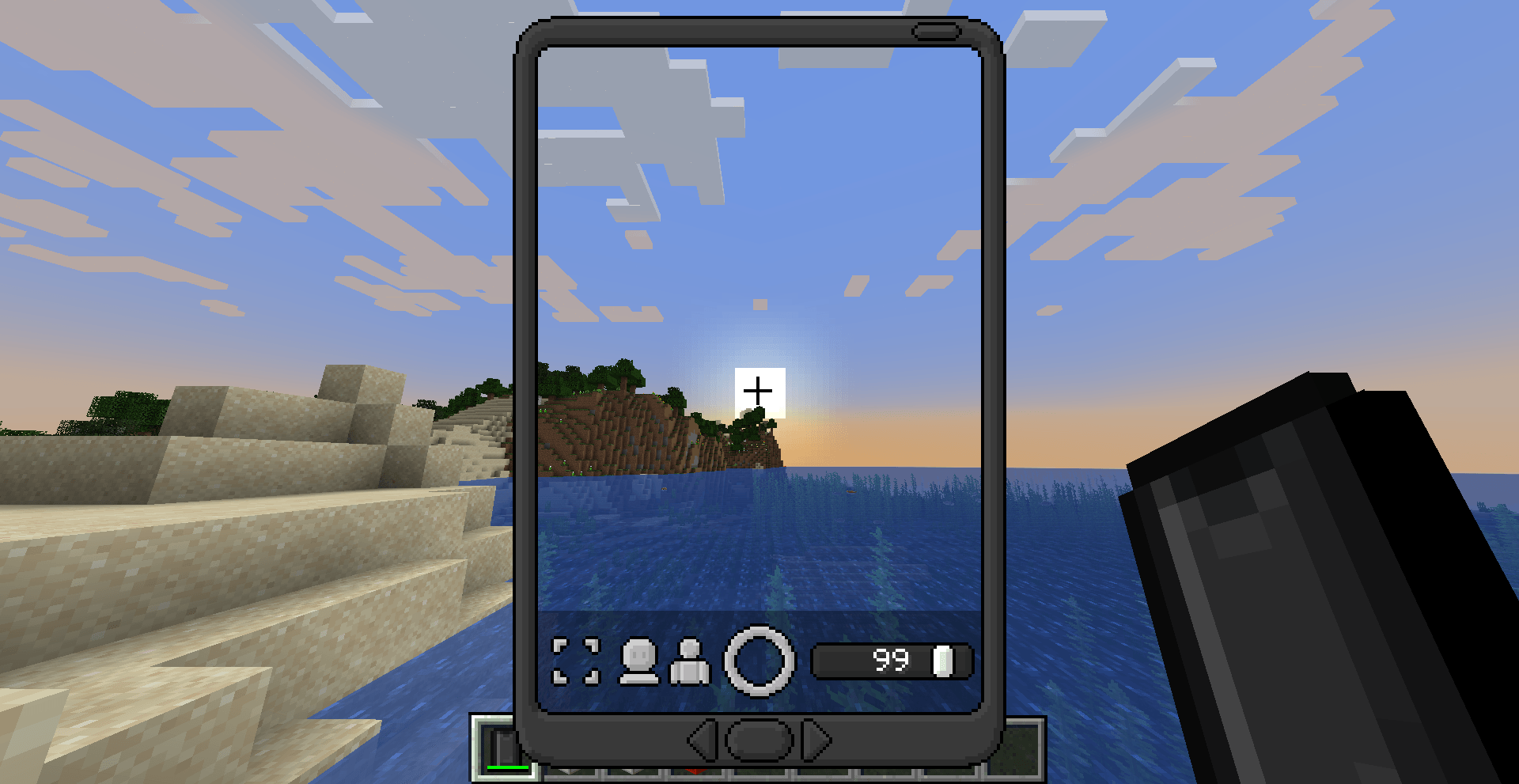 2024-05-19_10.22.33.png 2024-05-19_10.22.33.png
 -
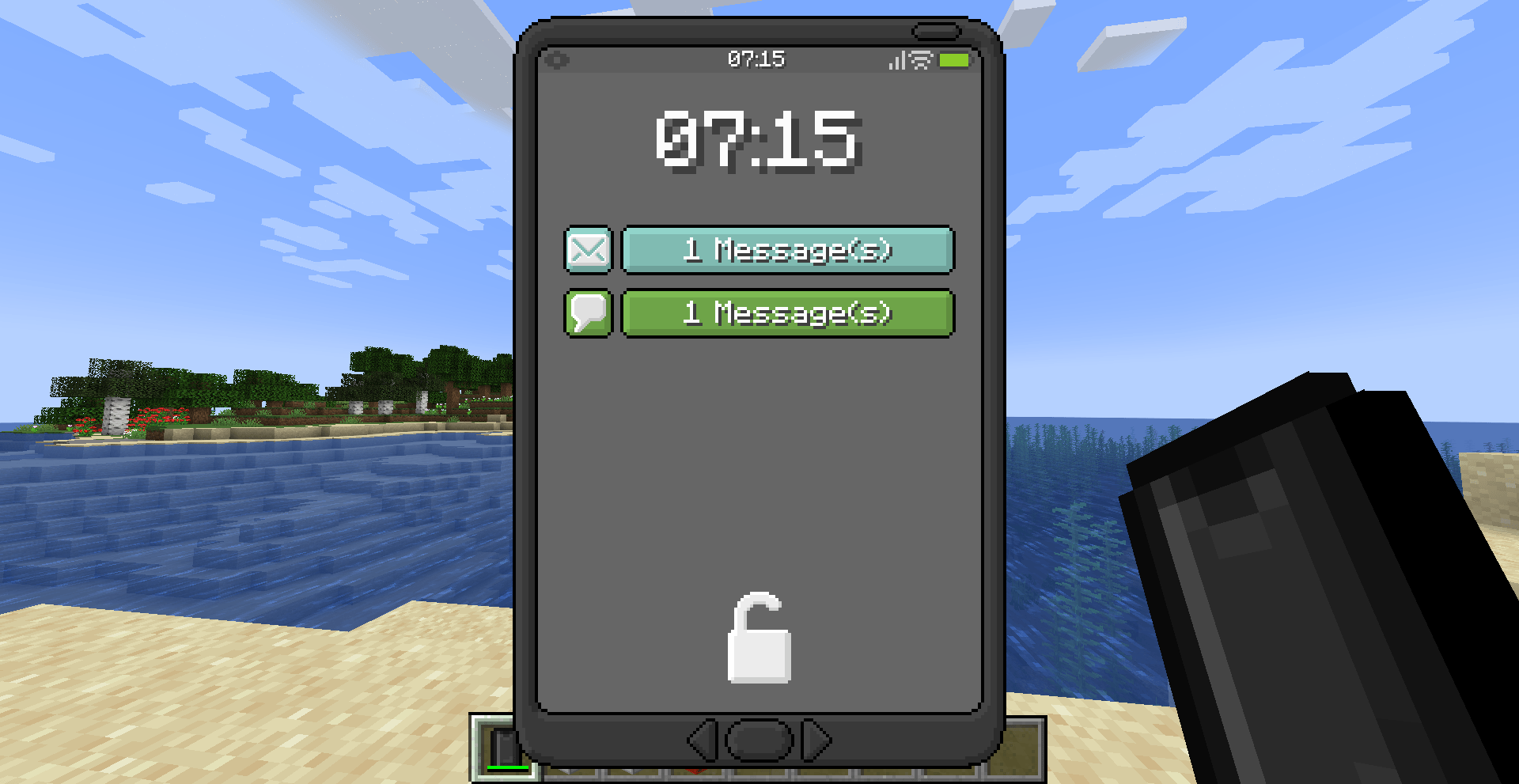 2024-05-19_10.23.54.png 2024-05-19_10.23.54.png
 -
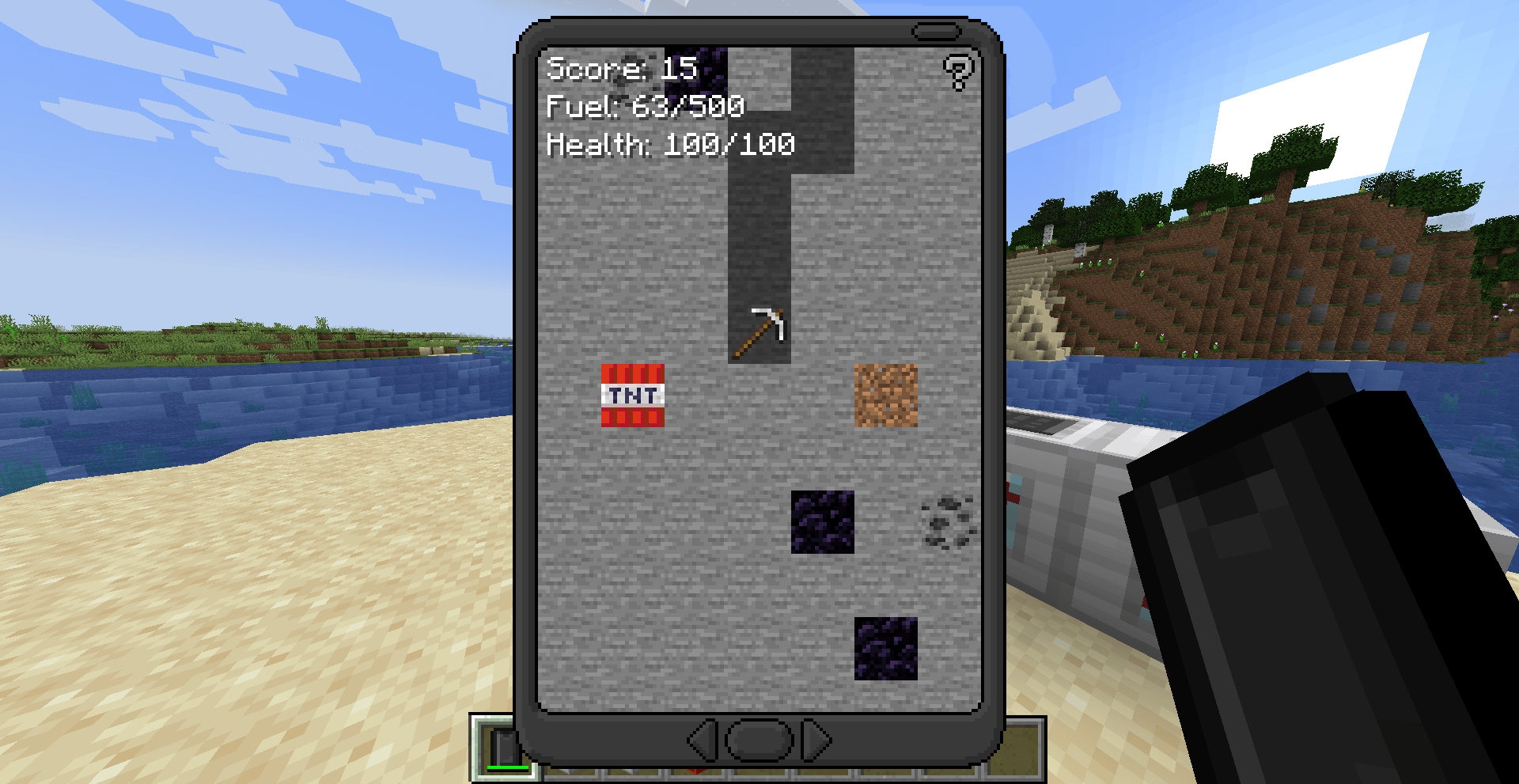 2024-05-19_10.22.16.png 2024-05-19_10.22.16.png
 -
 2024-05-19_10.22.53.png 2024-05-19_10.22.53.png
Versions
Files
Relations
Project Relations
More like this
Similar Mods
Suggestions use data such as tags, dependencies, dependents, descriptions, titles, and more to rank how much they overlap with this mod.
On ModDex
Community snapshot
By the numbers
Statistics
Want to reach Minecraft players?
We're looking for a server hosting partner to feature here and other parts of the site. Interested? Send us a message!
Get in touchGet it on
Available Platforms
On ModDex
Community snapshot
By the numbers
Statistics
Resources