Community listing page, reviews may not be monitored by the author.
Farworlds Fantasy Sky

No reviews yet
A fantasy sky: a glowing nebula, dense starfields, a colossal city world, a shattered moon, a blazing sun-world and over a hundred distant planets, plus a shattered-world sky for the End. Client-side.

Community voices
Reviews
No reviews yet. Be the first to review this project!
Get it on
Available Platforms
About
Project Details
For authors
Embed Badge
If you're the author of this project, you can embed a live badge anywhere that supports HTML or Markdown. It updates automatically whenever ratings change.
Use HTML for any page that supports it, or Markdown for README files and Markdown-based descriptions.
Identifiers
Platform IDs
Resources
External Links
About
Description
Farworlds
Farworlds replaces the vanilla overworld and End skies with hand-built ones. Everything is drawn by shaders, with no textures, so it stays sharp at any resolution, even zoomed in through a spyglass.
What you'll see
At night
- A glowing nebula drifting across a dense starfield, with dark dust lanes and stars of different colours and brightness.
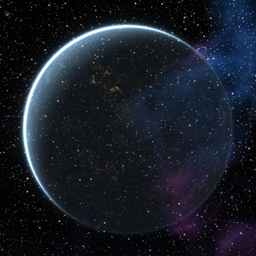
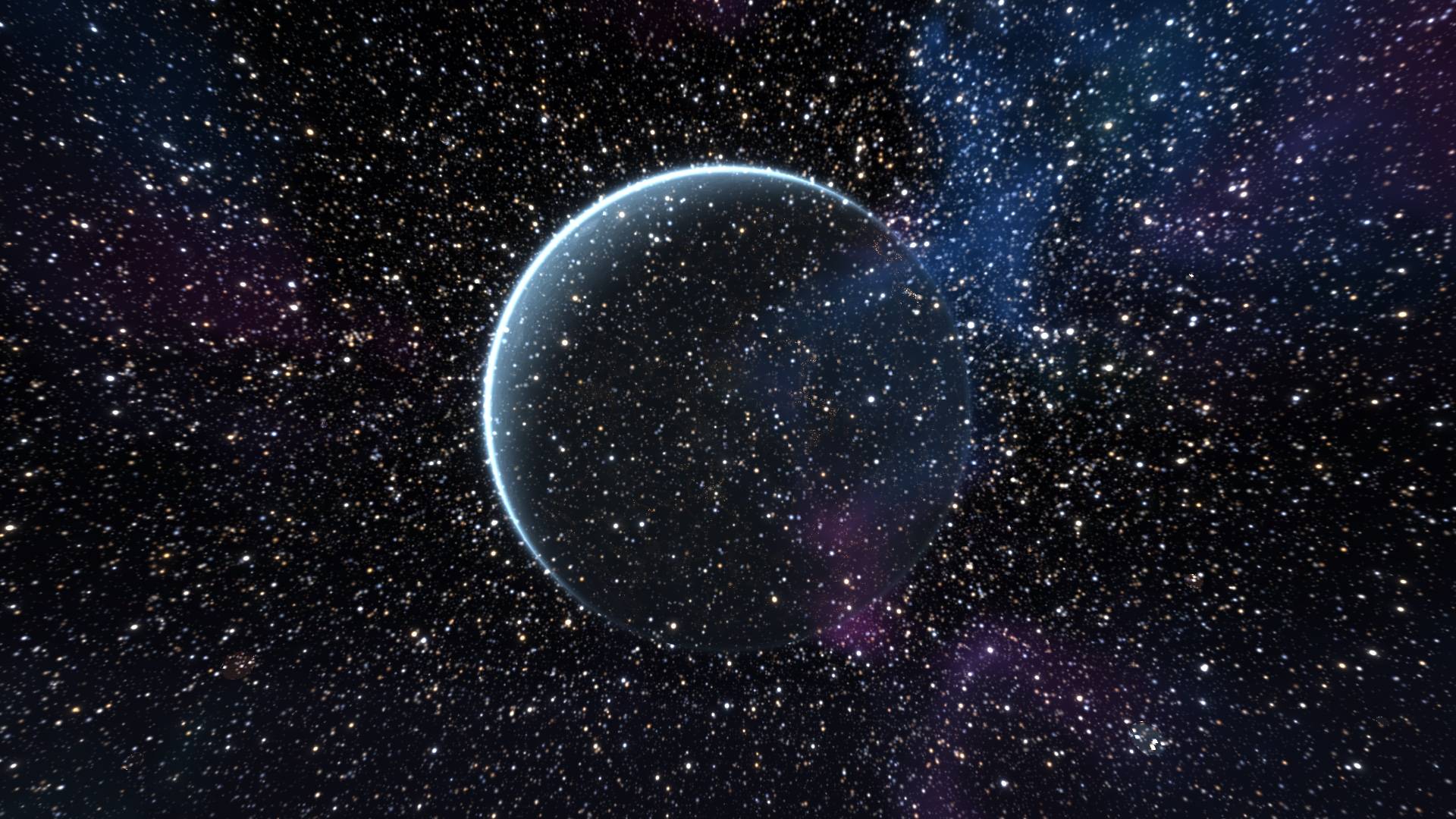
- Erebon, a colossal city world hanging over the horizon. Its night side is covered in thousands of amber city lights, with a thin blue crescent of atmosphere around it.
- Four more named worlds, each in its own style:
- Oruun, a banded violet gas giant
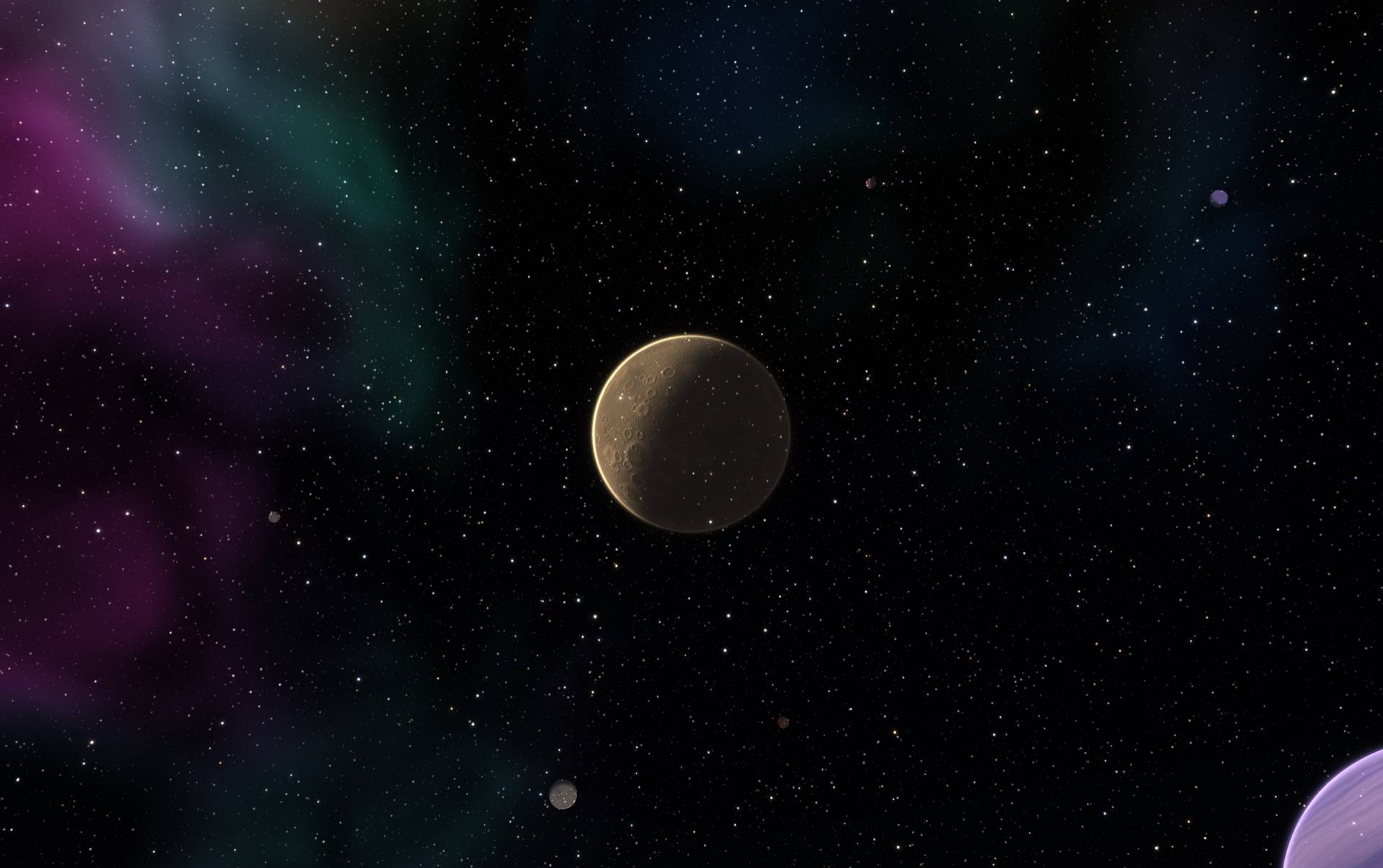
- Caldris, a dusty cratered world
- Vaskar, a ringed giant
- Nyssa, a tiny ice world
- A shattered moon with a bite taken out of it, a glowing fracture face and a trail of drifting debris. It sits opposite the sun, so it's up all night and still low in the east at sunrise.
- 140 small, far-away planets scattered across the sky: cratered worlds, gas giants, ice worlds, lava worlds, ringed worlds and city worlds.
By day
- A blazing sun-world replaces the vanilla sun: a molten surface with boiling granules, flares and eruptions at the edge.
- Erebon stays visible as a pale giant in the blue sky, and the other named worlds show up faintly.
In the End
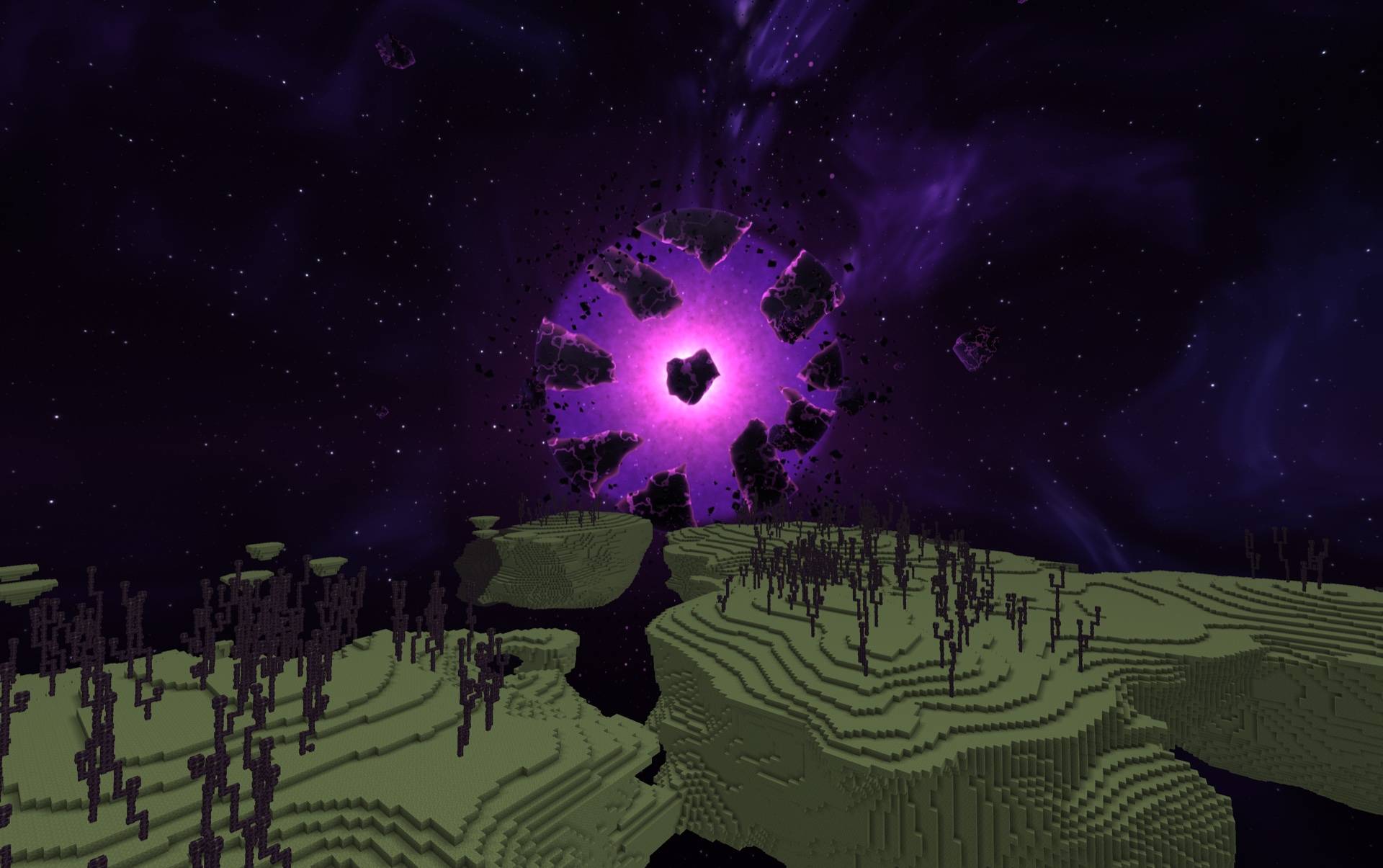
- Devastated space: a deep purple void, shredded magenta and violet nebula cut by dark dust lanes, and sparse, cold stars.
- A shattered world hangs over the islands, its crust plates drifting apart around a glowing violet core.
- A second, smaller world with a chunk missing, plus faceted shards and a belt of wreckage drifting through the void.
Tip: Zoom into planets using a spyglass!
Settings
Open the settings in game: through Mod Menu on Fabric, or with the Config button in the Mods list on Forge and NeoForge. They are saved to config/farworlds.json, which you can also edit by hand.
| Setting | Effect |
|---|---|
enabled |
turns the whole sky on or off |
stars |
the starfield |
nebula |
the nebula |
planets |
the planets |
daytimePlanets |
whether planets show during the day |
shatteredMoon |
the broken moon |
sunPlanet |
the sun-world |
endSky |
the End sky (off = vanilla End sky) |
brightness |
overall brightness, 0–200 (100 is the default) |
quality |
sky detail: Low, Medium, High (default) or Ultra. In the JSON file it's 0–3 (2 is High). Lower it on weak GPUs |
Details
- Client-side only: works on any server, and nothing is needed on the server.
- Loaders: Fabric, Forge and NeoForge.
- Versions:
- Fabric: 1.18.2, 1.19.2, 1.20–1.20.6, 1.21–1.21.11, 26.1–26.1.2, 26.2, 26.3
- NeoForge: 1.21–1.21.11, 26.1–26.1.2, 26.2, 26.3
- Forge: 1.18.2, 1.19.2, 1.20.1
- Requirements: Fabric API is needed only on Fabric 1.18.2–1.21.1. Mod Menu is optional (for the settings screen on Fabric).
- Vanilla stars, sun, moon and End sky are replaced. The Nether is untouched.
- Don't combine it with another mod that replaces the sky, such as Starlit. Both draw over the same sky.
MIT licensed.
Screenshots
Gallery
-
 farworlds-logo-full.jpg farworlds-logo-full.jpg
-
 farworlds-end-star.jpg farworlds-end-star.jpg
-
 farworlds-overworld-caldris.jpg farworlds-overworld-caldris.jpg
-
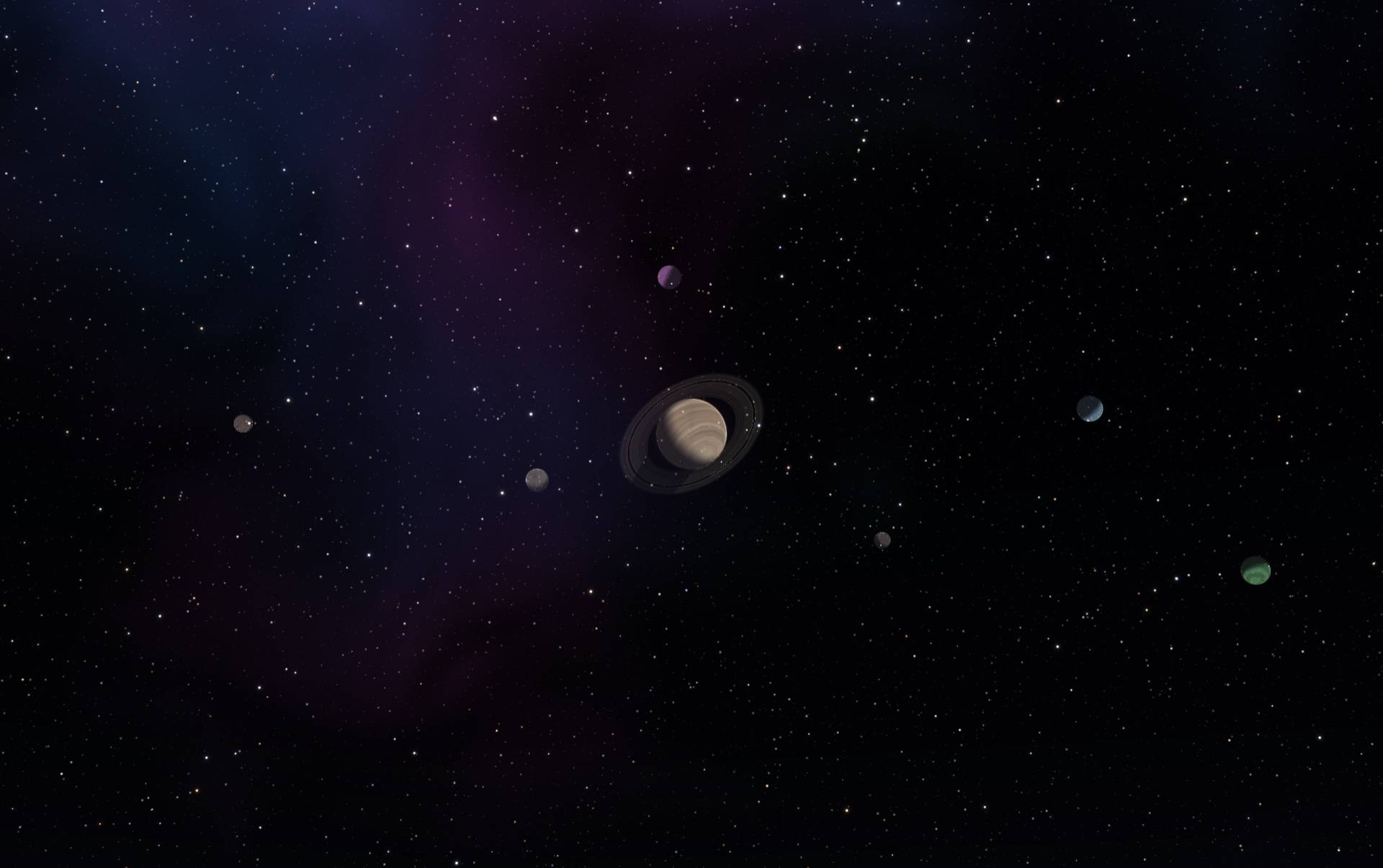 farworlds-overworld-vaskar.jpg farworlds-overworld-vaskar.jpg
-
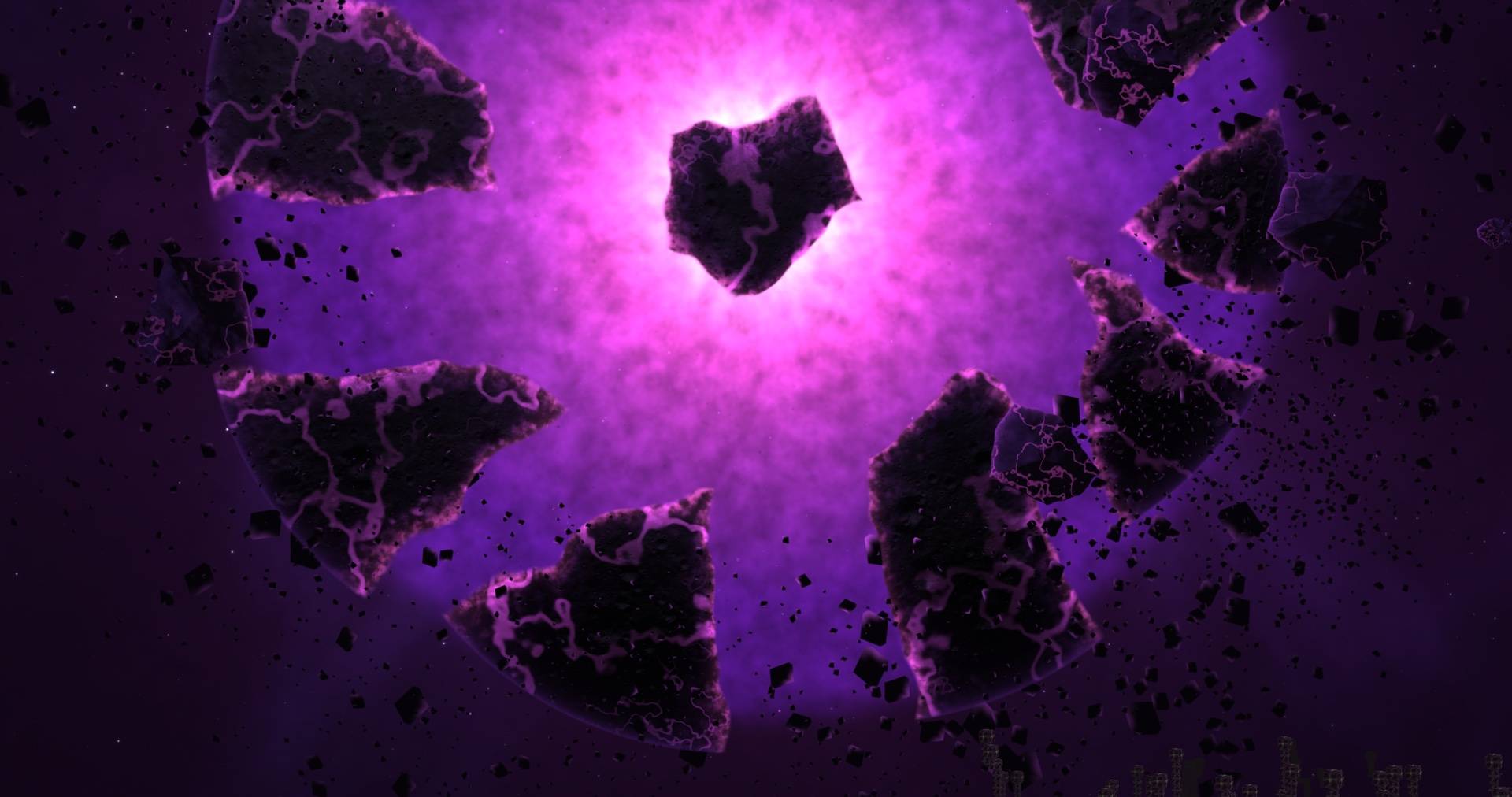 farworlds-6-end-star-close.jpg farworlds-6-end-star-close.jpg
Versions
Files
Relations
Project Relations
More like this
Similar Mods
Suggestions use data such as tags, dependencies, dependents, descriptions, titles, and more to rank how much they overlap with this mod.
On ModDex
Community snapshot
By the numbers
Statistics

Get it on
Available Platforms
On ModDex
Community snapshot
By the numbers
Statistics
Resources