Community listing page, reviews may not be monitored by the author.
figuraupdate

No reviews yet
UPDATE FOR MODS FIGURA

Community voices
Reviews
No reviews yet. Be the first to review this project!
Get it on
Available Platforms
About
Project Details
For authors
Embed Badge
If you're the author of this project, you can embed a live badge anywhere that supports HTML or Markdown. It updates automatically whenever ratings change.
Use HTML for any page that supports it, or Markdown for README files and Markdown-based descriptions.
Identifiers
Platform IDs
Resources
External Links
About
Description
Figura

A Minecraft Java client mod that allows you to extensively customize your player model and have other players see your Avatar without requiring any server mods!
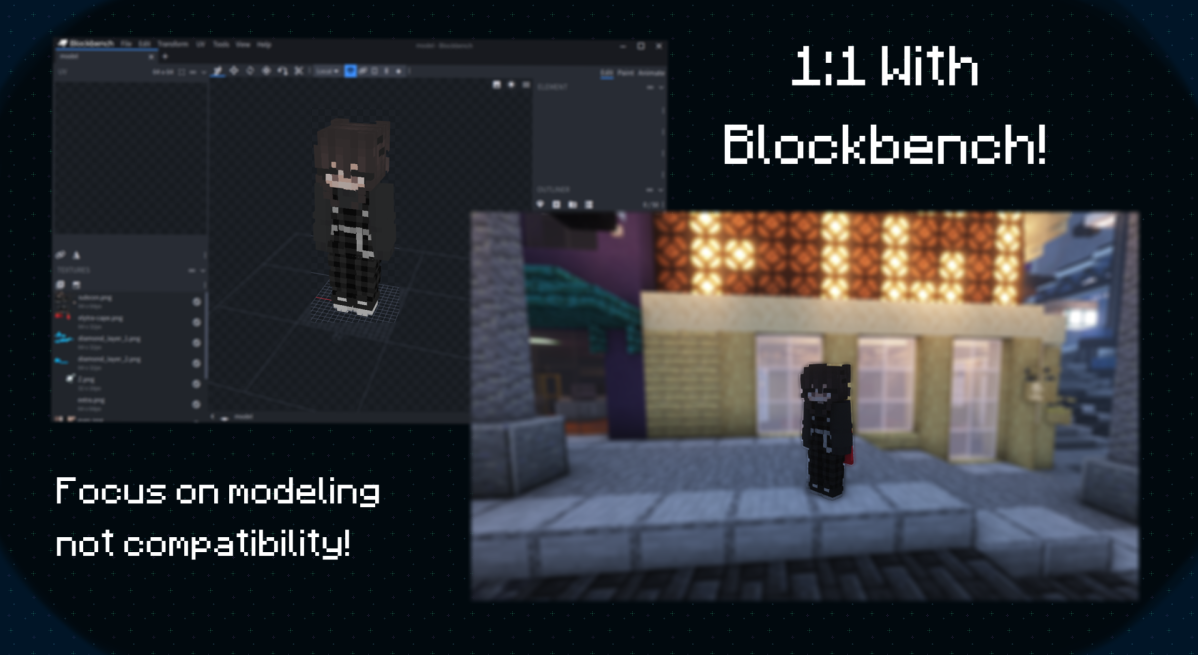
Utilizing the full potential of Blockbench.
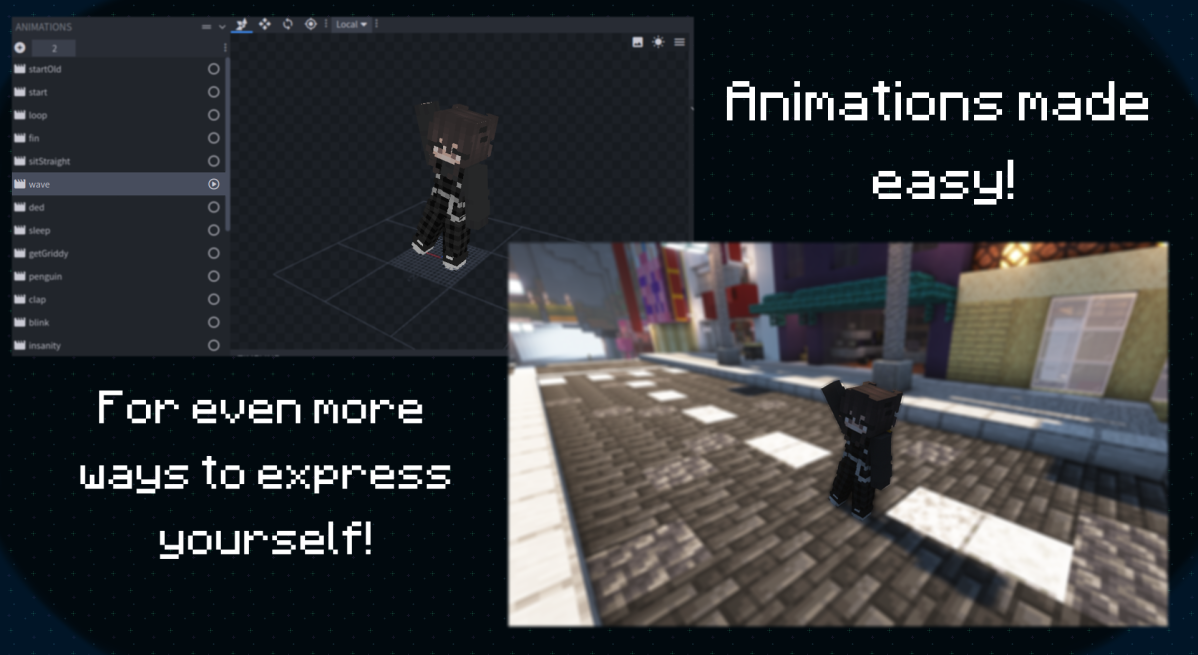
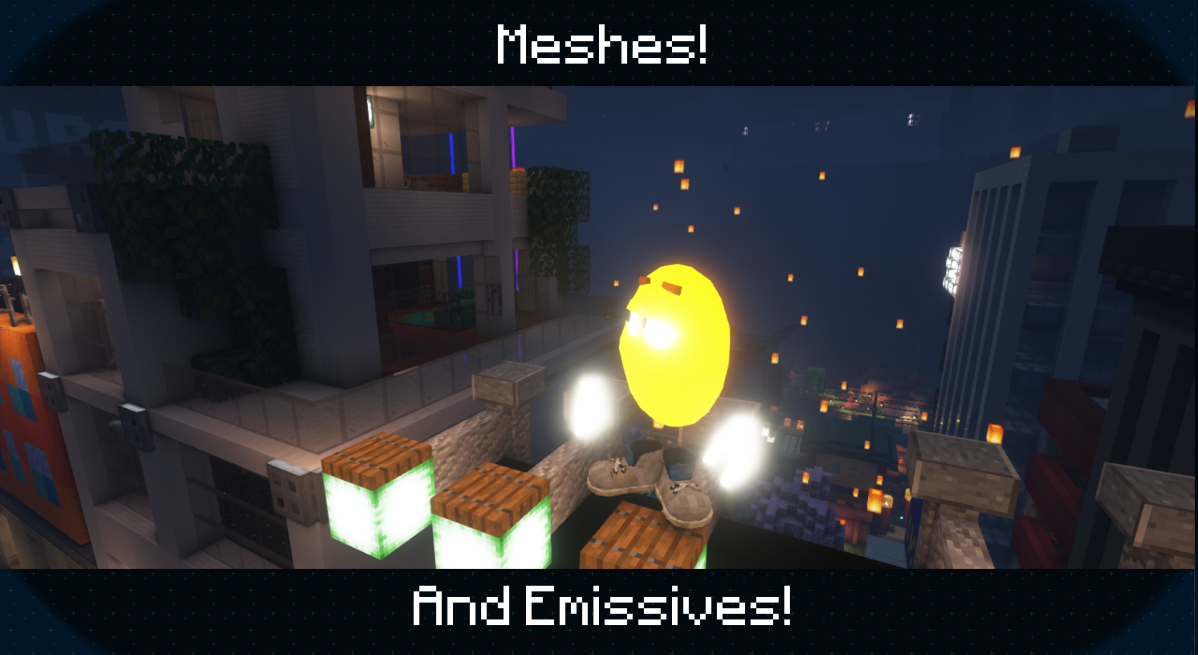
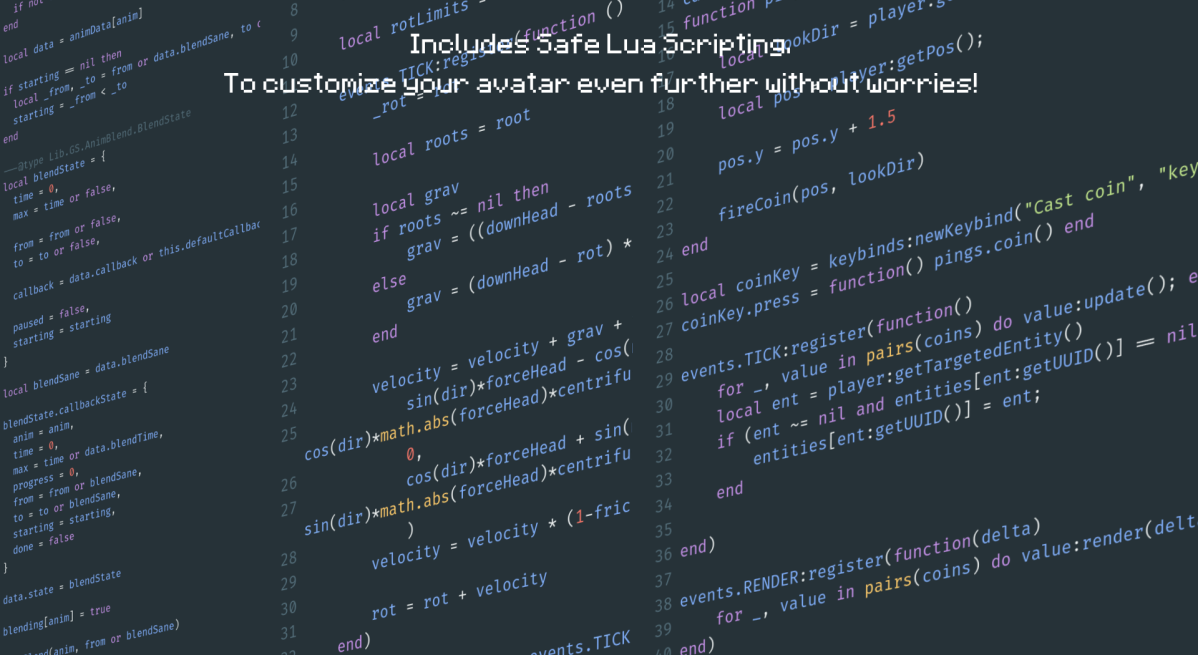
Not only can you customize your model but Figura also has an optional Lua API to make your own scripts!
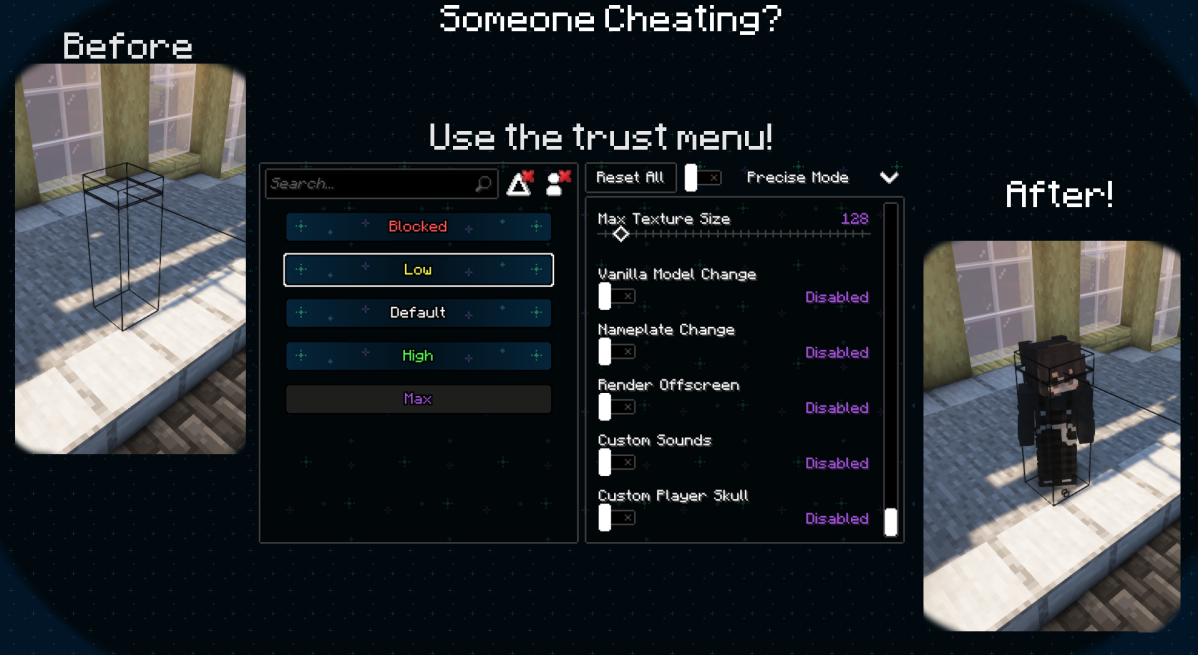
What if someone is invisible, or very small? Take advantage of Figura's robust permission system!
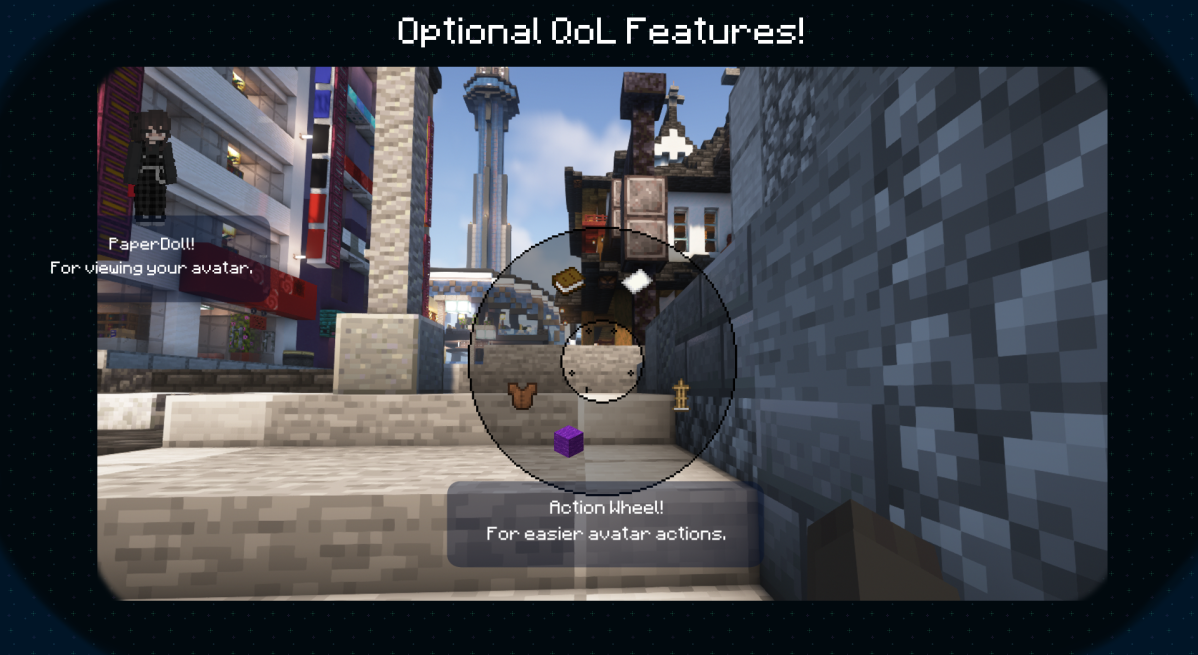
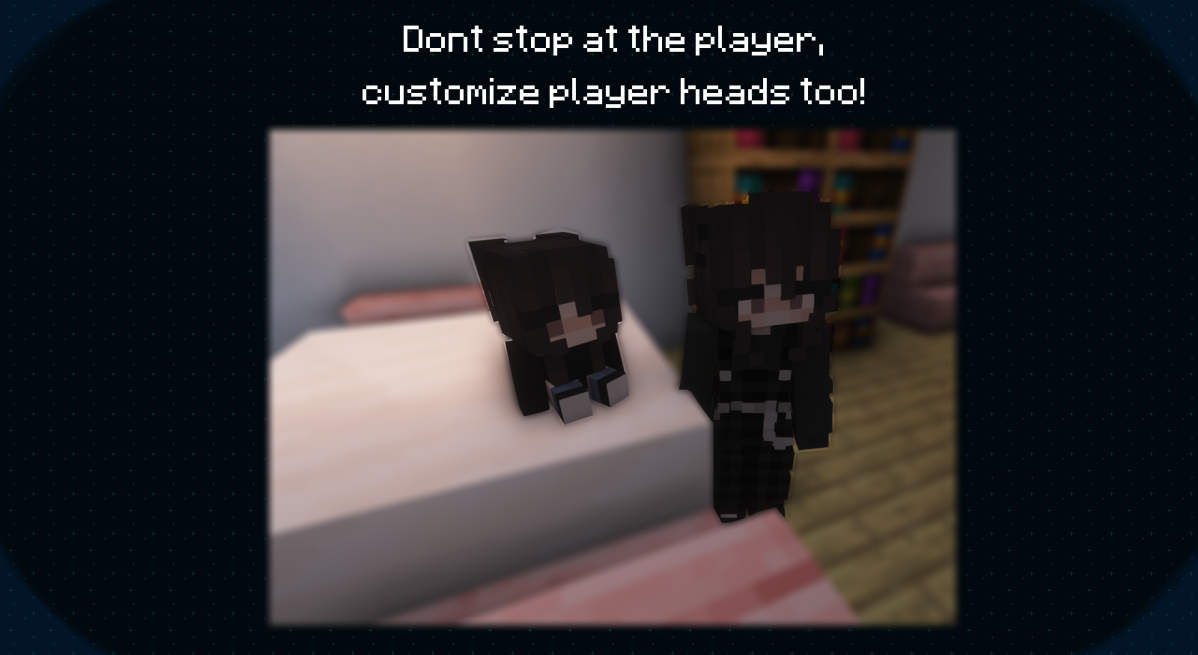
We also have some extras, like:
Meet us on the FiguraMC Discord Server for more info and help!\
Help translate Figura to your native language on Weblate!
• How can I add an emissive texture?
Name the texture the same as the non-emissive counterpart, then add
_eto the endAnd don't forget to set the places you don't want to glow to transparent black (#00000000), to also ensure compatibility with shader mods
• My emissives doesn't glow, nor have bloom with Iris/OptiFine shaders?
Since some shaders do not support emissives, a compatibility setting (default on) will change the render type of emissive textures to render them at it were fullbright, however that can lead to some unintended results
You can force your avatar to use the correct emissive render type by using the render type
EYESon your model
• How can I use Figura with OptiFine?
Figura will work with OptiFine but due to its closed source nature issues might arise, therefore we still recommend you try using Sodium+Iris (Fabric) or Rubidium+Oculus (Forge) instead
Check out the full list of alternatives
• Where can I find Avatars to download?
For now, you can find Avatars in the showcase channel in the official Discord server (A Web Based and In-Game browser is in the works!)
• My Minecraft is cracked (non-premium/non-original) or I'm trying to join a cracked offline mode server, why can't I use Figura?
Figura uses your account's UUID and your Mojang authentication as a way to prove you own that account, avoiding unwanted / malicious uploads
Non-premium Minecraft accounts don't authenticate with Mojang, and Offline mode servers don't report working UUID's, as such can neither upload nor download Figura avatars
Community Resources
-
Want to learn / get into Lua scripting? check out this Lua quickstart made by Manuel.
-
If you are tired of having to be in-game to look in the wiki, applejuice hosts the wiki as a website.
-
Are you new to Figura and are looking for a video tutorial about how everything works? You should probably watch Chloe's Figura tutorial series on YouTube.
-
Do you use VSCode and wish Figura's documentation autocompleted in the editor? GrandpaScout saves the day with their VSDocs.
-
Katt has created a Blockbench extention which adds a special model format for Figura! Read more here. - Note. This plugin is available on the Blockbench plugin browser and should be installed from there.
-
By searching "Figura" in the VSCode extention browser you can install Manuel's Figura extension! It adds multiple useful features including autocomplete for your model paths.
Screenshots
Gallery
Versions
Files
Relations
Project Relations
More like this
Similar Mods
Suggestions use data such as tags, dependencies, dependents, descriptions, titles, and more to rank how much they overlap with this mod.
On ModDex
Community snapshot
By the numbers
Statistics

Get it on
Available Platforms
On ModDex
Community snapshot
By the numbers
Statistics
Resources