
Community listing page, reviews here may not be monitored by the author.
Flat Bedrock+

No reviews yet
Data pack that converts uneven vanilla bedrock into a perfectly flat surface.
Community voices
Reviews
No reviews yet. Be the first to review this project!
Get it on
Available Platforms
About
Project Details
For authors
Embed Badge
If you're the author of this project, you can embed a live badge anywhere that supports HTML or Markdown. It updates automatically whenever ratings change.
Use HTML for any page that supports it, or Markdown for README files and Markdown-based descriptions.
Identifiers
Platform IDs
Resources
External Links
About
Description

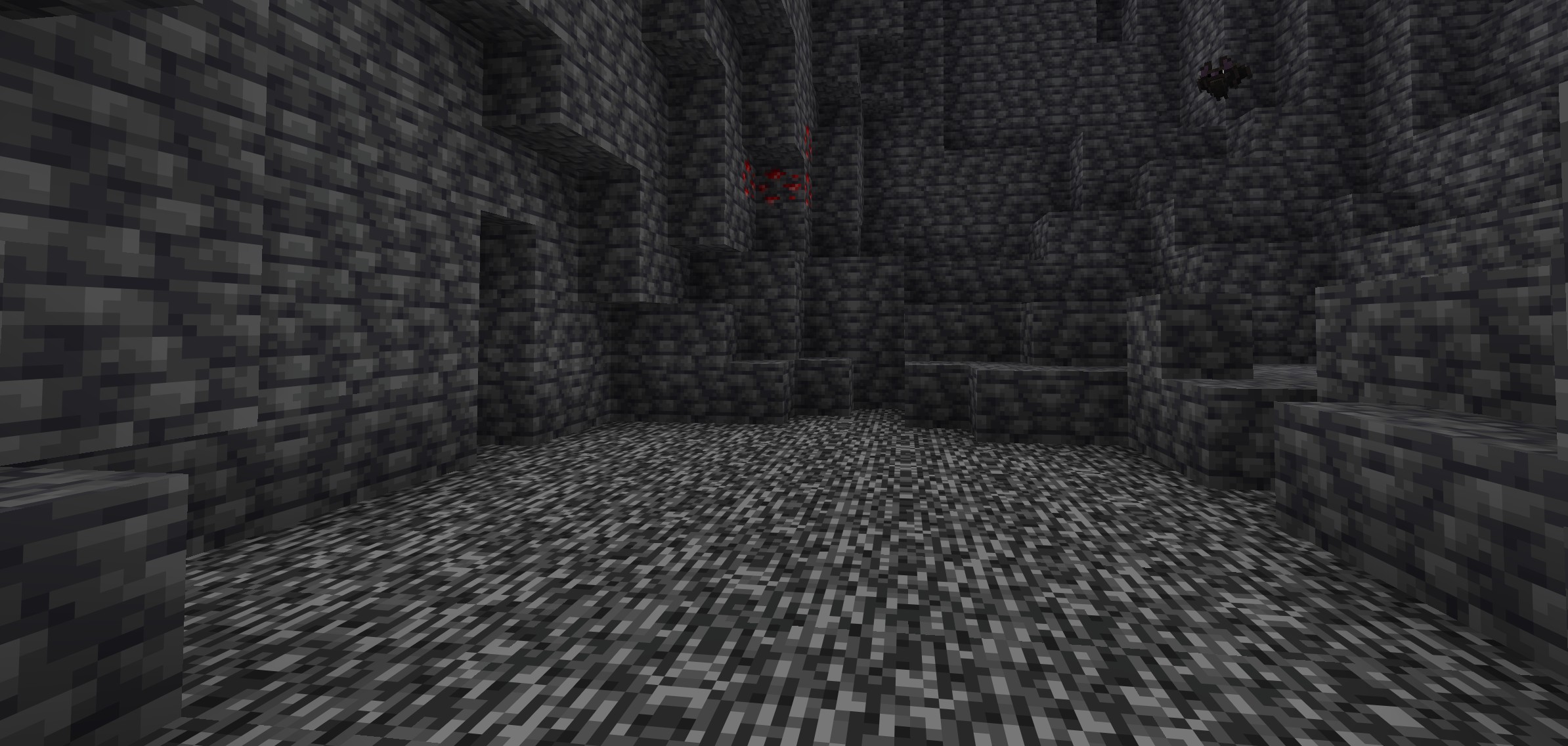
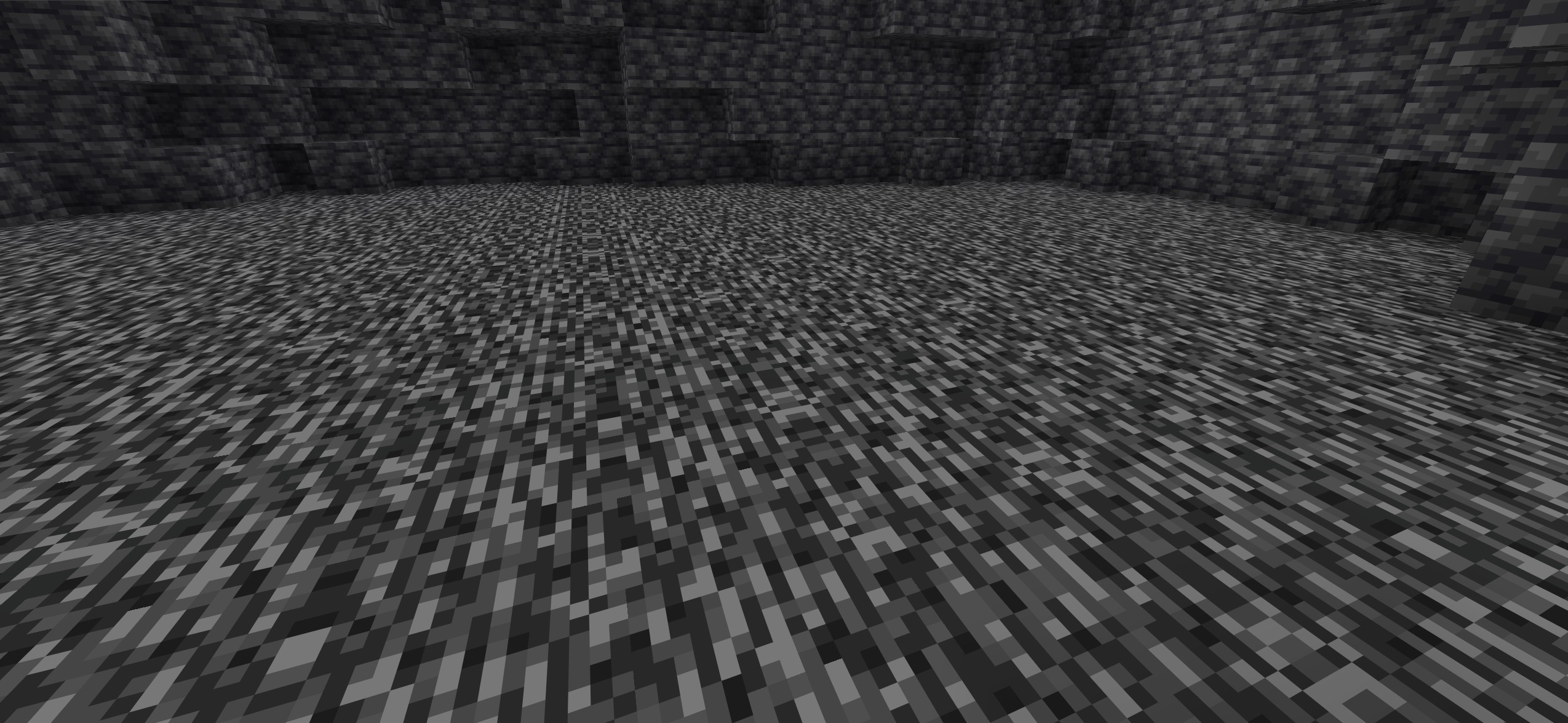
Flat Bedrock is a data pack that converts uneven vanilla bedrock into a perfectly flat surface at Y = -64, without a significant impact on performance.
The data pack comes in two separate versions, depending on when you want to use it:
- One version generates flat bedrock during world creation
- The other version works on existing worlds by scanning the area around the player and flattening bedrock
Additionally, the existing-world version includes an admin option that allows generating flat bedrock over a selected area.
Flat Bedrock Worldgen
- Used at world generation
- Automatically creates a world with flat bedrock
- No additional processing required
Flat Bedrock (Existing Worlds)
- Designed for already generated worlds
- Scans the area around the player
- Bedrock blocks not at Y = -64 are: removed replaced with another block
- Result: a clean, fully flat bedrock layer
🛠️ Admin Features
- Generate flat bedrock in a 5×5 chunk area
- Generate flat bedrock in a 16×16 chunk area ➡️ Ideal for fast large-scale adjustments
🚀 Performance
- Optimized for low performance impact
- Lightweight for both servers and single player
Key Features
- Flat bedrock at Y = -64
- Support for new and existing worlds
- Built-in admin tools
- Low system usage
- Simple setup (2 separate data packs)
Requirements:
- Minecraft Java Edition 1.21.5-26.1.2
Installation:
Singleplayer
- Open Minecraft
- Create a new world and click on "More", "Data Packs"
- Drag the data pack into the Minecraft window
- Click "Yes" on the confirmation screen
- Move the data pack to the right-hand side of the screen by clicking the triangle on its icon
- Click "Done" and continue creating your world, then click on "Create New World"
Multiplayer
- Download the data pack
- Open your server folder, then open the folder of the world
- Put the data pack into a folder named datapacks
- Restart your server, and you can use your new data pack.
Permissions:
- None
Commands: /trigger flat_bedrock.options
Screenshots
Gallery
-
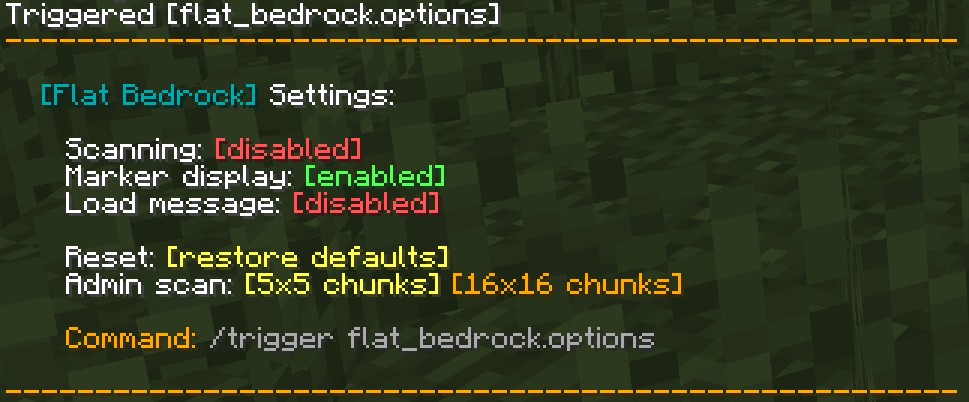 Trigger Command
 -
-
Versions
Files
Relations
Project Relations
More like this
Similar Mods
Suggestions use data such as tags, dependencies, dependents, descriptions, titles, and more to rank how much they overlap with this mod.
On ModDex
Community snapshot
By the numbers
Statistics

Want to reach Minecraft players?
We're looking for a server hosting partner to feature here and other parts of the site. Interested? Send us a message!
Get in touchGet it on
Available Platforms
On ModDex
Community snapshot
By the numbers
Statistics
Resources