Community listing page, reviews may not be monitored by the author.
Floatory

No reviews yet
Your inventory and containers break apart into floating 3D glass panels right in front of the camera.

Community voices
Reviews
No reviews yet. Be the first to review this project!
Get it on
Available Platforms
About
Project Details
For authors
Embed Badge
If you're the author of this project, you can embed a live badge anywhere that supports HTML or Markdown. It updates automatically whenever ratings change.
Use HTML for any page that supports it, or Markdown for README files and Markdown-based descriptions.
Identifiers
Platform IDs
Resources
External Links
About
Description
Features
- Three modes: Floating (panels hover in front of you), Spatial (windows hang in the world next to your character, with an over-the-shoulder camera) and Hybrid.
- Nine themes: Classic, Glass, Frost, Neon, Amethyst, Embers, Sakura, Ocean and Aurora. Each one has its own hotbar. An optional night theme switches on by itself when it gets dark.
- Automatic layout: container, result, inventory, hotbar, armour, recipe book, buttons and labels each get their own card. Modded containers work too.
- Anchored to the block: the chest, barrel or shulker grid floats above the block you opened.
- Real 3D input: clicking, dragging, shift-click and right-click all work directly on the panels.
- Smooth animations: panels fly out on open and back in on close. The hotbar flows from the HUD into the inventory.
- Per-screen rules: pick a mode for each screen group (inventory, creative, chests, crafting, furnaces), or keep the vanilla screen.
- Performance aware: adjustable anti-aliasing. Effects step down on their own when FPS drops below 25.
- Presets and sharing: Default, Minimal, Max effects and Low-end PC. Copy and share your settings as a single line of text.
- Live settings preview with F10 or through Mod Menu.
Keys
| Key | Action |
|---|---|
| F7 | Next mode |
| F8 | Toggle on/off |
| F9 | Next theme |
| F10 | Settings |
by Shinoame
Screenshots
Gallery
-
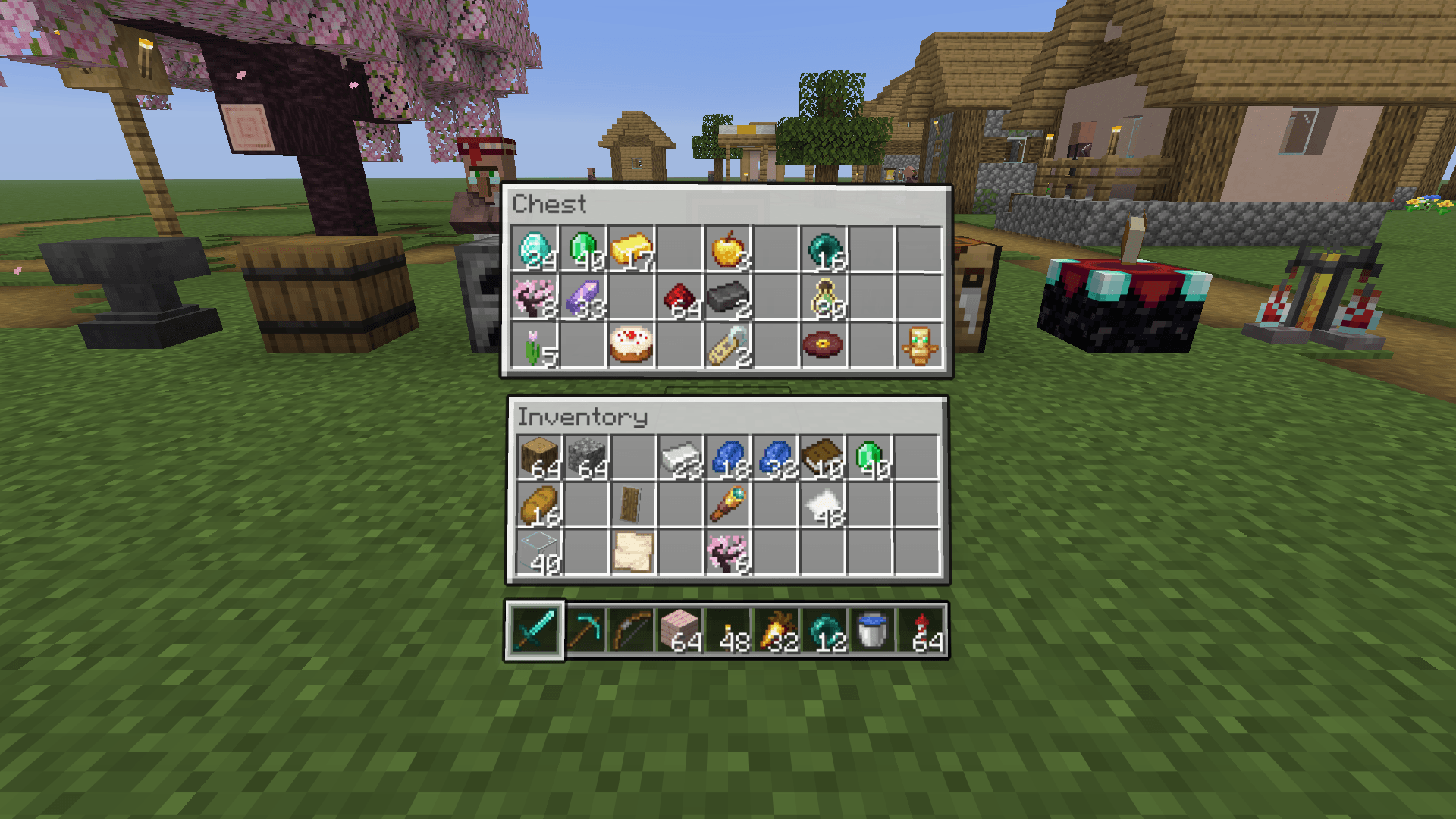 Chest
Chest -
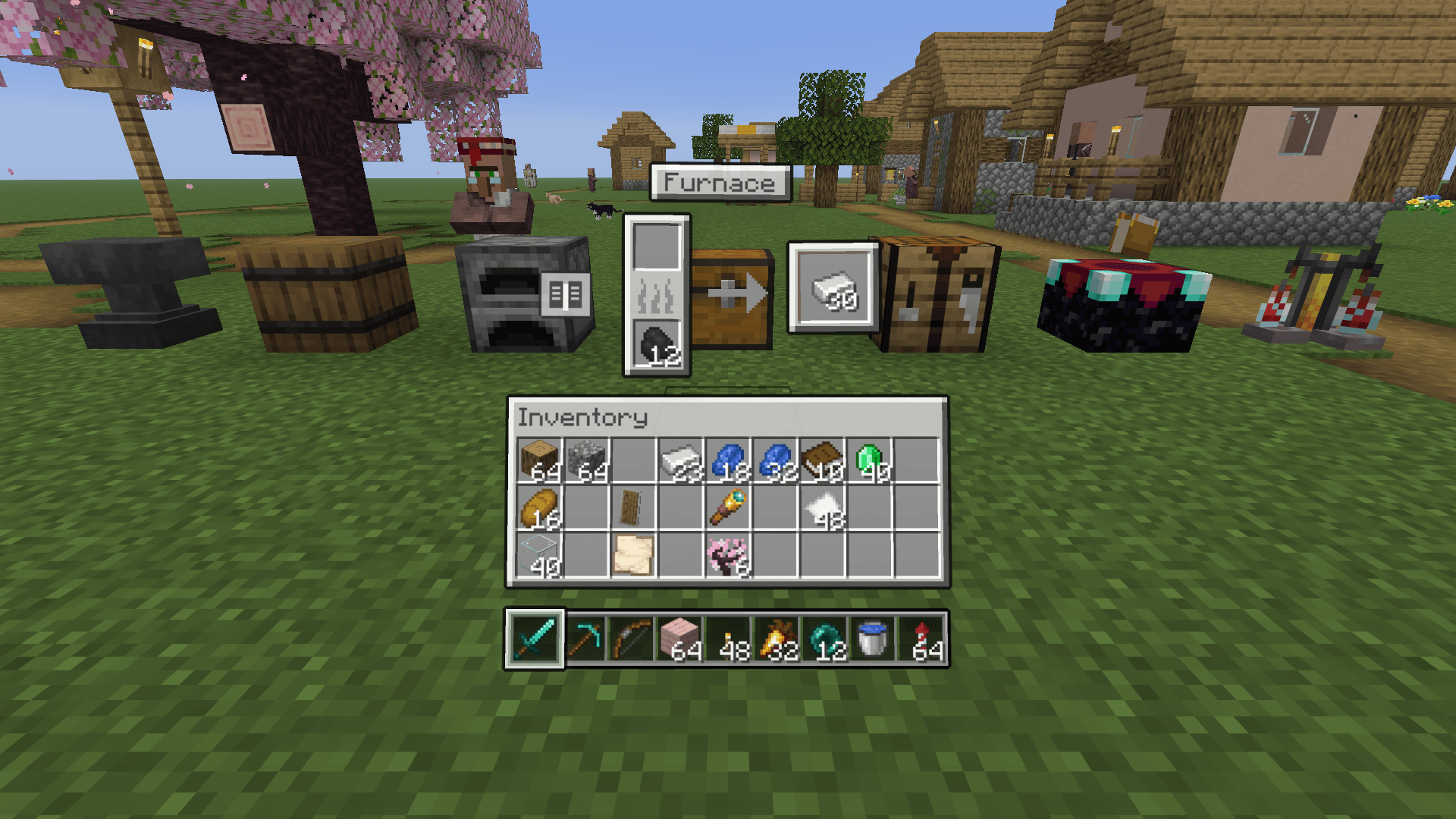 Furnace
 -
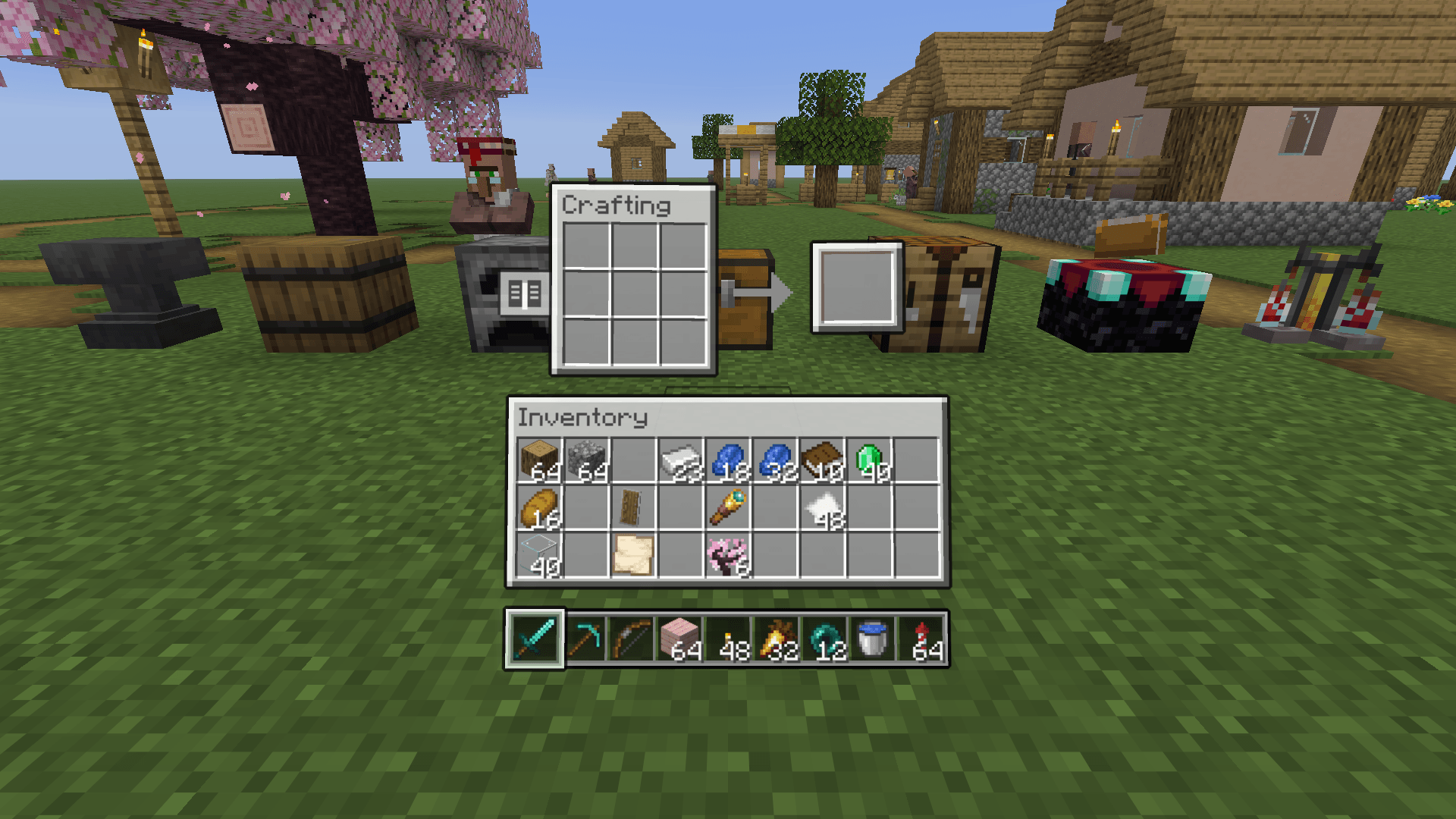 Crafting table
 -
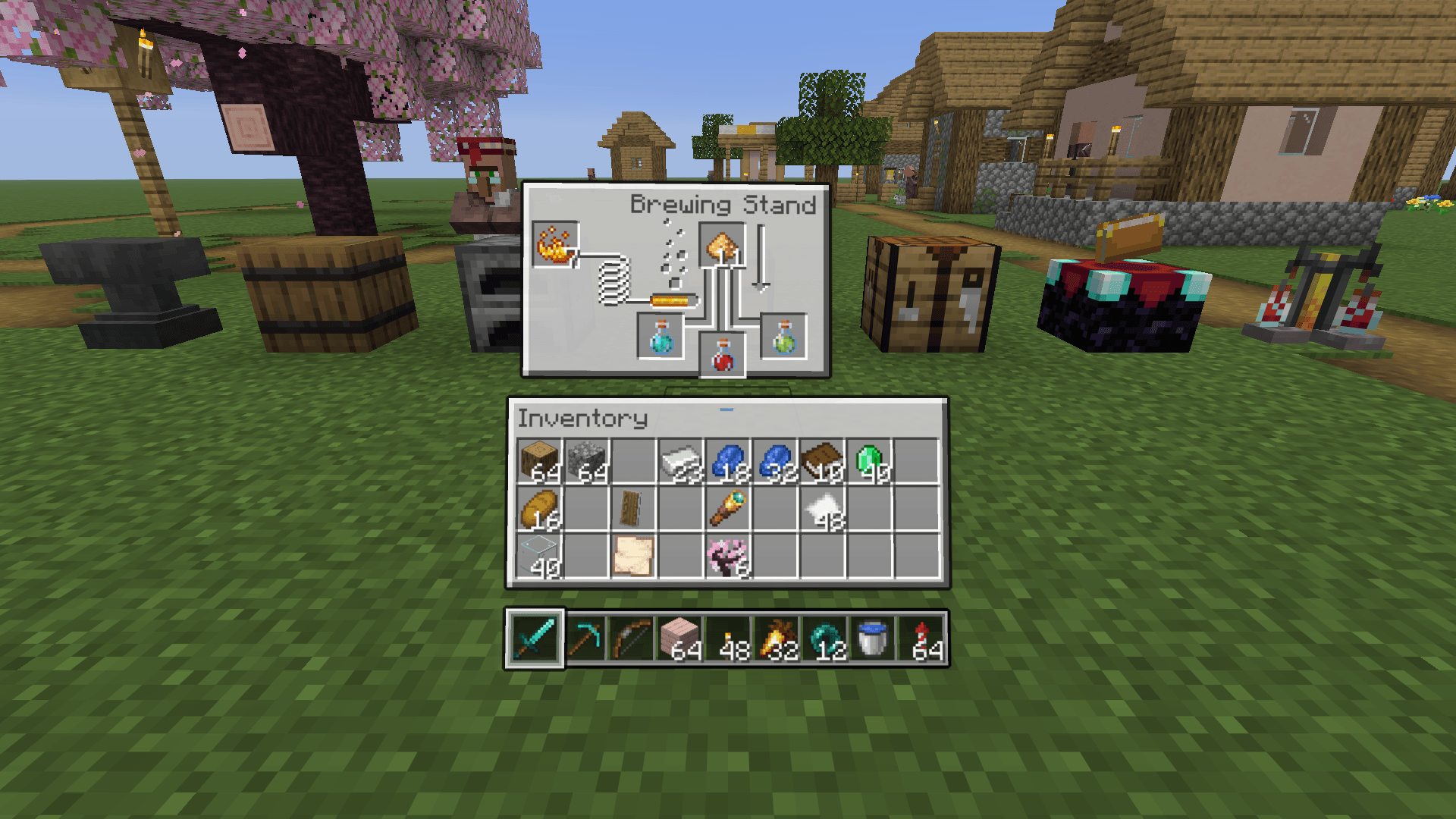 Brewing stand
 -
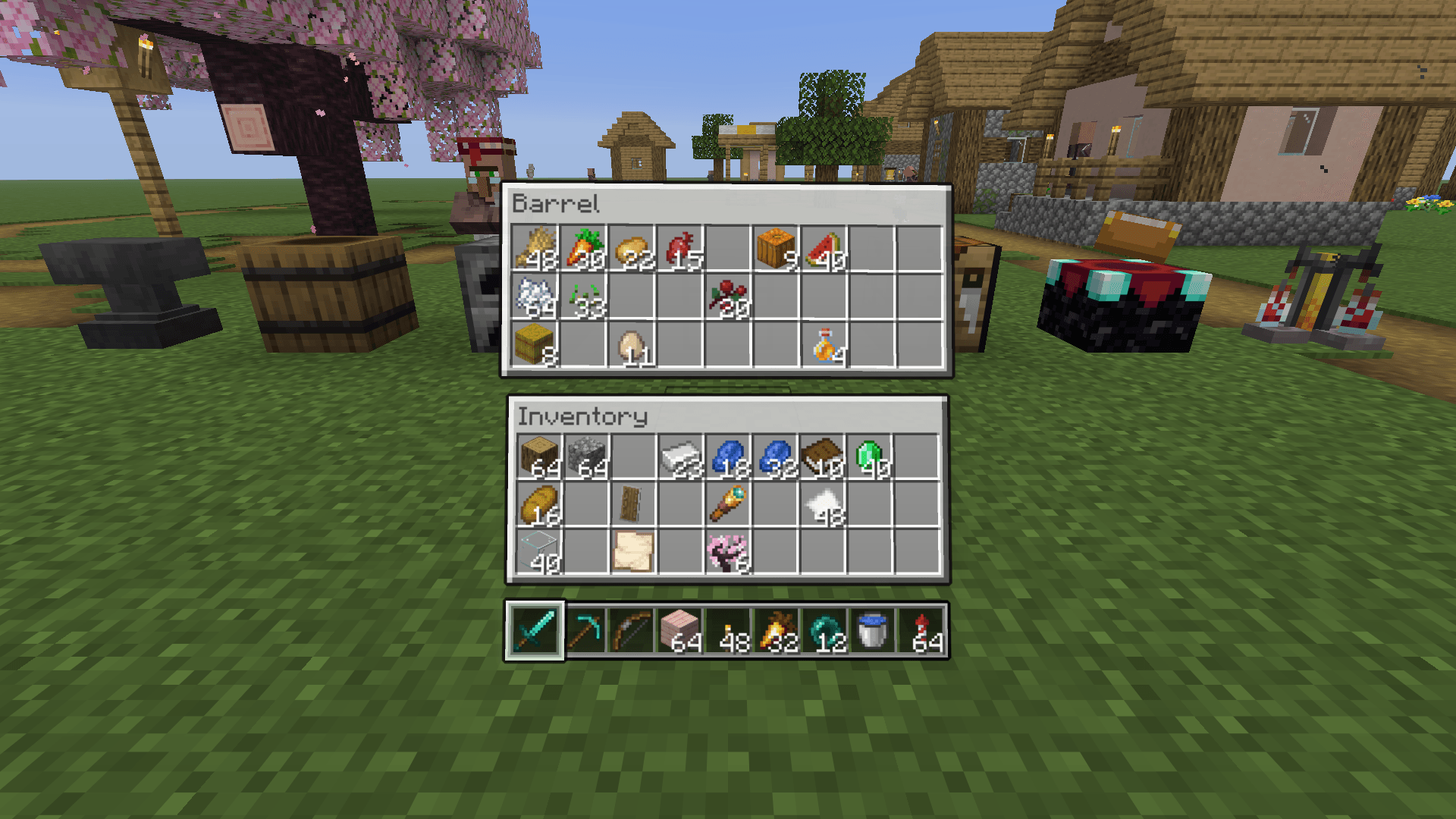 02_classic_barrel.png 02_classic_barrel.png
 -
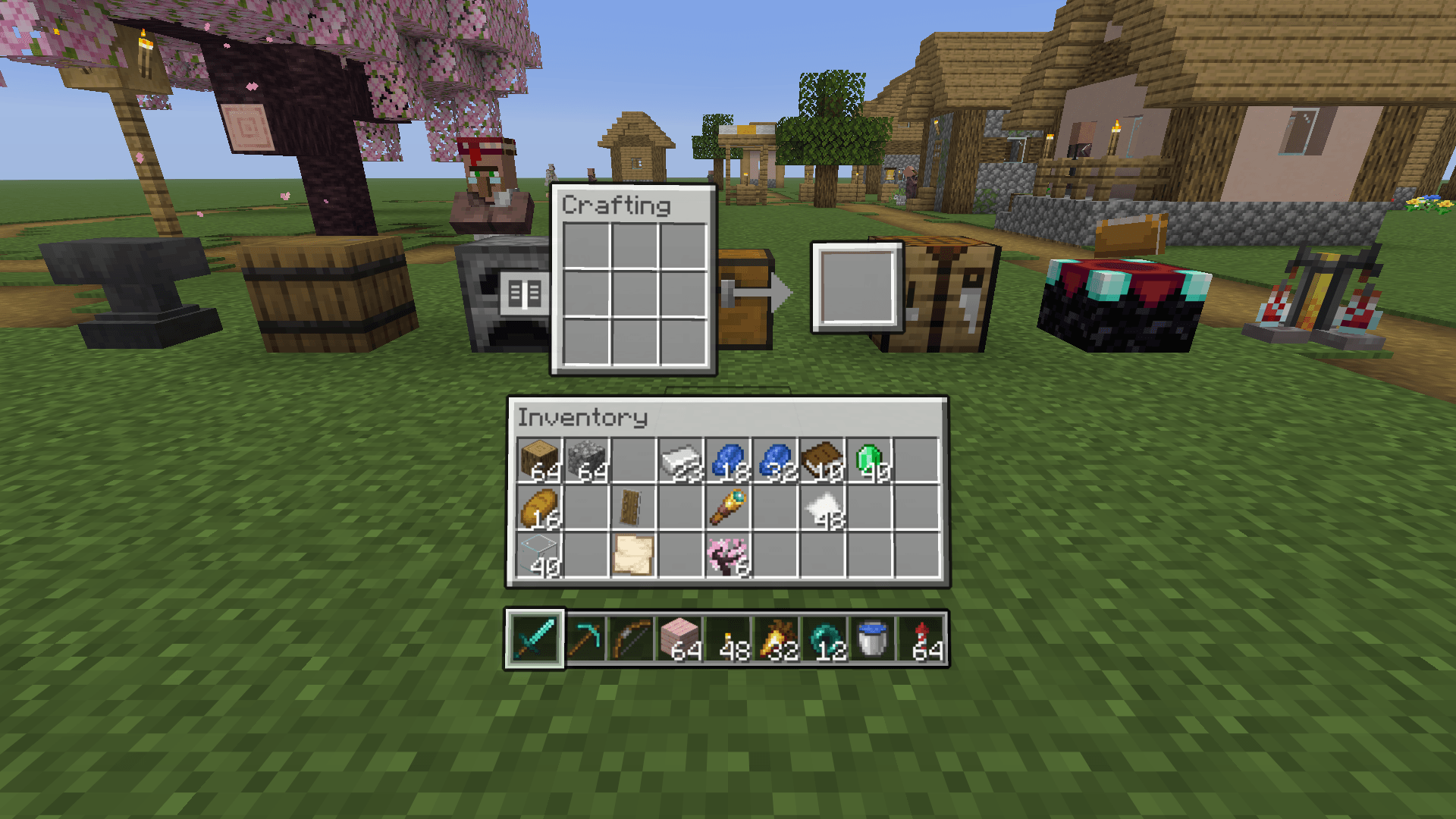 04_classic_crafting.png 04_classic_crafting.png
 -
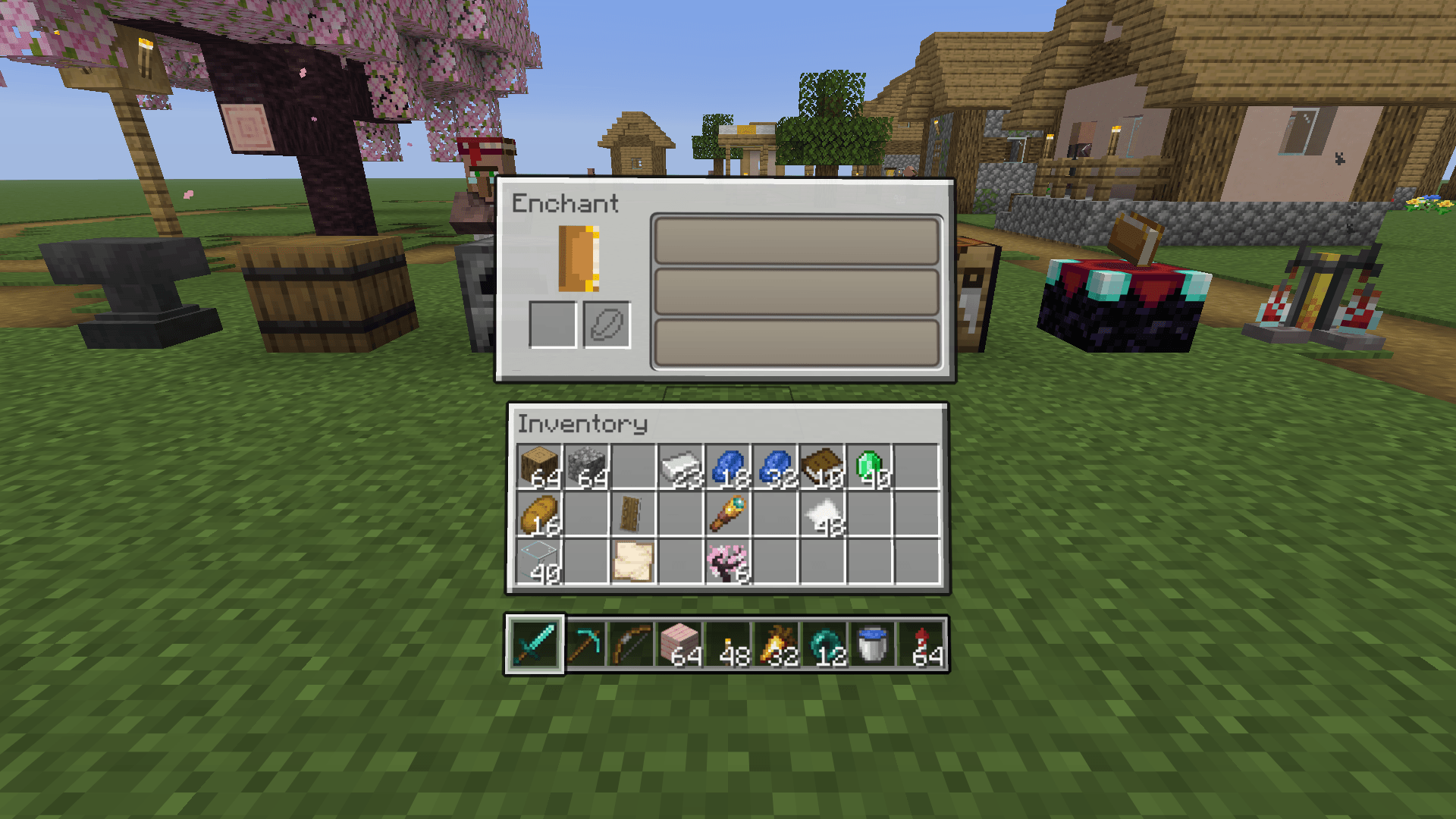 06_classic_enchanting.png 06_classic_enchanting.png
 -
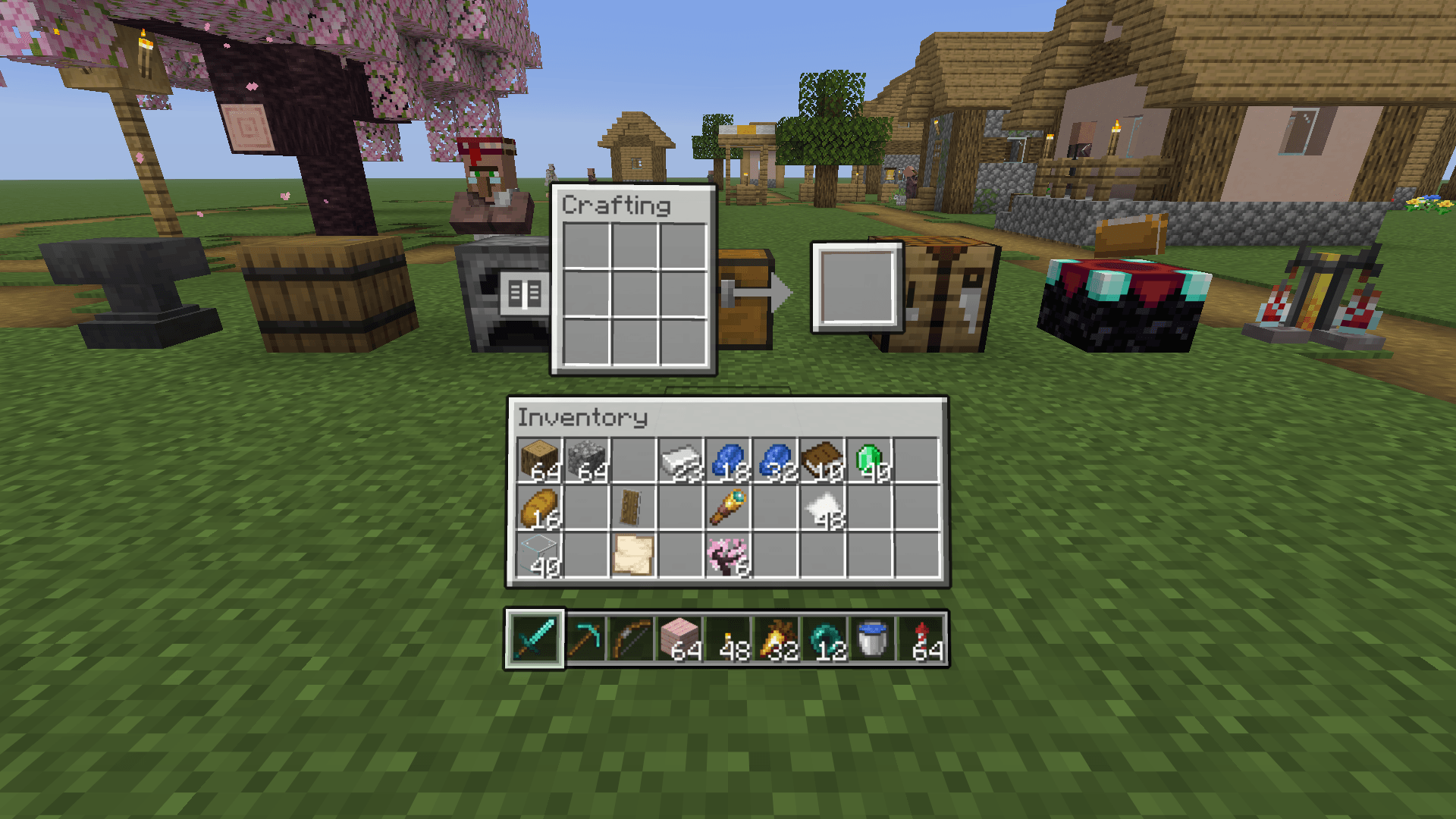 04_classic_crafting.png 04_classic_crafting.png
 -
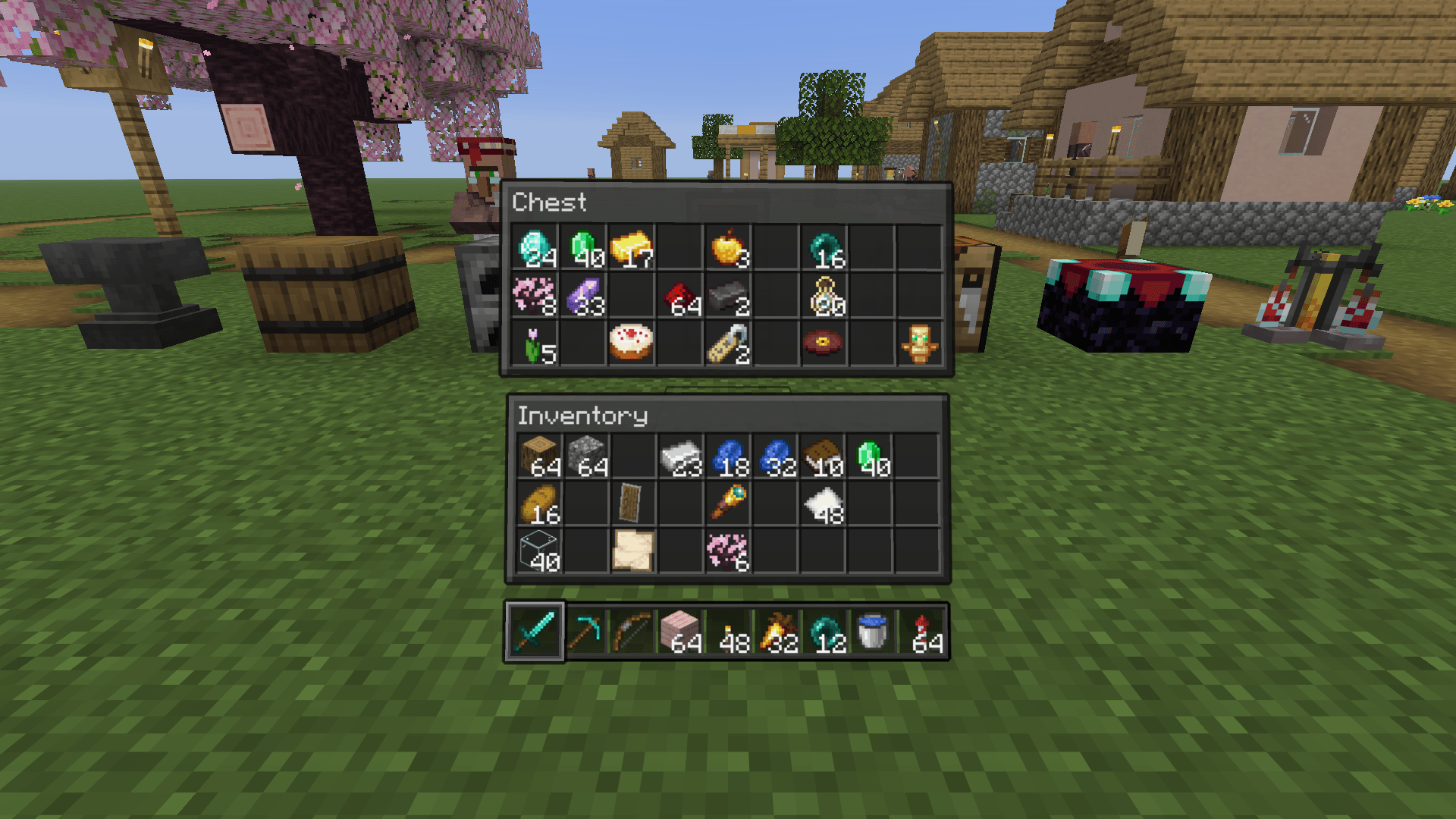 01_classic_dark_chest.png 01_classic_dark_chest.png
 -
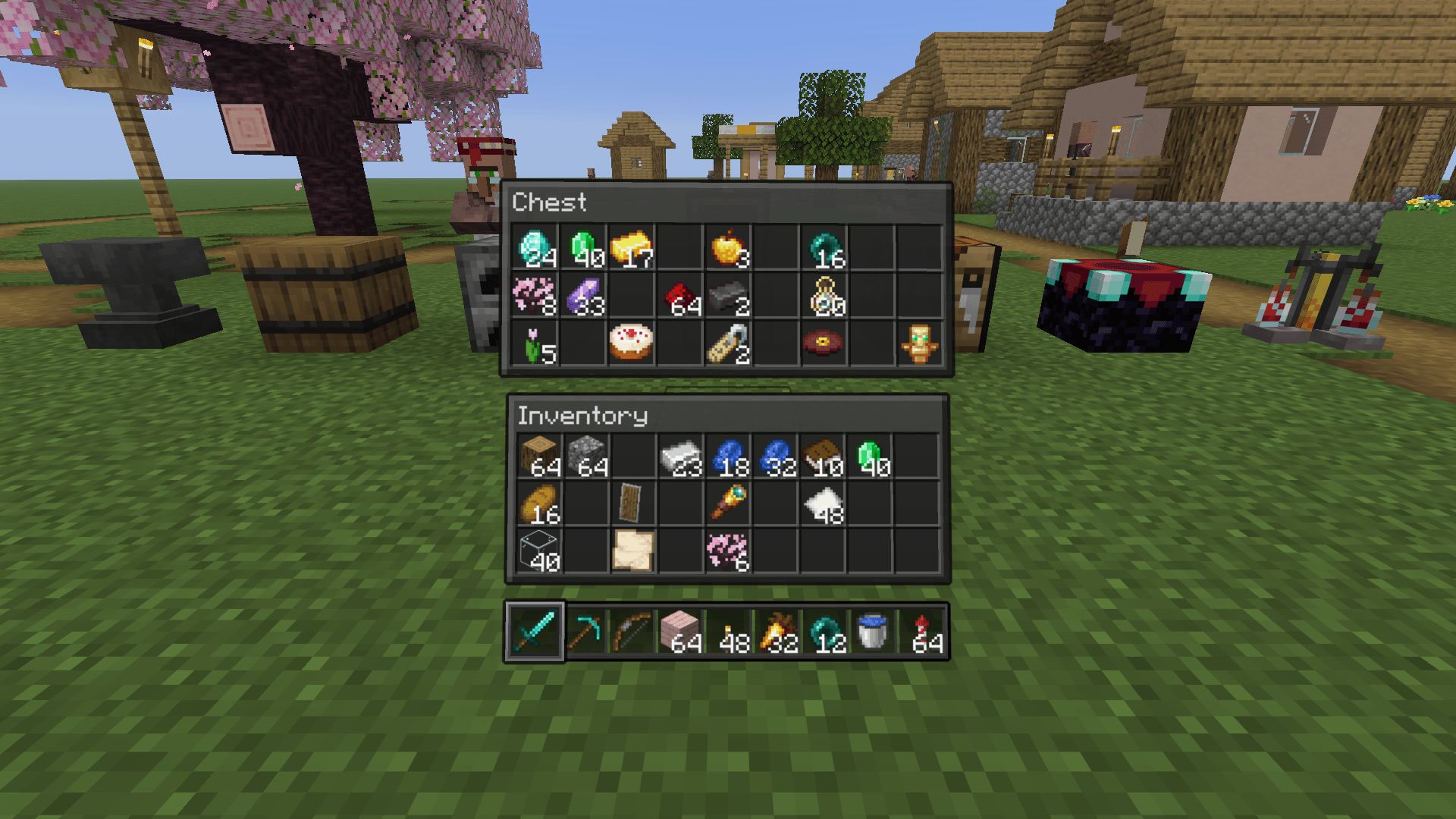 01_classic_dark_chest.png 01_classic_dark_chest.png
 -
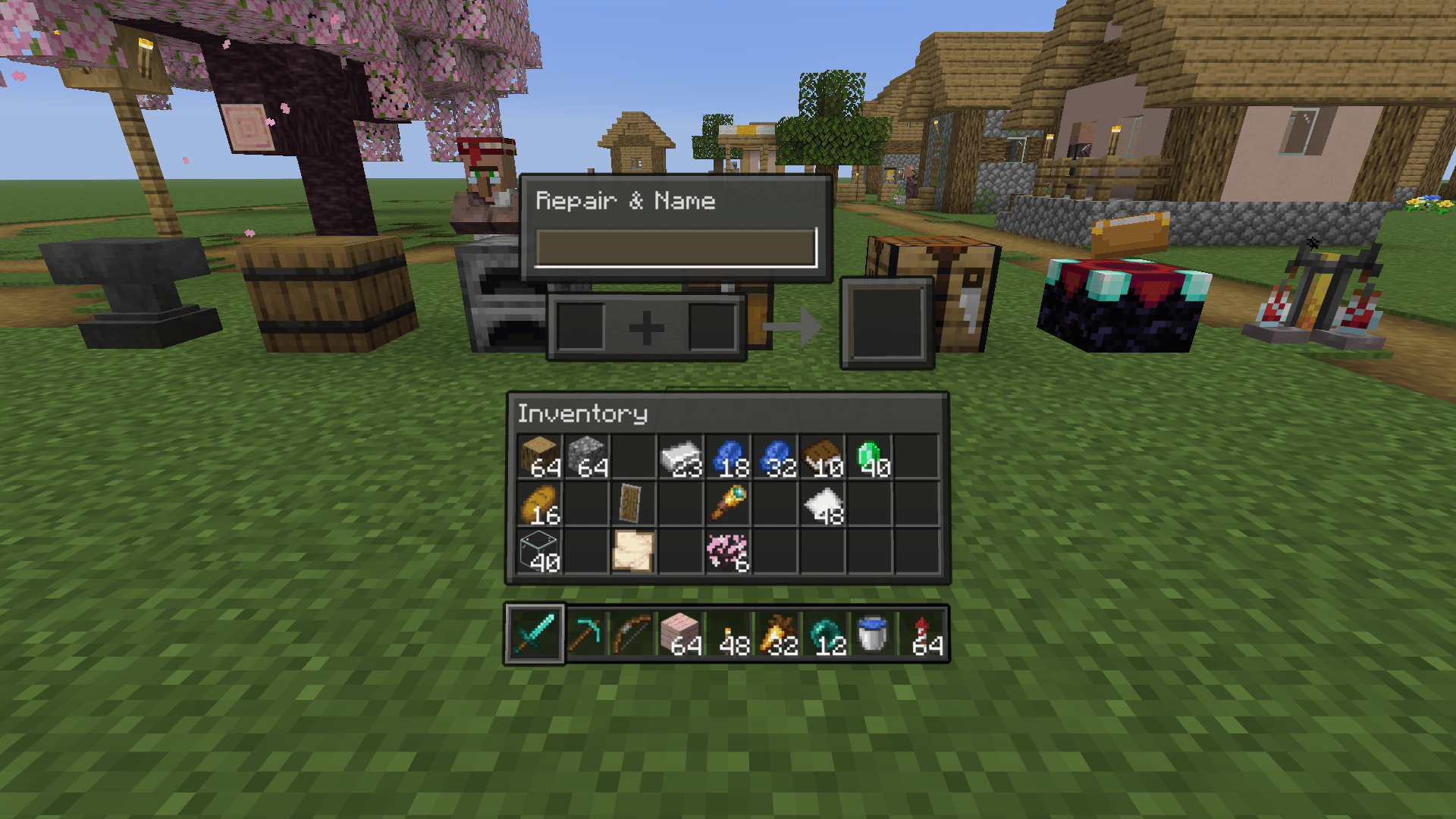 07_classic_dark_anvil.png 07_classic_dark_anvil.png
 -
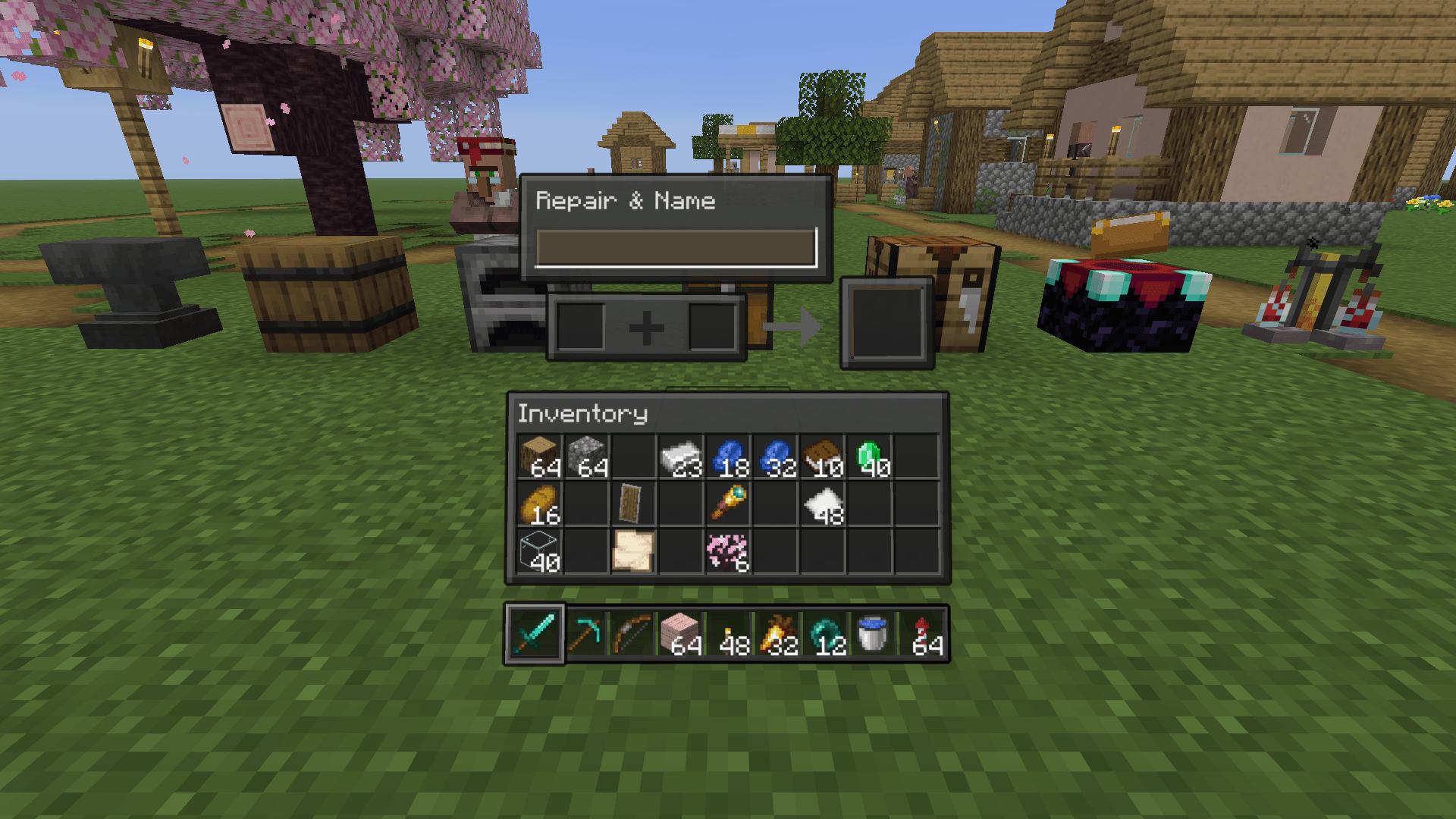 Anvil
Anvil -
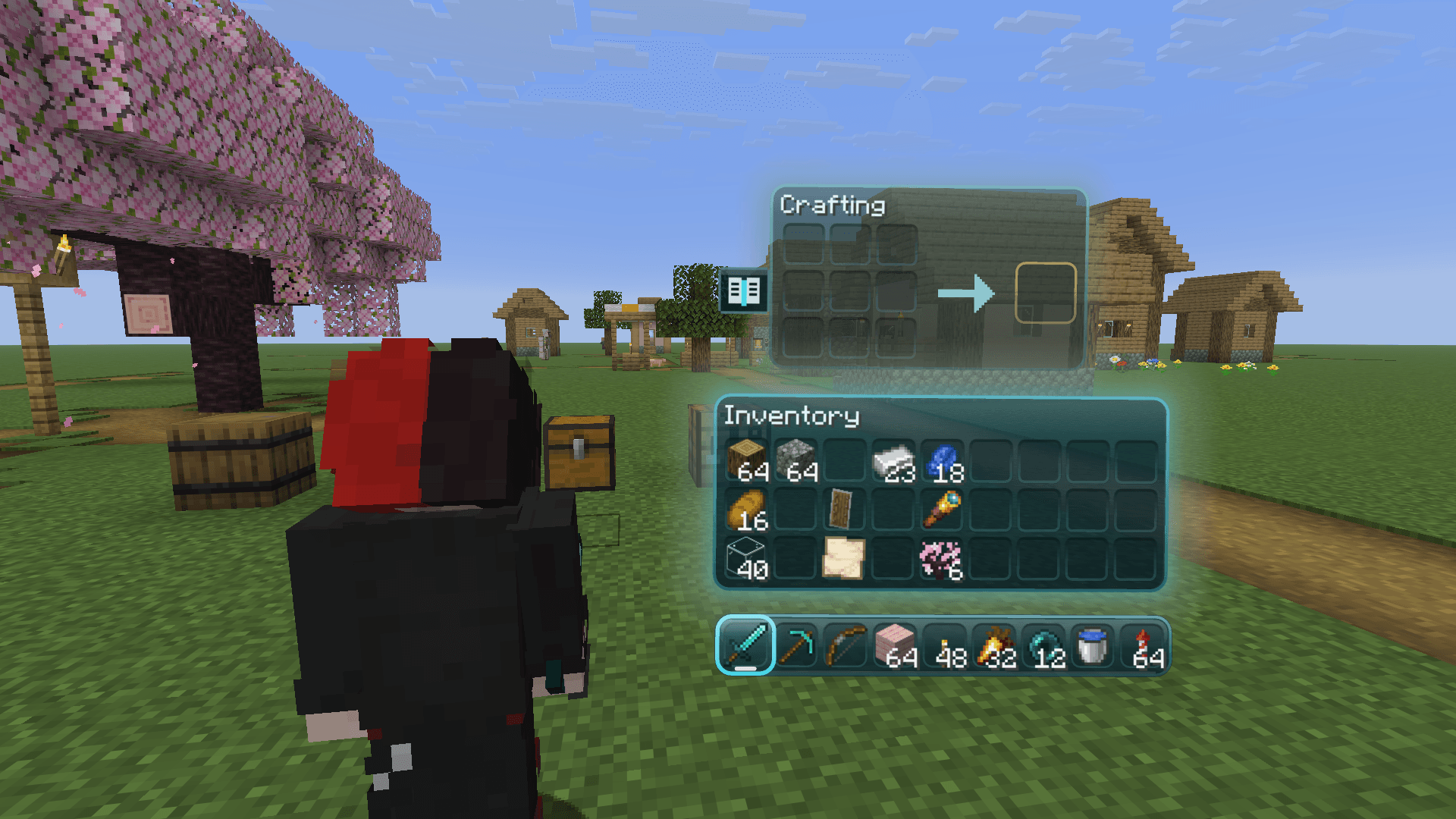 Crafting table hybrid
 -
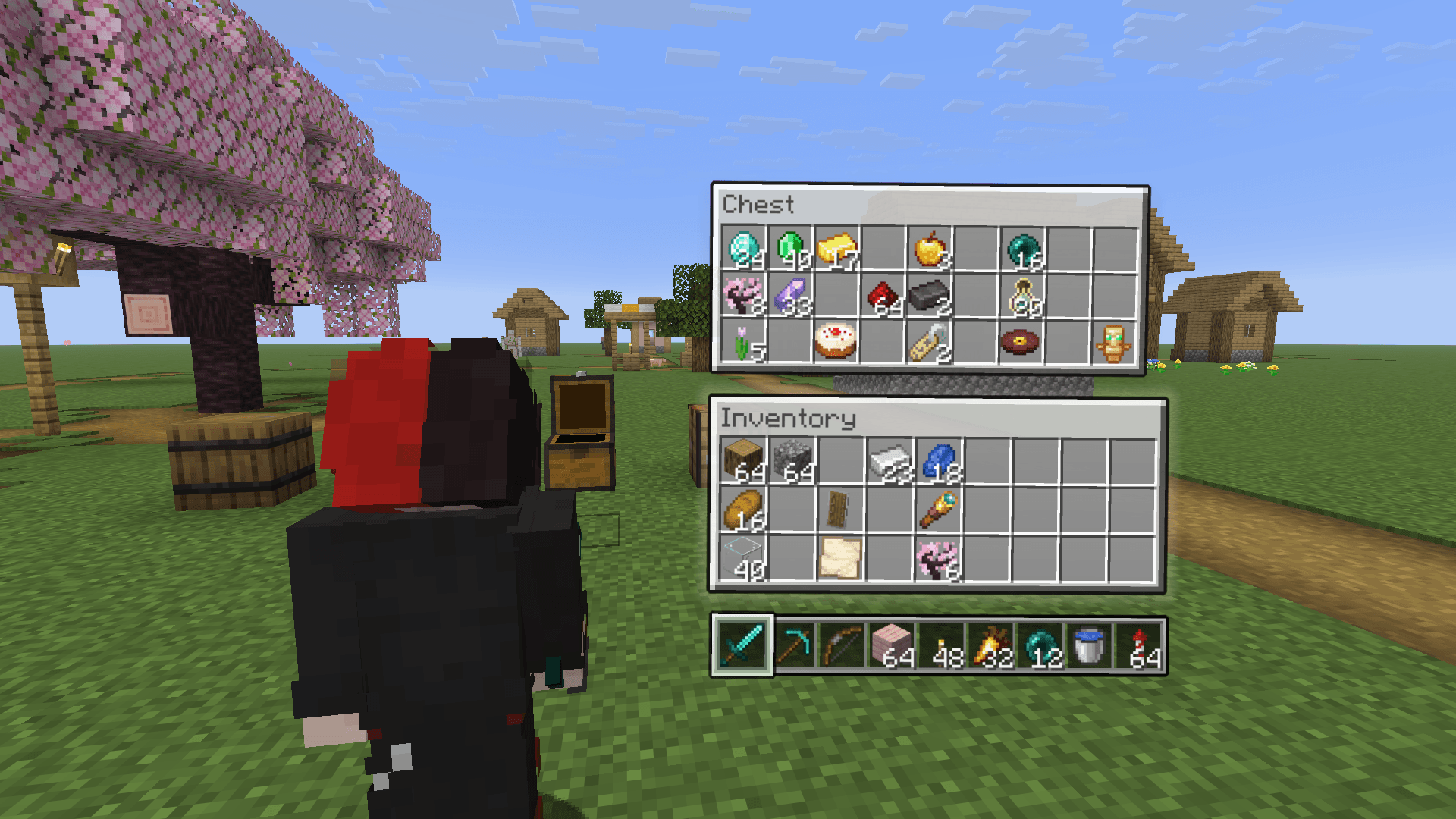 Spatial mode
Versions
Files
Relations
Project Relations
More like this
Similar Mods
Suggestions use data such as tags, dependencies, dependents, descriptions, titles, and more to rank how much they overlap with this mod.
On ModDex
Community snapshot
By the numbers
Statistics

Get it on
Available Platforms
On ModDex
Community snapshot
By the numbers
Statistics
Resources