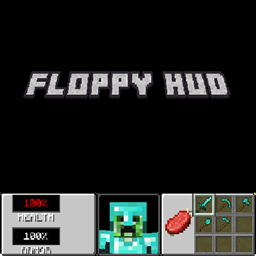
Community listing page, reviews here may not be monitored by the author.
Floppy HUD


No reviews yet
A DOOM-like HUD clientside mod!
Community voices
Reviews
No reviews yet. Be the first to review this project!
Get it on
Available Platforms
Compatibility
Supported Environments
Runs entirely on the client. Works on vanilla servers.
About
Project Details
For authors
Embed Badge
If you're the author of this project, you can embed a live badge anywhere that supports HTML or Markdown. It updates automatically whenever ratings change.
Use HTML for any page that supports it, or Markdown for README files and Markdown-based descriptions.
Identifiers
Platform IDs
About
Description
Floppy HUD
Floppy HUD is a total client-side HUD conversion mod for Minecraft NeoForge 1.21.1. It completely replaces the vanilla Minecraft interface with a nostalgic, fully functional retro UI inspired by the legendary 1993 Doom shareware release.
This mod is a port of the HUD from the official 2019 Minecraft's April Fools version '3D Shareware v1.34' with new features.
Features
- The Classic Panel: A custom, fully transparent 256x64 retro hotbar panel that anchors beautifully to the bottom of the screen.
- Live 3D Player Face: A fully animated, 3D rendering of the player's face right in the center of the HUD. The model features custom rotation math to simulate "looking around" while perfectly freezing the actual entity's hitboxes in the game world.
- Dynamic Pixel-Perfect Status Bars:
- Hunger: A classic meat shank icon that gradually slices itself away pixel-by-pixel as you starve, using exact bounding-box UV math.
- Oxygen: A custom bubble icon that seamlessly appears and shrinks when diving underwater.
- Clean Text & Translations: Features native Minecraft localization support (fully translatable `HEALTH` and `ARMOR` text) and dynamic percentage tracking.
- Seamless Vanilla Integration: Automatically shifts vanilla overlays (like XP levels and item names) to fit the new layout, while safely assassinating conflicting vanilla HUD elements (Armor, Food, Health) using custom Mixins and the NeoForge Event Bus.
Installation
Since this is a **client-side only** mod, it does not need to be installed on servers.
1. Ensure you have [NeoForge 1.21.1](https://neoforged.net/) installed.
2. Download the latest `.jar` file from the [Releases](#) tab.
3. Drop the mod into your `.minecraft/mods` folder.
4. Boot up the game and enjoy the Doom-like HUD!
Under the Hood (For Developers)
This mod was built with a heavy focus on clean, modern rendering practices and optimized code structure:
- **GuiGraphics & Z-Layers:** Utilizes modern `GuiGraphics.blit` and matrix stack translations (`pose().translate`) for flawless Z-layer sorting and Alpha Blending.
* **Smart UI Math:** Drops the buggy vanilla 1.14 integer-division traps in favor of pure float percentage calculations for UI shrinking effects. - **Safe Overrides:** Uses a combination of `@Mixin(Gui.class)` to outright kill unnecessary vanilla rendering calls before they happen, and `RenderGuiLayerEvent.Pre` to safely shift necessary vanilla text elements without breaking other mods.
Localization
The mod natively supports Minecraft's `.json` language system. It currently has support for `en_us`; `en_gb`; `pt_pt` and `pt_br`. To add a translation for your language, simply create a new language file (e.g., `es_es.json`) in the mod's asset folder with the following keys:
```json
{
  "gui.floppyhud.health": "HEALTH",
  "gui.floppyhud.armor": "ARMOR"
}
Fabric version coming soon, follow the project to get notified when a new update drops!
Floppy HUD is a total client-side HUD conversion mod for Minecraft NeoForge 1.21.1. It completely replaces the vanilla Minecraft interface with a nostalgic, fully functional retro UI inspired by the legendary 1993 Doom shareware release. This mod is a port of the HUD from the official April Fools 2019 Minecraft version '3D Shareware v1.34' with new features.
Features
- The Classic Panel: A custom, fully transparent 256x64 retro hotbar panel that anchors beautifully to the bottom of the screen.
- Live 3D Player Face: A fully animated, 3D rendering of the player's face right in the center of the HUD. The model features custom rotation math to simulate "looking around" while perfectly freezing the actual entity's hitboxes in the game world.
- Dynamic Pixel-Perfect Status Bars:
- Hunger: A classic meat shank icon that gradually slices itself away pixel-by-pixel as you starve, using exact bounding-box UV math.
- Oxygen: A custom bubble icon that seamlessly appears and shrinks when diving underwater.
- Clean Text & Translations: Features native Minecraft localization support (fully translatable
HEALTHandARMORtext) and dynamic percentage tracking. - Seamless Vanilla Integration: Automatically shifts vanilla overlays (like XP levels and item names) to fit the new layout, while safely assassinating conflicting vanilla HUD elements (Armor, Food, Health) using custom Mixins and the NeoForge Event Bus.
Installation
Since this is a client-side only mod, it does not need to be installed on servers.
- Ensure you have NeoForge 1.21.1 installed.
- Download the latest
.jarfile from the Releases tab. - Drop the mod into your
.minecraft/modsfolder. - Boot up the game and enjoy the Doom-like HUD!
Under the Hood (For Developers)
This mod was built with a heavy focus on clean, modern rendering practices and optimized code structure:
- GuiGraphics & Z-Layers: Utilizes modern
GuiGraphics.blitand matrix stack translations (pose().translate) for flawless Z-layer sorting and Alpha Blending. - Smart UI Math: Drops the buggy vanilla 1.14 integer-division traps in favor of pure float percentage calculations for UI shrinking effects.
- Safe Overrides: Uses a combination of
@Mixin(Gui.class)to outright kill unnecessary vanilla rendering calls before they happen, andRenderGuiLayerEvent.Preto safely shift necessary vanilla text elements without breaking other mods.
Localization
The mod natively supports Minecraft's .json language system. It currently has support for en_us; en_gb; pt_pt and pt_br. To add a translation for your language, simply create a new language file (e.g., es_es.json) in the mod's asset folder with the following keys:
{
"gui.floppyhud.health": "HEALTH",
"gui.floppyhud.armor": "ARMOR"
}
Screenshots
Gallery
-
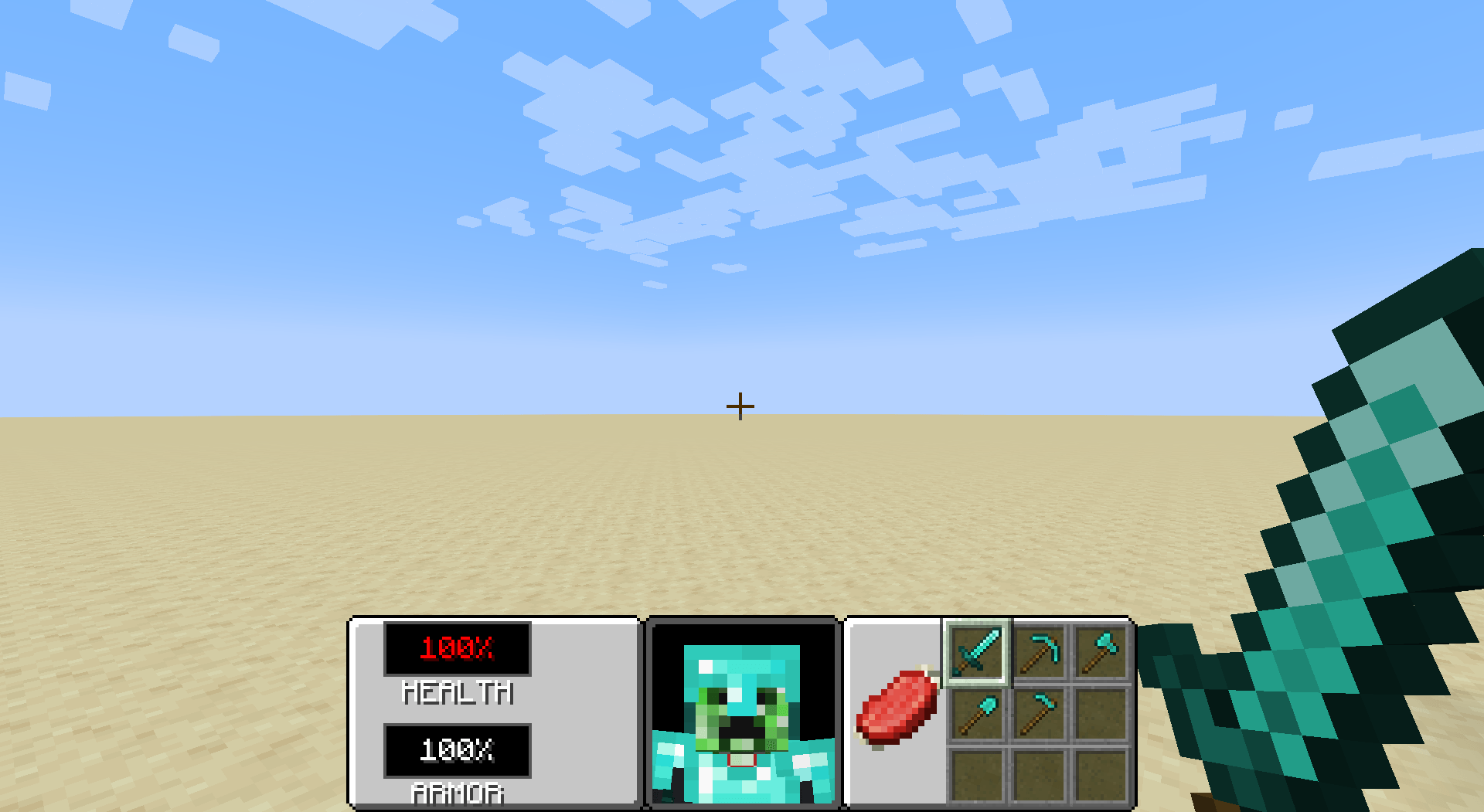
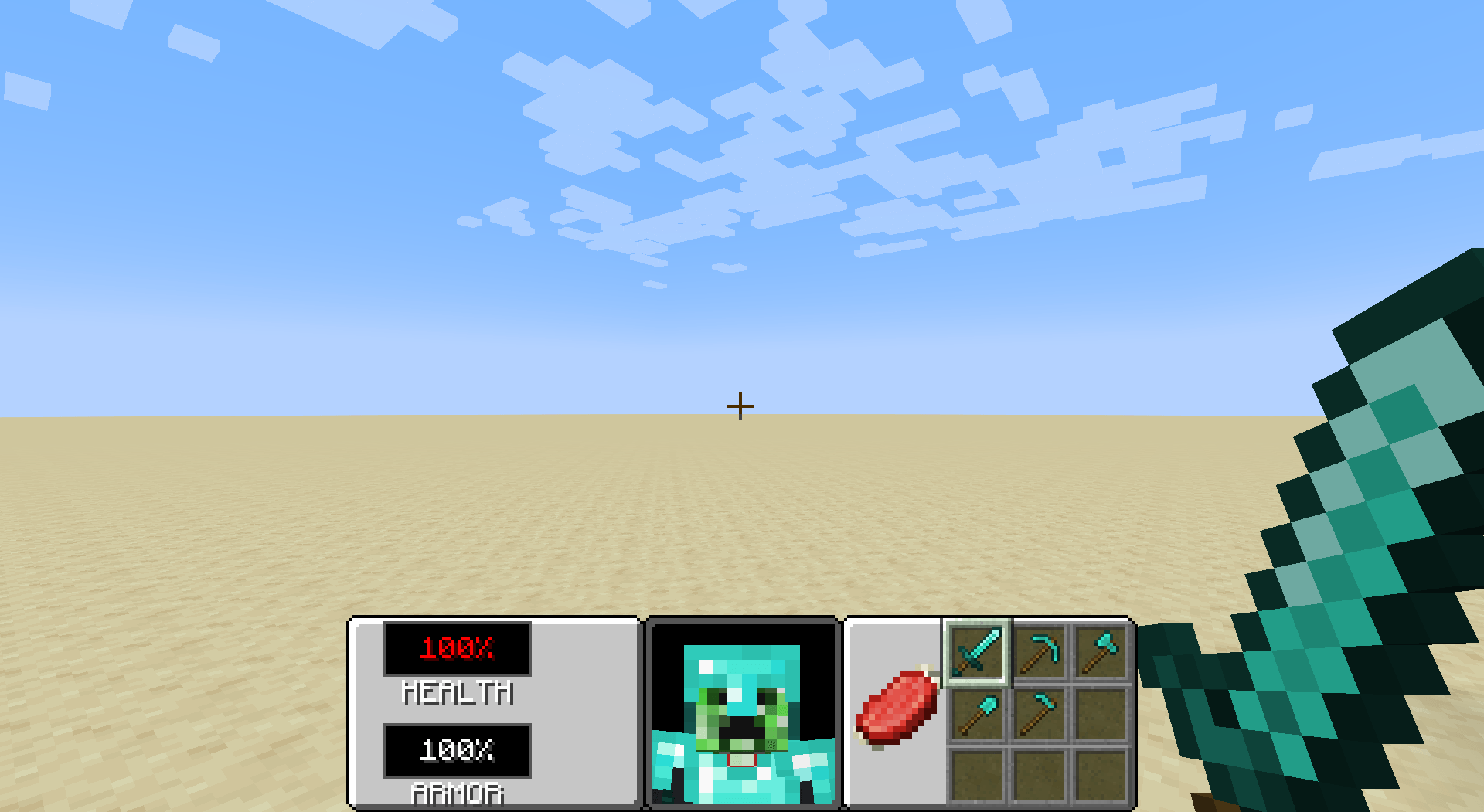 2026-05-05_18.07.43.png 2026-05-05_18.07.43.png
Versions
Files
Relations
Project Relations
More like this
Similar Mods
Suggestions use data such as tags, dependencies, dependents, descriptions, titles, and more to rank how much they overlap with this mod.
On ModDex
Community snapshot
By the numbers
Statistics
Want to reach Minecraft players?
We're looking for a server hosting partner to feature here and other parts of the site. Interested? Send us a message!
Get in touchGet it on
Available Platforms
On ModDex
Community snapshot
By the numbers