Community listing page, reviews here may not be monitored by the author.
FontSwap


No reviews yet
Import any font. Restyle all of Minecraft. Instantly.
Community voices
Reviews
No reviews yet. Be the first to review this project!
Get it on
Available Platforms
Compatibility
Supported Environments
Runs entirely on the client. Works on vanilla servers.
About
Project Details
For authors
Embed Badge
If you're the author of this project, you can embed a live badge anywhere that supports HTML or Markdown. It updates automatically whenever ratings change.
Use HTML for any page that supports it, or Markdown for README files and Markdown-based descriptions.
Identifiers
Platform IDs
Resources
External Links
About
Description
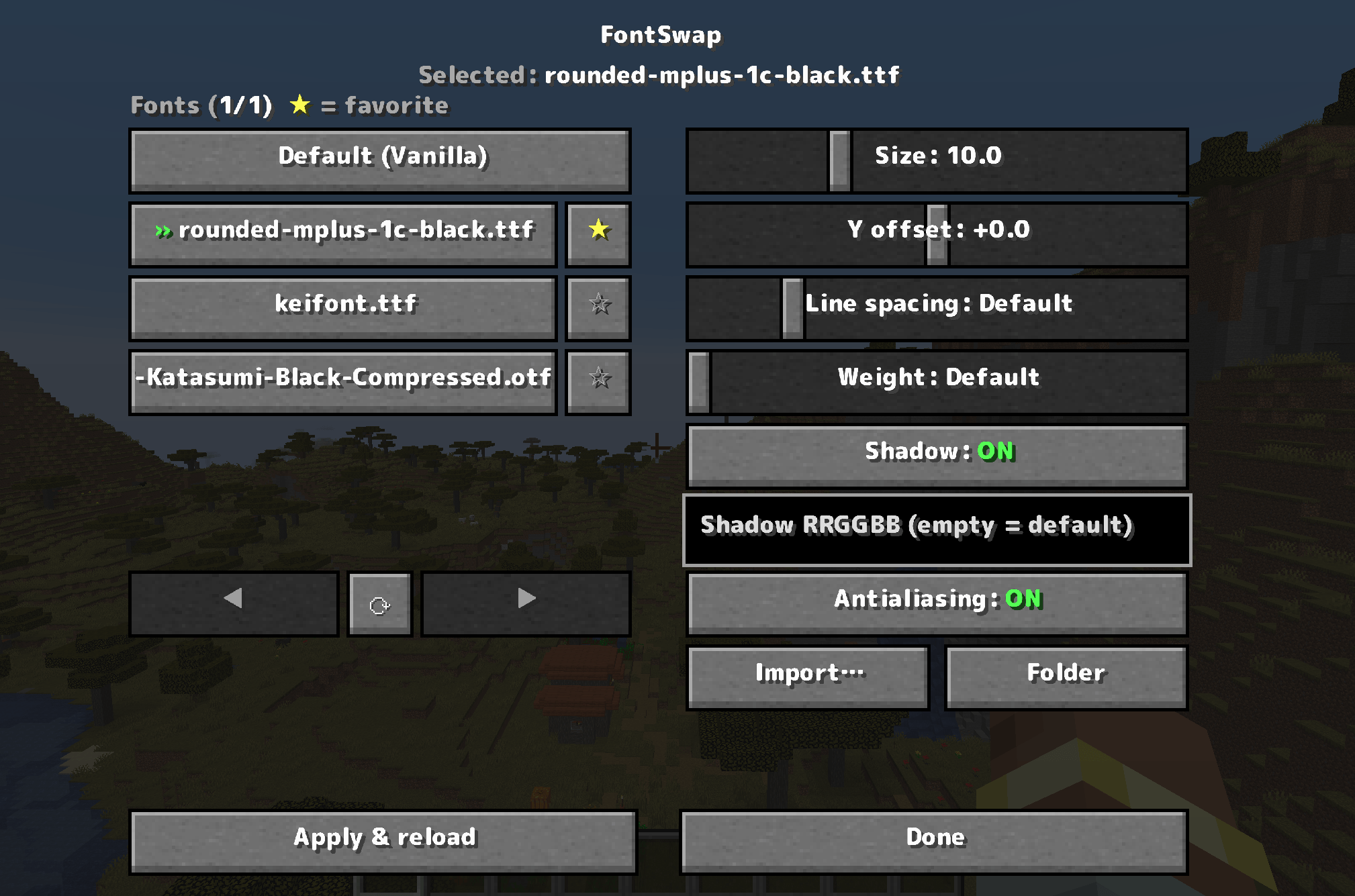
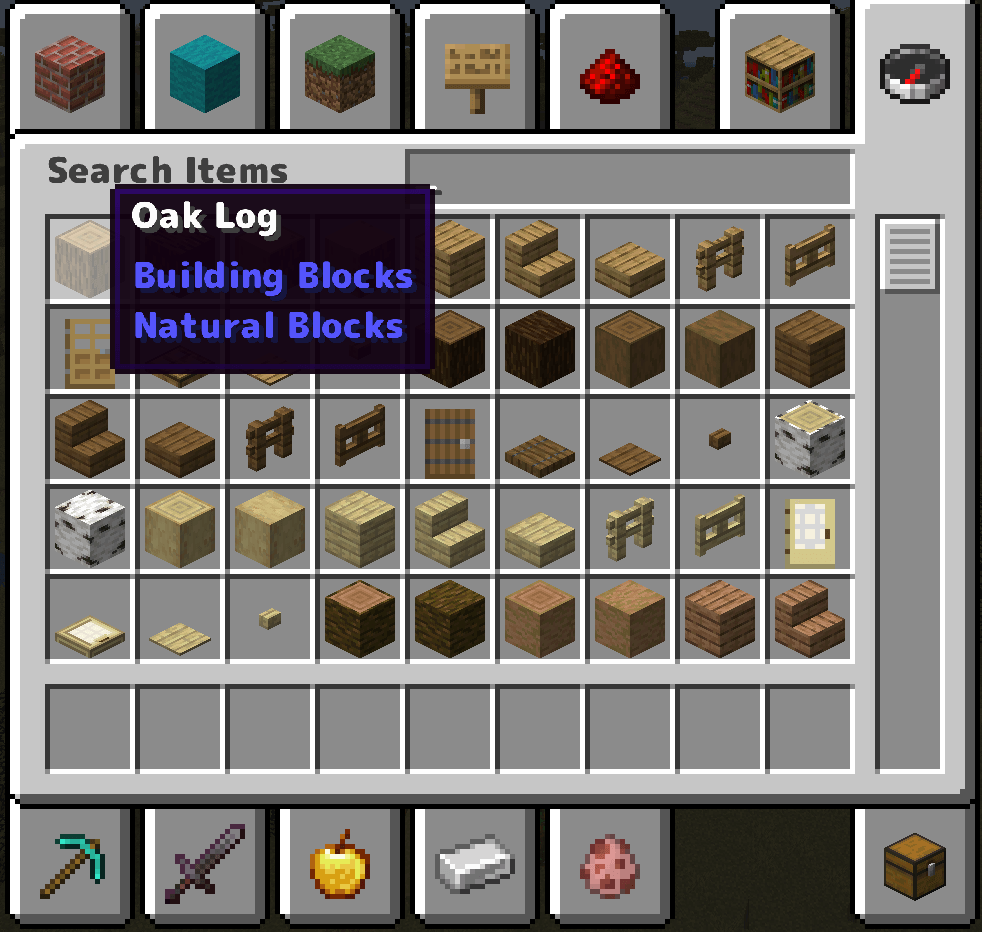
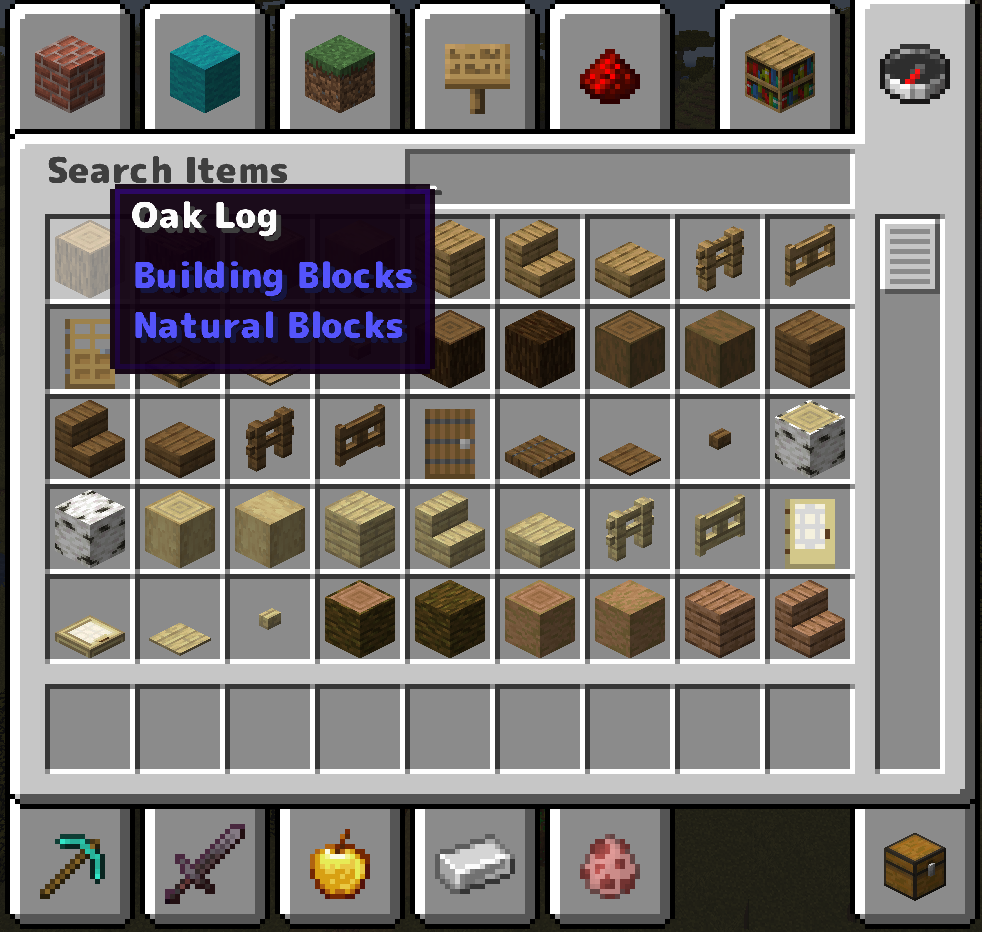
FontSwap lets you drop in any .ttf / .otf font and applies it to the entire game — chat, menus, books, signs, tooltips, everything — live, without restarting. Everything is controlled from a clean in-game menu (default key: K).
✨ Features
- 🔤 Whole-game font swap — import any font file and the whole UI switches to it instantly
- ⭐ Favorites — pin the fonts you use most to the top of the list
- 🔧 Fine control — adjust size, vertical offset, line spacing (works in books & signs too) and weight (faux-bold)
- 🌑 Custom text shadow — turn the drop shadow on/off or recolor it with a hex code
- 🟦 Antialiasing toggle — switch to a crunchy pixel-art look for crisp, retro text
- 🌍 10 languages — EN · 日本語 · 简体中文 · 繁體中文 · 한국어 · DE · FR · ES · RU · PT-BR
- ⚡ Client-side only — works on any server, nothing to install server-side
🎮 How to use
- Press K in game to open the FontSwap menu (rebindable in Controls)
- Click Import… and pick a
.ttf/.otffile — or drop fonts intoconfig/fontswap/fonts/ - Select a font, tweak the sliders, and hit Apply & reload
📦 Supported versions
- Forge: 1.20.1 / 1.20.2 / 1.20.4 / 1.20.6
- NeoForge: 1.21.1 / 1.21.3 / 1.21.4 / 1.21.5 / 1.21.8 / 1.21.10 / 1.21.11 / 26.1
ℹ️ Download the file matching both your MC version and loader. On 26.1 / 26.1.1, NeoForge is still in beta — a beta loader is required there.
ℹ️ Notes
- You supply your own font files — please respect the license of any commercial fonts.
- "Weight" thickens the font (normal → bold); it can't make a font thinner than its design. For a light look, import a Light/Thin variant.
💛 Support
If FontSwap is useful to you, you can support development on Ko-fi. Thank you!
FontSwap lets you drop in any .ttf / .otf font and applies it to the entire game — chat, menus, books, signs, tooltips, everything — live, without restarting. Everything is controlled from a clean in-game menu (default key: K).
✨ Features
- 🔤 Whole-game font swap — import any font file and the whole UI switches to it instantly
- ⭐ Favorites — pin the fonts you use most to the top of the list
- 🔧 Fine control — adjust size, vertical offset, line spacing (works in books & signs too) and weight (faux-bold)
- 🌑 Custom text shadow — turn the drop shadow on/off or recolor it with a hex code
- 🟦 Antialiasing toggle — switch to a crunchy pixel-art look for crisp, retro text
- 🌍 10 languages — EN · 日本語 · 简体中文 · 繁體中文 · 한국어 · DE · FR · ES · RU · PT-BR
- ⚡ Client-side only — works on any server, nothing to install server-side
🎮 How to use
- Press K in game to open the FontSwap menu (rebindable in Controls)
- Click Import… and pick a
.ttf/.otffile — or drop fonts intoconfig/fontswap/fonts/ - Select a font, tweak the sliders, and hit Apply & reload
📦 Supported versions
- Forge: 1.20.1 / 1.20.2 / 1.20.4 / 1.20.6
- NeoForge: 1.21.1 / 1.21.3 / 1.21.4 / 1.21.5 / 1.21.8 / 1.21.10 / 1.21.11 / 26.1
ℹ️ Download the file matching both your MC version and loader. On 26.1 / 26.1.1, NeoForge is still in beta — a beta loader is required there.
ℹ️ Notes
- You supply your own font files — please respect the license of any commercial fonts.
- "Weight" thickens the font (normal → bold); it can't make a font thinner than its design. For a light look, import a Light/Thin variant.
💛 Support
If FontSwap is useful to you, you can support development on Ko-fi. Thank you!
Screenshots
Gallery
-
 ã¹ã¯ãªã¼ã³ã·ã§ãã 2026-06-10 185037.png ã¹ã¯ãªã¼ã³ã·ã§ãã 2026-06-10 185037.png
 -
 ã¹ã¯ãªã¼ã³ã·ã§ãã 2026-06-10 185048.png ã¹ã¯ãªã¼ã³ã·ã§ãã 2026-06-10 185048.png
 -
 ã¹ã¯ãªã¼ã³ã·ã§ãã 2026-06-10 185138.png ã¹ã¯ãªã¼ã³ã·ã§ãã 2026-06-10 185138.png
 -
 ã¹ã¯ãªã¼ã³ã·ã§ãã 2026-06-10 185146.png ã¹ã¯ãªã¼ã³ã·ã§ãã 2026-06-10 185146.png
 -
 ã¹ã¯ãªã¼ã³ã·ã§ãã 2026-06-10 185154.png ã¹ã¯ãªã¼ã³ã·ã§ãã 2026-06-10 185154.png
 -
 ã¹ã¯ãªã¼ã³ã·ã§ãã 2026-06-10 185204.png ã¹ã¯ãªã¼ã³ã·ã§ãã 2026-06-10 185204.png




Versions
Files
Relations
Project Relations
More like this
Similar Mods
Suggestions use data such as tags, dependencies, dependents, descriptions, titles, and more to rank how much they overlap with this mod.
On ModDex
Community snapshot
By the numbers
Statistics
Want to reach Minecraft players?
We're looking for a server hosting partner to feature here and other parts of the site. Interested? Send us a message!
Get in touchGet it on
Available Platforms
On ModDex
Community snapshot
By the numbers
Statistics
Resources