Community listing page, reviews here may not be monitored by the author.
Food Reminder


No reviews yet
A lightweight client-side HUD mod that displays a highly visible food icon when your hunger drops below a configurable threshold. Press J to open the customization GUI!
Community voices
Reviews
No reviews yet. Be the first to review this project!
Get it on
Available Platforms
Compatibility
Supported Environments
Runs entirely on the client. Works on vanilla servers.
About
Project Details
For authors
Embed Badge
If you're the author of this project, you can embed a live badge anywhere that supports HTML or Markdown. It updates automatically whenever ratings change.
Use HTML for any page that supports it, or Markdown for README files and Markdown-based descriptions.
Identifiers
Platform IDs
Resources
External Links
About
Description
Food Reminder is a simple, lightweight client-side mod designed to make sure you never starve in combat, while mining, or during big building projects again. If your hunger level drops too low, a highly visible visual reminder pops up right on your screen.
Features
Fully Customizable Position: Open the in-game configuration menu at any time and simply drag the food icon to wherever it fits your HUD best.
Adjustable Hunger Threshold: Choose exactly at how many hunger points the warning should start appearing.
Custom Scale: Switch between different icon sizes (0.5x to 2.0x) to match your custom GUI scale perfectly.
Persistent Settings: Your layout and preferences are automatically saved into a config file and reloaded whenever you launch the game.
How to use
Press J in-game to open the customization GUI.
Left-click and drag the steak icon to your preferred position.
Click the buttons to toggle the mod status, threshold, or size.
Click Done to save your settings!
Also available on Modrinth: https://modrinth.com/mod/foodreminder
Food Reminder is a simple, lightweight client-side mod designed to make sure you never starve in combat, while mining, or during big building projects again. If your hunger level drops too low, a highly visible visual reminder pops up right on your screen.
Features
Fully Customizable Position: Open the in-game configuration menu at any time and simply drag the food icon to wherever it fits your HUD best.
Adjustable Hunger Threshold: Choose exactly at how many hunger points the warning should start appearing.
Custom Scale: Switch between different icon sizes (0.5x to 2.0x) to match your custom GUI scale perfectly.
Persistent Settings: Your layout and preferences are automatically saved into a config file and reloaded whenever you launch the game.
How to use
Press J in-game to open the customization GUI.
Left-click and drag the steak icon to your preferred position.
Click the buttons to toggle the mod status, threshold, or size.
Click Done to save your settings!
Also available on CurseForge: https://www.curseforge.com/minecraft/mc-mods/food-reminder
Screenshots
Gallery
-
 modpreview2.png modpreview2.png
 -
 modpreview3.png modpreview3.png
 -
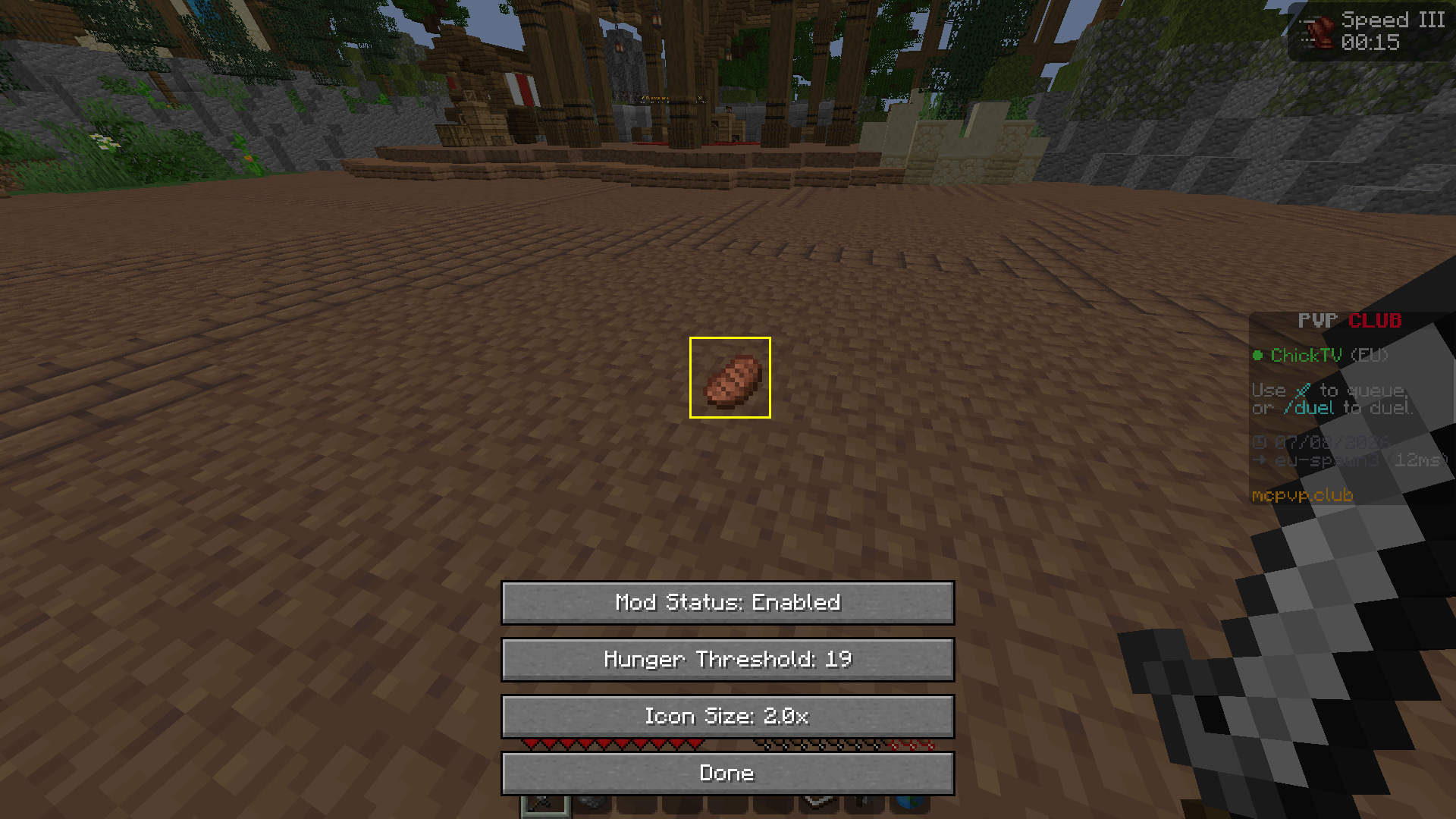 modpreview.png modpreview.png
-
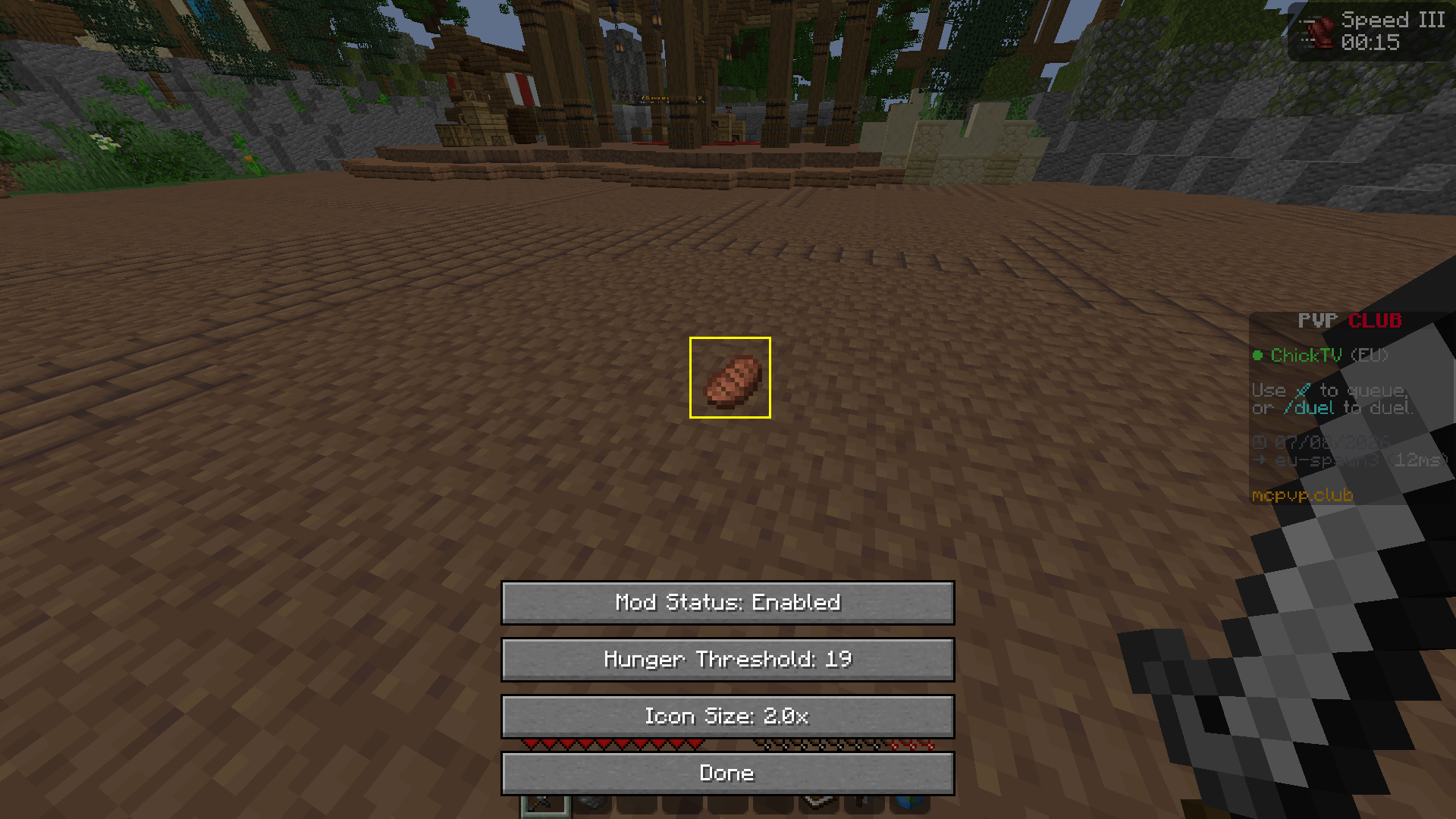 In-Game Configuration Menu Customize the reminder directly in-game.
 -
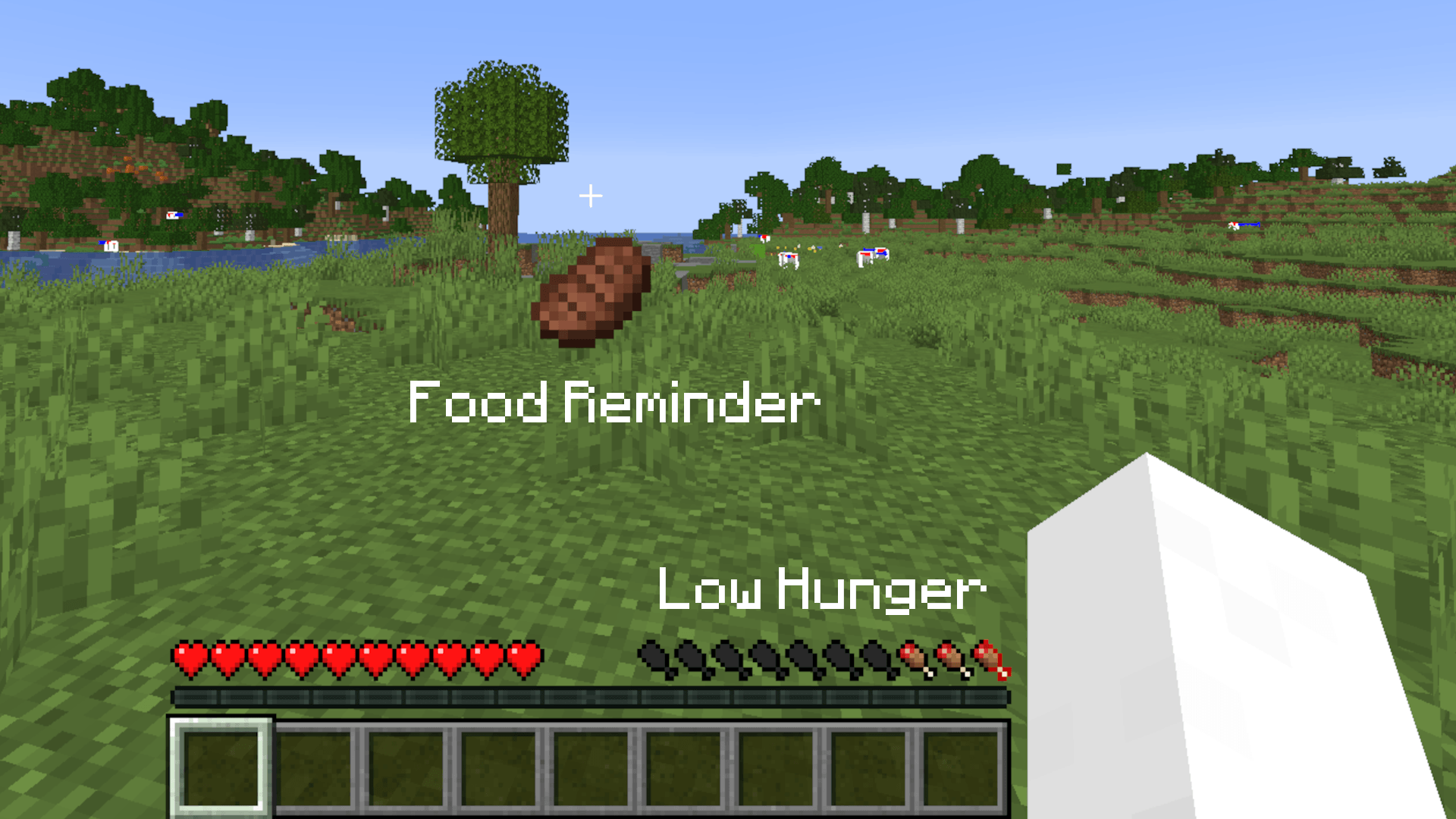
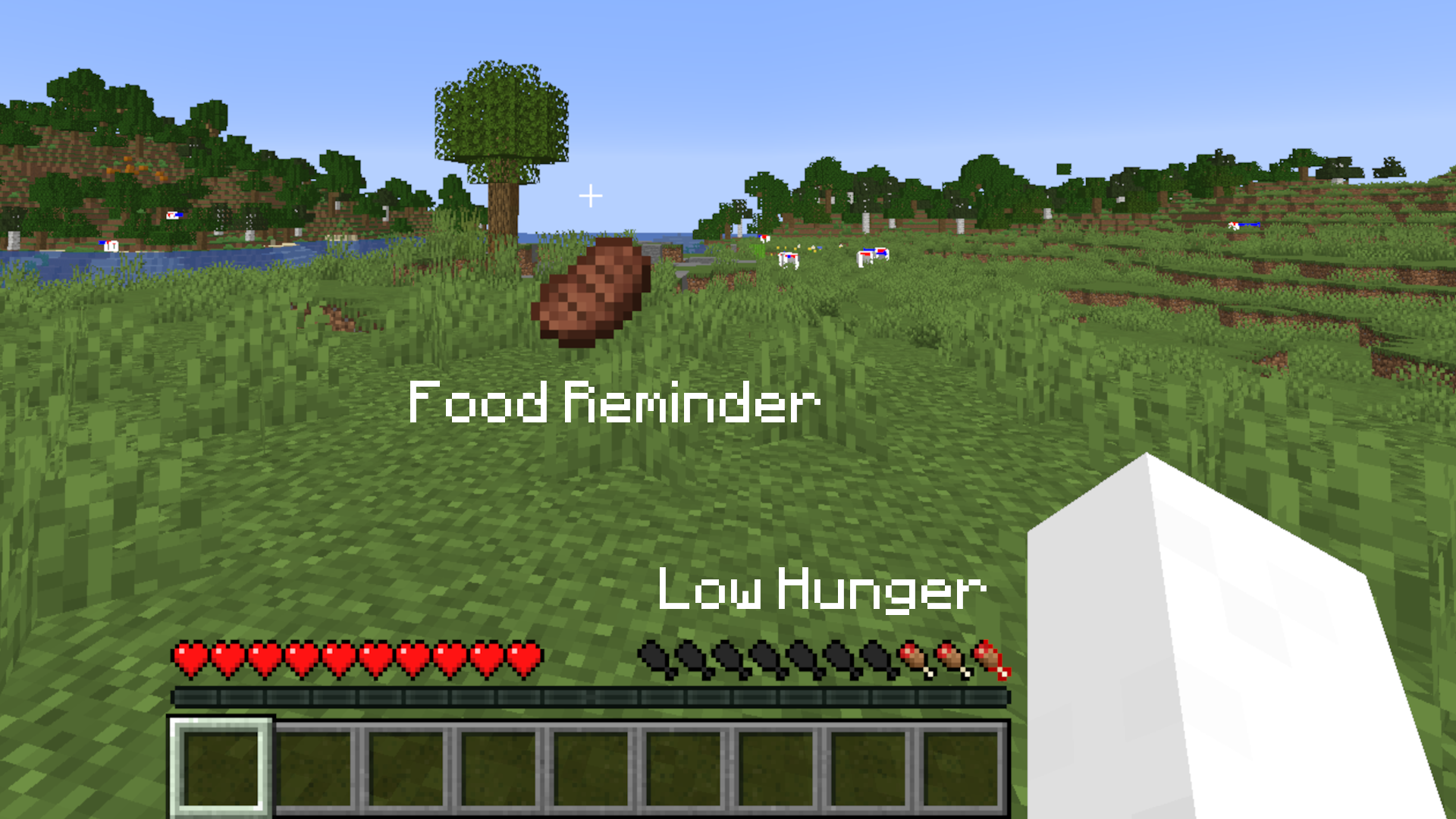 In-Game Reminder The reminder appears when your hunger falls below the configured threshold.
 -
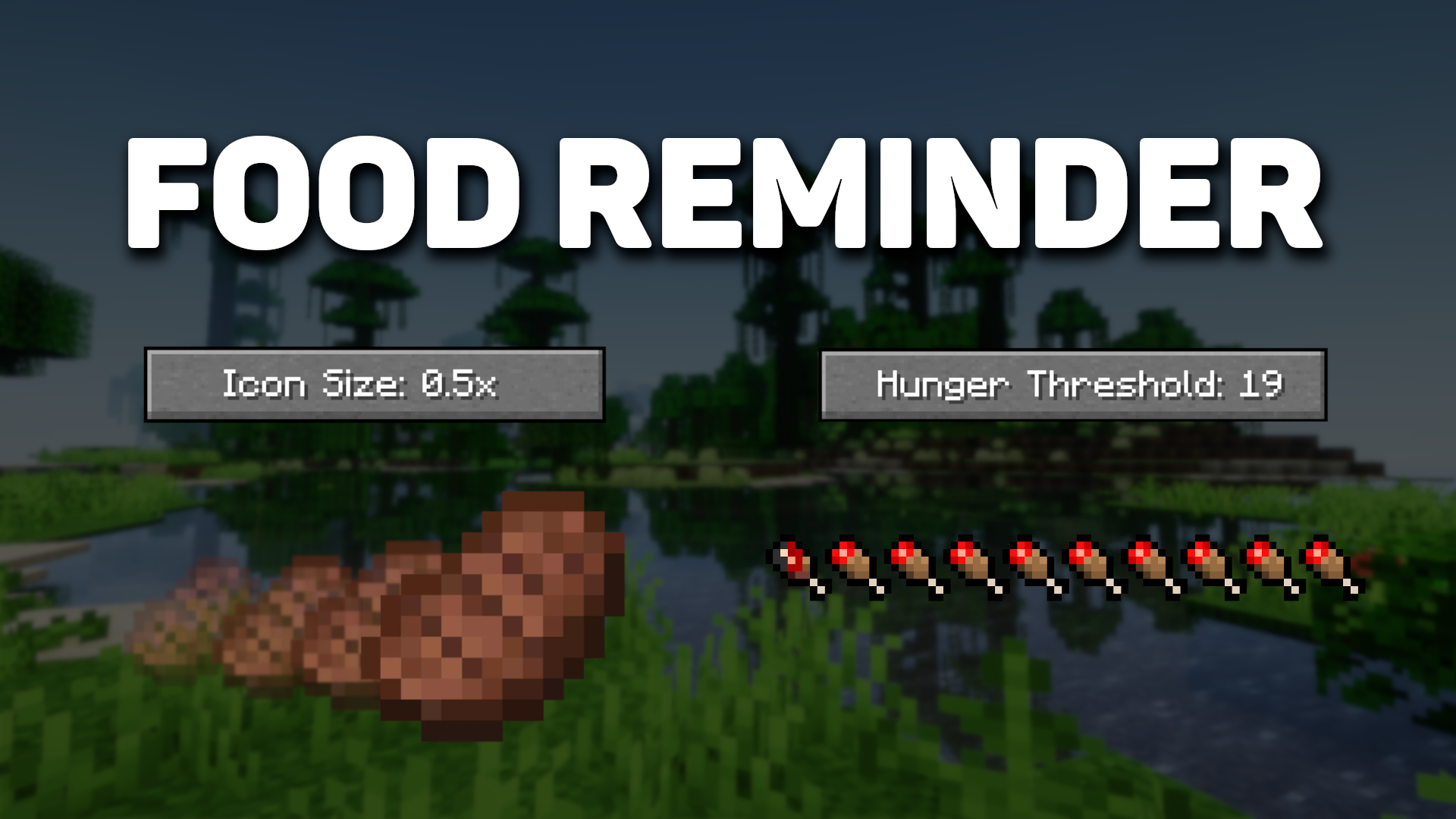
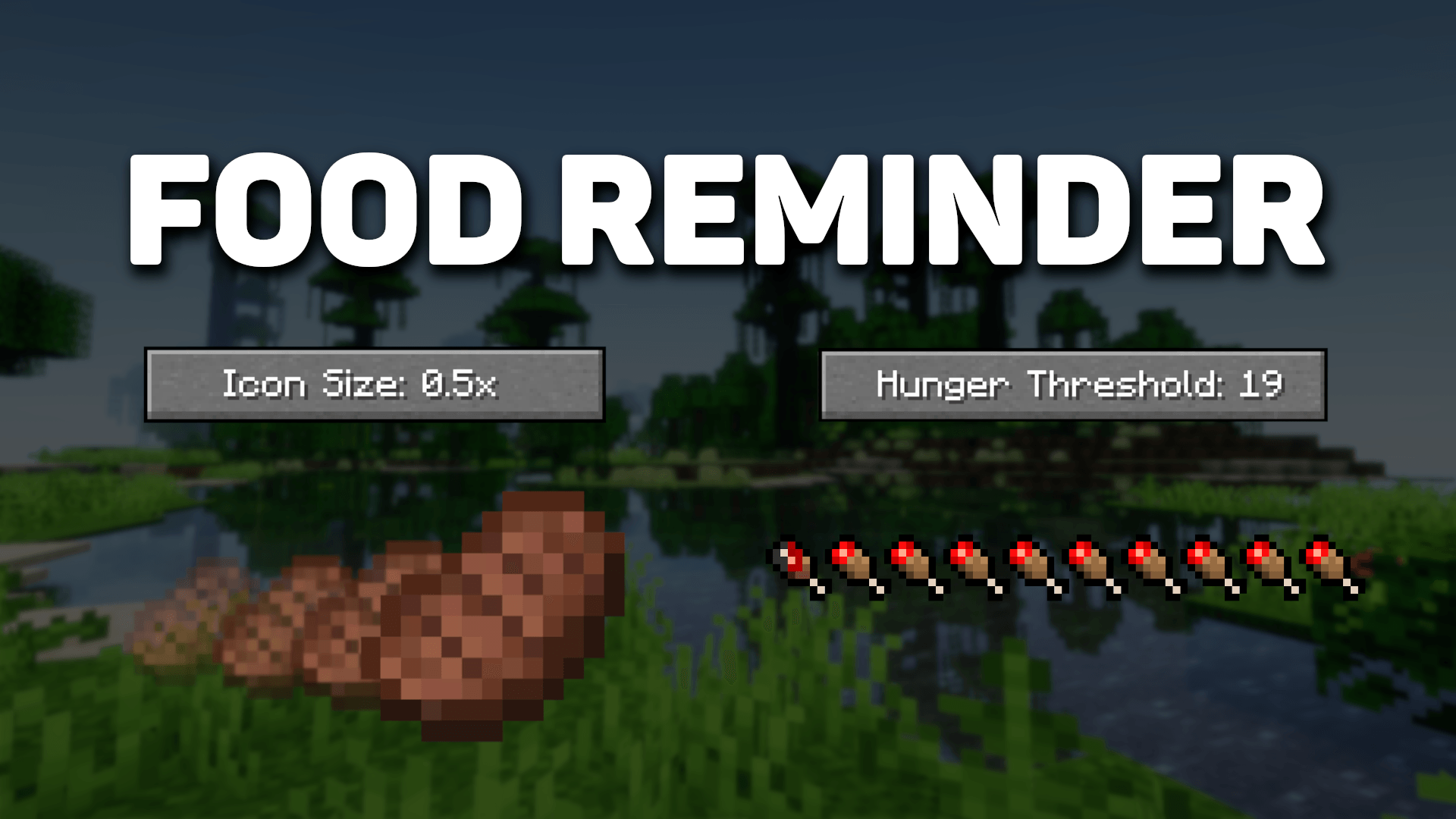
Food Reminder Banner Banner showcasing the main features of Food Reminder.
Versions
Files
Relations
Project Relations
More like this
Similar Mods
Suggestions use data such as tags, dependencies, dependents, descriptions, titles, and more to rank how much they overlap with this mod.
On ModDex
Community snapshot
By the numbers
Statistics
Want to reach Minecraft players?
We're looking for a server hosting partner to feature here and other parts of the site. Interested? Send us a message!
Get in touchGet it on
Available Platforms
On ModDex
Community snapshot
By the numbers
Statistics
Resources