
Community listing page, reviews may not be monitored by the author.
Forbidden Blocks

No reviews yet
Forbidden Blocks is a client-side mod for Minecraft that allows players to set specific blocks as forbidden, preventing their placement in the game. This mod is particularly useful for players who want to avoid losing items with specific names or lore.

Community voices
Reviews
No reviews yet. Be the first to review this project!
Get it on
Available Platforms
Compatibility
Supported Environments
Runs entirely on the client. Works on vanilla servers.
About
Project Details
For authors
Embed Badge
If you're the author of this project, you can embed a live badge anywhere that supports HTML or Markdown. It updates automatically whenever ratings change.
Use HTML for any page that supports it, or Markdown for README files and Markdown-based descriptions.
Identifiers
Platform IDs
About
Description
🛑 ForbiddenBlocks
🚀 Overview
ForbiddenBlocks is a client-side Minecraft mod that prevents players from placing specific blocks and named items, ensuring you never accidentally lose custom names or lore associations!
🔒 Protect your rare artifacts
special mementos and custom-named blocks protected from accidental placement! No more losing that legendary sword or story-rich items to a mis click! 🎭🏆
✨ Key Features
✅ Block & Named Item Placement Prevention – Define a list of blocks AND named items that CANNOT be placed! ❌🏗️🔖 💬 User Feedback – Get configurable messages when you try to place forbidden blocks or protected artifacts! 🔔 🛠️ Minecraft Controls Menu Integration – Adjust settings easily through the traditional Minecraft Menu! 🎛️ 🌎 World-Specific Configurations – Each Minecraft world or server can have its own settings! 🌐
📥 Installation
1️⃣ Download the mod from the official repository. ⬇️ 2️⃣ Move the .jar file into your Minecraft mods folder. 📂 3️⃣ Launch Minecraft using the Fabric Loader. 🚀
⚙️ Configuration
🌍 Global Settings----------
📜 Managed through ForbiddenBlocksConfig – toggle visibility of feedback messages in-game!
🗂️ World-Specific Settings----------
Each world or server gets its own JSON file for custom forbidden block & named item lists!
📌 Single Player: config/forbiddenblocks/worlds/singleplayer[worldname].json_ 📌 Multiplayer: config/forbiddenblocks/worlds/multiplayer[serveraddress].json_
🔧 Modify settings directly in these files or via the in-game config UI!
🎮 Usage
               🛑 Toggle Forbidden Blocks & Named Items_ – Press O (default) to enable/disable placement restrictions.
               💬 Toggle Feedback Messages_ – Press M (default) to show/hide feedback messages.
🏆 Prevent placing named artifacts like:
✨ Legendary Swords ⚔️ 📜 Custom-Lore Books 📖 🏺 Decorative, One-of-a-Kind Items 🎨 🔑 Keys & Quest Items 🗝️
📦 Dependencies
🔹 Fabric Loader – >= 0.16.10 🔹 Minecraft – ~1.21.4 🔹 Java – >= 21 ☕ 🔹 Fabric API – Required for core functionality. 🔹 1.3.3 and before - Cloth Config – Handles configuration management. 🔹 1.4.0 and after - OWO-Lib - Handles configuration management.~~~~
📜 License
📝 This project is licensed under the MIT License. See the LICENSE file for details.
👤 Author 👩💻 LuciEvol – Website
🎉 Enjoy the mod and keep your artifacts safe! 🏗️✨🏆
Screenshots
Gallery
-
 Forbidden Blocks Never lose your named or historical items again.
 -
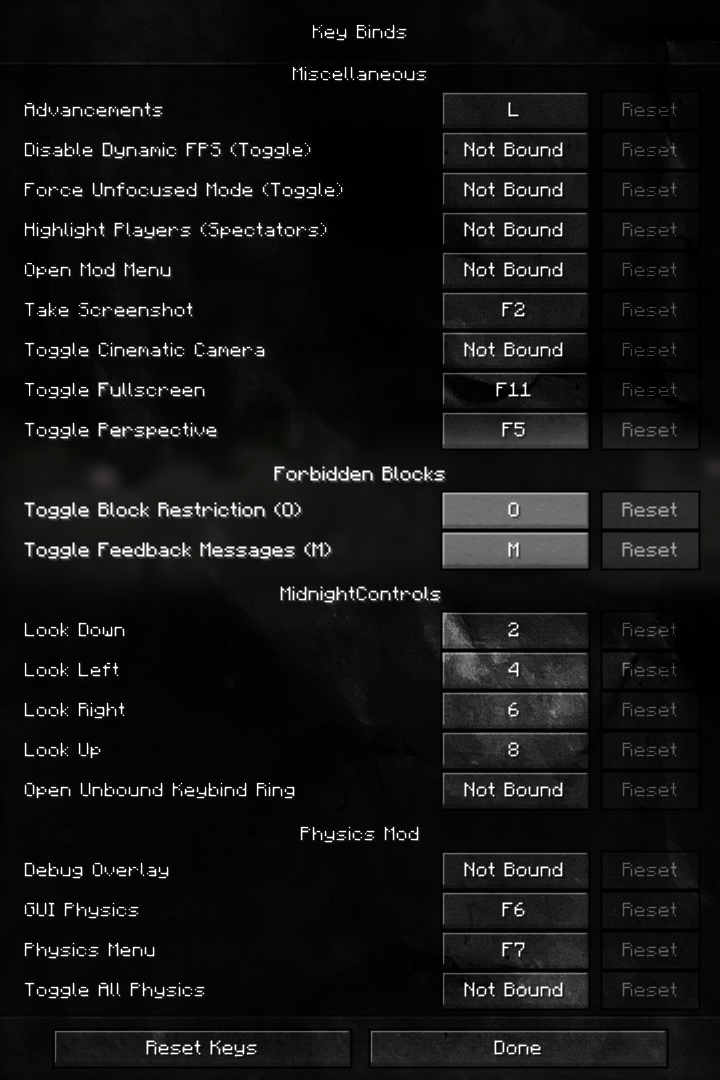 Keybinds Showing the keybinds in the minecraft settings
 -
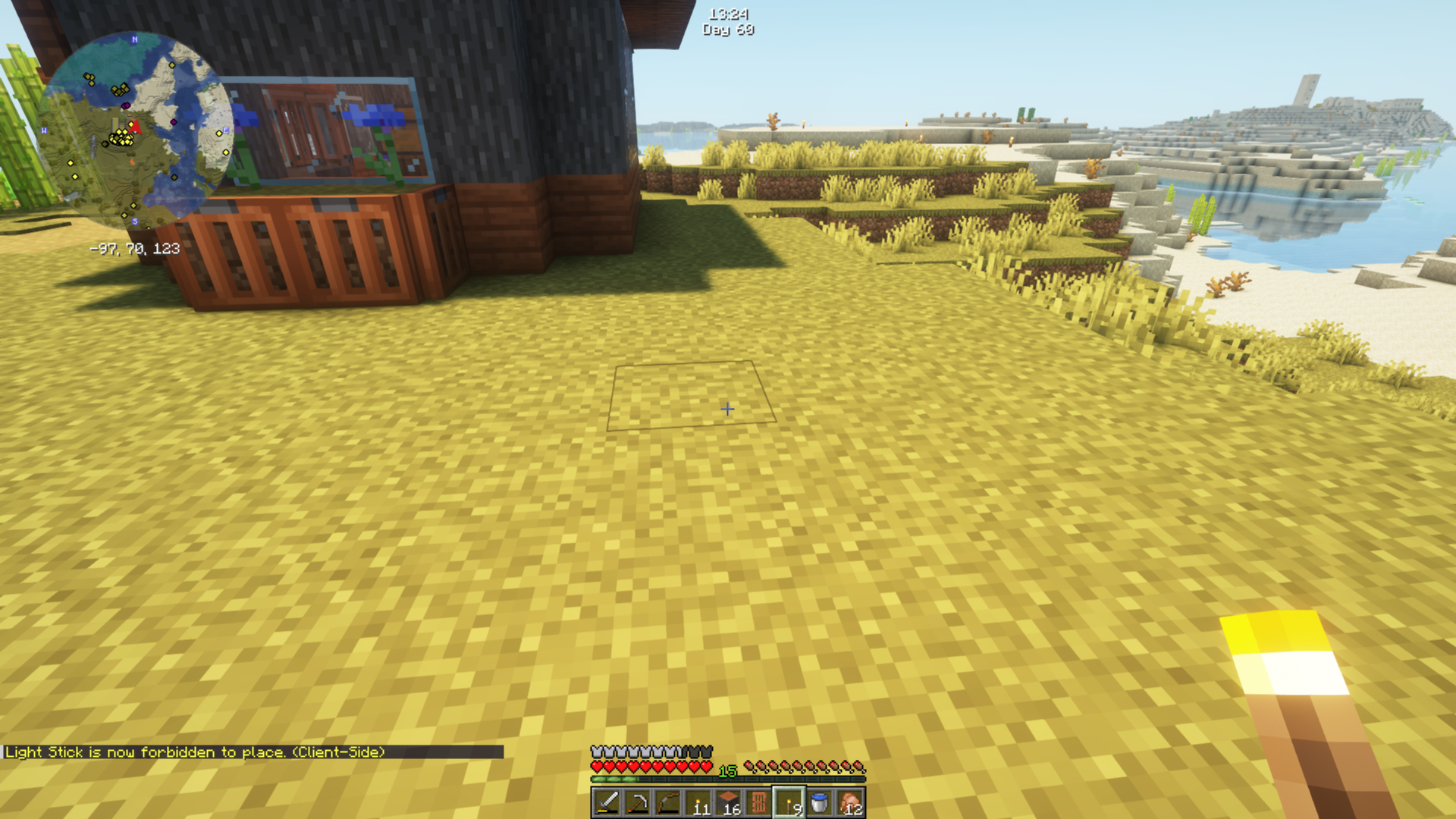 Forbid Named Forbid Message for named items
 -
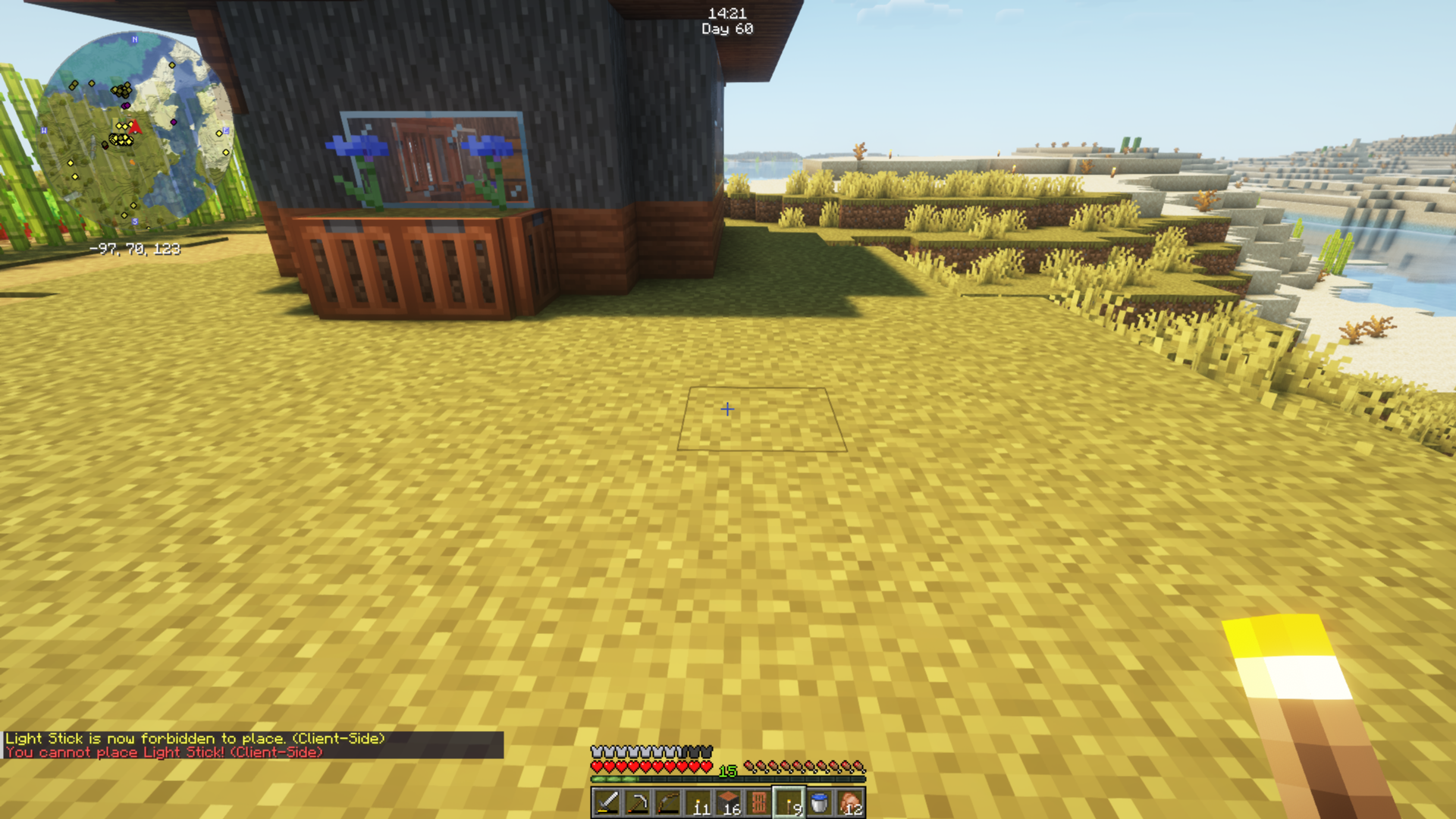 Forbid Msg Cannot Place Named Showing that you can not place the named item once it is forbid.
 -
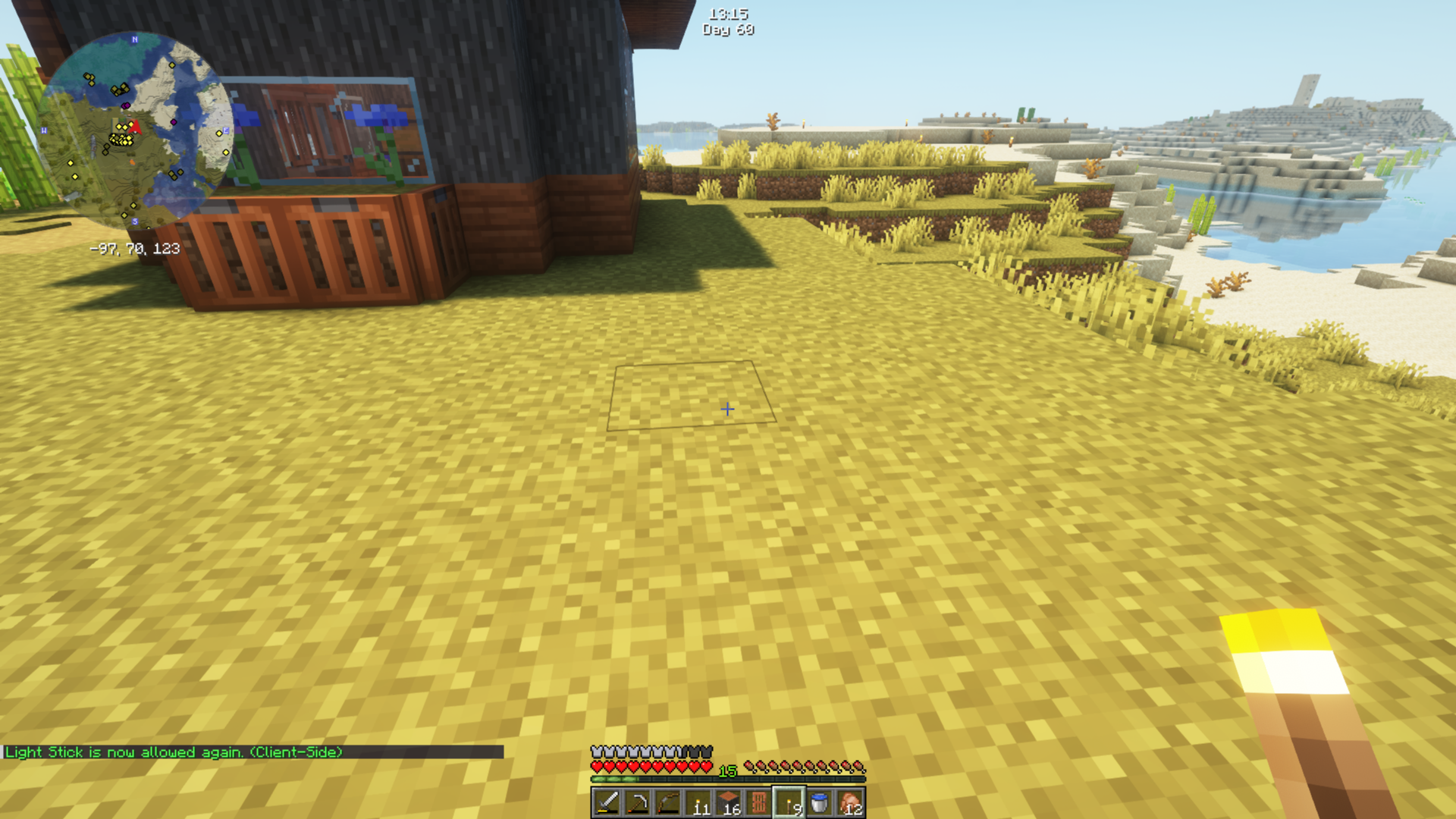 Allow Placement Named Showing the Placement allowed message.
 -
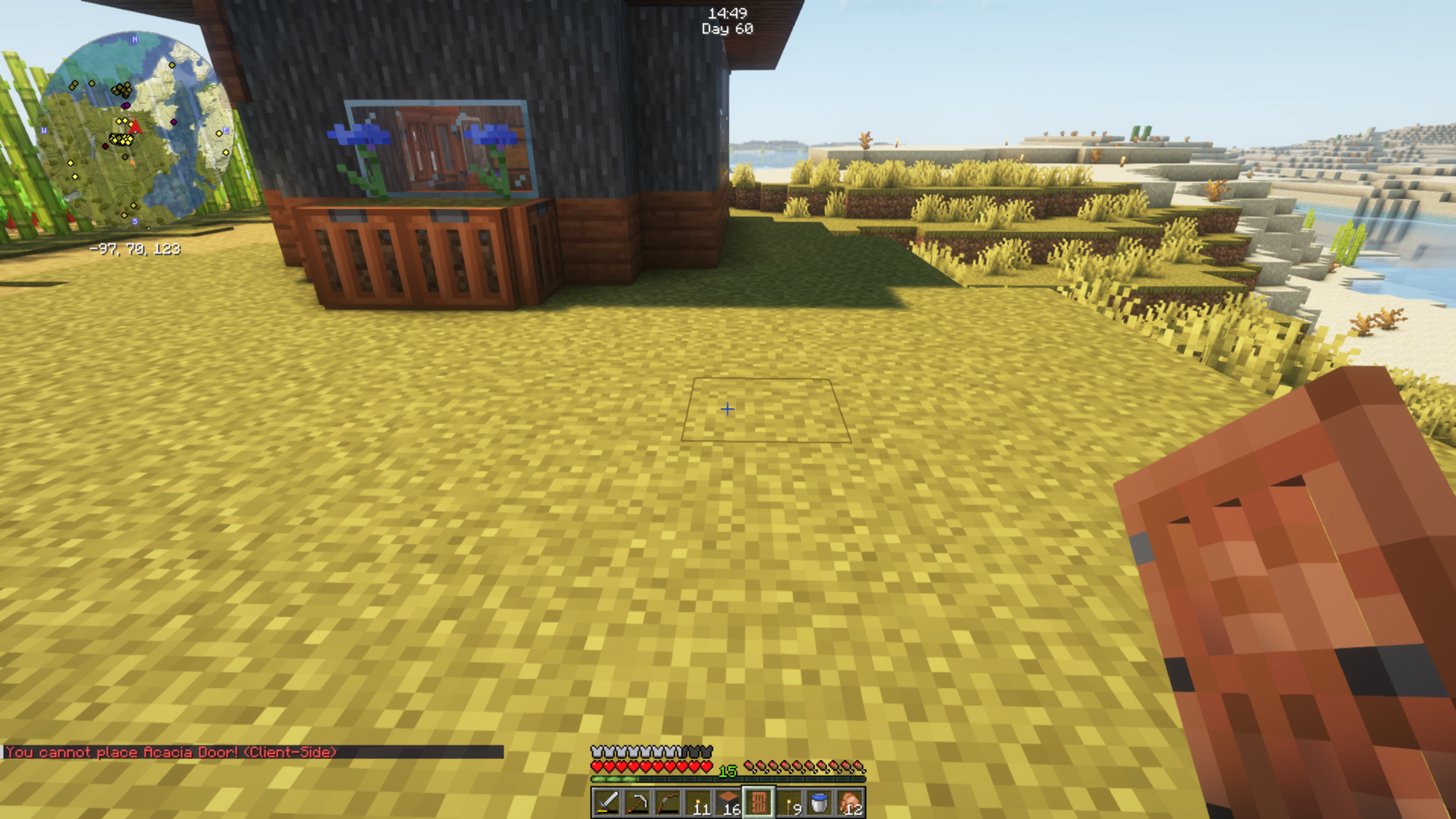 Cannot Place Unnamed Showing that you can do this with named of unnamed items if you like.
 -
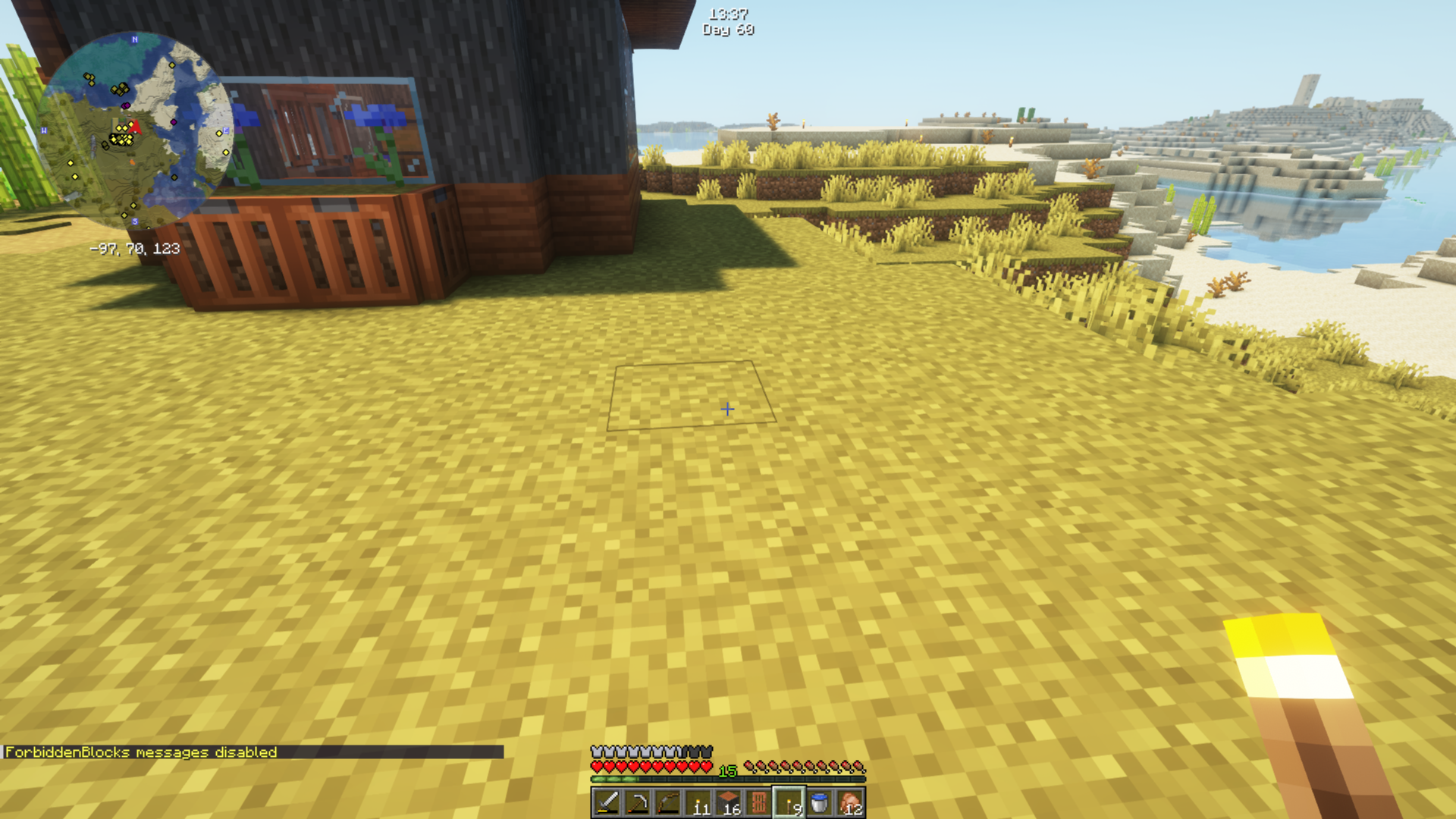 Toggle Messages Showing the toggle messages message.
Versions
Files
Relations
Project Relations
More like this
Similar Mods
Suggestions use data such as tags, dependencies, dependents, descriptions, titles, and more to rank how much they overlap with this mod.
On ModDex
Community snapshot
By the numbers
Statistics


Get it on
Available Platforms
On ModDex
Community snapshot
By the numbers