
Community listing page, reviews here may not be monitored by the author.
Forever Production Monitor

No reviews yet
A powerful AE2 companion for monitoring production, storage, crafting and network health through detailed diagnostics, a configurable HUD and an interactive 3D network map

Community voices
Reviews
No reviews yet. Be the first to review this project!
Get it on
Available Platforms
About
Project Details
For authors
Embed Badge
If you're the author of this project, you can embed a live badge anywhere that supports HTML or Markdown. It updates automatically whenever ratings change.
Use HTML for any page that supports it, or Markdown for README files and Markdown-based descriptions.
Identifiers
Platform IDs
Resources
External Links
About
Description
Forever Production Monitor
Forever Production Monitor is an AE2 production, storage, crafting and network diagnostics companion for Minecraft 1.21.1 on NeoForge.
Large Applied Energistics 2 networks can become difficult to understand once they span hundreds or thousands of blocks, multiple storage systems, large autocrafting setups or even several dimensions.
Forever Production Monitor is built around one idea:
Turn your AE2 network into something you can inspect instead of guess at.
The mod combines live production statistics, storage diagnostics, channel information, crafting diagnostics, alarms, a configurable Mini HUD and an interactive 3D Network Map inside a single tablet-style interface.
What can it do?
- Production Monitoring
Track items, fluids and energy in real time. View current production or consumption rates, averages, stored amounts and totals with configurable rate units. - Dashboard & Alarms
Pin important resources to a dashboard and create alarms for critical storage levels so important materials are easy to keep an eye on. - Storage Diagnostics
Inspect AE2 storage capacity, used and free space, storage sources, type usage and dedicated NBT-item information. - Channel Diagnostics
See connected devices, channel usage, power state and devices that are missing channels. The Missing Channel locator can take you directly to the actual affected device — including on networks spanning multiple dimensions. - Crafting Diagnostics
Inspect active crafting jobs, encoded patterns and pattern providers. Examine crafting dependencies and submit direct crafting requests from the diagnostics interface. - Interactive 3D Network Map
Explore the physical structure of your AE2 network in a navigable 3D view. Search for devices, apply filters, inspect individual nodes, use different camera perspectives, save camera bookmarks and enable a channel-load heatmap. - Large Network Support
The Network Map includes dedicated optimizations for large AE2 installations, including cached filtered node sets, off-screen culling, reused projection data and lazy heatmap calculations. - Multidimensional AE2 Networks
Networks connected through active AE2 Quantum Bridges can be explored across dimensions. Valid Quantum Bridge connections can be followed directly to their paired bridge. - ExtendedAE Integration
When ExtendedAE is installed, verified ME Wireless Connector pairs can also be followed directly through the Network Map. - Network Events
Observe topology, power and channel-state changes that occur during the current play session. - Configurable Mini HUD
Keep useful network information visible while playing with configurable position, scale, opacity, frame and content filters. - Themes & Customization
Choose from multiple interface themes and animation settings, or create your own appearance using the dedicated Custom Theme Designer and Custom Mini HUD Designer, both with live previews. - Production Monitor & Tablet
Access the system through the Production Tablet and the in-world Production Monitor block, including dedicated OFFLINE, ONLINE and LINKED visual states.
Designed for real AE2 networks
Forever Production Monitor is especially useful once an AE2 installation becomes large enough that simply walking through the base is no longer a practical way to diagnose it.
The Network Map can show cables, AE2 devices, multipart components and supported machines. Devices can be searched, filtered and selected for additional information such as position, network state, channel usage and power information.
The mod is intended as a diagnostics companion rather than a replacement for Applied Energistics 2 itself.
Requirements
Minecraft: 1.21.1
Mod Loader: NeoForge 21.1.249 or newer
Applied Energistics 2: 19.2.17 up to, but not including, 20.0.0
Curios: 9.5.1+1.21.1 or newer
Java: 21
ExtendedAE is optional and enables Wireless Connector navigation.
Forever Production Monitor is currently developed and tested for NeoForge 1.21.1 only. Fabric, Forge and other Minecraft versions are not supported by the current release.
Installation
Install Forever Production Monitor together with Applied Energistics 2 and Curios on both the client and server.
For multiplayer, clients and the server should use the same Forever Production Monitor version.
ExtendedAE is only required if you want its Wireless Connector integration.
Source, Issues & Support
Forever Production Monitor is open source under the MIT License.
Source code & releases:
https://github.com/TeKatz/ForeverProductionMonitor
Bug reports & feature issues:
https://github.com/TeKatz/ForeverProductionMonitor/issues
When reporting a problem, including your Minecraft, NeoForge, AE2 and Forever Production Monitor versions together with the relevant log or crash report is extremely helpful.
Development & AI Disclosure
Forever Production Monitor is designed, directed and tested by TeKatz.
Implementation, debugging, refactoring and documentation are developed extensively with generative AI assistance under human direction and review. Product direction, feature requirements, UI/UX decisions, test scenarios, bug reproduction and release approval remain human-directed.
Stable releases are built from the public source repository and manually tested in-game before publication.
Screenshots
Gallery
-
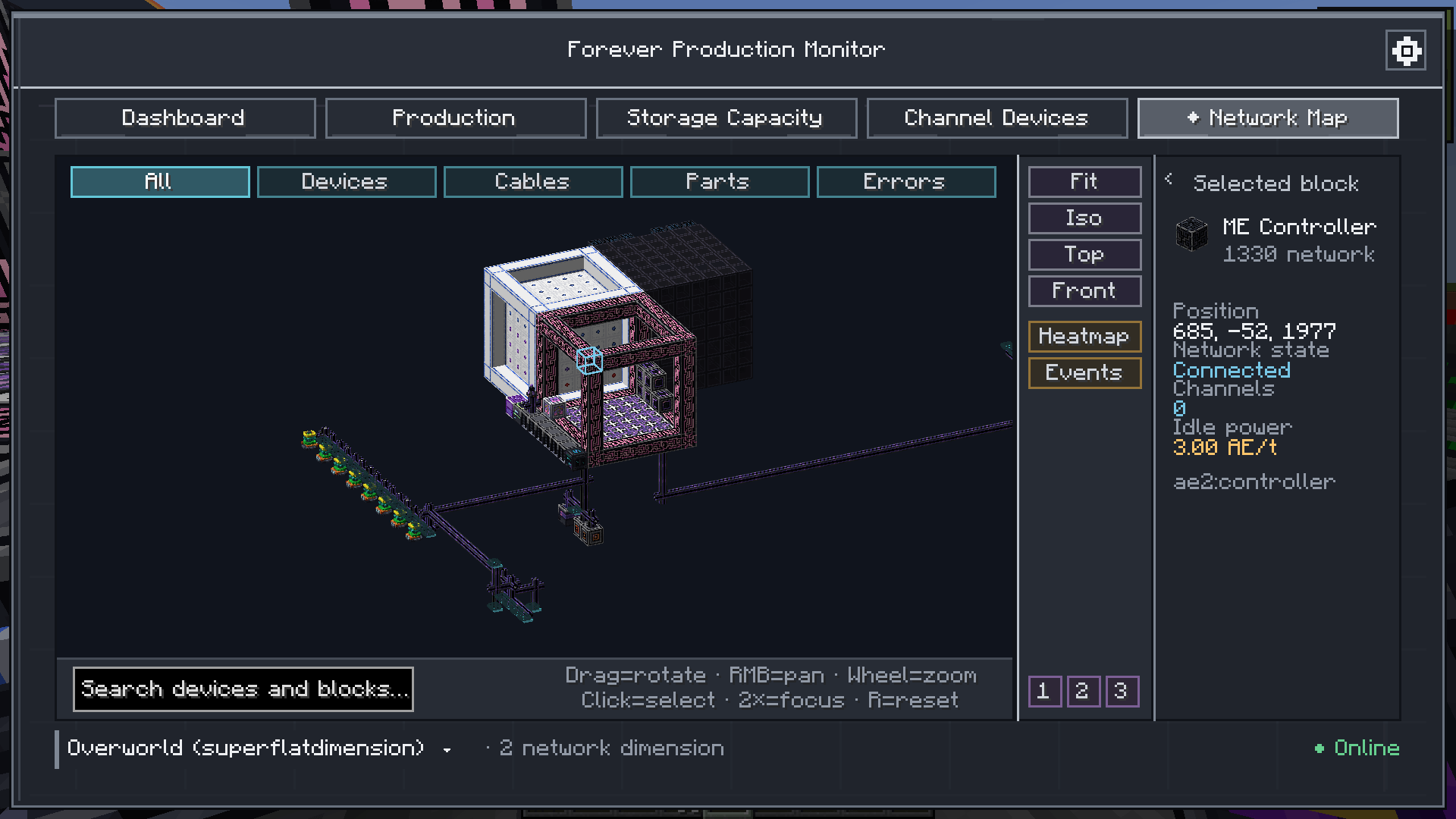 network_map1.png network_map1.png
 -
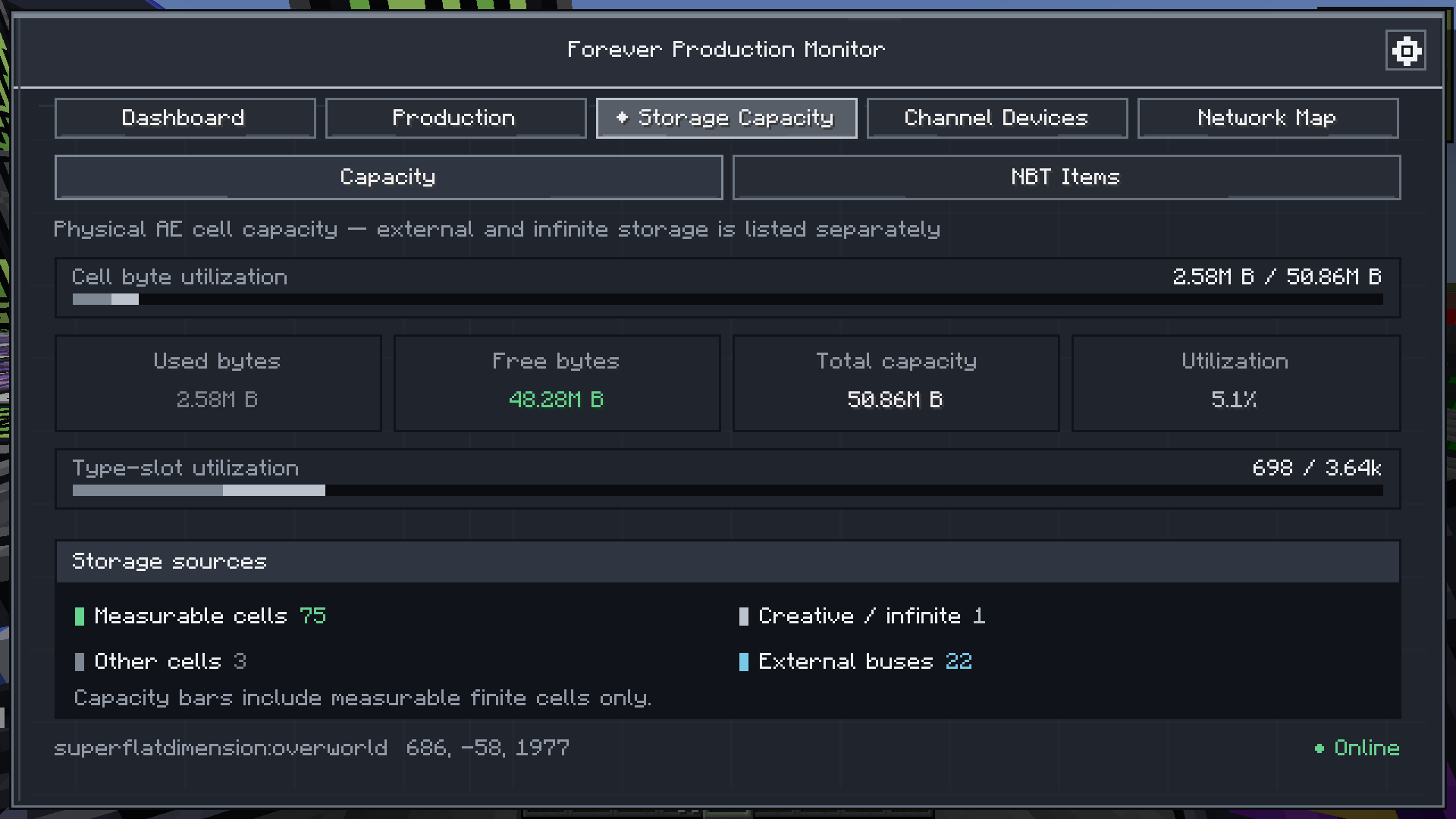 storage_capacity.png storage_capacity.png
 -
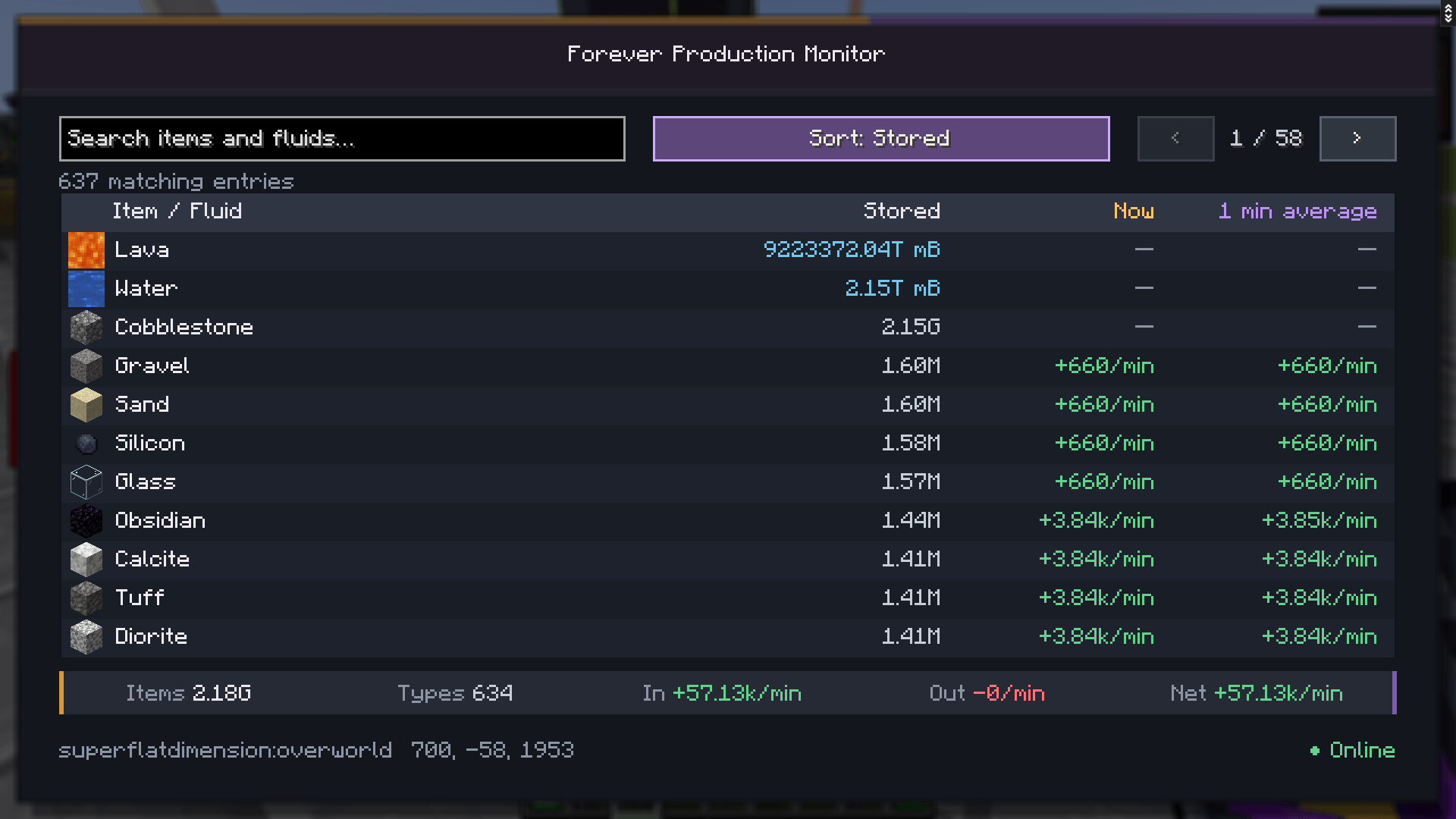 06-production-items-fluids.png 06-production-items-fluids.png
 -
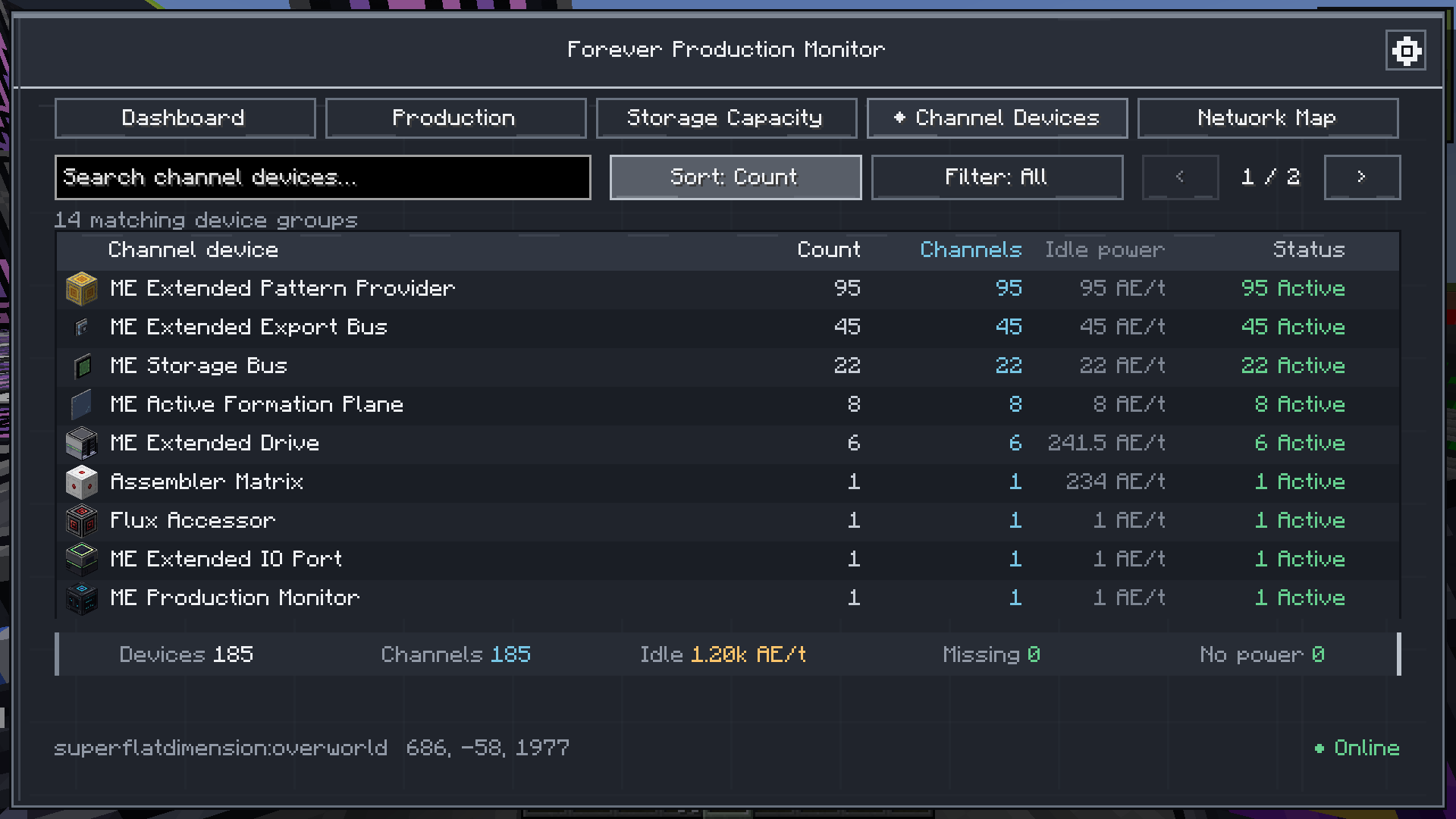 channel_devices.png channel_devices.png
 -
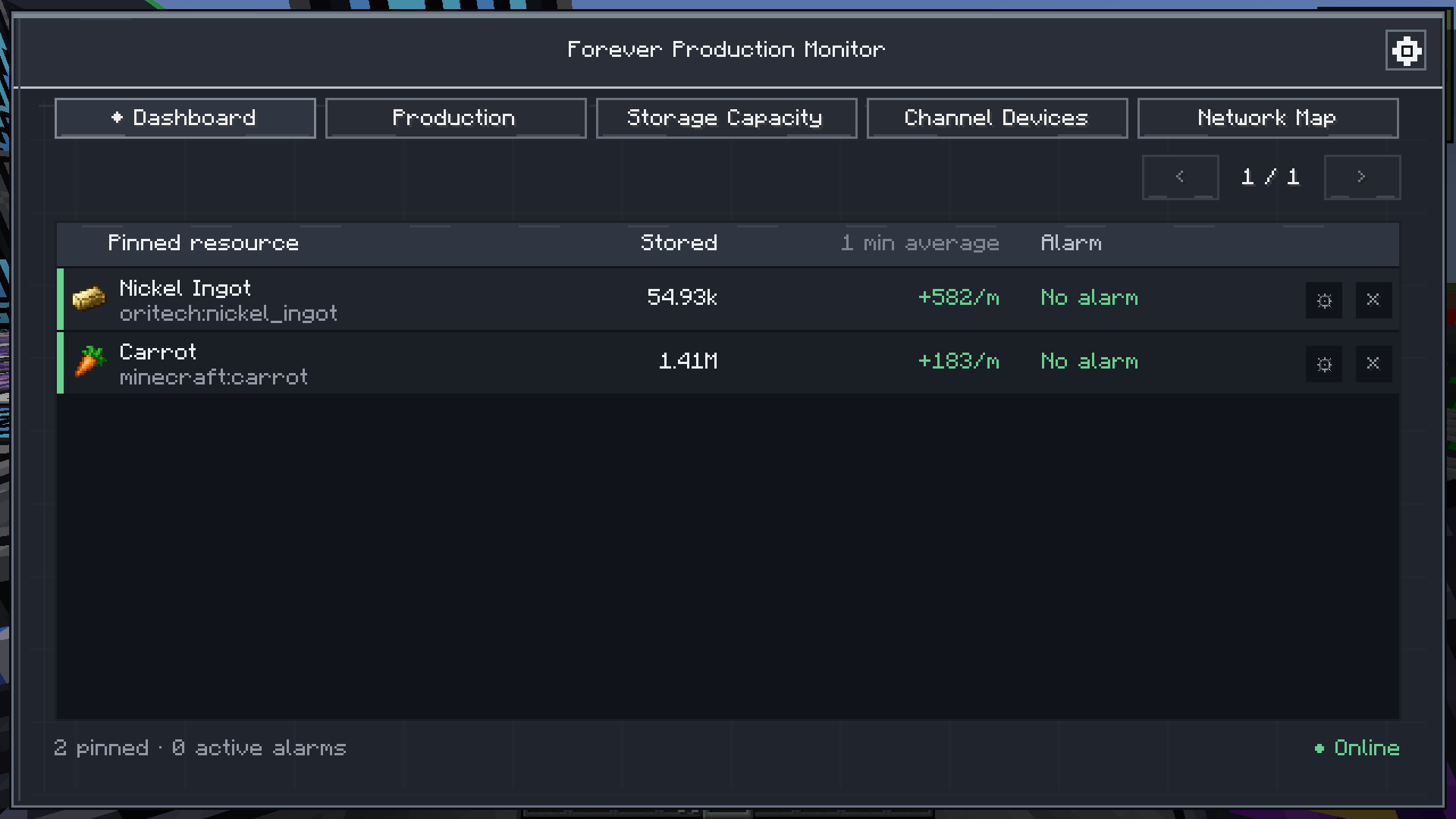 dashboard.png dashboard.png
 -
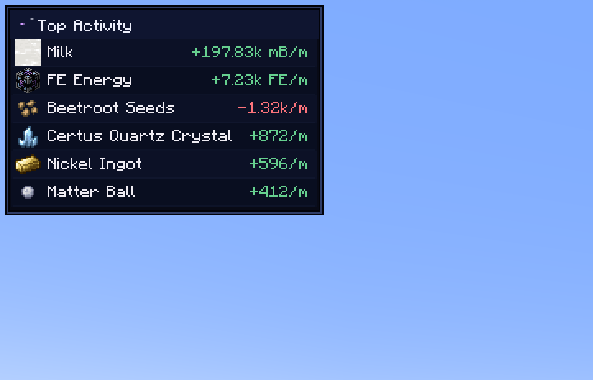 mini_hud.png mini_hud.png
 -
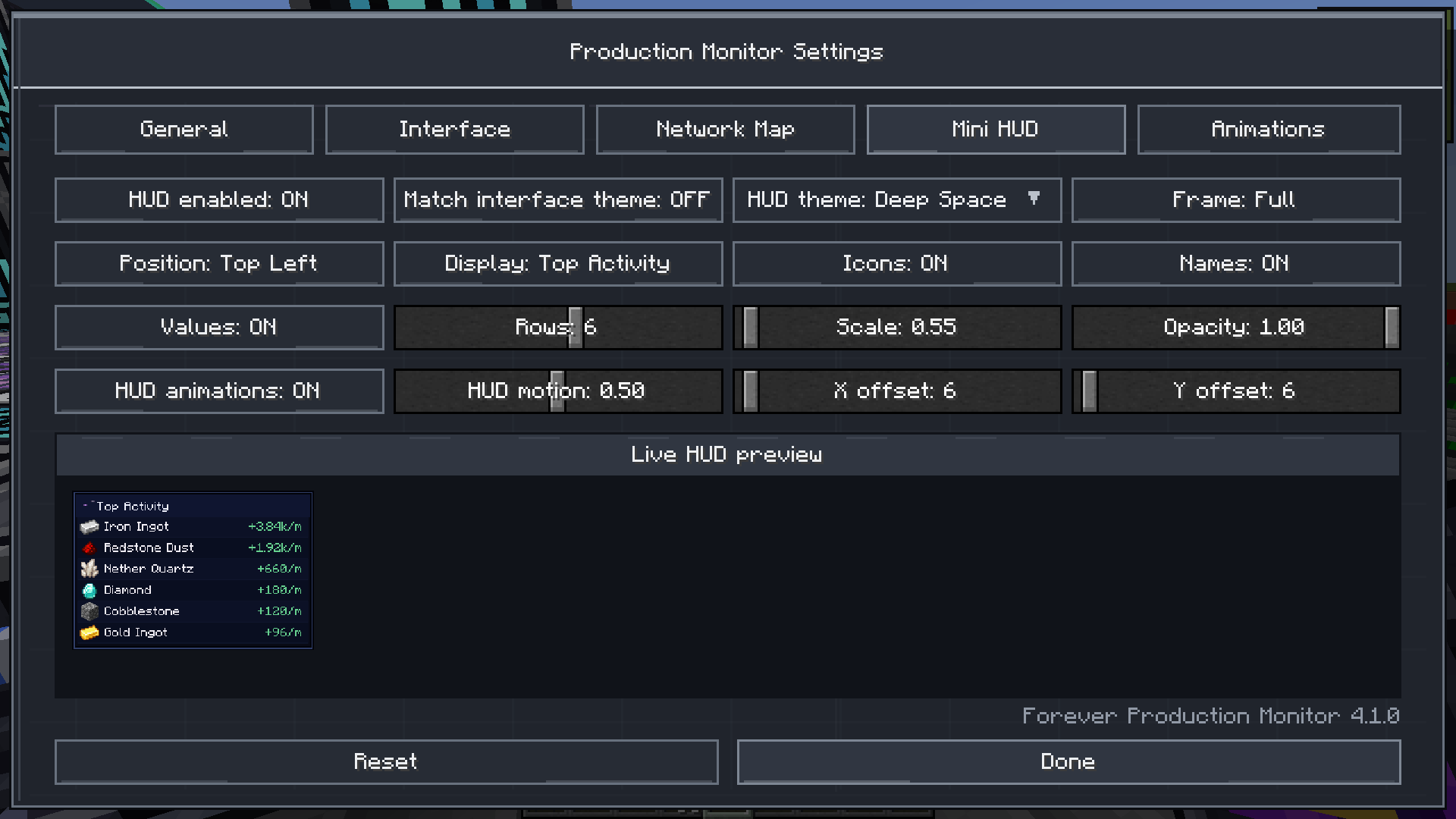 mini_hud_settings.png mini_hud_settings.png
 -
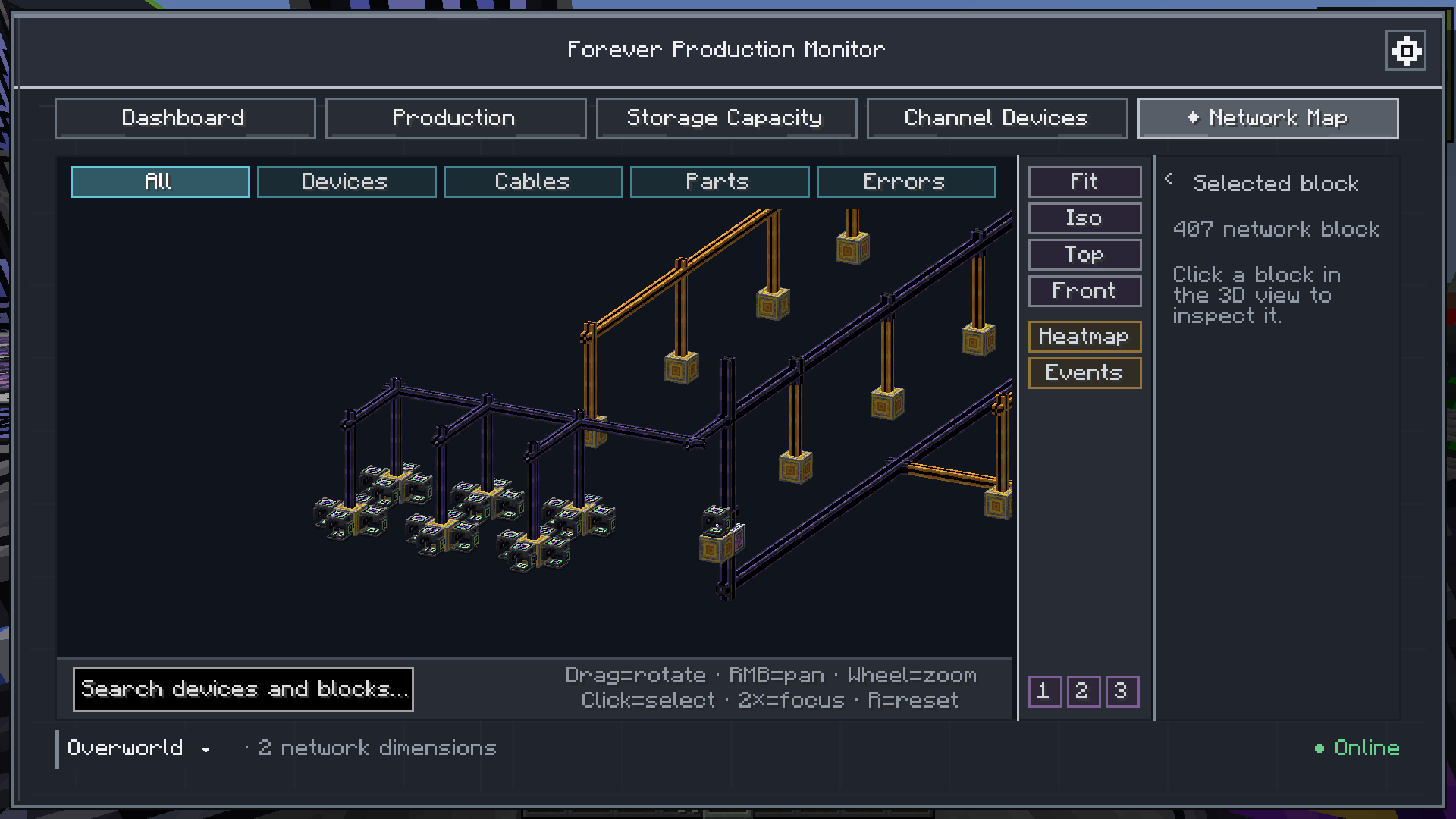 network_map2.png network_map2.png
 -
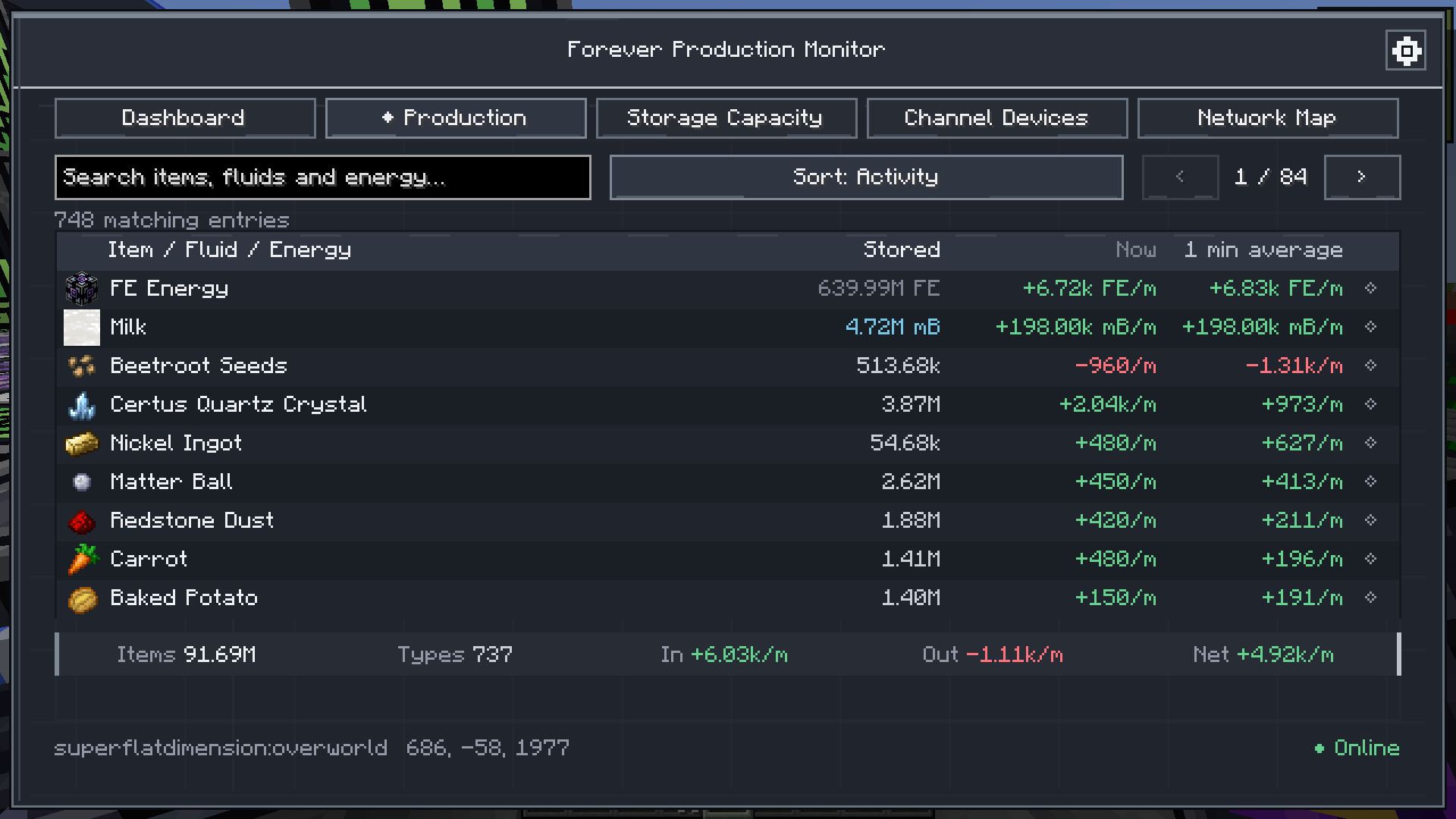 production.png production.png
Versions
Files
Relations
Project Relations
More like this
Similar Mods
Suggestions use data such as tags, dependencies, dependents, descriptions, titles, and more to rank how much they overlap with this mod.
On ModDex
Community snapshot
By the numbers
Statistics
 (opens in a new tab)
Get it on
Available Platforms
On ModDex
Community snapshot
By the numbers
Statistics
Resources