
Community listing page, reviews here may not be monitored by the author.
FPS Boost

Want to optimize your game and improve performance? This mods is for you
Community voices
Reviews
No reviews yet. Be the first to review this project!
Get it on
Available Platforms
 CurseForge
Modrinth
CurseForge
Modrinth
About
Project Details
For authors
Embed Badge
If you're the author of this project, you can embed a live badge anywhere that supports HTML or Markdown. It updates automatically whenever ratings change.
Use HTML for any page that supports it, or Markdown for README files and Markdown-based descriptions.
Identifiers
Platform IDs
Resources
External Links
About
Description
FPS Boost
This mod allows you to improve your game's performance and stability, and also adds options such as cash‑ram clearing, rain disabling, clear‑lag, or chunk reloading. It is especially useful for low‑end or older computers, where every bit of optimization matters.
Version 2.0 Warning: This is a complete code overhaul. It is essential to report any bugs you encounter.


Extreme comparison test
FPS : ~20 FPS : ~30
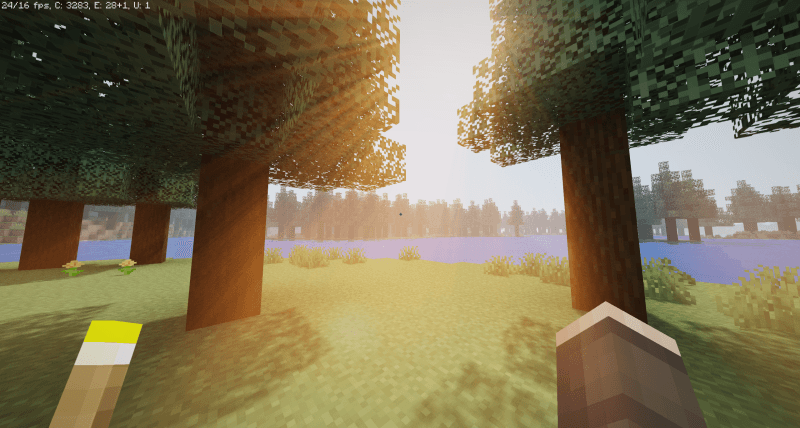
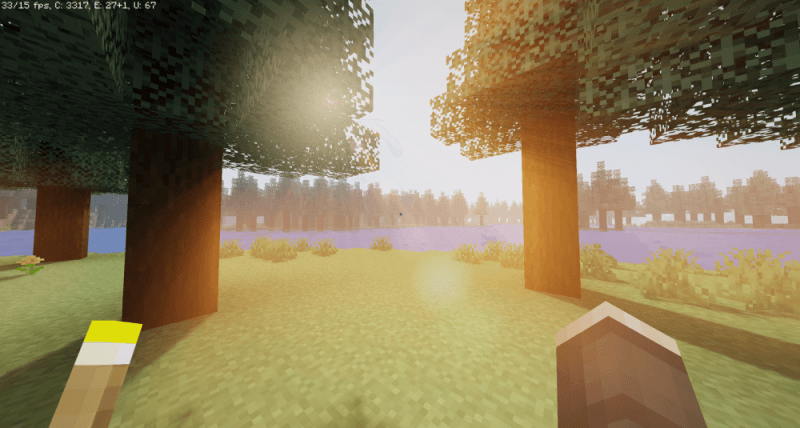
Settings
Disable weather : turn off rain
Reload chunk : simply reload the generated chunks
Disable spawn entity : disable entity spawning (entities may appear when new chunks are generated)
Clearlag : remove all items on the ground every 3 minutes
Entity optimization : reduces the amount of entity in the world
Show FPS : displays the FPS at the top of the screen
ClearLag Notify : enables or disables visual notifications related to clearlag
cash‑ram clearing : When you are AFK for more than a minute a screen saver will appear in order to reduce the consumption of your computer
⚠️This mods needs dependencies, TCTCore ⚠️

Enter the mods menu by clicking H
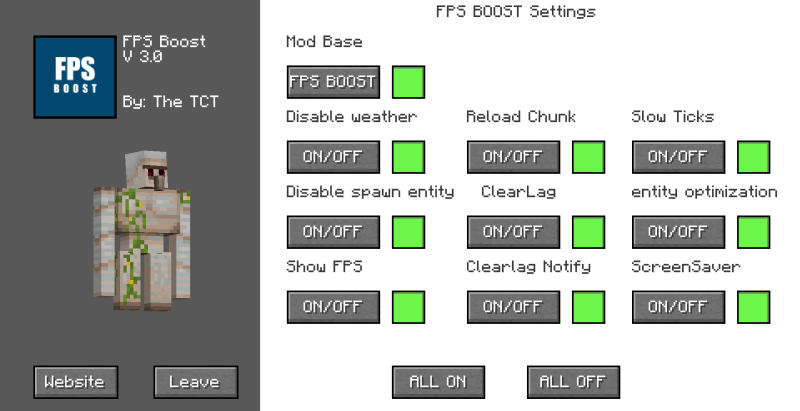
INFO
⚠️These mods allow you to save some resources for players who have a small machine, it is a simple little mod which combined with optifin allows you to put all your luck on your side to play with suitable performance⚠️
FPS Boost
This mod offers you to improve the performance and stability of your game, and also adds some options such as zooming and reducing FPS during a certain inactivity to save energy.
FPS without FPS Boost
FPS : ~91
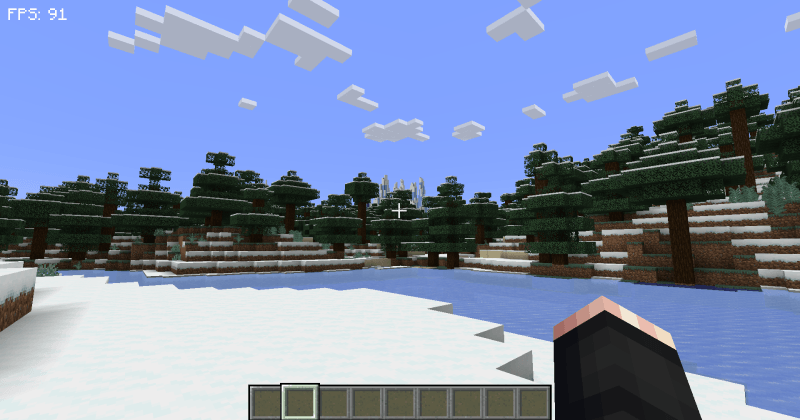
FPS with FPS Boost
FPS : ~120
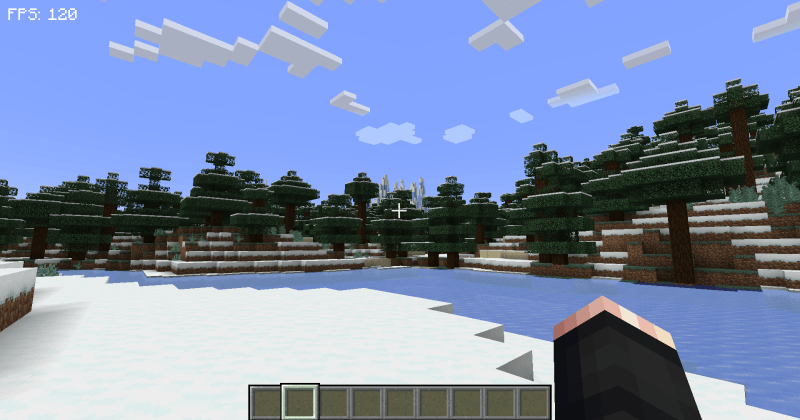
Settings
Settings "Enter the mods menu by clicking H"
- Disable weather : turn off rain
- Reload chunk : simply reload the generated chunks
- Slow Tick : reduces world tick to reduce CPU consumption
- Disable spawn entity : disable entity spawning (entities may appear when new chunks are generated)
- Clearlag : remove all items on the ground every 3 minutes
- Entity optimization : reduces the amount of entity in the world
- Show FPS : displays the FPS at the top of the screen
- ClearLag Notify : enables or disables visual notifications related to clearlag
- ScreenSaver : When you are AFK for more than a minute a screen saver will appear in order to reduce the consumption of your computer
- Zoom : The zoom of this mod works by pressing the C key (modifiable) and is more powerful than that of Optifin because it allows you to modify the zoom level using the I and O keys.
- energy saver : this function allows you to reduce the FPS of the game when it is in the background or when the player is inactive, it allows you to reduce energy consumption and increase performance when you browse your computer with minecraft in the background
⚠️This mods needs dependencies, TCTCore

INFO
⚠️These mods allow you to save some resources for players who have a small machine, it is a simple little mod which combined with optifin allows you to put all your luck on your side to play with suitable performance⚠️
Screenshots
Gallery
Versions
Files
Relations
Project Relations
More like this
Similar Mods
Suggestions use data such as tags, dependencies, dependents, descriptions, titles, and more to rank how much they overlap with this mod.
On ModDex
Community snapshot
By the numbers
Statistics
Want to reach Minecraft players?
We're looking for a server hosting partner to feature here and other parts of the site. Interested? Send us a message!
Get in touchGet it on
Available Platforms
CurseForge
Modrinth
On ModDex
Community snapshot
By the numbers
Statistics
Resources