Community listing page, reviews may not be monitored by the author.
Frameless Images lang only french for this

No reviews yet
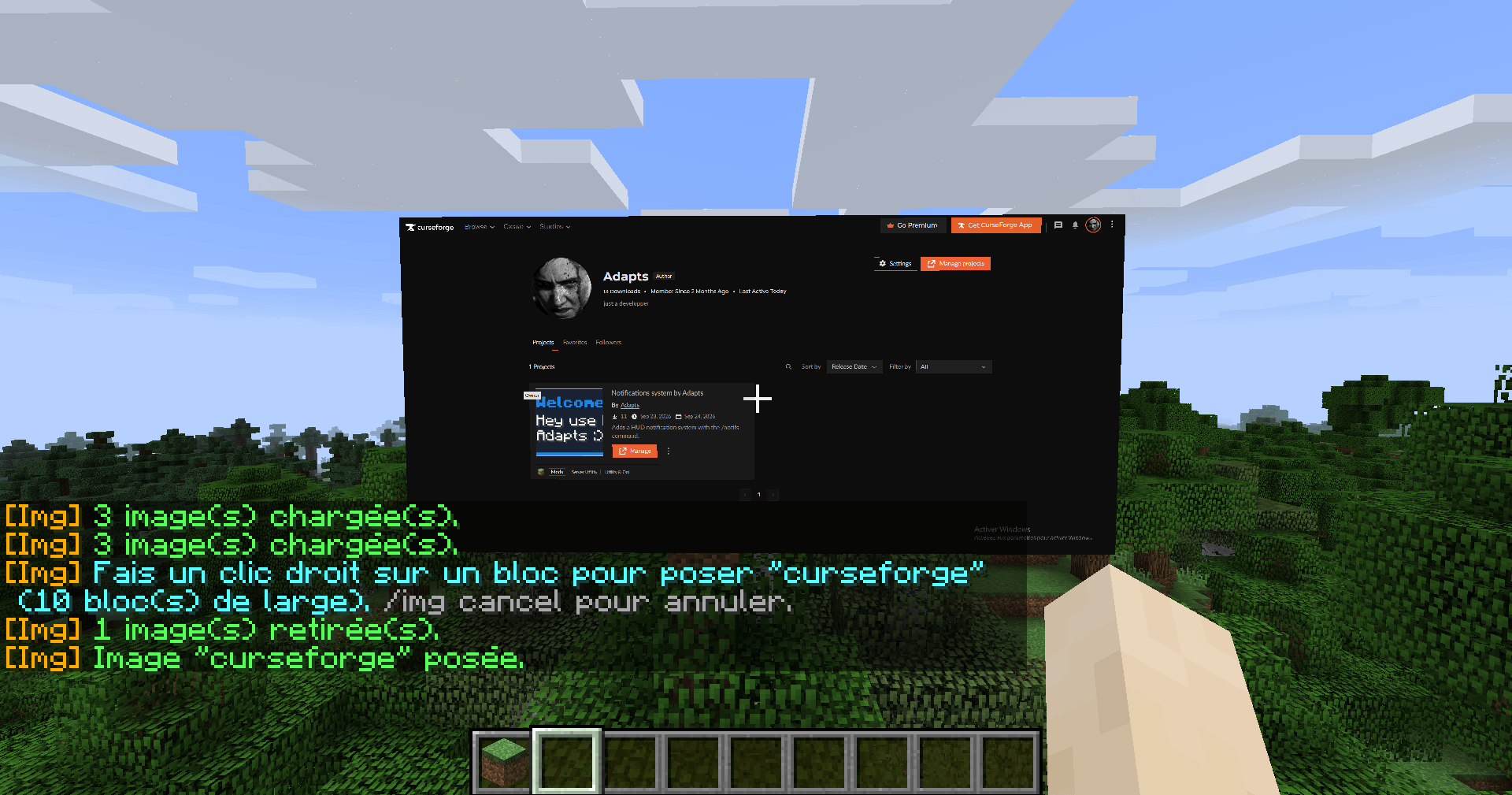
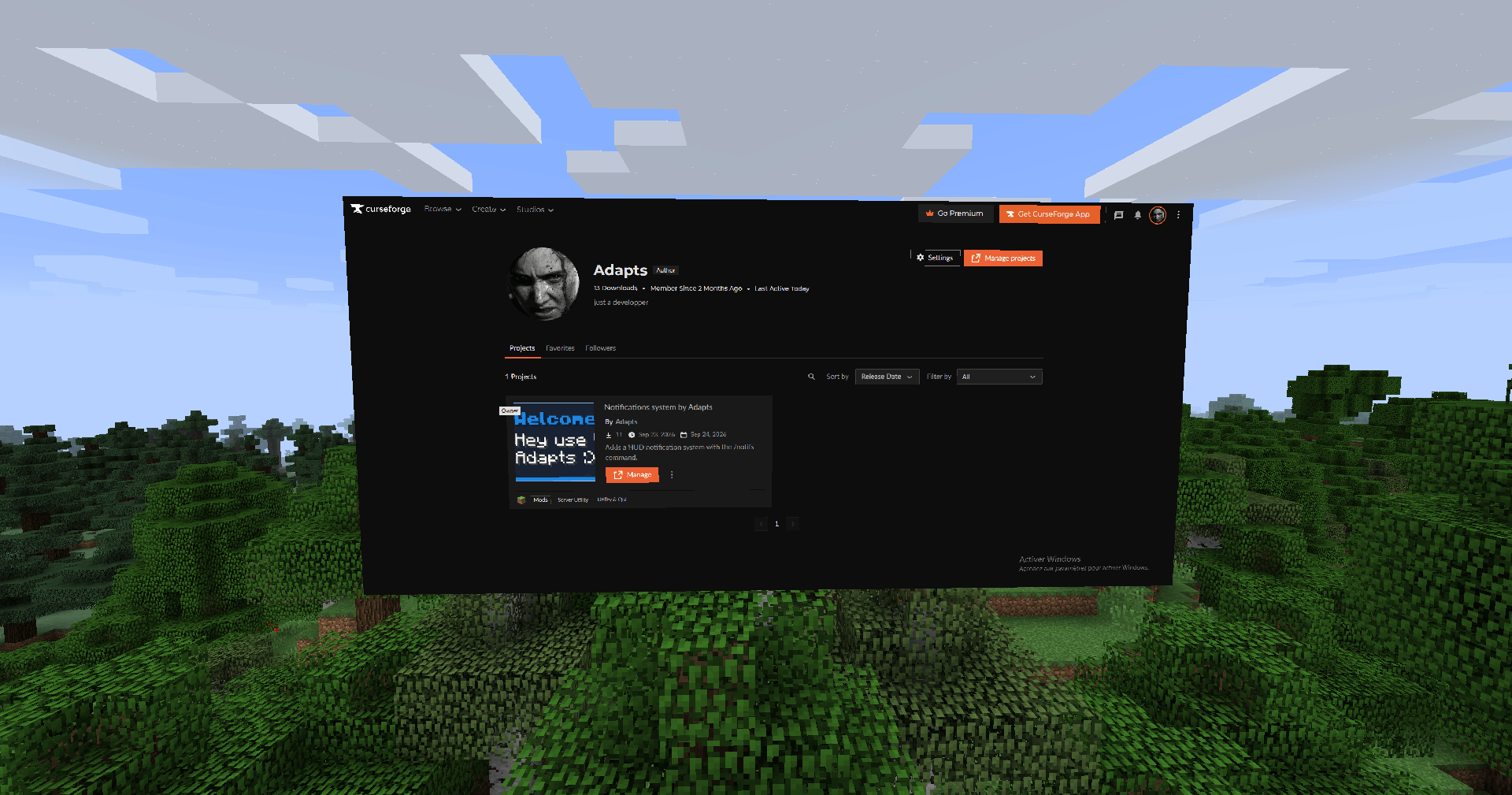
Place your own PNG images anywhere in your world, on walls, floors or ceilings, with no frame and no background. Just the image.

Community voices
Reviews
No reviews yet. Be the first to review this project!
Get it on
Available Platforms
About
Project Details
For authors
Embed Badge
If you're the author of this project, you can embed a live badge anywhere that supports HTML or Markdown. It updates automatically whenever ratings change.
Use HTML for any page that supports it, or Markdown for README files and Markdown-based descriptions.
Identifiers
Platform IDs
Resources
External Links
About
Description
Frameless Images (Join us on discord: https://discord.gg/B5sMcUThpv)
Put your own PNG images in your Minecraft world, exactly as they are: no frame, no item frame, no background. Transparent parts of your PNG stay transparent, so a cut-out logo really looks cut out.
HOW TO USE
1. Launch the game once. A folder named "images" is created in your config folder (.minecraft/config/images).
2. Drop your PNG files into that folder. The file name becomes the image name.
3. In game, use the commands below.
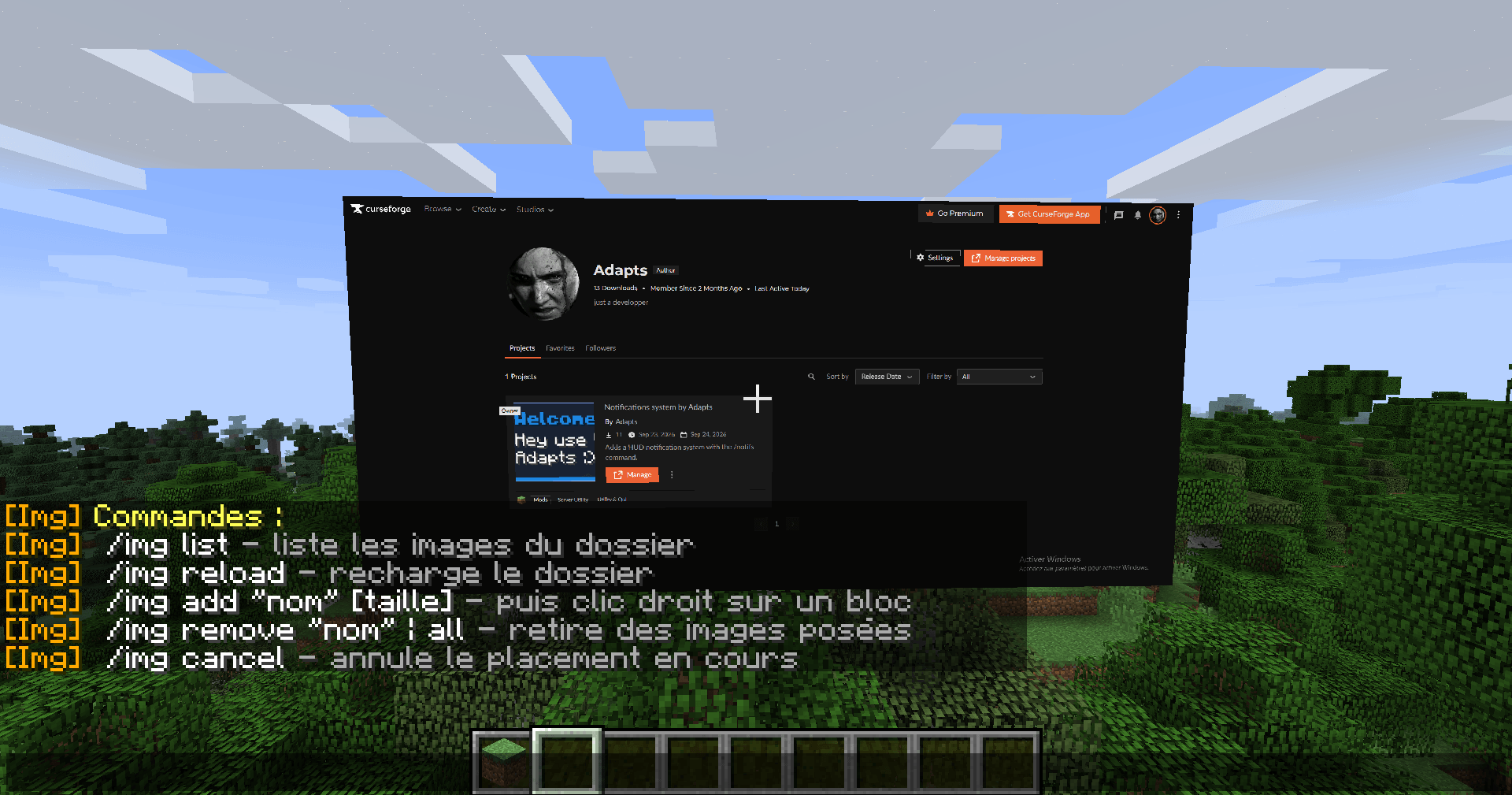
COMMANDS
/img list : shows every image in the folder
/img reload : reloads the folder after adding or changing images
/img add "name" : then right-click a wall, floor or ceiling to place the image
/img add "name" 3 : same, but 3 blocks wide (from 0.1 to 64, decimals allowed)
/img remove "name" : removes every placed copy of that image in the current world
/img remove all : removes every placed image in the current world
/img cancel : cancels a placement in progress
Quotes are only needed if the name contains spaces. Press Tab to autocomplete image names.
FEATURES
- Images only, no frame, no border, no background
- Full PNG transparency support
- Works on walls, floors and ceilings
- Adjustable size, the height always follows the image proportions
- Images follow world lighting (darker at night and in caves)
- Placed images are saved per world and per server and come back after a restart
- Client-side only: works in singleplayer and on any server without installing anything on it
IMPORTANT
This mod is client-side only, so the images you place are only visible to you. Other players will not see them, even if they have the mod.
Only PNG files are supported.
-----
FRANÇAIS
Pose tes propres images PNG dans ton monde Minecraft, telles quelles : sans cadre, sans fond. Les parties transparentes restent transparentes.
Utilisation : lance le jeu une fois, mets tes PNG dans .minecraft/config/images, puis utilise /img list, /img reload, /img add "nom" [taille] (puis clic droit sur un bloc), /img remove "nom" ou all, et /img cancel.
Le mod est uniquement côté client : il marche en solo et sur tous les serveurs, mais toi seul vois les images.
Screenshots
Gallery
-
 2026-09-27_01.28.10.png 2026-09-27_01.28.10.png
 -
 2026-09-27_01.41.09.png 2026-09-27_01.41.09.png
 -
 2026-09-27_01.41.17.png 2026-09-27_01.41.17.png
 -
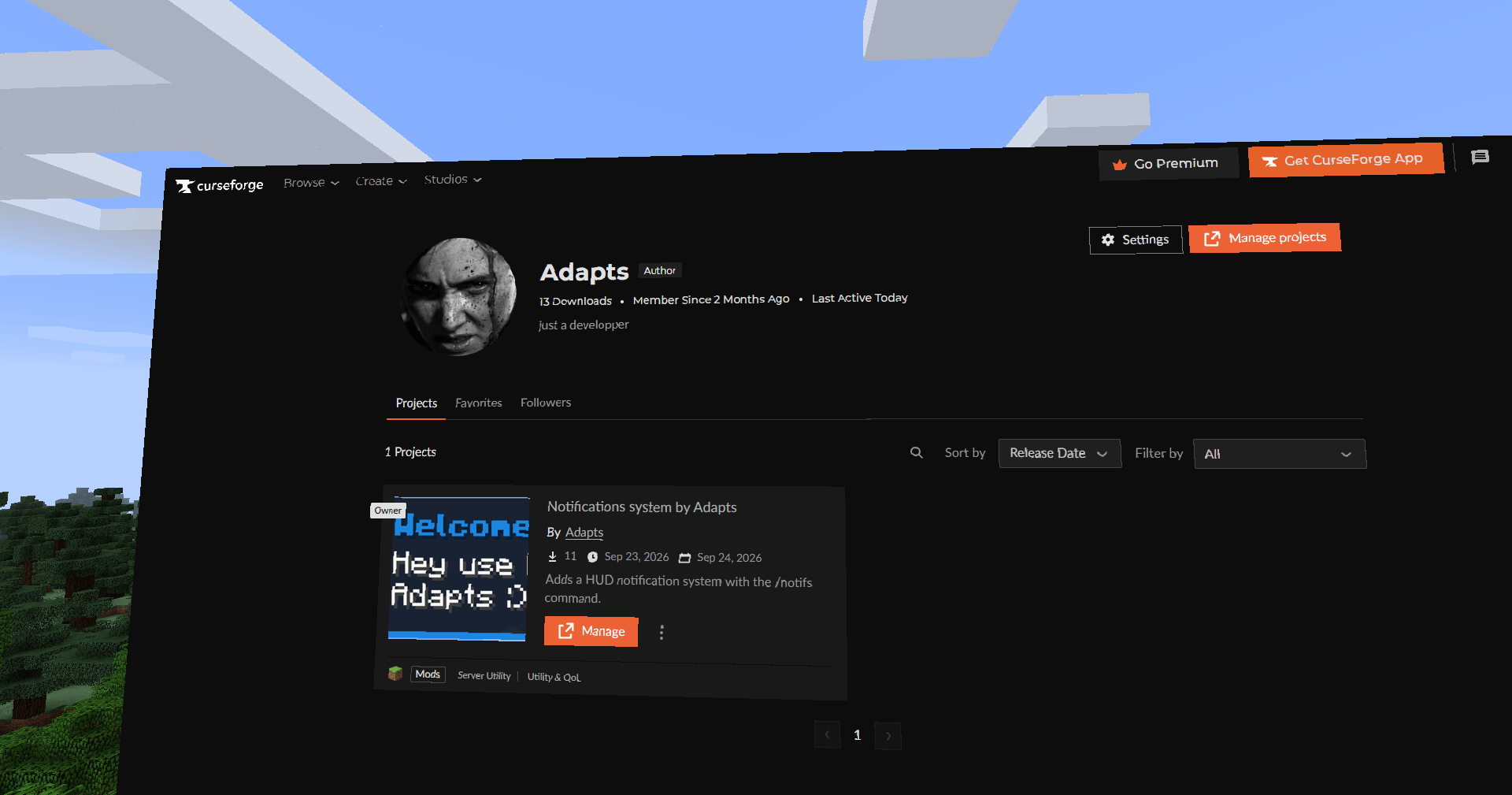 2026-09-28_18.15.56.png 2026-09-28_18.15.56.png
 -
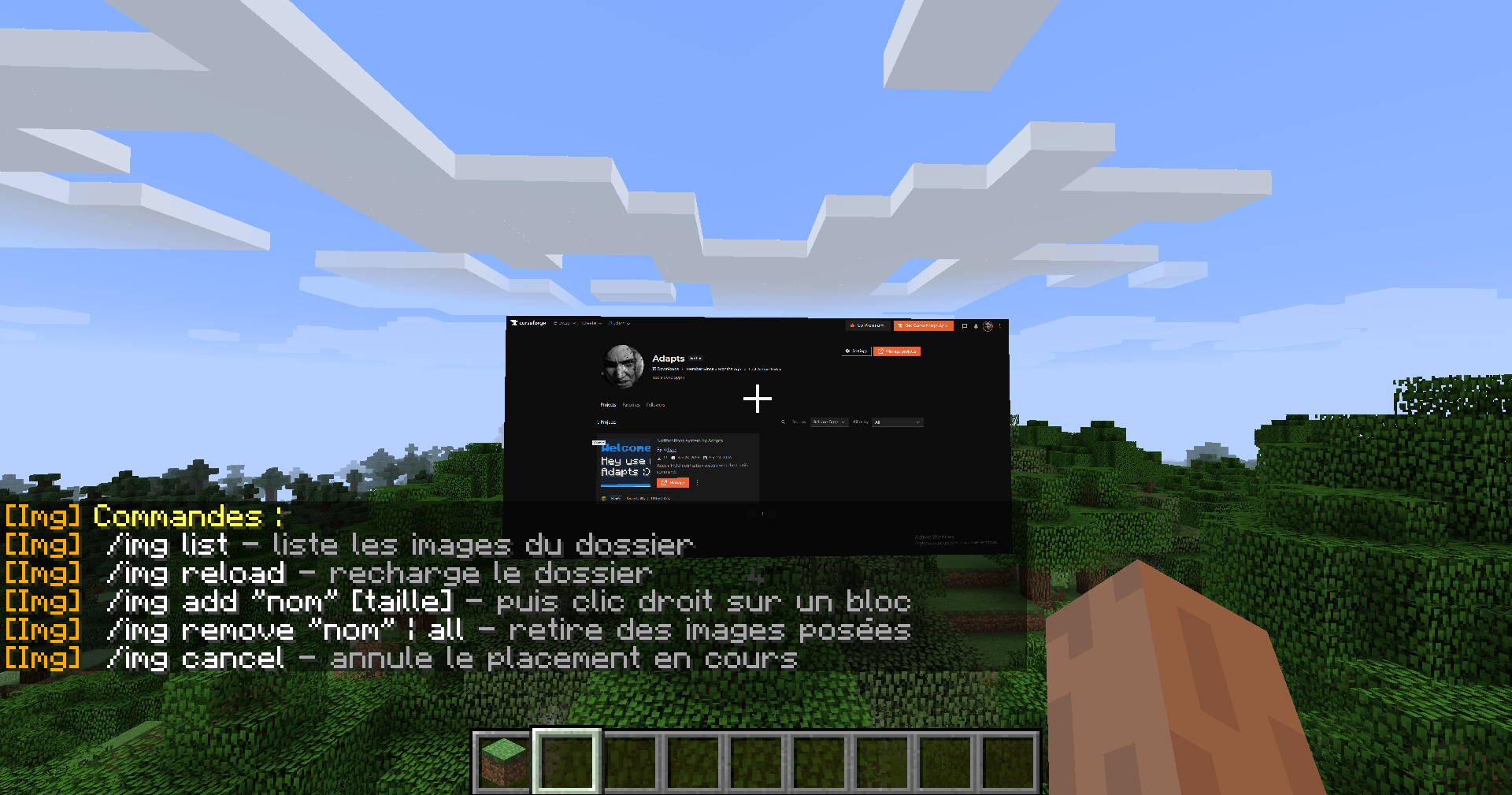 2026-09-28_18.16.10.png 2026-09-28_18.16.10.png
 -
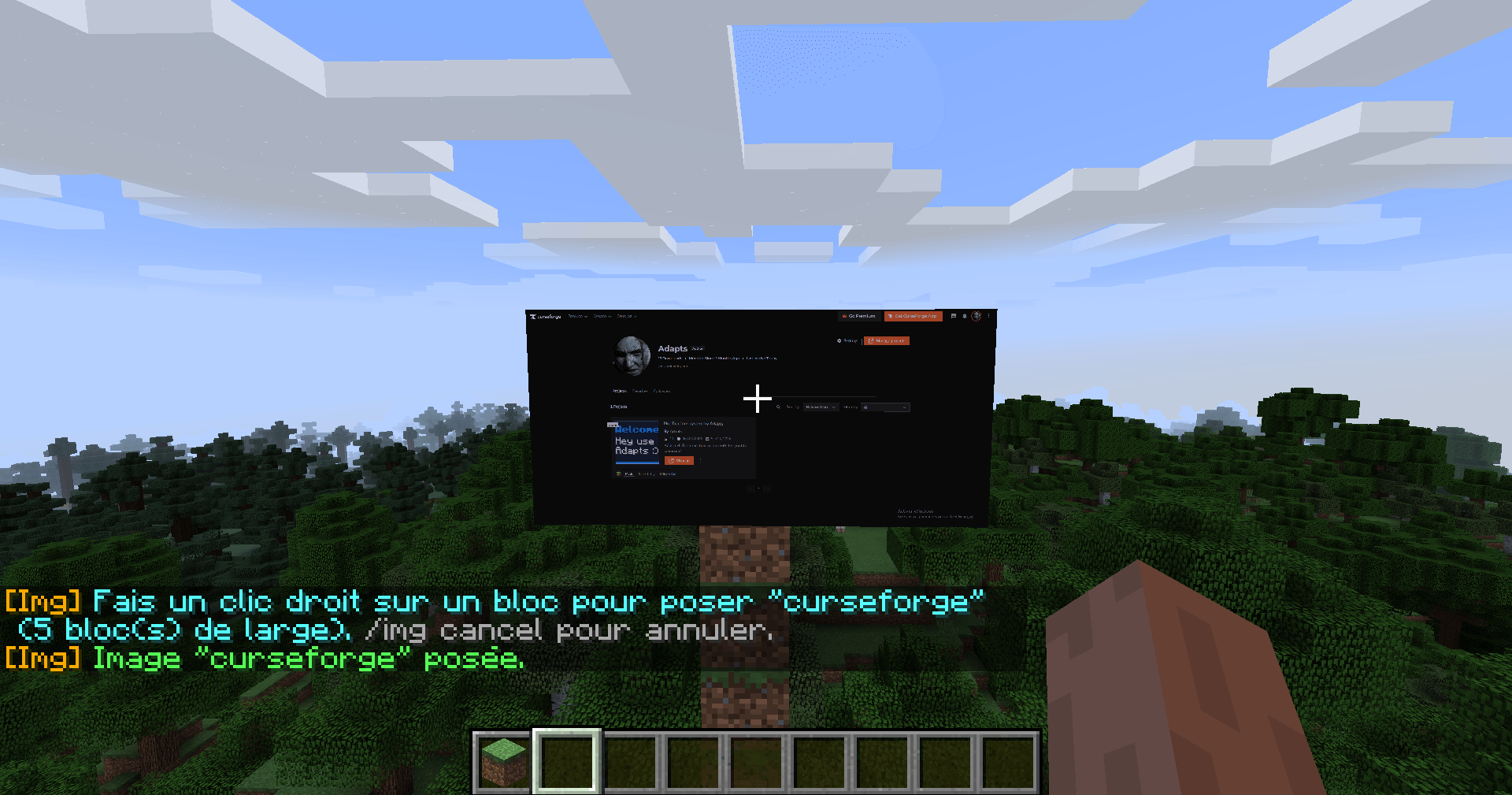 2026-09-28_18.21.40.png 2026-09-28_18.21.40.png
Versions
Files
Relations
Project Relations
More like this
Similar Mods
Suggestions use data such as tags, dependencies, dependents, descriptions, titles, and more to rank how much they overlap with this mod.
On ModDex
Community snapshot
By the numbers
Statistics

Get it on
Available Platforms
On ModDex
Community snapshot
By the numbers
Statistics
Resources