Community listing page, reviews may not be monitored by the author.
Free Placement

No reviews yet
Place blocks in almost ANY position in your worlds

Community voices
Reviews
No reviews yet. Be the first to review this project!
Get it on
Available Platforms
About
Project Details
For authors
Embed Badge
If you're the author of this project, you can embed a live badge anywhere that supports HTML or Markdown. It updates automatically whenever ratings change.
Use HTML for any page that supports it, or Markdown for README files and Markdown-based descriptions.
Identifiers
Platform IDs
Resources
External Links
About
Description
🧱 Free Placement
Place blocks off the grid. Half-block and quarter-block placement for the blocks you already know, with real hitboxes, collision and interaction.
Free Placement adds no new blocks. Every block is still the vanilla block: you just get to put it exactly where you want it.
FYI: This project is released initially as a full release but expect some issues which have been documented at the bottom of the page.
✨ What you can do
- Build between the lines. Shift any block by half or a quarter of a block: walls with depth, offset roofs, staggered paths, floating details.
- It's still the real block. Offset blocks keep their real shape: you walk on them, bump into them, click them and break them where you see them.
- Functional blocks still work. Chests, furnaces, hoppers, redstone, doors, beds, torches, signs, rails (minecarts ride them!), scaffolding and much more keep doing their job off the grid.
- Fences and walls connect. Fences, walls, panes and gates line up with their neighbours, and chests still pair up.
- See it before you place it. A see-through preview shows exactly where the block will land: blue means it fits, red means something's in the way.
- Light and water behave. Offset roofs keep the sun out, and blocks placed in water stay in water.
- Shaders welcome. Works with Sodium and Iris.
🎮 Controls
| Key | What it does |
|---|---|
| G | Cycle the grid: Half (default) → Quarter → Normal (vanilla) |
| H | Show / hide the placement preview |
| J | Show / hide the hint line above your hotbar |
All keys can be changed in Options → Controls → Free Placement. Aim near the edge or corner of a block face to shift the block over; aim at the middle to place it normally.
📦 Install
- Minecraft 26.3: NeoForge or Fabric (Fabric needs Fabric API)
- Install on both the client and the server.
🛠️ Work in progress
Free Placement is in beta, and I'm actively adding support for more blocks, more mods and more placement options. Things I know about and am working on:
- Redstone power still follows the normal block grid, so some off-grid circuits may act oddly.
- Lighting: a few block faces can still look too dark in some spots.
- Fluids: water is kept around offset blocks, lava isn't yet, and water flowing up to an offset block may leave gaps.
- Other mods: not every mod's blocks work yet. Tell me which ones you want!
- More versions: backports to other Minecraft versions are planned.
💬 Feedback
Found a bug, have an idea, or want a mod supported? Leave a comment! Community feedback is always appreciated!
📜 License
All Rights Reserved. You're welcome to use Free Placement in modpacks and to feature it in videos and streams. Please don't re-upload it or reuse its code without asking.
Screenshots
Gallery
-
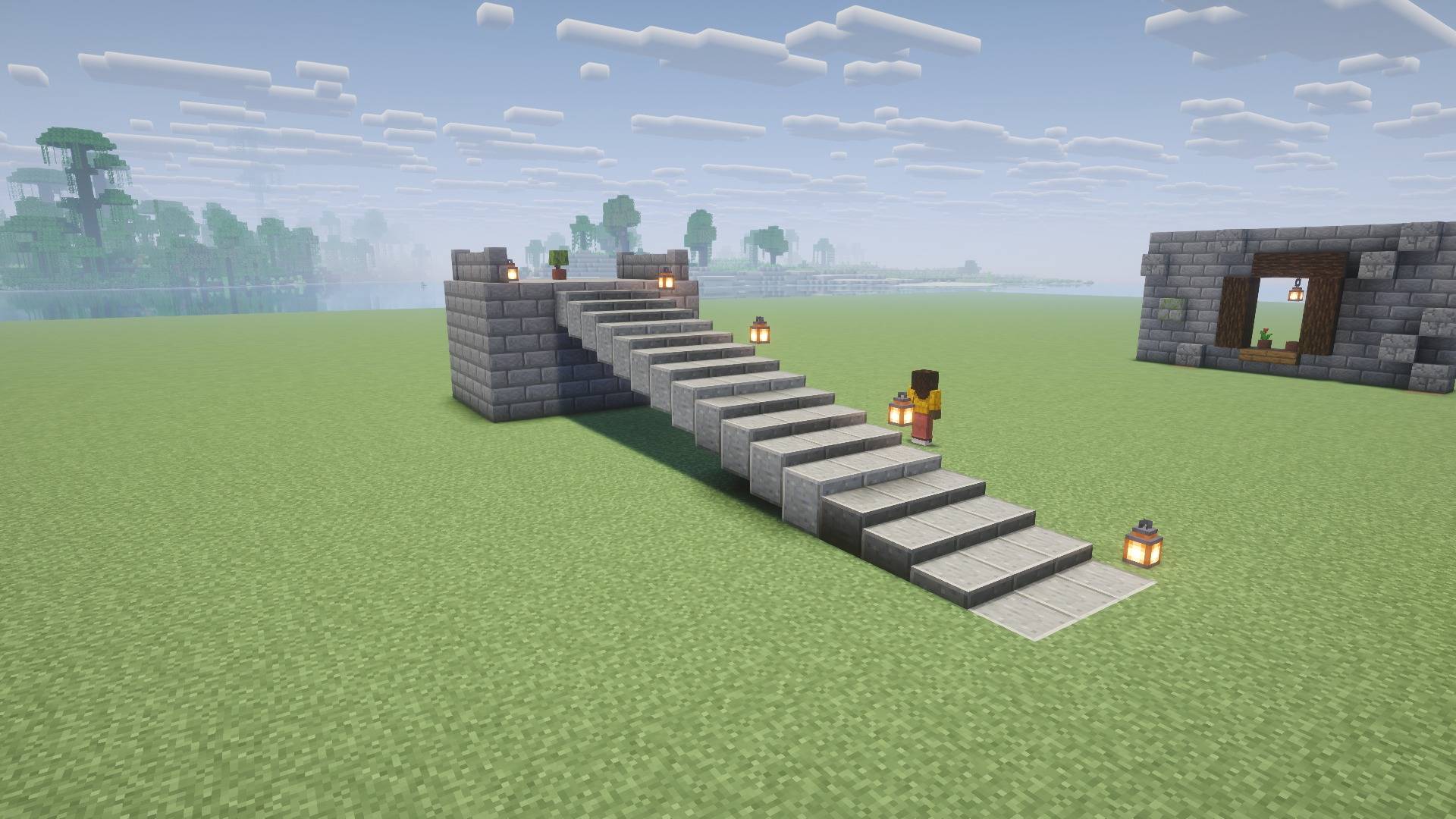 Smooth out your stairs Build stairs with different angles, real blocks, real proper collision, no new blocks or editing to their shape.
 -
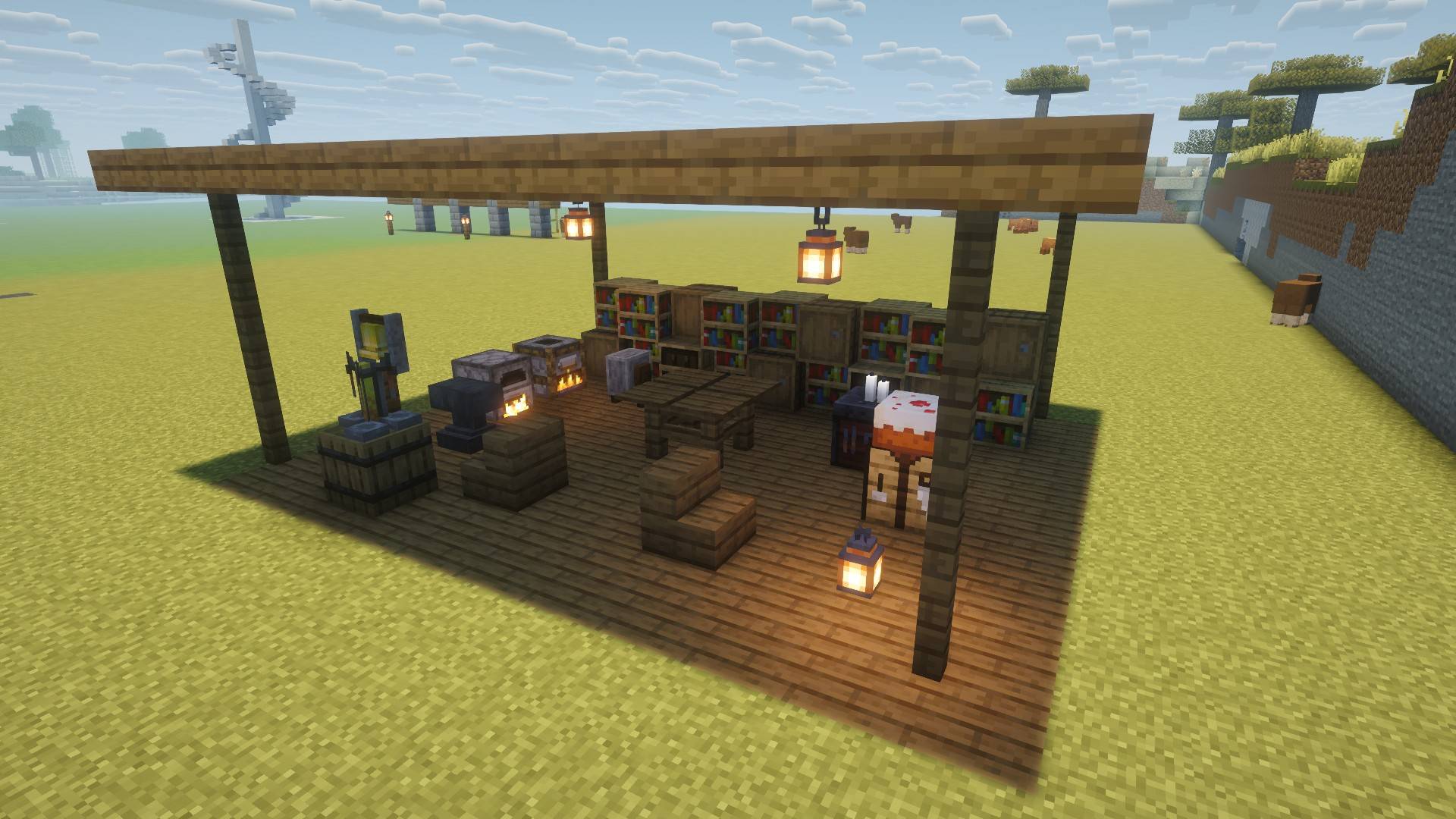 Interior Decor Even decorate your interiors by putting blocks EXACTLY where you want them now (don't judge mine).
 -
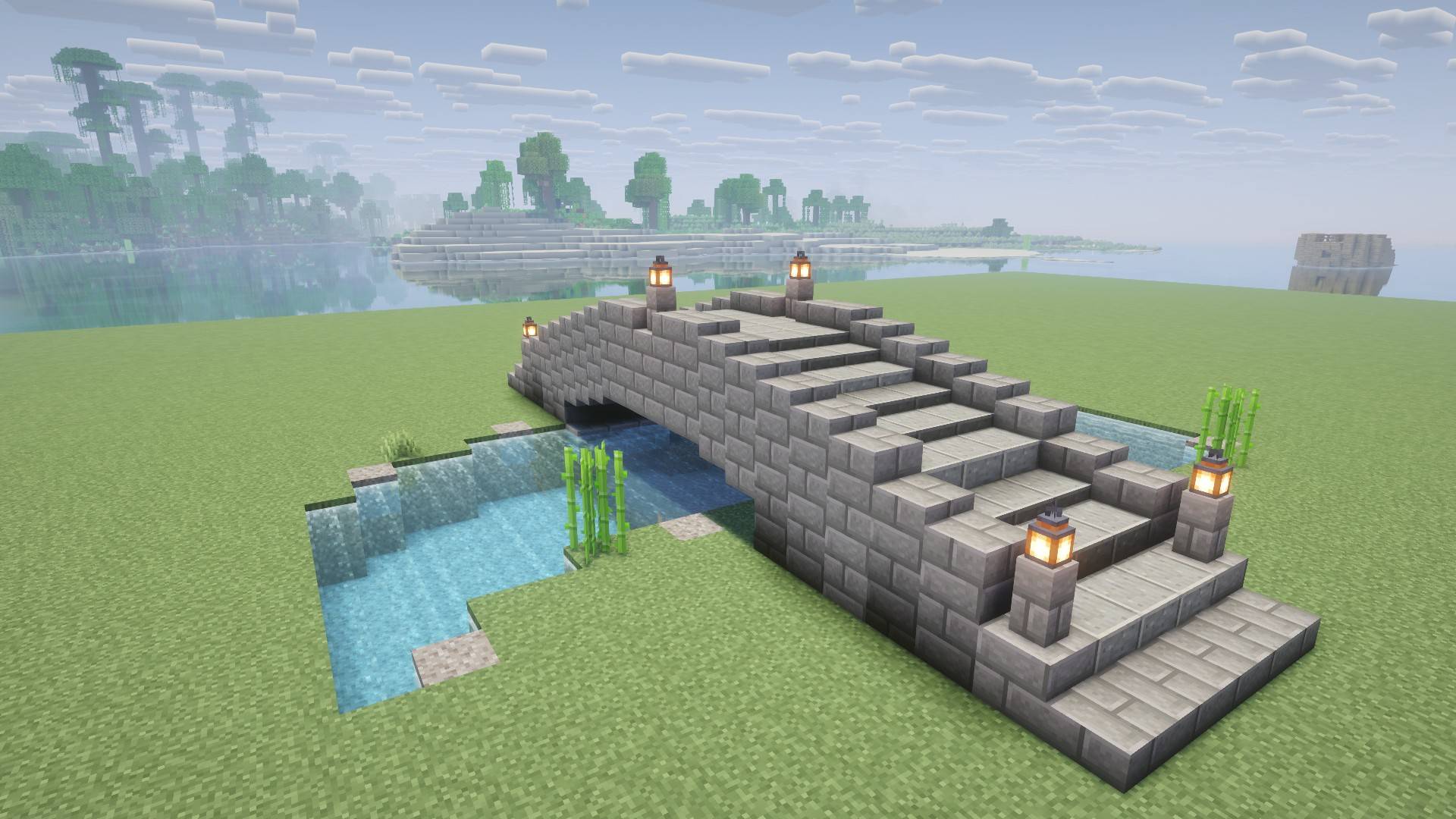 Build bridges to YOUR look Add more angles and texture to your bridges and paths!
 -
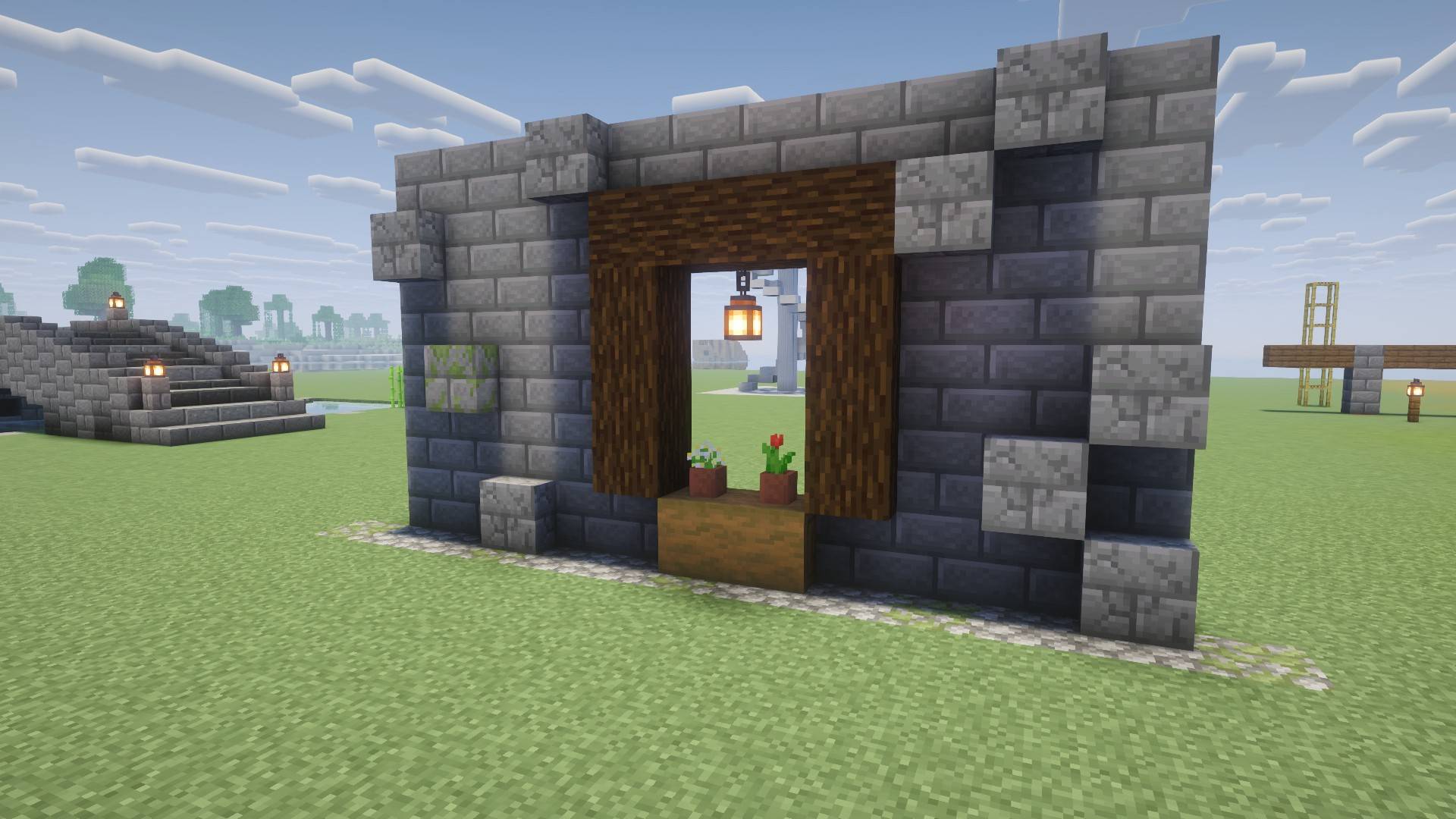 Texture your walls Texture your walls with any block (you can probably do it better than me).
 -
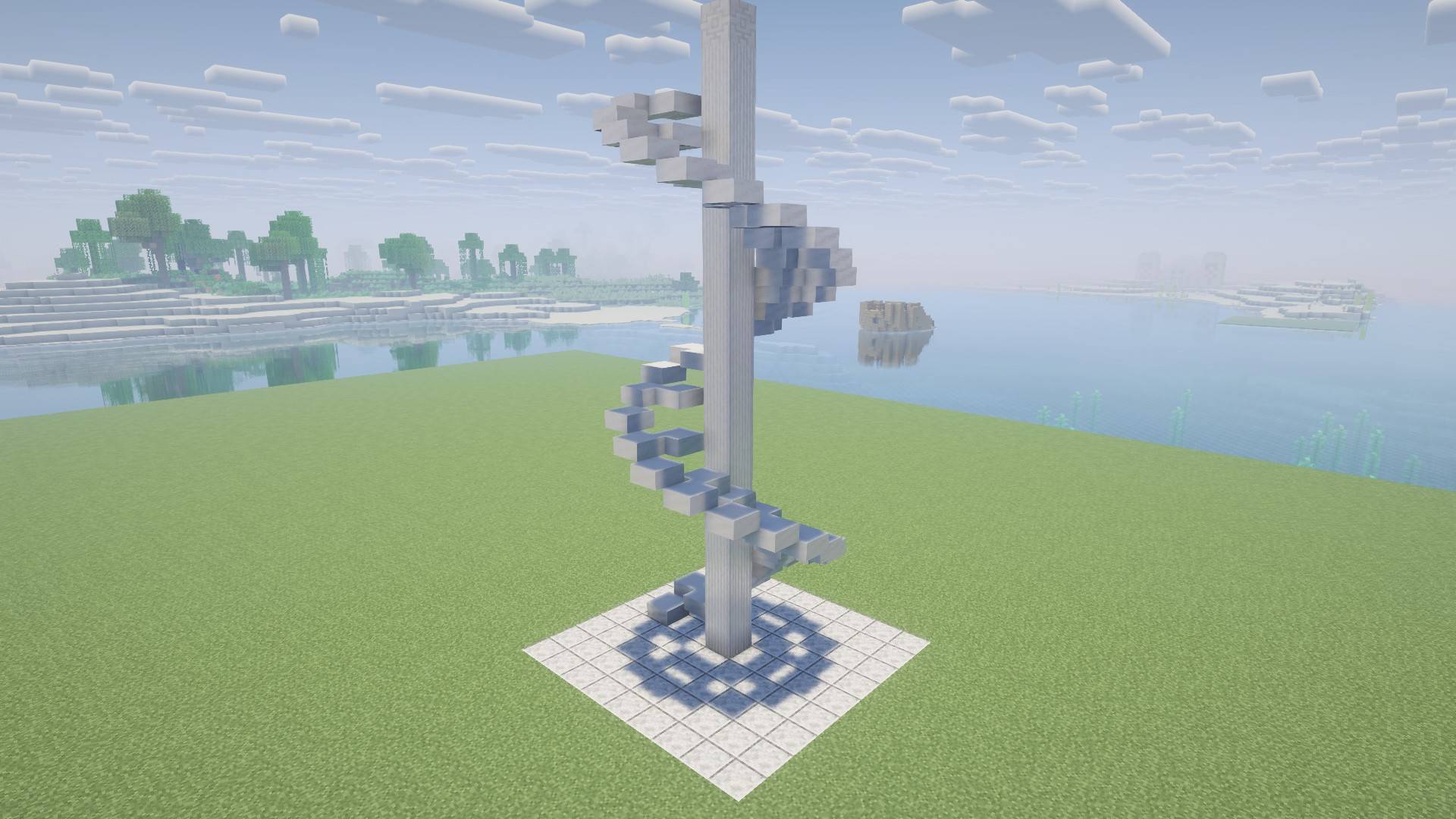 Customize your staircases and decor Create whatever you can imagine by being able to place blocks freely now
 -
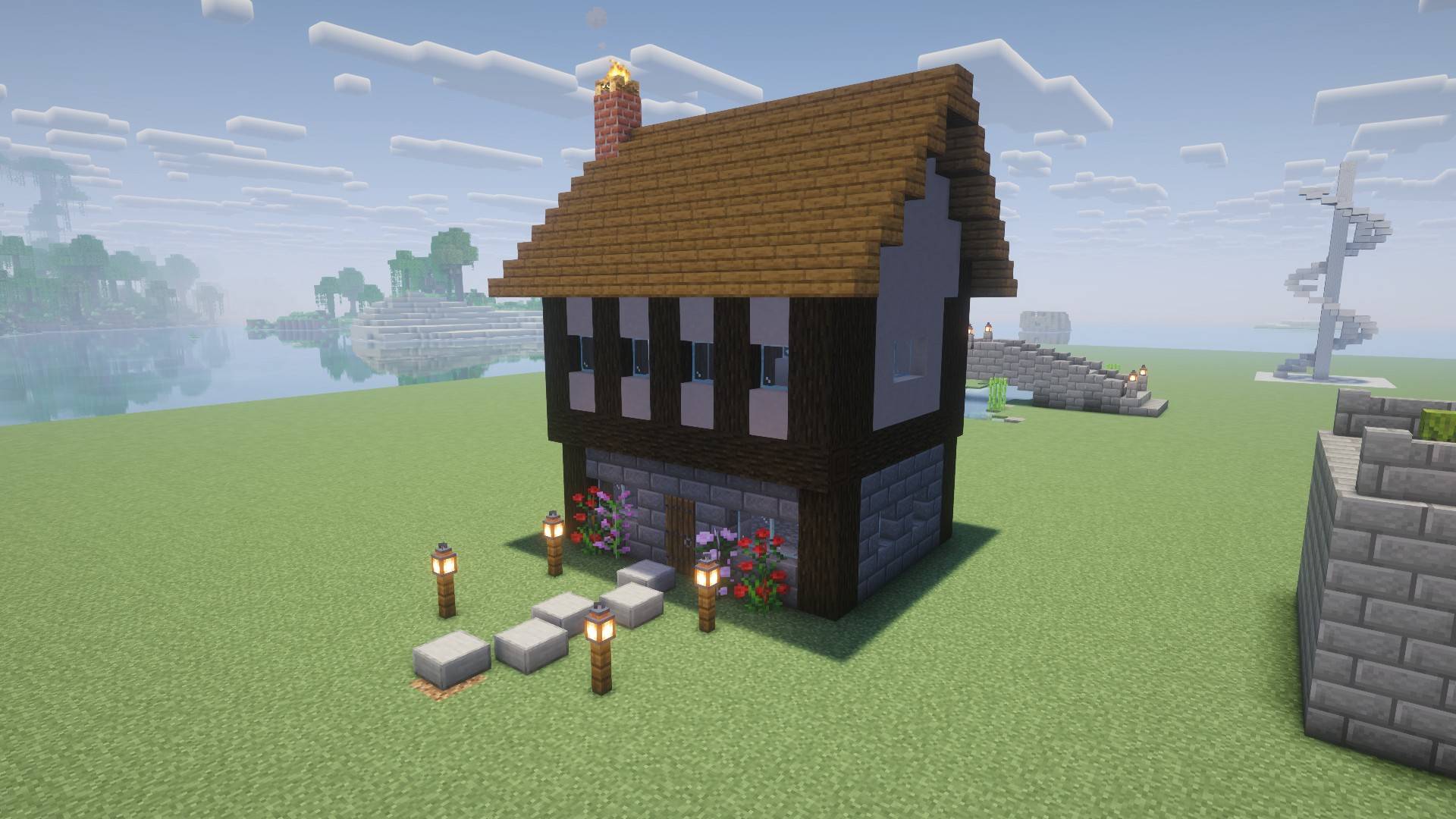 Build roofs and overhangs easier Build your roofs, overhangs, and (questionably) nice paths
 -
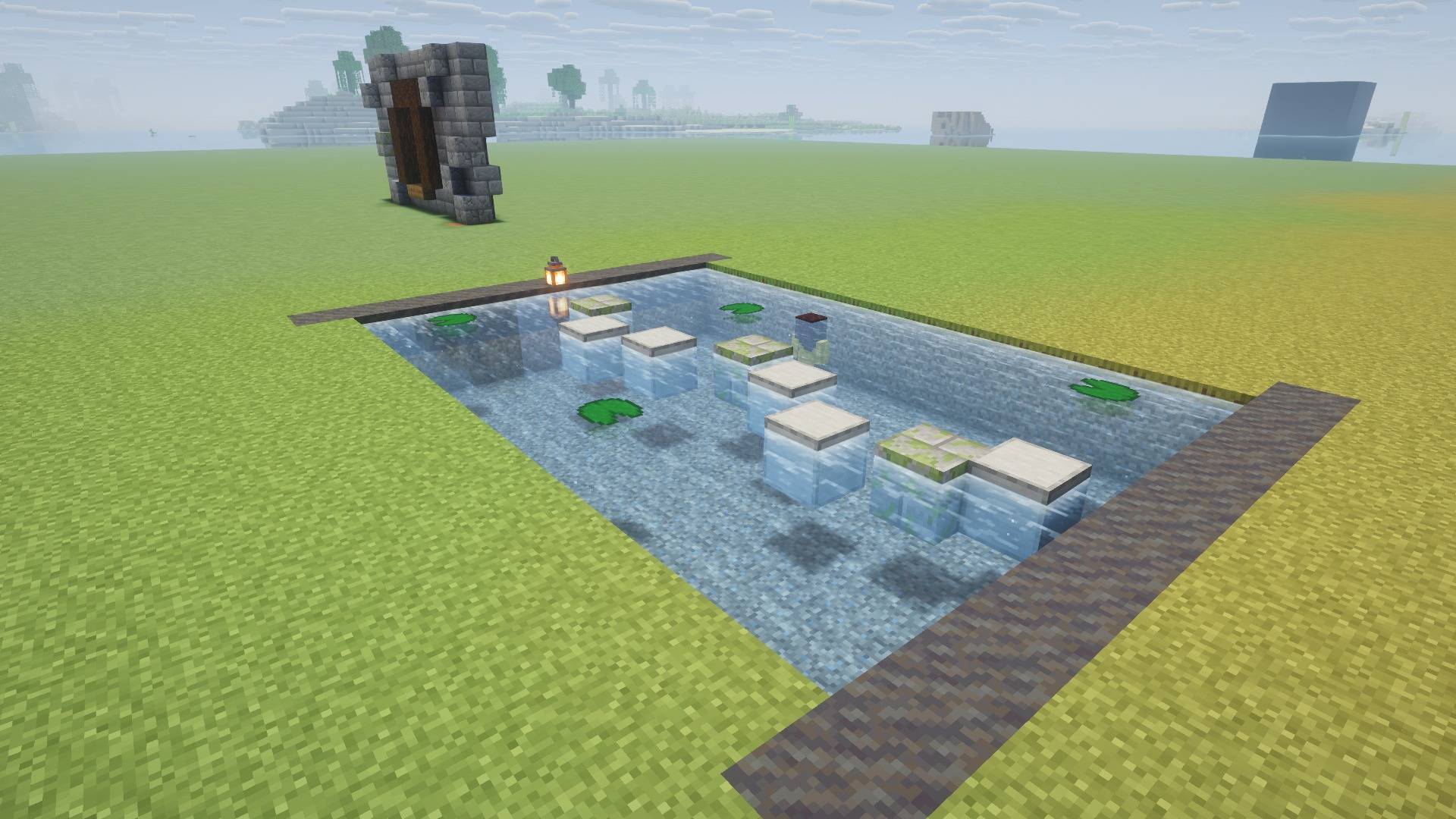 Decorate anything and everything I'm not the best builder but this mod gets that much better if you are!
 -
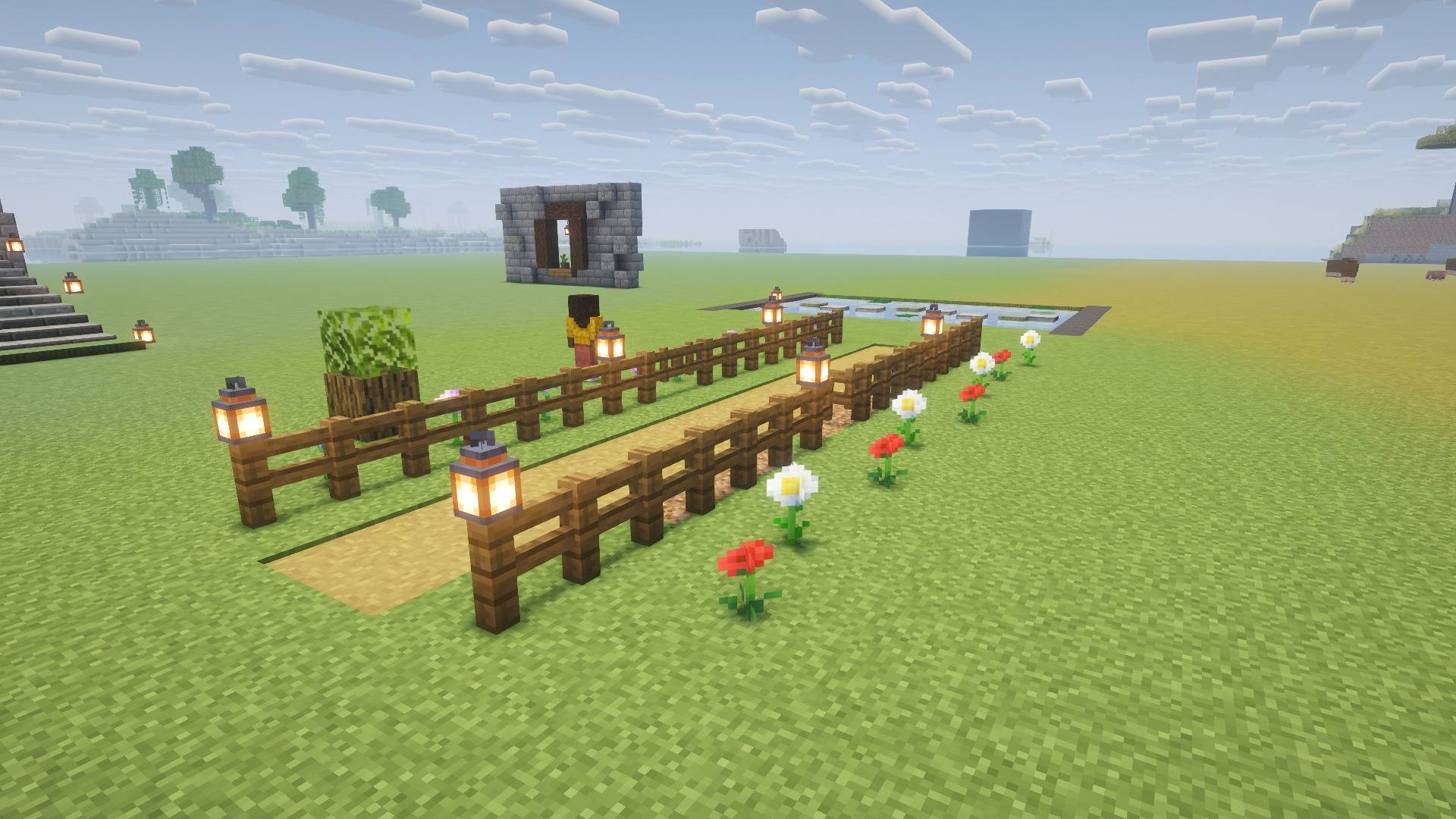 Works with every block! Put even your fences and lanterns off the normal grid placement!
Versions
Files
Relations
Project Relations
More like this
Similar Mods
Suggestions use data such as tags, dependencies, dependents, descriptions, titles, and more to rank how much they overlap with this mod.
On ModDex
Community snapshot
By the numbers
Statistics

Get it on
Available Platforms
On ModDex
Community snapshot
By the numbers
Statistics
Resources