
Community listing page, reviews here may not be monitored by the author.
Freecam (Fair-Play)


No reviews yet
Fork of Freecam without "banned" features
Community voices
Reviews
No reviews yet. Be the first to review this project!
Get it on
Available Platforms
Compatibility
Supported Environments
Runs entirely on the client. Works on vanilla servers.
Required on the client. Installing it on the server adds functionality.
Varies by version.
About
Project Details
For authors
Embed Badge
If you're the author of this project, you can embed a live badge anywhere that supports HTML or Markdown. It updates automatically whenever ratings change.
Use HTML for any page that supports it, or Markdown for README files and Markdown-based descriptions.
Identifiers
Platform IDs
Resources
External Links
About
Description
What is this mod?
This is a fork of the Freecam mod, but all controversial features that might be against server rules or counted as cheating have been removed.
What exactly was removed?
- Flying through blocks in freecam
- Modifying the environment through freecam
- Freezing the player while in freecam
- Interacting with the world through freecam
- Gamma boost in freecam
To contact the creator of the mod, use the discord tag o_orl
Что это за мод?
Это форк мода Freecam, из которого были удалены все спорные функции, которые могут нарушать правила сервера или считаться читерством.
Что именно было удалено?
- Полёт сквозь блоки в режиме свободной камеры
- Изменение окружающей среды в режиме свободной камеры
- Заморозка игрока при включении свободной камеры
- Взаимодействие с миром в режиме свободной камеры
- Гамма в режиме свободной камеры
Мод оригинально был сделан для сервера Pulse, но вы можете использовать его где угодно и на любых серверах
Для обращения к создателю мода - обратитесь в дискорд по тегу o_orl
Freecam (Fair Play)
A fork of Freecam without "controversial" features
What exactly was removed?
- Flying through blocks in freecam
- Modifying the environment through freecam
- Freezing the player while in freecam
- Interacting with the world through freecam
- Gamma boost in freecam
- Going to unloaded chunks
- Voice Chat spying through a freecam
Mod allows all of the controversial options in your own singleplayer world WITH CHEATS.
For server owners
Version 2.0.0 adds optional server controls (policy) You can choose which features you allow on your server. By default, all of the "controversial" features are considered not allowed. A server can explicitly allow them, or turn individual camera features off. Changing your client settings cannot override the server's policy.
On Fabric, Forge, or NeoForge, put the matching mod JAR in the server's mods/ folder. It creates config/legacyfreecam-server.properties. Valid changes reload automatically and close active cameras so the new policy takes effect.
On Spigot or Paper, install one of the Server plugin 2.0.0 downloads in plugins/:
| Server | Download | Minimum Java ver |
|---|---|---|
| Spigot 1.16.5–1.19.4, Paper 1.16.5–1.20.4 | Legacy Bukkit | 16 |
| Spigot 1.20–26.2 | Spigot | 17 |
| Paper 1.20.6–26.2 | Paper | 21 |
Players still need the matching Legacy Freecam client mod to use the camera. Installing the server plugin alone does not add a free camera to vanilla clients. Older versions of Legacy Freecam does not have feature to allow controversial features, they all are not allowed.
Commands
These commands require legacyfreecam.admin, which ops have by default:
/legacyfreecam reload
/legacyfreecam set noclip true
/legacyfreecam set unloaded-chunks false
/legacyfreecam status <player>
/legacyfreecam disable <player>
/legacyfreecam refresh <player>
Bukkit API
The plugin has FreecamApi, docs are in-progress
For questions or bug reports, contact o_orl on Discord
Screenshots
Gallery
-
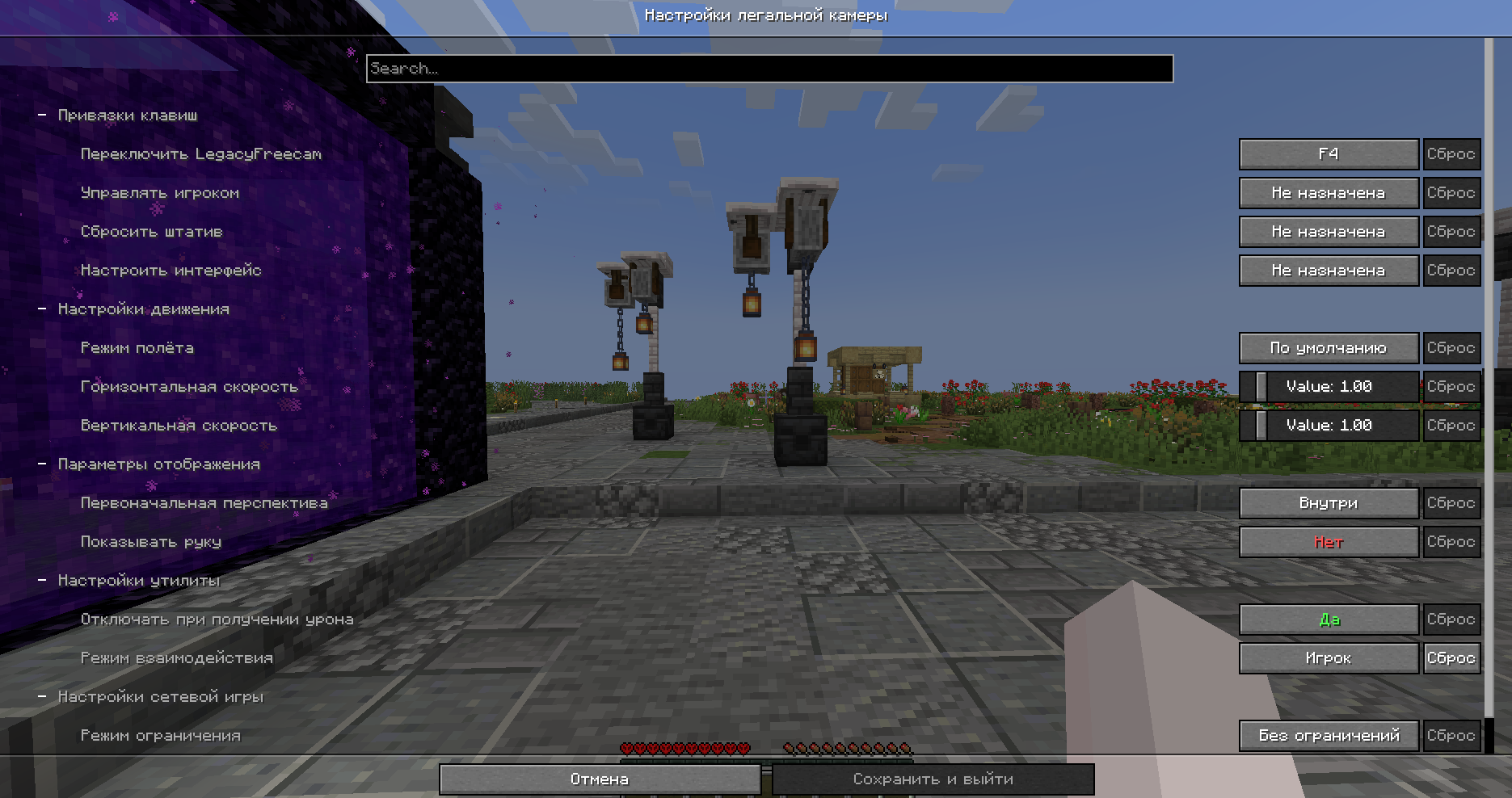 Config screen (On RU)
-
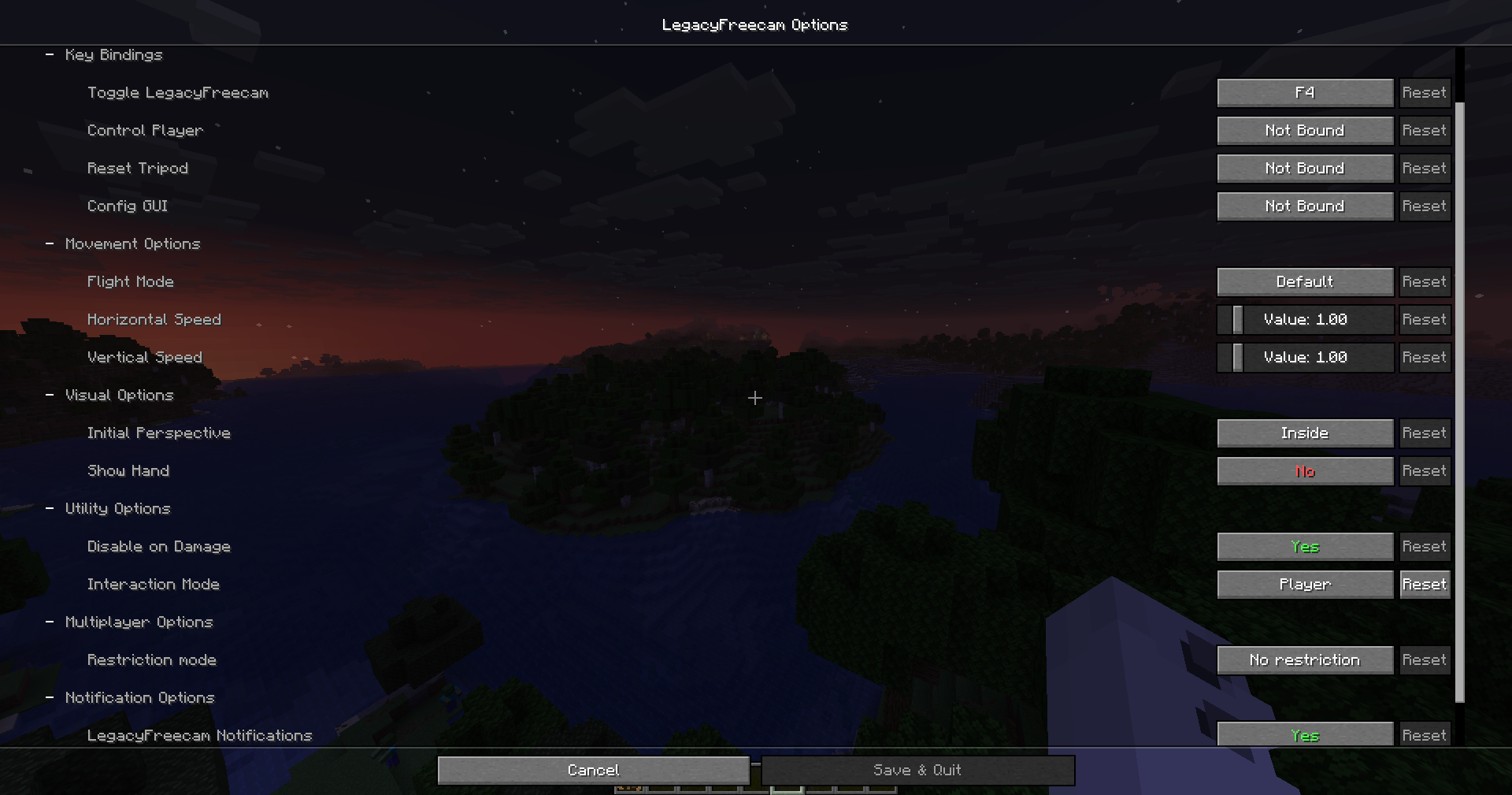 Config screen (On EN)
 -
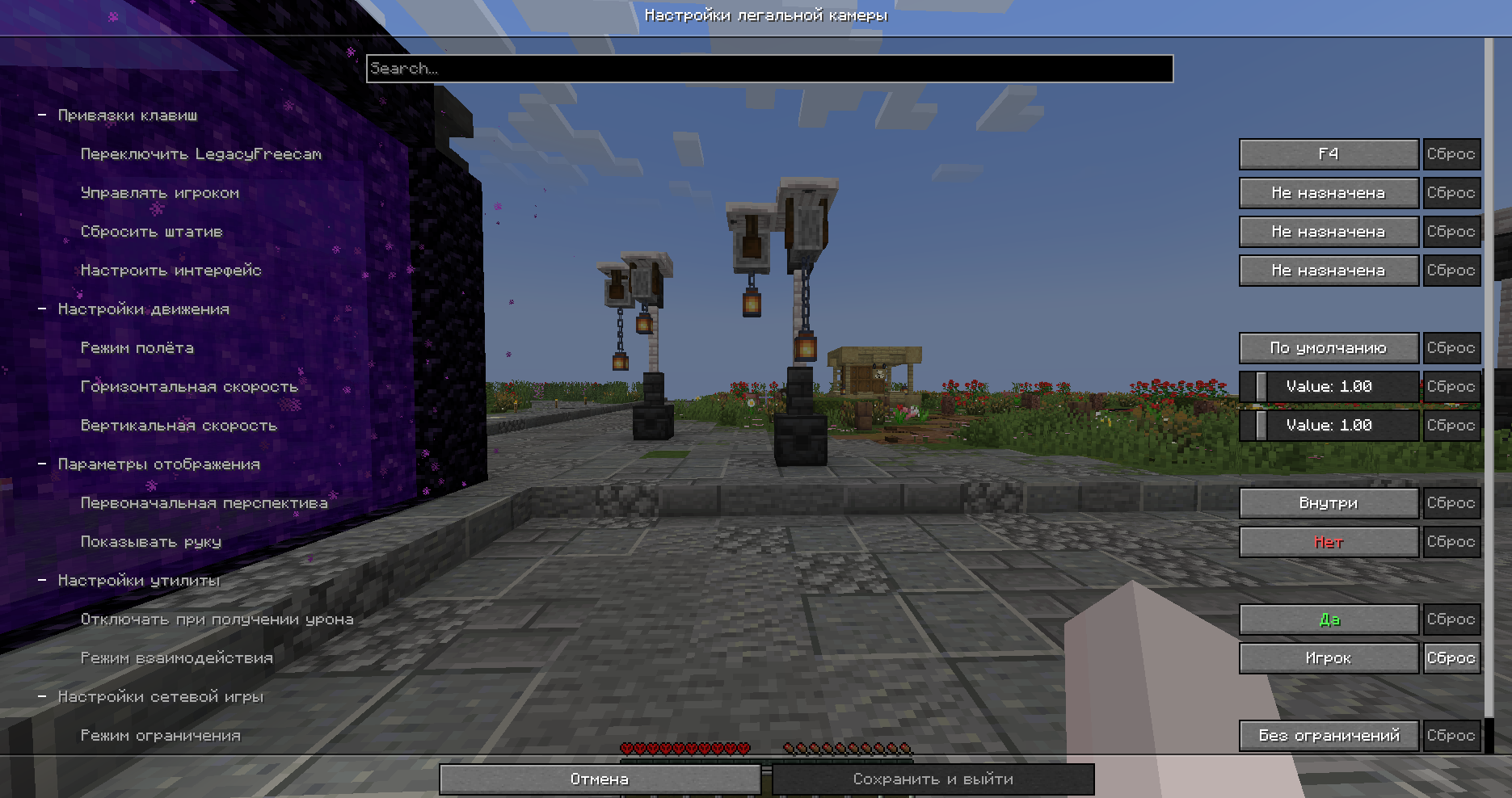 Config screen (on RU)
Versions
Files
Relations
Project Relations
More like this
Similar Mods
Suggestions use data such as tags, dependencies, dependents, descriptions, titles, and more to rank how much they overlap with this mod.
On ModDex
Community snapshot
By the numbers
Statistics
Want to reach Minecraft players?
We're looking for a server hosting partner to feature here and other parts of the site. Interested? Send us a message!
Get in touchGet it on
Available Platforms
On ModDex
Community snapshot
By the numbers
Statistics
Resources