Community listing page, reviews here may not be monitored by the author.
Freelook 360 (Third Person)


No reviews yet
Rotate your camera freely in 360 degrees in third-person without changing your walking direction.
Community voices
Reviews
No reviews yet. Be the first to review this project!
Get it on
Available Platforms
Compatibility
Supported Environments
Runs entirely on the client. Works on vanilla servers.
About
Project Details
For authors
Embed Badge
If you're the author of this project, you can embed a live badge anywhere that supports HTML or Markdown. It updates automatically whenever ratings change.
Use HTML for any page that supports it, or Markdown for README files and Markdown-based descriptions.
Identifiers
Platform IDs
Resources
External Links
About
Description
🔄 Freelook 360 (Third Person)
A lightweight, client-side mod that allows you to detach your camera and look around in a full 360-degree orbit without changing your character's walking direction!
✨ Features
- True 360° Perspective: Look behind you, to the sides, or above your head while running.
- Preserves Direction: Your character will continue moving in their original direction (perfect for F3/F5 coordination during parkour, survival, or PvP).
- Client-Side Only: 100% safe to use on any multiplayer server! It doesn't need to be installed on the server.
- Butter-Smooth Interpolation: No camera stutter or sudden jumps when activating/deactivating.
🎮 How to Use
- Press and Hold 'F' (default keybind, can be changed in your controls settings).
- Move your mouse to look around in any direction.
- Release 'F' to instantly snap the camera back behind your character and return to normal gameplay.
🔧 Installation & Compatibility
- Requires Fabric Loader.
- Requires Fabric API.
- Fully compatible with other performance and visual mods (Sodium, Iris, etc.).
🔄 Freelook 360 (Third Person)
A lightweight, client-side mod that allows you to detach your camera and look around in a full 360-degree orbit without changing your character's walking direction!
✨ Features
- True 360° Perspective: Look behind you, to the sides, or above your head while running.
- Preserves Direction: Your character will continue moving in their original direction (perfect for F3/F5 coordination during parkour, survival, or PvP).
- Client-Side Only: 100% safe to use on any multiplayer server! It doesn't need to be installed on the server.
- Butter-Smooth Interpolation: No camera stutter or sudden jumps when activating/deactivating.
🎮 How to Use
- Press and Hold 'F' (default keybind, can be changed in your controls settings).
- Move your mouse to look around in any direction.
- Release 'F' to instantly snap the camera back behind your character and return to normal gameplay.
🔧 Installation & Compatibility
- Requires Fabric Loader.
- Requires Fabric API.
- Fully compatible with other performance and visual mods (Sodium, Iris, etc.).
Screenshots
Gallery
-
 Video Project 4.gif 1
-
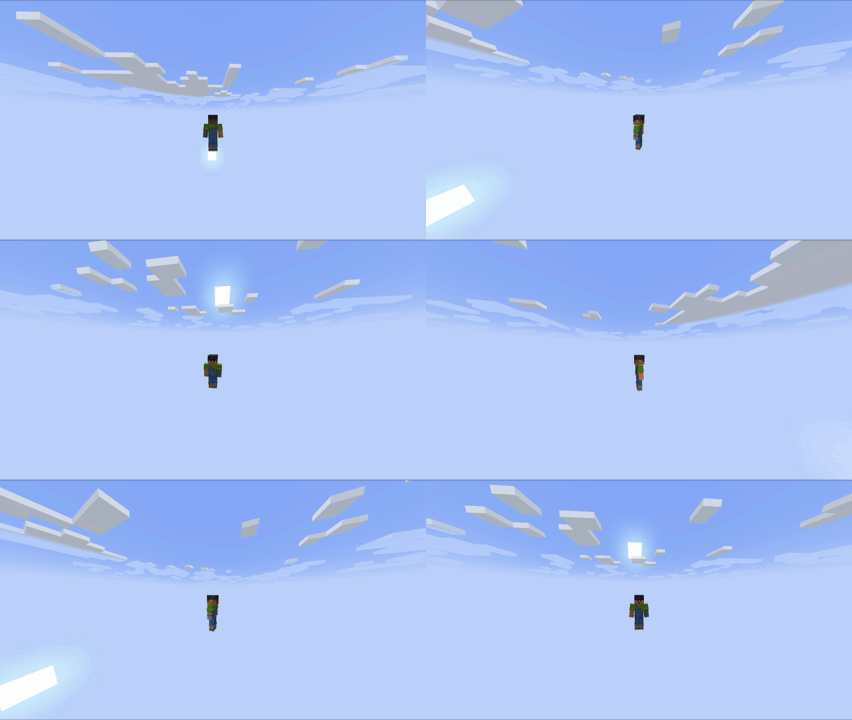
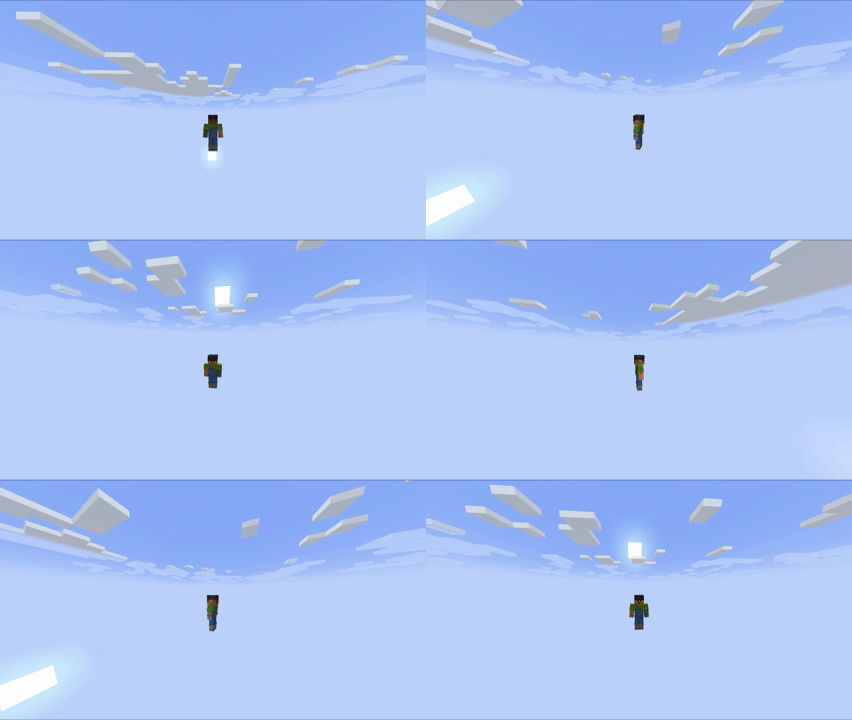
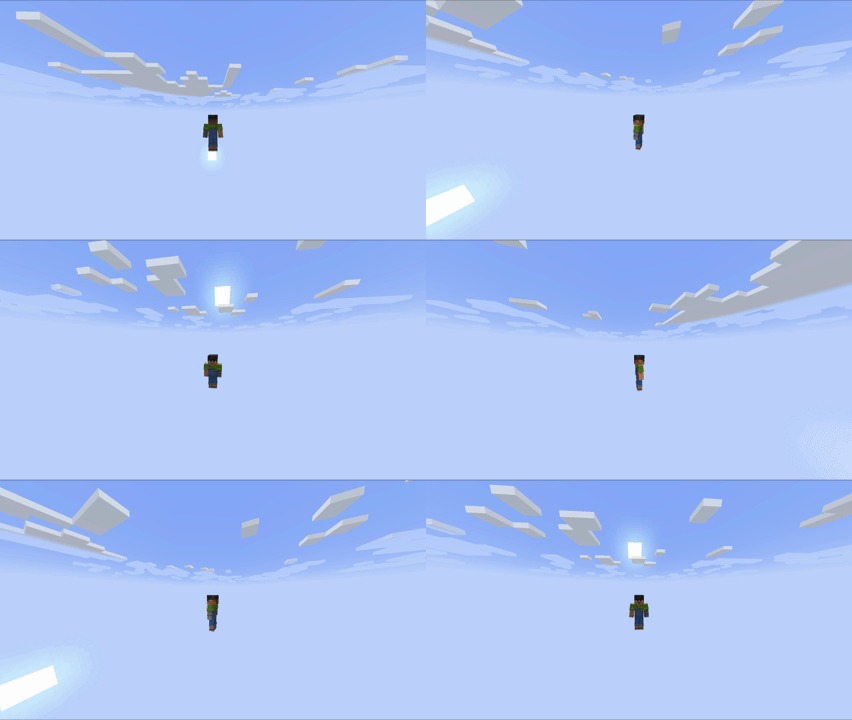
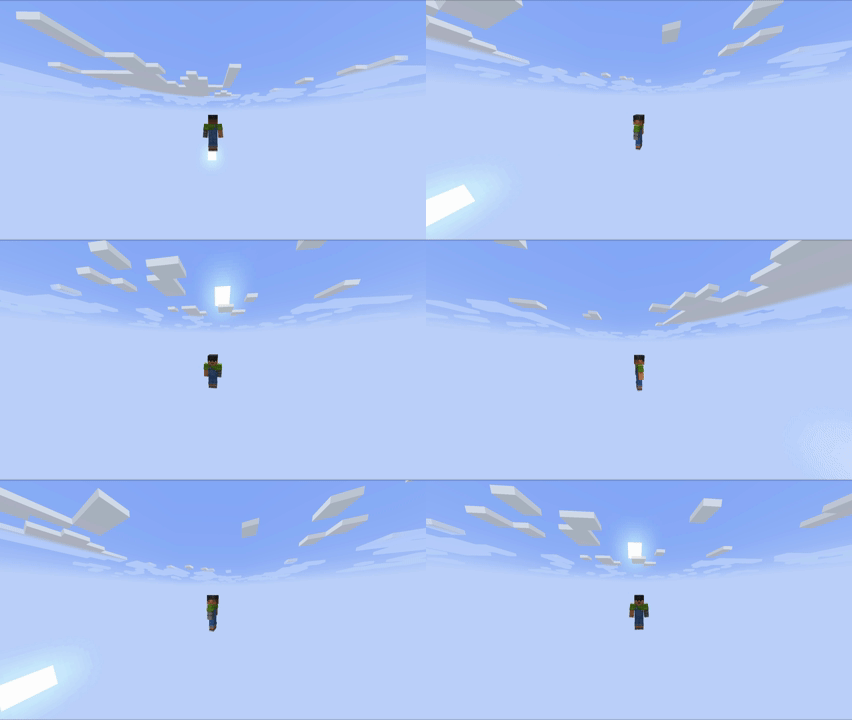 360-Degree Camera Rotation Showcase A demonstration of the mod in action, showcasing how you can smoothly rotate the camera 360 degrees in third-person while keeping your character moving in the same direction.A demonstration of the mod in action, showcasing how you can smoothly rotate the
Versions
Files
Relations
Project Relations
More like this
Similar Mods
Suggestions use data such as tags, dependencies, dependents, descriptions, titles, and more to rank how much they overlap with this mod.
On ModDex
Community snapshot
By the numbers
Statistics
Want to reach Minecraft players?
We're looking for a server hosting partner to feature here and other parts of the site. Interested? Send us a message!
Get in touchGet it on
Available Platforms
On ModDex
Community snapshot
By the numbers
Statistics
Resources