Community listing page, reviews may not be monitored by the author.
Forma

No reviews yet
An in-game world editor for 1.12.2: fly a free camera, select, sculpt terrain, build shapes and move whole builds, with full undo/redo. No commands needed.

Community voices
Reviews
No reviews yet. Be the first to review this project!
Get it on
Available Platforms
About
Project Details
For authors
Embed Badge
If you're the author of this project, you can embed a live badge anywhere that supports HTML or Markdown. It updates automatically whenever ratings change.
Use HTML for any page that supports it, or Markdown for README files and Markdown-based descriptions.
Identifiers
Platform IDs
Resources
External Links
About
Description
Forma: In-Game World Editor
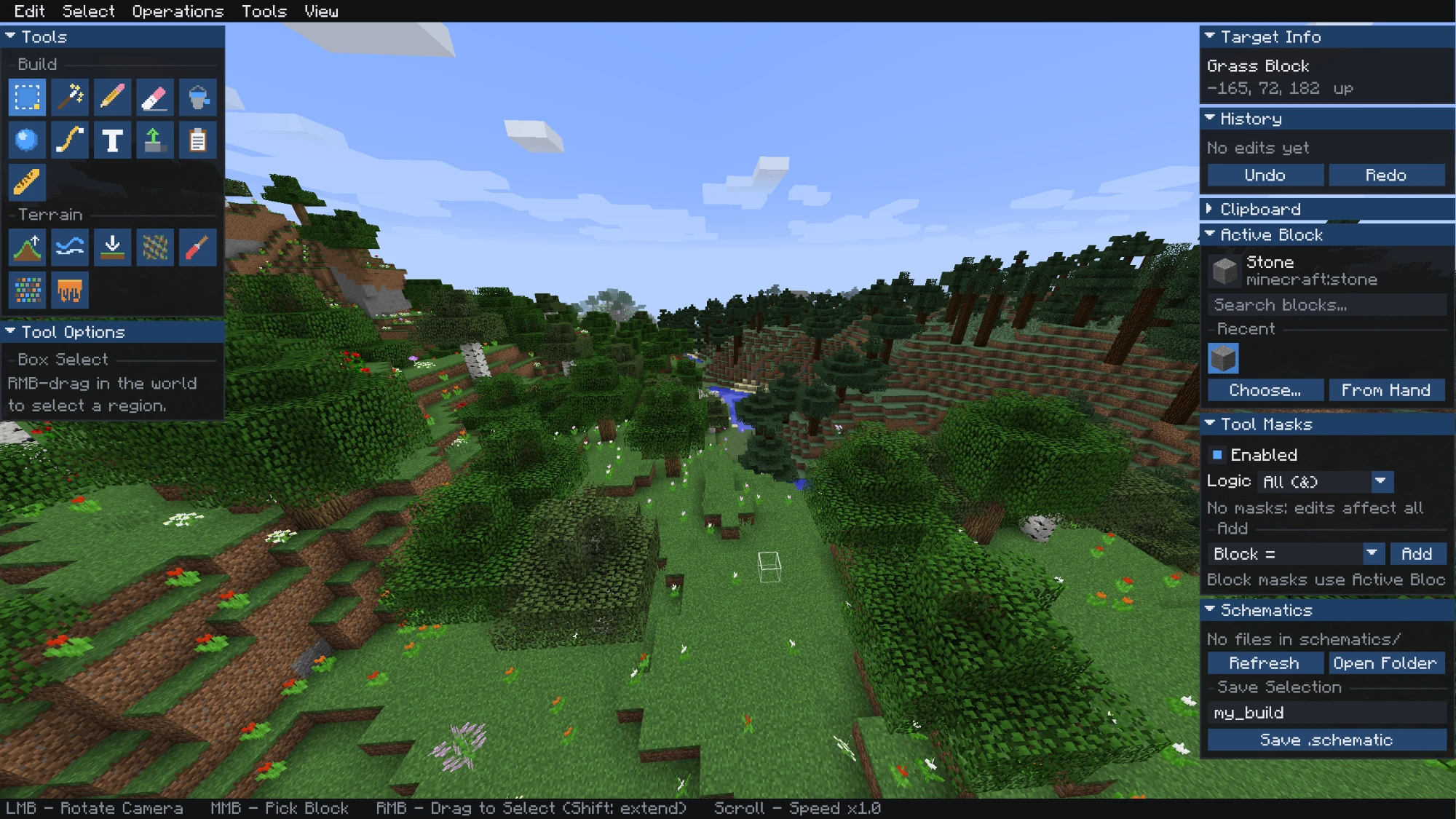
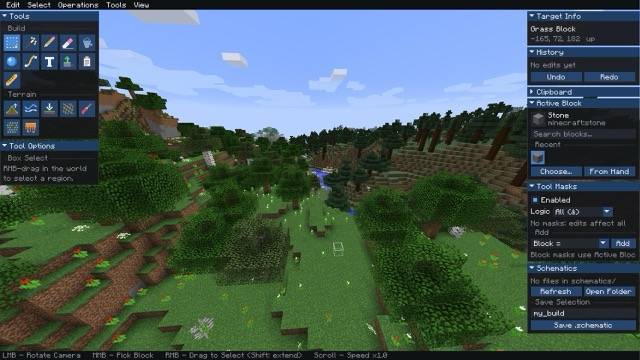
Forma turns Minecraft 1.12.2 into a visual world editor. Press Right Shift to leave your player behind, then fly a free camera and edit the world with panels and tools instead of commands.
✨ Features
- Free-fly editor camera with dockable panels
- Selections: Box Select and Magic Select, with fill, delete, copy, cut, rotate, flip and replace
- 3D move gizmo: drag the arrows or nudge with the arrow keys
- Build tools: Pencil, Eraser, Bucket Fill, Shapes (sphere, cube or cylinder), Path, Text, Extrude, Paste and Ruler
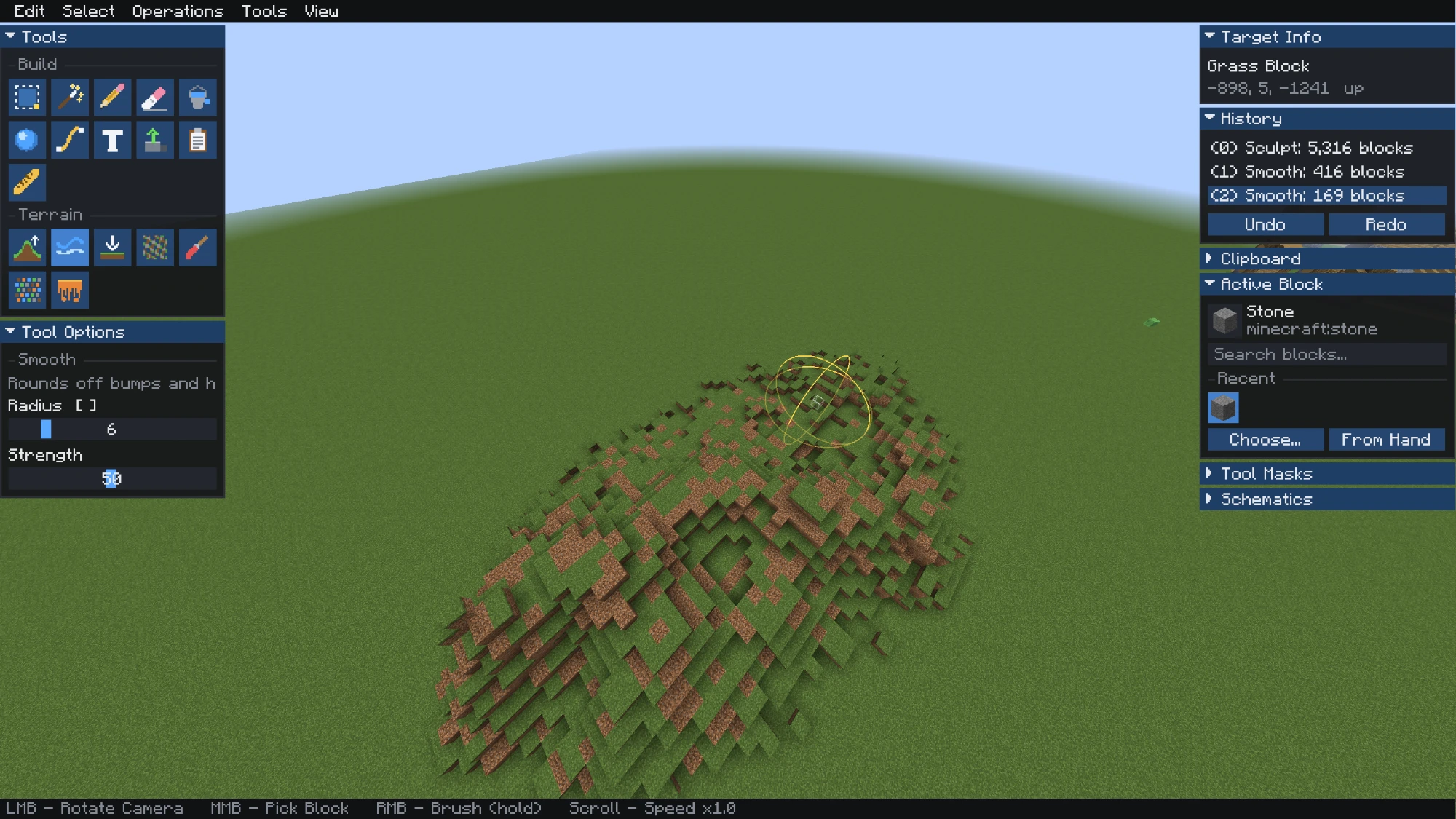
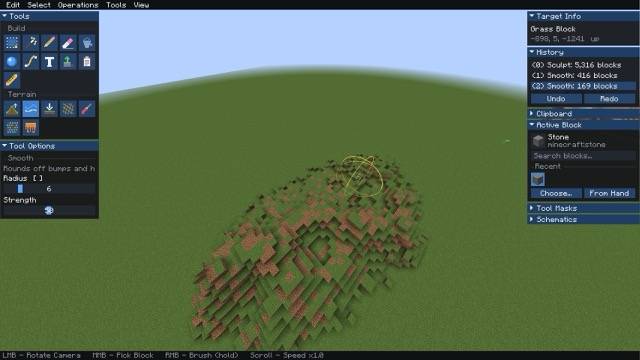
- Terrain brushes: Sculpt, Smooth, Flatten, Noise, Paint, Scatter and Melt/Grow
- Tool masks: limit edits by block, height, selection, nearby blocks and more
- Undo / Redo: up to 50 steps, each with a block count
- Schematics: save and load
.schematicand.schemfiles
🏔️ Terrain Brushes
Shape hills, valleys and coastlines. Each brush has an adjustable radius and strength.
📦 Selection & Editing
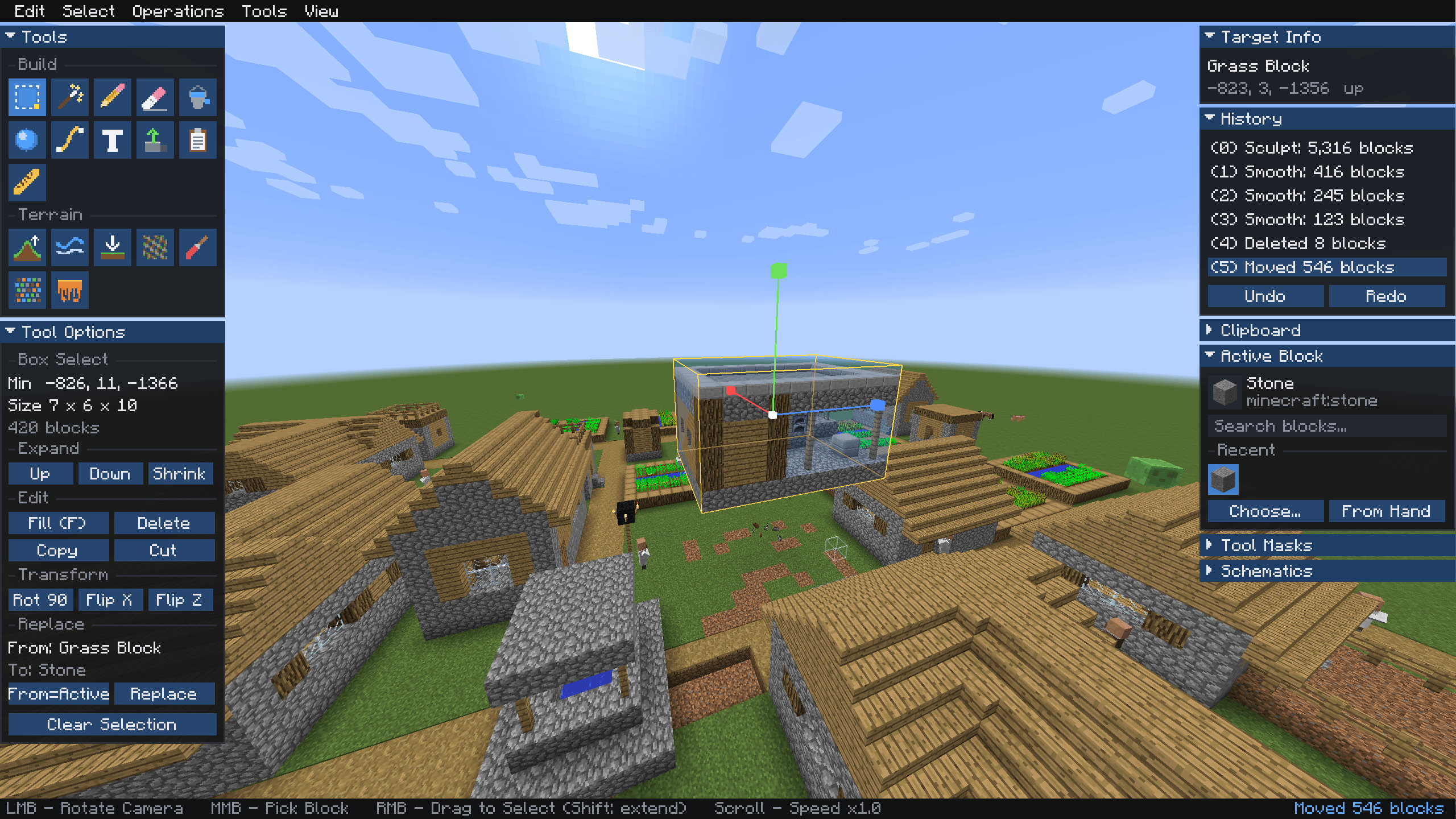
Select a region, then fill, replace, copy, rotate or flip it with one click.
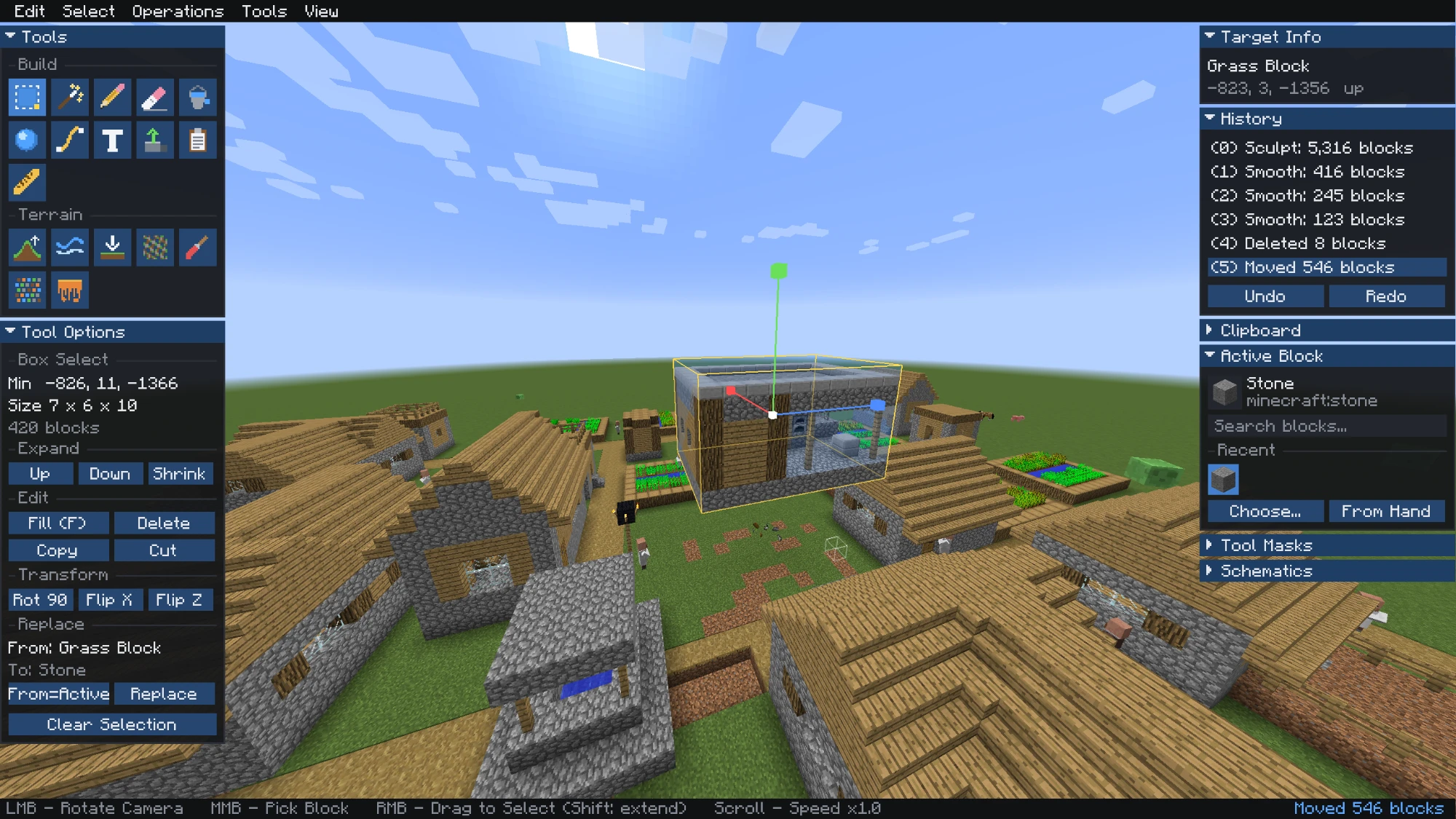
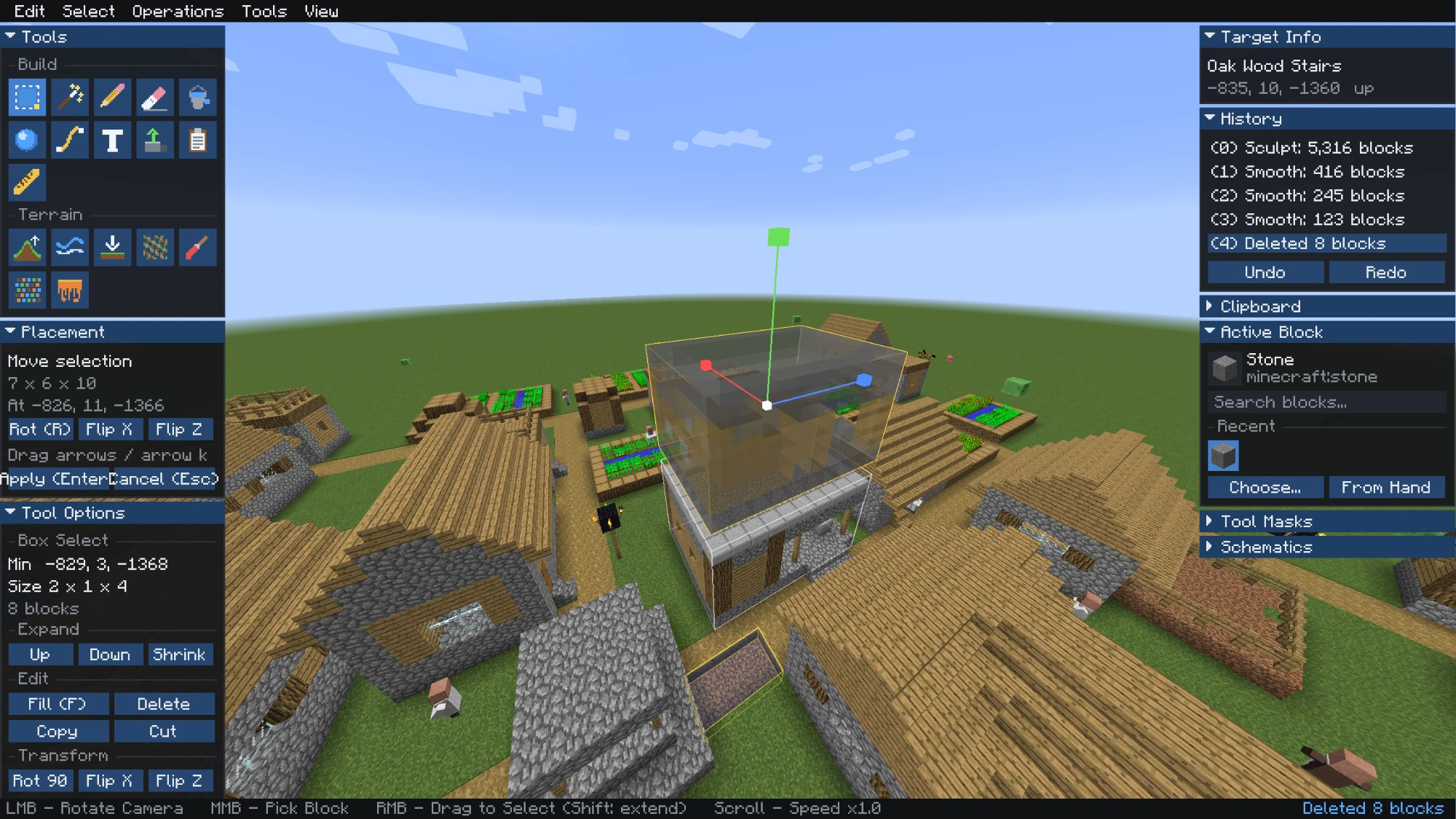
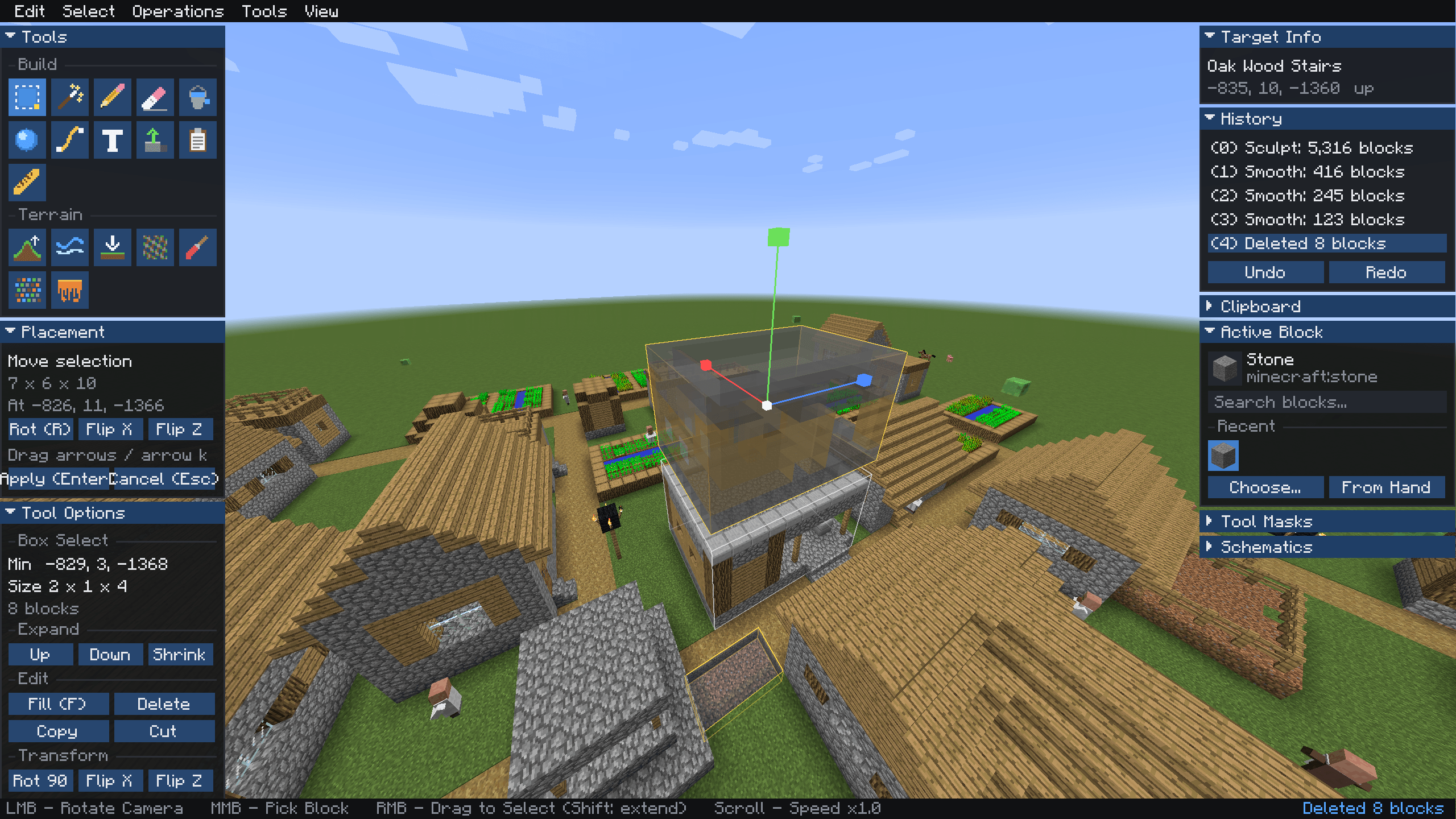
🧭 Move Whole Builds
Pick up a house and move it with the gizmo. Press Enter to apply or Esc to cancel.
🎮 Controls
| Input | Action |
|---|---|
| Right Shift | Open / close the editor |
| WASD, Jump, Sneak | Fly |
| Left mouse drag | Rotate camera |
| Right mouse | Use the current tool |
| Middle mouse | Pick block |
| Scroll | Change fly speed |
| 1–9 | Switch tool |
| Ctrl+Z / Ctrl+Y | Undo / redo |
| Ctrl+C / X / V | Copy / cut / paste |
| F / Delete | Fill / delete selection |
| R / X / Z | Rotate / flip while placing |
| [ / ] | Brush radius |
📥 Installation
- Install Minecraft Forge 1.12.2.
- Put the Forma jar in your
modsfolder. - To play on a server, install Forma on the server too.
Permissions: on servers you need operator rights. In singleplayer, edit in Creative mode.
Schematics are stored in .minecraft/schematics/.
📜 License
© 2026 Kristihack. All Rights Reserved.
Screenshots
Gallery
-
 2026-10-31_15.50.13.png 2026-10-31_15.50.13.png
-
 2026-10-31_15.50.20.png 2026-10-31_15.50.20.png
-
 2026-10-31_15.48.27 Medium.jpeg 2026-10-31_15.48.27 Medium.jpeg
-
 2026-10-31_15.49.26 Medium.jpeg 2026-10-31_15.49.26 Medium.jpeg
Versions
Files
Relations
Project Relations
More like this
Similar Mods
Suggestions use data such as tags, dependencies, dependents, descriptions, titles, and more to rank how much they overlap with this mod.
On ModDex
Community snapshot
By the numbers
Statistics

Get it on
Available Platforms
On ModDex
Community snapshot
By the numbers
Statistics
Resources