Community listing page, reviews here may not be monitored by the author.
Gacha Works

No reviews yet
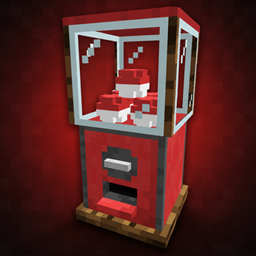
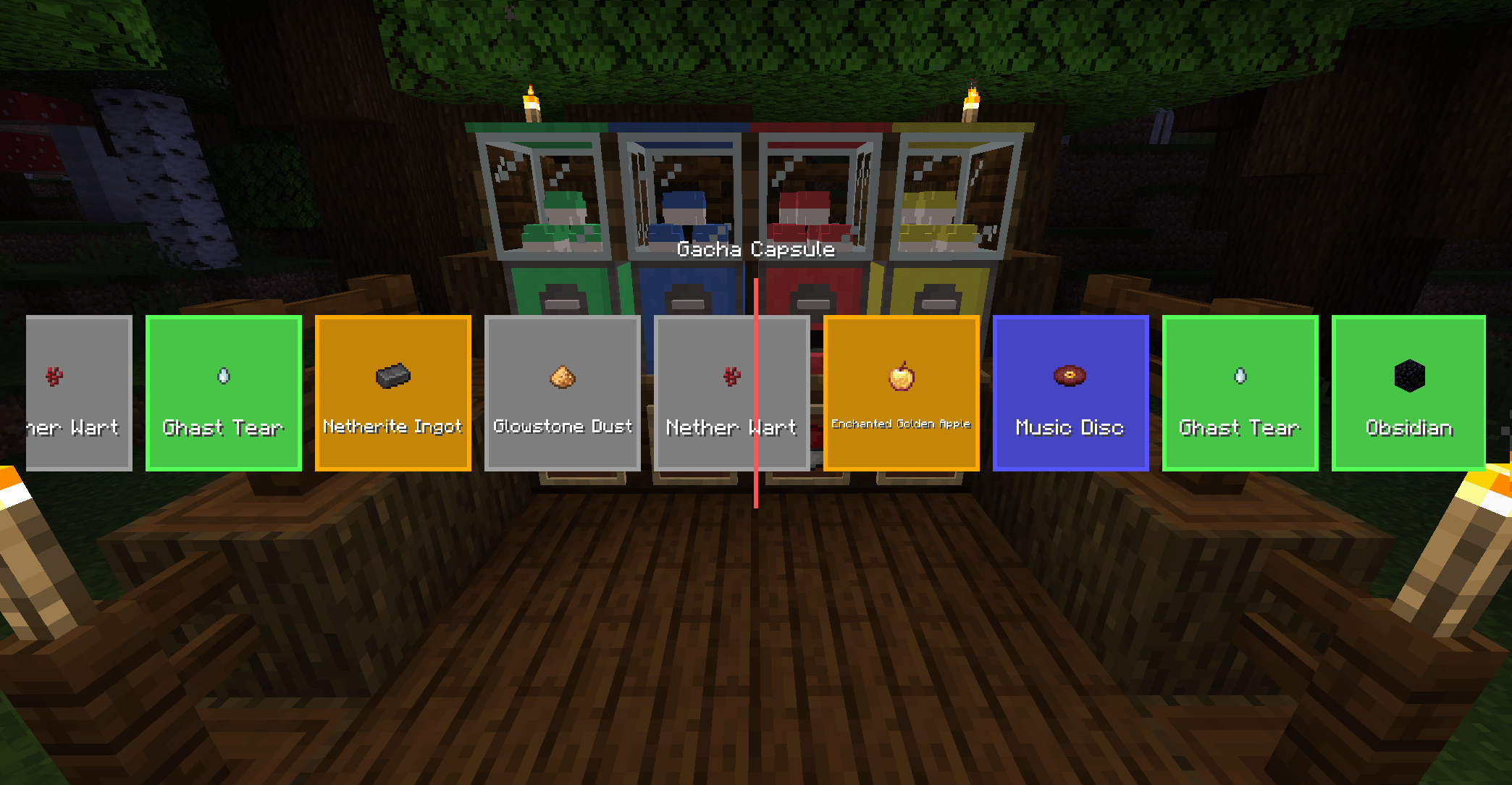
Find and craft customizable gacha machines, spend emeralds, turn the crank, collect exciting rewards, and add new machines with datapacks.
Community voices
Reviews
No reviews yet. Be the first to review this project!
Get it on
Available Platforms
About
Project Details
For authors
Embed Badge
If you're the author of this project, you can embed a live badge anywhere that supports HTML or Markdown. It updates automatically whenever ratings change.
Use HTML for any page that supports it, or Markdown for README files and Markdown-based descriptions.
Identifiers
Platform IDs
About
Description
GachaWorks
GachaWorks is a datapack-driven system for adding capsule machines to modpacks and servers.
Modpack authors can create their own machines, set their prices, choose the available rewards and control the odds—all without writing a separate mod. Machines can use items from Minecraft or other installed mods, making them useful for shops, progression systems, loot sinks or server economies.
The mod also includes four ready-to-use machines for players who just want to install it and play.
Default content
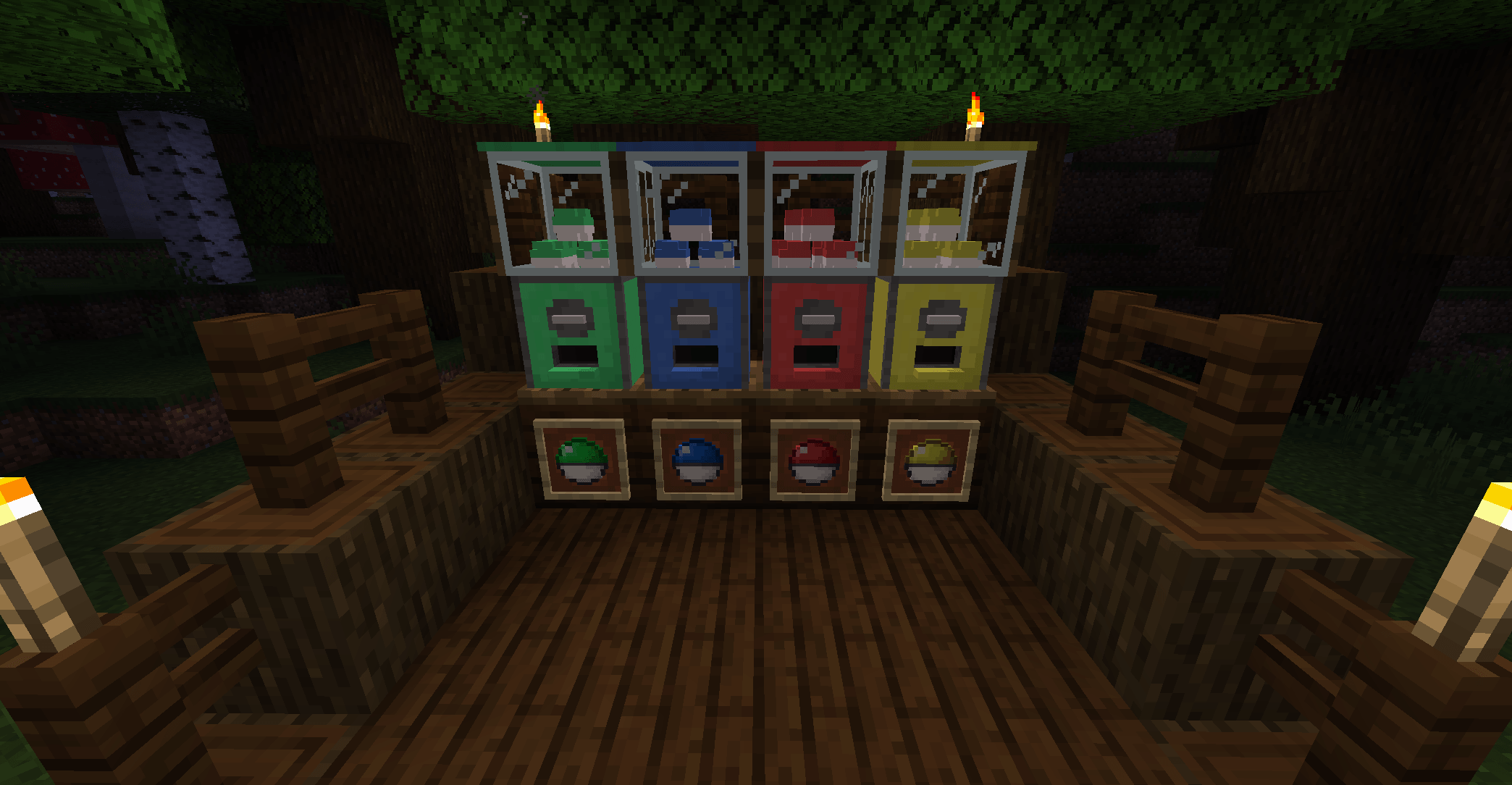
By default, GachaWorks adds four emerald-powered machines:
| Machine | Price | Rewards |
|---|---|---|
| Village Market | 1 Emerald | Basic supplies and travel items |
| Trade Hall | 4 Emeralds | Useful villager trade goods |
| Nether Expedition | 10 Emeralds | Nether materials and rarer finds |
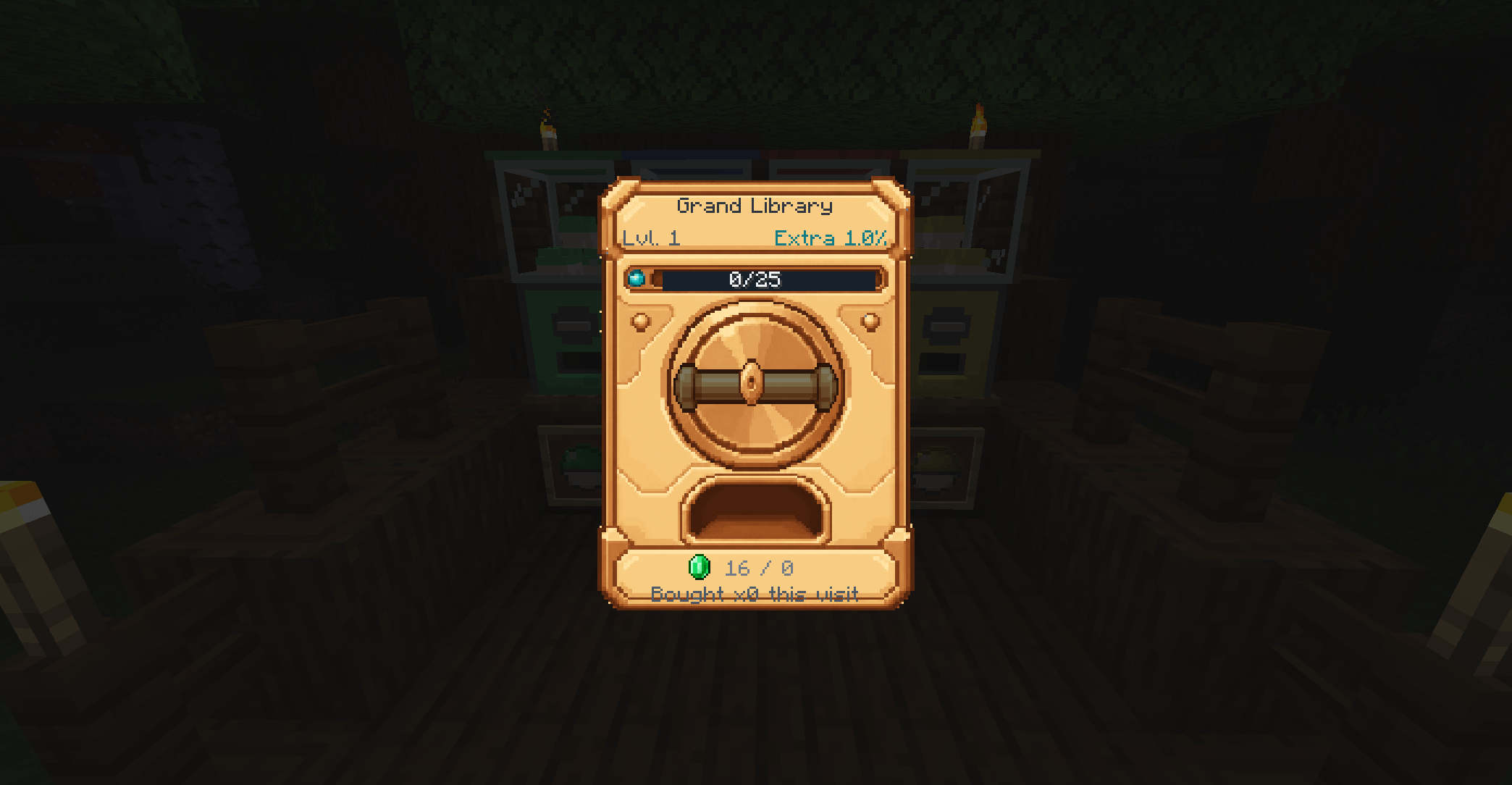
| Grand Library | 16 Emeralds | Enchanted books, including treasure enchantments |
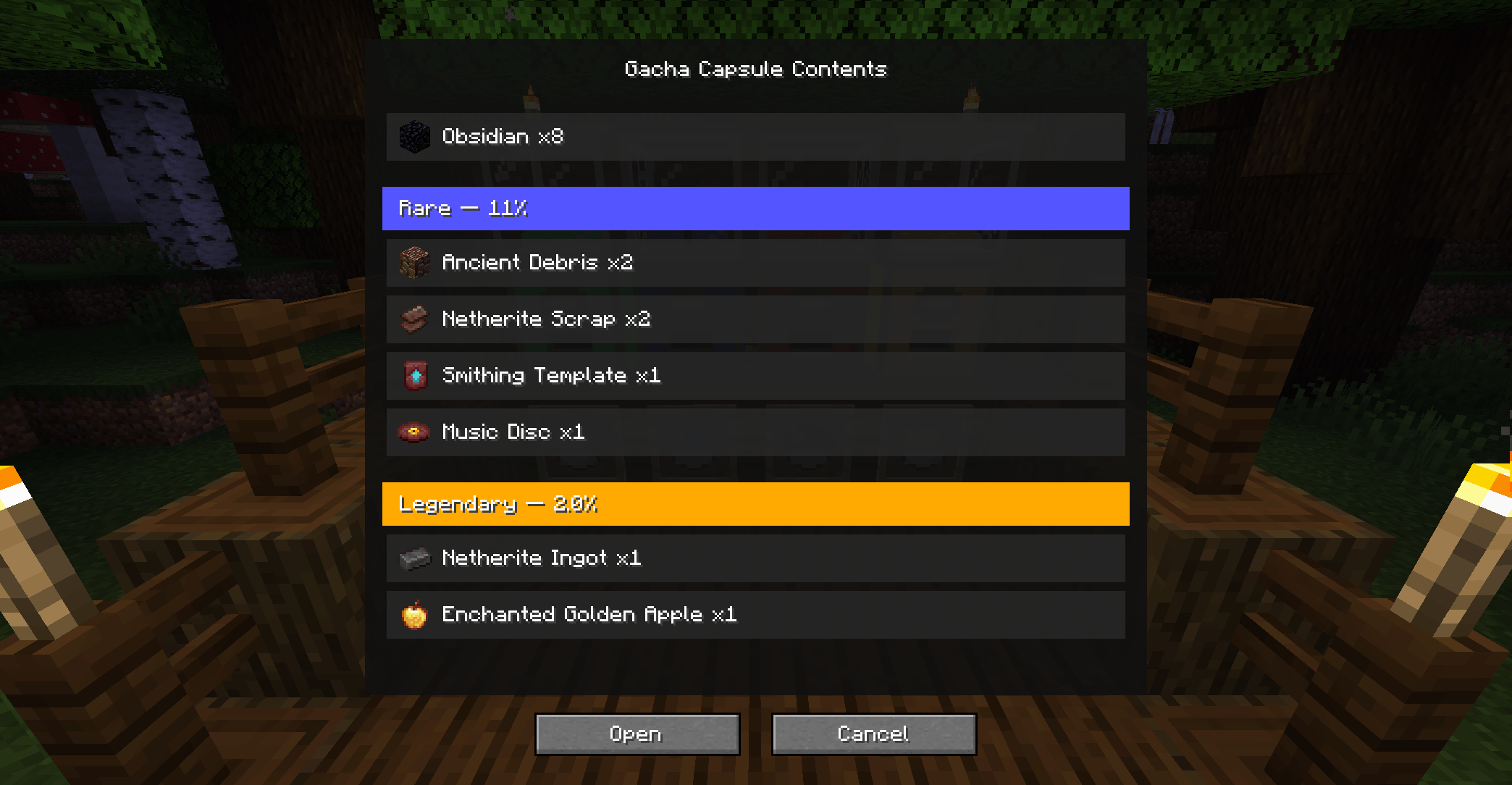
Every possible reward and its exact chance can be viewed before opening a capsule. There are no hidden odds or real-money purchases.
Machines level up as they are used. Higher levels improve the chance of receiving an extra spin, but do not increase the price or secretly change the reward odds.
Features
- Custom machines, capsules and reward pools through datapacks
- Support for vanilla and modded items as payment or rewards
- Weighted rarity tiers with exact odds shown in-game
- Animated machine crank and capsule-opening sequence
- Open one capsule or five at once
- Persistent machine levels and extra-spin bonuses
- Random machine placement in newly generated villages
- Broken Gacha Chassis items found in exploration chests
- Optional JEI support for recipes, machine acquisition and capsule contents
- Server-side reward handling, including recovery after disconnects or restarts
- Server settings for disabling the default content and village placement
Getting a default machine
Newly generated villages can contain a random enabled GachaWorks machine.
Machines can also be crafted using a Broken Gacha Chassis, which has a small chance to appear in dungeon, mineshaft, stronghold, woodland mansion and ancient-city chests.
Datapacks
Custom content is split into three types of definition:
text Machine → Capsule → Rarity Tier → Reward Pool
A basic datapack is structured like this:
text pack.mcmeta data/ your\_namespace/ gachaworks/ machine/ starter.json capsule/ starter.json reward\_pool/ starter\_common.json starter\_rare.json recipe/ starter\_machine.json
A machine definition controls:
- Its name and appearance
- Which capsule it dispenses
- The item and amount required as payment
- Its level thresholds and extra-spin chances
A capsule definition controls:
- Its name, colour and animation
- Its rarity tiers
- The weight and reward pool assigned to each tier
A reward pool contains the items or other rewards that can be selected when its tier is rolled. Pools can contain individual items, bundles, effects, free spins, empty results or references to other pools.
The namespace and filename form the definition ID. For example:
text data/example/gachaworks/machine/starter.json
creates the machine definition:
text example:starter
The included machines can be used as working examples when creating a pack. To replace them entirely, set:
toml enable\_default\_machines = false
in serverconfig/gachaworks-server.toml.
Machine, capsule and reward-pool definitions are loaded when the world or dedicated server starts. After changing them, fully reopen the world or restart the server; /reload is not enough.
Screenshots
Gallery
-
 2026-08-22_00.30.02.png 2026-08-22_00.30.02.png
 -
 2026-08-22_00.30.07.png 2026-08-22_00.30.07.png
 -
 2026-08-22_00.30.35.png 2026-08-22_00.30.35.png
 -
 2026-08-22_00.30.45.png 2026-08-22_00.30.45.png
Versions
Files
Relations
Project Relations
More like this
Similar Mods
Suggestions use data such as tags, dependencies, dependents, descriptions, titles, and more to rank how much they overlap with this mod.
On ModDex
Community snapshot
By the numbers
Statistics
Want to reach Minecraft players?
We're looking for a server hosting partner to feature here and other parts of the site. Interested? Send us a message!
Get in touchGet it on
Available Platforms
On ModDex
Community snapshot
By the numbers