Community listing page, reviews here may not be monitored by the author.
GDS-QOLVaultsAndNotes

No reviews yet
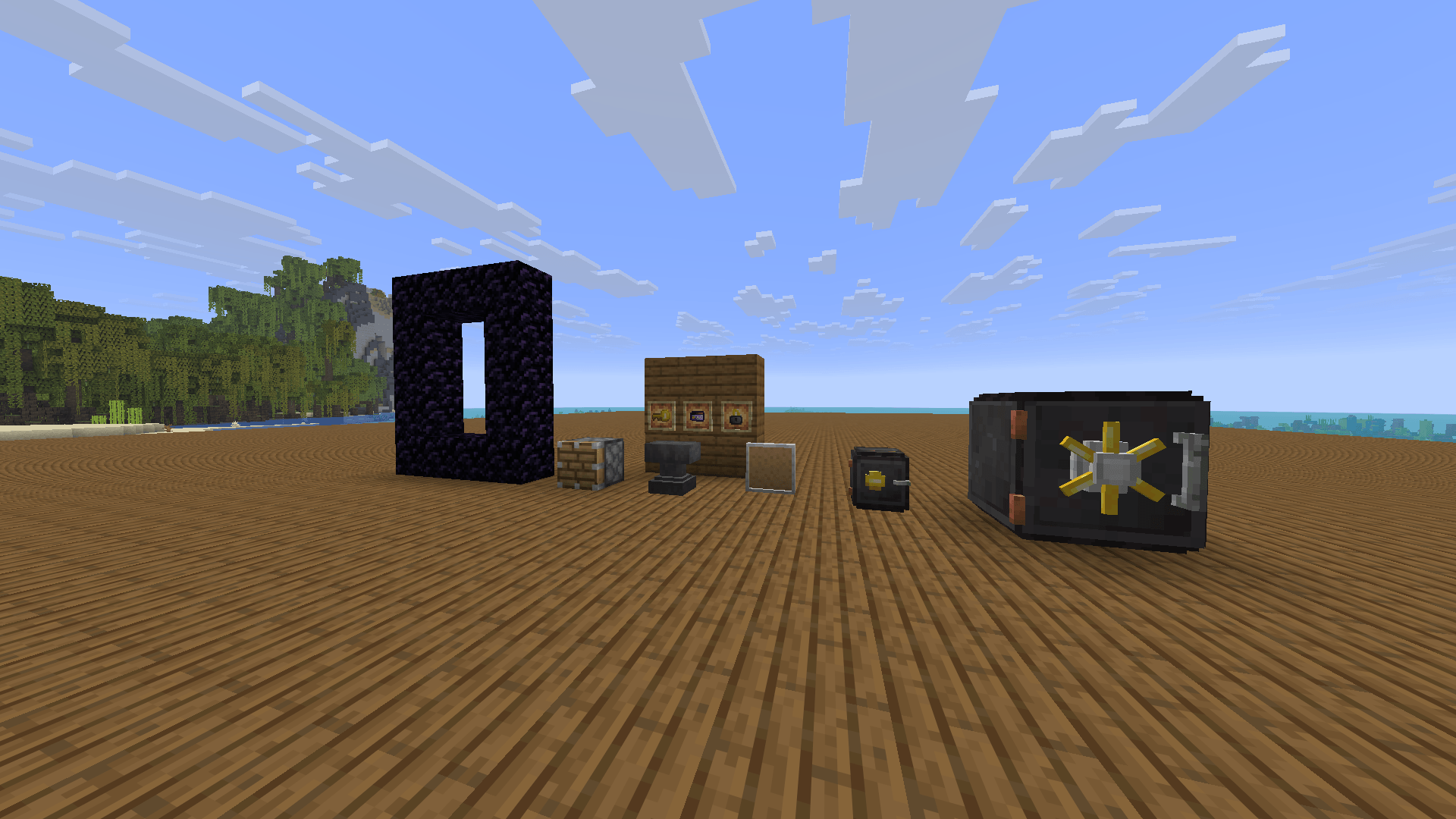
A mod project created as part of a programming project in our school Tycho Braheskolan. QOL Vaults & Notes adds secure storage blocks and an organizational bulletin board to Minecraft, each with custom mechanics and interfaces.
Community voices
Reviews
No reviews yet. Be the first to review this project!
Get it on
Available Platforms
About
Project Details
For authors
Embed Badge
If you're the author of this project, you can embed a live badge anywhere that supports HTML or Markdown. It updates automatically whenever ratings change.
Use HTML for any page that supports it, or Markdown for README files and Markdown-based descriptions.
Identifiers
Platform IDs
Resources
External Links
About
Description
QOLVaultsAndNotes
Items in the game:
Bulletin board
Safe
Lock
Key
Keycard
---Recipes for the items are unlocked through regular gameplay.---
- Bulletin Board:
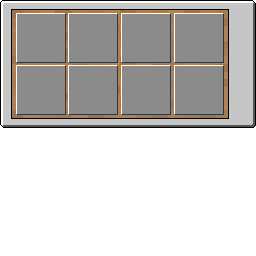
A wall-mounted block that lets you write and store up to 8 sticky notes.
Right click the block to open the board.
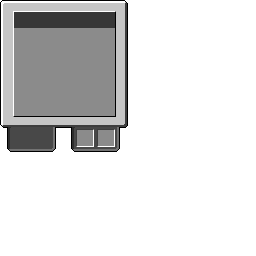
Click the side panel toggle to open the note editor, where you can: Write a title (up to 12 characters) and a multiline body Choose from 4 note colours: yellow, green, blue and pink.
Pin the note to the board using 2 paper (new notes) or 1 ink sac (edits).
Click any pinned note on the board to view or edit it Paper and ink sacs are loaded into the bulletin board by right clicking it while holding them.
- Safe:
A 2-row (18 slot) lockable storage block with an animated lid.
To secure it: Right click with a Lock to lock the safe. Only accessible by the player who put a lock on the safe/vault.
Right click with a named Key (dot/dash format, up to 18 characters) to assign a serial code, opening a visual segment-based entry screen when accessed.
Or right click with a named Keycard to assign a numeric PIN, opening a number pad entry screen.
When accessed both the key and keycard are consumed on use. Without the correct code entered, the safe cannot be opened.
Takes quite a while to break.
- Vault:
A large 72-slot (8 row × 9 column) storage block with a scrollable GUI. Supports the same lock, key, and keycard security system as the safe. Created by placing safe block in a 2x2x2 formation.
Takes a LONG time to break.
- Keycard Extra Interactions:
Nether Portal — right click the obsidian frame of a nether portal to toggle it on/off.
Piston — right click a piston from the side to force extend or retract it, overriding redstone signals and holding it in place until clicked again.
- Key Extra Interactions:
Change block state of an iron door.
Untrap a trapped chest.
Screenshots
Gallery
-
 preview.png preview.png
 -
 arrow.png arrow.png
 -
 confirm.png confirm.png
 -
 clear.png clear.png
 -
 unlock.png unlock.png
 -
 xp.png xp.png
 -
 side_panel.png side_panel.png
 -
 main_panel.png main_panel.png
 -
 yellow_note.png yellow_note.png
 -
 big_yellow_note.png big_yellow_note.png
 -
 keycard.png keycard.png
 -
 lock.png lock.png
 -
 key.png key.png
Versions
Files
Relations
Project Relations
More like this
Similar Mods
Suggestions use data such as tags, dependencies, dependents, descriptions, titles, and more to rank how much they overlap with this mod.
On ModDex
Community snapshot
By the numbers
Statistics
Want to reach Minecraft players?
We're looking for a server hosting partner to feature here and other parts of the site. Interested? Send us a message!
Get in touchGet it on
Available Platforms
On ModDex
Community snapshot
By the numbers
Statistics
Resources