Community listing page, reviews may not be monitored by the author.


Community voices
Reviews
No reviews yet. Be the first to review this project!
Get it on
Available Platforms
Compatibility
Supported Environments
The author has not specified where this runs.
About
Project Details
For authors
Embed Badge
If you're the author of this project, you can embed a live badge anywhere that supports HTML or Markdown. It updates automatically whenever ratings change.
Use HTML for any page that supports it, or Markdown for README files and Markdown-based descriptions.
Identifiers
Platform IDs
About
Description
Glance: GUI Tweaks for Minecraft
Features
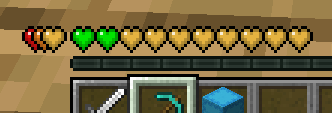
Health Bar
When the health exceeds 20, the additional health is displayed as an overlapping bar in a different color rather than stacking up as new lines.
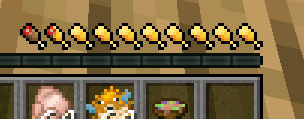
Hunger Bar
Displays the saturation level alongside the hunger bar.
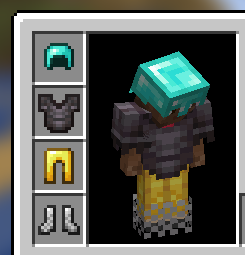
Armor Bar
When the armor value exceeds 20, the extra armor is stacked on the left. The armor icon texture changes based on the equipped armor.
-
Armor icon texture variant
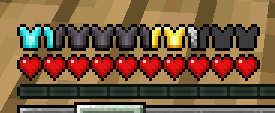
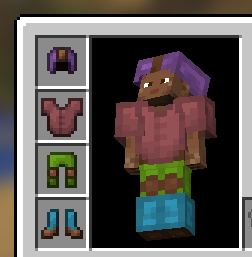
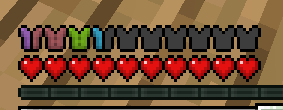
-
When armor exceeds 20
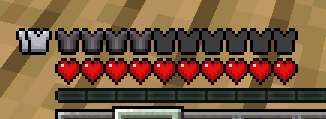
Dynamic Crosshair Animation
-
Appears during melee and critical attacks.
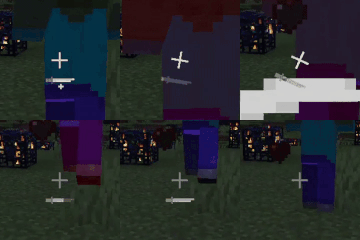
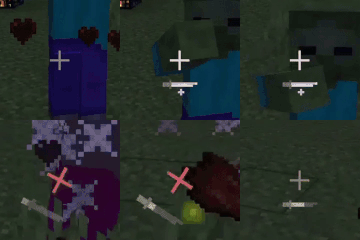
-
Activates while charging a bow, crossbow, or trident.

ItemStack Overlay
Shows overlays for beehives based on their honey level.
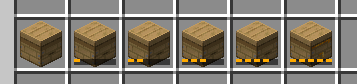
New Tooltips
-
Changes tooltip appearances based on disc, enchanted book, and rarity.
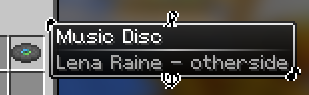
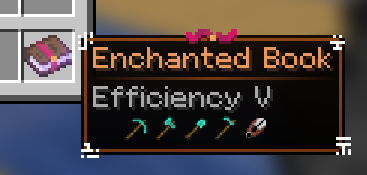
-
Simplifies and makes tooltips more intuitive by using icons.
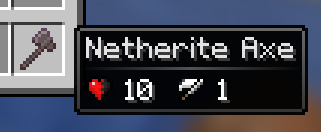
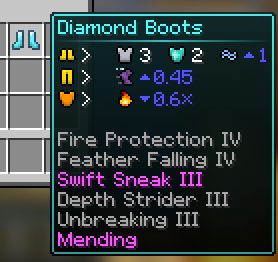
-
Displays detailed text tooltips when holding Shift.
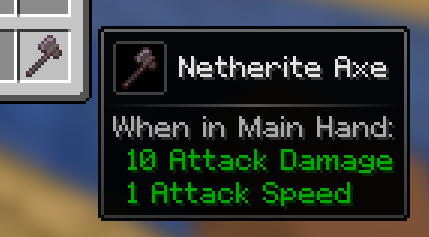
-
For armor, holding Shift shows a 3D model.
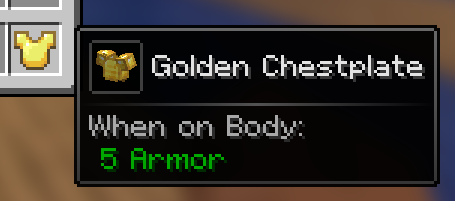
-
Previews the inventory of items like bundle, shulker box, and any items with internal inventory stored via NBT when hovering over them with the cursor.
Scroll with the mouse to access the inventory.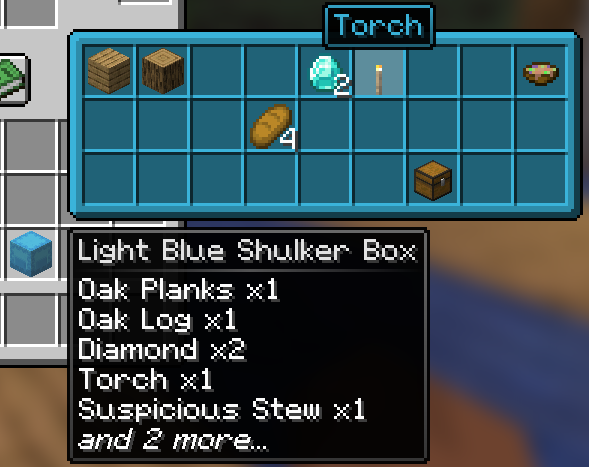
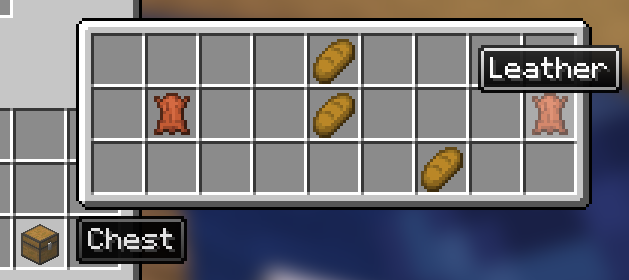
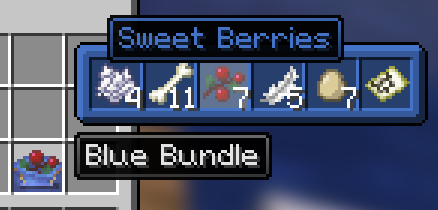
-
Displays durability tooltips for tools in anvil and grindstone.
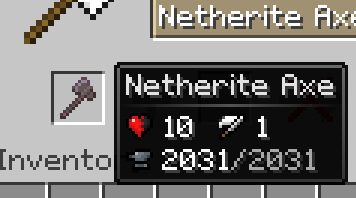
-
-
Shows the burn time of items usable as fuel in smoker, blast furnace, and furnace.
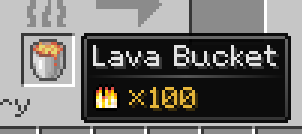
-
Indicates the compatibility of each enchantment on enchanted books with specific items.
-
Shows the hunger and saturation values restored by food when consumed.
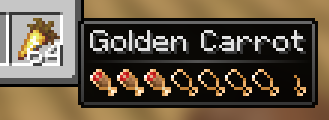
-
Allows map previewing by hovering the cursor over it.
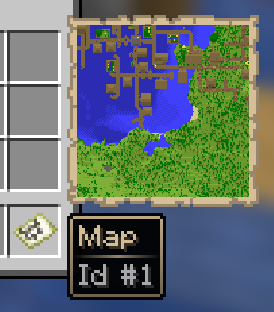
-
Screenshots
Gallery
-
 Glance
Versions
Files
Relations
Project Relations
More like this
Similar Mods
Suggestions use data such as tags, dependencies, dependents, descriptions, titles, and more to rank how much they overlap with this mod.
On ModDex
Community snapshot
By the numbers
Statistics


Get it on
Available Platforms
On ModDex
Community snapshot
By the numbers