Community listing page, reviews may not be monitored by the author.
Simple Glance


No reviews yet
A simple mod to get more info on what you are looking at.

Community voices
Reviews
No reviews yet. Be the first to review this project!
Get it on
Available Platforms
Compatibility
Supported Environments
Runs entirely on the client. Works on vanilla servers.
About
Project Details
For authors
Embed Badge
If you're the author of this project, you can embed a live badge anywhere that supports HTML or Markdown. It updates automatically whenever ratings change.
Use HTML for any page that supports it, or Markdown for README files and Markdown-based descriptions.
Identifiers
Platform IDs
Resources
External Links
About
Description
Simple Glance
Know what you're looking at — instantly.
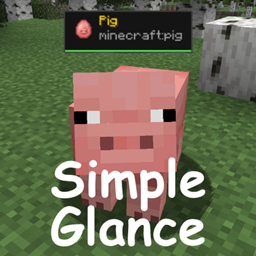
Simple Glance adds a clean, minimal HUD overlay to the top of your screen that tells you exactly what block or entity your crosshair is pointing at — no more guessing, no more opening wikis.
---
✨ Features
- Block & fluid identification — shows the name of any block you're looking at
- Entity identification — shows the name and type of any mob or entity
- Item icons — displays the block or spawn egg icon right next to the name
- Mob health bar — a colour-coded health bar shows how much HP a mob has left, along with the exact -numbers
- Break progress bar — an orange bar fills the bottom of the panel as you mine a block, showing how close you are to breaking it
- Clean & minimal — a panel that stays out of your way, hides when menus are open or the HUD is toggled off
---
🎨 Colour coding
| Colour | Meaning |
|--------|---------|
| ⬜ White | Blocks |
| 🟡 Gold | Entities |
| 🟢 Green | High health |
| 🟡 Yellow | Medium health |
| 🔴 Red | Low health |
| 🟠 Orange | Block break progress |
---
Notice:
This mod can and WILL NOT be shared without consent from me, credit would be nice.
Simple Glance
Know what you're looking at — instantly.
Simple Glance adds a clean, minimal HUD overlay to the top of your screen that tells you exactly what block or entity your crosshair is pointing at — no more guessing, no more opening wikis.
✨ Features
- Block & fluid identification — shows the name of any block you're looking at
- Entity identification — shows the name and type of any mob or entity
- Item icons — displays the block or spawn egg icon right next to the name
- Mob health bar — a colour-coded health bar shows how much HP a mob has left, along with the exact numbers
- Break progress bar — an orange bar fills the bottom of the panel as you mine a block, showing how close you are to breaking it
- Clean & minimal — a panel that stays out of your way, hides when menus are open or the HUD is toggled off
🎨 Colour coding
| Colour | Meaning |
|---|---|
| ⬜ White | Blocks |
| 🟡 Gold | Entities |
| 🟢 Green | High health |
| 🟡 Yellow | Medium health |
| 🔴 Red | Low health |
| 🟠 Orange | Block break progress |
Notice: This mod can and WILL NOT be shared without consent from me, credit would be nice.
Screenshots
Gallery
-
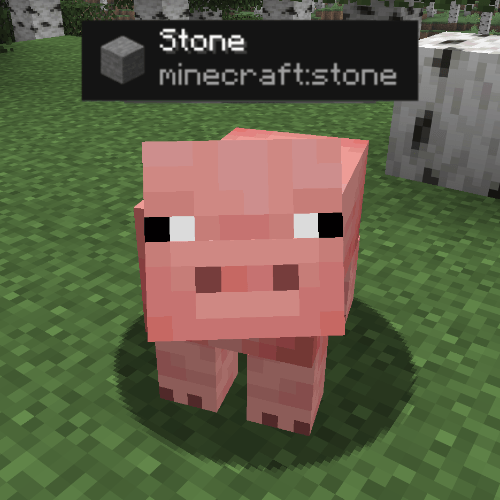 Iamstone.png Iamstone.png
 -
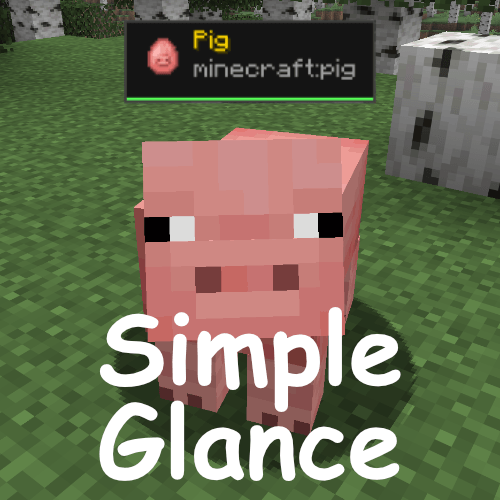 simpleglance.png simpleglance.png
-
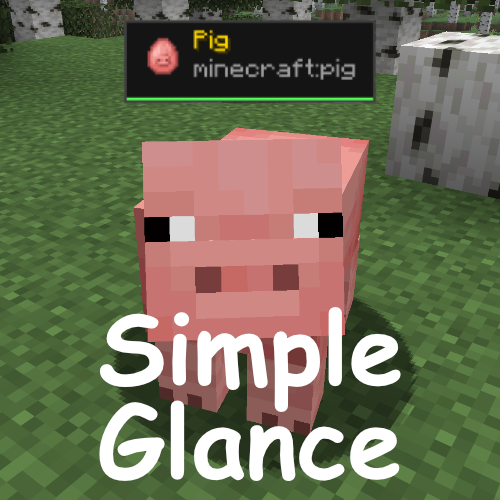 Title image
 -
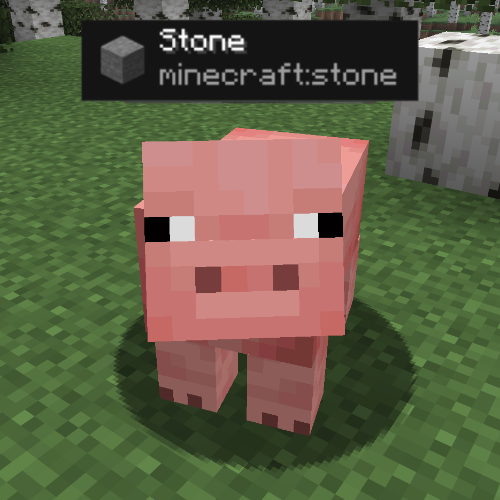 Stone pig
Versions
Files
Relations
Project Relations
More like this
Similar Mods
Suggestions use data such as tags, dependencies, dependents, descriptions, titles, and more to rank how much they overlap with this mod.
On ModDex
Community snapshot
By the numbers
Statistics

Get it on
Available Platforms
On ModDex
Community snapshot
By the numbers
Statistics
Resources