
Community listing page, reviews may not be monitored by the author.
Glazed Menu

No reviews yet
A frosted-glass mod list and config screens for every mod, with grid and list views, groups, themes and update notices.

Community voices
Reviews
No reviews yet. Be the first to review this project!
Get it on
Available Platforms
About
Project Details
For authors
Embed Badge
If you're the author of this project, you can embed a live badge anywhere that supports HTML or Markdown. It updates automatically whenever ratings change.
Use HTML for any page that supports it, or Markdown for README files and Markdown-based descriptions.
Identifiers
Platform IDs
Resources
External Links
About
Description







✨ About
Glazed Menu gives Minecraft's menus one frosted-glass look: a new mod list, one config screen for almost every mod, and the game's own screens to match.
Install it and press Mods. There is nothing to set up, it needs no other mod, and every part of it can be turned off on its own.
- 📋 Mod list: a list or a grid, tinted in each mod's own colors
- ⚙️ Config screens: the same editor for almost any mod's settings
- 🎮 Game screens: title, pause, worlds, servers, chat and more
- 🎨 Your style: dark and light modes, seven color schemes, adjustable glass
📸 Screenshots of every screen are in the Gallery tab.
📋 Mod list
Replaces the mod list you already have, from Mod Menu or from the loader.
- 🔎 Find things fast: search, sorting, and filters for All, With Settings and Libraries
- 📦 Less clutter: a mod and the modules it bundles fold into one group
- 📖 Everything about a mod: description, authors, license, links, what it needs and what it bundles
- 🔔 Update notices for mods that publish an update file
⚙️ Config screens
Every mod's settings in one place, edited in one consistent screen.
- ✏️ A real editor: categories, search, undo and redo, reset to default and validation
- 🎚️ The right control for each value: toggles, sliders, dropdowns, lists and a color picker
- 🔍 Search across every mod, and a list of everything you have changed from its default
- 💾 Nothing is written until you say so: Save, Done or Cancel
- 🤝 Mods with their own config screen keep it: their Settings button opens that screen
🎮 Game screens
New in 1.1. The game's own screens in the same glass look. Each one has its own switch under Game Screens in Glazed Menu's settings, so you keep only the ones you like.
- 🏠 Menus: title, pause, options, key binds, controls, language and packs
- 🌍 Worlds and servers: singleplayer, multiplayer, create and edit world, add and edit server, direct connect
- 💬 In game: chat with player heads and tabs, a death screen that tells you where you died, advancements and statistics
- ⏳ Joining: loading screens that show each step as it happens, and a disconnected screen with Reconnect
👥 Playing together
Two chat extras work when the server has Glazed Menu too. Your own worlds and LAN games always do.
- ✍️ Typing indicators: see who is writing, and hide your own if you prefer
- 🗡️ Item showcase: show the item in your hand to everyone, tooltip included
On any other server the rest of the mod works as usual, and these two stay out of the way.
🎨 Make it yours
- 🌗 Dark and light modes, switched from any screen
- 🌈 Seven color schemes: Glazed, Classic, Ocean, Forest, Ember, Rose and Slate
- 🧊 Adjustable glass: panel opacity, sun rays, falling stars and page transitions
- 🧱 Layouts: two for the title screen, three for the pause screen
🧩 Compatibility
| Fabric | NeoForge | Forge | |
|---|---|---|---|
| 26.1 – 26.3 | ✅ | ✅ | – |
| 1.21 – 1.21.1 | ✅ | ✅ | ✅ |
| 1.20 – 1.20.1 | ✅ | – | ✅ |
- 📚 Configs it reads: NeoForge and Forge configs, Cloth Config, YACL, MidnightLib and FTB Library
- 🖥️ Client side: the server never needs it; installing it there is optional
❓ FAQ
Does the server need it? No. Everything works on the client alone. Adding it to a server only brings typing indicators and item showcases to the chat.
Can I keep my old mod list, or one of the game's own screens? Yes. Turn off Replace Other Mod Lists, or the switch of that screen under Game Screens, in Glazed Menu's settings.
Will it change my config files? Only when you save. Each config is written by the system it belongs to, in its own file and format.
A mod's settings don't show up. Why? Glazed Menu shows the configs it can read. A mod with its own config screen still opens it from its Settings button.
🛠️ For developers
Glazed Menu works with your mod as it is. To list your mod under Libraries, show update notices, theme your config screens or add your own card artwork, see the mod author guide on GitHub.
Screenshots
Gallery
-
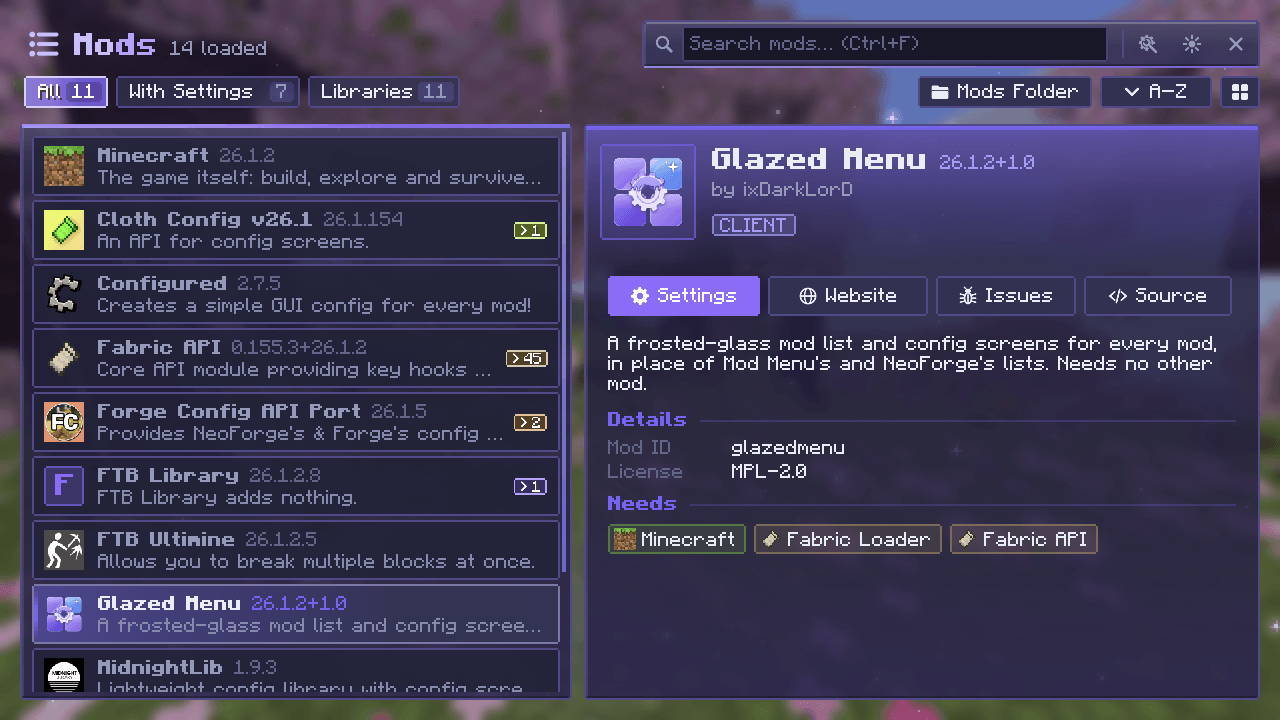 The Mod List Glazed Menu's mod list: every installed mod on the left with search, filters and sorting, and the selected mod's details on the right, with its description, licence, what it needs, and Settings, Website, Issues and Source buttons.
 -
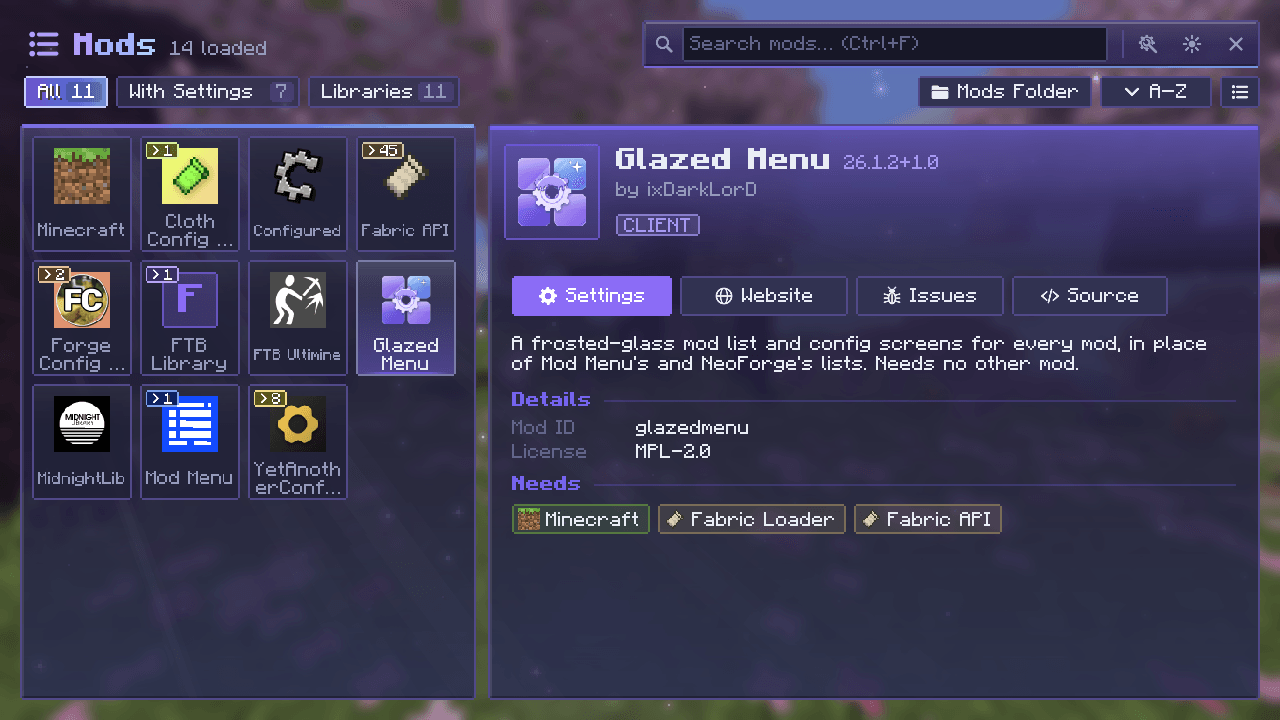 Mod list: grid view The same list as a grid of tiles.
 -
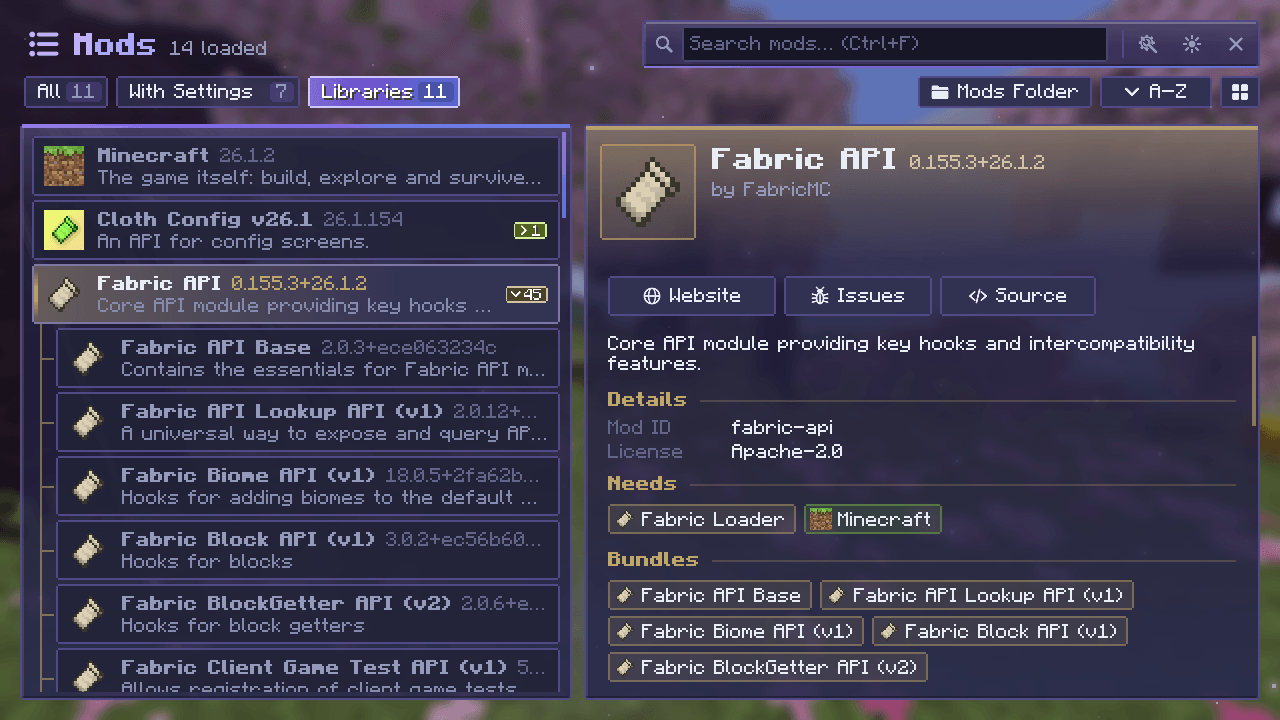 Libraries, grouped Bundled libraries are grouped under the mod that ships them.
 -
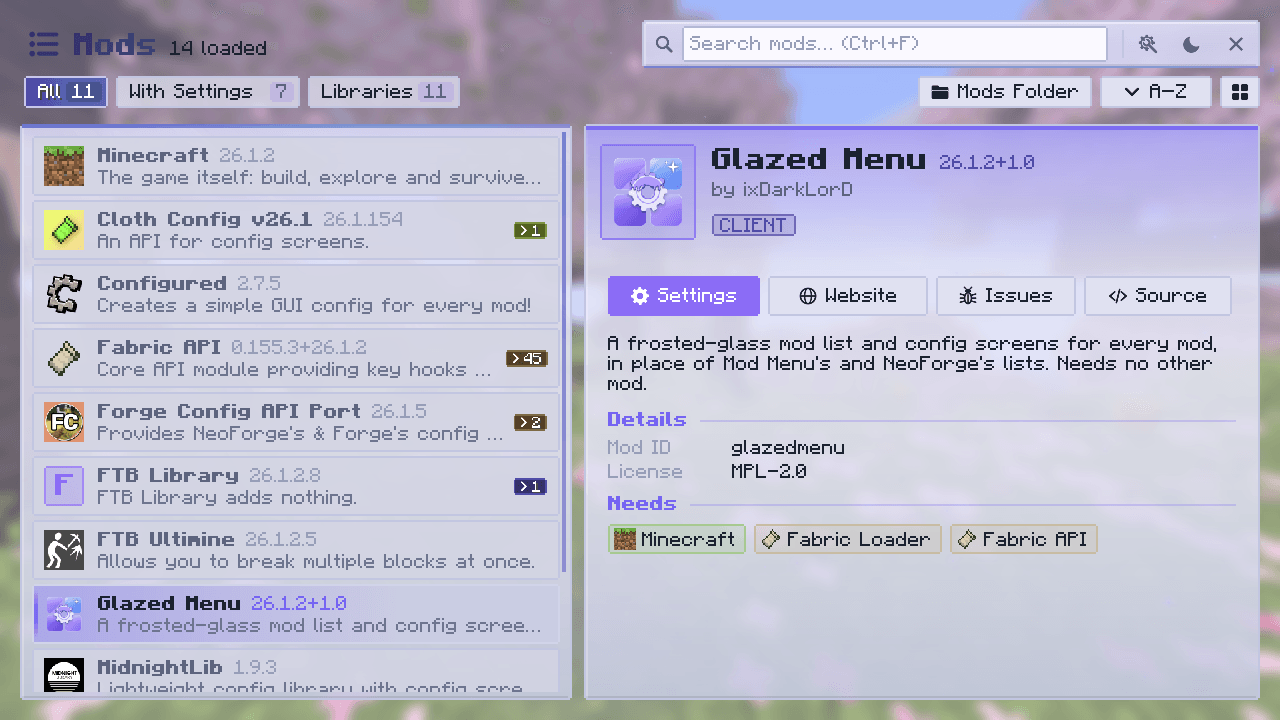 Mod list: light mode Every screen has a dark and a light mode.
 -
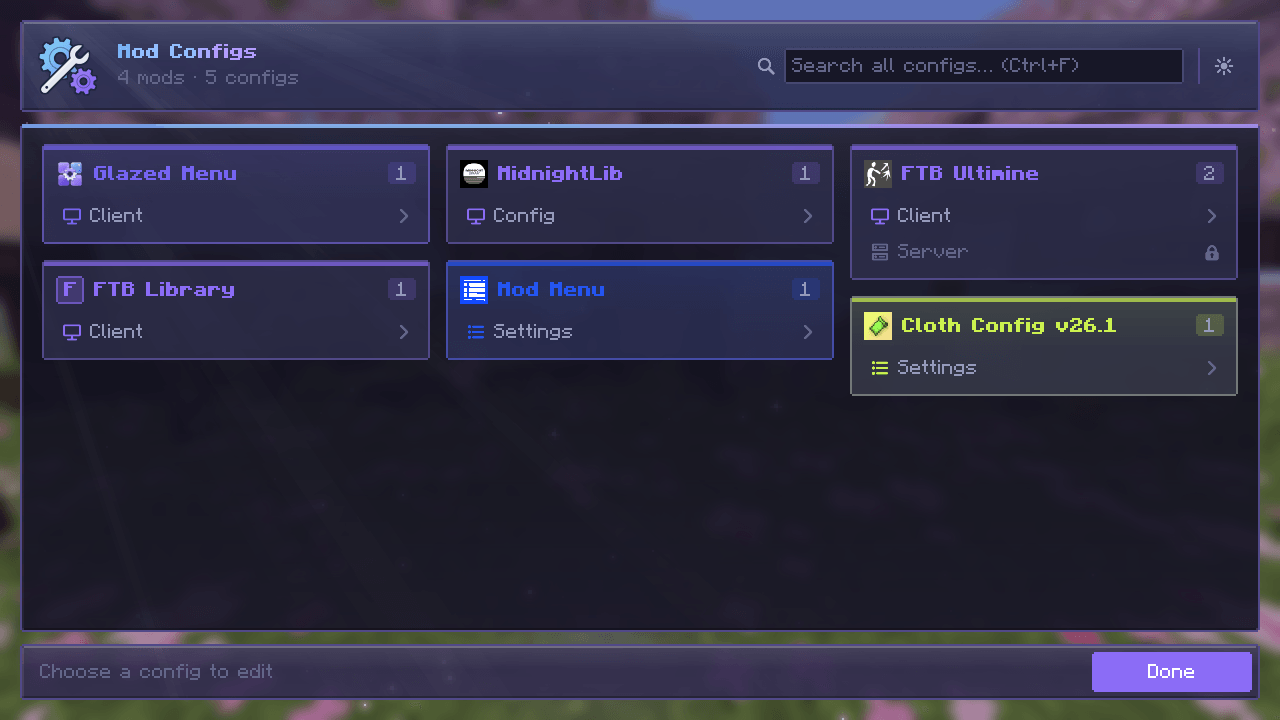 Mod Configs: every mod's configs Every mod's configs in one place, as cards in each mod's colors.
 -
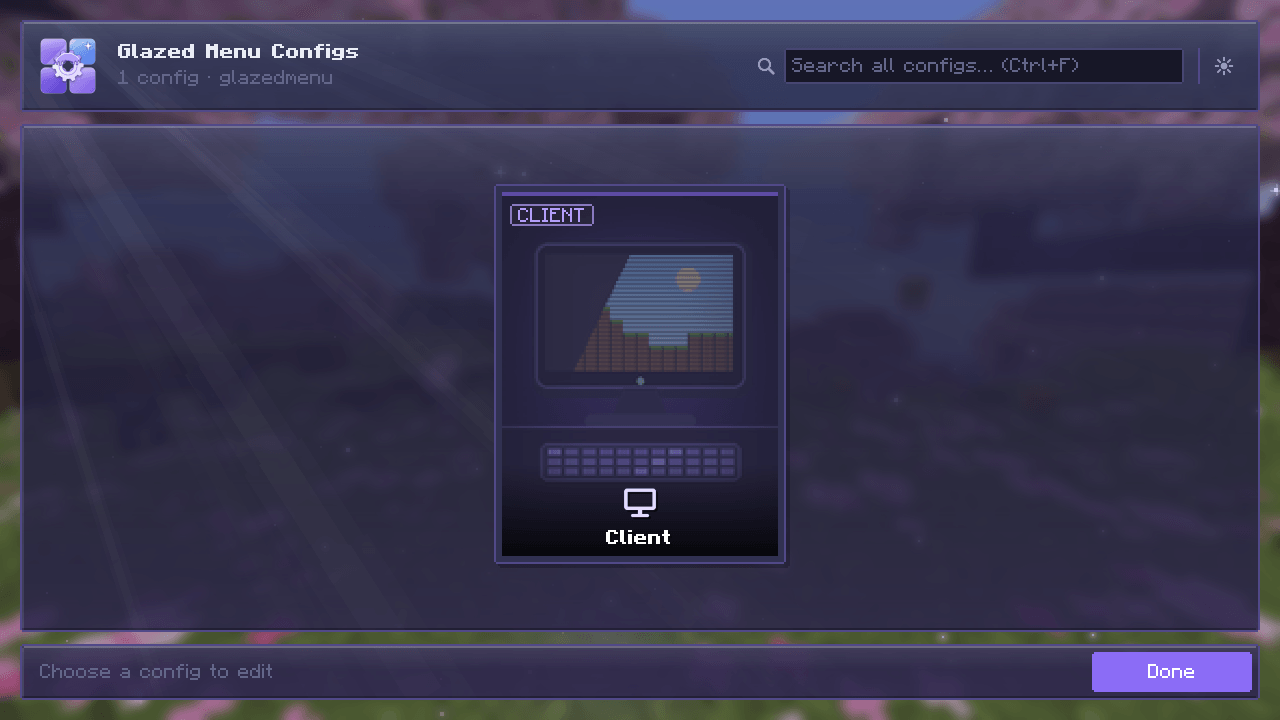 A mod's config cards Each of a mod's configs as a card.
 -
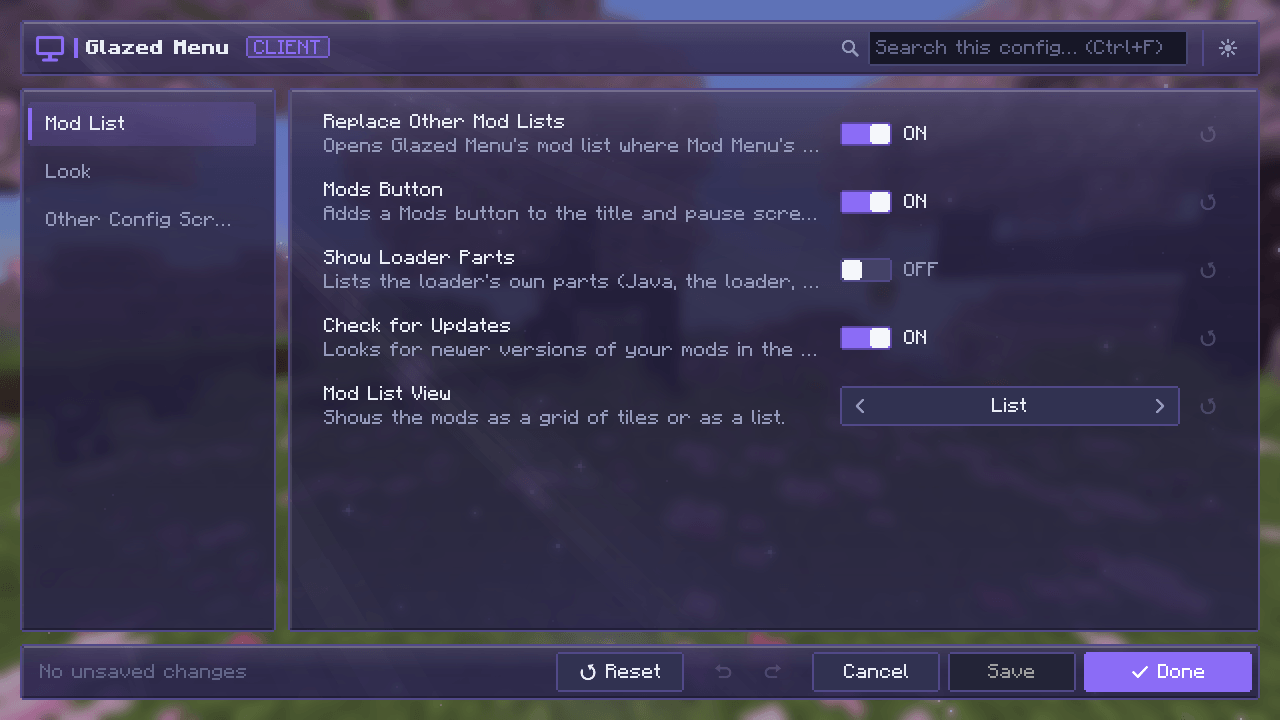 Config screen Categories, search, undo and redo, reset, Save and Done.
 -
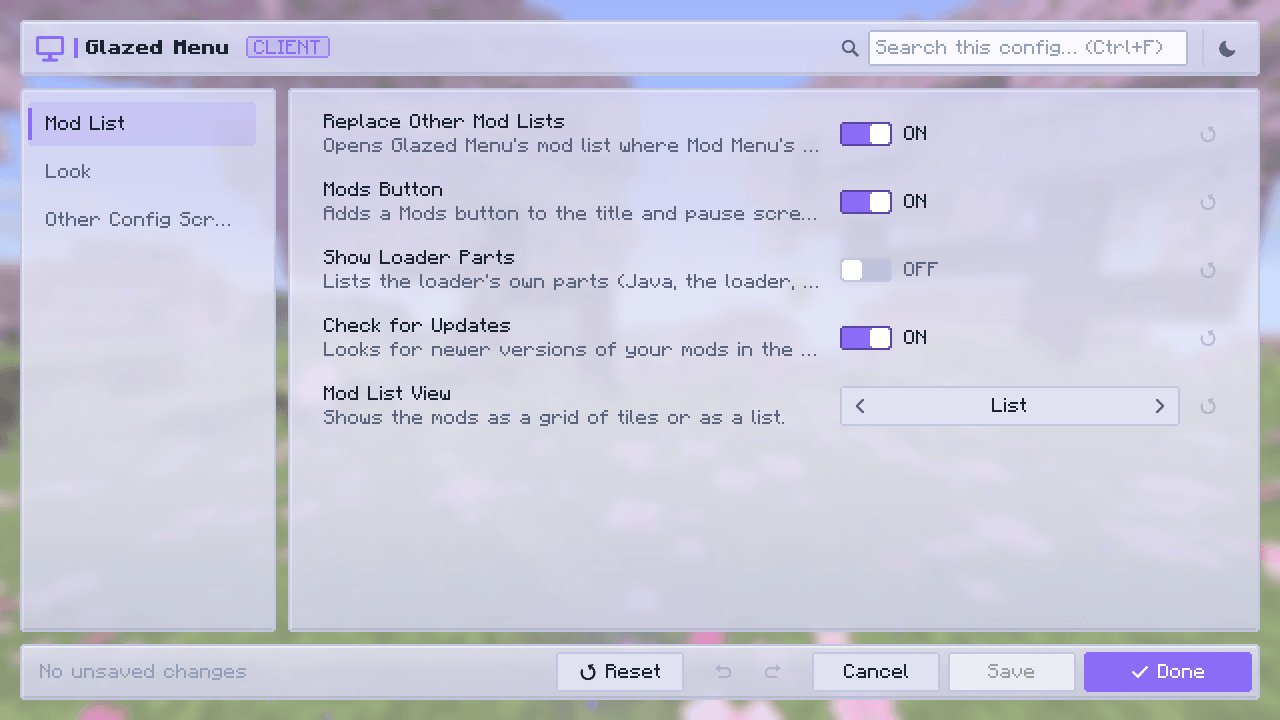 Config screen: light mode The config screen in light mode.
 -
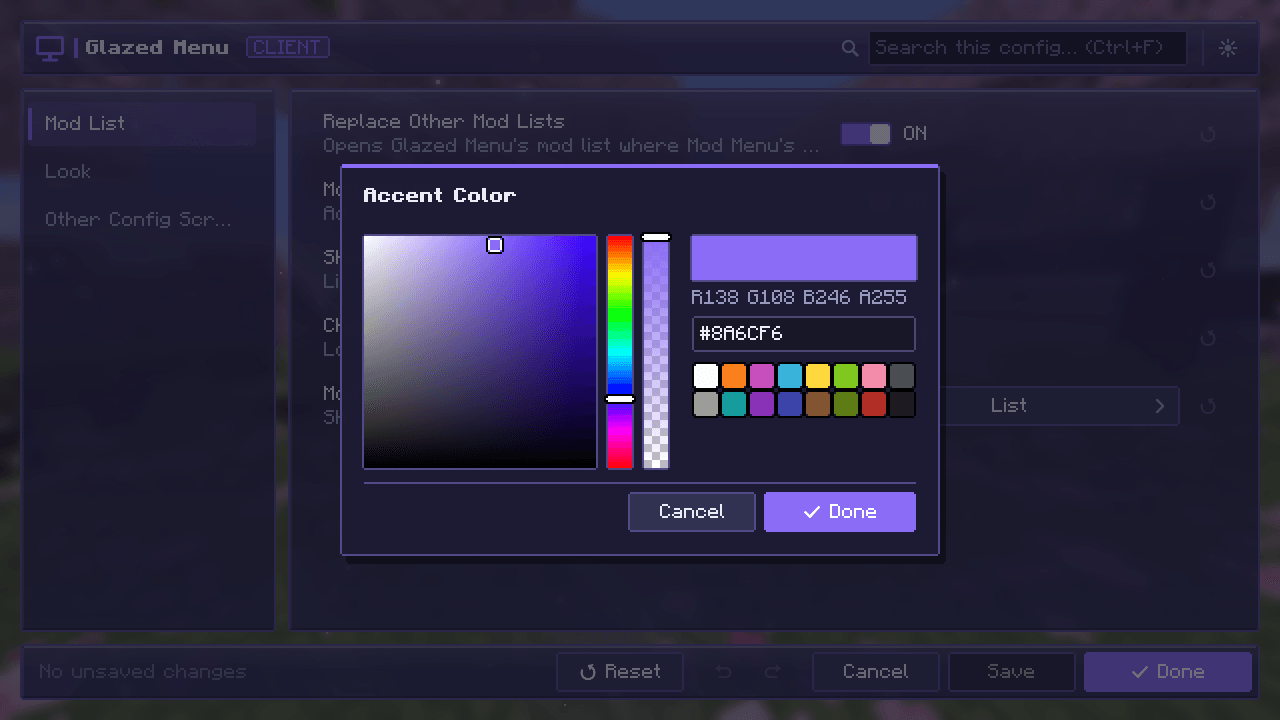 Color picker Color values open a picker.
 -
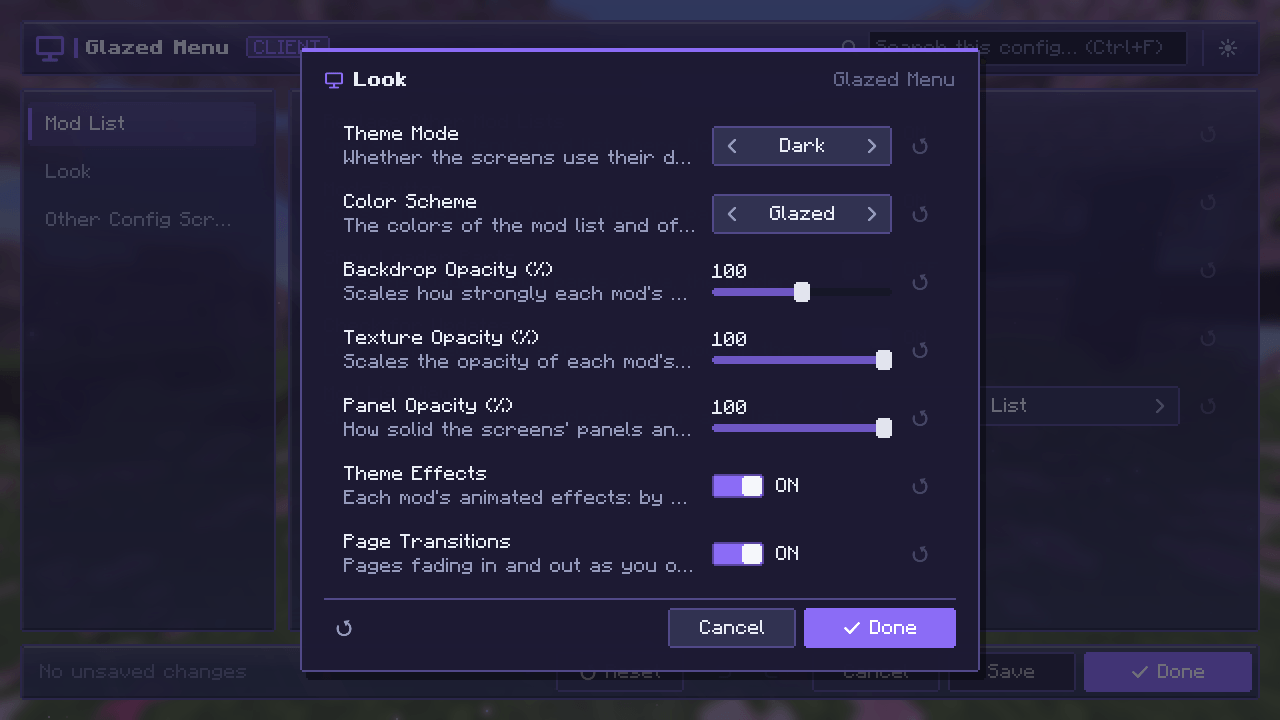 Category popup One category of a config in a small window.
Versions
Files
Relations
Project Relations
More like this
Similar Mods
Suggestions use data such as tags, dependencies, dependents, descriptions, titles, and more to rank how much they overlap with this mod.
On ModDex
Community snapshot
By the numbers
Statistics

Get it on
Available Platforms
On ModDex
Community snapshot
By the numbers
Statistics
Resources