Community listing page, reviews here may not be monitored by the author.
Graffiti Canvas


No reviews yet
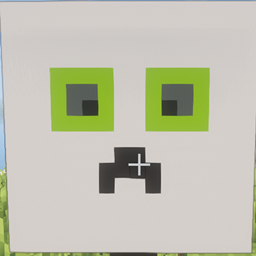
Add the Canvas Block. You can paint on it or load image.
Community voices
Reviews
No reviews yet. Be the first to review this project!
Get it on
Available Platforms
Compatibility
Supported Environments
Must be installed on both the client and the server.
About
Project Details
For authors
Embed Badge
If you're the author of this project, you can embed a live badge anywhere that supports HTML or Markdown. It updates automatically whenever ratings change.
Use HTML for any page that supports it, or Markdown for README files and Markdown-based descriptions.
Identifiers
Platform IDs
Resources
External Links
About
Description
Description
Are you tired of vanilla paintings? Or do you want to draw in Minecraft? Try this mod.
This mod add the Canvas Block. You can use dyes to paint on it.
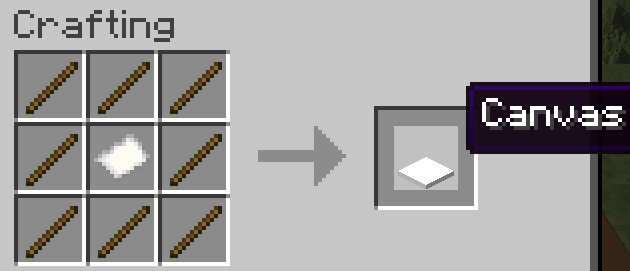
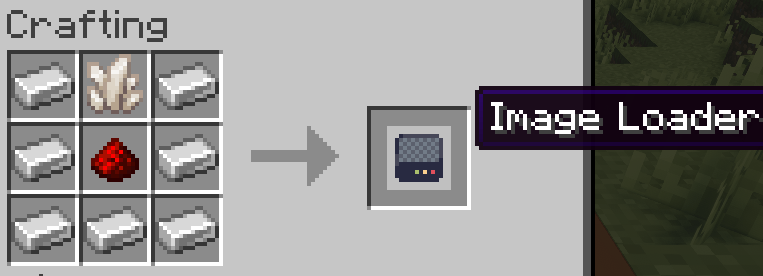
If you don't want to draw by yourself, you can also directly load external images by Image Loader.
Usage
To paint, you can hold any color of dye in your hand. Then use it on canvas block.
One canvas can hold 16x16 pixels.
To load image, you can use image loader, then input the file path of image. Click Load button.
To upload the image to the server, you need to wait for some time.
If you encounter an unknown error while using it, please try again.
Tips
- The loaded image will be released 10 minutes after the last use.
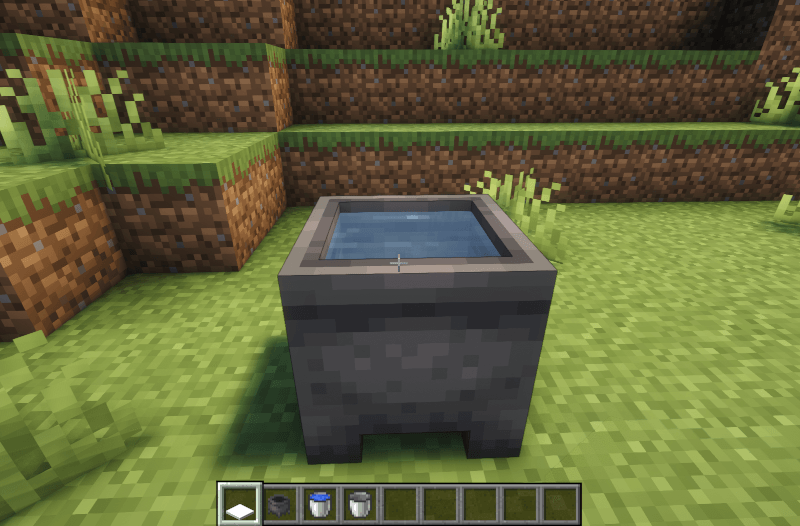
- If you need to clear the contents of the canvas, you just need to right-click on it to the cauldron.
3. Although a canvas only has 16x16 pixels, you can load images of any size. If a canvas cannot accommodate all the content in an image, its adjacent canvases will continue to be filled.
Now, use it to decorate your world.
Description
Are you tired of vanilla paintings? Or do you want to draw in Minecraft? Try this mod.
This mod add the Canvas Block. You can use dyes to paint on it.
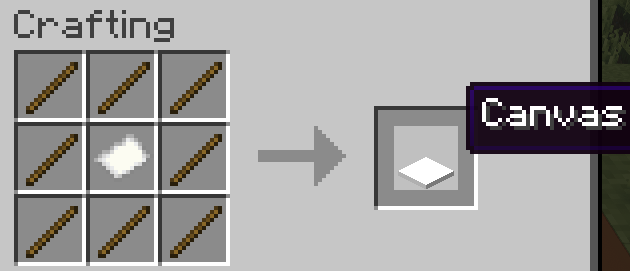
If you don't want to draw by yourself, you can also directly load external images by Image Loader.
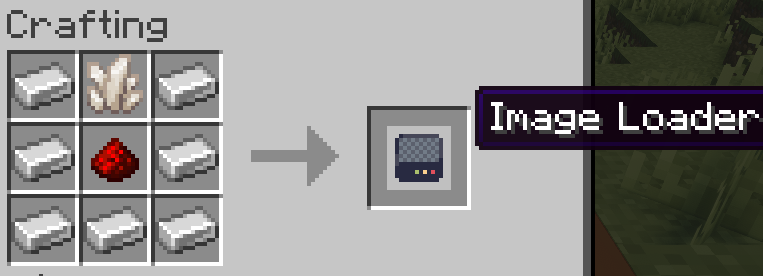
Usage
To paint, you can hold any color of dye in your hand. Then use it on canvas block.
One canvas can hold 16x16 pixels.
To load image, you can use image loader, then input the file path of image. Click Load button.
To upload the image to the server, you need to wait for some time.
If you encounter an unknown error while using it, please try again.
Tips
- The loaded image will be released 10 minutes after the last use.
- If you need to clear the contents of the canvas, you just need to right-click on it to the cauldron.
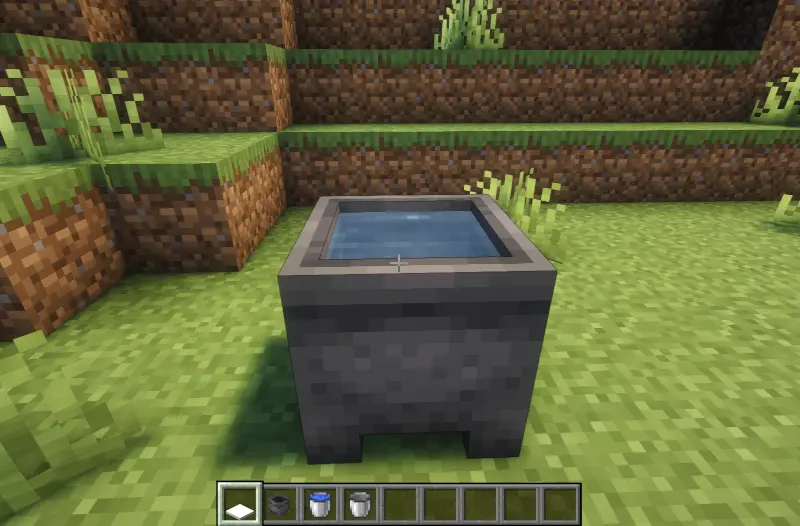
- Although a canvas only has 16x16 pixels, you can load images of any size. If a canvas cannot accommodate all the content in an image, its adjacent canvases will continue to be filled.
Now, use it to decorate your world.
Screenshots
Gallery
-
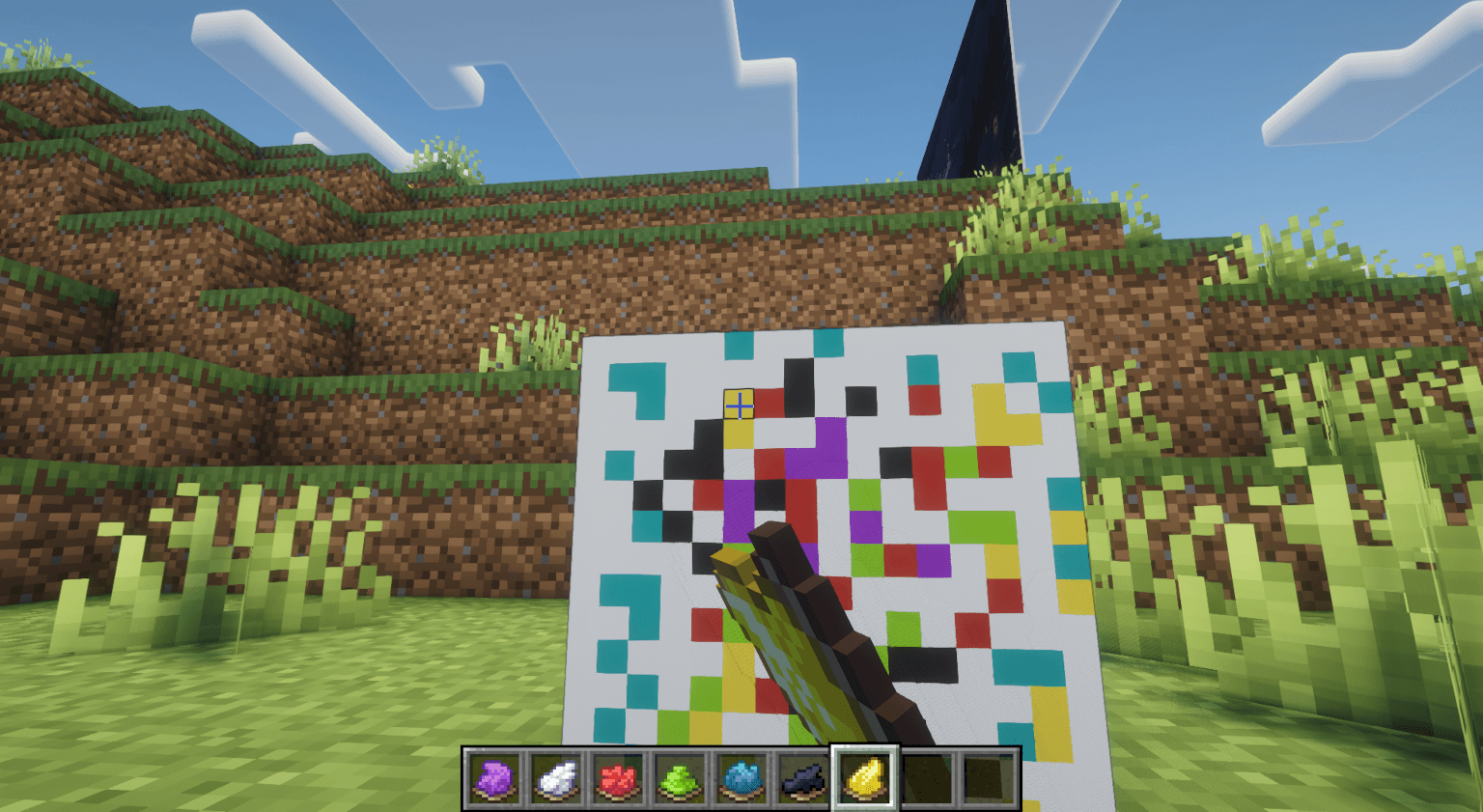 image6.png image6.png
 -
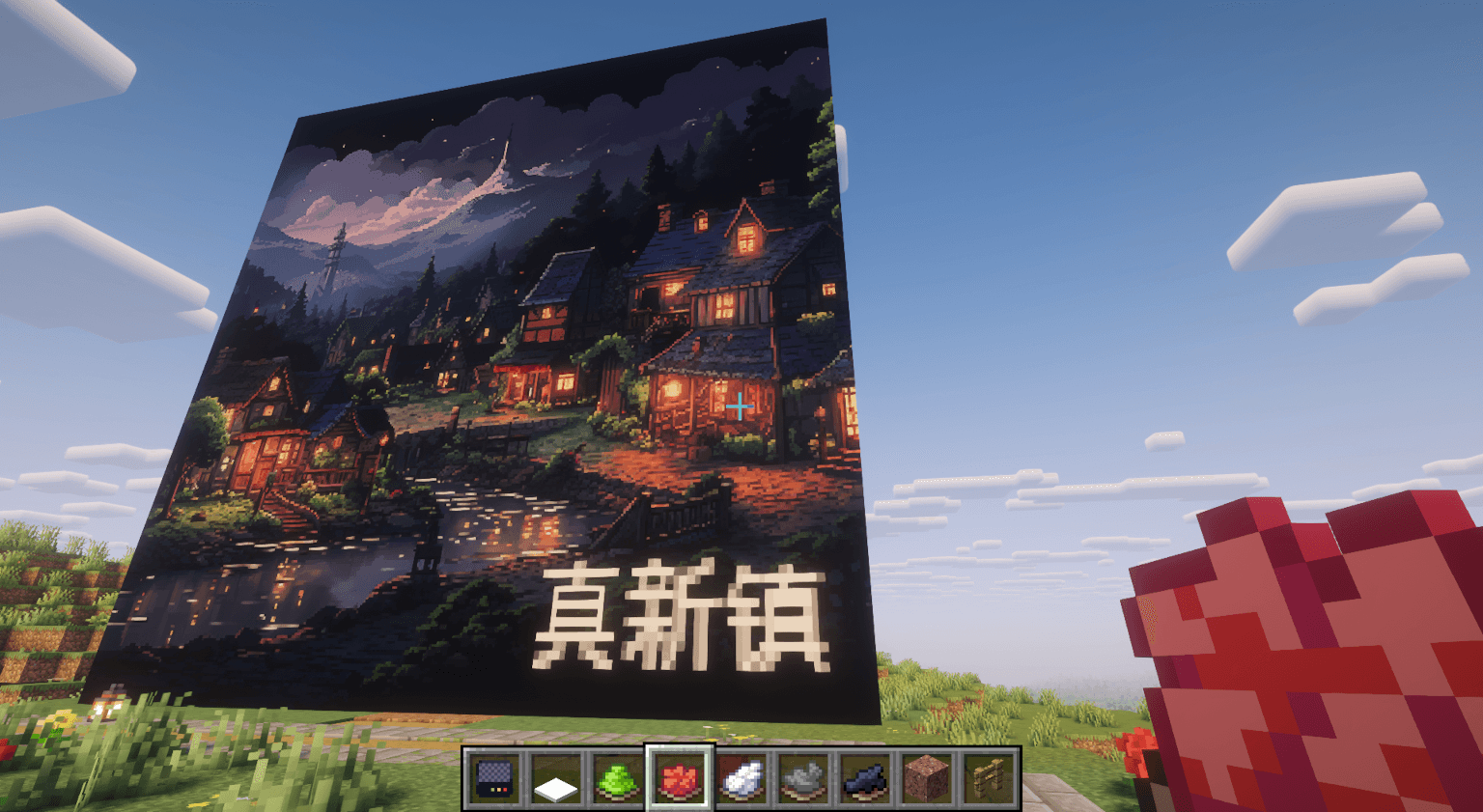 image5.png image5.png
 -
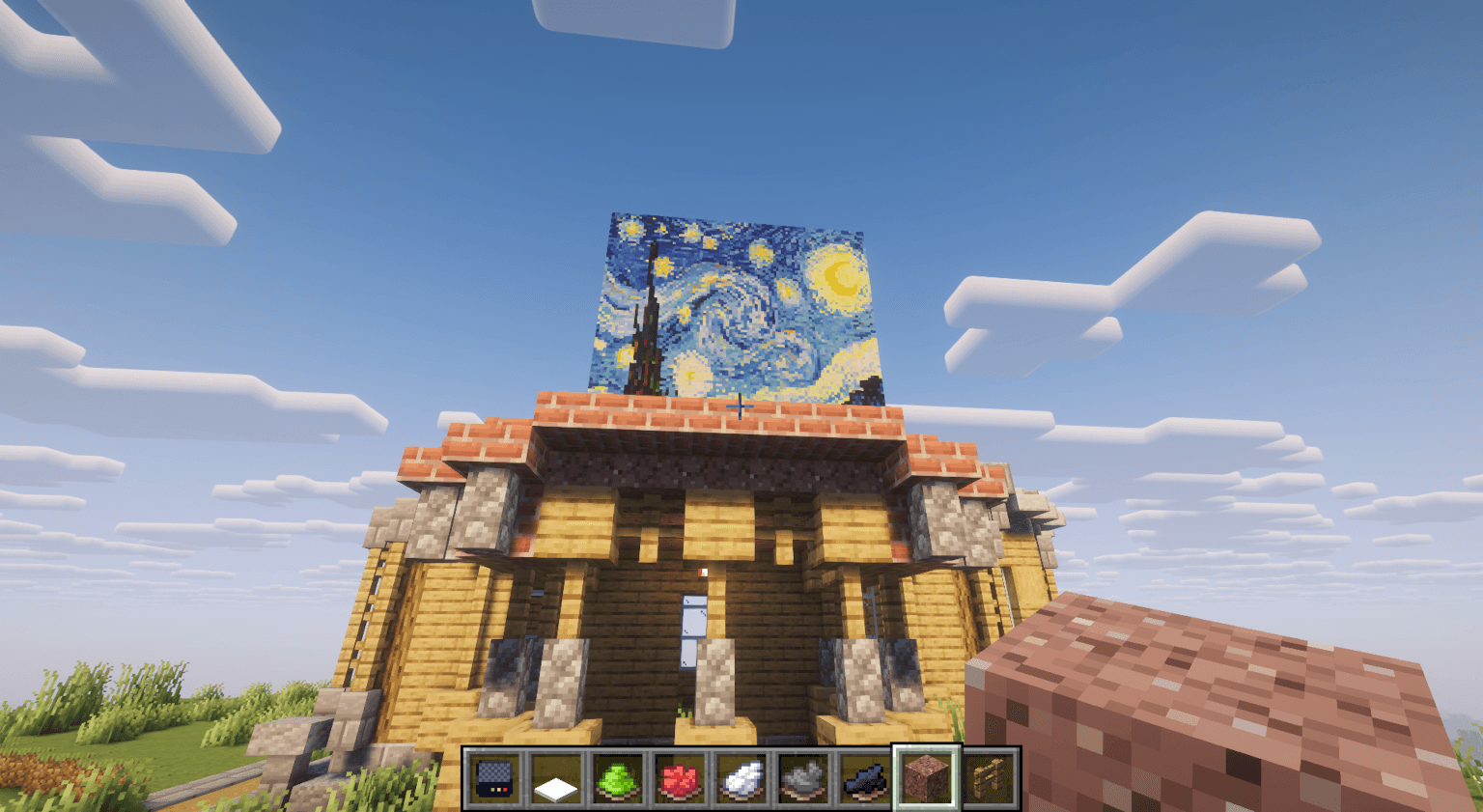 image4.png image4.png
 -
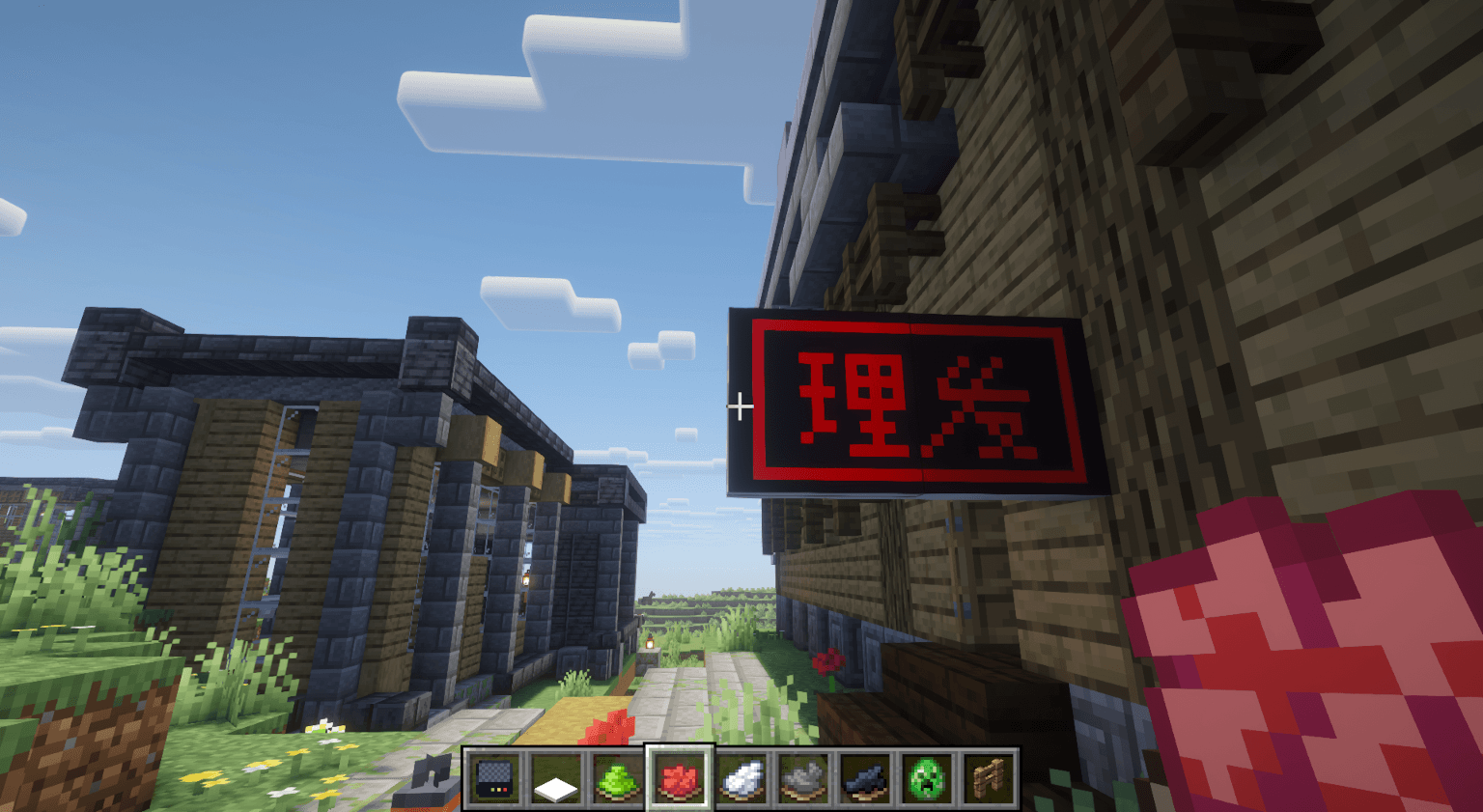 image3.png image3.png
 -
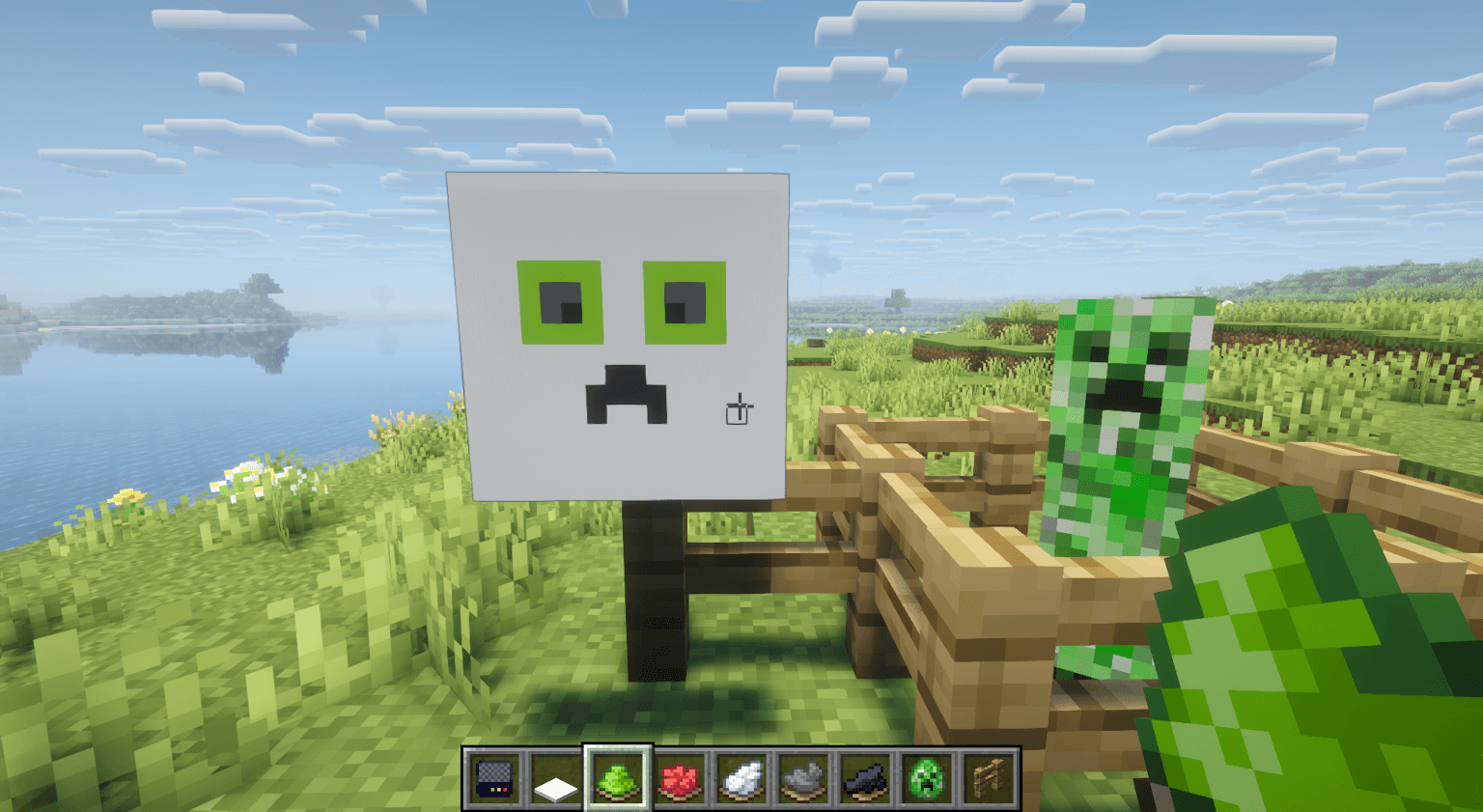 image2.png image2.png
 -
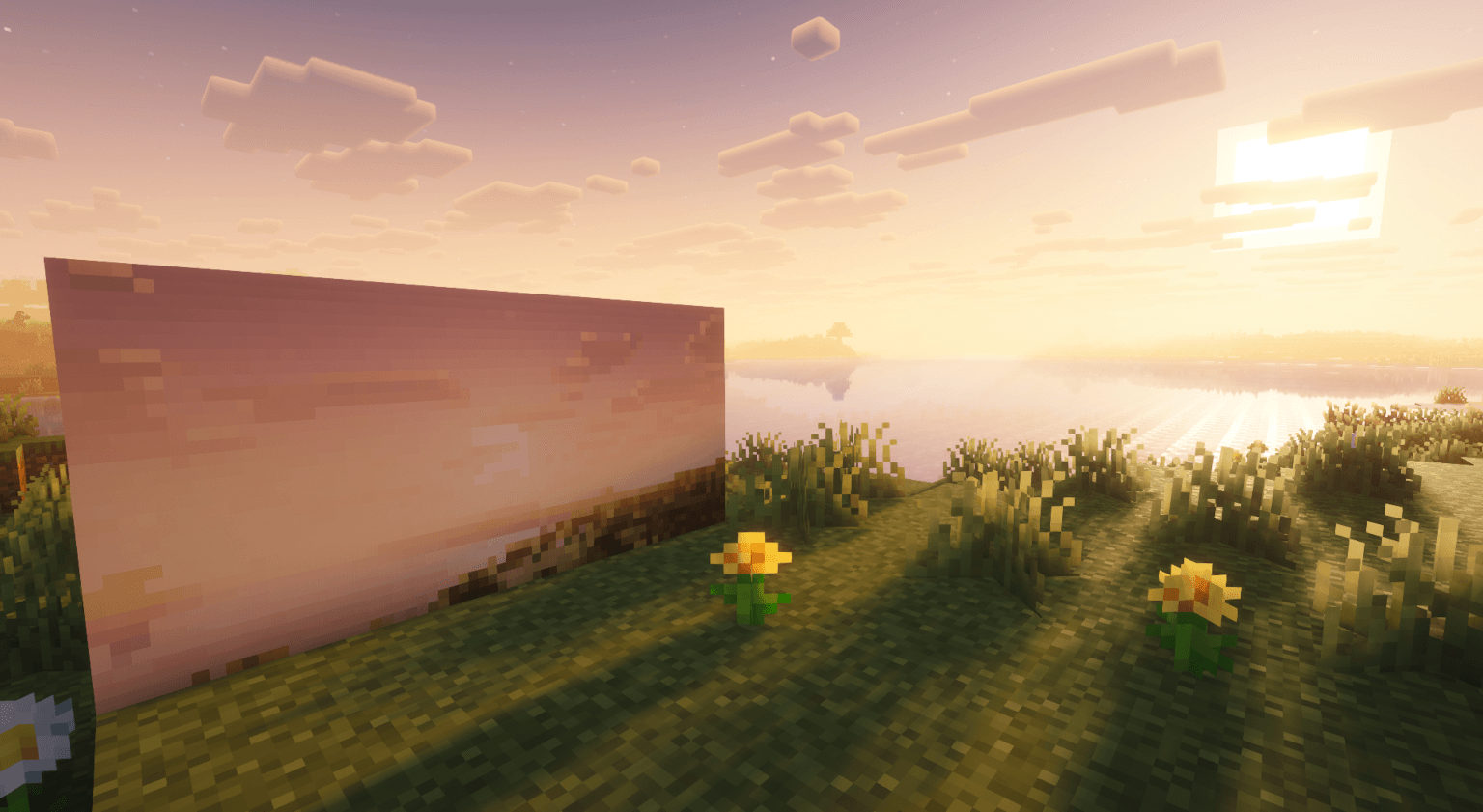 image1.png image1.png
-
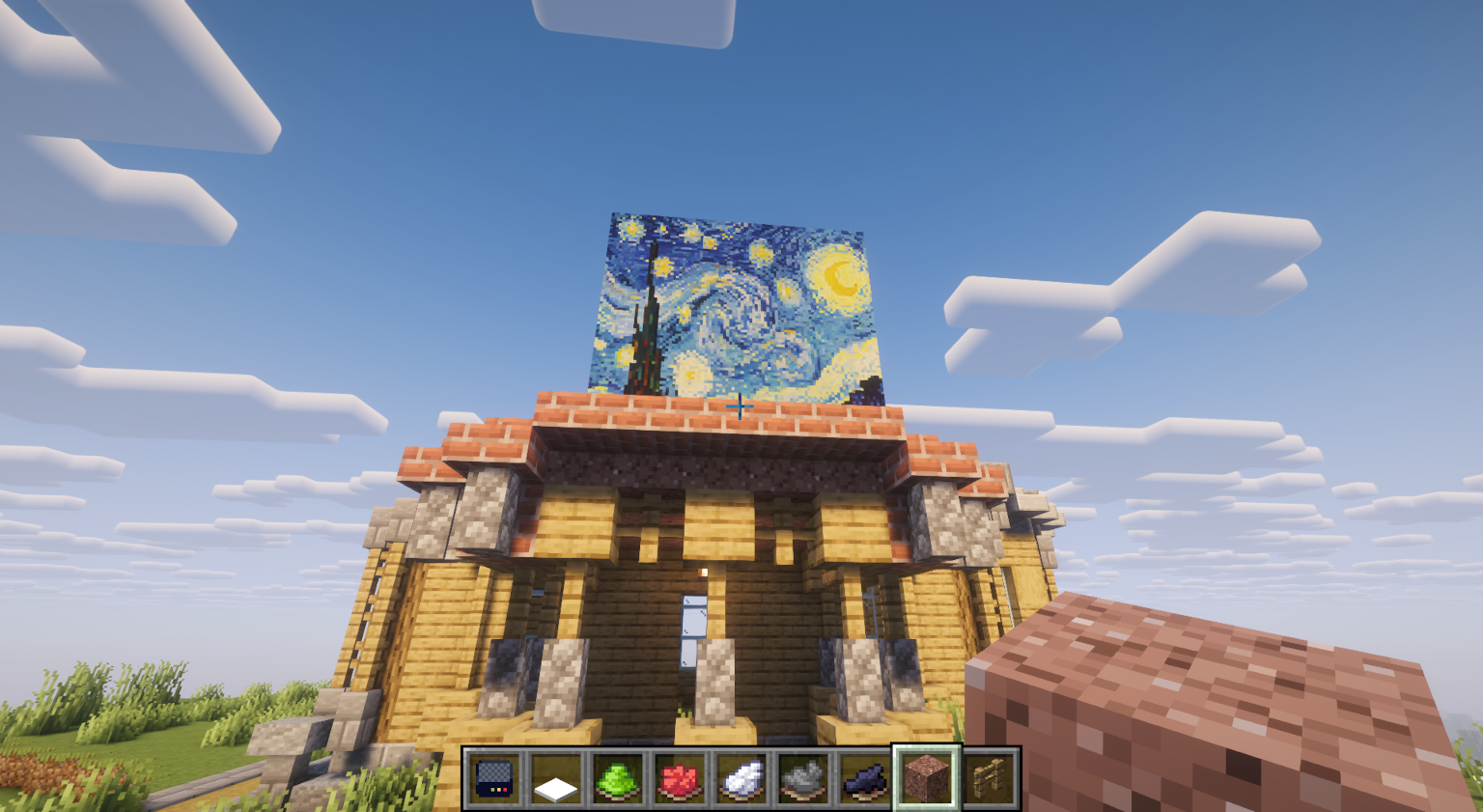 Image4
 -
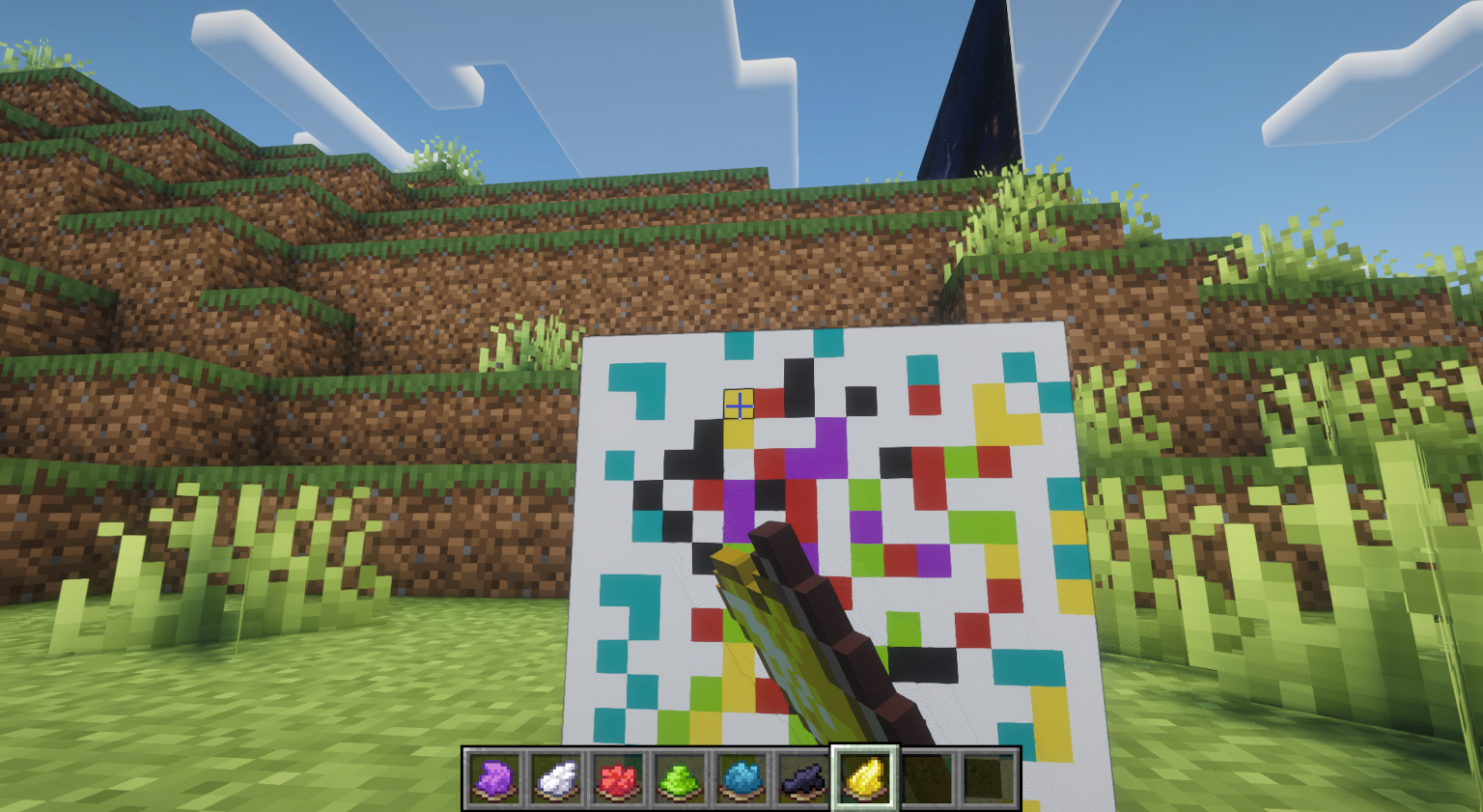 Image6
 -
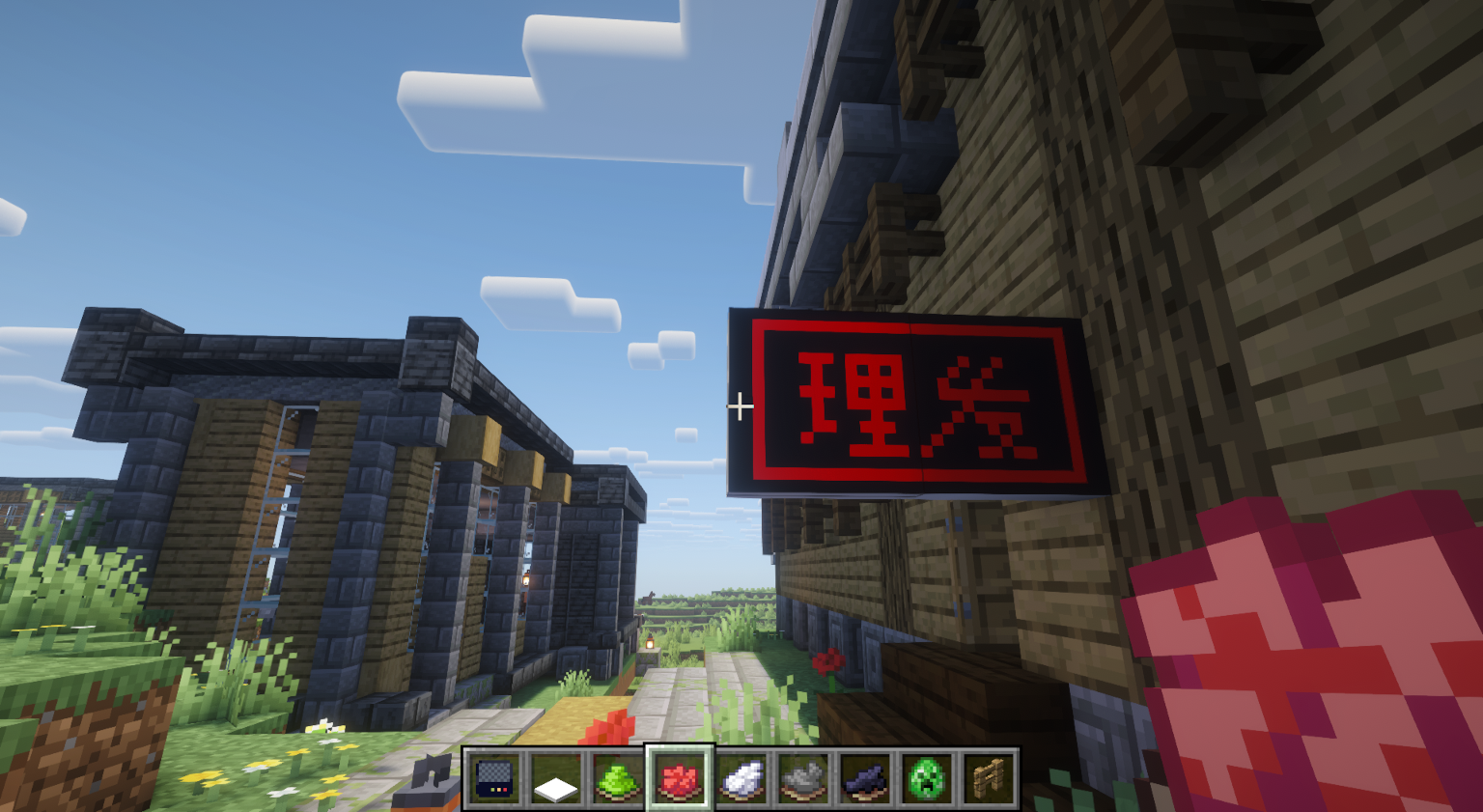 Image3
 -
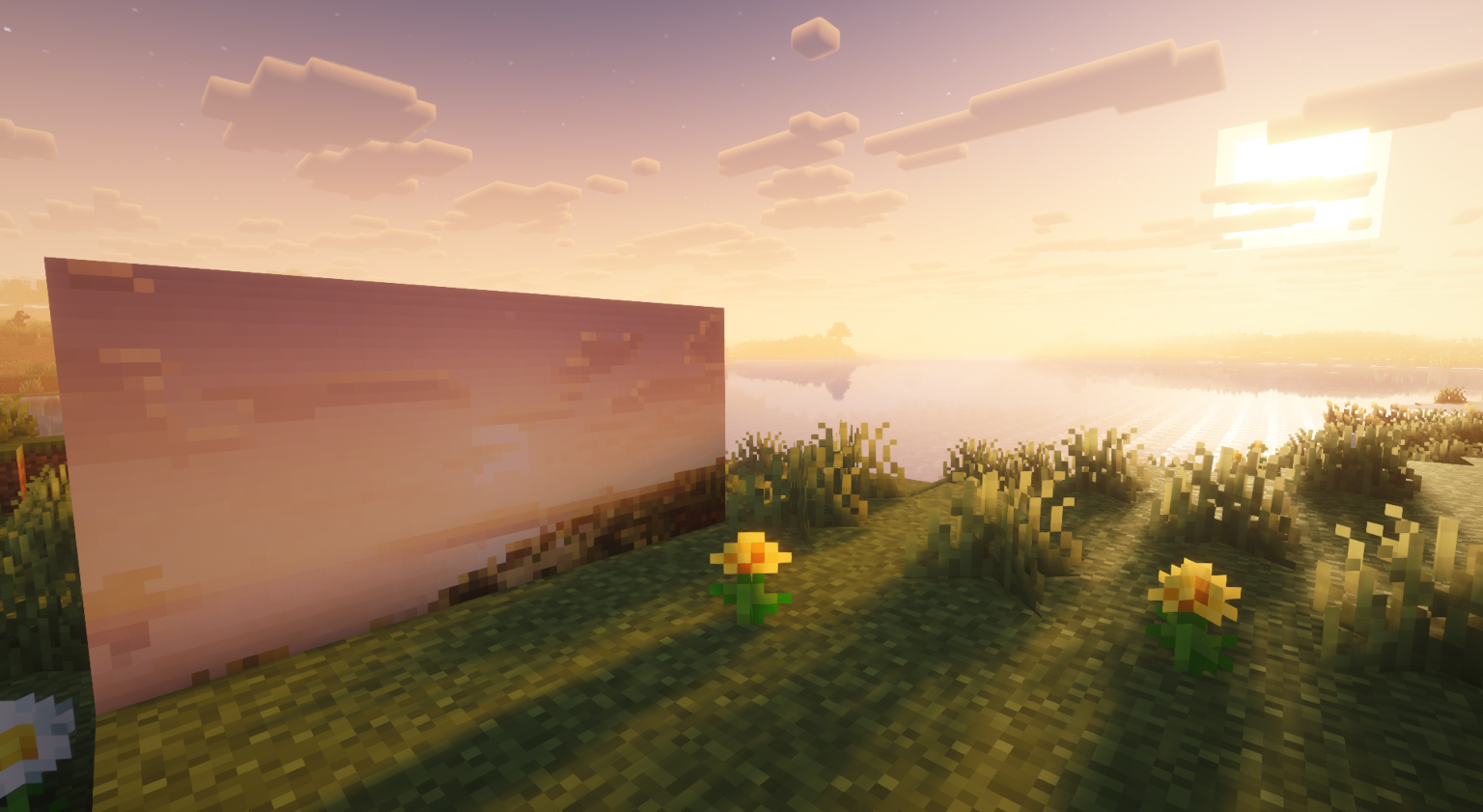 Image1
 -
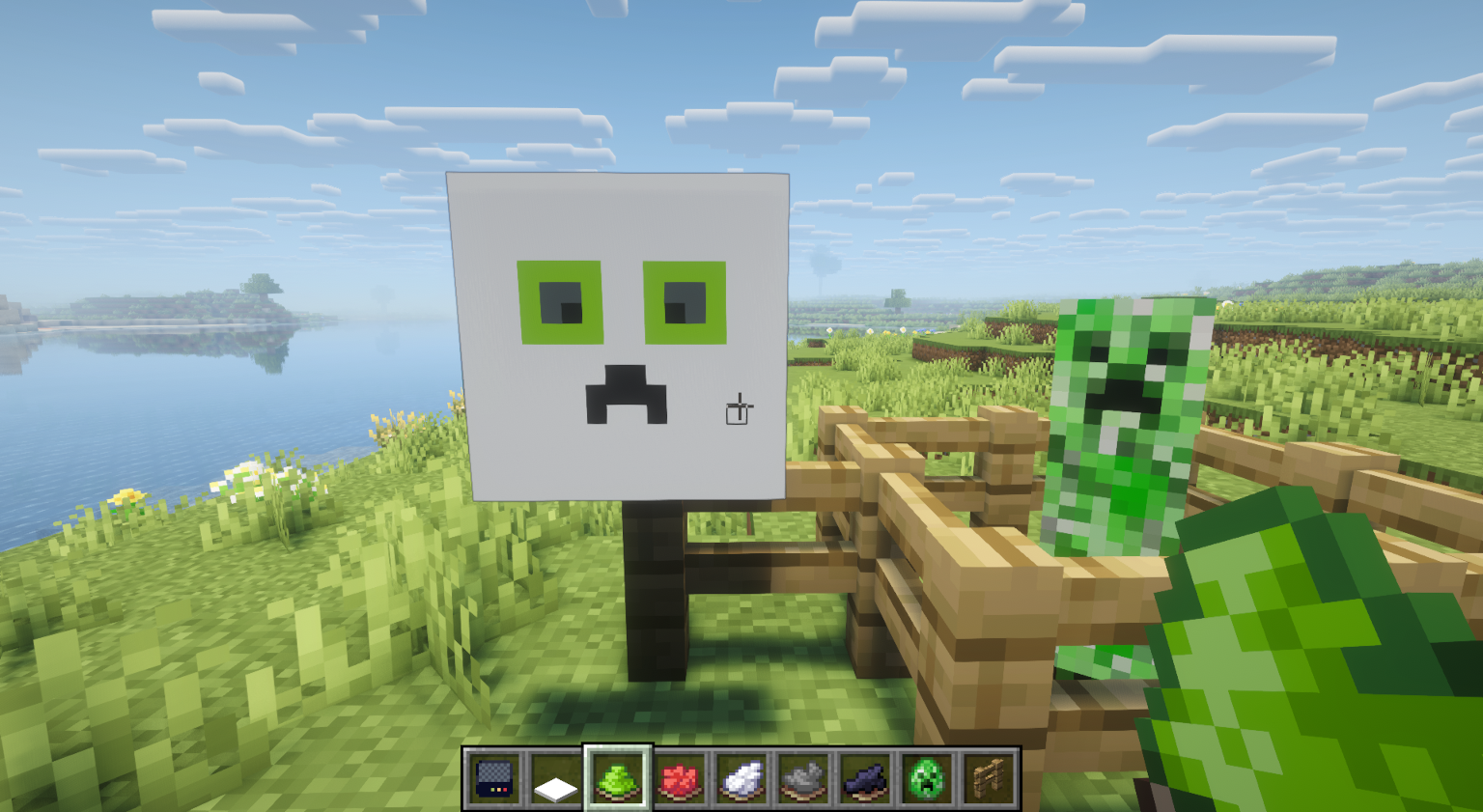 Image2
 -
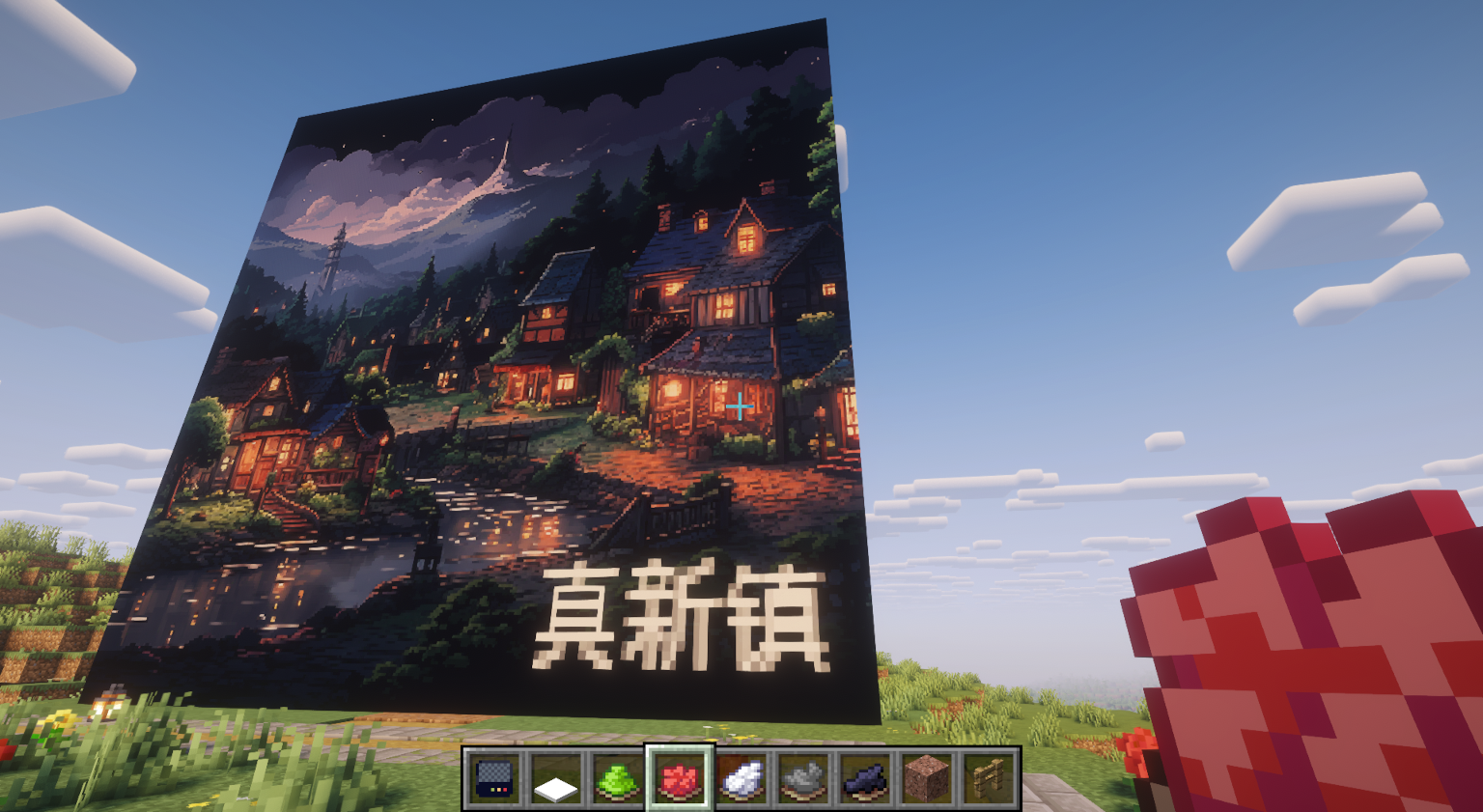 Image5
Versions
Files
Relations
Project Relations
More like this
Similar Mods
Suggestions use data such as tags, dependencies, dependents, descriptions, titles, and more to rank how much they overlap with this mod.
On ModDex
Community snapshot
By the numbers
Statistics
Want to reach Minecraft players?
We're looking for a server hosting partner to feature here and other parts of the site. Interested? Send us a message!
Get in touchGet it on
Available Platforms
On ModDex
Community snapshot
By the numbers
Statistics
Resources