Community listing page, reviews here may not be monitored by the author.
Graffiti reworked


No reviews yet
A creative mod that allows players to paint on any block surface with customizable colors and tools.
Community voices
Reviews
No reviews yet. Be the first to review this project!
Get it on
Available Platforms
Compatibility
Supported Environments
Must be installed on both the client and the server.
About
Project Details
For authors
Embed Badge
If you're the author of this project, you can embed a live badge anywhere that supports HTML or Markdown. It updates automatically whenever ratings change.
Use HTML for any page that supports it, or Markdown for README files and Markdown-based descriptions.
Identifiers
Platform IDs
About
Description
🎨 Graffiti Mod
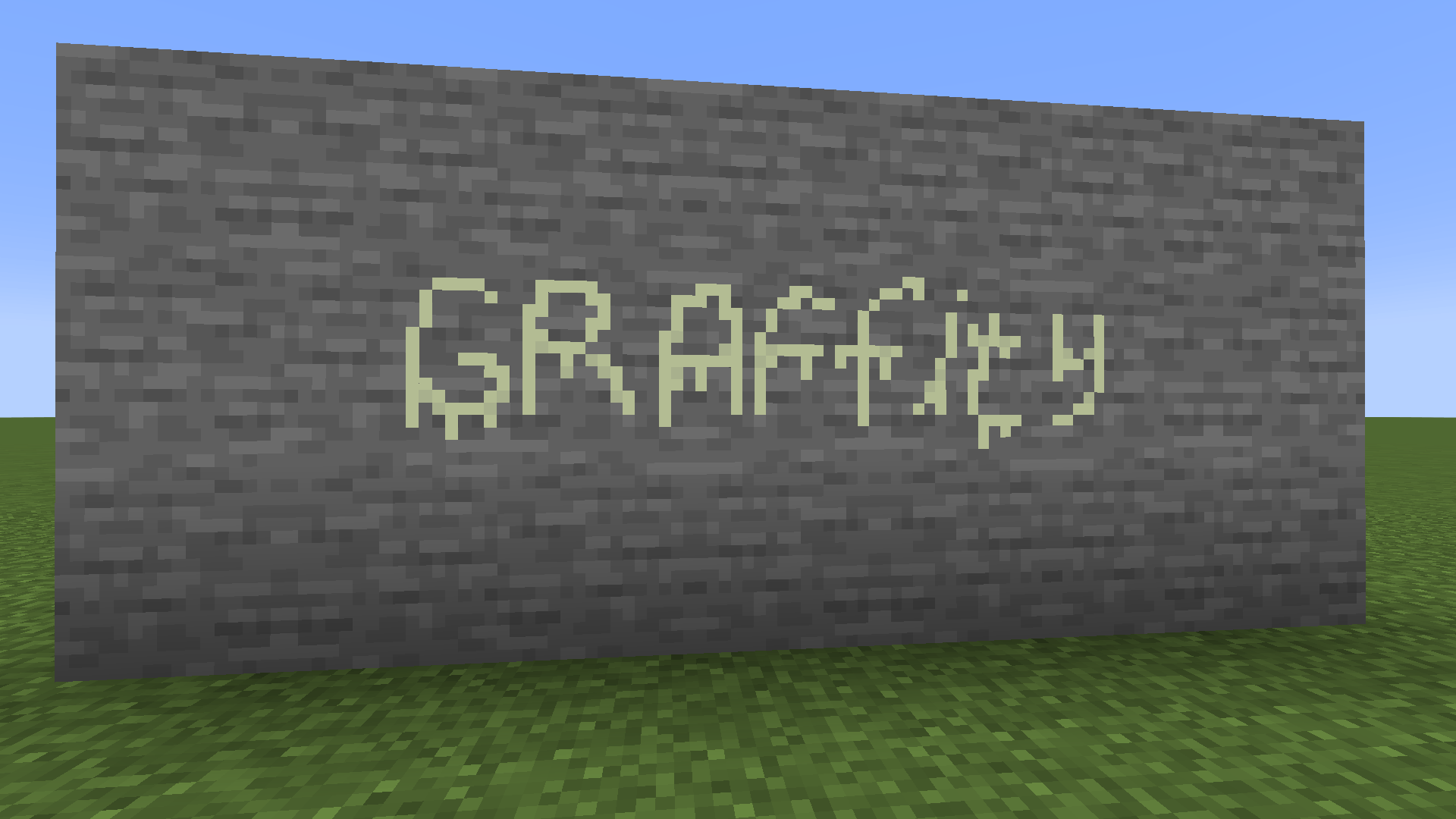
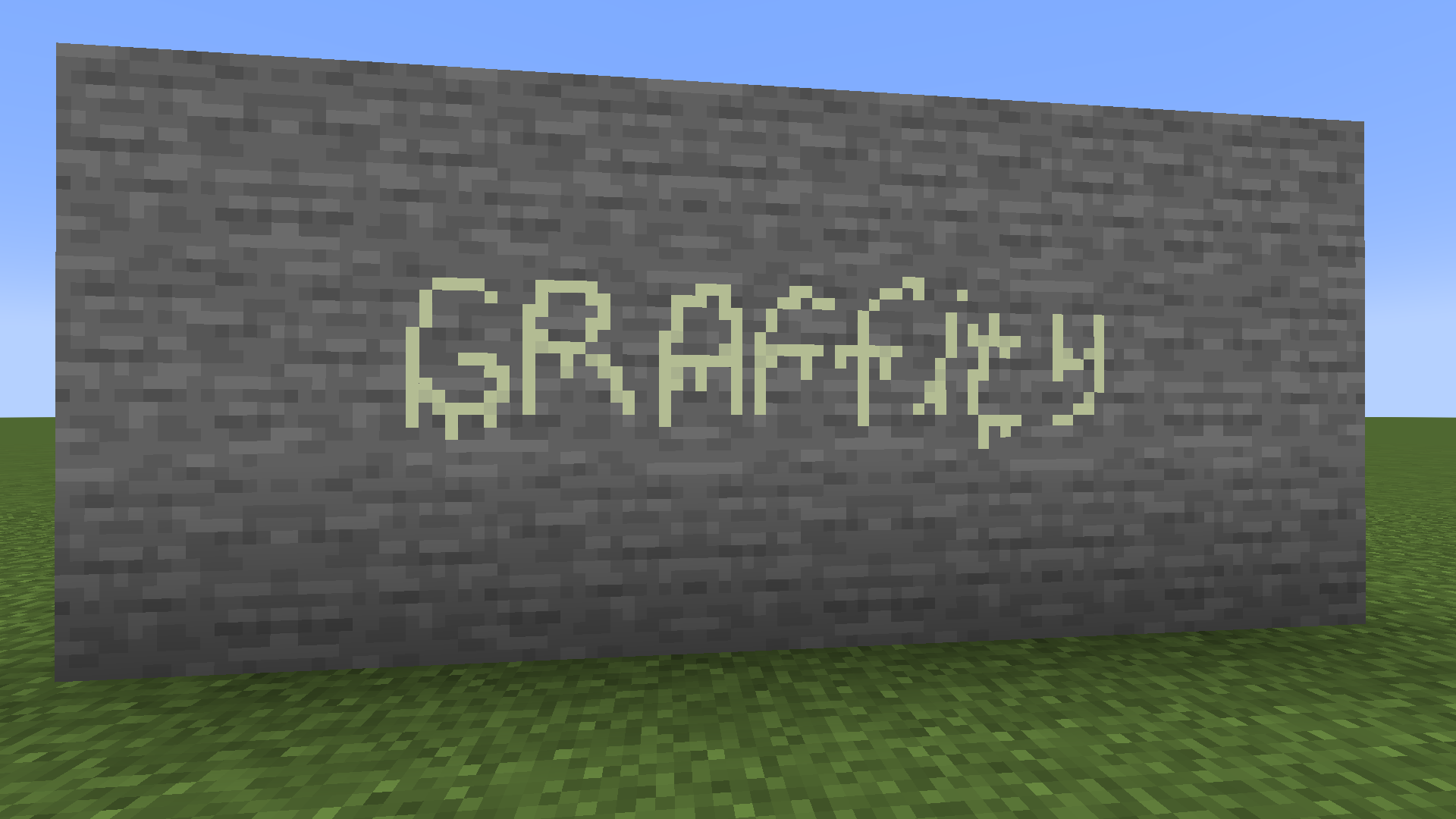
Transform the world of Minecraft into your personal canvas! The Graffiti Mod allows you to paint detailed pixel art on any block surface using a customizable spray can and a professional set of tools.
✨ Features
- Custom Spray Can: A single tool with multiple functions.
- Dynamic Colors: Choose any color using a built-in HEX/RGB color picker.
- Unique Toolset: Switch between drawing, erasing, and filling.
- Per-Item Storage: Each spray can saves its own color—carry a whole palette in your inventory!
- Multiplayer Sync: Paint with friends in real-time (requires the mod on both server and client).
- Vanilla Feel: Satisfying spray sounds (Azalea) and bell notifications for the color picker.
🛠 How to Use
1. Getting Started
To begin your artistic journey, grab a Spray Can from the Graffiti Creative Tab.
2. Opening the Editor (Right-Click)
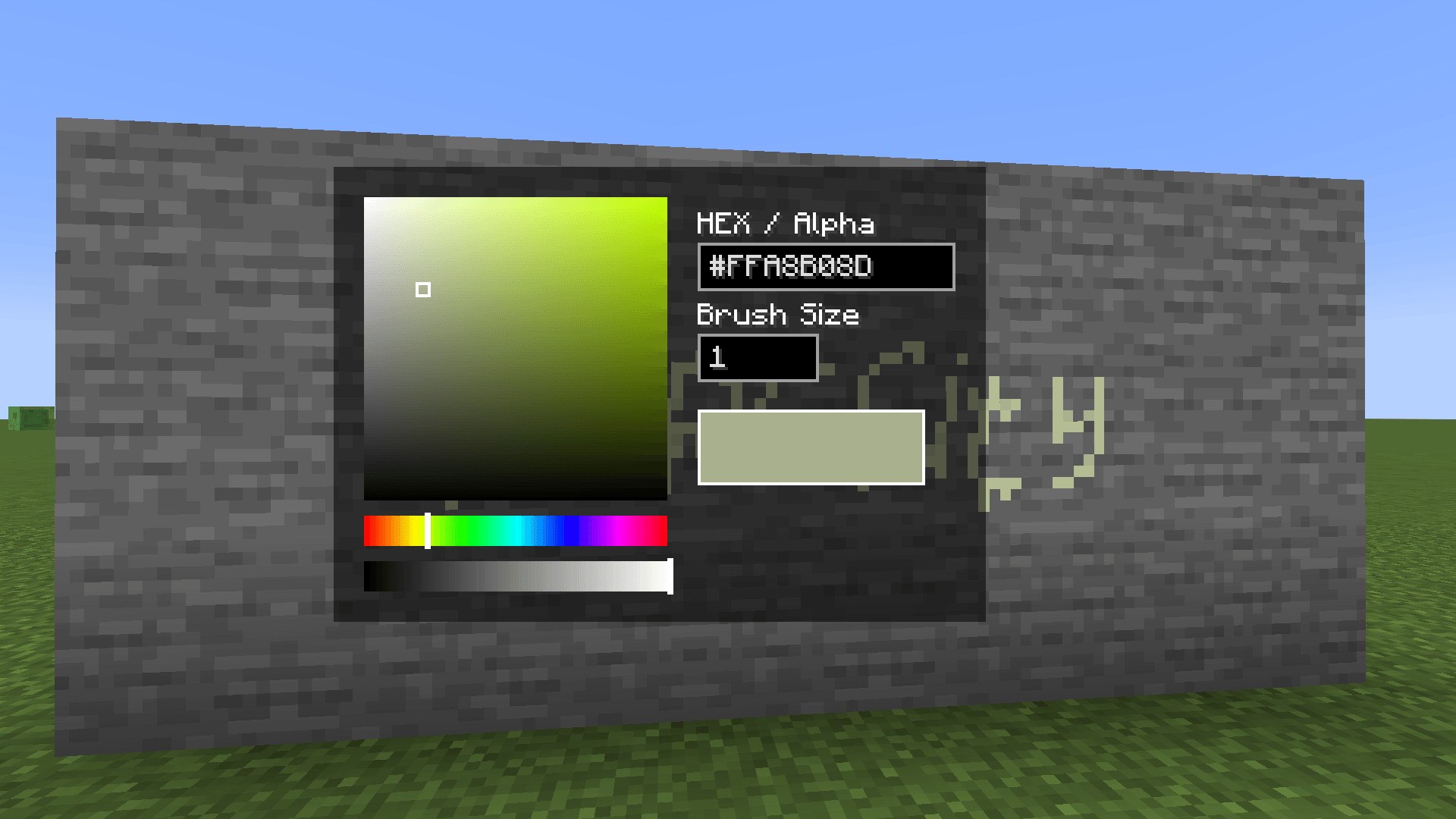
Right-Click while holding the spray can to open the Color & Settings Menu.
- Color Picker: Click the palette to select a color or adjust the Hue/Alpha sliders.
- HEX Input: Type a specific color code (e.g.,
#FF0000for Red). - Brush Size: Change how many pixels you paint at once in the input field.
3. Selecting a Tool (Hold Ctrl + A/D)
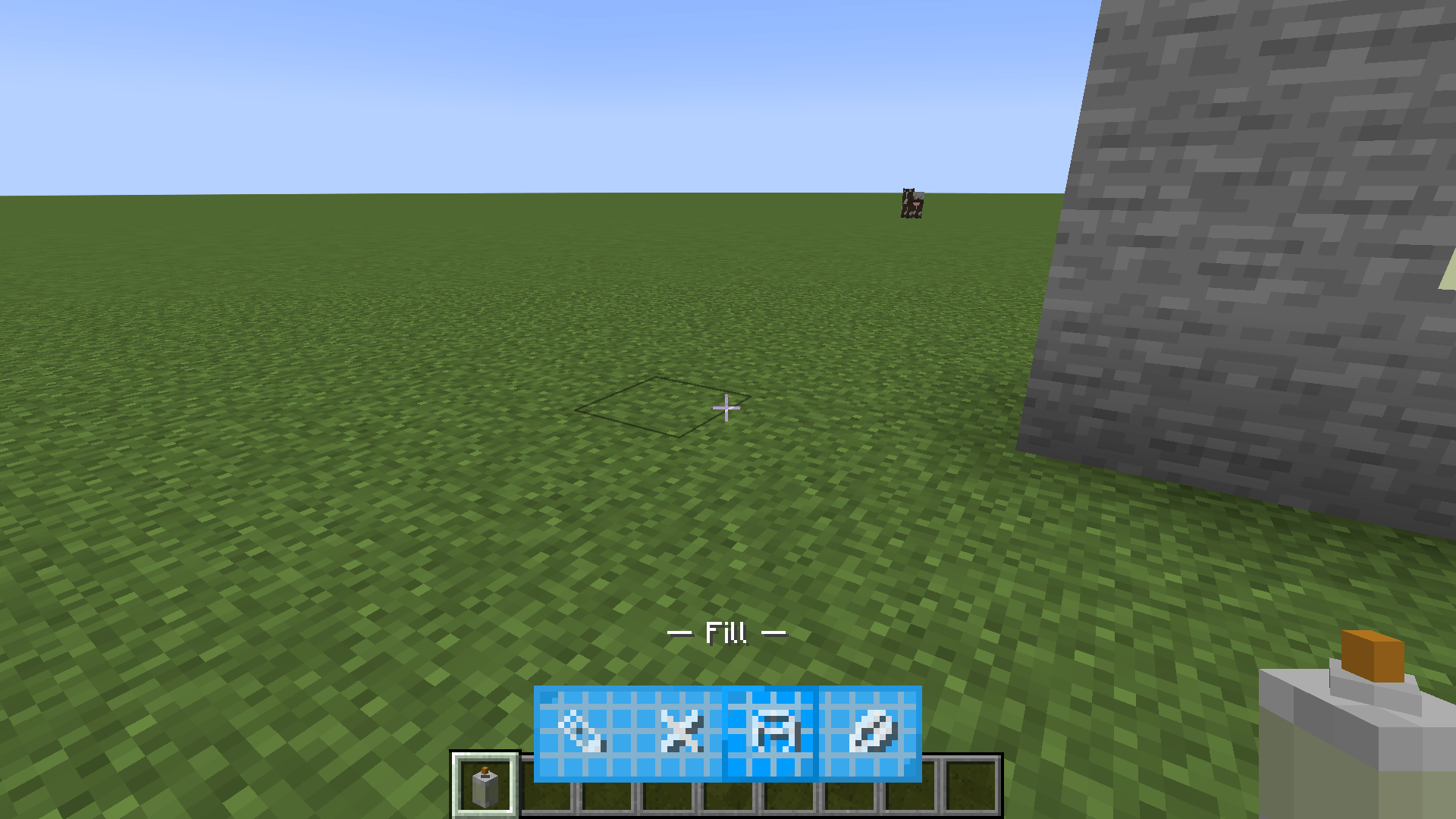
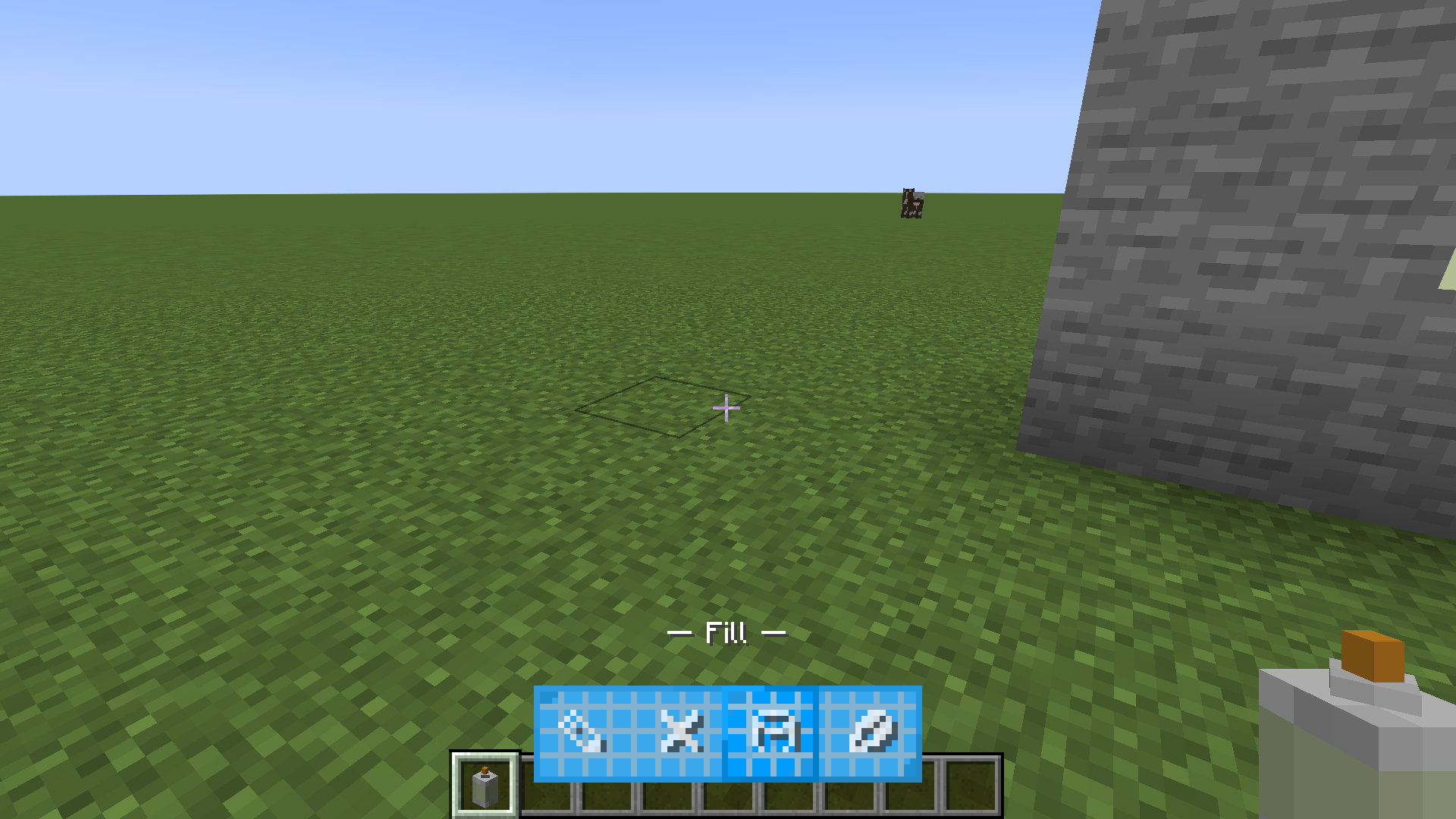
While holding the spray can, Hold Left Control and use A or D to cycle through your tools. An animated HUD will appear at the bottom:
| Icon | Tool Name | Description |
|---|---|---|
| ✎ | Pencil | Standard drawing tool. Paints pixels on a 16x16 grid. |
| ❌ | Eraser | Removes paint from the block surface. |
| 🪣 | Fill | Flood-fills a connected area with your current color. |
| ✂ | Color Picker | Left-click existing paint to copy its exact color. |
4. Painting (Left-Click)
Simply Left-Click on any block face to apply your chosen tool. You will hear a satisfying spray sound as you work!
⌨️ Controls Summary
- Right-Click: Open Color Picker / GUI.
- Left-Click: Paint / Use active tool.
- Hold Left Ctrl + A/D: Switch between tools (Pencil, Eraser, Fill, Picker).
🎨 Graffiti Mod
The Graffiti Mod allows you to paint pixel art on any block surface.
🛠 How to Use
- Right-Click: Open Color Picker / GUI.
- Left-Click: Paint / Use active tool.
- Hold Left Ctrl + A/D: Switch between tools (Pencil, Eraser, Fill, Picker).

Screenshots
Gallery
-
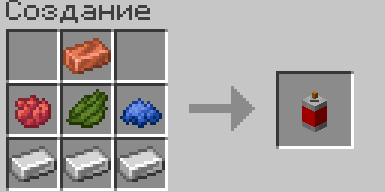 image.png image.png
 -
 2026-02-18_14.53.38.png 2026-02-18_14.53.38.png
 -
 2026-02-18_14.52.58.png 2026-02-18_14.52.58.png
 -
 2026-02-18_14.51.01.png 2026-02-18_14.51.01.png
 -
 2026-02-18_14.50.53.png 2026-02-18_14.50.53.png
-
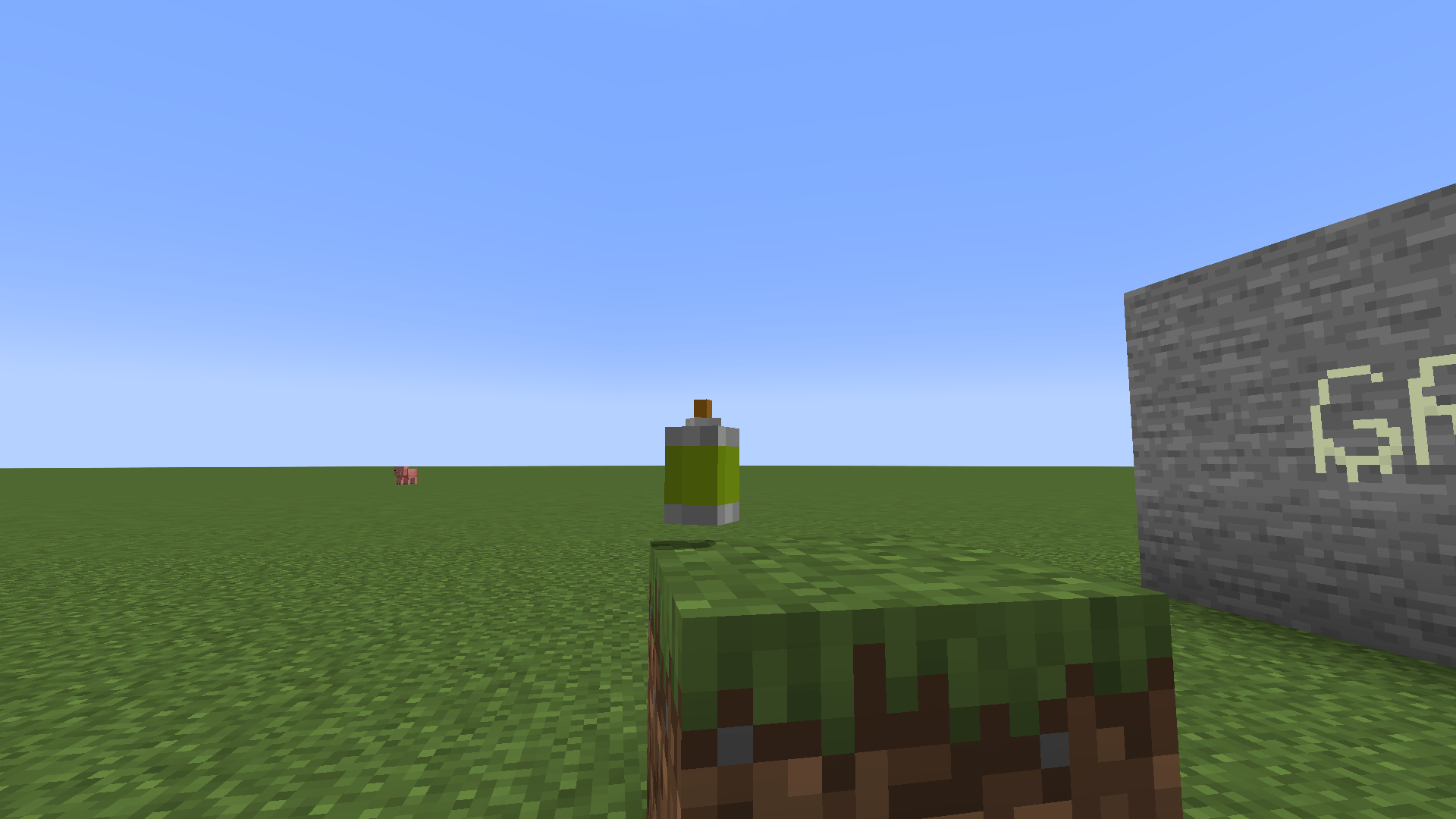
 Graffiti Example
 -
 Instruments
 -
 Craft
Craft -
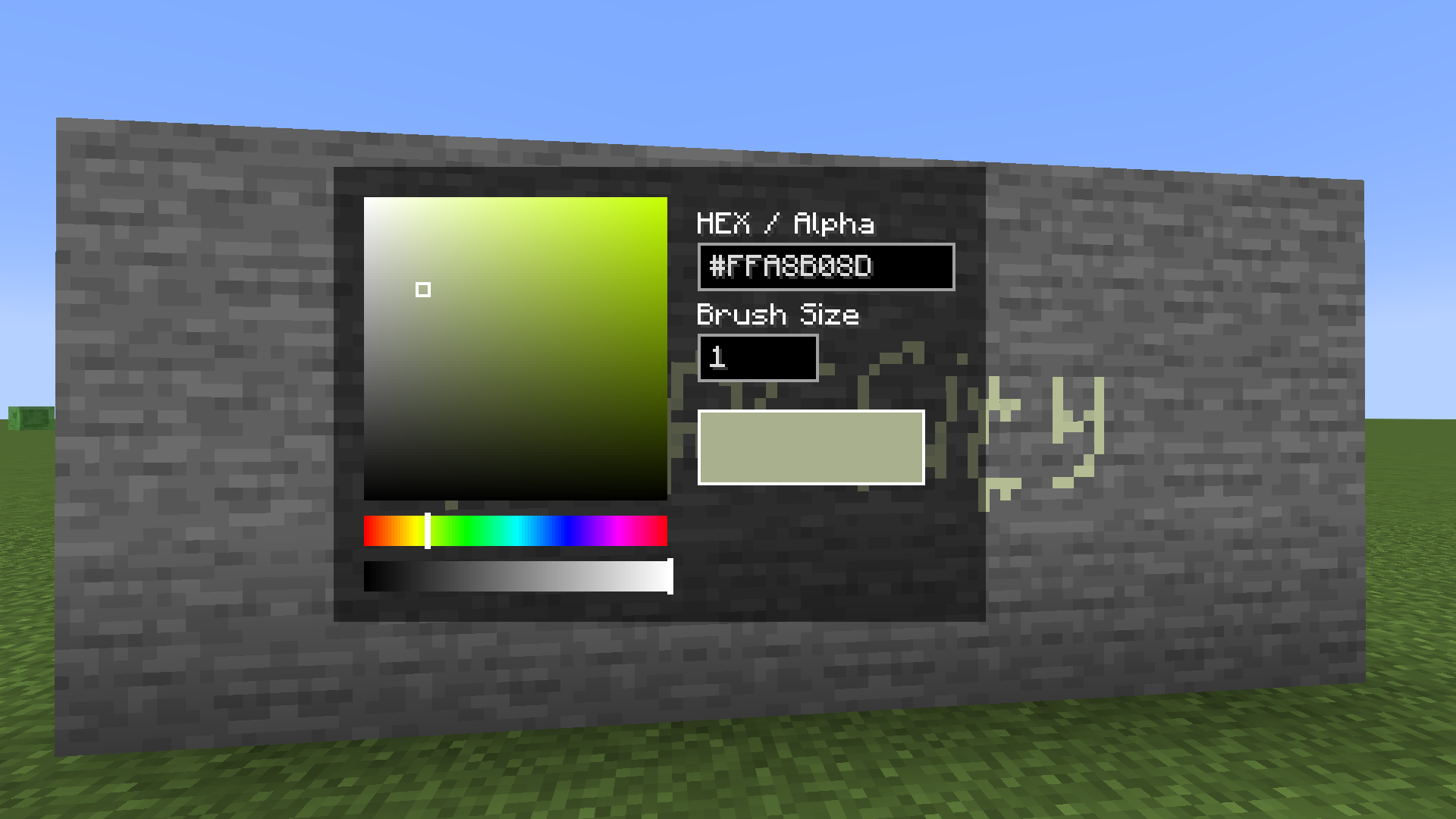 Color selector
 -
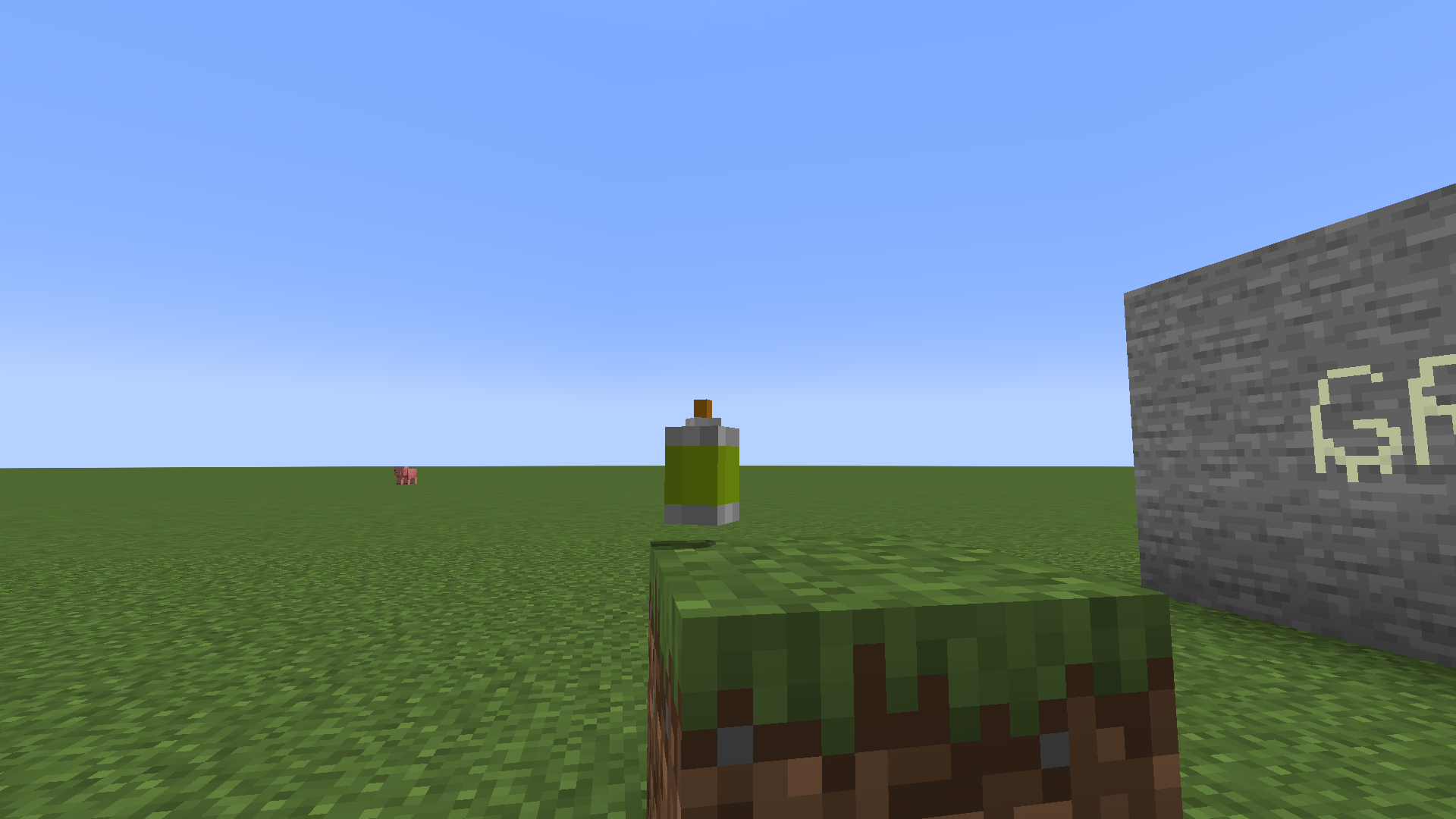 Graffiti tool Item
Versions
Files
Relations
Project Relations
More like this
Similar Mods
Suggestions use data such as tags, dependencies, dependents, descriptions, titles, and more to rank how much they overlap with this mod.
On ModDex
Community snapshot
By the numbers
Statistics
Want to reach Minecraft players?
We're looking for a server hosting partner to feature here and other parts of the site. Interested? Send us a message!
Get in touchGet it on
Available Platforms
On ModDex
Community snapshot
By the numbers