Community listing page, reviews may not be monitored by the author.
Gremlin's Transmogs

No reviews yet
Change the appearance of vanilla armour, tools and weapons at a new smithing table

Community voices
Reviews
No reviews yet. Be the first to review this project!
Get it on
Available Platforms
About
Project Details
For authors
Embed Badge
If you're the author of this project, you can embed a live badge anywhere that supports HTML or Markdown. It updates automatically whenever ratings change.
Use HTML for any page that supports it, or Markdown for README files and Markdown-based descriptions.
Identifiers
Platform IDs
Resources
External Links
About
Description
Gremlin's Transmogs
Gremlin's Transmogs adds a Transmog Table and 18 themed sets that reskin your armour, weapons, tools and shields. Make your diamond sword a Katana, your netherite chestplate a Dragonlord cuirass with a wing cape, your pickaxe a Pneumatic Drill-Pick, or your shield a Tesla Deflector.
It's purely cosmetic. Stats, enchantments and durability don't change, and armour trims still show, wrapped onto each set's own shape.
Minecraft 1.21.1 · NeoForge
What's New in 1.1.0
- Shields. Every set now has its own shield.
- The hotbar shows the transmog name when you select a transmogged item.
- Pan's Chosen weapons and tools have been redrawn.
- Dark Lord templates now take Netherite Scrap instead of Netherite Ingots.
- Transmog items no longer show up twice in the vanilla creative tabs.
What You Can Transmog
Each set has its own look for all 13 of these:
- Armour: Helmet, Chestplate, Leggings, Boots
- Weapons: Sword, Axe, Trident, Bow, Crossbow
- Tools: Pickaxe, Shovel, Hoe
- Shield
The Transmog Table
This is where you transmog your gear: a black smithing table with a red cloth thrown over it and an emerald set in the top.
| Recipe | |
|---|---|
| Top middle | Amethyst Shard |
| Bottom row | Wool · Smithing Table · Wool |
The Sets
Each set has its own template. Templates work like armour trim templates: one is used up each time you transmog an item.
- Craft a template: 8 Diamonds around the set's material.
- Copy a template: 7 Diamonds, the template (top middle) and the set's material (centre) make two.
| Set | Style | Material |
|---|---|---|
| Paladin | Holy Warrior Knight | Iron Block |
| Dark Lord | Evil Knight | Netherite Scrap |
| Pan's Chosen | Fae | Amethyst Block |
| Pharaoh | Ancient Egyptian Royalty | Gold Block |
| Frost Jarl | Norse Ice Warlord | Diamond Block |
| Clockwork Engineer | Steampunk Inventor | Copper Block |
| Deep Warden | Ancient City Guardian | Sculk |
| Tidecaller | Drowned Sea-King | Prismarine Crystals |
| Samurai | Lacquered Warrior | Redstone Block |
| Seraph | Radiant Angel | Quartz Block |
| Beastmaster | Tribal Hunter | Emerald Block |
| Arcanist | Starry Wizard | Lapis Block |
| Bonecaller | Necromancer | Bone Block |
| Stormbringer | Storm-Sailing Pirate | Dried Kelp Block |
| Voidwalker | Wanderer of the End | Obsidian |
| Dragonlord | Rider of the End | Dragon Egg ✦ |
| Mad Scientist | Lightning-Mad Experimenter | Slime Block |
| Garry of Riveira | White-Haired Monster Hunter | Wolf Armor |
✦ The Dragon Egg is never used up, whether you're crafting a template, copying one or using the table. You always get it back.
How to Use It
- Craft a Transmog Table and place it.
- Craft a template for the set you want.
- Open the table and put in:
- the template
- the item you want to reskin
- one of the set's material
- Take your transmogged item. The template and the material are used up.
Changed your mind? Put a transmogged item in the table on its own to get its original look back, free.
A transmogged item shows its themed name in the hotbar (e.g. Kabuto with Crescent Crest). Hover over it to see that name with the real item underneath.
Extras
- Armour trims work on every set. Trim your armour at a smithing table before or after transmogging it, and the trim wraps around the set's own shape instead of the vanilla armour's.
- The rarest sets (Dragonlord, Dark Lord and Frost Jarl) give off ambient particles. You can turn them down or off in the client config.
- Every item is in the Gremlin's Transmogs creative tab.
Screenshots
Gallery
-
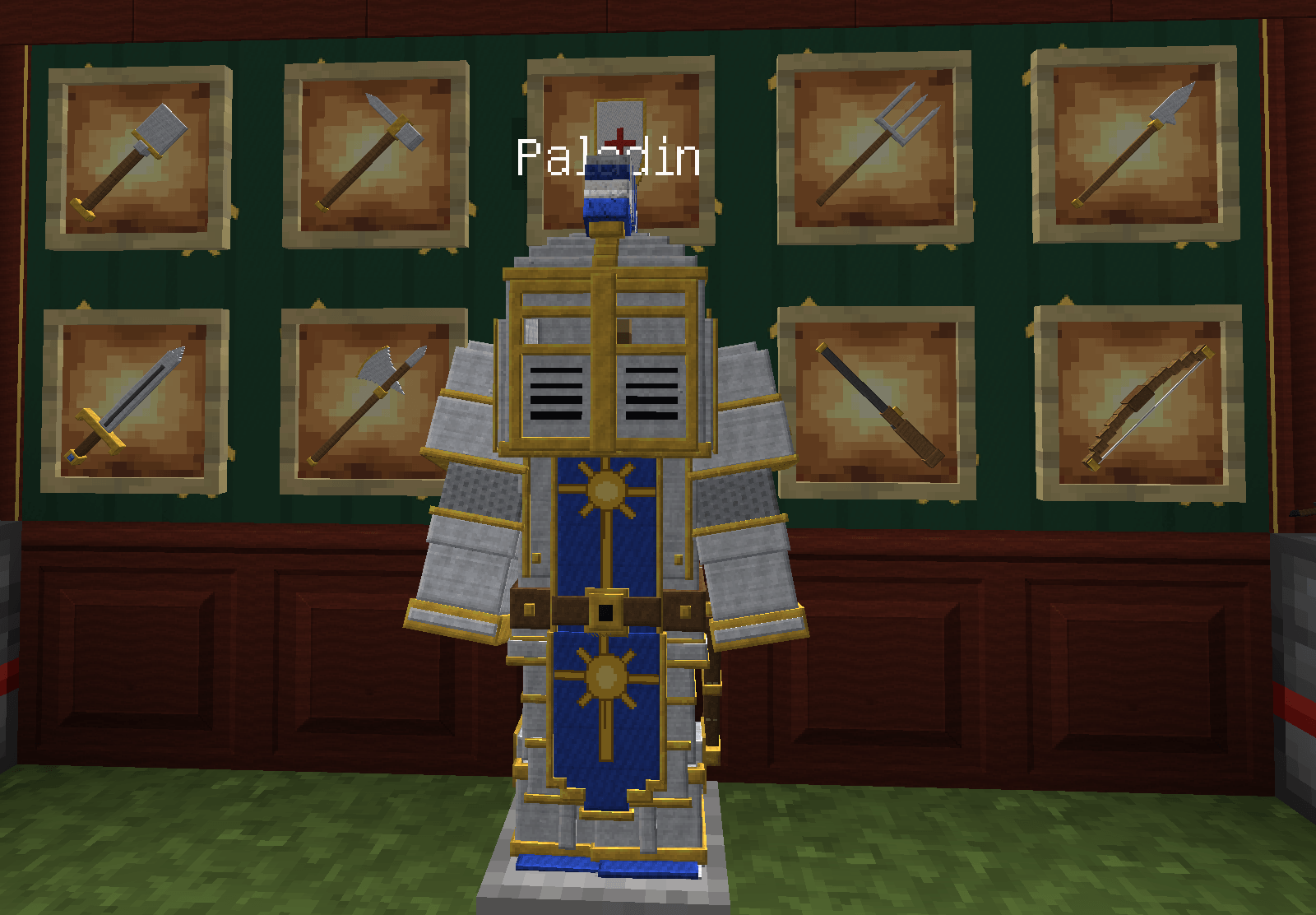 Paladin.png Paladin.png
-
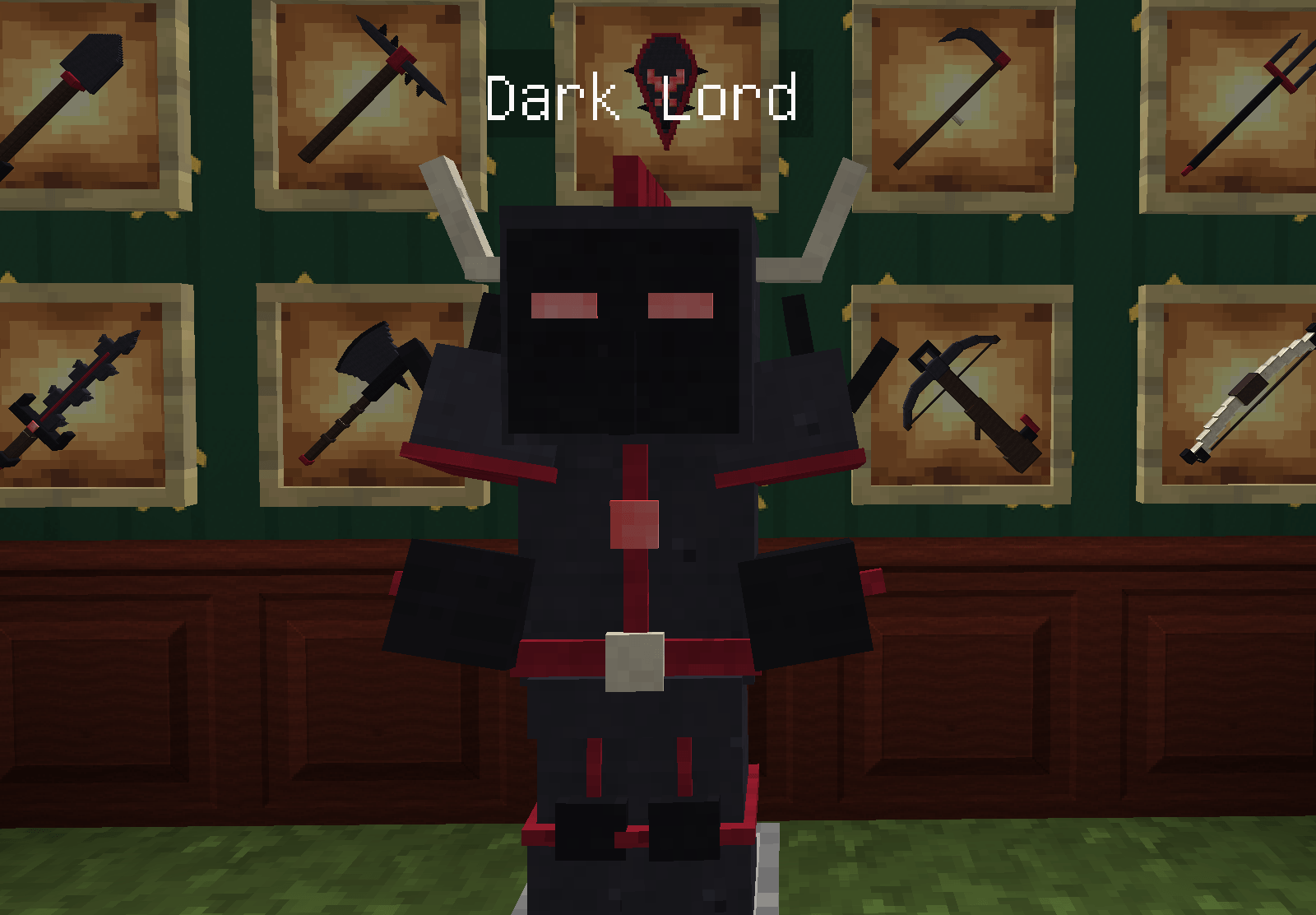 DarkLord.png DarkLord.png
-
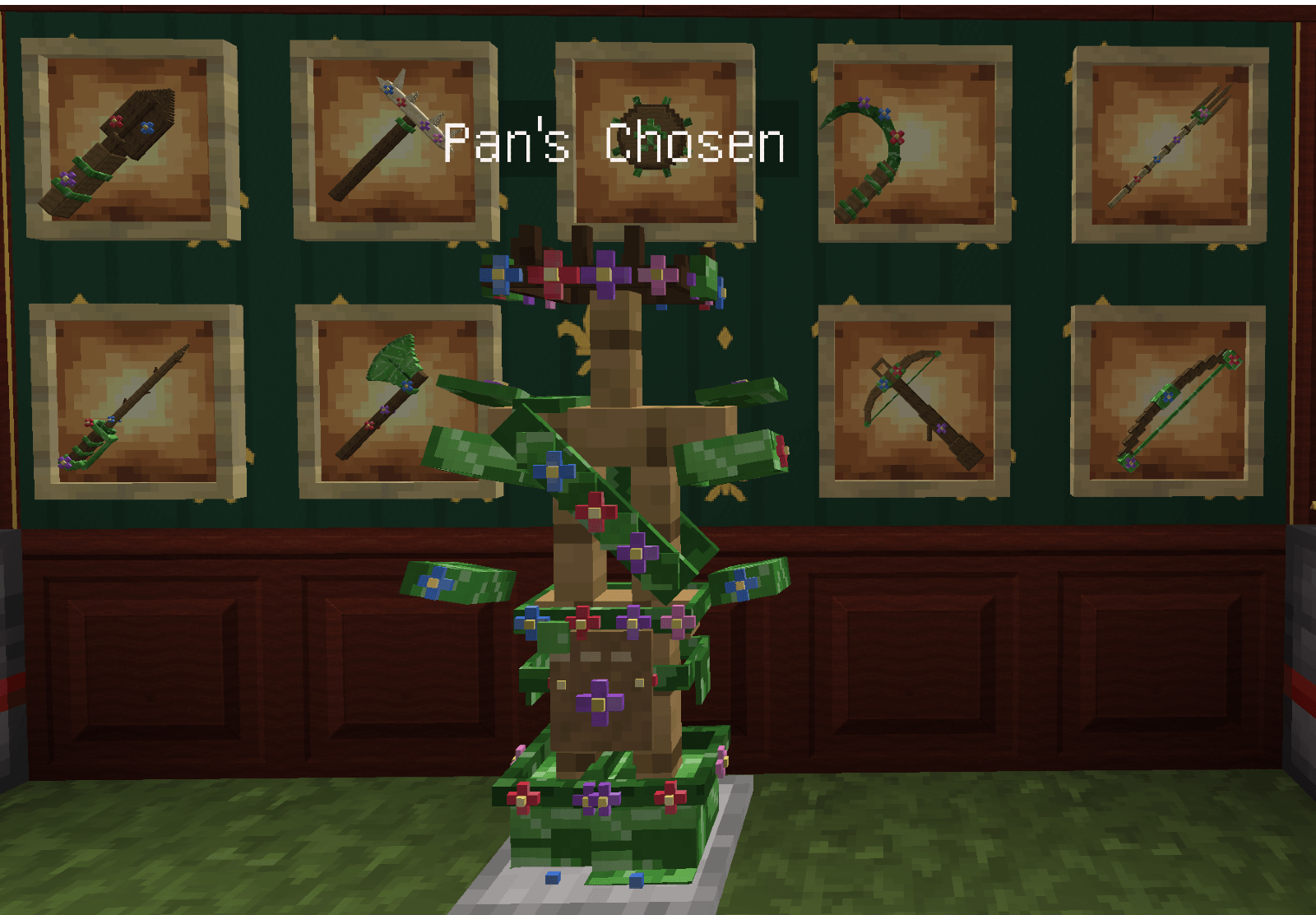 Pan.png Pan.png
-
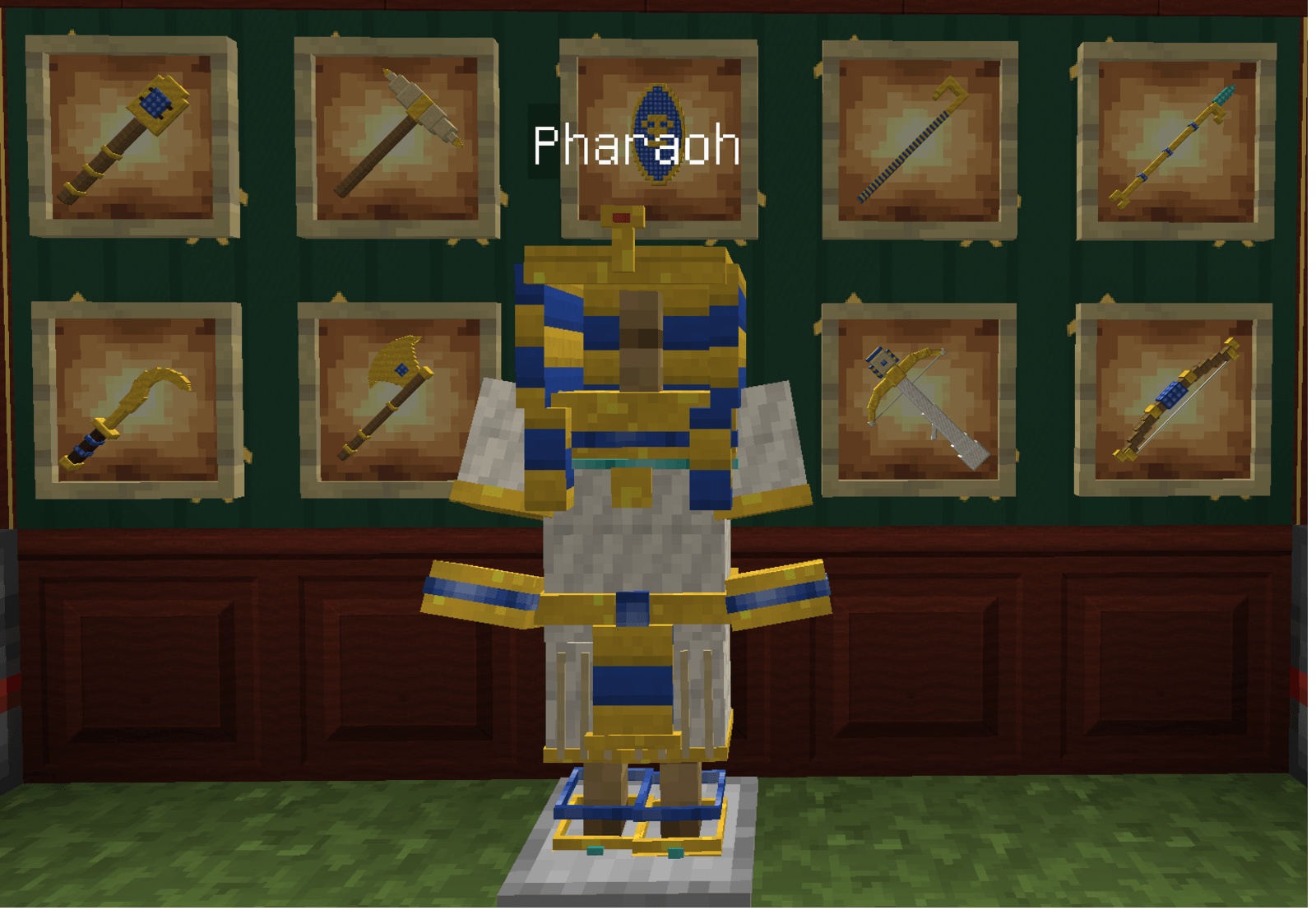 Pharoah.png Pharoah.png
-
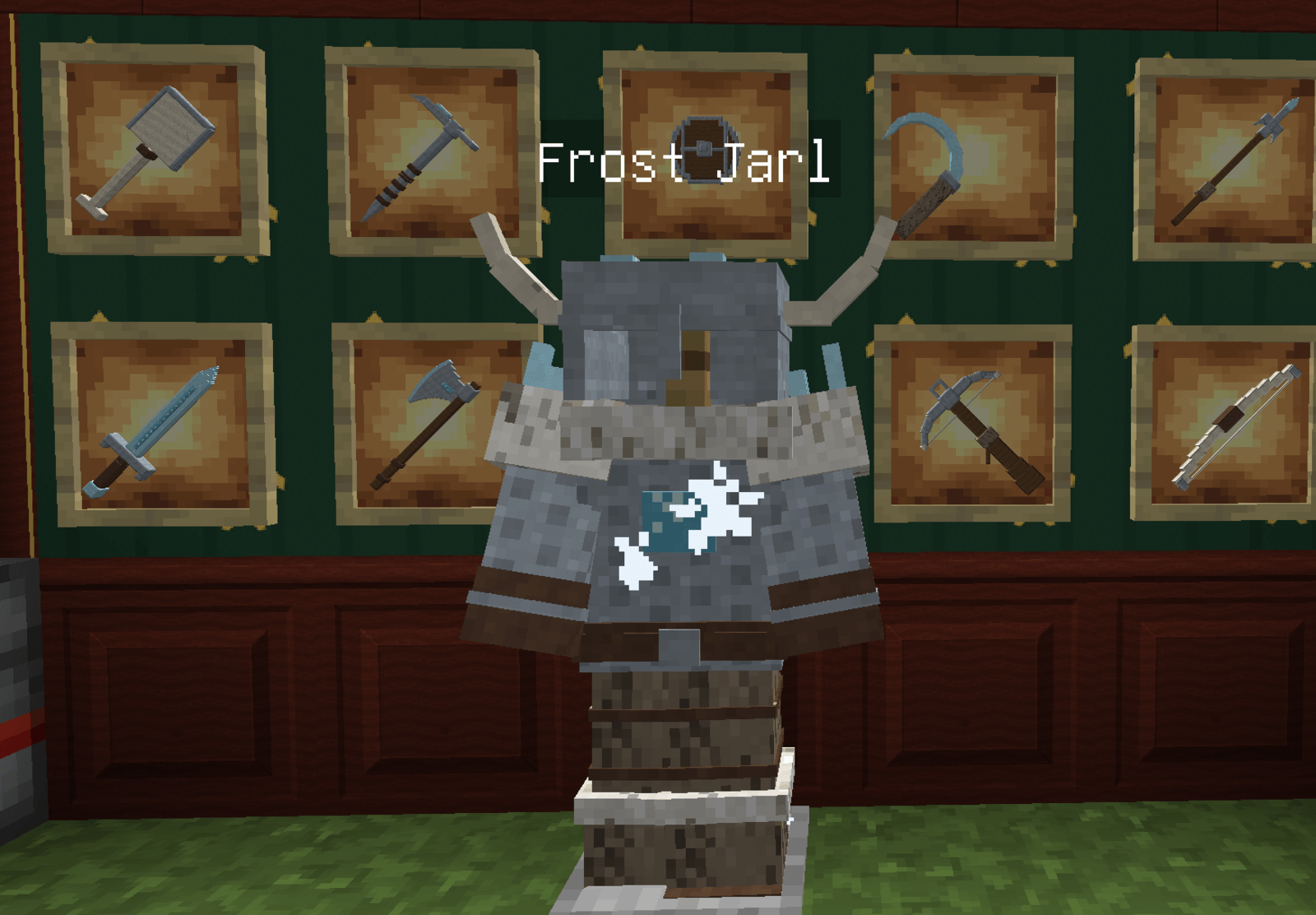 Jarl.png Jarl.png
-
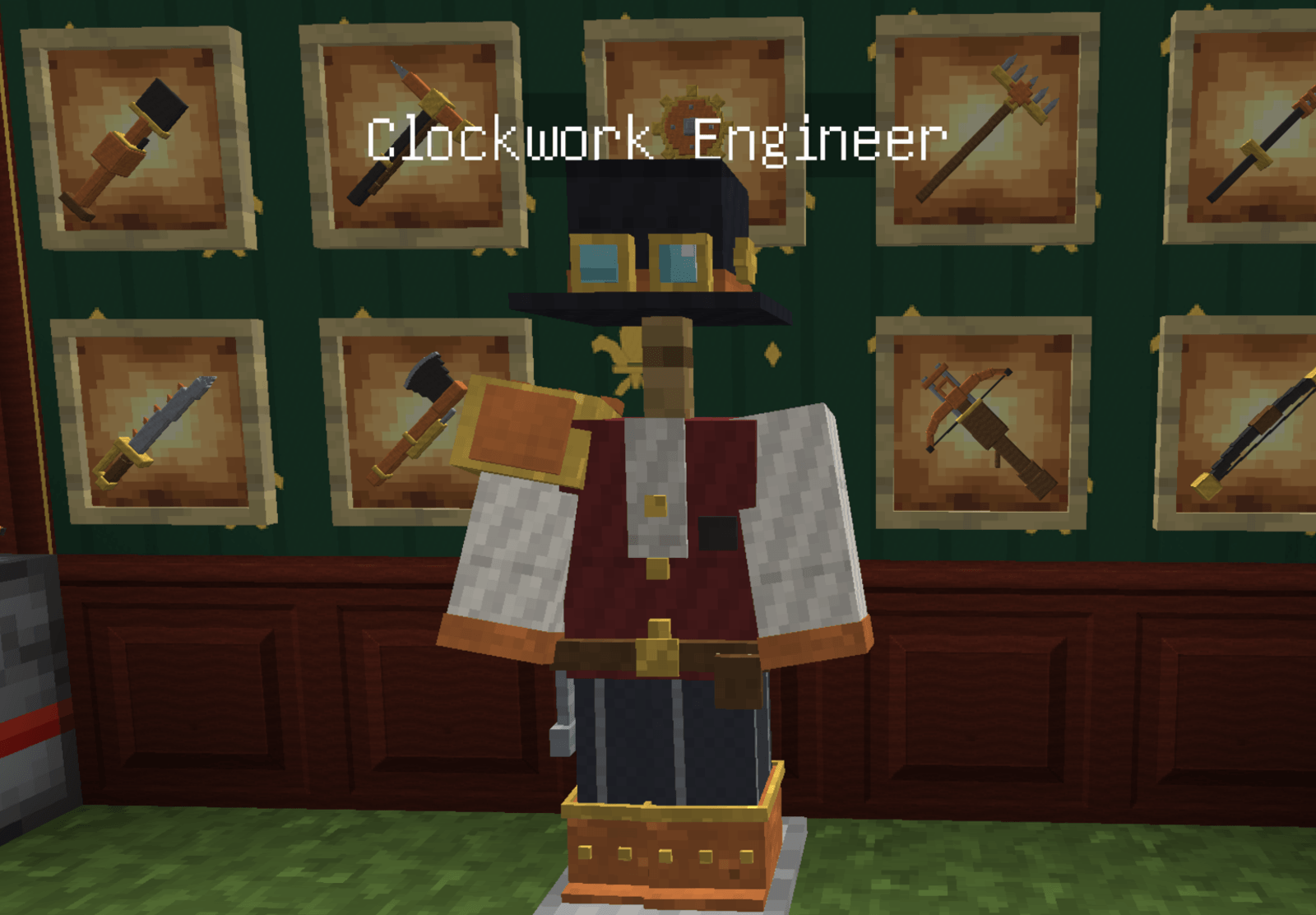 Clockwork.png Clockwork.png
-
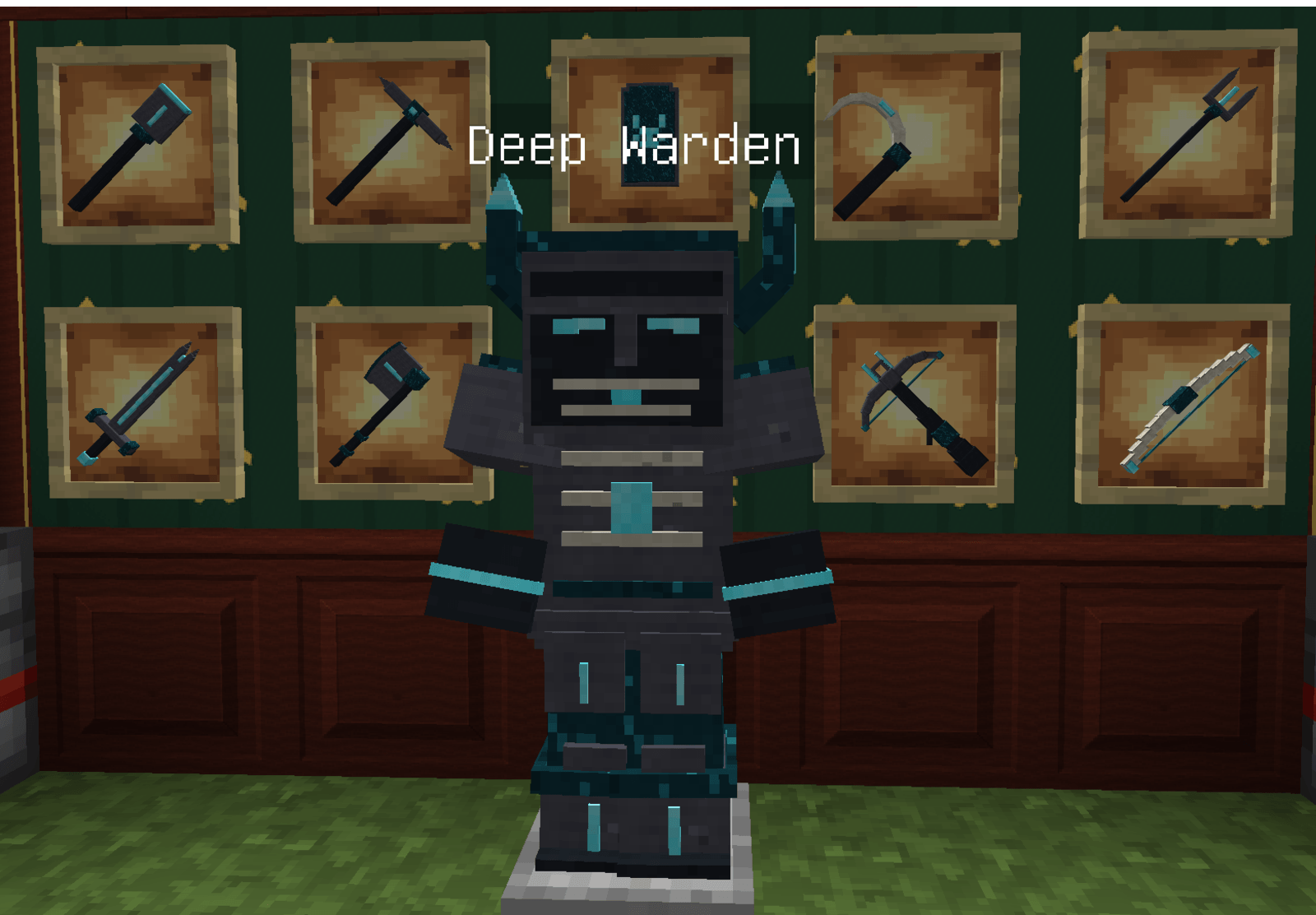 warden.png warden.png
-
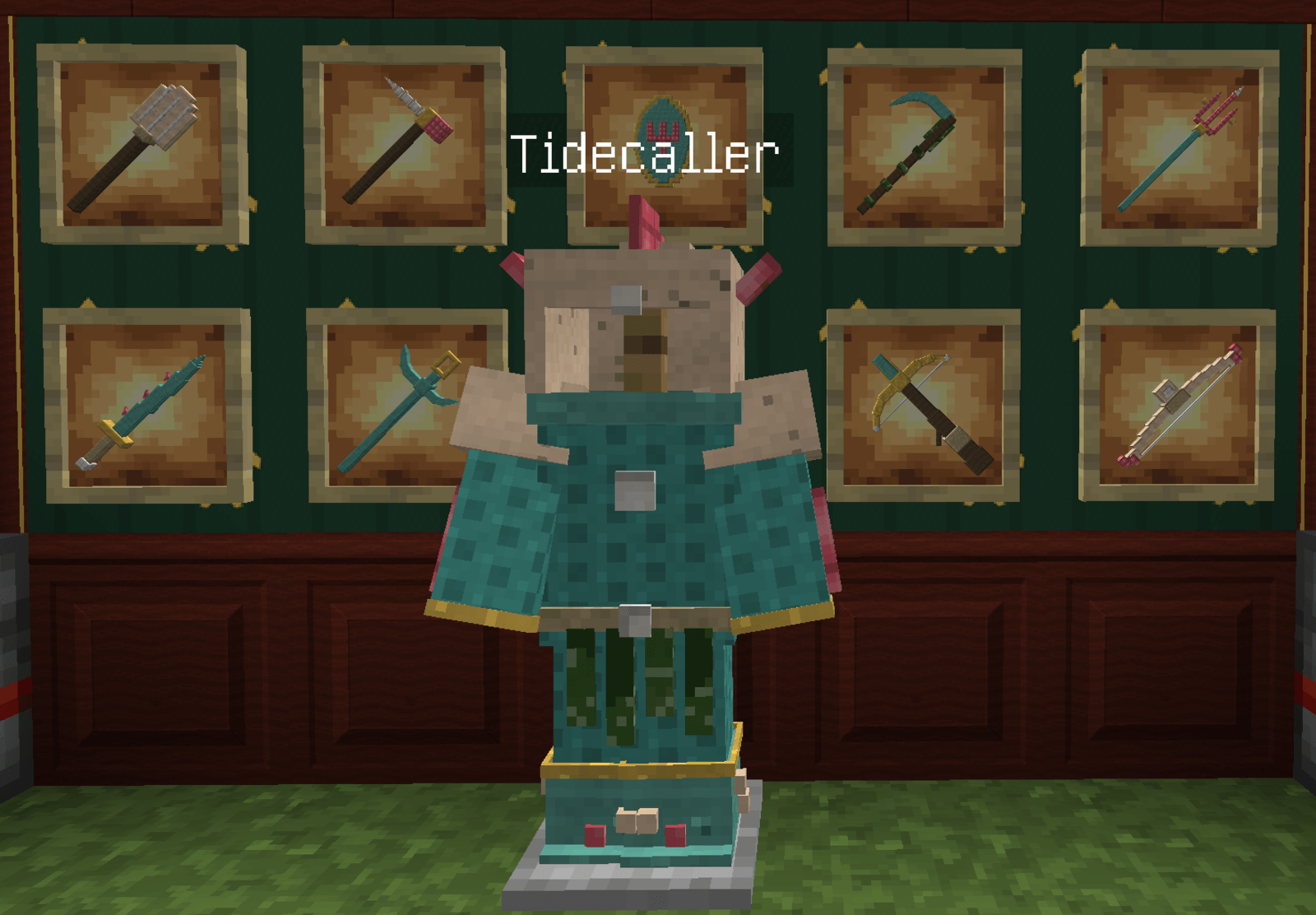 Tide.png Tide.png
-
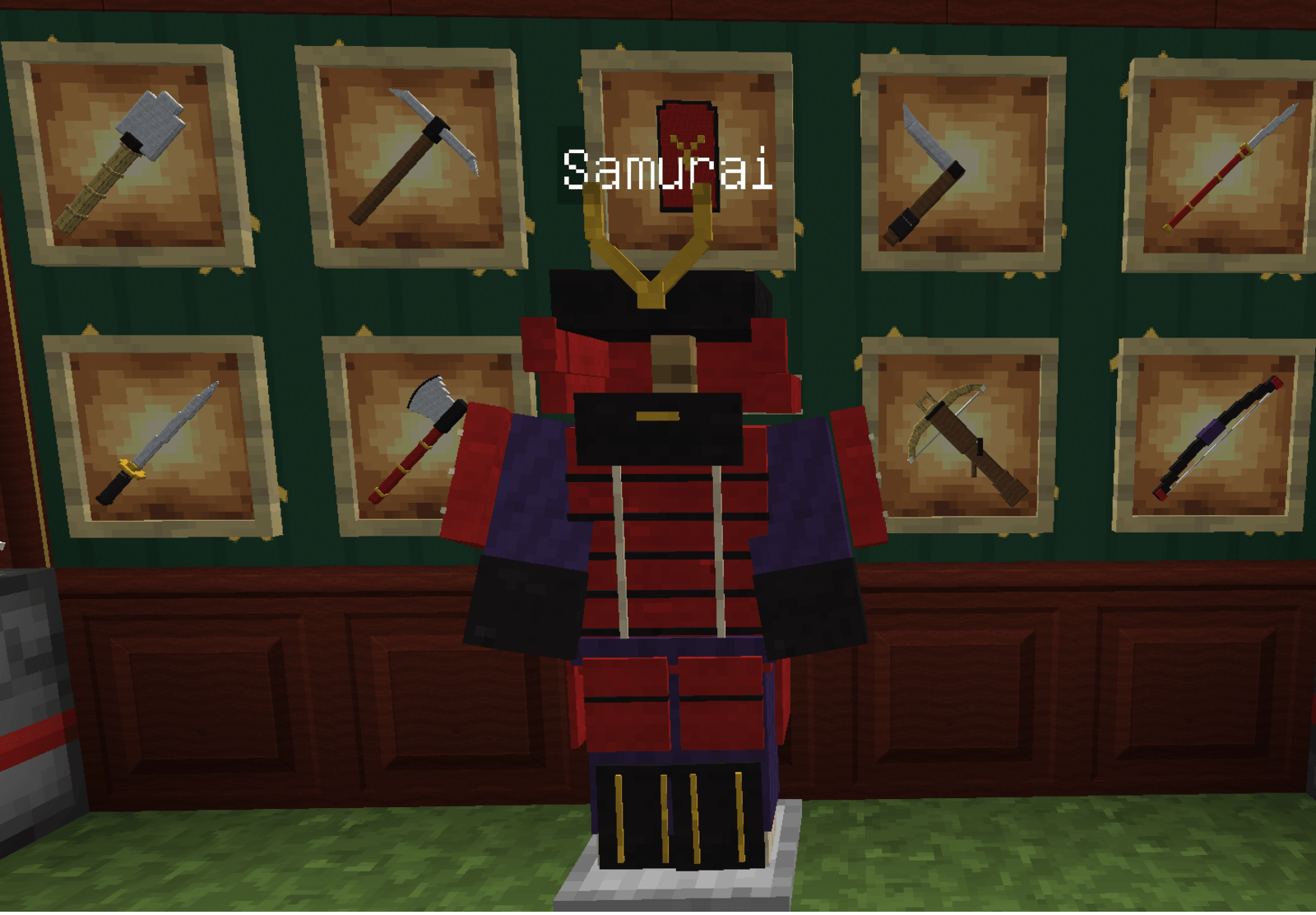 Samurai.png Samurai.png
-
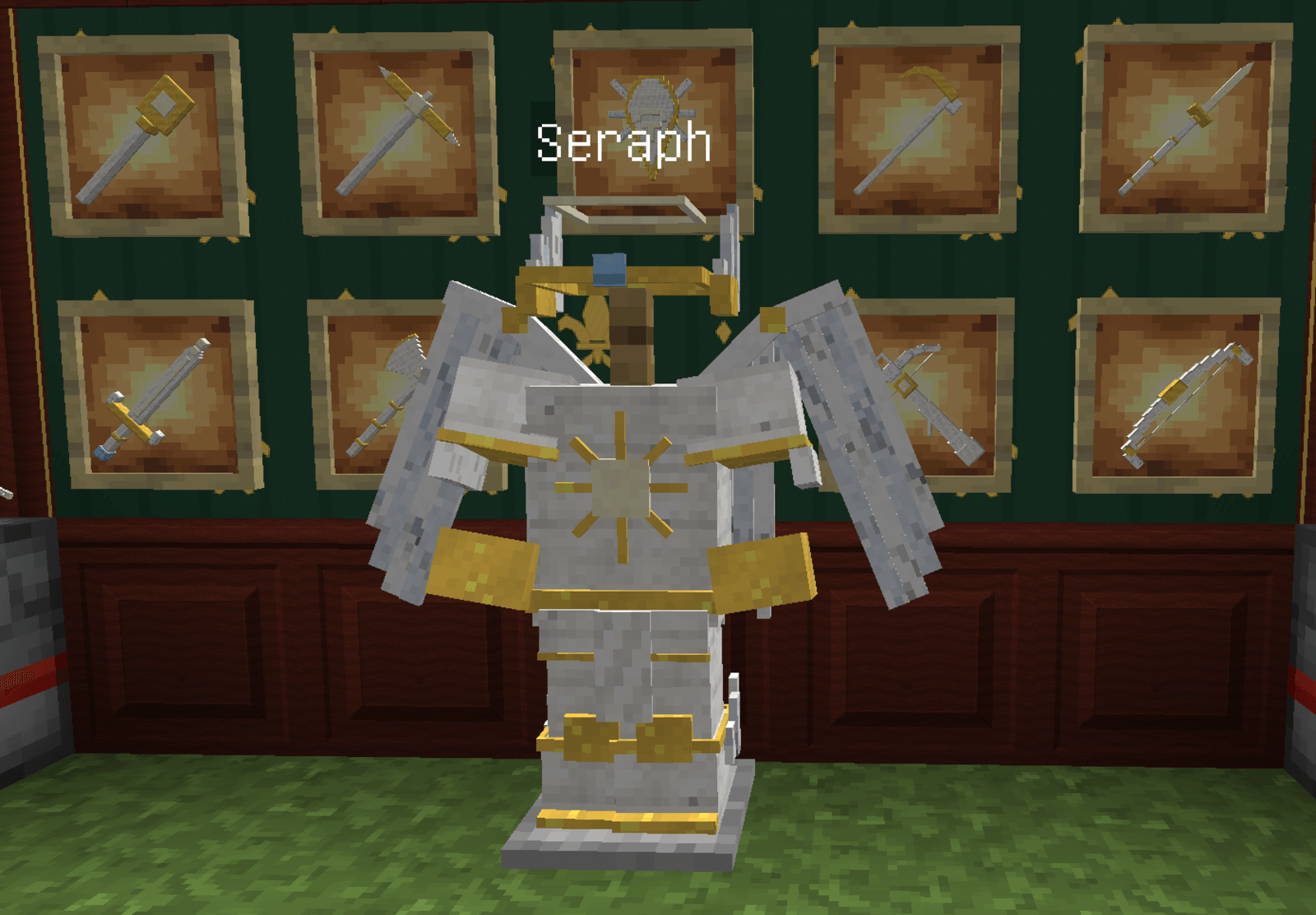 Seraph.png Seraph.png
-
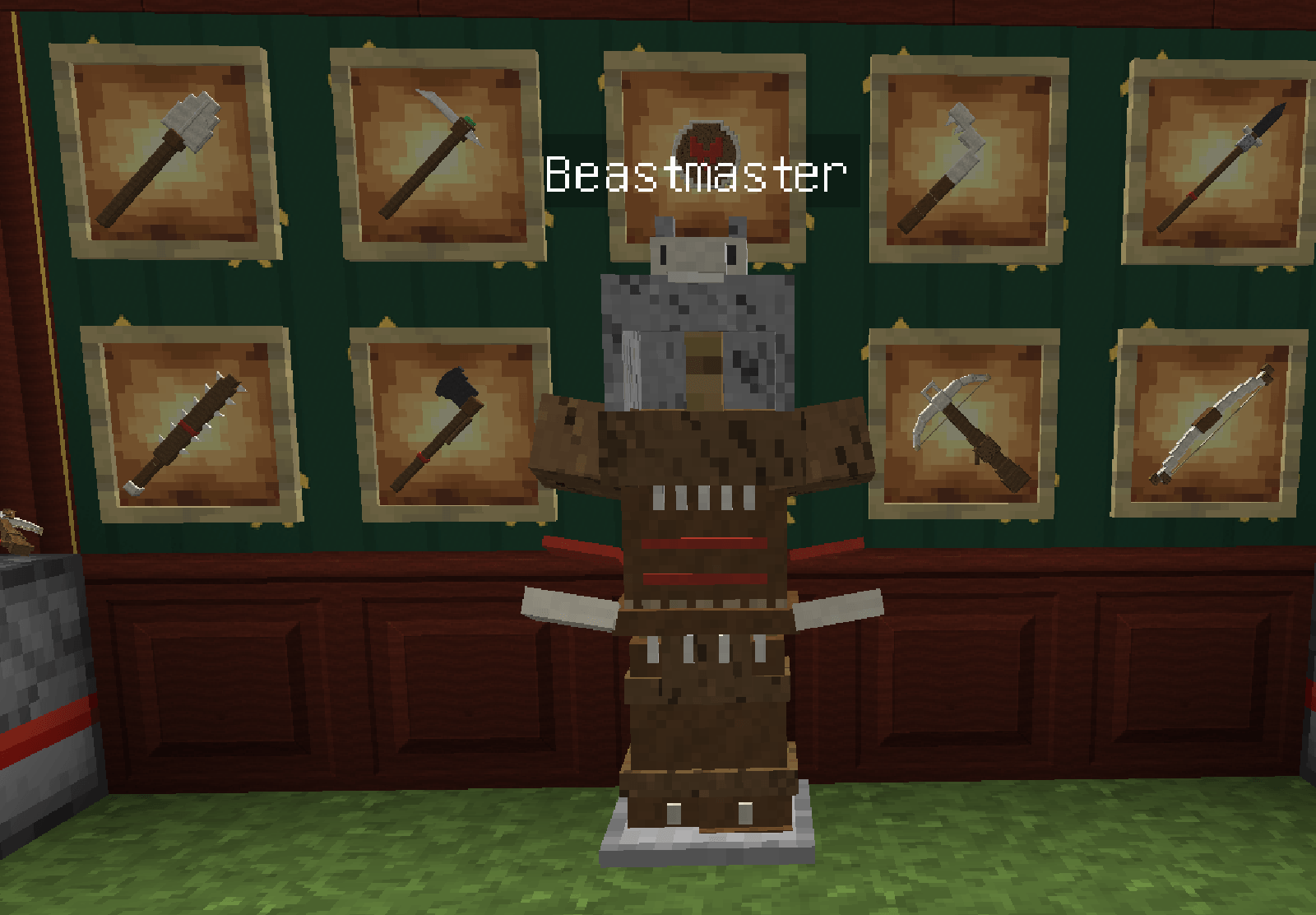 Beast.png Beast.png
-
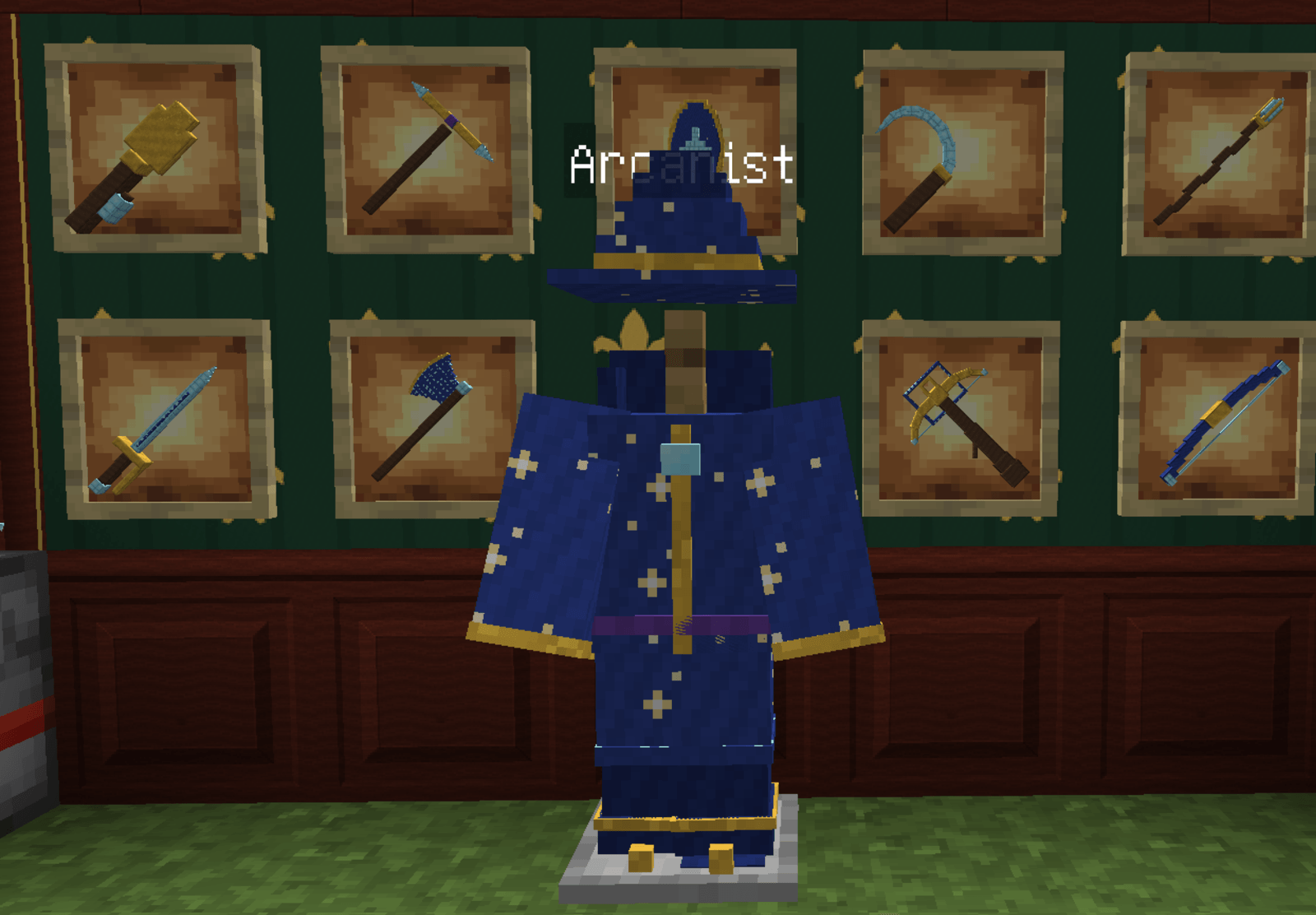 Arcanist.png Arcanist.png
-
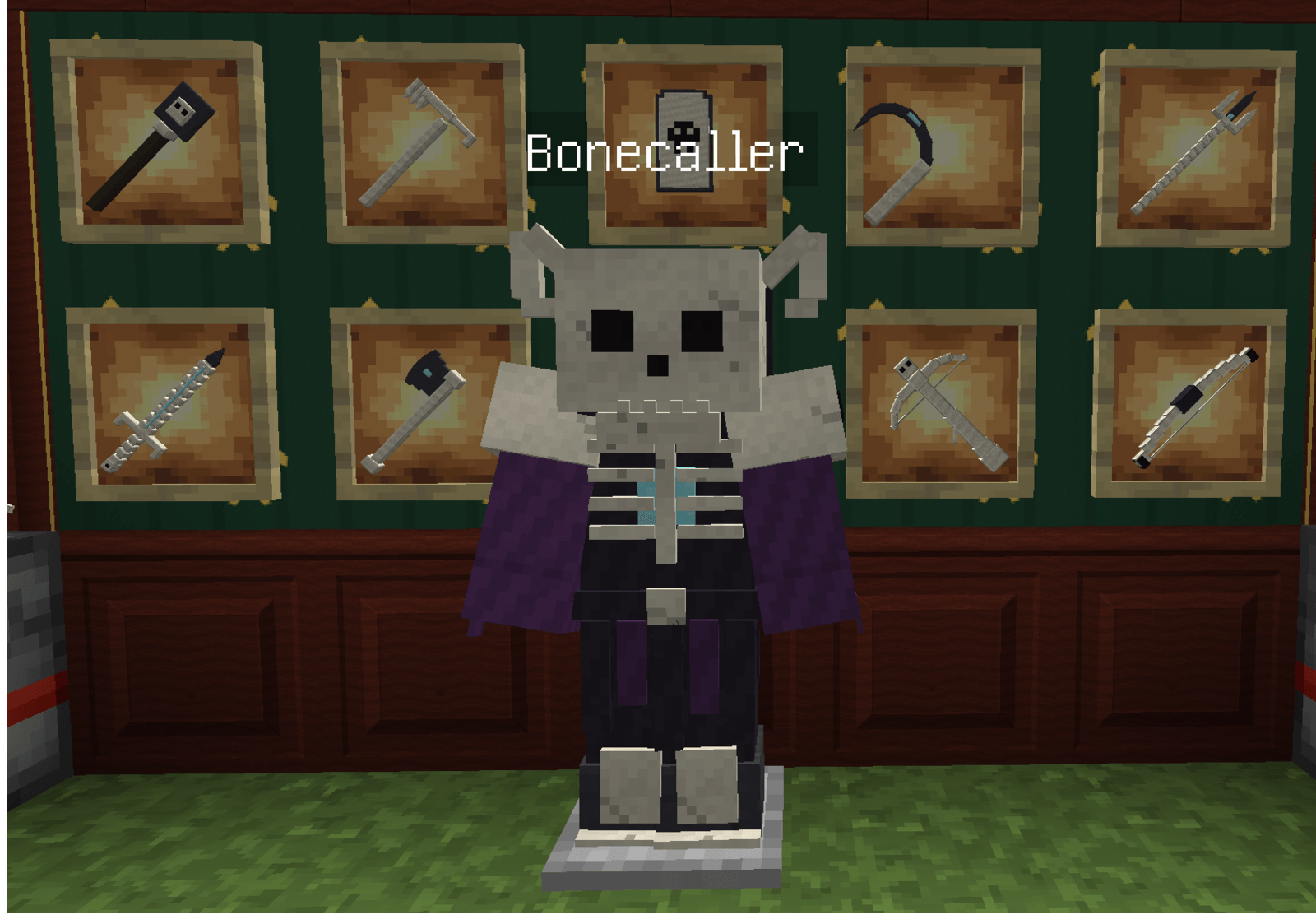 Bone.png Bone.png
-
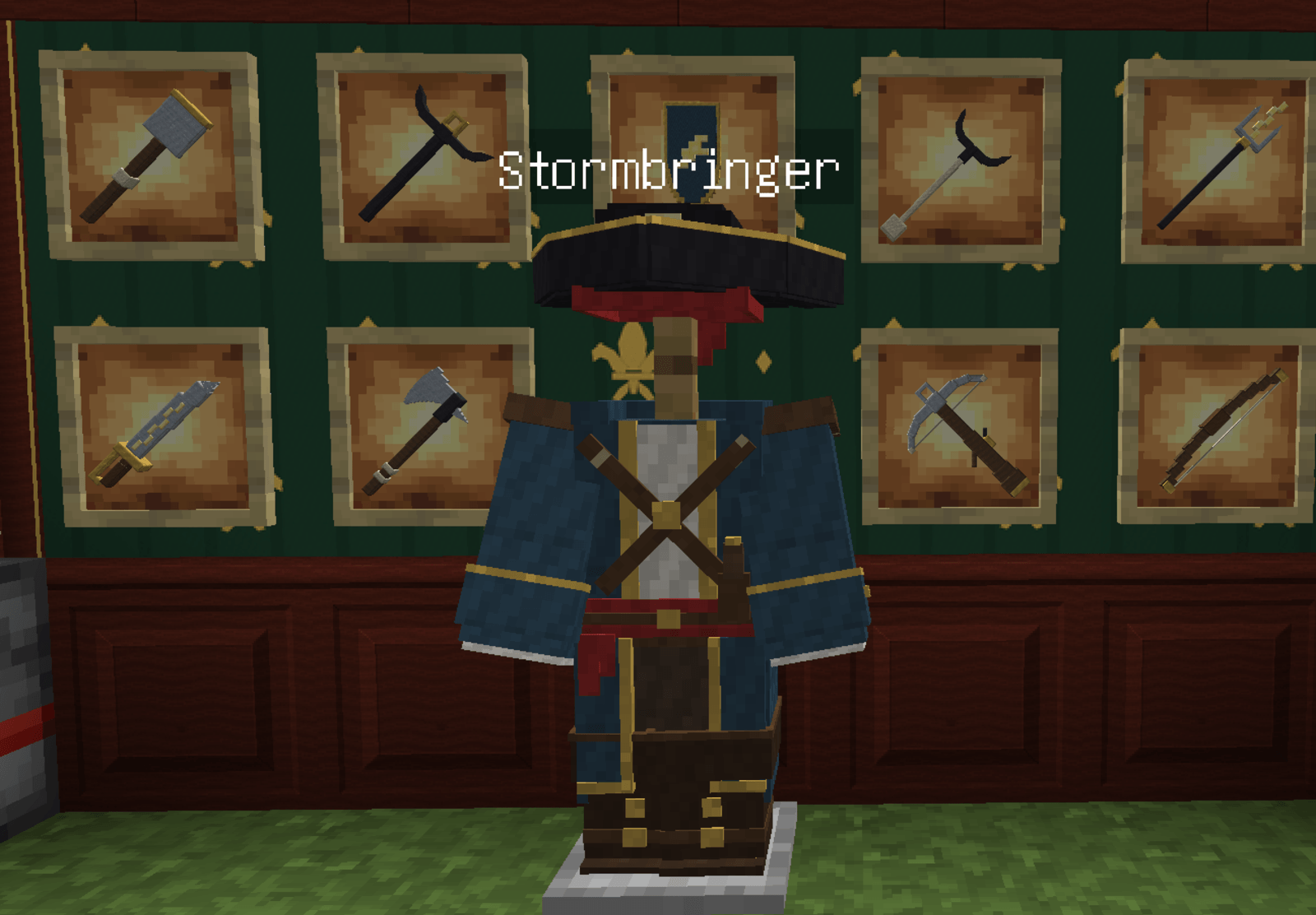 Storm.png Storm.png
-
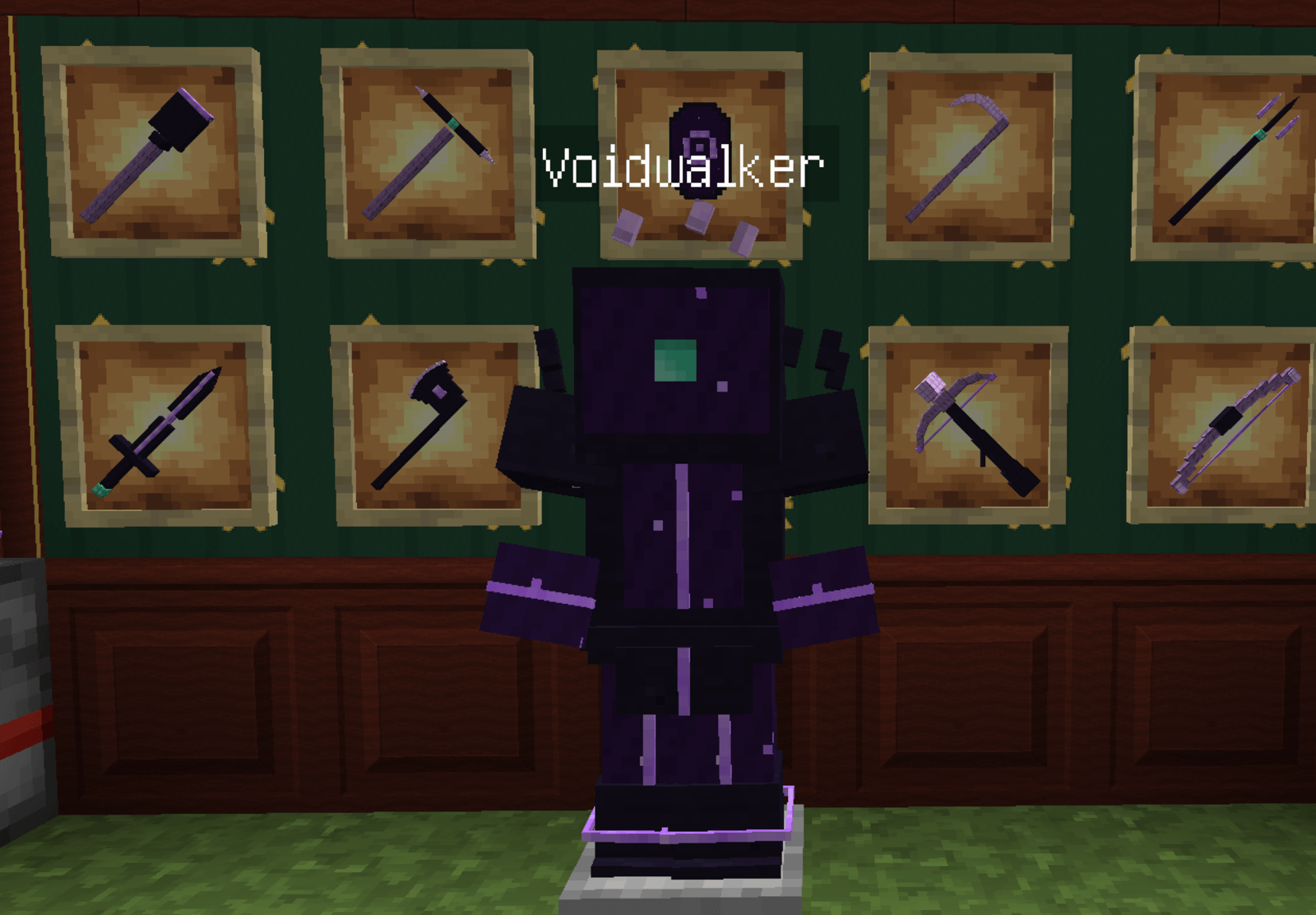 Void.png Void.png
-
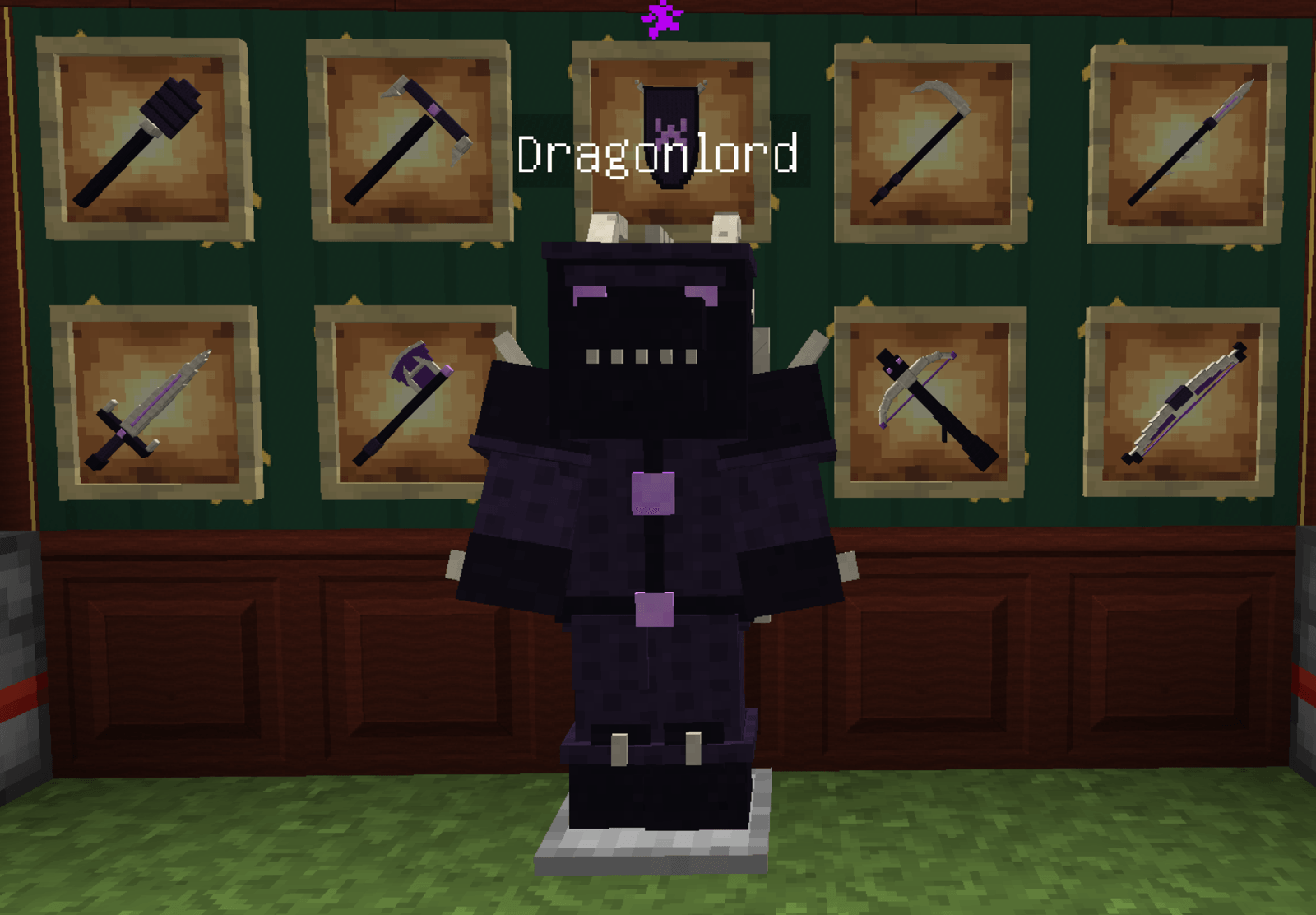 Dragon.png Dragon.png
-
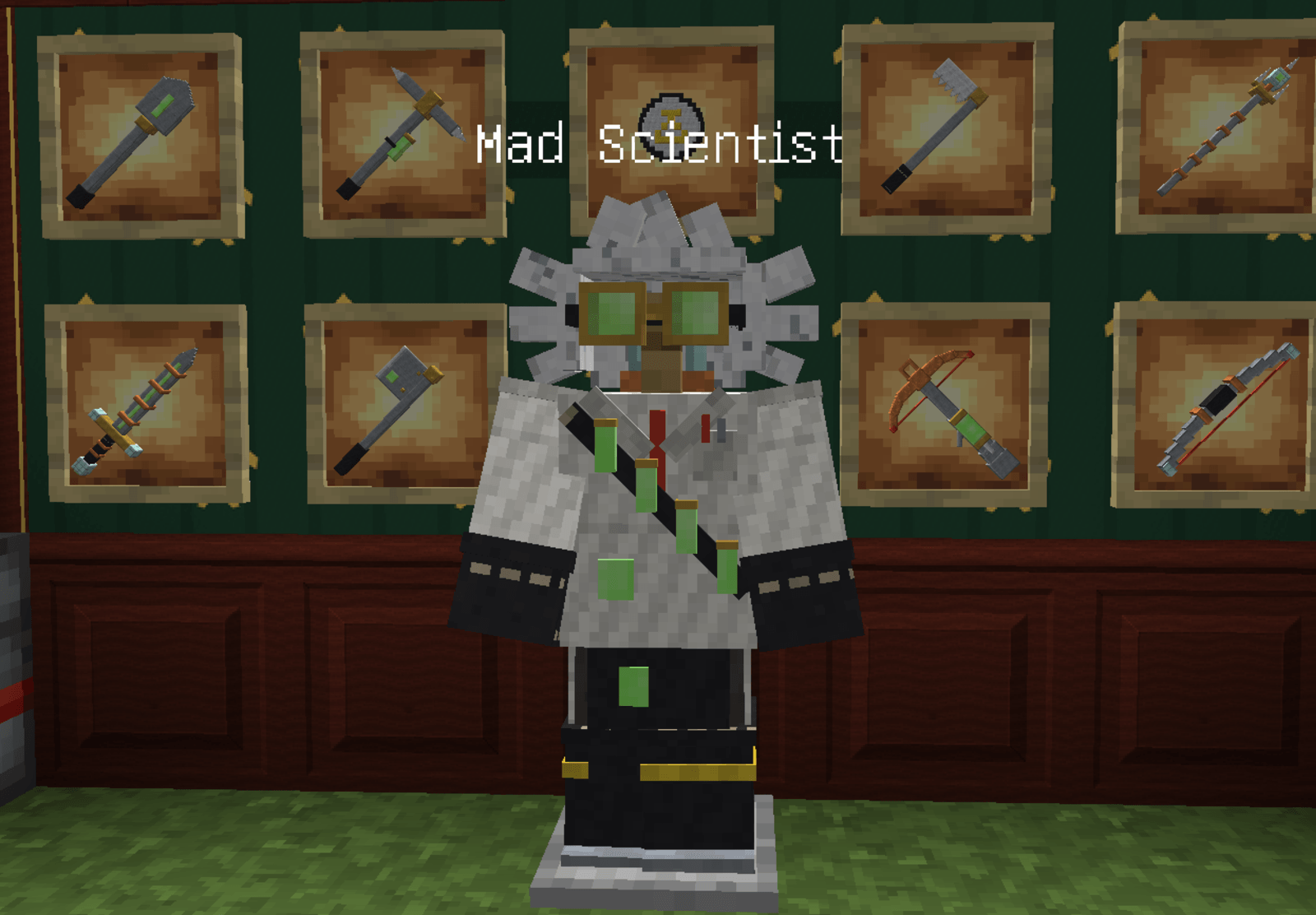 Scientist.png Scientist.png
-
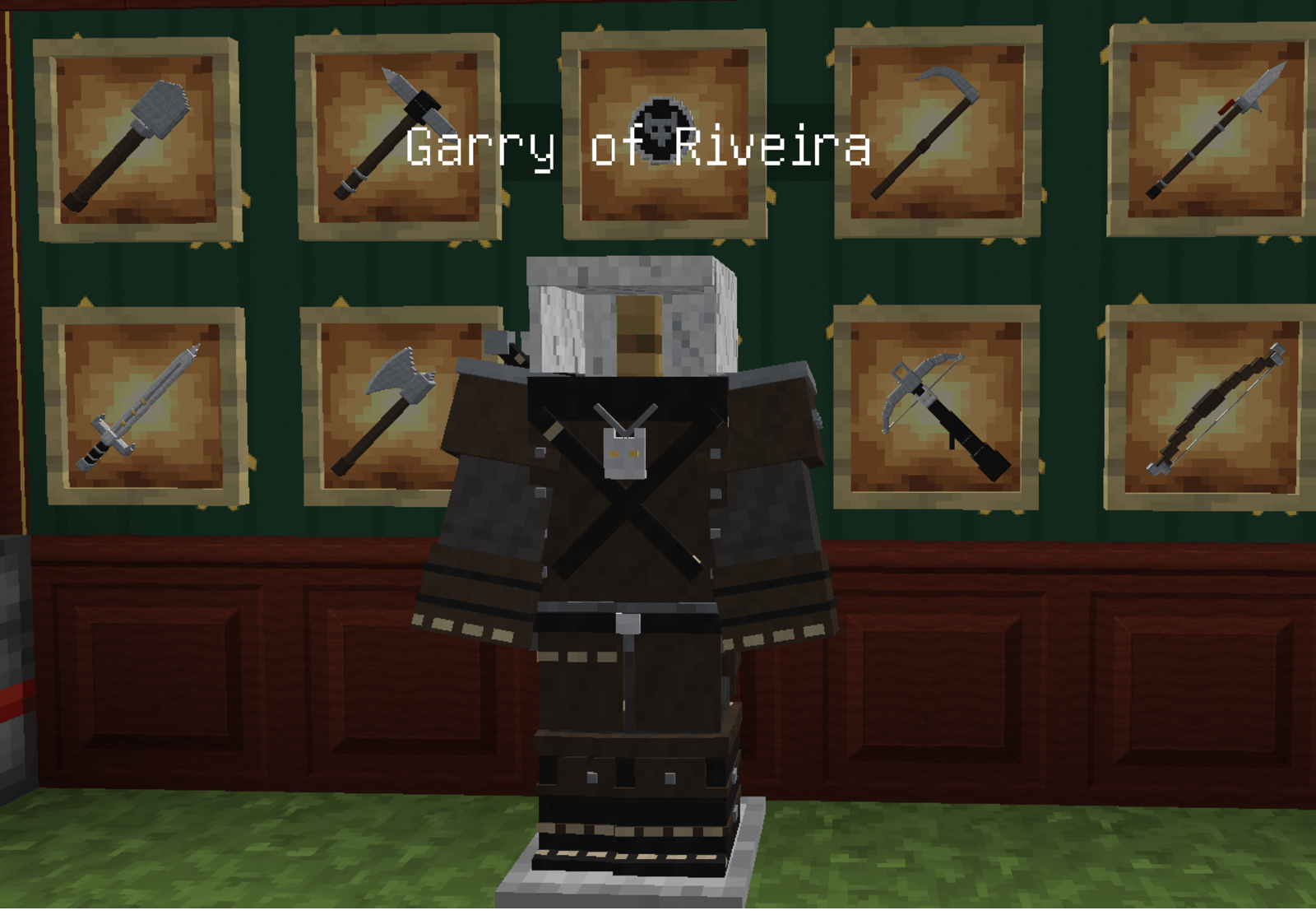 Garry.png Garry.png
Versions
Files
Relations
Project Relations
More like this
Similar Mods
Suggestions use data such as tags, dependencies, dependents, descriptions, titles, and more to rank how much they overlap with this mod.
On ModDex
Community snapshot
By the numbers
Statistics

Get it on
Available Platforms
On ModDex
Community snapshot
By the numbers
Statistics
Resources