
Community listing page, reviews here may not be monitored by the author.


Community voices
Reviews
No reviews yet. Be the first to review this project!
Get it on
Available Platforms
Compatibility
Supported Environments
Runs entirely on the client. Works on vanilla servers.
About
Project Details
For authors
Embed Badge
If you're the author of this project, you can embed a live badge anywhere that supports HTML or Markdown. It updates automatically whenever ratings change.
Use HTML for any page that supports it, or Markdown for README files and Markdown-based descriptions.
Identifiers
Platform IDs
About
Description
Added some GUI animation effects.
🎨 Animation Effects
Added various GUI animation effects to enhance the visual operation experience:
Chat Animation:

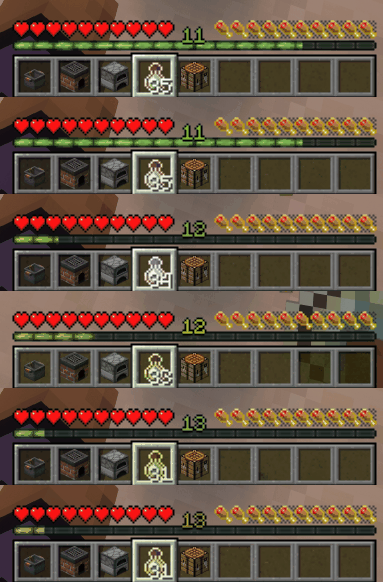
Window Item Animation:
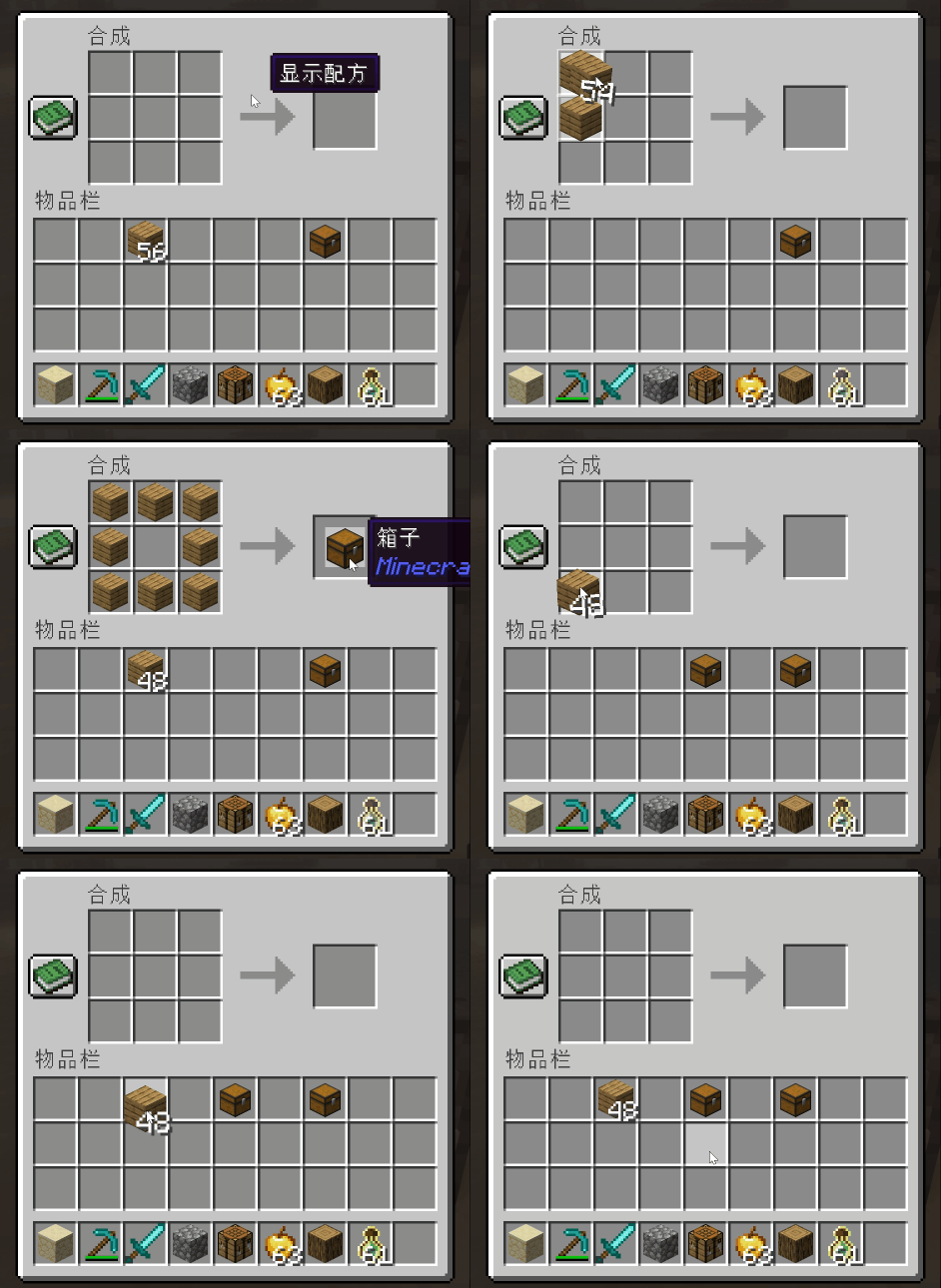
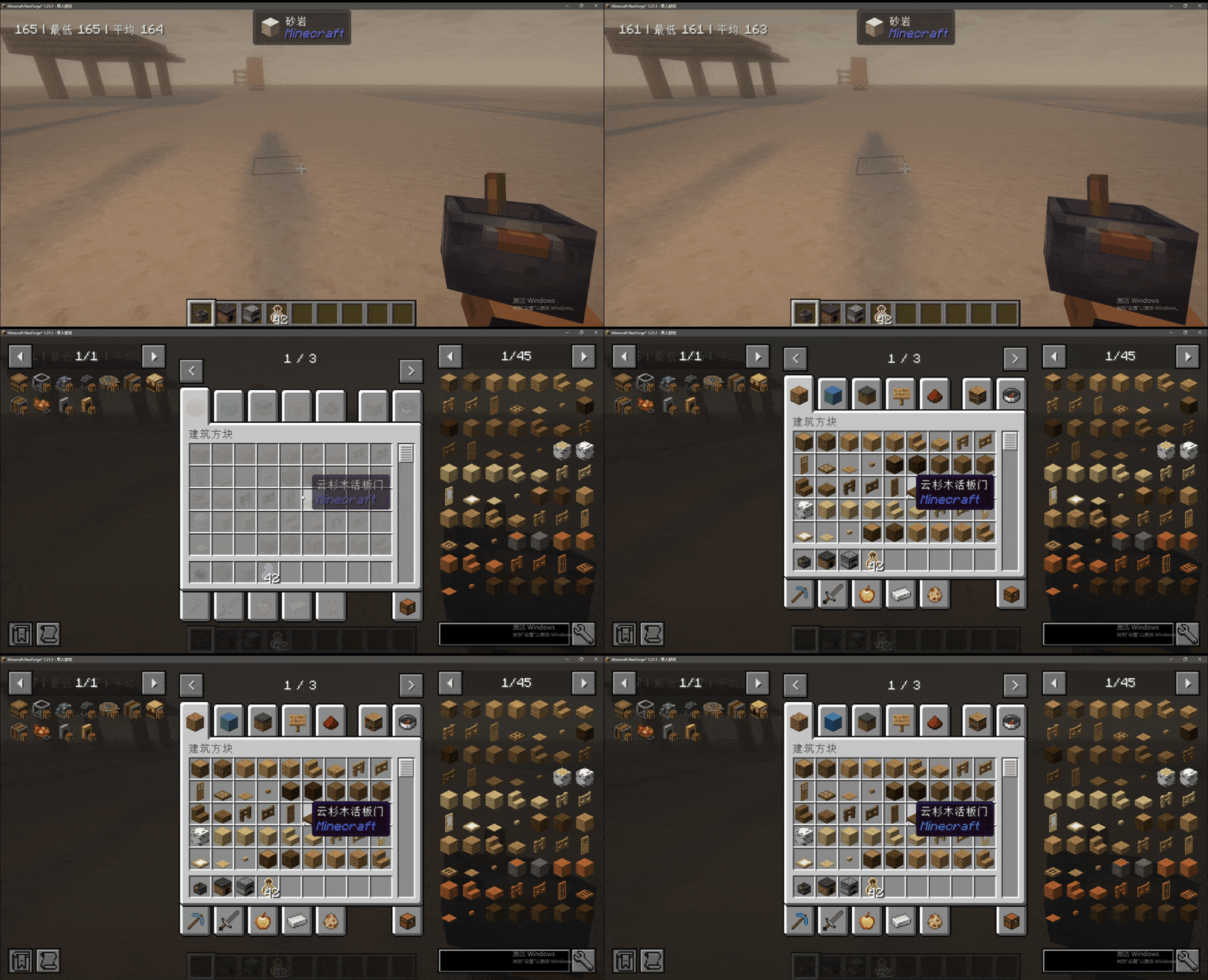
Window Open Animation:

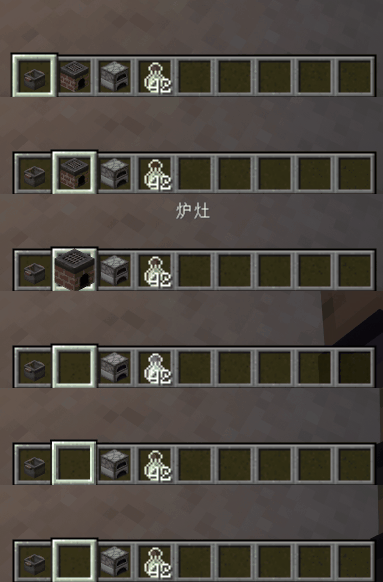
Hotbar Animation:

Item Use Animation:
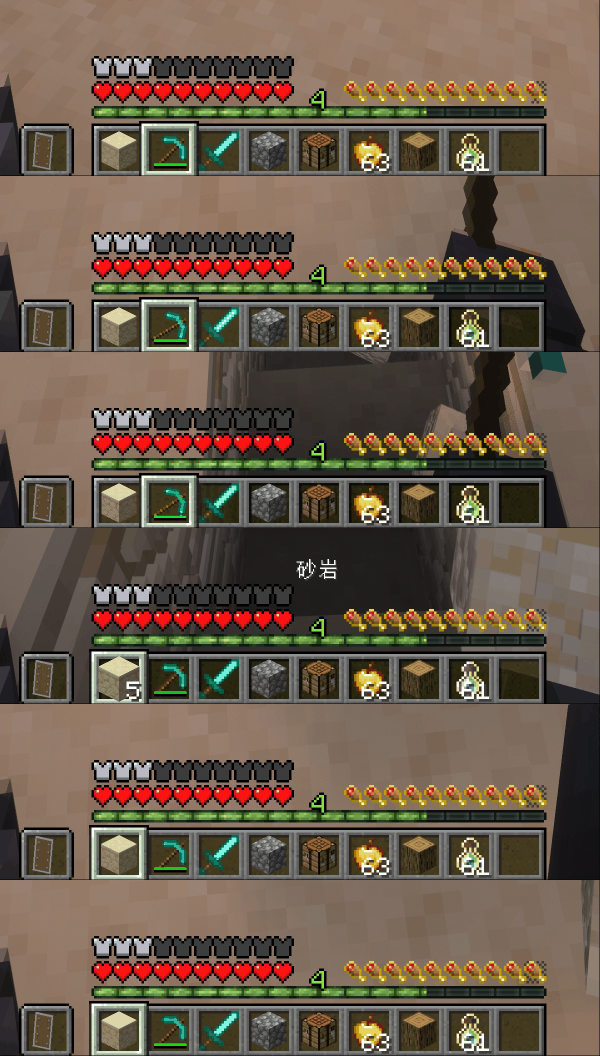
⚙️ Configuration
GUI animation related configuration interface:

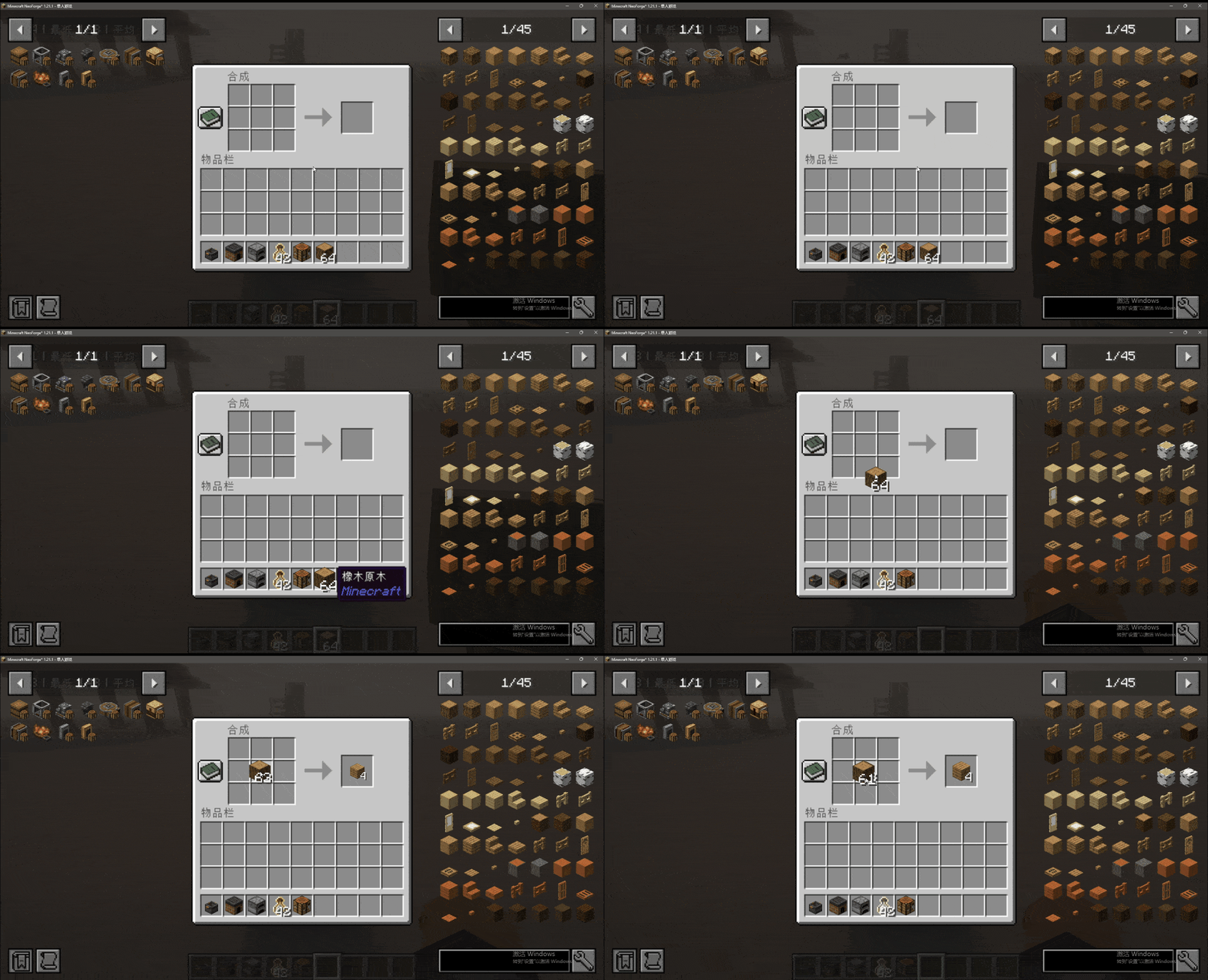
🔧 Add a new screen output slot animation
You can add an output slot animation to a specified screen by creating a datapack, following these steps:
1. Folder Directory Structure
The following directory format must be strictly followed:
"Any Name"/data/"mod id"/window_slots/"name".json
Directory Example:

2. Configuration Instructions
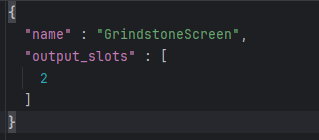
Core Rules:
name: Fill in the screen class nameoutput_slots: Fill in the output slot index array
Configuration Example:
3. View Screen Information
Method to obtain screen class name and slot index:
Enter the configuration interface and enable "enable debug window"
Open the target screen to view the relevant information
Screen Information Example:

Added some GUI animation effects.
🎨 Animation Effects
Added various GUI animation effects to enhance the visual operation experience:
-
Chat Animation:

-
Window Item Animation:
-
Window Open Animation:

-
Hotbar Animation:

-
Item Use Animation:
⚙️ Configuration
GUI animation related configuration interface:
🔧 Add a new screen output slot animation
You can add an output slot animation to a specified screen by creating a datapack, following these steps:
1. Folder Directory Structure
The following directory format must be strictly followed:
"Any Name"/data/"mod id"/window_slots/"name".json
Directory Example:
2. Configuration Instructions
Core Rules:
-
name: Fill in the screen class name -
output_slots: Fill in the output slot index array
Configuration Example:
3. View Screen Information
Method to obtain screen class name and slot index:
-
Enter the configuration interface and enable "enable debug window"
-
Open the target screen to view the relevant information
Screen Information Example:
Screenshots
Gallery
-
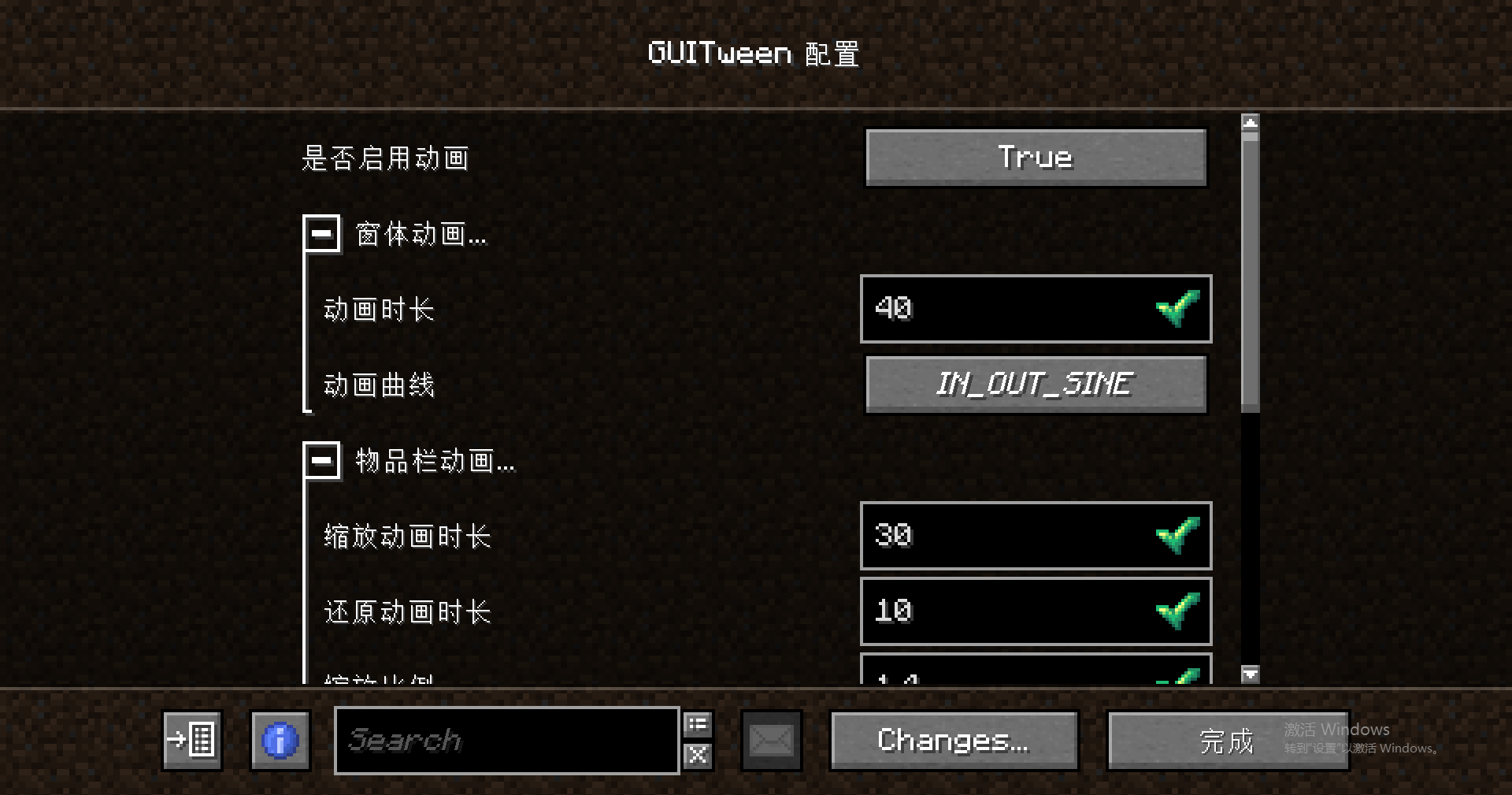 Configuration.png Configuration.png
 -
 hotbar.gif hotbar.gif
 -
 exp.gif exp.gif
 -
 open.gif open.gif
 -
 screen.gif screen.gif
 -
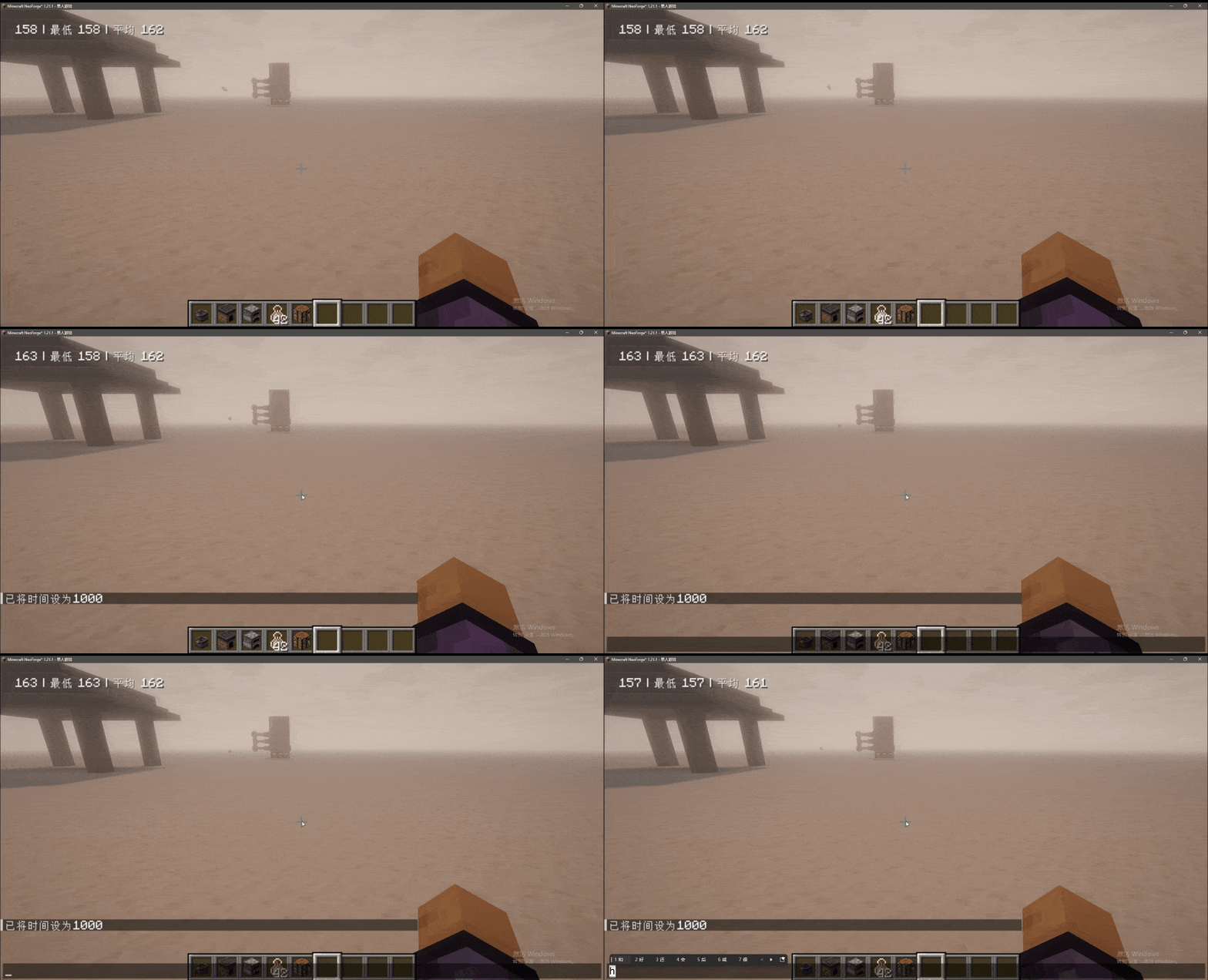 chat.gif chat.gif
 -
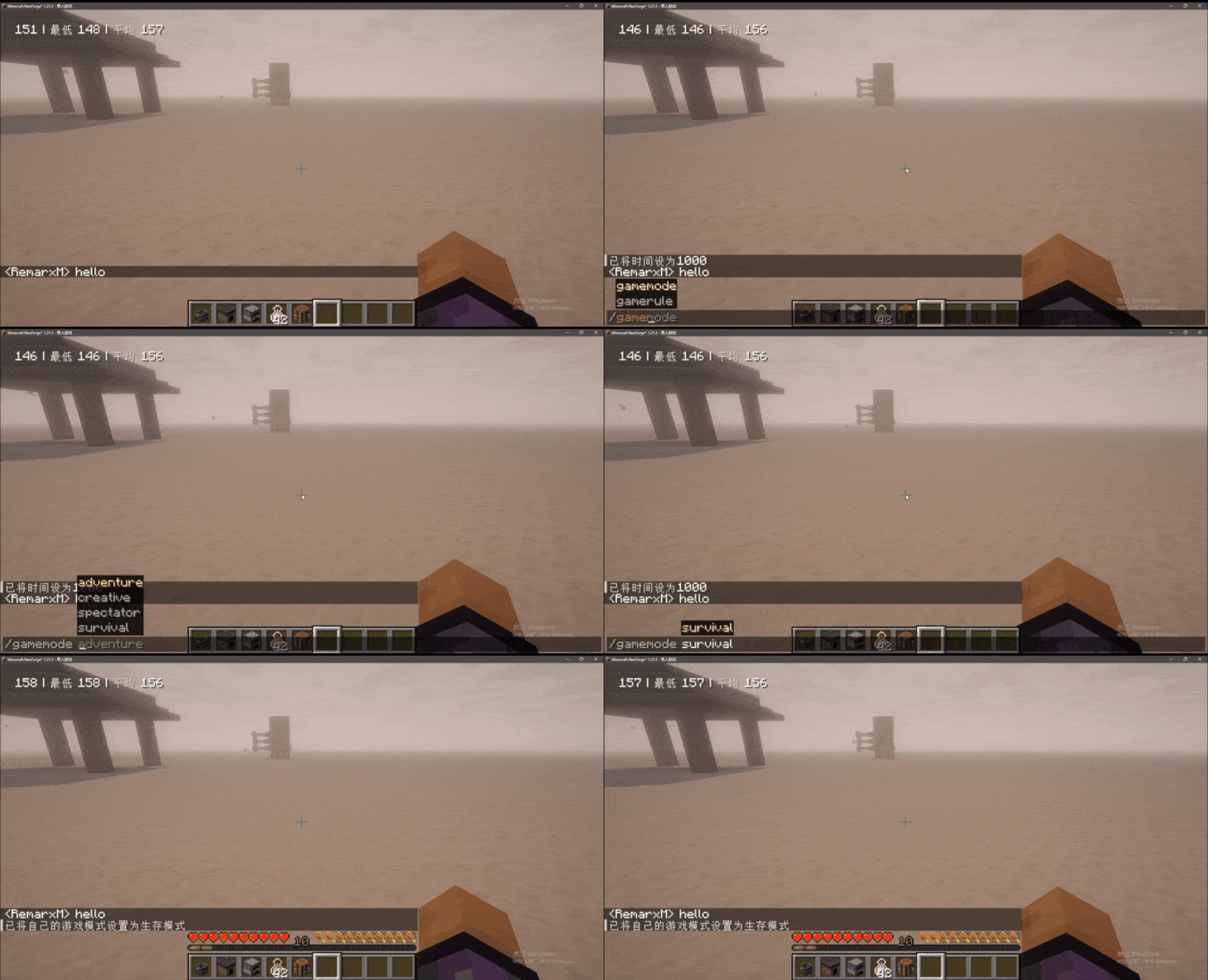 chatItem.gif chatItem.gif


Versions
Files
Relations
Project Relations
More like this
Similar Mods
Suggestions use data such as tags, dependencies, dependents, descriptions, titles, and more to rank how much they overlap with this mod.
On ModDex
Community snapshot
By the numbers
Statistics
Want to reach Minecraft players?
We're looking for a server hosting partner to feature here and other parts of the site. Interested? Send us a message!
Get in touchGet it on
Available Platforms
On ModDex
Community snapshot
By the numbers