
Community listing page, reviews here may not be monitored by the author.
Hardcore Realm

No reviews yet
A small datapack that turns your realm into hardcore mode, by putting everyone who dies into spectator mode.
Community voices
Reviews
No reviews yet. Be the first to review this project!
Get it on
Available Platforms
About
Project Details
For authors
Embed Badge
If you're the author of this project, you can embed a live badge anywhere that supports HTML or Markdown. It updates automatically whenever ratings change.
Use HTML for any page that supports it, or Markdown for README files and Markdown-based descriptions.
Identifiers
Platform IDs
About
Description

Hardcore Realm
A small datapack that turns your realm into hardcore mode, by putting everyone who dies into spectator mode.
Packs for previous (1.20 and below) minecraft versions available here: https://github.com/Plagiatus/datapacks/tree/master/hardcore_realm)
Modes
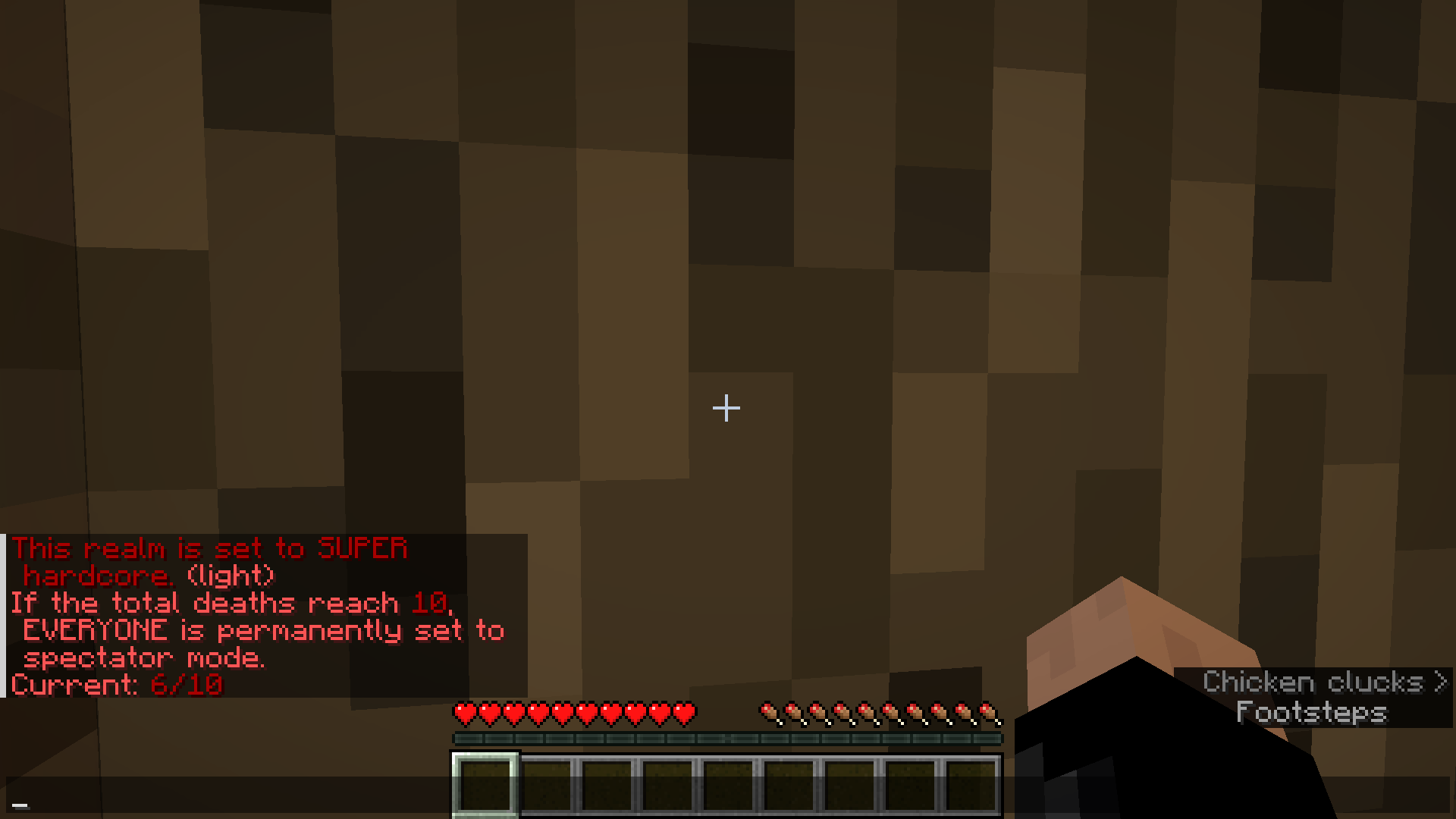
See below how to enable Super Hardcore and Super Hardcore Light modes.
Default
If a player dies, they get put into spectator mode.
Super Hardcore
If any player dies, everyone gets set to spectator mode.
Super Hardcore Light
Same as Super Hardcore, but the server as a whole has more than 1 death to share between each other.
What it does
This datapack will turn your realm basically into a hardcore world, by putting anyone who died once into spectator mode. Or, if you configure it that way, it will even set everyone into spectator mode if even ONE player dies.
How to set up
Existing world
Download the zip file and place it into your world/datapacks folder. If the world is already running, run reload. That's all you need to do.
Realm
- (Skip if you're uploading a singleplayer world anyways) Download the world you want to turn into a hardcore world to your singleplayer worlds
- Copy the data pack into the world's datapack folder.
- Reupload the world to the realm.
New world
You can add the datapack directly when creating the world.
Realm
Create the world on singleplayer and upload it to your realm after that.
How to change to Super Hardcore
To change the world to super hardcore (aka if any player dies, everyone gets set to spectator mode), just run this simple command in the chat:
/scoreboard players set #superHardcore deaths 1
To set it back to "normal" hardcore, change the 1 to a 0.
Please note: once someone died while it was set to super hardcore, it doesn't automatically reset everyone else who didn't die if you set it back to normal!
Super Hardcore light
In version 1.3 the "super hardcore light" mode was introduced, which gives the server as a whole a contingent of lives. To enable it, just set the amount of lives your server should have available through the same command as above.
/scoreboard players set #superHardcore deaths X
where X is the total amount of deaths you want to allow.
Please note: In this mode individual deaths don't cause a change to spectator mode, so a player might die multiple times and take away multiple deaths from the amount of lives available.
Contact
If you have any questions, concerns, praise or found a bug, you can contact me directly at [email protected] or use my contact form.
Screenshots
Gallery
Versions
Files
Relations
Project Relations
More like this
Similar Mods
Suggestions use data such as tags, dependencies, dependents, descriptions, titles, and more to rank how much they overlap with this mod.
On ModDex
Community snapshot
By the numbers
Statistics

Want to reach Minecraft players?
We're looking for a server hosting partner to feature here and other parts of the site. Interested? Send us a message!
Get in touchGet it on
Available Platforms
On ModDex
Community snapshot
By the numbers