Community listing page, reviews may not be monitored by the author.
Having a Blast

No reviews yet
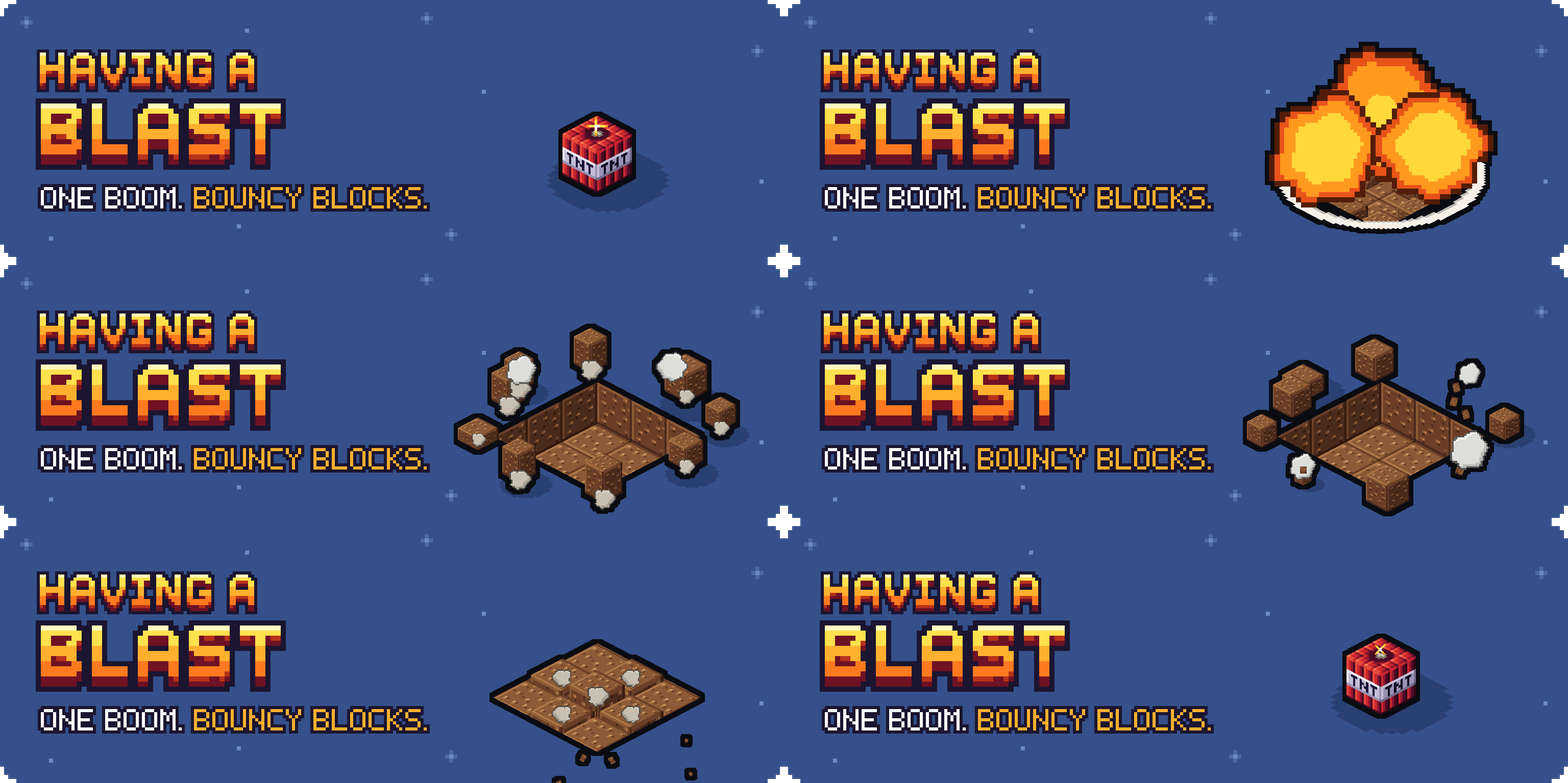
Cartoon explosions: blasted blocks fly, bounce and pop into their drops, and craters can rebuild themselves.

Community voices
Reviews
No reviews yet. Be the first to review this project!
Get it on
Available Platforms
About
Project Details
For authors
Embed Badge
If you're the author of this project, you can embed a live badge anywhere that supports HTML or Markdown. It updates automatically whenever ratings change.
Use HTML for any page that supports it, or Markdown for README files and Markdown-based descriptions.
Identifiers
Platform IDs
Resources
External Links
About
Description


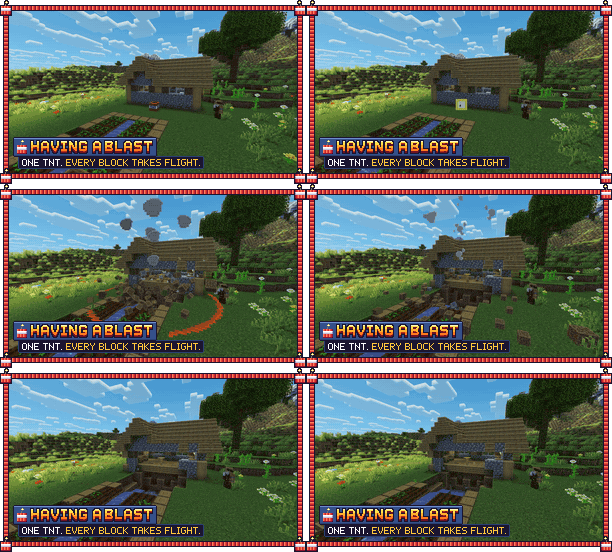
One boom, bouncy blocks. Having a Blast turns every explosion into a cartoon: the blasted blocks burst out as real blocks, fly, bounce and pop into their drops. And if you want, creeper holes fix themselves. For Minecraft 26.2 and 26.3 on Fabric, Quilt, NeoForge and Forge. Install it on your client for the show, on a server for the auto repair, or on both.

- Cartoon explosions. A glowing pixel-art fireball dome that swells and fades, a fiery shockwave ring, round puffs thrown up into a little mushroom cloud, and flying sparks.
- Blocks you can follow. The blasted blocks fly out on real arcs, tumble, squash and bounce where they land, then pop one after another into their drops.
- Wind-up. Lit TNT pumps and holds its breath before the bang, and creepers swell further.
- Auto repair for creeper, TNT, bed, respawn anchor, end crystal, ghast fireball and wither blasts. Each has its own switch, and all are off by default. After a delay the hole rebuilds itself, bottom row first, with the blocks hopping back out of the ground.
- Nothing lost, nothing duplicated. Blocks that will be repaired drop nothing, chests keep their contents, item frames, paintings and armor stands come back items and all, and a block you placed in the hole is never overwritten.
- Works on any server. The visuals are client-side, so they show on vanilla servers and Realms too.
- Light. Built for 60 fps and above, even with a hundred TNT going off at once.

Just blow something up. The cartoon explosions are on from the start. To turn on auto repair, open the settings (singleplayer) or use /havingablast repair (servers).

Open them in Mod Menu (Fabric, Quilt) or the Mods list (NeoForge, Forge): cartoon explosions on or off, intensity, pops, the most debris at once, the repair animation, one repair switch per explosion type, the repair delay (30 seconds by default) and the repair speed. They're saved in config/havingablast.json.

For operators, on a server with the mod:
/havingablast repair <creeper|tnt|bed|anchor|crystal|fireball|wither> [true|false]: turn repair on or off for one explosion type./havingablast repair delay [seconds]: how long after the blast the rebuild starts./havingablast repair speed [percent]: how fast the hole rebuilds (25 to 400, default 100)./havingablast repair status: what's switched on and how many blocks are waiting./havingablast repair now: rebuild everything that's waiting right away.

- Works with Sodium, Iris shaders and Mob Reactions.
- With Explosive Enhancement installed, its fireball is used; the flying blocks and the repair still work.
- A client without the mod can join a server with it: blocks just come back without the animation. A client with the mod can join any server.

Put the jar for your loader in your mods folder: Fabric or Quilt, NeoForge or Forge, for Minecraft 26.2 and 26.3. No other mods needed. To uninstall, remove the jar; blocks still waiting for repair then stay broken.

- The thing that exploded is used up: repair brings back the blocks, never the TNT, crystal, bed or anchor.
- Pending repairs survive restarts and unloaded chunks.


Having a Blast is free. If it gave you a good laugh, a coffee helps fund the next update.

Want your own server to play on with friends? My BisectHosting affiliate link gives you 25% off the first month, and I get a small commission.


All rights reserved, with permissions: you can use it anywhere, include it in modpacks with credit, and show it in videos. Full terms: LICENSE.
Not an official Minecraft product. Not approved by or associated with Mojang or Microsoft.

Screenshots
Gallery
-
 banner-animated.gif banner-animated.gif
 -
 hab_boom.gif hab_boom.gif
 -
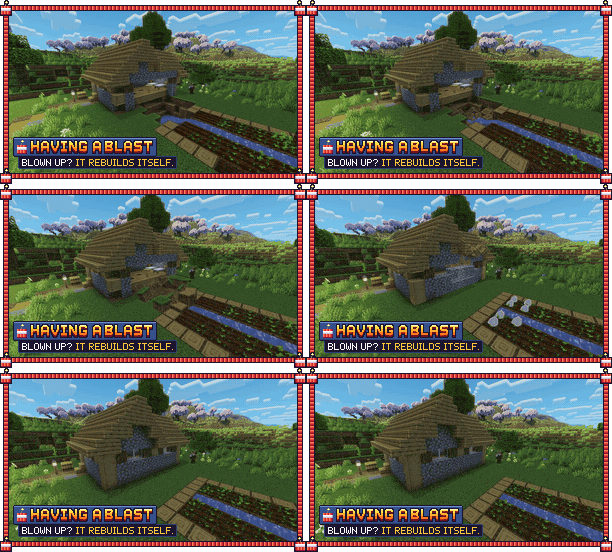 hab_repair.gif hab_repair.gif
Versions
Files
Relations
Project Relations
More like this
Similar Mods
Suggestions use data such as tags, dependencies, dependents, descriptions, titles, and more to rank how much they overlap with this mod.
On ModDex
Community snapshot
By the numbers
Statistics

Get it on
Available Platforms
On ModDex
Community snapshot
By the numbers
Statistics
Resources