Community listing page, reviews here may not be monitored by the author.
Hazard Diamond


No reviews yet
Implements the NFPA 704 and GHS identification standards in Minecraft
Community voices
Reviews
No reviews yet. Be the first to review this project!
Get it on
Available Platforms
Compatibility
Supported Environments
Must be installed on both the client and the server.
About
Project Details
For authors
Embed Badge
If you're the author of this project, you can embed a live badge anywhere that supports HTML or Markdown. It updates automatically whenever ratings change.
Use HTML for any page that supports it, or Markdown for README files and Markdown-based descriptions.
Identifiers
Platform IDs
About
Description
The Minecraft Hazard Diamond
🔥 The NFPA 704 is a standard created by the National Fire Protection Association. Colloquially, an implementation of this standard is known as a Fire Diamond or a Hazard Diamond.
💠 The GHS identification system is a widely-used standard containing various easily recognizable pictograms to describe chemicals' hazards.
For examples on either standard, check out the GitHub homepage!
 Gameplay
- You can craft a Hazard Diamond item with a dye corresponding to each quadrant of the diamond and an iron ingot in the center.
- Place the Hazard Diamond item down in the world like normal.
Note: Similarly to item frames, Hazard Diamonds are entities. You can also place more than one in the same block-space.
- A placed Hazard Diamond is editable. Get close to the diamond and interact with it it to open the Edit screen.
- Click on any of the four main quadrants to scroll through its display options. The colored quadrants range from 0-4 while the white quadrant has a few special symbols to choose from.
- The GHS pictograms are displayed below the main diamond. Click on a pictogram to toggle it.
Note: You'll know if the diamond was edited successfully when the hammering sound effect plays.
- When you're done editing a Hazard Diamond, sneak-interact on the entity while holding a honeycomb to wax it.
- Interacting with the entity at this point will bring up the same screen in an immutable state.
- If you have WTHIT installed, you can also view the Hazard Data in the tooltip.
 Library
Hazard Diamond is primary a library mod. It allows users to create and display Hazard Data to players with or without code. Exclusively within the API, however, is the ability to open mutable screens on the client—much like the placeable entity—and listen to when edits are submitted.
Make sure to read the wiki for information on how to set up and use the various development features provided by the mod.
License
MIT © spadeteam
The Minecraft Hazard Diamond


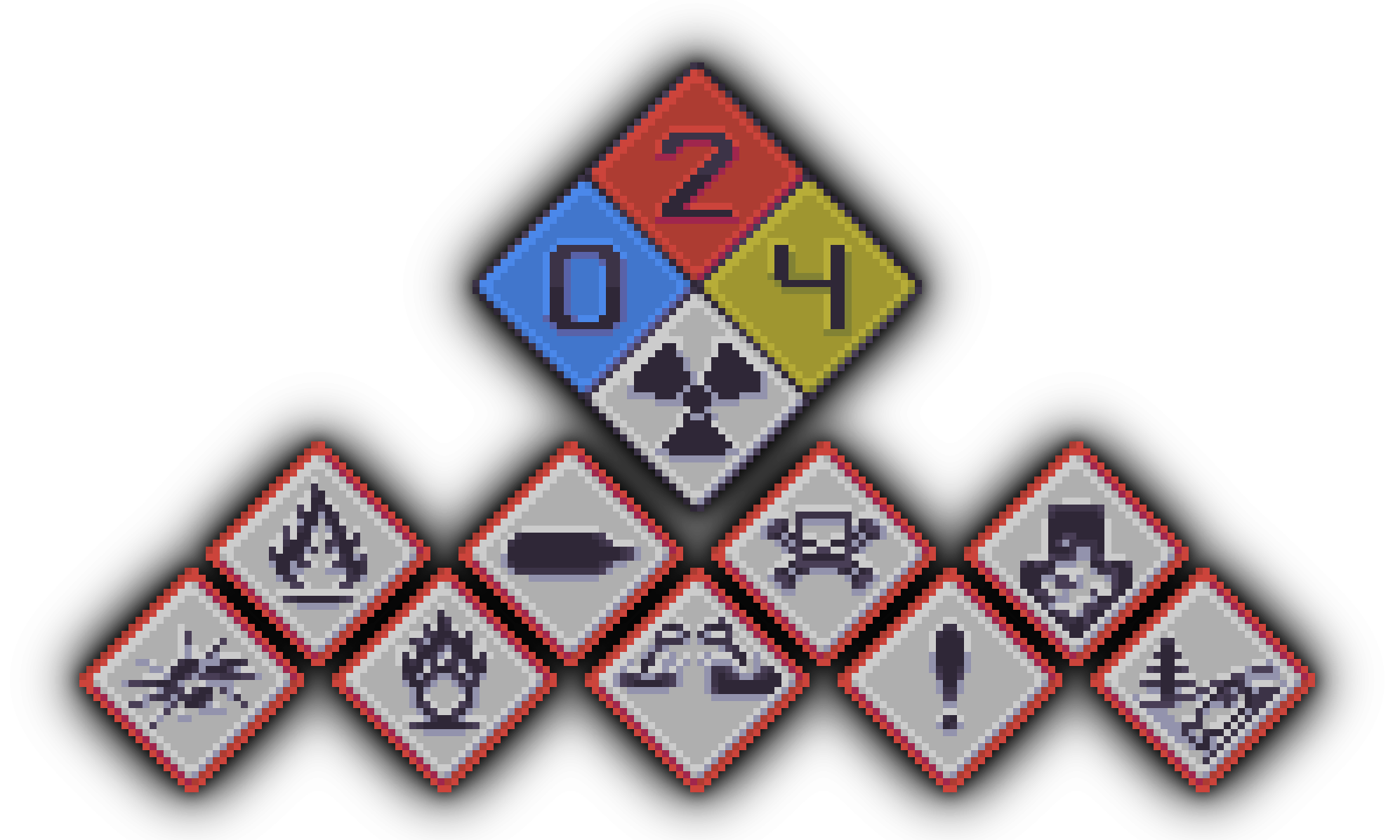
The NFPA 704 is a standard created by the National Fire Protection Association. Colloquially, an implementation of this standard is known as a Fire Diamond or a Hazard Diamond.
🔥 Examples
Propane (C₃H₈)
Despite being an extremely flammable material, Propane is a common household fuel used for barbecues and portable stoves. Take note of the additional health hazard in blue.

Credit: Gado Images
Variations
The example below shows a nondescript substance stored in a green barrel with a special hazard warning of OXY. Such a variation does not exist in the NFPA 704 standard; this demonstrates the regional or field-specific differences between hazard diamonds.

Credit: BRADY
The GHS identification system is a widely-used standard containing various easily recognizable pictograms to describe chemicals' hazards.
💠 Examples
Ethanol (C₂H₅OH)
Ethanol is a widespread yet potentially dangerous chemical. This gigantic vat of it warns that the substance is harmful, both in the long-term and from short exposure, and that it is flammable.

Credit: Safety and Health Magazine
While C₂H₆O is an acceptable molecular formula for Ethanol, the author prefers the "OH" version due to the attached hydroxyl group's separation from the rest of the structure.
🎮 Gameplay
- You can craft a Hazard Diamond item with a dye corresponding to each quadrant of the diamond and an iron ingot in the center.
- Place the Hazard Diamond item down in the world like normal.
❗ Note: Similarly to item frames, Hazard Diamonds are entities. You can also place more than one in the same block-space.
- A placed Hazard Diamond is editable. Get close to the diamond and interact with it it to open the Edit screen.
- Click on any of the four main quadrants to scroll through its display options. The colored quadrants range from 0-4 while the white quadrant has a few special symbols to choose from.
- The GHS pictograms are displayed below the main diamond. Click on a pictogram to toggle it.
🔔 Note: You'll know if the diamond was edited successfully when the hammering sound effect plays.
- When you're done editing a Hazard Diamond, sneak-interact on the entity while holding a honeycomb to wax it.
- Interacting with the entity at this point will bring up the same screen in an immutable state.
- If you have WTHIT installed, you can also view the Hazard Data in the tooltip.
📚 Library
Hazard Diamond is primarily a library mod. It allows users to create and display Hazard Data to players with or without code. Exclusively within the API, however, is the ability to open mutable screens on the client—much like the placeable entity—and listen to when edits are submitted.
Make sure to read the wiki for information on how to set up and use the various development features provided by the mod.
License
MIT © 2023 spadeteam
Screenshots
Gallery
-
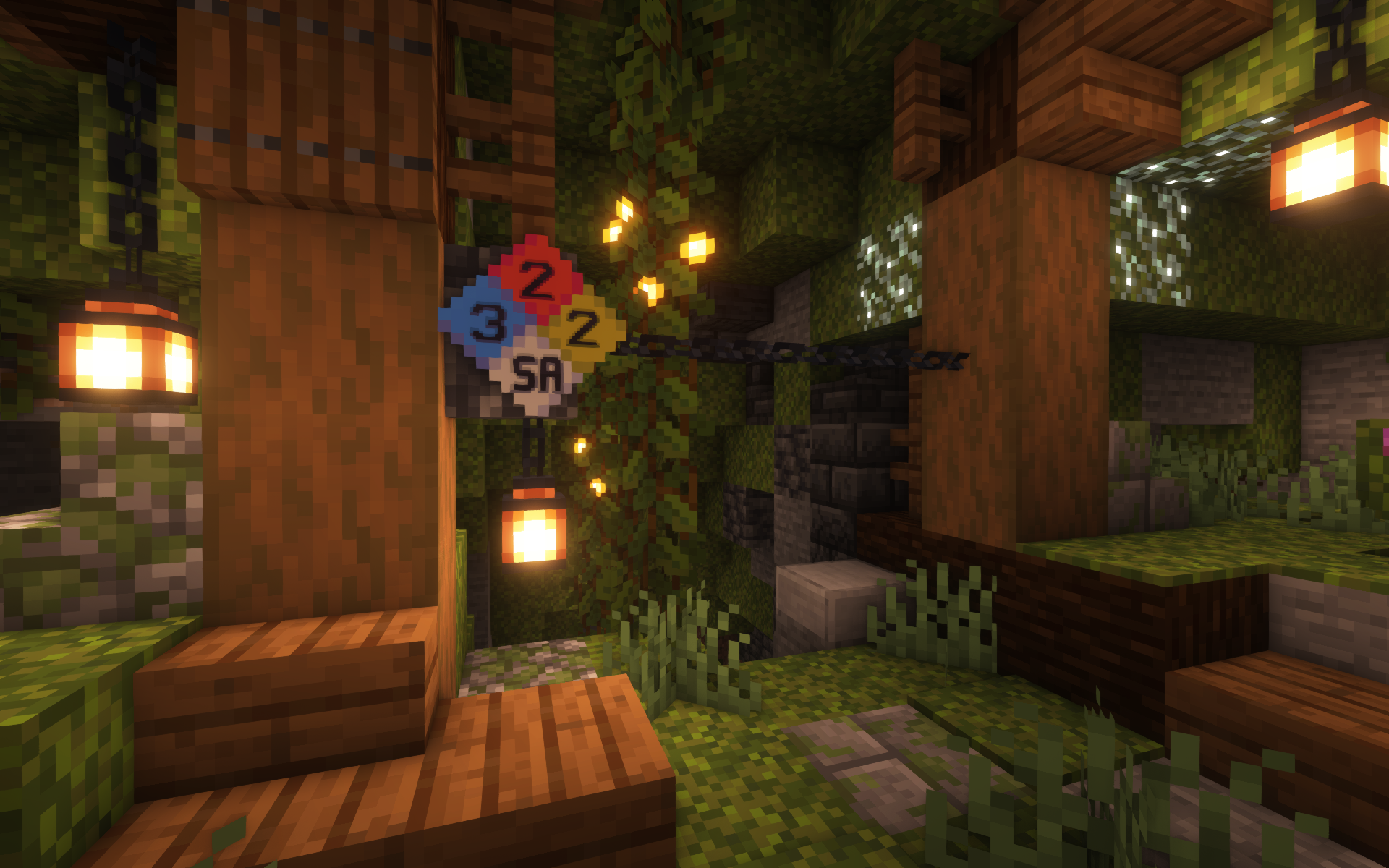 Asphyxiant Passageway I didn't need to get close to figure out I shouldn't be here.
 -
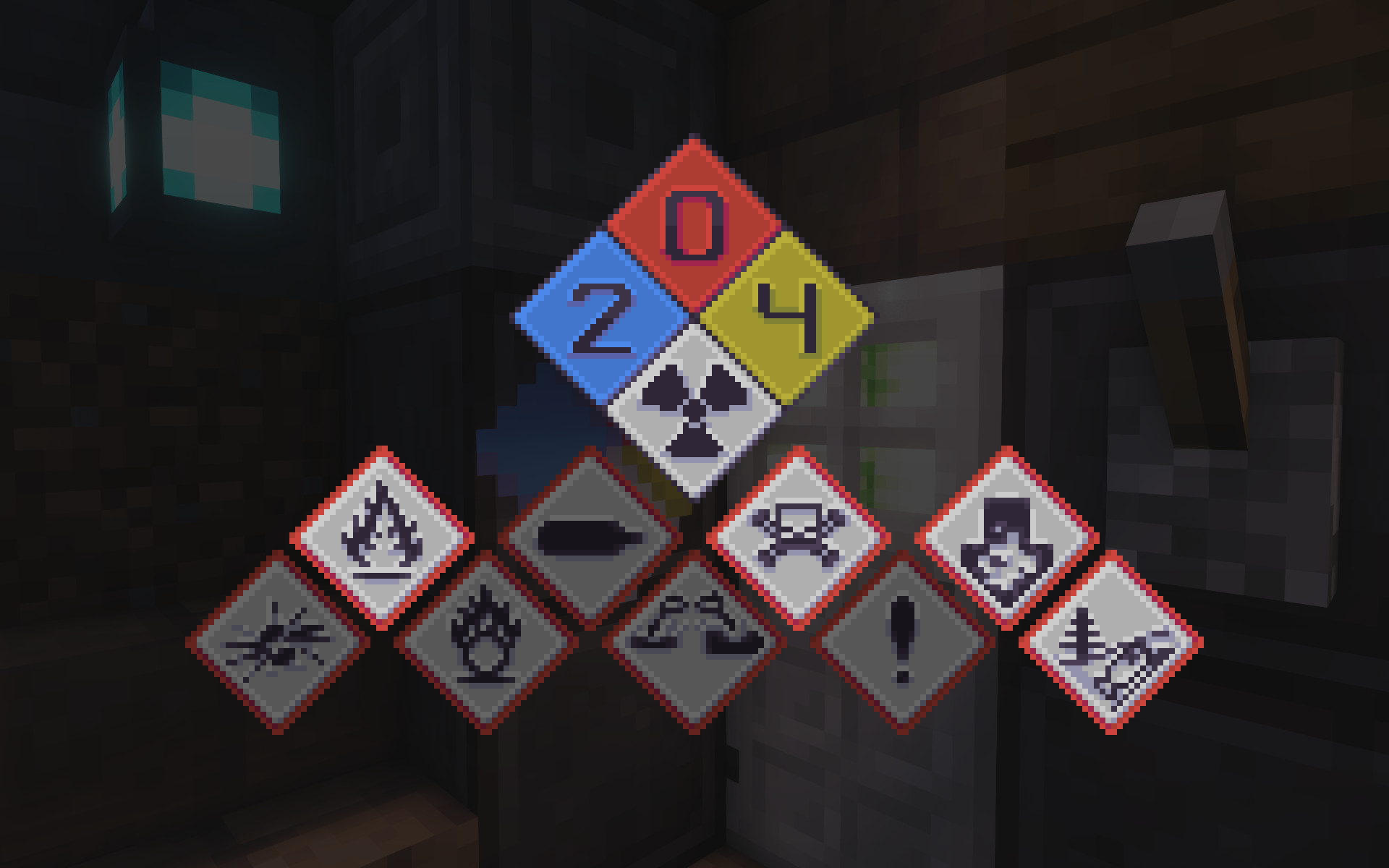 Extreme Hazard Warning Nope, definitely not. I should stop talking and start running.
 -
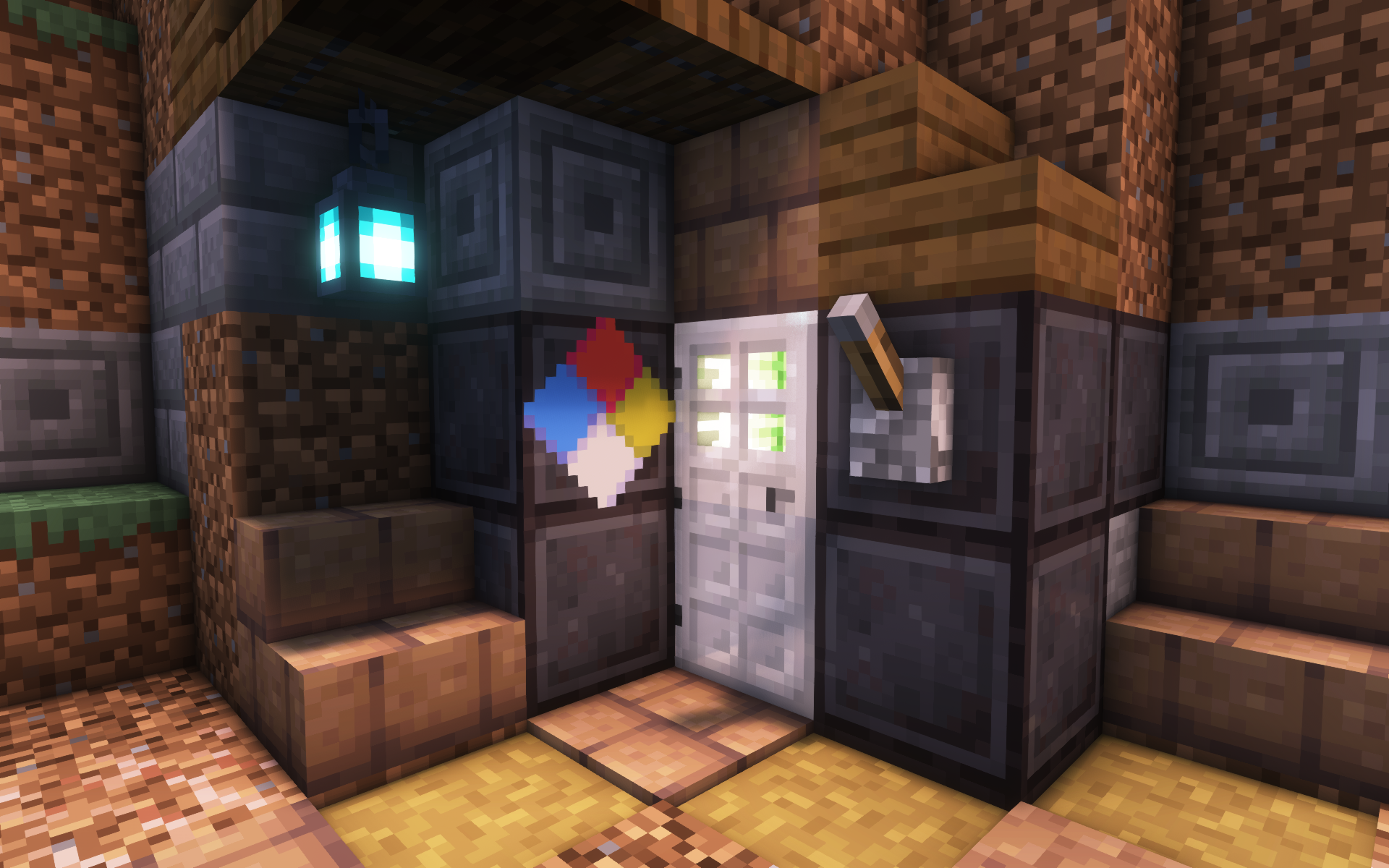 Strange Bunker I've stumbled across an old storage bunker. I wonder if it's safe...
-
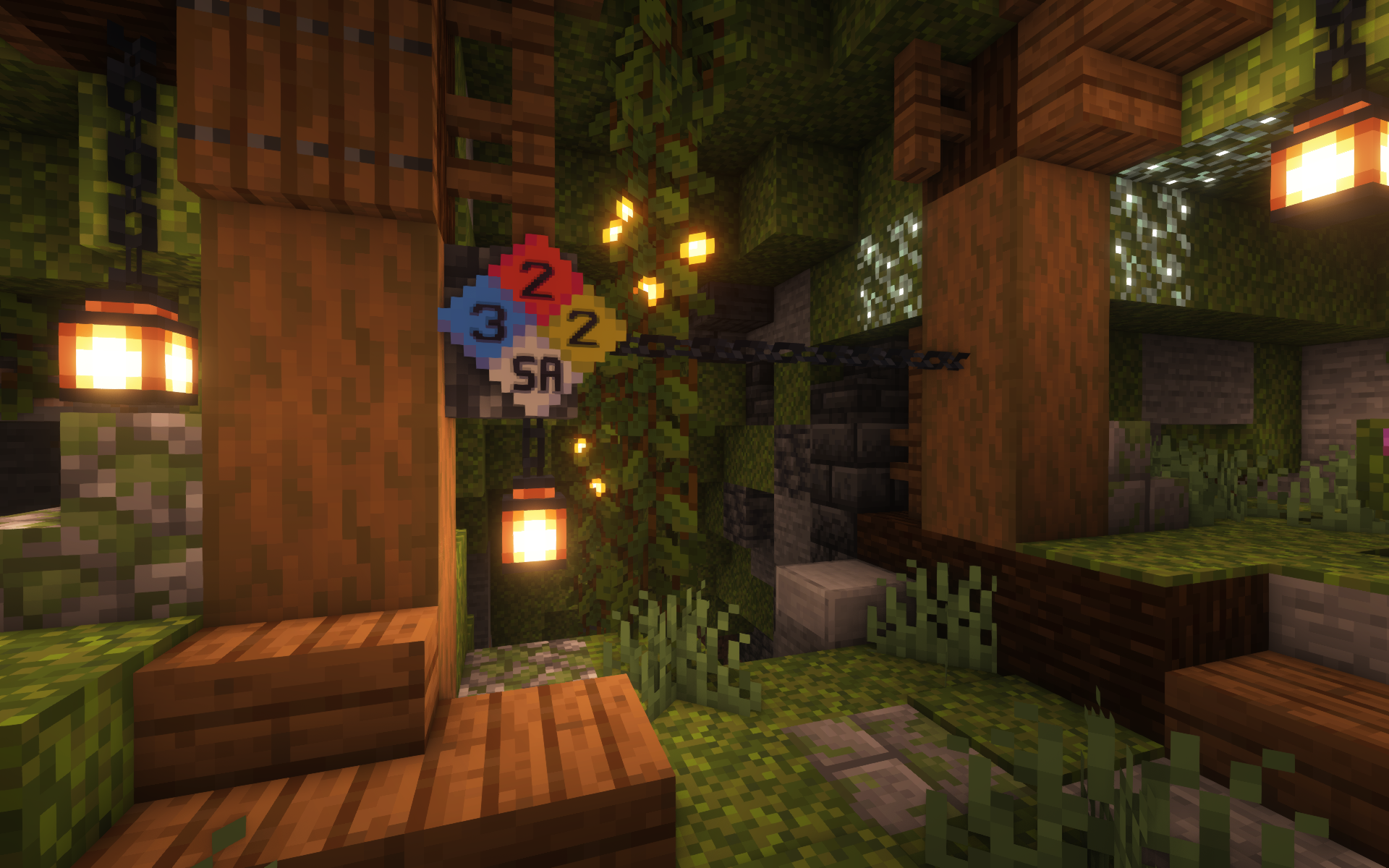 Asphyxiant Passageway I didn't need to get close to figure out I shouldn't be here.
 -
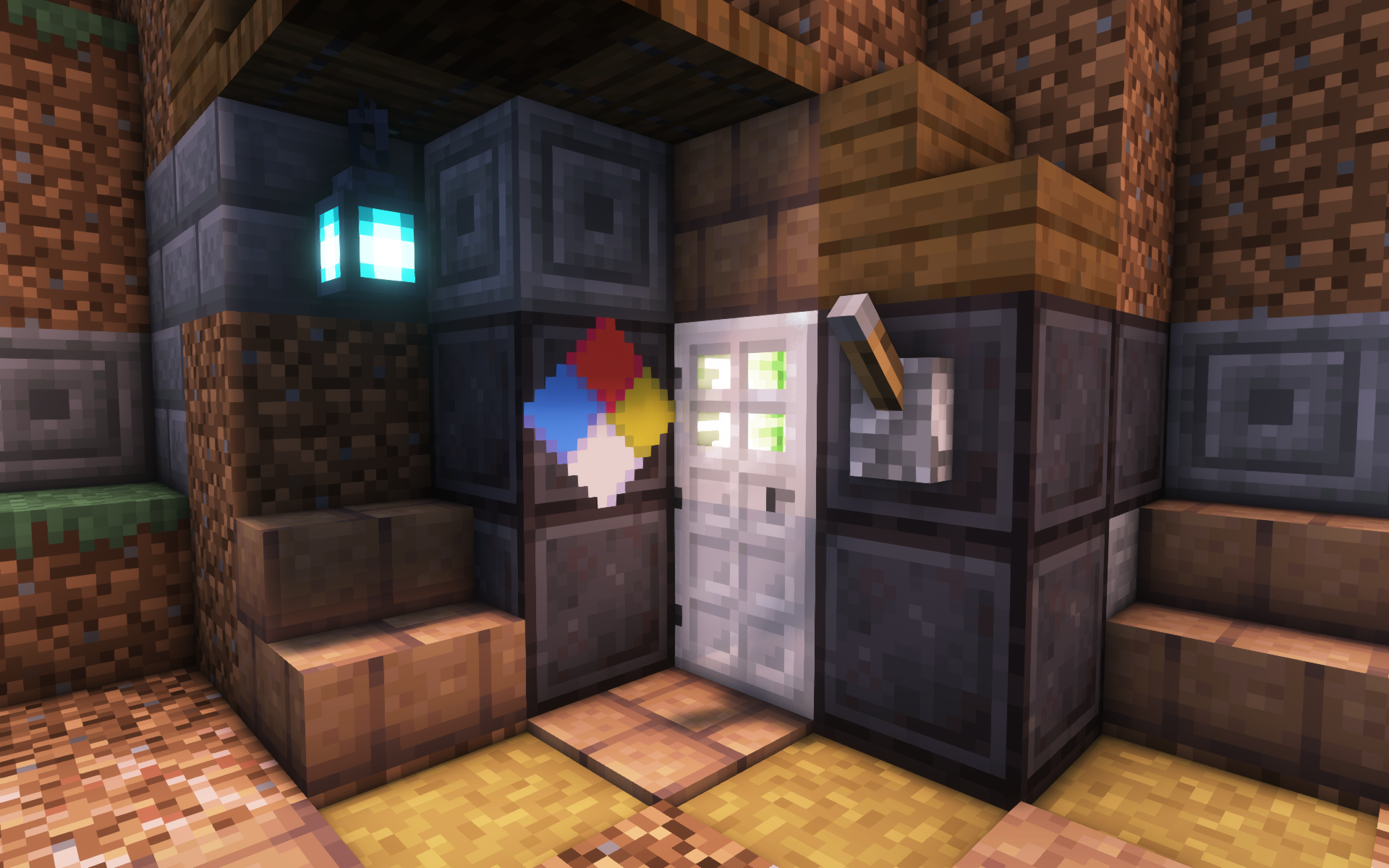 Strange Bunker I've stumbled across an old storage bunker. I wonder if it's safe...
 -
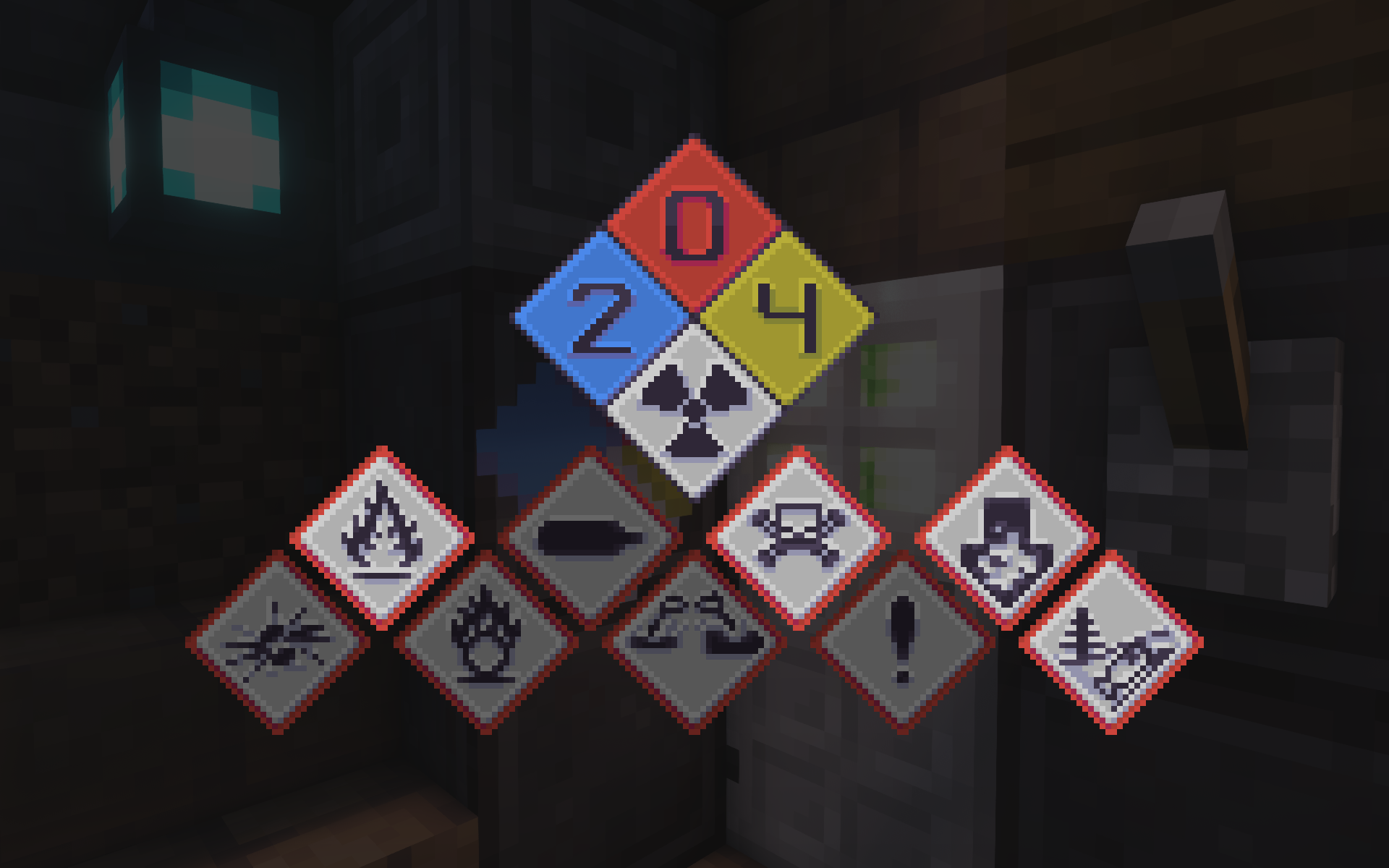 Extreme Hazard Warning Nope, definitely not. I should stop talking and start running.
Versions
Files
Relations
Project Relations
More like this
Similar Mods
Suggestions use data such as tags, dependencies, dependents, descriptions, titles, and more to rank how much they overlap with this mod.
On ModDex
Community snapshot
By the numbers
Statistics
Want to reach Minecraft players?
We're looking for a server hosting partner to feature here and other parts of the site. Interested? Send us a message!
Get in touchGet it on
Available Platforms
On ModDex
Community snapshot
By the numbers