
Community listing page, reviews here may not be monitored by the author.
Health Tag


No reviews yet
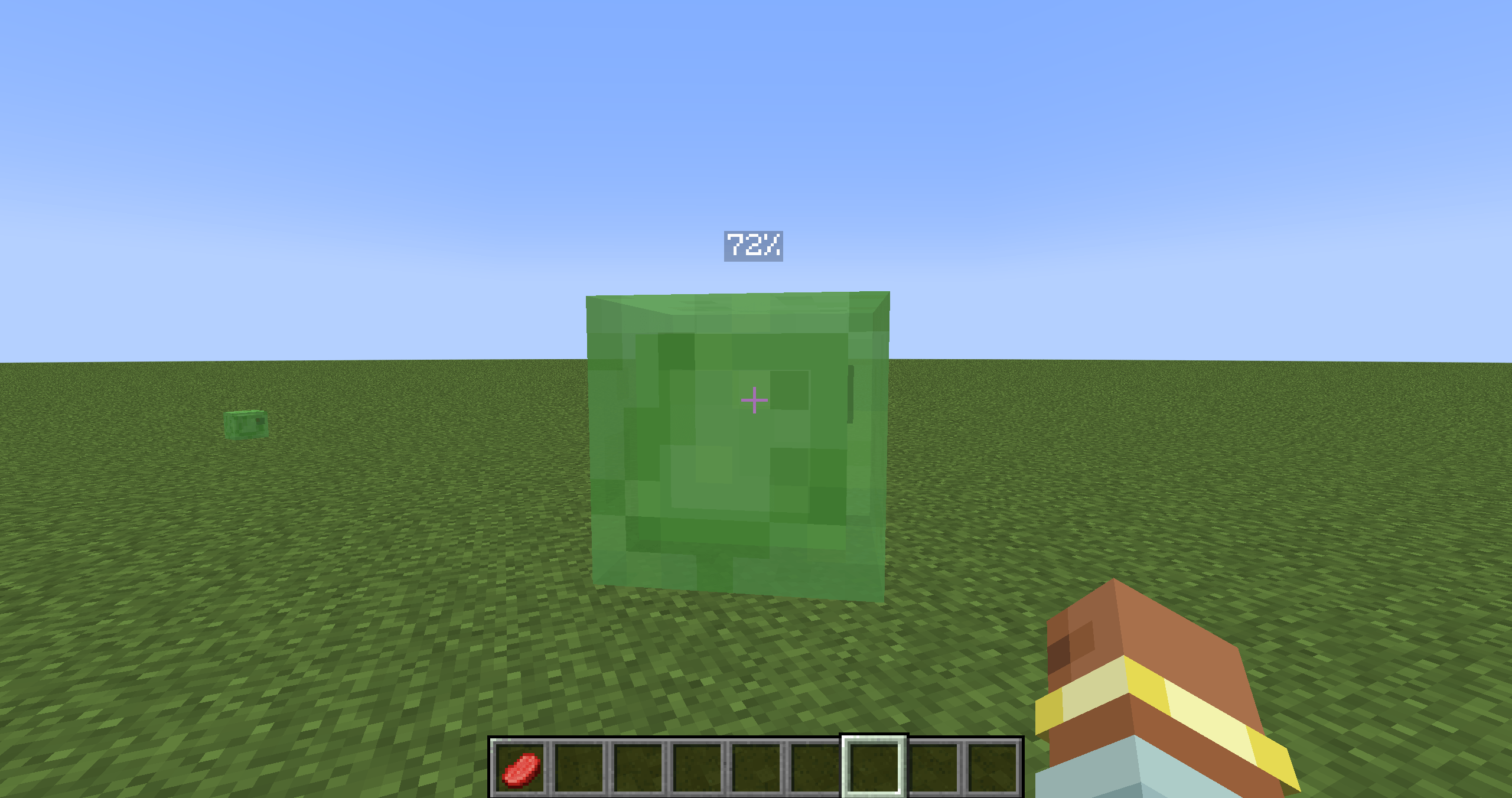
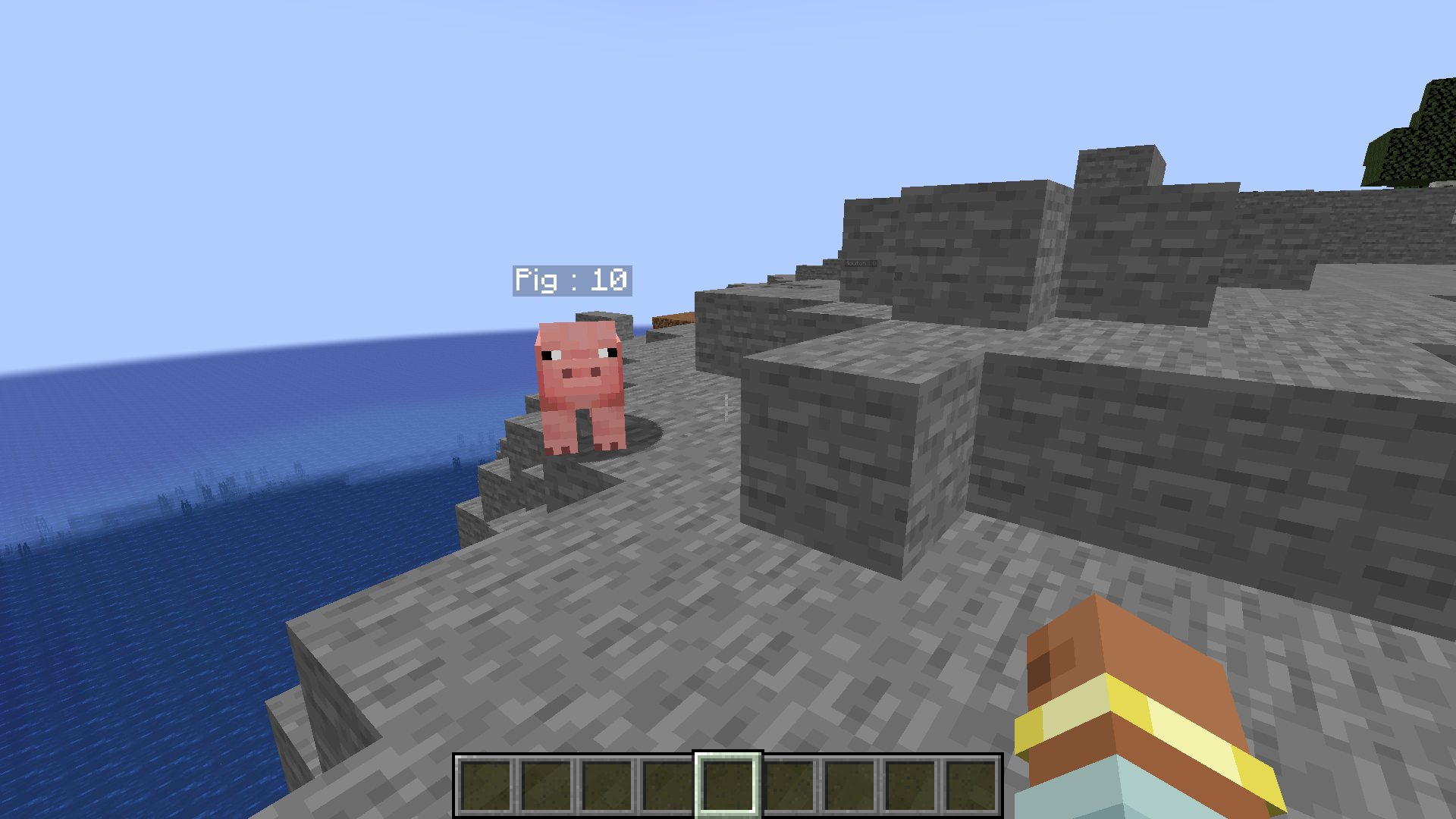
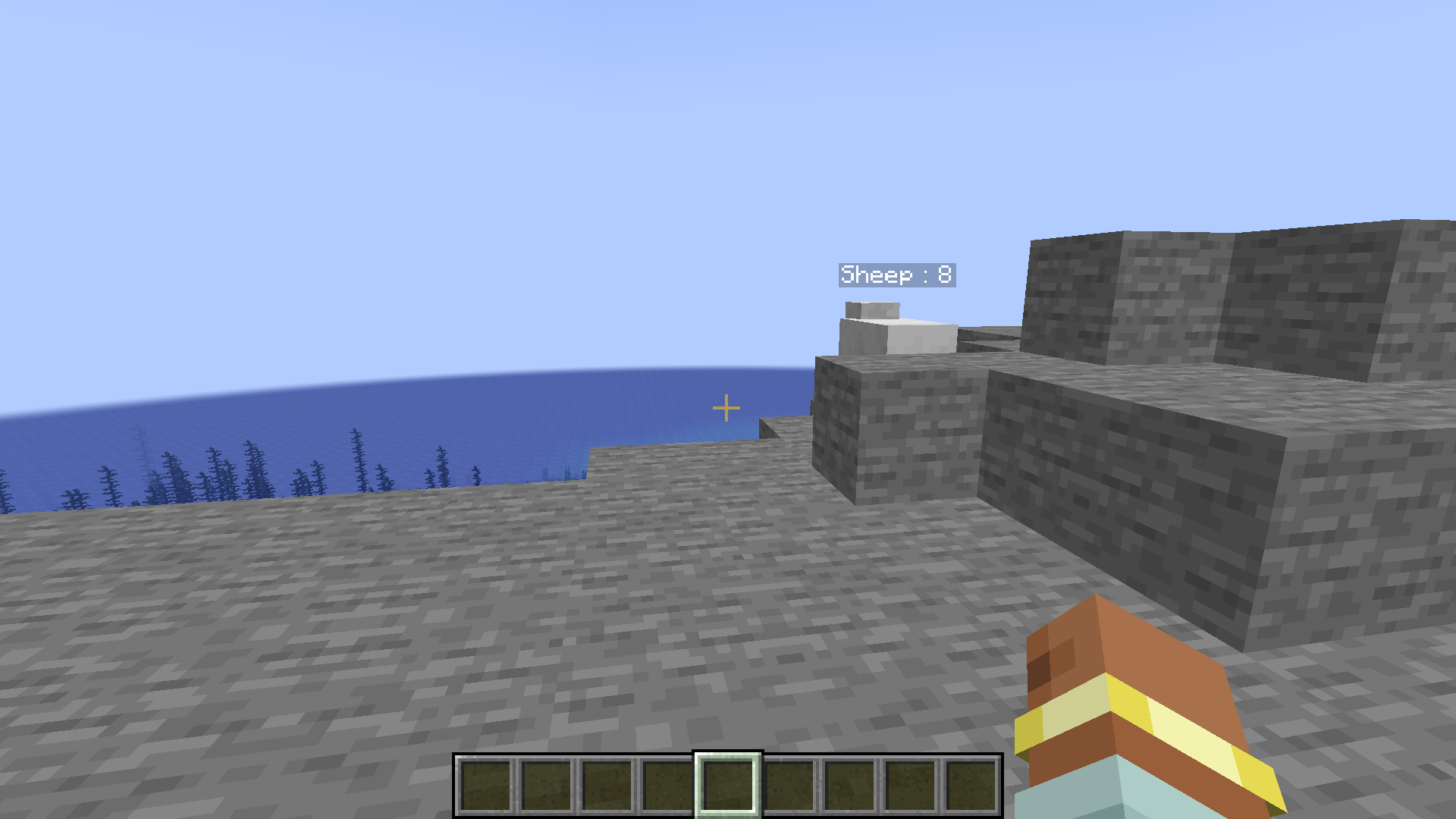
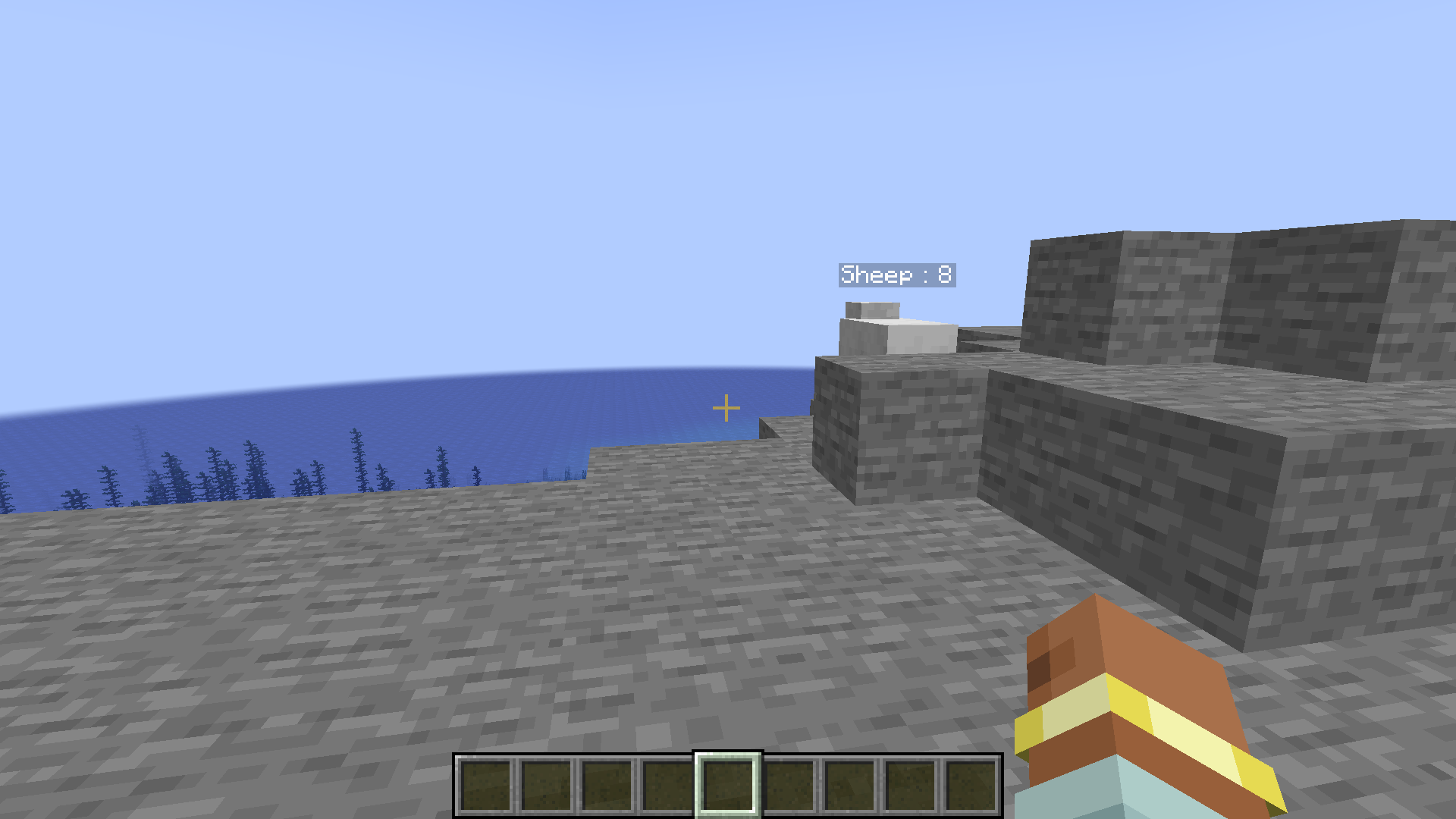
Displays entity health as nametags
Community voices
Reviews
No reviews yet. Be the first to review this project!
Get it on
Available Platforms
Compatibility
Supported Environments
Must be installed on both the client and the server.
About
Project Details
For authors
Embed Badge
If you're the author of this project, you can embed a live badge anywhere that supports HTML or Markdown. It updates automatically whenever ratings change.
Use HTML for any page that supports it, or Markdown for README files and Markdown-based descriptions.
Identifiers
Platform IDs
About
Description
Visualize Entity Health! 👀
This client-side mod adds a discreet and informative visual interface to display the health of entities you are looking at in Minecraft! No more guessing if a mob is almost dead or still at full strength! 💪
⚙️ How does it work?
The "Health Tag Mod" works automatically and in real-time. Here are the key steps:
- 🎯 Target Detection: The mod detects the entity your player is directly looking at (the one that would be hit if you attacked).
- 📊 Interface Display: If the entity you are looking at is a living entity (mob, player, etc.) and is within range (about 10 blocks), the mod displays a discreet interface at the top left of your screen.
- Name and Health Bar: This interface displays:
- The entity's name clearly readable.
- A dynamic health bar that represents the entity's current health.
- A precise numerical display of the current and maximum health (e.g., "20 / 20").
- Dynamic Color: The color of the outline of the health bar changes depending on the entity's health:
- 💚 Green: High health.
- 🧡 Orange: Medium health.
- ❤️ Red: Critical health (less than 25%).
- Health Loss Animation: When the entity loses health, a visual red fade animation is temporarily displayed on the health bar, making the health loss more visible.
🎮 How to use it?
The "Health Tag Mod" is designed to be simple and intuitive. There is no configuration needed!
- 🕹️ Play!: Once in the game, the mod works automatically. Simply look at a living entity to see its health interface appear.
📌 Important Points:
- 💻 Client-Side ONLY: This mod is purely client-side. It should not be installed on a server.
- 🎛️ No Configuration: The mod is ready to use right after installation, with no settings to adjust.
- 👁️ Discreet Interface: The interface is designed to be informative without being intrusive or obstructing your vision in-game.
- ⚔️ Help with Combat and Exploration: Ideal for better assessing the health of mobs in combat or for quickly identifying wounded creatures during exploration.
Visualize Entity Health! 👀
This client-side mod adds a discreet and informative visual interface to display the health of entities you are looking at in Minecraft! No more guessing if a mob is almost dead or still at full strength! 💪
⚙️ How does it work?
The "Health Tag Mod" works automatically and in real-time. Here are the key steps:
- 🎯 Target Detection: The mod detects the entity your player is directly looking at (the one that would be hit if you attacked).
- 📊 Interface Display: If the entity you are looking at is a living entity (mob, player, etc.) and is within range (about 10 blocks), the mod displays a discreet interface at the top left of your screen.
- Name and Health Bar: This interface displays:
- The entity's name clearly readable.
- A dynamic health bar that represents the entity's current health.
- A precise numerical display of the current and maximum health (e.g., "20 / 20").
- Dynamic Color: The color of the outline of the health bar changes depending on the entity's health:
- 💚 Green: High health.
- 🧡 Orange: Medium health.
- ❤️ Red: Critical health (less than 25%).
- Health Loss Animation: When the entity loses health, a visual red fade animation is temporarily displayed on the health bar, making the health loss more visible.
🎮 How to use it?
The "Health Tag Mod" is designed to be simple and intuitive. There is no configuration needed!
- 🕹️ Play!: Once in the game, the mod works automatically. Simply look at a living entity to see its health interface appear.
📌 Important Points:
- 💻 Client-Side ONLY: This mod is purely client-side. It should not be installed on a server.
- 🎛️ No Configuration: The mod is ready to use right after installation, with no settings to adjust.
- 👁️ Discreet Interface: The interface is designed to be informative without being intrusive or obstructing your vision in-game.
- ⚔️ Help with Combat and Exploration: Ideal for better assessing the health of mobs in combat or for quickly identifying wounded creatures during exploration.
📢 We're Recruiting French Speakers! Want to contribute to more awesome Minecraft mods and projects? We are looking for people who can speak French to join our team. For more information, please reach out via email: [email protected]
Screenshots
Gallery
-
 ici.png ici.png
 -
 ___
___ -
 ___
___
-
 sheep
sheep -
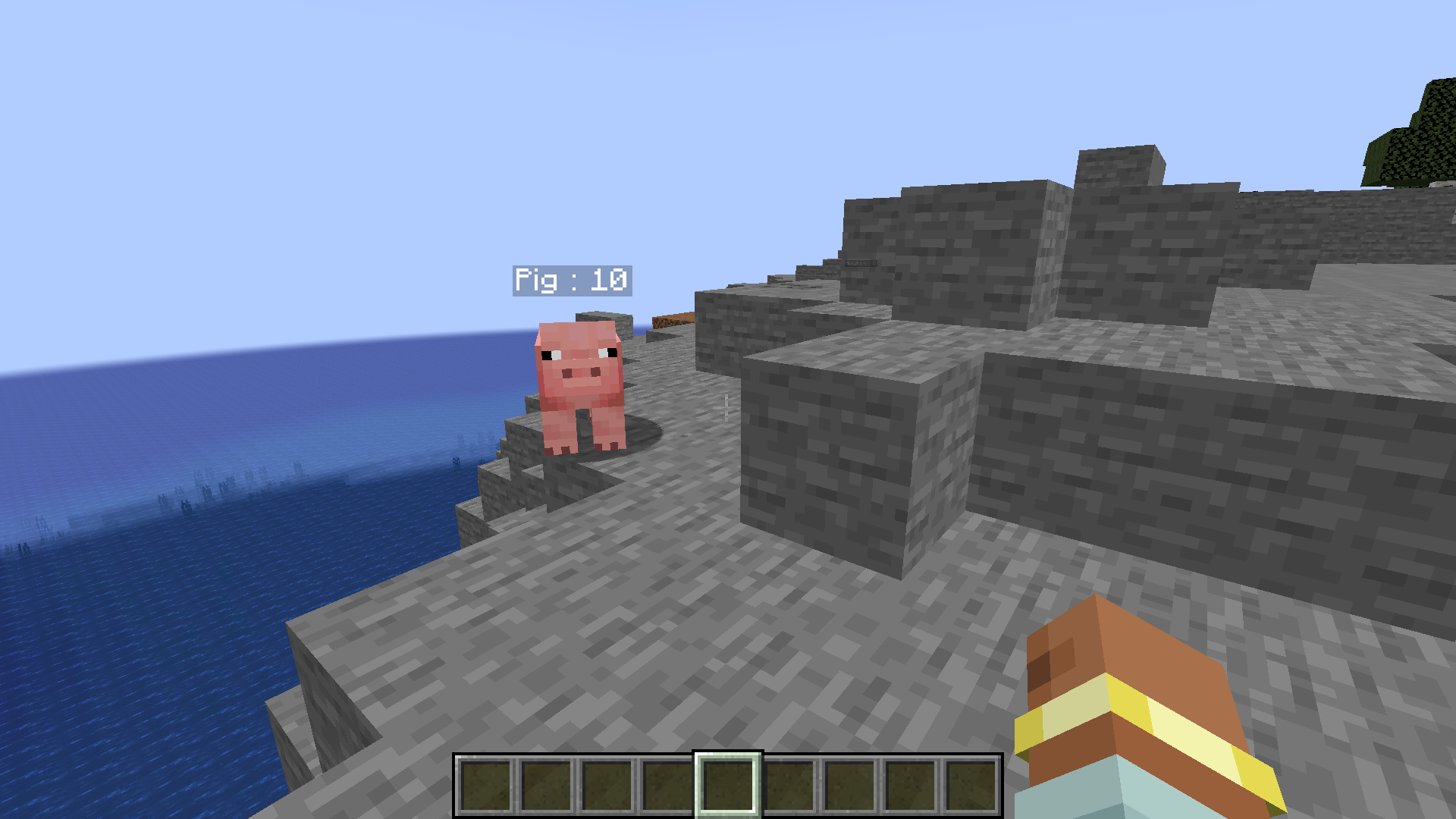 pig
pig -
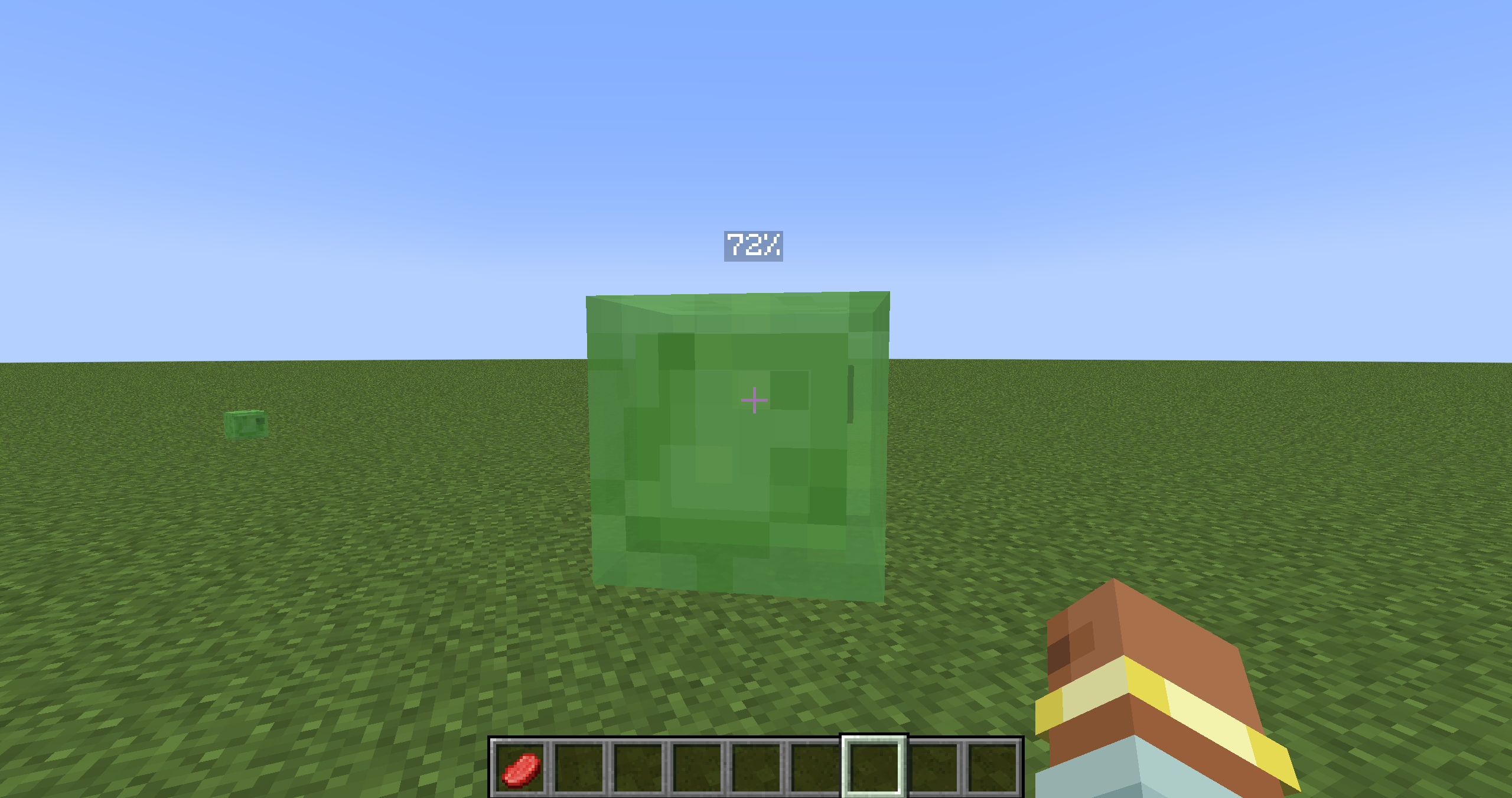 1.21.4 new update 1.21.4
Versions
Files
Relations
Project Relations
More like this
Similar Mods
Suggestions use data such as tags, dependencies, dependents, descriptions, titles, and more to rank how much they overlap with this mod.
On ModDex
Community snapshot
By the numbers
Statistics
Want to reach Minecraft players?
We're looking for a server hosting partner to feature here and other parts of the site. Interested? Send us a message!
Get in touchGet it on
Available Platforms
On ModDex
Community snapshot
By the numbers