
Community listing page, reviews here may not be monitored by the author.
Height Lock


No reviews yet
A Minecraft mod that eliminates the annoying missclicks when you try to build a platform in the air, by allowing you to lock the Y-Level you can only build on.
Community voices
Reviews
No reviews yet. Be the first to review this project!
Get it on
Available Platforms
Compatibility
Supported Environments
Runs entirely on the client. Works on vanilla servers.
About
Project Details
For authors
Embed Badge
If you're the author of this project, you can embed a live badge anywhere that supports HTML or Markdown. It updates automatically whenever ratings change.
Use HTML for any page that supports it, or Markdown for README files and Markdown-based descriptions.
Identifiers
Platform IDs
Resources
External Links
About
Description
This mod eliminates the annoying missclicks when building.
Height Lock is a client-side lightweight Fabric utility mod that lets you lock block placement to one exact Y-level. It does not enforce anything server-side, add a HUD overlay, or try to special-case different block types. The rule is intentionally simple: if the final placement position is not on the chosen Y-level, block it. Compatibility: The ONLY requirement for this mod is the Fabric API Unlock customization features by installing the Mod Menu and the Cloth Config API. (not required) At the moment, no incompatibilities with other mods were found.How to use
By default, the toggle key is H. You can use it to toggle the mod function itself, including the grid, that marks the Y-Level. There are three other keybinds, that are defaulted to Not Bound, which are:- Decrease Target Y
- Increase Target Y
- Set Target Y To Current Block
This mod eliminates the annoying missclicks when building.
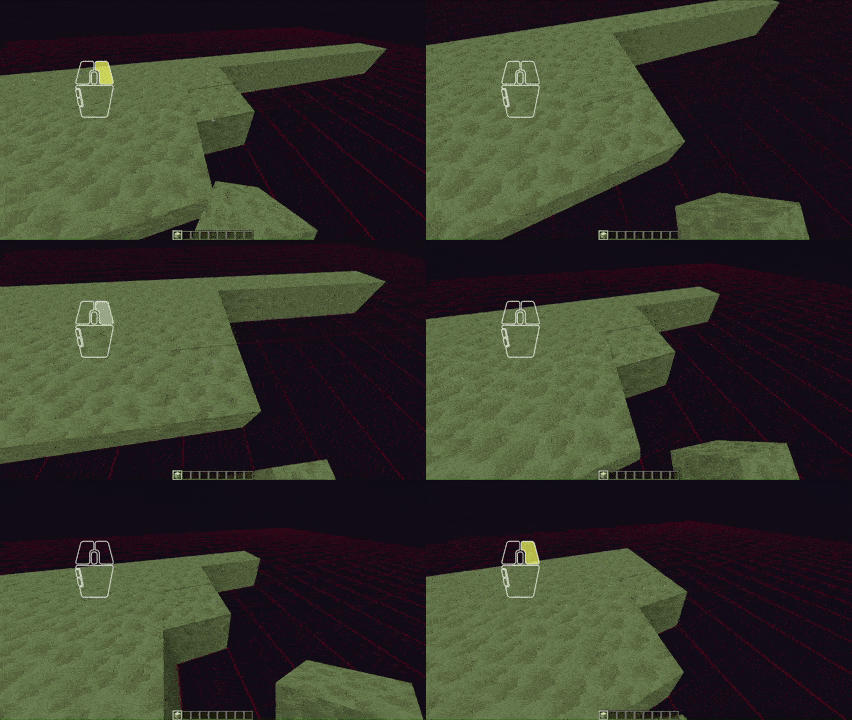
Height Lock is a client-side lightweight Fabric utility mod that lets you lock block placement to one exact Y-level.
It does not enforce anything server-side, add a HUD overlay, or try to special-case different block types. The rule is intentionally simple: if the final placement position is not on the chosen Y-level, block it.
Compatibility:
The ONLY requirement for this mod is the Fabric API
Unlock customization features by installing the Mod Menu and the Cloth Config API. (not required)
At the moment, no incompatibilities with other mods were found.
How to use
By default, the toggle key is H. You can use it to toggle the mod function itself, including the grid, that marks the Y-Level.
There are three other keybinds, that are defaulted to Not Bound, which are:
- Decrease Target Y
- Increase Target Y
- Set Target Y To Current Block
Once enabled, the mod works without any need of configuration, though there are opportunities, as mentioned earlier.
Screenshots
Gallery
-
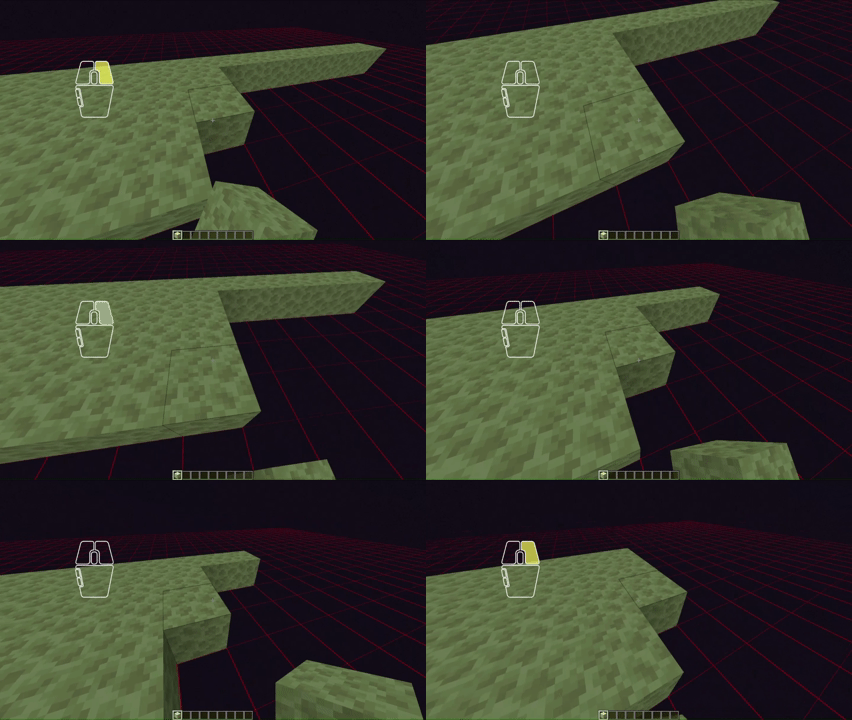 Demonstration No more annoying missclicks.
Versions
Files
Relations
Project Relations
More like this
Similar Mods
Suggestions use data such as tags, dependencies, dependents, descriptions, titles, and more to rank how much they overlap with this mod.
On ModDex
Community snapshot
By the numbers
Statistics
Want to reach Minecraft players?
We're looking for a server hosting partner to feature here and other parts of the site. Interested? Send us a message!
Get in touchGet it on
Available Platforms
On ModDex
Community snapshot
By the numbers
Statistics
Resources