
Community listing page, reviews here may not be monitored by the author.
Hitlist

No reviews yet
Keep as list of mobs to eliminate from your world >:(
Community voices
Reviews
No reviews yet. Be the first to review this project!
Get it on
Available Platforms
About
Project Details
For authors
Embed Badge
If you're the author of this project, you can embed a live badge anywhere that supports HTML or Markdown. It updates automatically whenever ratings change.
Use HTML for any page that supports it, or Markdown for README files and Markdown-based descriptions.
Identifiers
Platform IDs
Resources
External Links
About
Description
HITLIST
This mod adds a menu (accessable from the inventory) to keep track of a hitlist of mobs you wish to hunt down and eliminate from the world. Confirming a kill on a target will disable them from your game (no reload required), so that you can hunt down those nuisances and never deal with them again! This proccess is not automated, it is mearly meant as a utility for self imposed challenges.
How To Use:
The bread and butter of the mod is in the Hitlist menu:
- "Add Mobs" tab:
- Here you will find a list of every entity in the game. You can search for specific mobs you want to put on your hitlist, and press the add button next to them to add them as a target. You can also use the buttons on the right to add all mobs of a certain catagory (this uses built in mob catagories and may not be 100% accurate with modded enemies).
- "Active Hitlist" tab:
- This menu stores your current targets. This helps you keep track of what vermin you are after. You can remove targets from your hitlist with the remove buttons next to them, or with the remove catagory buttons on the right. If you are sure you have eliminated one of your targets, click the confirm button next to them to put them down as a confirmed kill.
- "Confirmed Kills" tab:
- Here is your list of mobs you have confirmed to be eliminated and want disabled from the world. Once you put a mob on the confirmed kills tab and exit the menu, any instance of that mob is deleted, and will not longer be able to spawn. They are essentially disabled until you clear them off the confirmed kill list with the unconfirm button or the clear kills button on the right.
The other menu is the Kill Log, which is optional to interact with:
- "Recent Kills" tab:
- This contains a list of mob deaths atributed to the player. This can mean direct kills, projectiles, tnt explosions that you set off... essentially anything that would cause you to be mentioned in a death message from that mob.
- Each entry contains aditional information about the kill, such as the mob name, what you were holding at the time, and how long ago you killed it.
- If the mob killed is on your hitlist, there will be a confirm button to place it on your confirmed kills. There is also a button on the right to clear all entires from the log.
- "Suspected Kills" tab:
- Contains a list of mob deaths that could have been by the player, but are not attributed to them. This can mean deaths by the enviroment, deaths by /kill, or a mob disapearing without technically "dying". Mob on mob kills are not counted, and I tried my best to not include mobs despawning, although you might still catch some of those.
- Each entry tells you the name of the mob, whether it "died" or "disapeared", what it died to (if applicable), How far away it died, and how long ago it died.
- Just like the Recent Kills log, you can confirm any kills that are on your hitlist and clear the log with the button on the right.
Updates will come soon! here are features I plan to add:
- Better looking GUI with better scaling (currently only looks good for GUI scale 3)
- Letting the player edit specific mob's heath / spawn chance for a more fair hunting experience
- Mod config options:
- Toggle mob disabling
- Toggle kill logs
- Automatic kill confirmation
If you find any bugs, let me know! I tried to make this mod robust enough for really janky mods (horror mods, *cough cough*), but I don't nessesarily think there is a perfect solution for every scenario. Also let me know if you really need this mod on a specific forge version, but beyond other forge versions, I probably can't be bothered.
This project is under MIT lisence, please refer to https://opensource.org/license/mit for more information.
Screenshots
Gallery
-
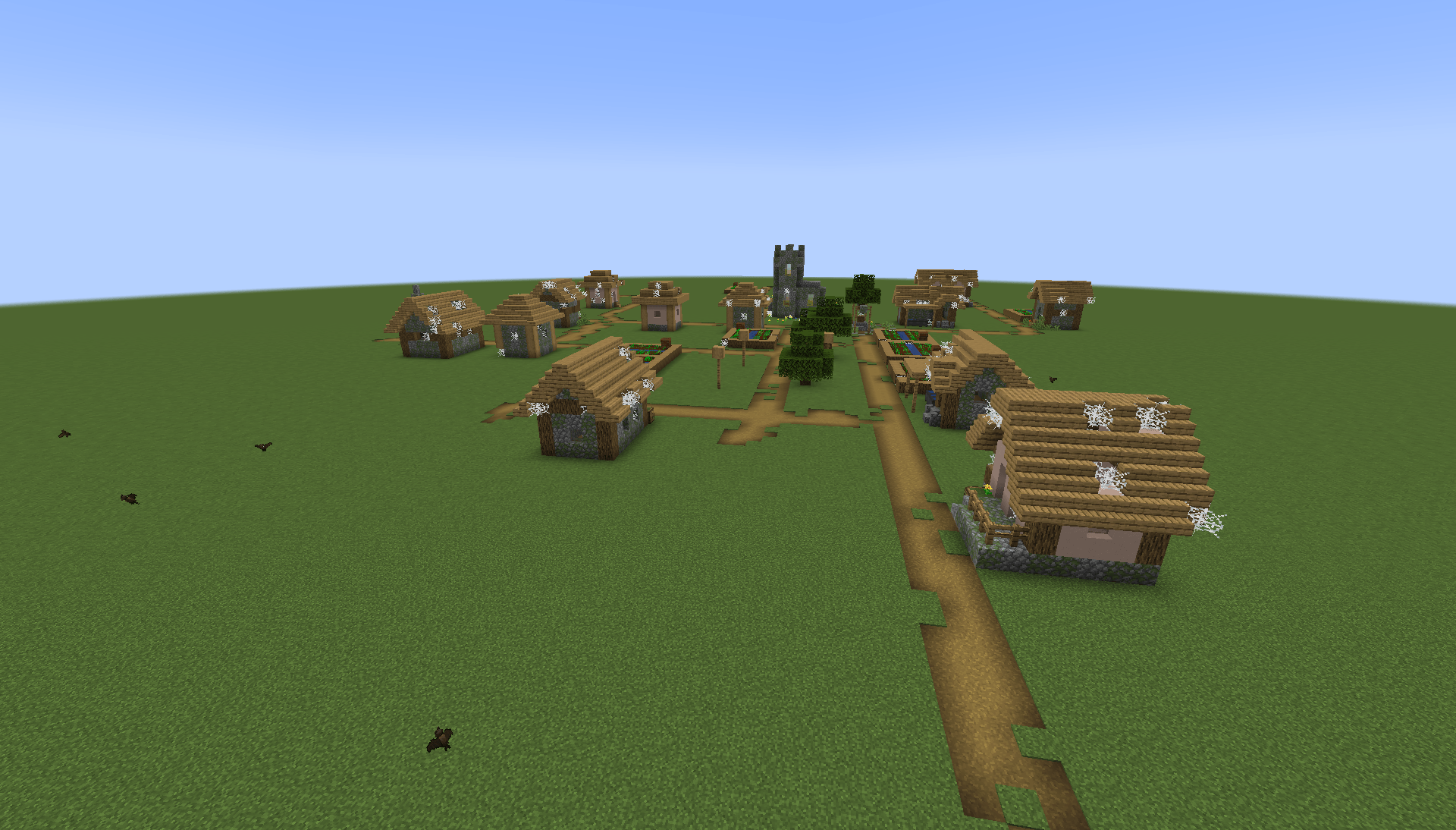 Village after I'm done with them. 2026-05-04_10.47.06.png
 -
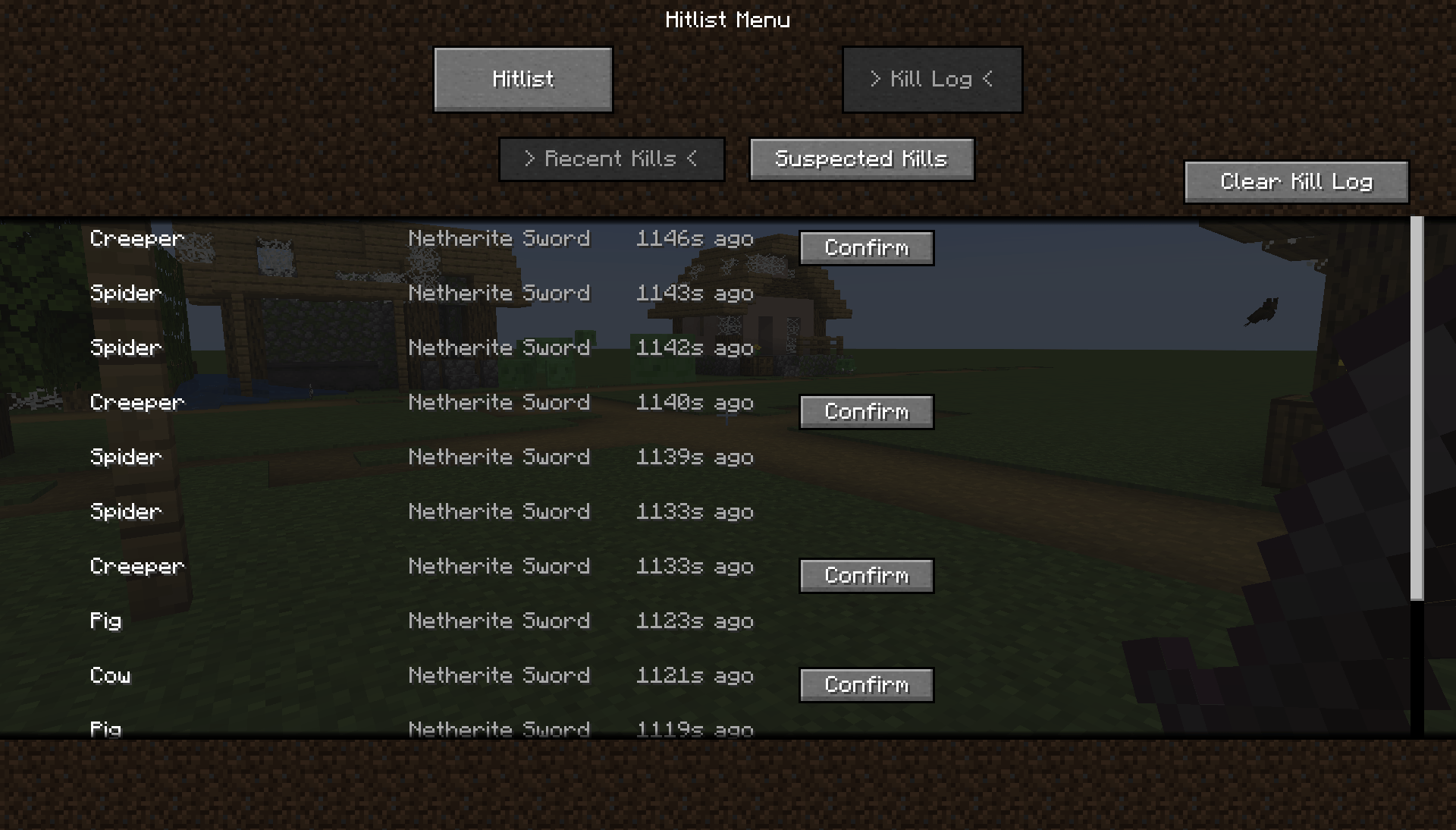 Kill Log 2026-05-04_10.49.37.png
 -
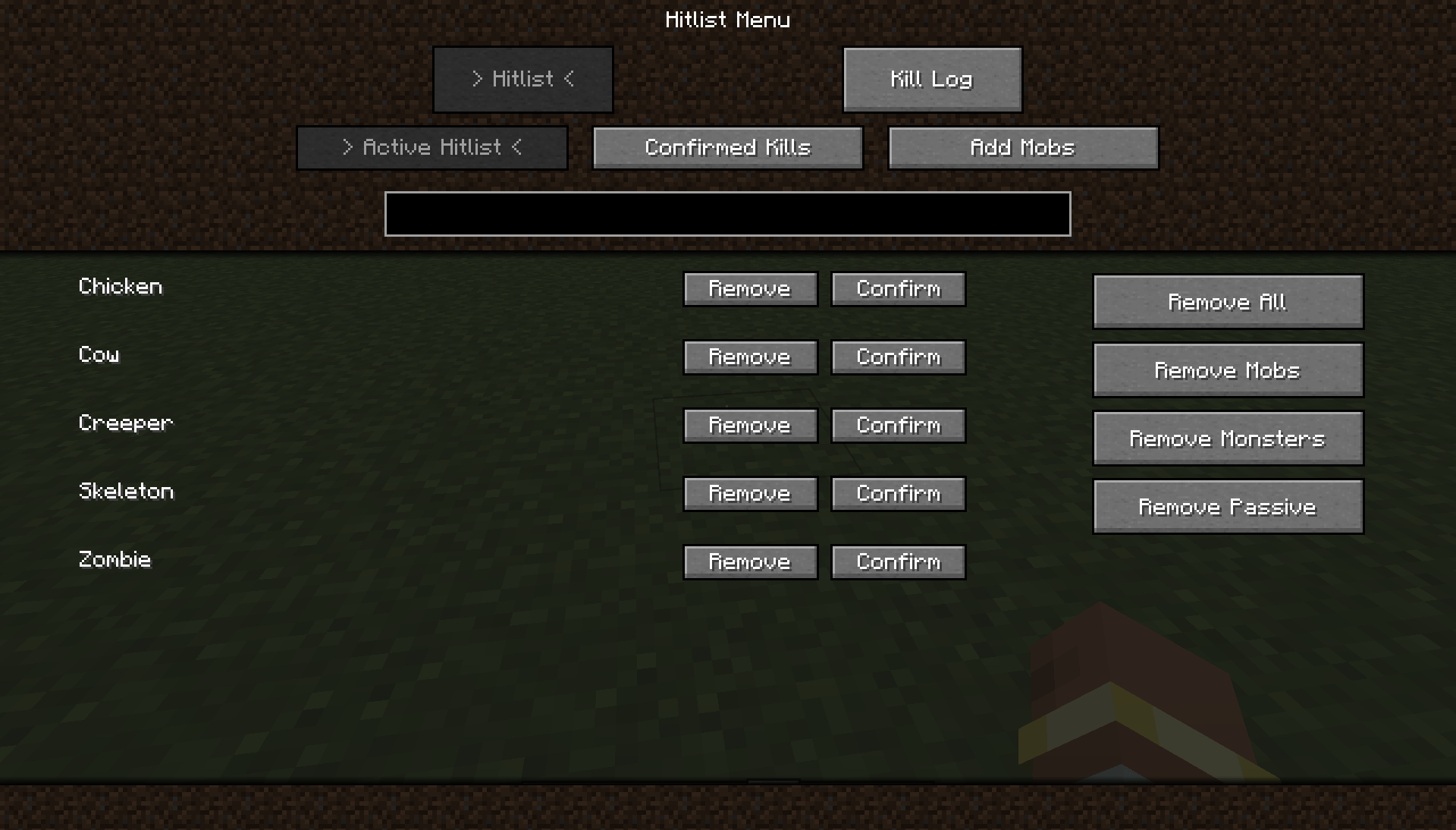 Active Hitlist menu 2026-05-04_10.48.03.png
 -
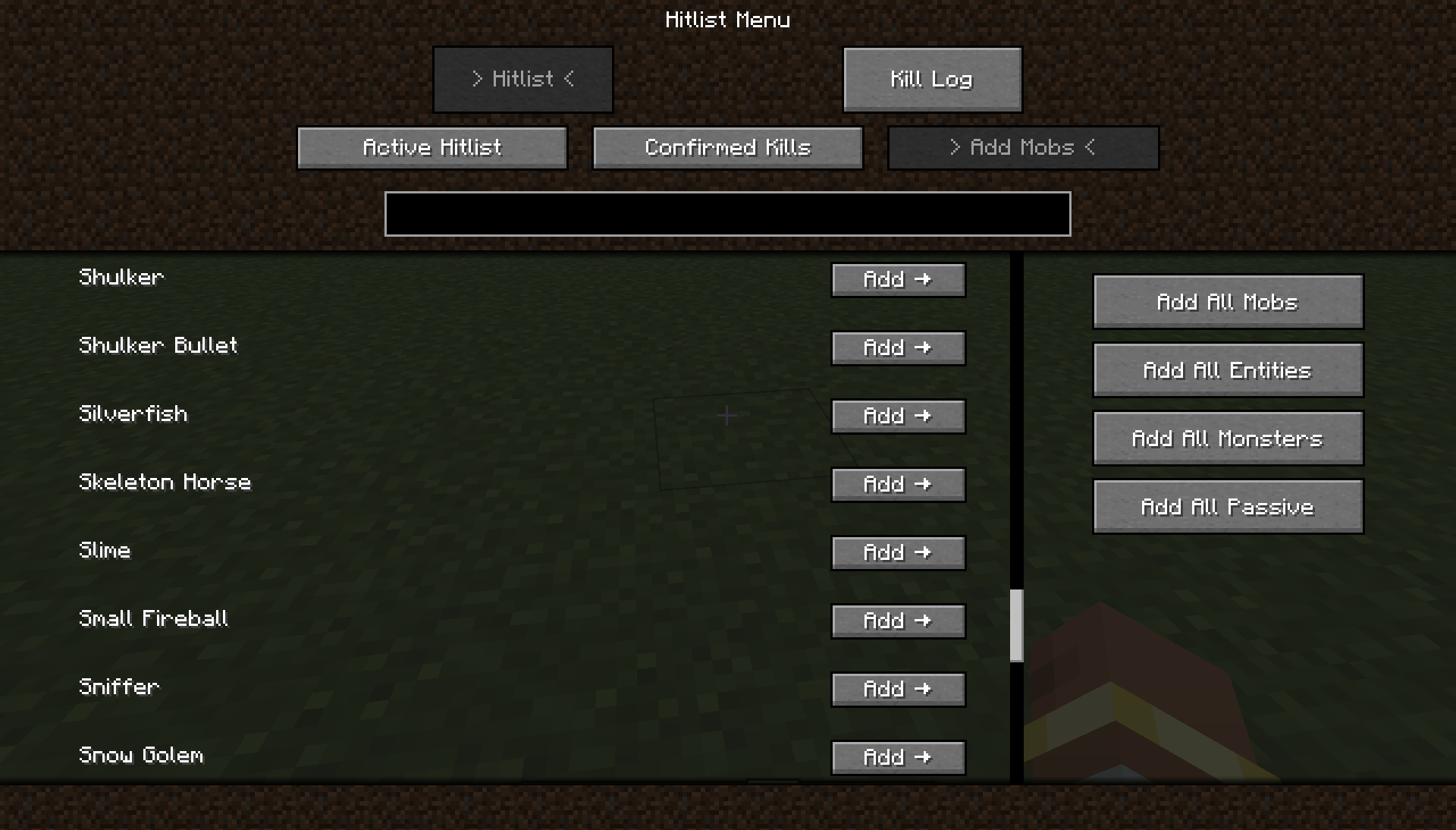 Add Mobs menu 2026-05-04_10.47.36.png
Versions
Files
Relations
Project Relations
More like this
Similar Mods
Suggestions use data such as tags, dependencies, dependents, descriptions, titles, and more to rank how much they overlap with this mod.
On ModDex
Community snapshot
By the numbers
Statistics
Want to reach Minecraft players?
We're looking for a server hosting partner to feature here and other parts of the site. Interested? Send us a message!
Get in touchGet it on
Available Platforms
On ModDex
Community snapshot
By the numbers
Statistics
Resources