Community listing page, reviews here may not be monitored by the author.
HitTarget Highlighter


No reviews yet
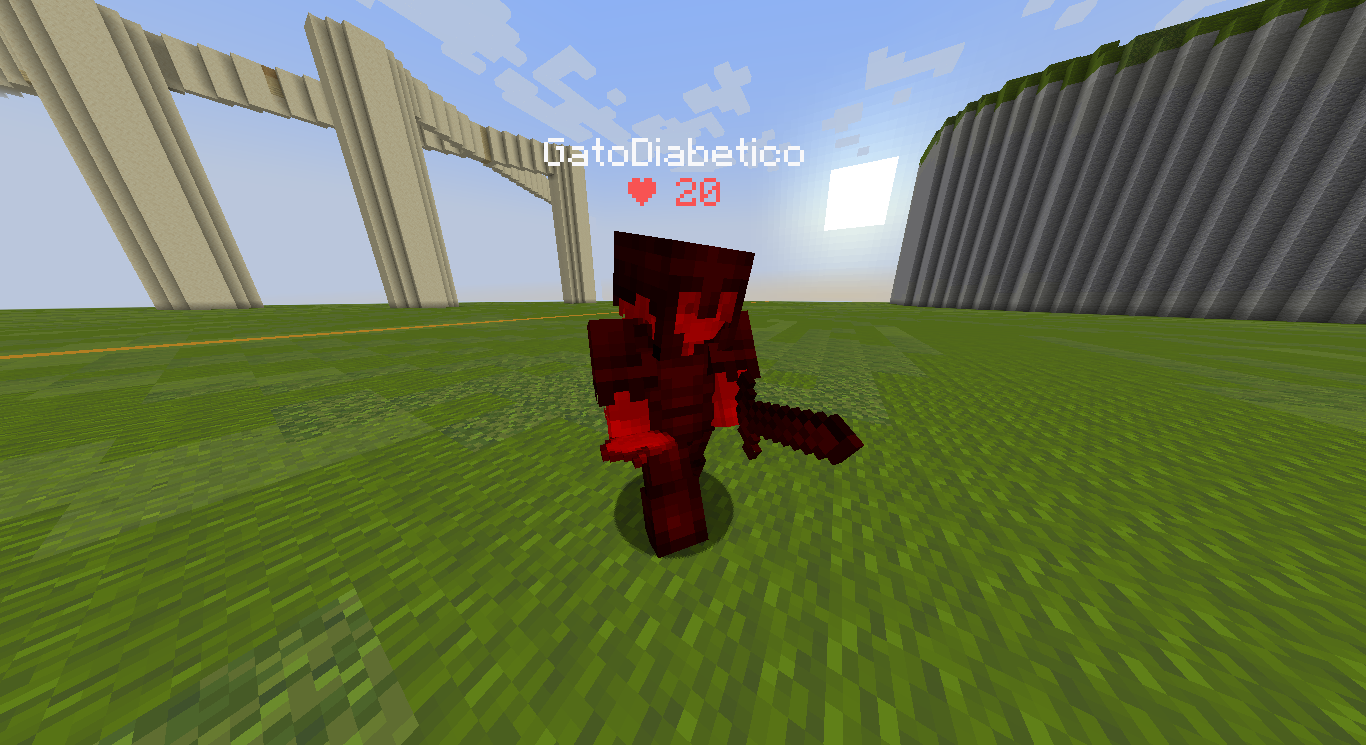
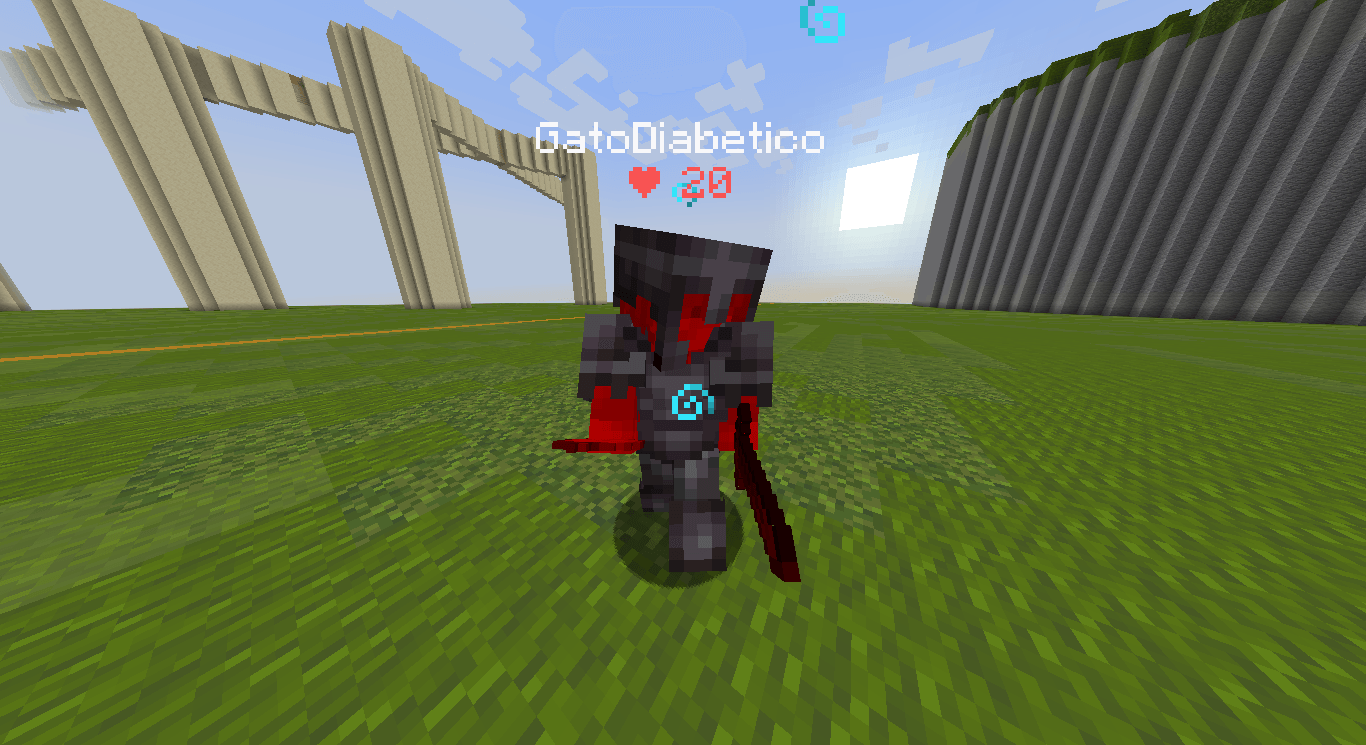
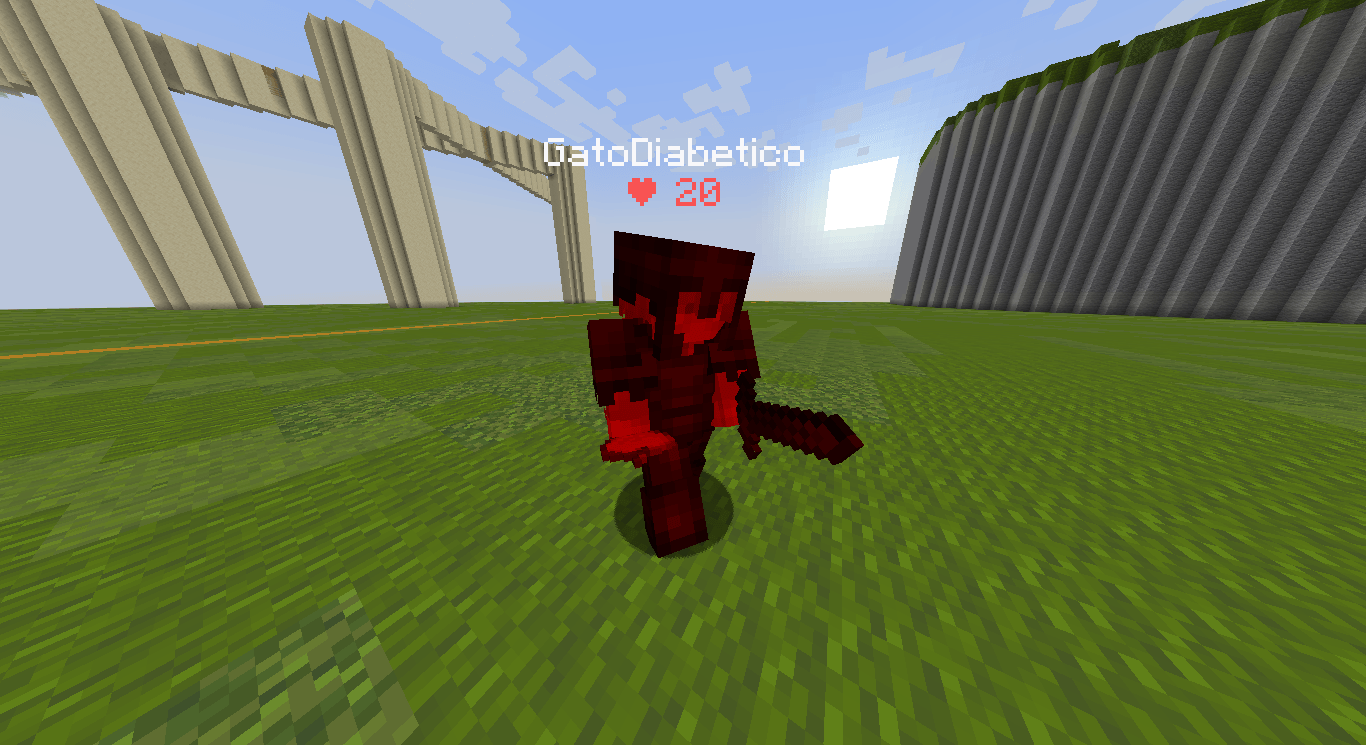
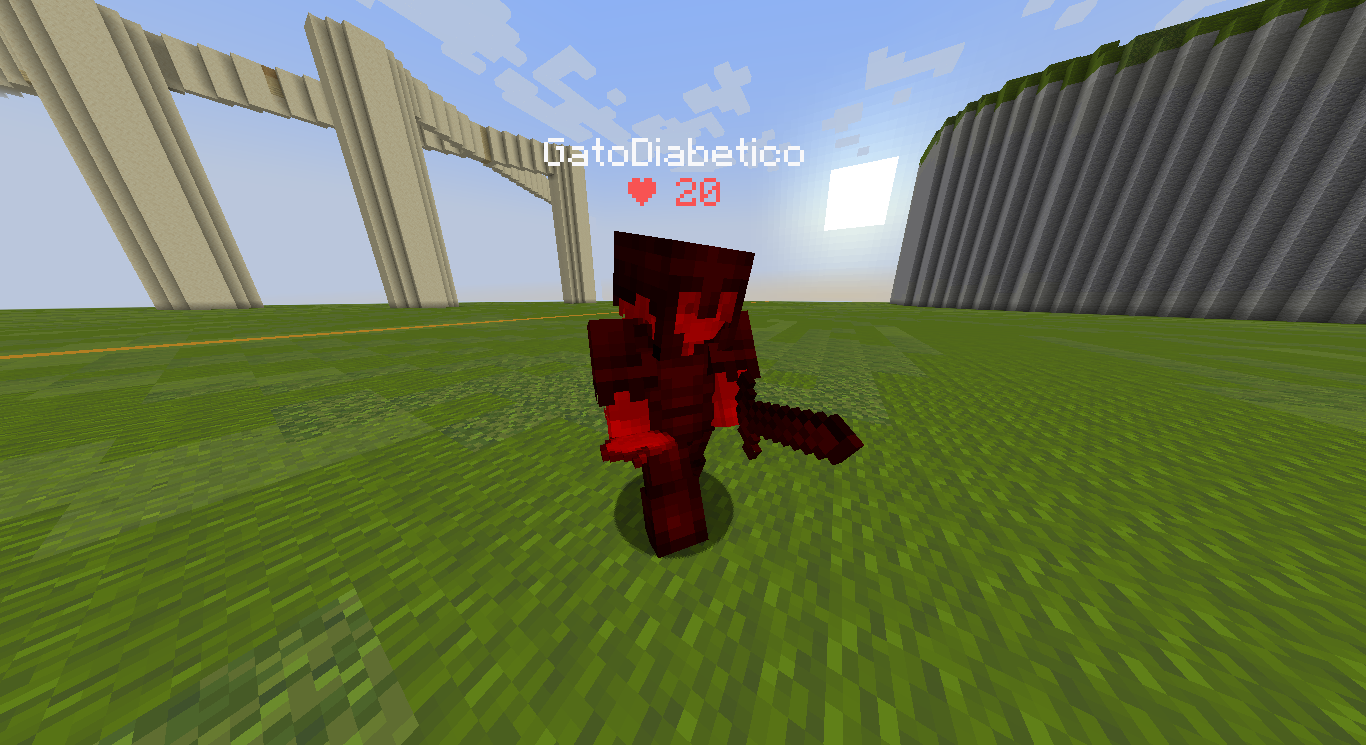
HitTarget Highlighter is a lightweight client-side Fabric mod that adds a customizable colored highlight to entities when you hit them, providing clear visual combat feedback for both the entity's body and its armor.
Community voices
Reviews
No reviews yet. Be the first to review this project!
Get it on
Available Platforms
Compatibility
Supported Environments
Runs entirely on the client. Works on vanilla servers.
About
Project Details
For authors
Embed Badge
If you're the author of this project, you can embed a live badge anywhere that supports HTML or Markdown. It updates automatically whenever ratings change.
Use HTML for any page that supports it, or Markdown for README files and Markdown-based descriptions.
Identifiers
Platform IDs
Resources
External Links
About
Description
✨ HitTarget Highlighter Features
Fully Customizable Colors – Use the integrated RGB sliders to choose any highlight color that fits your style or HUD setup.
Adjustable Transparency – Fine-tune the Alpha (opacity) level to make the highlight as subtle or as vibrant as you prefer.
Variable Highlight Duration – Set exactly how long the highlight stays on the screen after a hit, ranging from 0.5 to 5.0 seconds.
Independent Armor Toggle – Choose whether you want the entity's armor to be highlighted as well. This can be toggled ON or OFF separately from the main body highlight.
Real-time Visual Preview – The configuration screen features a live color preview box, so you can see exactly how your choices will look in-game before saving.
Native Interface – A clean, intuitive configuration screen that uses Minecraft's native UI style for a seamless experience.
Persistent Config – Your settings are automatically saved to a JSON file and reloaded every time you launch the game.
🔧 Requirements
- Fabric Loader ≥ 0.18.4
- Fabric API
- Java 21
🎮 How to use
- Install the mod and launch Minecraft.
- Open the config screen with H (default key, changeable in your Controls settings).
- Adjust the Red, Green, and Blue sliders to find your perfect color.
- Use the Alpha slider to set the transparency and the Duration slider to set the highlight time.
- Toggle the Armor button to decide if equipment should also be highlighted.
- Click Done to save your settings.
- Hit any entity in-game to see your custom highlight instantly!
🐛 Bug reports & suggestions
Send me a DM on Discord:
marcellesa
✨ HitTarget Highlighter Features
Fully Customizable Colors – Use the integrated RGB sliders to choose any highlight color that fits your style or HUD setup.
Adjustable Transparency – Fine-tune the Alpha (opacity) level to make the highlight as subtle or as vibrant as you prefer.
Variable Highlight Duration – Set exactly how long the highlight stays on the screen after a hit, ranging from 0.5 to 5.0 seconds.
Independent Armor Toggle – Choose whether you want the entity's armor to be highlighted as well. This can be toggled ON or OFF separately from the main body highlight.
Real-time Visual Preview – The configuration screen features a live color preview box, so you can see exactly how your choices will look in-game before saving.
Native Interface – A clean, intuitive configuration screen that uses Minecraft's native UI style for a seamless experience.
Persistent Config – Your settings are automatically saved to a JSON file and reloaded every time you launch the game.
📸 Screenshots
Config menu Config screen featuring RGB sliders, Alpha transparency, Duration control, and the Armor highlight toggle.
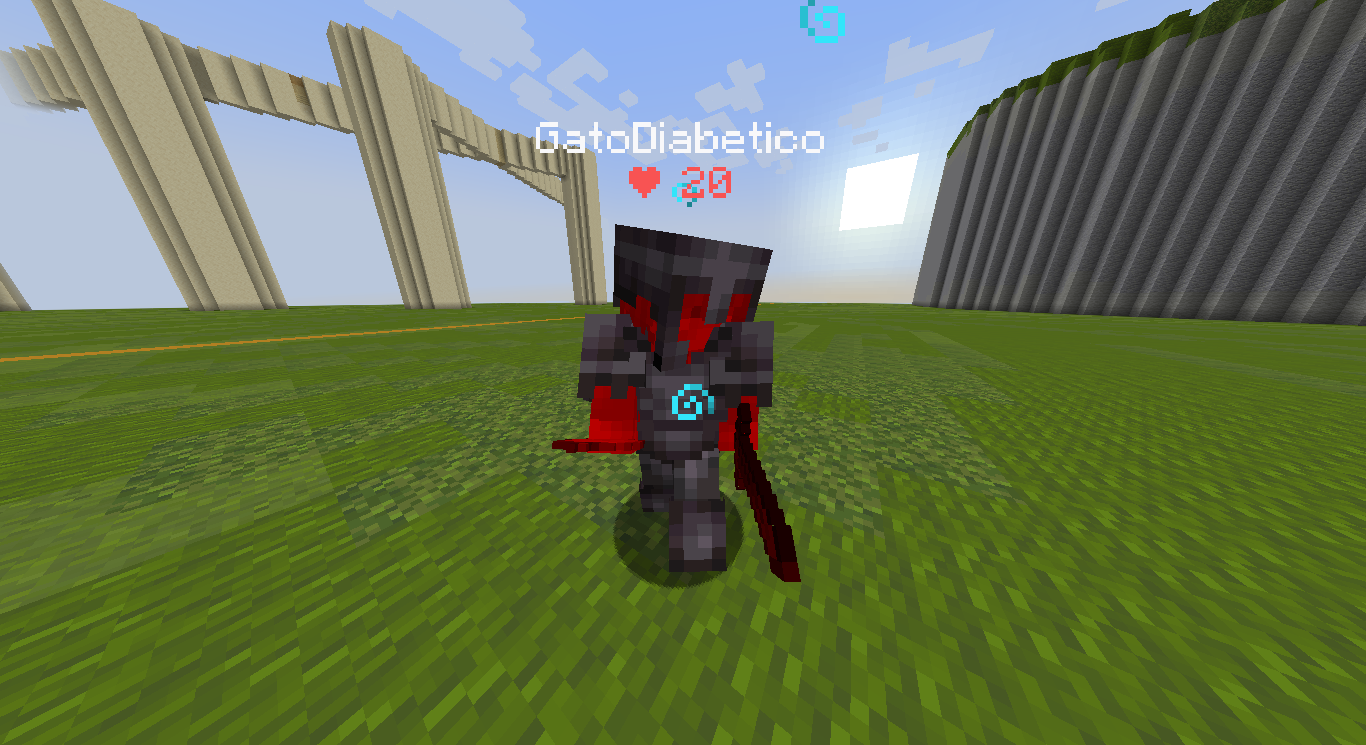
In-game Action shot showing an entity being highlighted with a custom color upon impact.
🔧 Requirements
> Fabric Loader ≥ 0.18.4
> Fabric API
> Java 21
🎮 How to use
Install the mod and launch Minecraft. Open the config screen with H (default key, changeable in your Controls settings). Adjust the Red, Green, and Blue sliders to find your perfect color. Use the Alpha slider to set the transparency and the Duration slider to set the highlight time. Toggle the Armor button to decide if equipment should also be highlighted. Click Done to save your settings. Hit any entity in-game to see your custom highlight instantly!
🐛 Bug reports & suggestions
Send me a DM on Discord:
marcellesa
Screenshots
Gallery
-
 2026-03-17_14.25.40.png 2026-03-17_14.25.40.png
 -
 2026-03-17_14.25.36.png 2026-03-17_14.25.36.png
Versions
Files
Relations
Project Relations
More like this
Similar Mods
Suggestions use data such as tags, dependencies, dependents, descriptions, titles, and more to rank how much they overlap with this mod.
On ModDex
Community snapshot
By the numbers
Statistics
Want to reach Minecraft players?
We're looking for a server hosting partner to feature here and other parts of the site. Interested? Send us a message!
Get in touchGet it on
Available Platforms
On ModDex
Community snapshot
By the numbers
Statistics
Resources