
Community listing page, reviews here may not be monitored by the author.
Homes

No reviews yet
A data pack that easily allows you to set (multiple) homes in your world to return to. No OP required.
Community voices
Reviews
No reviews yet. Be the first to review this project!
Get it on
Available Platforms
About
Project Details
For authors
Embed Badge
If you're the author of this project, you can embed a live badge anywhere that supports HTML or Markdown. It updates automatically whenever ratings change.
Use HTML for any page that supports it, or Markdown for README files and Markdown-based descriptions.
Identifiers
Platform IDs
Resources
External Links
About
Description

Homes
Versions for 1.14-1.16 available here
Video
What it does
Homes allow you to save positions in the world and teleport to them whenever you want, including different dimensions.
This Datapack allows you to set a configurable amount of homes (including unlimited) in any world. The players of the world don't need OP to use the home commands.
How to set up
Download the zip file and place it into your world/datapacks folder. If the world is already running, run reload. That's all you need to do.
You can look at the ingame-help for the datapack by running
/trigger home.help
But while you're here you might as well read the long explanation below ↓
Settings
There is a setting to limit the maximum amount of homes a player can create (default: unlimited).
/scoreboard players set maxHomes home.settings XX
Replace XX with the maximum amount. Any value below 0 disables the maximum. Changing this setting later will not remove excess homes from players, just prevent them from creating new ones if they would be above the limit.
Commands explanations
General
- All commands need to be prefaced with
/trigger. - Some of the commands allow you to specify a specific home (the ones annotated with
(set #)). You will always have to identify the home by its ID and cannot identify it via its name. - If you're not specifying a specific home in a command that allows for it, it will default to home number 1.
- Negative values are ignored.
- There are no undos.
Specific commands
/trigger home.help
Display the ingame help page.
/trigger home (set #)
Teleport to one of your homes. Defaults to Home #1 if nothing else is specified.
/trigger home.set (set #)
Set a new home location. This command will also override a home if set to an existing number.
/trigger home.delete (set #)
Deletes the specified home.
/trigger home.list
Lists all your homes in a list with their ids, coordinates and names.
/trigger home.rename (set #)
Sets the name of the specified home to the name of the item in your hand. The item needs to be renamed in an anvil for it to work. If it isn't or your hand is empty, it will not change the name.
Further Information
Uninstalling
You can use /function homes:uninstall to remove all the scoreboards from the game. This will however not remove the saved homes from the game. To remove those, run /data remove storage homes:homes homes.
Contact
If you have any questions, concerns, praise or found a bug, you can contact me directly at [email protected] or use my contact form.
Screenshots
Gallery
-
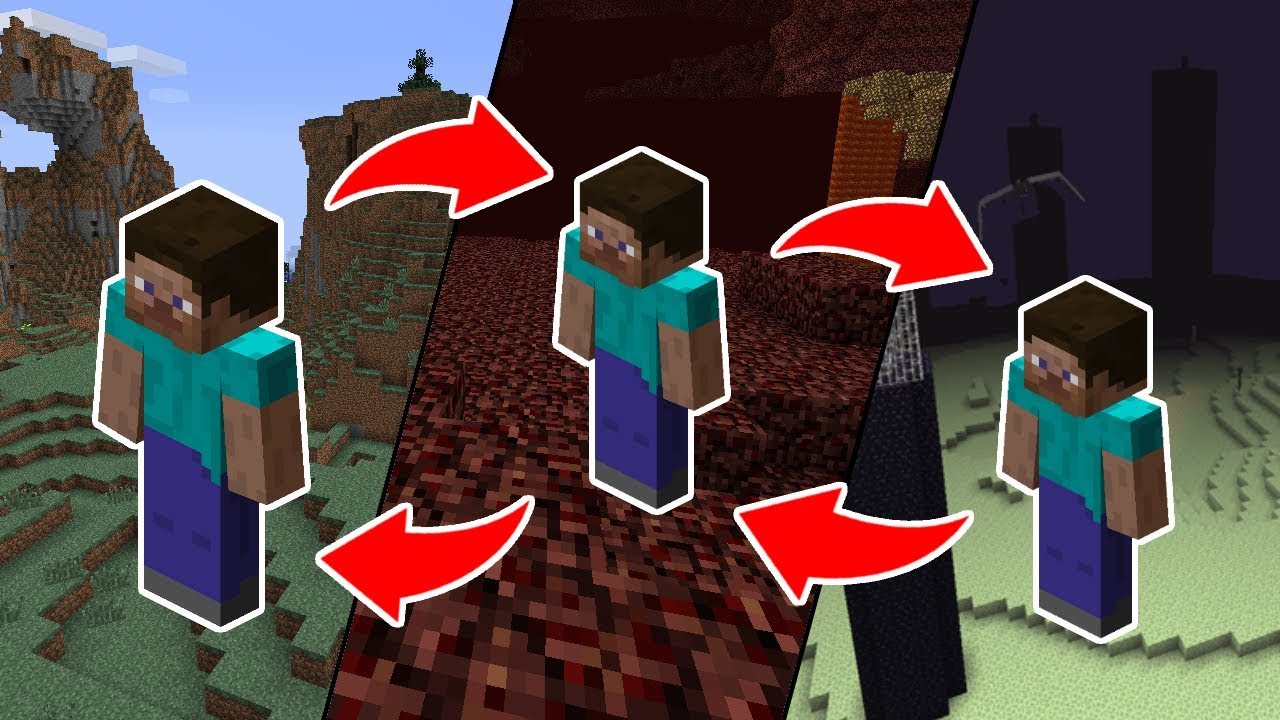 Homes
Homes
Versions
Files
Relations
Project Relations
More like this
Similar Mods
Suggestions use data such as tags, dependencies, dependents, descriptions, titles, and more to rank how much they overlap with this mod.
On ModDex
Community snapshot
By the numbers
Statistics

Want to reach Minecraft players?
We're looking for a server hosting partner to feature here and other parts of the site. Interested? Send us a message!
Get in touchGet it on
Available Platforms
On ModDex
Community snapshot
By the numbers
Statistics
Resources