Community listing page, reviews may not be monitored by the author.
HowToGuide


No reviews yet
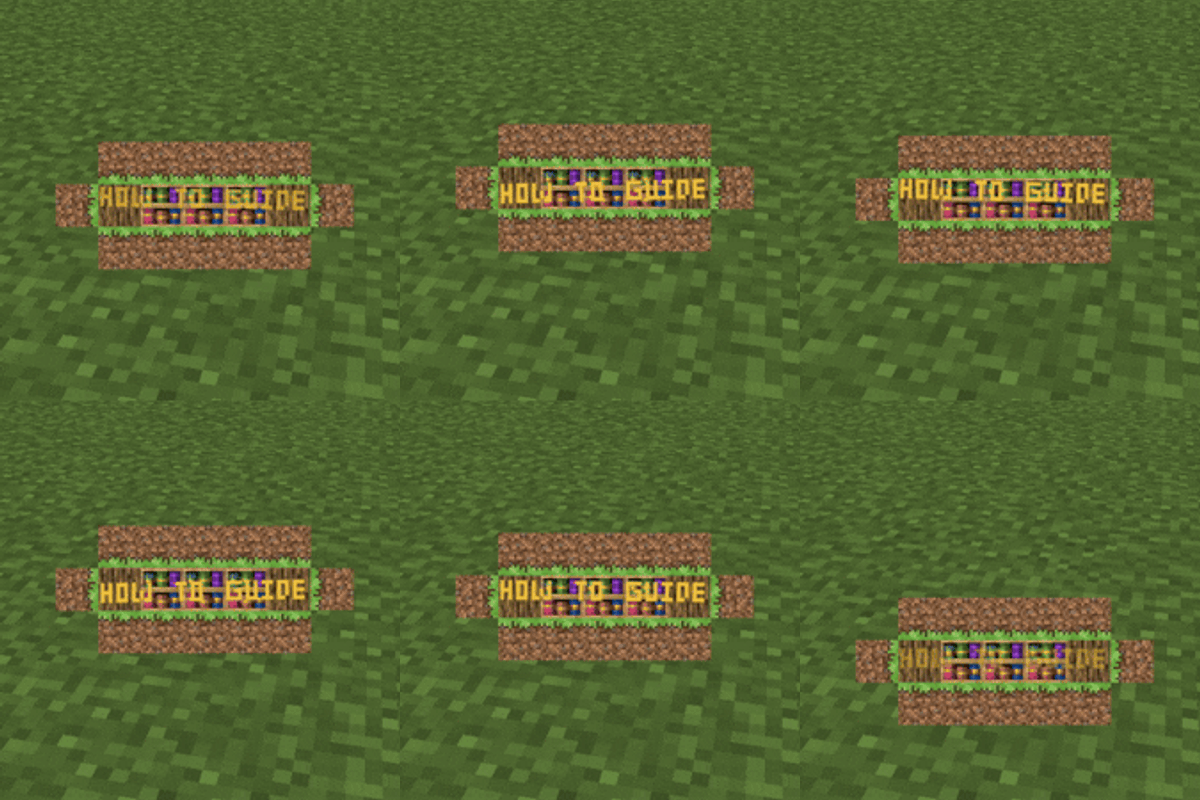
Make messages appear on your hud or screen, now with textures and items + extra configurable!

Community voices
Reviews
No reviews yet. Be the first to review this project!
Get it on
Available Platforms
Compatibility
Supported Environments
Must be installed on both the client and the server.
About
Project Details
For authors
Embed Badge
If you're the author of this project, you can embed a live badge anywhere that supports HTML or Markdown. It updates automatically whenever ratings change.
Use HTML for any page that supports it, or Markdown for README files and Markdown-based descriptions.
Identifiers
Platform IDs
About
Description
HowToGuide is a server-side and client-side Minecraft mod (available for Fabric and NeoForge) that lets modpack developers send animated popup messages to their players — complete with interactive click actions and conditional logic.
Visual Customization
Each popup can be fully customized:
- Title and subtitle text with custom fonts, colors, sizes, bold, italic
- Text effects: rainbow, wave, shake, typewriter, obfuscation (random or full)
- Positioning: custom X/Y offsets, screen anchor point, random position/rotation
- Background on/off, custom wrap width
- Companion items and textures rendered alongside the popup
- Click areas with actions or conditions
Made easier with Preset Editor (Can be opened via keybinds)
Can be dragged around with Dev GUI (can be opened via keybinds & is able to show up on to of screens)
Commands
/howtoguide show— Display a popup to specific players with full options (all popups with hardcoded styles)/howtoguide custom— Display a popup from raw NBT configuration (popup with customizable data)/howtoguide preset— Trigger a named preset from your config/howtoguide clearall— Clear all active popups (optionally filtered by preset)
All keybinds are unbound by default — rebind them in Controls settings before use.
Requires Immersive Messages API & Caxton as a dependency.

HowToGuide is a server-side and client-side Minecraft mod (available for Fabric and NeoForge) that lets modpack developers send animated popup messages to their players — complete with interactive click actions and conditional logic.
Visual Customization
Each popup can be fully customized:
- Title and subtitle text with custom fonts, colors, sizes, bold, italic
- Text effects: rainbow, wave, shake, typewriter, obfuscation (random or full)
- Positioning: custom X/Y offsets, screen anchor point, random position/rotation
- Background on/off, custom wrap width
- Companion items and textures rendered alongside the popup
- Click areas with actions or conditions
Made easier with Preset Editor (Can be opened via keybinds)
Can be dragged around with Dev GUI (can be opened via keybinds & is able to show up on to of screens)
Commands
/howtoguide show— Display a popup to specific players with full options (all popups with hardcoded styles)/howtoguide custom— Display a popup from raw NBT configuration (popup with customizable data)/howtoguide preset— Trigger a named preset from your config/howtoguide clearall— Clear all active popups (optionally filtered by preset)
All keybinds are unbound by default — rebind them in Controls settings before use.
Requires Immersive Messages API & Caxton as a dependency.

Screenshots
Gallery
Versions
Files
Relations
Project Relations
More like this
Similar Mods
Suggestions use data such as tags, dependencies, dependents, descriptions, titles, and more to rank how much they overlap with this mod.
On ModDex
Community snapshot
By the numbers
Statistics

Get it on
Available Platforms
On ModDex
Community snapshot
By the numbers