Community listing page, reviews here may not be monitored by the author.
HP Show

No reviews yet
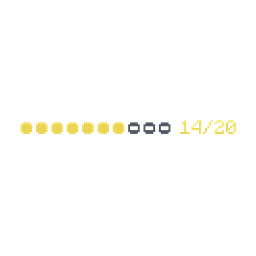
HP Show adds a clean, readable health label above player nametags.
Community voices
Reviews
No reviews yet. Be the first to review this project!
Get it on
Available Platforms
About
Project Details
For authors
Embed Badge
If you're the author of this project, you can embed a live badge anywhere that supports HTML or Markdown. It updates automatically whenever ratings change.
Use HTML for any page that supports it, or Markdown for README files and Markdown-based descriptions.
Identifiers
Platform IDs
Resources
External Links
About
Description
HP Show
Animated player HP that behaves like part of the real Minecraft nametag.
HP Show is a lightweight client-side Fabric mod for PvP, survival, and multiplayer servers. It shows health and absorption above other players without adding a large HUD or requiring a server plugin.
Core Features
- 4 modes: Counter, Bar, Bar + Numbers, Off
- Modern segmented bar: 1 HP equals half a segment; smooth health, number, color, and absorption animation
- Clear status colors: critical red, warning yellow, healthy green, golden absorption tail
- Real nametag transform: follows the same camera-facing movement as the player name
- Server nametag support: display names, team prefixes/suffixes, scoreboard lines,
ArmorStandandTextDisplaystacks - Adaptive multiline spacing: identifies the owning player and does not count the core name twice
- Radius control: Custom or Unlimited; decimal values in blocks or chunks; true 3D sphere
- Visibility rules: hidden with F1, never shown above your own player, visible client-side name retained for invisible players
- Client-side only: works on vanilla, Paper, and Fabric servers without a server-side HP Show installation
Live Position Editor
No fake model and no estimated preview. The editor opens over the real world and adjusts HP directly on an actual rendered player, using the current camera, server name, and real line layout.
- Aim at a player, or let HP Show select the nearest one
Tab: next playerWASD/ arrows: move by 1 pixelShift+ movement: larger step- Hold LMB and drag: free movement
R: resetEnterorEsc: save and close- Cancel: restore the previous position
Settings
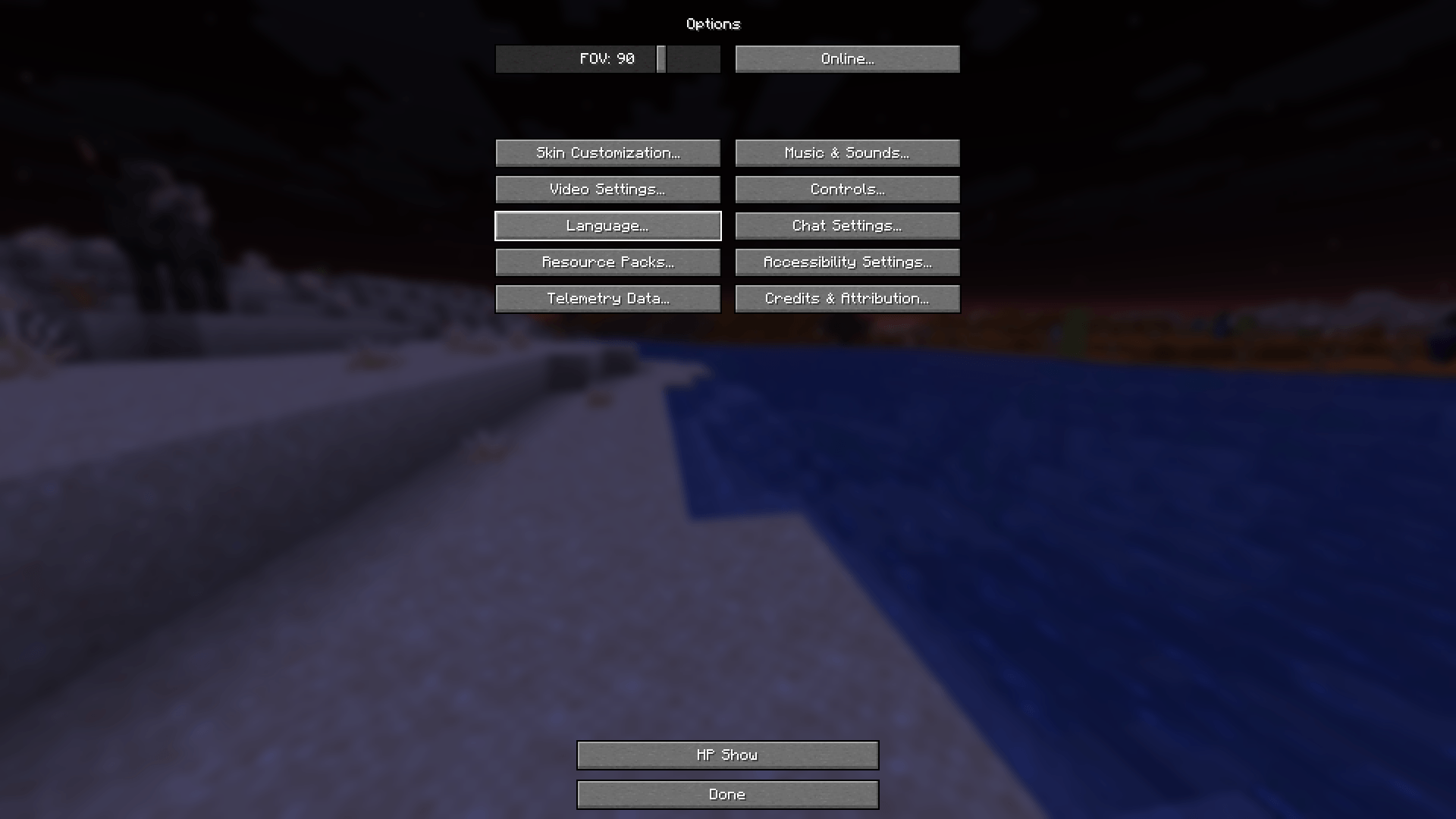
Assign Open HP Show Settings under Options -> Controls -> Key Binds -> HP Show. Keys are unbound by default. A second optional key cycles display modes. Mod Menu adds a configuration button when installed, but is not required.
Compatibility
One universal JAR: Minecraft 1.21-1.21.11, 26.1, 26.1.1, 26.1.2, and 26.2. Requires Fabric Loader 0.19.3+, Fabric API, Java 21 for 1.21.x, or Java 25 for 26.x.
Custom server lines are supported when the server sends them to the client. No client mod can display information deliberately hidden by the server.
HP Show на русском
Анимированное HP, которое выглядит как часть настоящего ника Minecraft.
HP Show — лёгкий клиентский мод Fabric для PvP, выживания и многопользовательских серверов. Он показывает здоровье и поглощение над другими игроками без громоздкого HUD и без установки плагина на сервер.
Основные возможности
- 4 режима: Счётчик, Полоска, Полоска + числа, Выключено
- Современная сегментная шкала: 1 HP занимает половину сегмента; здоровье, числа, цвет и поглощение меняются плавно
- Понятные цвета: критический красный, предупреждающий жёлтый, здоровый зелёный, золотое продолжение поглощения
- Настоящая привязка к нику: строка HP поворачивается и движется вместе с ванильным ником
- Поддержка серверных ников: отображаемые имена, префиксы/суффиксы команд, scoreboard,
ArmorStandиTextDisplay - Адаптивные многострочные отступы: мод определяет владельца строк и не считает основной ник дважды
- Радиус: Настраиваемый или Не ограничен; дробные значения в блоках или чанках; настоящая 3D-сфера
- Правила видимости: скрытие по F1, отсутствие HP над собой, доступный клиенту ник для игроков в инвизе
- Только клиент: работает на ванильных, Paper- и Fabric-серверах без серверной установки HP Show
Живой редактор положения
Без отдельной модельки и приблизительного превью. Редактор открывается поверх настоящего мира и двигает HP прямо над реально отрисовываемым игроком, учитывая текущую камеру, серверный ник и фактические строки.
- Наведи прицел на игрока или используй автоматически выбранного ближайшего
Tab: следующий игрокWASD/ стрелки: сдвиг на 1 пиксельShift+ перемещение: увеличенный шаг- Зажать ЛКМ и двигать мышь: свободное перемещение
R: сбросEnterилиEsc: сохранить и закрыть- Отмена: вернуть прежнее положение
Настройки
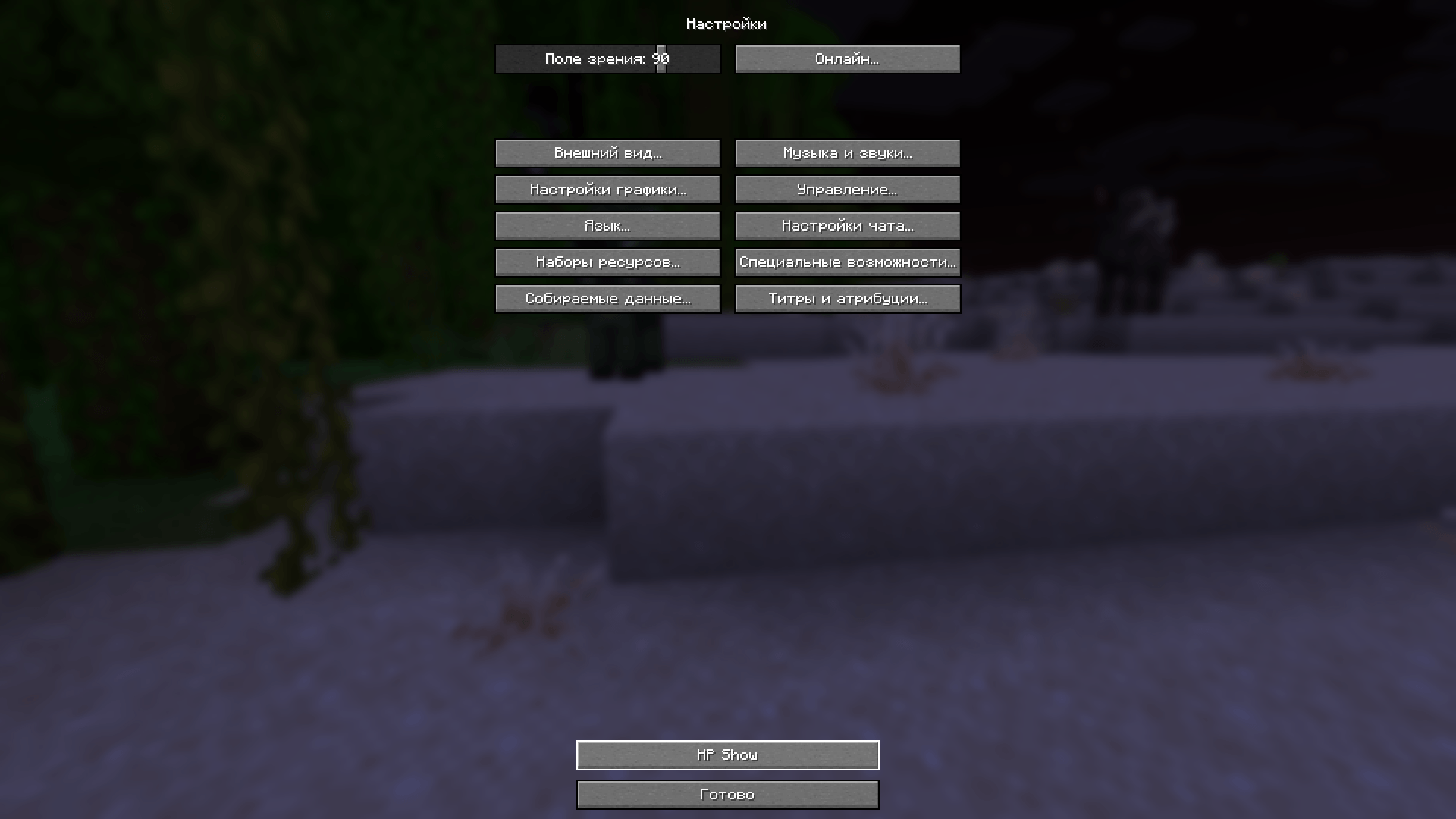
Назначь Открыть настройки HP Show в разделе Настройки -> Управление -> Назначение клавиш -> HP Show. По умолчанию клавиши свободны. Вторая необязательная клавиша переключает режимы. При наличии Mod Menu настройки также открываются из списка модов.
Совместимость
Один универсальный JAR: Minecraft 1.21-1.21.11, 26.1, 26.1.1, 26.1.2 и 26.2. Требуются Fabric Loader 0.19.3+, Fabric API, Java 21 для 1.21.x или Java 25 для 26.x.
Кастомные строки поддерживаются, если сервер передаёт их клиенту. Клиентский мод не может показать данные, которые сервер намеренно скрывает.
Screenshots
Gallery
-
 2026-05-15_11.09.09.png 2026-05-15_11.09.09.png
 -
 2026-05-15_11.08.22.png 2026-05-15_11.08.22.png
Versions
Files
Relations
Project Relations
More like this
Similar Mods
Suggestions use data such as tags, dependencies, dependents, descriptions, titles, and more to rank how much they overlap with this mod.
On ModDex
Community snapshot
By the numbers
Statistics
Want to reach Minecraft players?
We're looking for a server hosting partner to feature here and other parts of the site. Interested? Send us a message!
Get in touchGet it on
Available Platforms
On ModDex
Community snapshot
By the numbers
Statistics
Resources