Community listing page, reviews here may not be monitored by the author.
Item & Block Info HUD (IBIHUD)

No reviews yet
Show infos when certain items are in the inventory or when looking at them in item frames, or when looking at certain blocks.

Community voices
Reviews
No reviews yet. Be the first to review this project!
Get it on
Available Platforms
About
Project Details
For authors
Embed Badge
If you're the author of this project, you can embed a live badge anywhere that supports HTML or Markdown. It updates automatically whenever ratings change.
Use HTML for any page that supports it, or Markdown for README files and Markdown-based descriptions.
Identifiers
Platform IDs
About
Description
Summary
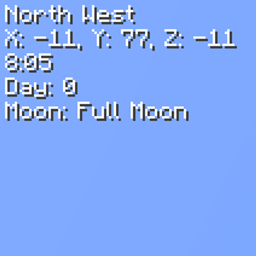
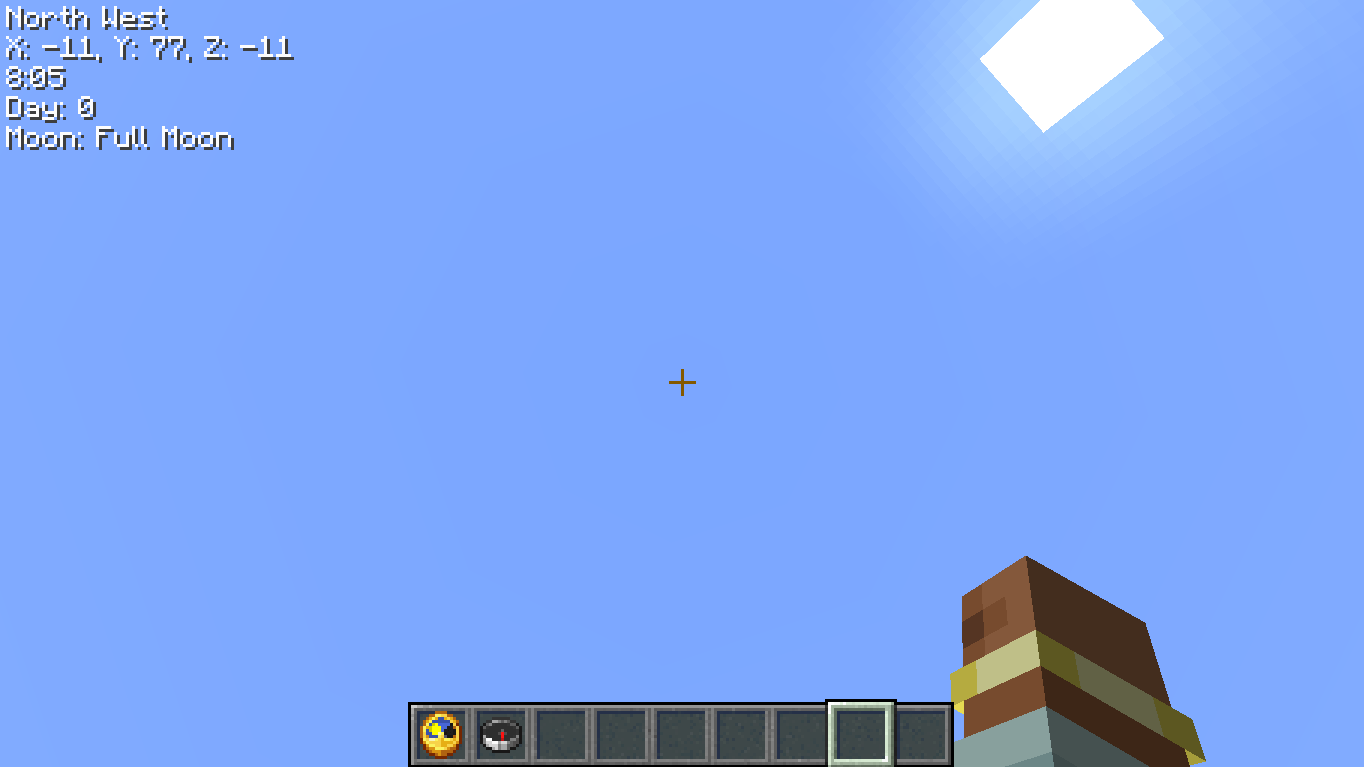
Item & Block Info HUD (aka IBIHUD) is a mod that lets you see certain infos (e.g. time of day, direction) directly on your HUD (Heads-Up Display) while having certain items in your inventory (e.g. Clock, Compass), even when they're inside a bundle. This also works when looking at an item frame holding one of those items.
The mod is also called "& Block" because it also lets you see those infos while looking at certain blocks (e.g. the time of day when looking at a Supplementaries' Clock Block).
The mod
The following infos are available:
Cardinal Direction
North, South and the other two (plus the ones in between).
Items: CompassPosition
Your X, Y and Z coordinates.
Items: CompassDepth
Your Y position basically.
Items: Caverns and Chasms' Depth Gauge, Supplementaries' AltimeterTime
Time of day.
Items: Clock
Blocks: Supplementaries' Clock BlockDay
Current day.
Items: Clock
Blocks: Supplementaries' Clock BlockMoon Phase
Current moon phase.
Items: Clock
Blocks: Supplementaries' Clock BlockWeather
Current weather, taking the biome into account (cloudy instead of rain in dry biomes, snow in cold biomes). Hidden in dimensions without a sky (e.g. Nether and End).
Blocks: Supplementaries' Wind VaneBiome
Current biome.
Items: none by default
Customization
- Which items and blocks show each info is defined by tags (
itemblockinfohud:<info>, e.g.itemblockinfohud:time), so you can change them with a datapack. - Items are also searched inside containers in the
itemblockinfohud:searchable_containersitem tag (Bundle by default), as long as they store items in theminecraft:containerorminecraft:bundle_contentsdata component. - Each info can be toggled client-side in the config.
Server & Client
The mod must be installed on the server too, since tags come from the server. You can still join servers without it (a warning will be shown in chat), and players without the mod can join servers that have it.
Links

Modpack Permissions
Sure, go on.
Screenshots
Gallery
-
 2026-10-14_10.19.04.png 2026-10-14_10.19.04.png
Versions
Files
Relations
Project Relations
More like this
Similar Mods
Suggestions use data such as tags, dependencies, dependents, descriptions, titles, and more to rank how much they overlap with this mod.
On ModDex
Community snapshot
By the numbers
Statistics
 (opens in a new tab)
Get it on
Available Platforms
On ModDex
Community snapshot
By the numbers