Community listing page, reviews may not be monitored by the author.
Instant Cape

No reviews yet
Set a client-side cape from a local image, or clipboard.

Community voices
Reviews
No reviews yet. Be the first to review this project!
Get it on
Available Platforms
About
Project Details
For authors
Embed Badge
If you're the author of this project, you can embed a live badge anywhere that supports HTML or Markdown. It updates automatically whenever ratings change.
Use HTML for any page that supports it, or Markdown for README files and Markdown-based descriptions.
Identifiers
Platform IDs
Resources
External Links
About
Description
InstantCapes is a lightweight, modern 1.8.9 cape utility mod designed for seamless local and animated cape rendering. Drop your favorite designs into your game, paste straight from your clipboard, or watch GIFs come to life with a smart dual-resolution rendering engine built for performance.
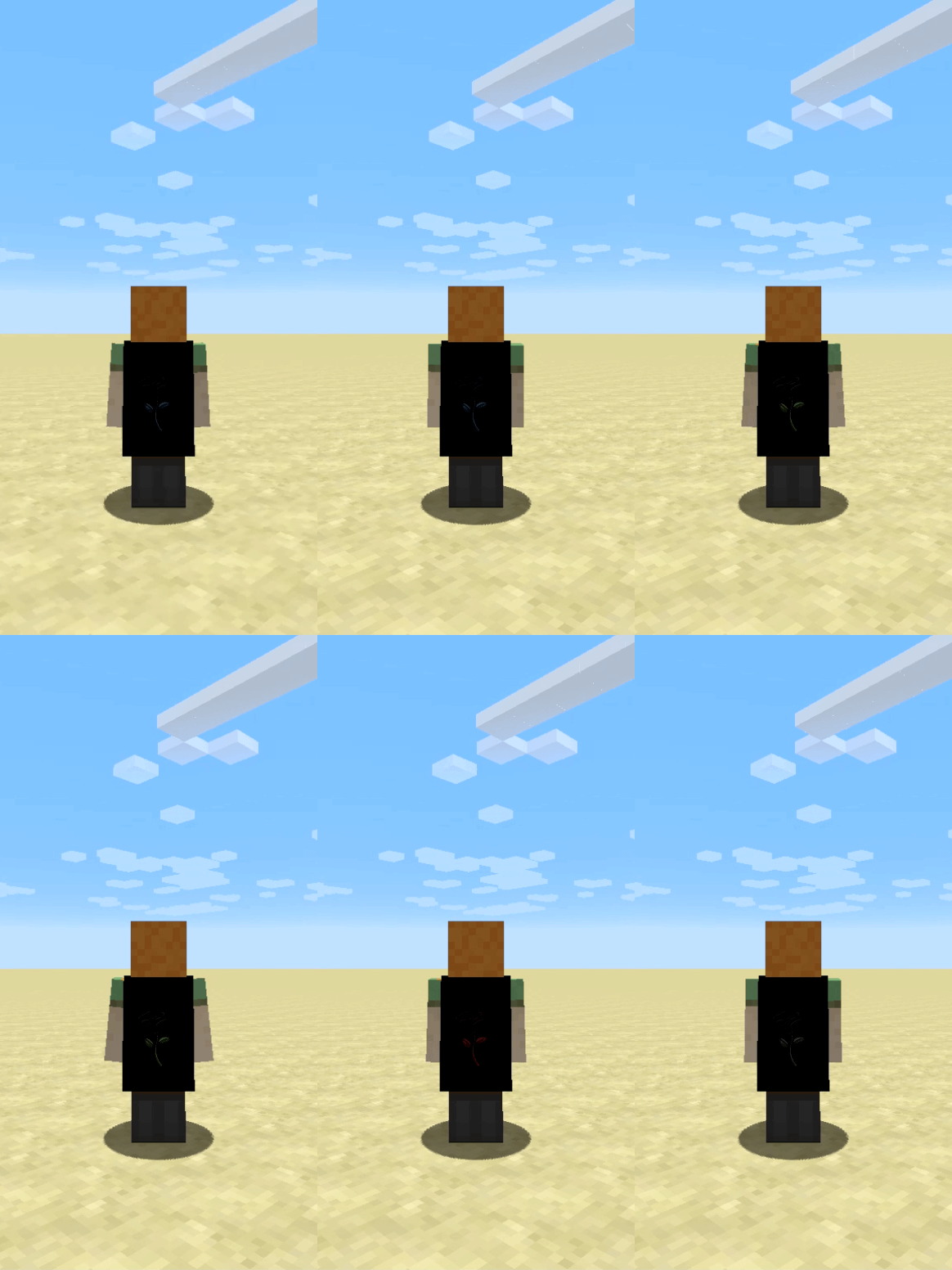
How to Use
- Place your cape image files (.png, .jpg, .jpeg, .bmp, or .gif) into the instantcapes folder inside your Minecraft directory
C:\Users\YourName\AppData\Roaming\.minecraft\instantcapes(Note: you will have to start the game with the mod first to create the folder). - Open Minecraft and use the
/cape load [your file name]to load your cape by name—no extensions required if the name is unique! - Alternatively, copy any image to your system clipboard and run /cape clipboard for instant application.
Commands
All commands support /cape, /capes, and /instantcapes as aliases.
- /cape help — Show the full command list.
- /cape on and /cape off — Enable or disable cape rendering.
- /cape load — Load a cape by its filename. Extensions are optional for unique names; if conflicts occur, the mod lists available options. Tab completion also helps you cycle through files.
- /cape list — Display all available files in the cape folder with interactive clickable links to instantly load them on click.
- /cape clipboard — Instantly load and apply an image copied to your clipboard.
- /cape reload — Reload your currently selected cape.
- /cape check — Toggle background update notifications.
- /cape update — Automatically check CurseForge, download, and install the latest mod update right into your mods folder.
❓ FAQ
Q: Can other players see my custom capes? A: No. InstantCapes is entirely client-side. The custom textures and animated GIFs are rendered locally on your own character for your eyes (and screenshots/videos) to enjoy.
Q: What image formats are supported? A: The mod supports PNG, JPG/JPEG, BMP, and animated GIFs (up to 300 frames and optimized performance limits to prevent lag). It also automatically recognizes standard 64×32 Minecraft cape layouts and crisp HD resolutions without unwanted distortion or upscaling blur.
Q: Do the mods support animated capes? A: Yes, it supports animated capes through GIF files. However, lower framerates are recommended; higher animation speeds and complex frames will have a higher impact on your FPS.
Q: Does it support 4K or ultra-quality images? A: Yes, it supports ultra-quality images! However, a 1:2 aspect ratio is recommended; otherwise, the image may get squeezed or distorted.
Q: Do I need to restart my game to change capes or add new ones? A: No, no restart is needed to change capes. You also don't need to restart when adding new cape files to the folder—the mod automatically refreshes and detects any changes made to the main directory folder live!
Q. Does spacing in image or GIF names cause any issues? A: No, spacing in filenames is fully supported. However, if you run into any issues finding a file, use /cape list—if it appears in the list, just click it to enable your cape. If you don't find it there, feel free to contact the mod authors personally through Discord or other channels!
Q: How do I update the mod? A: You can check for updates anytime using /cape check or instantly download and install new versions directly in-game using /cape update. Just restart your game afterward to load the latest file!
Screenshots
Gallery
-
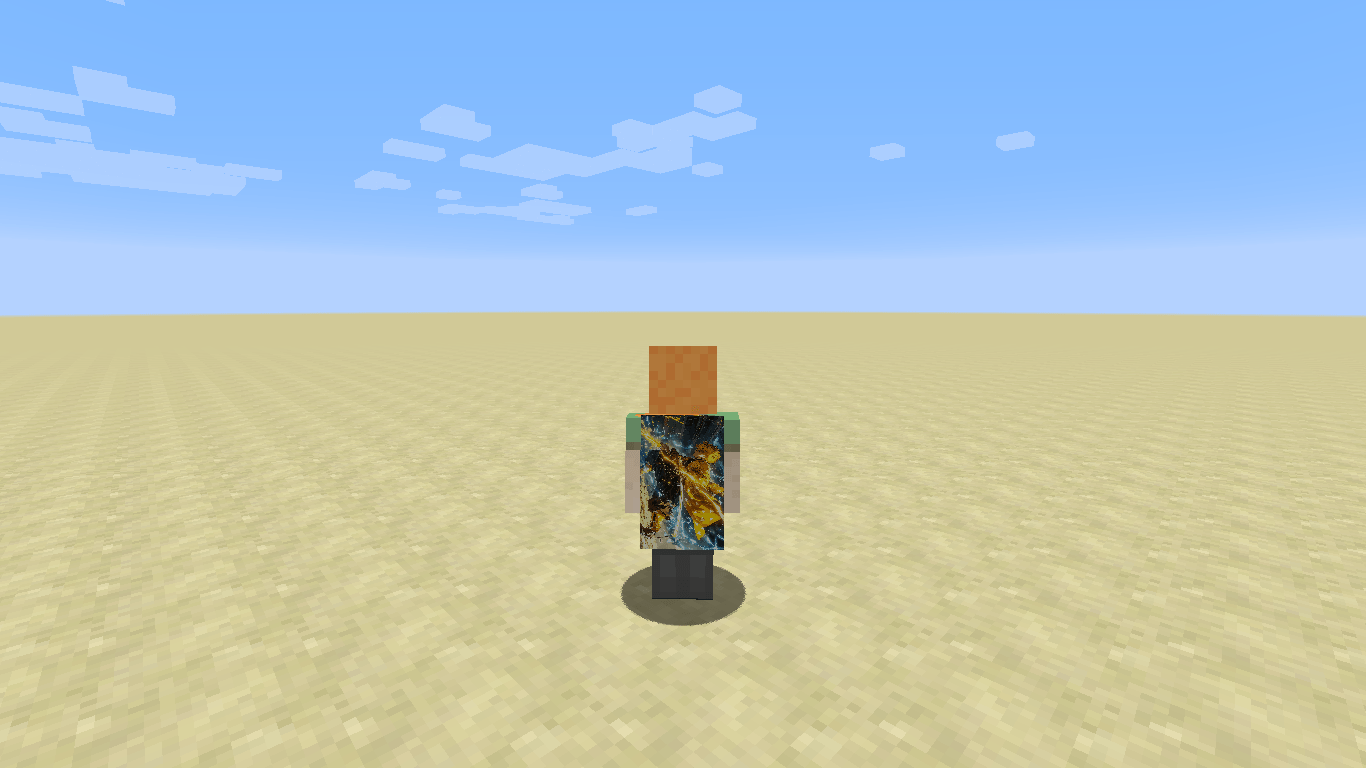 Zenitsu Cape
 -
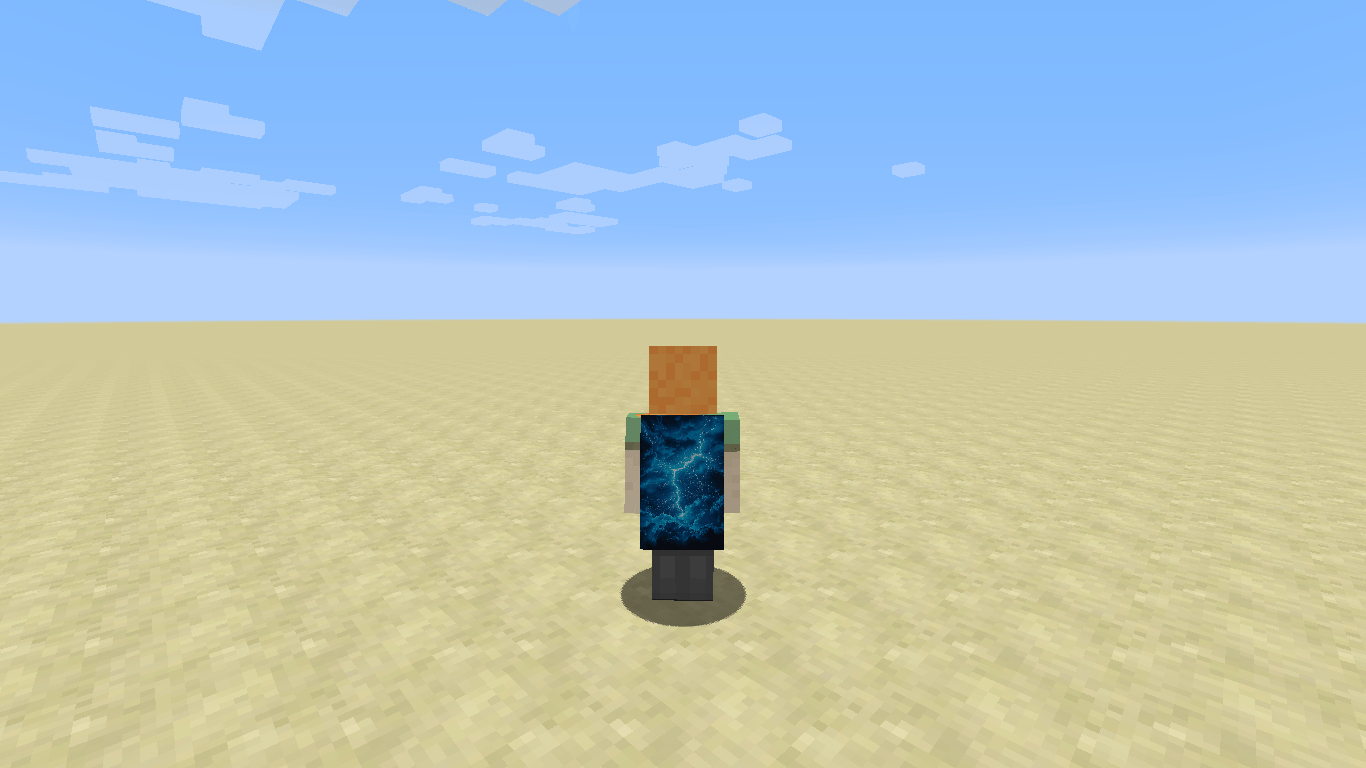 Lightning Cape
 -
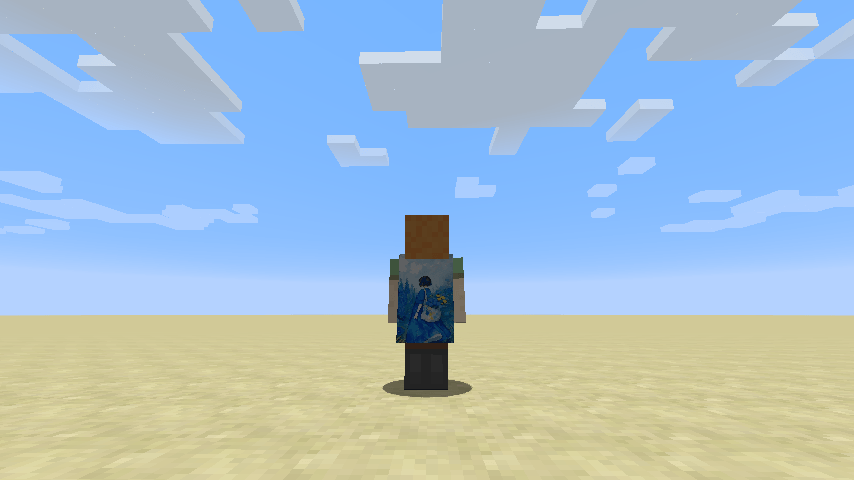 4K Art Cape
Versions
Files
Relations
Project Relations
More like this
Similar Mods
Suggestions use data such as tags, dependencies, dependents, descriptions, titles, and more to rank how much they overlap with this mod.
On ModDex
Community snapshot
By the numbers
Statistics

Get it on
Available Platforms
On ModDex
Community snapshot
By the numbers
Statistics
Resources