
Community listing page, reviews here may not be monitored by the author.
Inventora

No reviews yet
This is a simple Minecraft Forge mod that adds 5 new Custom Items and 5 new Custom Blocks, including 3 Glowing Blocks! It's perfect for learning how to add custom content while keeping everything clean,unique, and fun.
Community voices
Reviews
No reviews yet. Be the first to review this project!
Get it on
Available Platforms
Compatibility
Supported Environments
Must be installed on both the client and the server.
About
Project Details
For authors
Embed Badge
If you're the author of this project, you can embed a live badge anywhere that supports HTML or Markdown. It updates automatically whenever ratings change.
Use HTML for any page that supports it, or Markdown for README files and Markdown-based descriptions.
Identifiers
Platform IDs
About
Description
🛠️ Custom Minecraft Mod - Inventora(v1)
This is a simple Minecraft Forge mod that adds 5 new Custom Items and 5 new Custom Blocks, including 3 Glowing Blocks! It's perfect for learning how to add custom content while keeping everything clean,unique, and fun.
🔧 Requirements
- Minecraft
1.21.x - Forge
1.21.x - IDE like
InteliJ IDEA or Eclipse - Game Version:
Java Edition
🚀 Setup Instruction
- Clone this repository or copy the project files into your Forge workspace.
- Open the project in your IDE.
- Run 'genInteliJRuns' (or 'setupDecompoWorkspace' for Eclipse).
- Place tectures under the resources/assets/craftedbynaran/textures/item/ and texture/block/.
- Run the mod using the client run configuration
📦 Mod Features
| Block Name | Description | Properties |
|---|---|---|
| Alexandrite Block | Emits strong light. A block form of the cusstom item added named Alexandrite | LightLevel = 15, Strength 4.0 |
| Naran Block | A simple block that can be used as an image by defining the images as a texture and it does not glow. | Non-Glowing, Strength 4.0 |
| Orange Block | Warm, bright block with orange glow and orange texture. | LightLevel = 20, Strength 4.8 |
| Night Owls Block | Smooth white stone used to build structure and in this the pixeleted 16*16px image of Night Owls Logo is used as texture. | Non-glowing, Strength 4.0 |
| Love Block | Decorative block in which Love heart pixeleted design is used as texture and a clean greenigh background with a glowing property. | LightLevel = 17, Strength 4.0 |
🧰 Custom Items
| Item Name | Description | Use Case |
|---|---|---|
| Alexandrite | A custom gem like diamond which looks cool and great to see. | Showcase |
| Raw Alexandrite | A custom item representing the raw form of the custom item Alexandrite. | Decoration |
| Love | A Love signifying item shaped like a love heart representation . | Emotion Representaion |
| Hack | A custom item shaped like the Hackclub Flag Sticker. | USed to signify Hackclub in designs |
| Icecream | A custom item shaped like an Icecream as a resemblance of . | Signifying the SWIRL Workshop done by member of Night Owls |
📁 File Structure Overview
src/
├── main/
│   ├── java/
│   │   └── net/
│   │       └── naran/
│   │           └── lifeless/
│   │               ├── block/               # All custom blocks
│   │               ├── item/                # All custom items
│   │               ├── Config.java          # Configuration or registry setup
│   │               └── craftthisthing.java  # Main mod file
│   └── resources/
│       ├── assets/
│       │   └── craftedbynaran/
│       │       ├── blockstates/             # Blockstate JSONs
│       │       ├── lang/                    # Language localization files
│       │       ├── models/
│       │       │   ├── block/               # Block model JSONs
│       │       │   └── item/                # Item model JSONs
│       │       └── textures/
│       │           ├── block/               # Block textures (PNG)
│       │           └── item/                # Item textures (PNG)
│       └── META-INF/                        # Mod metadata
🙏Credits
Created by naranbhusal02 as a Minecraft modding project for a HACKCRAFT workshop.
Special thanks to the Minecraft Forge community for their helpful documentation.
📜 License
All rights reserved by @naranbhusal02.
Screenshots
Gallery
-
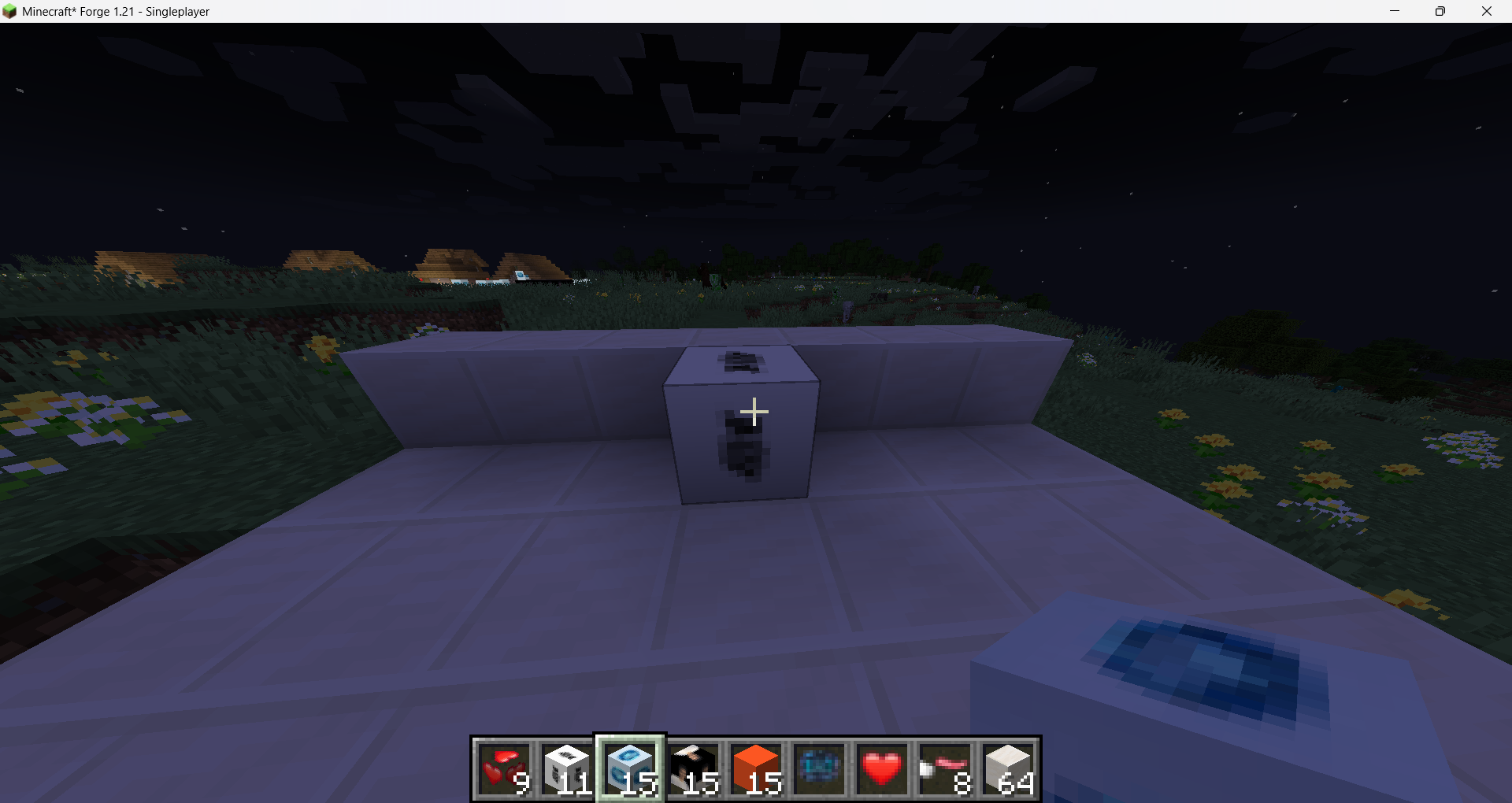 Night Owls Logo Block
 -
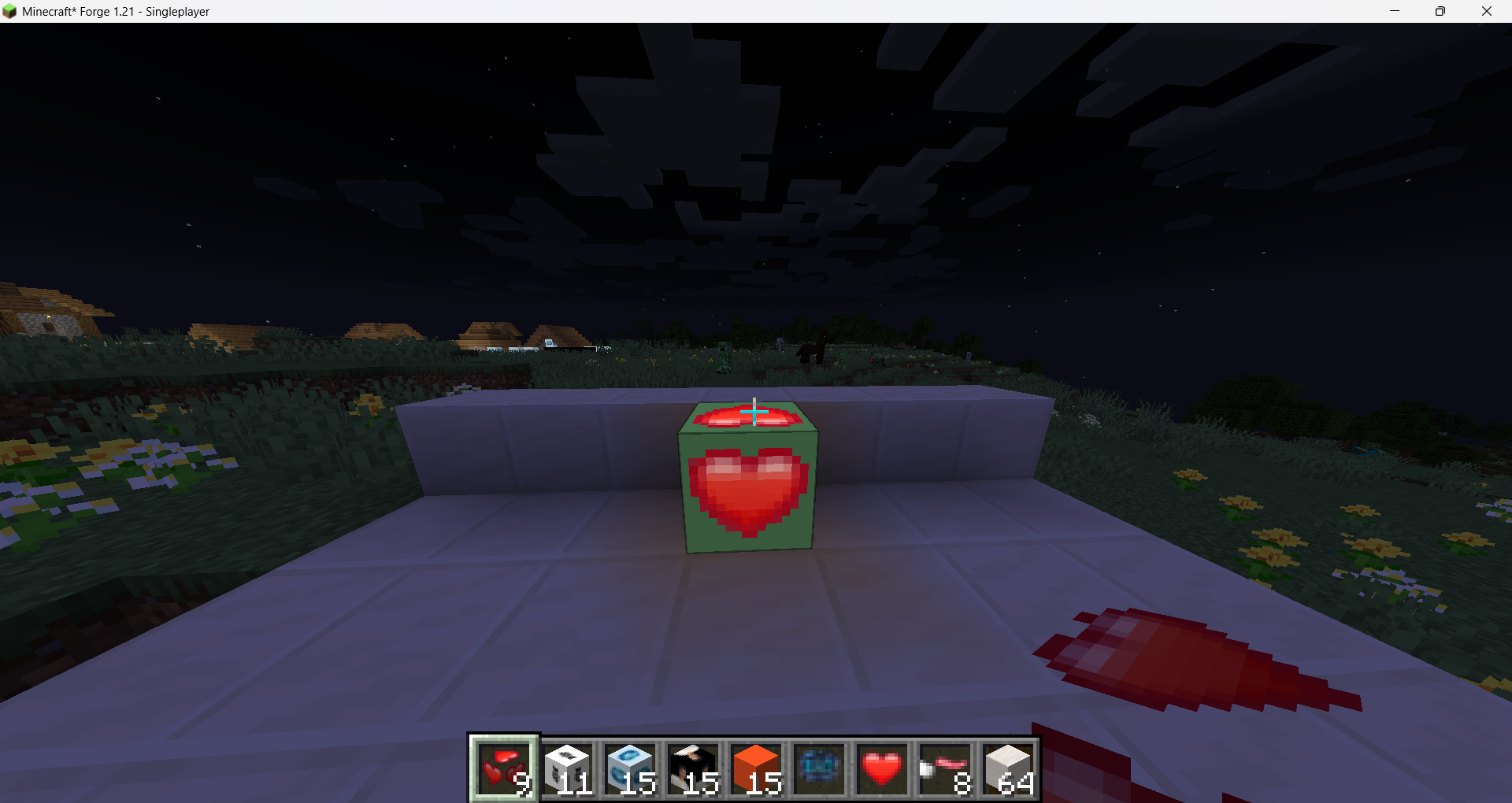 Love Block
 -
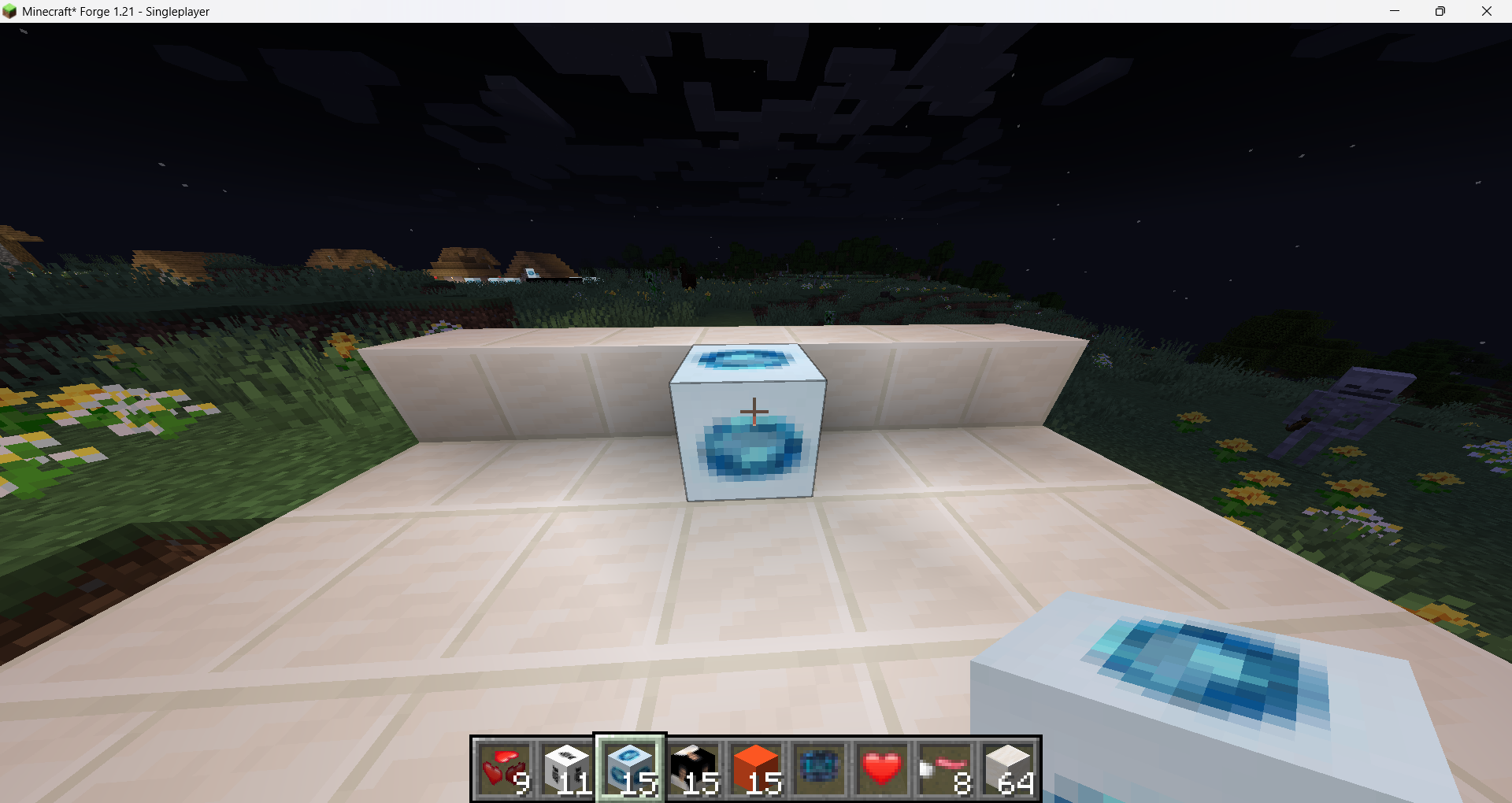 Alexandrite Block
 -
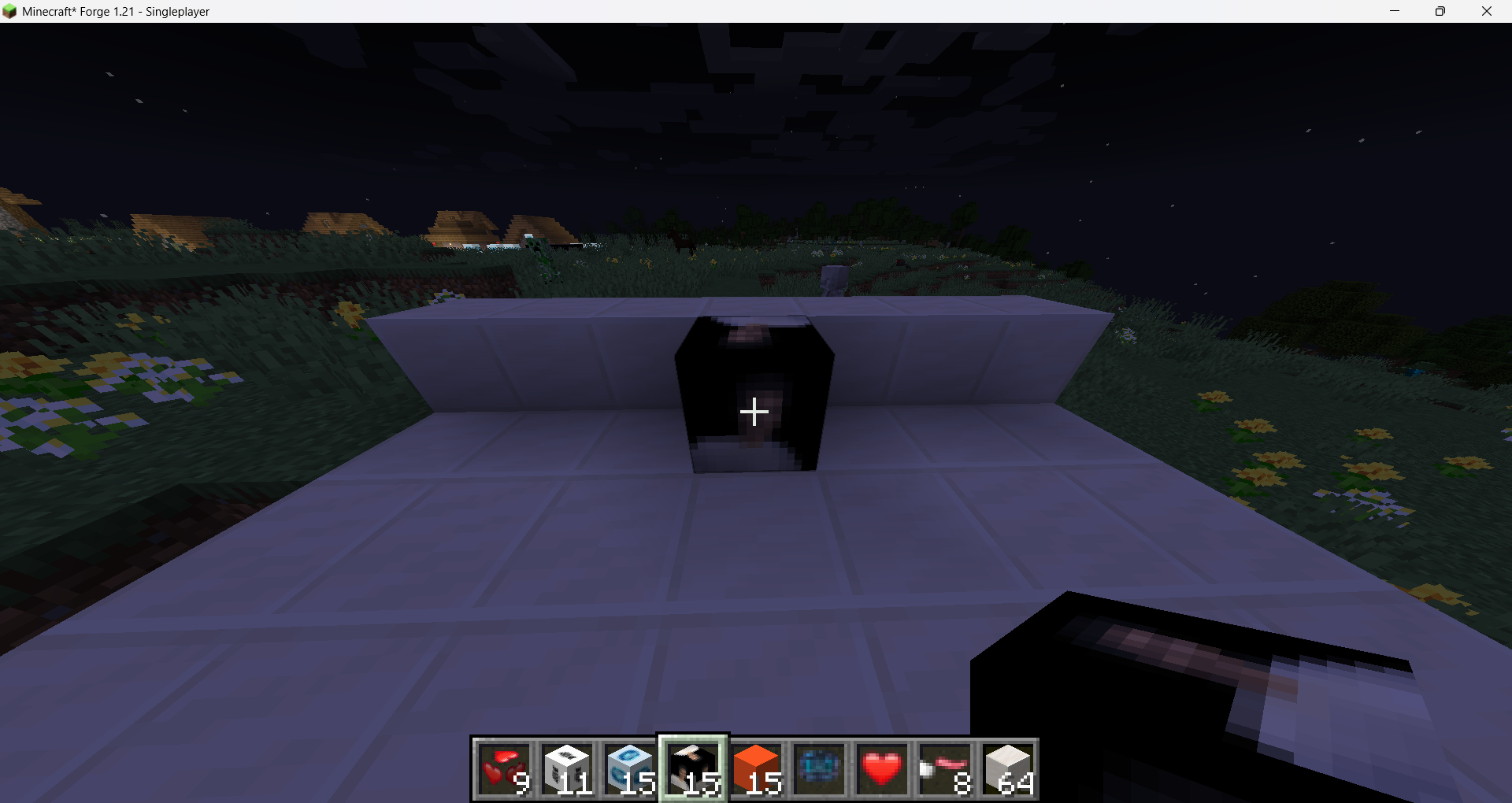 Image Block
 -
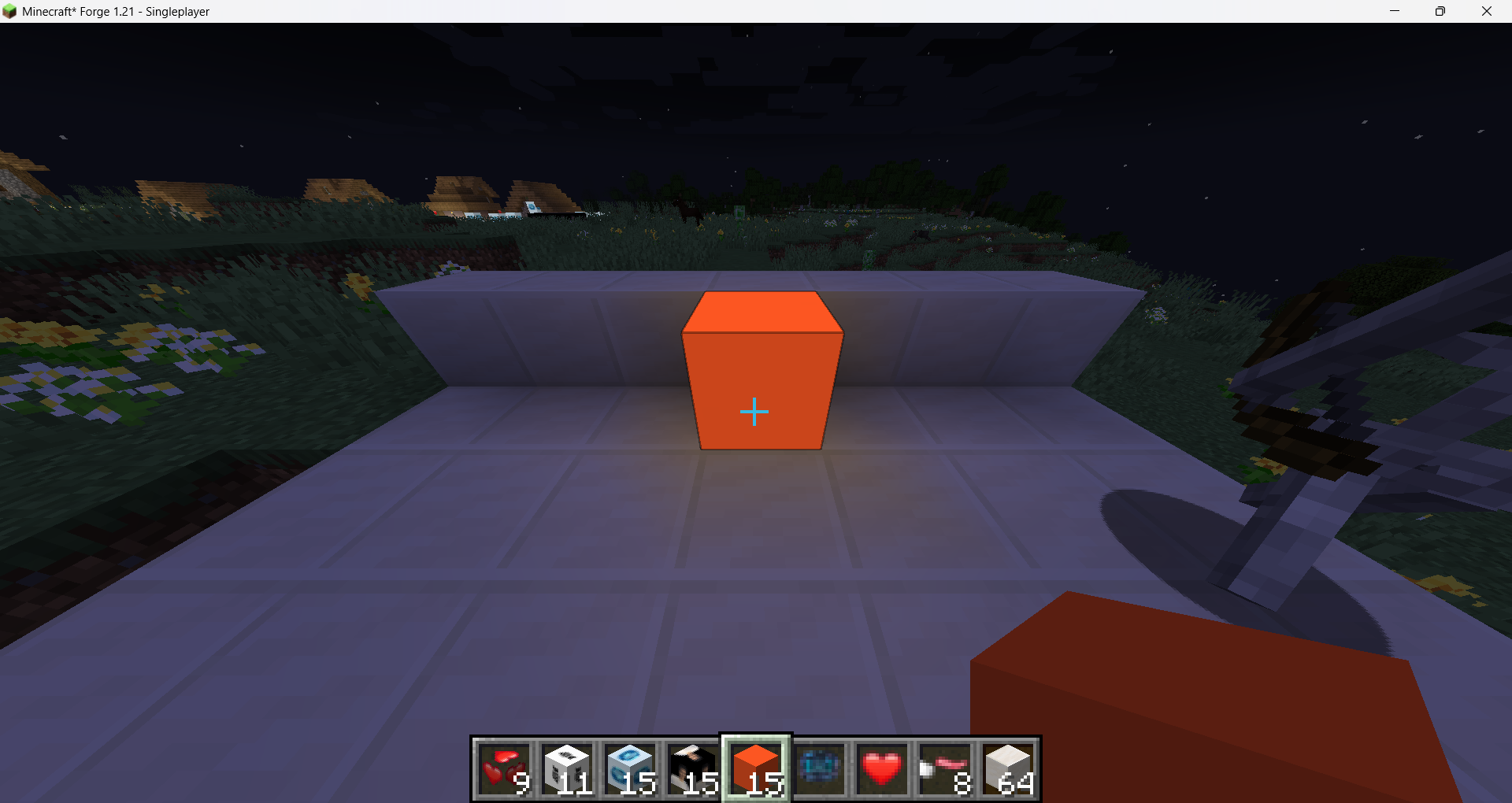 Orange Block
 -
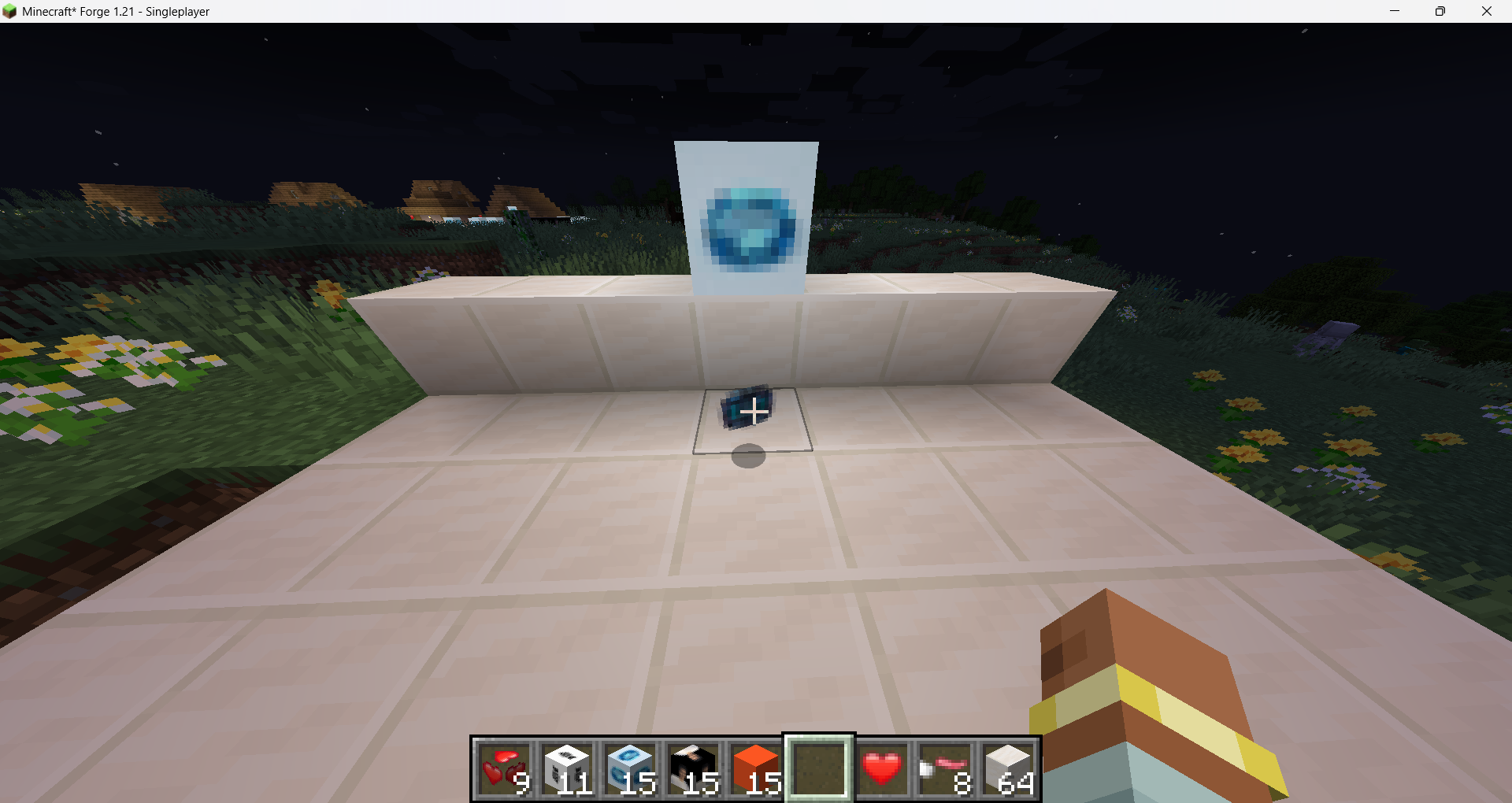 Alexandrite Gem
 -
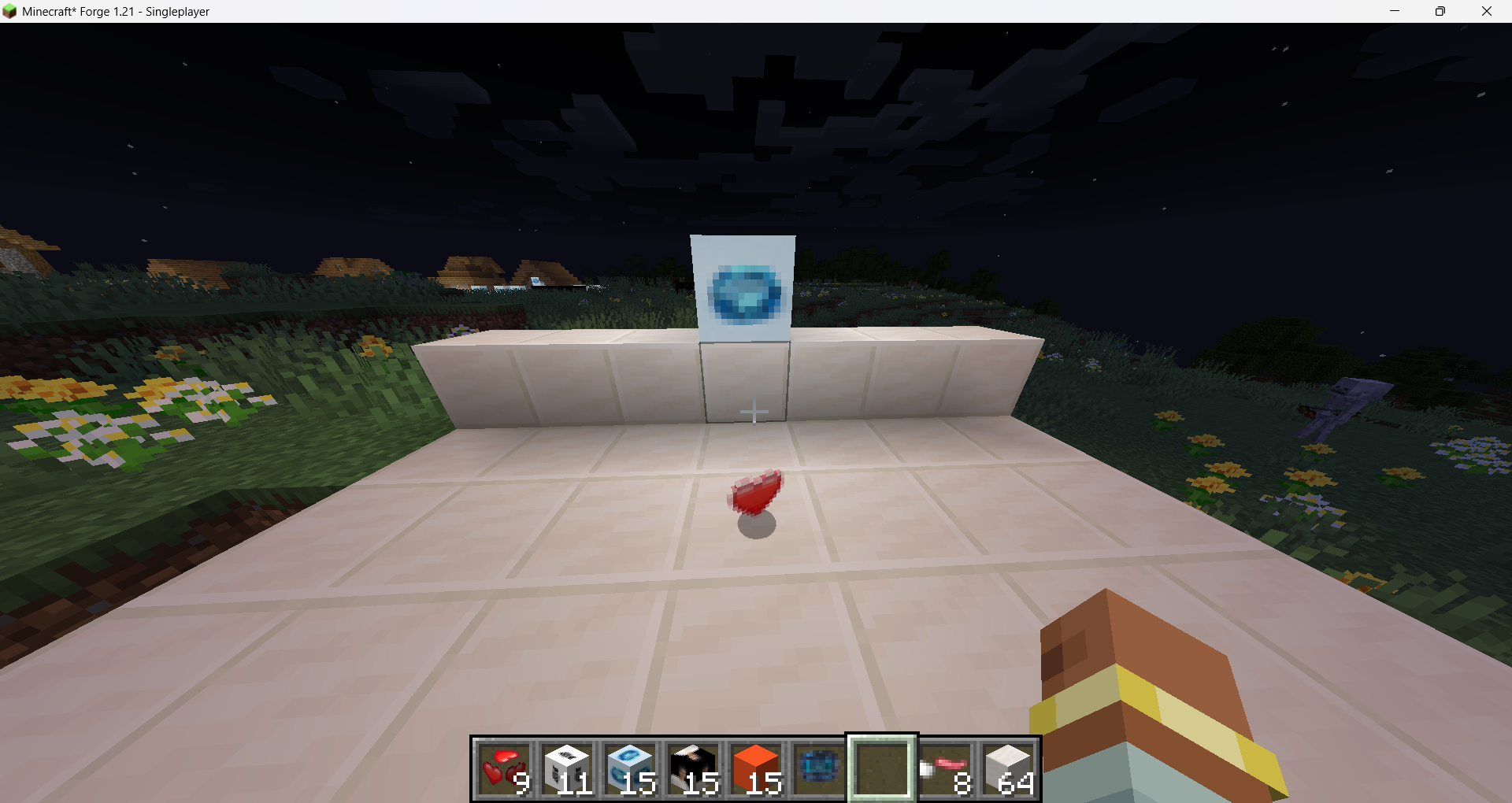 Love Item
 -
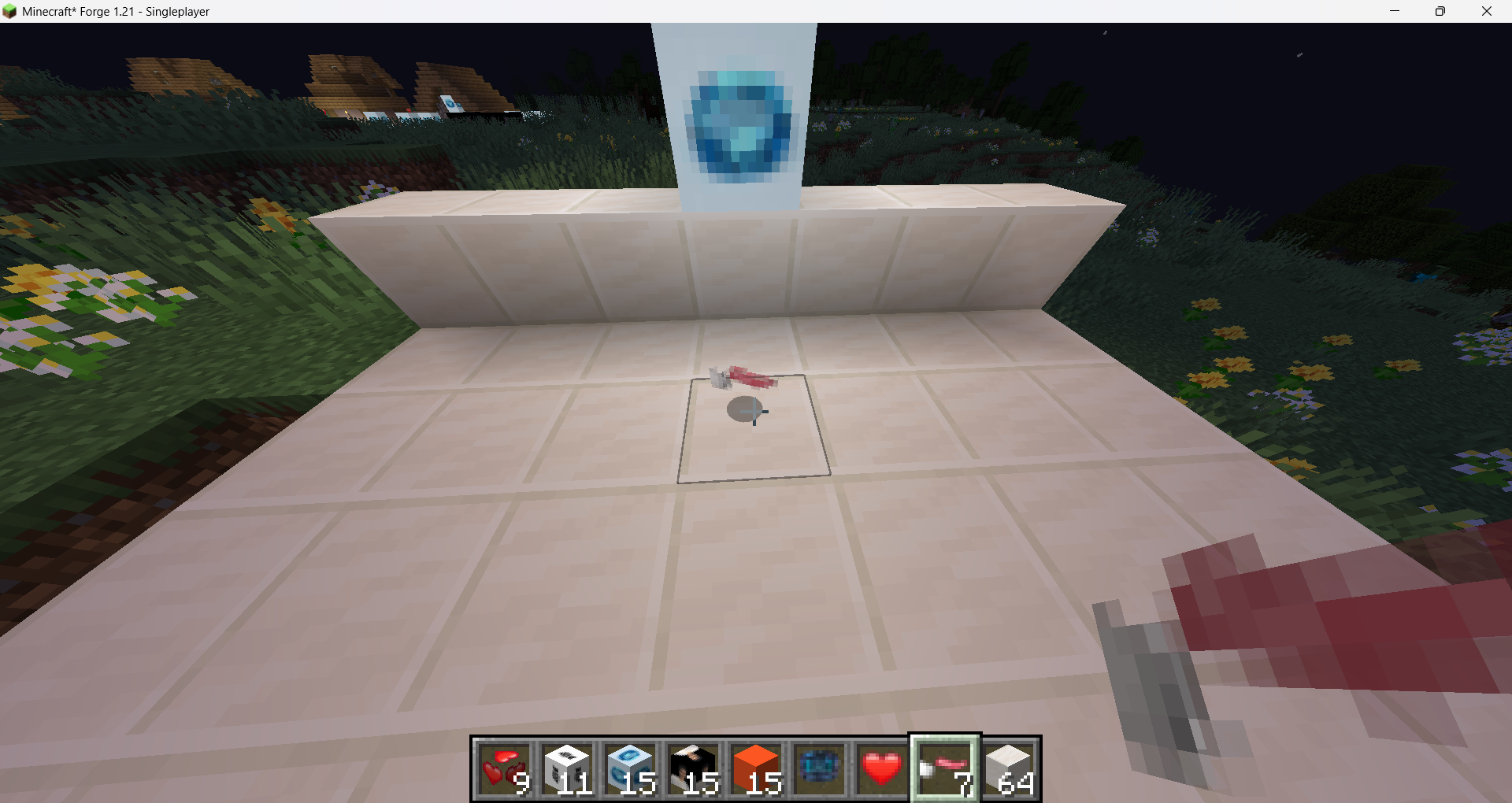 Hack Club Flag
 -
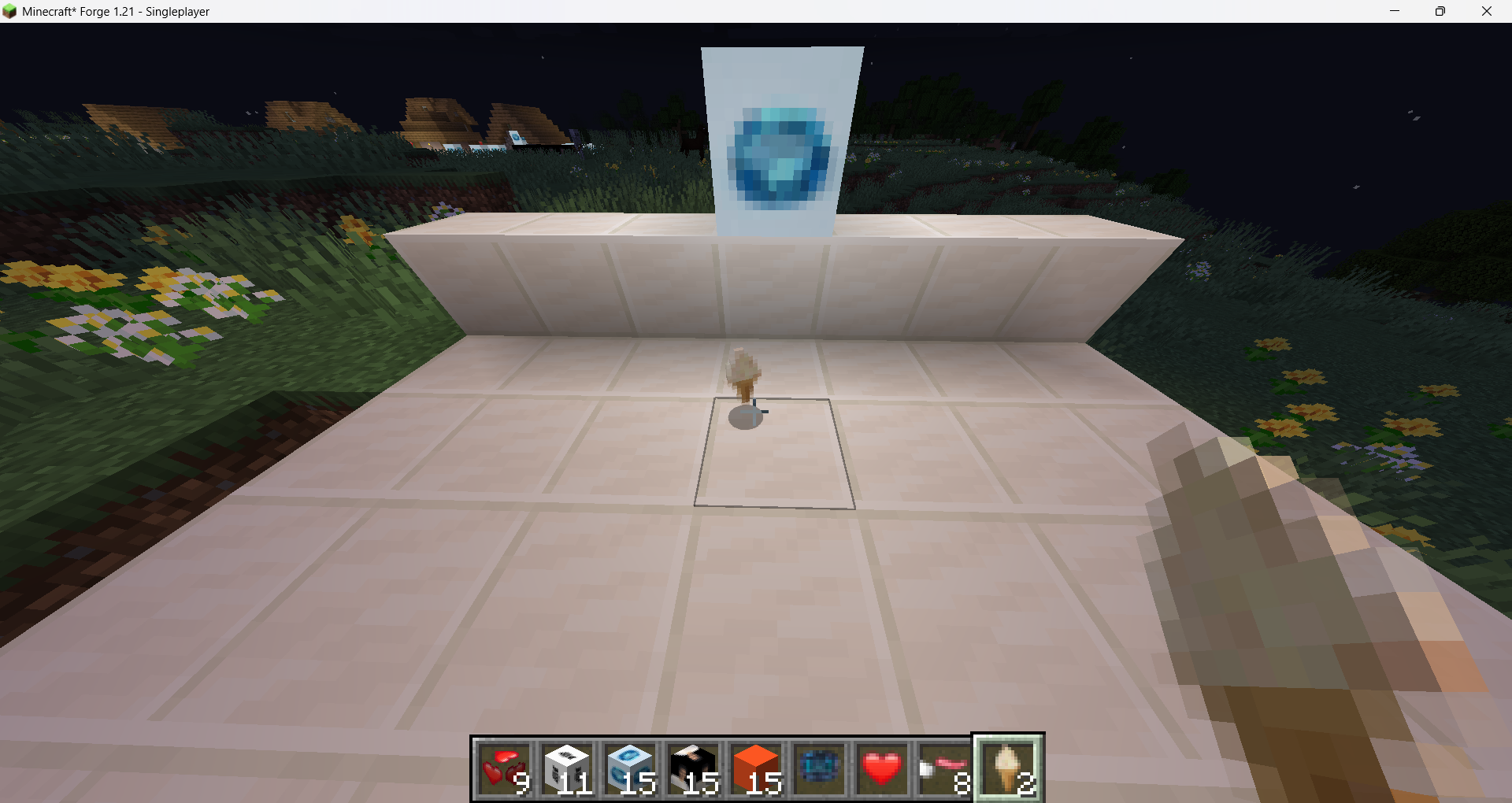 Icecream Item
 -
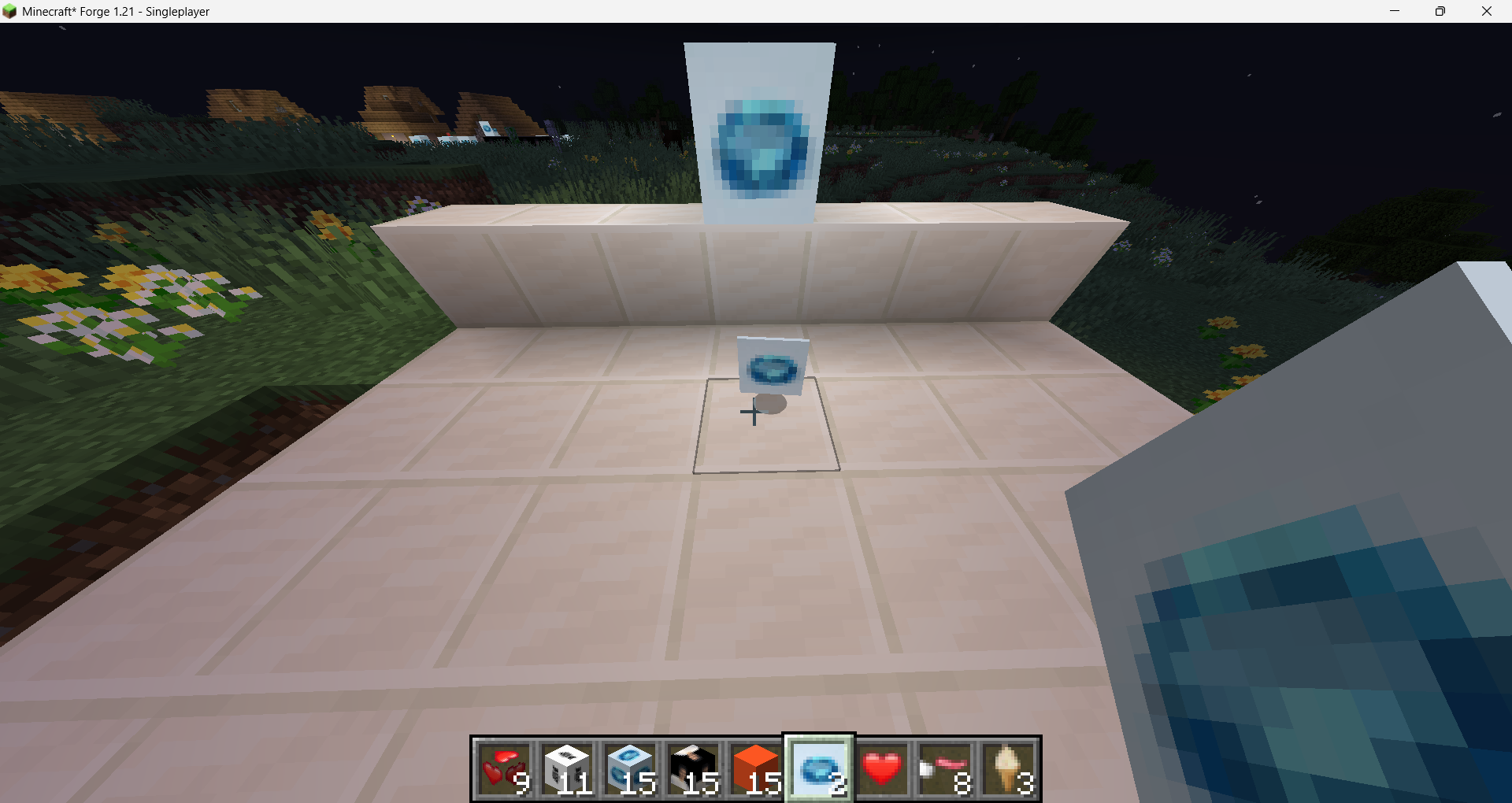 Raw Alexandrite Item
Versions
Files
Relations
Project Relations
More like this
Similar Mods
Suggestions use data such as tags, dependencies, dependents, descriptions, titles, and more to rank how much they overlap with this mod.
On ModDex
Community snapshot
By the numbers
Statistics

Want to reach Minecraft players?
We're looking for a server hosting partner to feature here and other parts of the site. Interested? Send us a message!
Get in touchGet it on
Available Platforms
On ModDex
Community snapshot
By the numbers