Community listing page, reviews may not be monitored by the author.
Inventory Expanded


No reviews yet
Completely reimagines Minecraft's inventory with a fully interactive 3D system, featuring realistic item placement, smooth animations, intuitive crafting, and immersive equipment management.

Community voices
Reviews
No reviews yet. Be the first to review this project!
Get it on
Available Platforms
Compatibility
Supported Environments
Must be installed on both the client and the server.
About
Project Details
For authors
Embed Badge
If you're the author of this project, you can embed a live badge anywhere that supports HTML or Markdown. It updates automatically whenever ratings change.
Use HTML for any page that supports it, or Markdown for README files and Markdown-based descriptions.
Identifiers
Platform IDs
Resources
External Links
About
Description

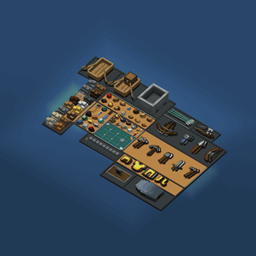
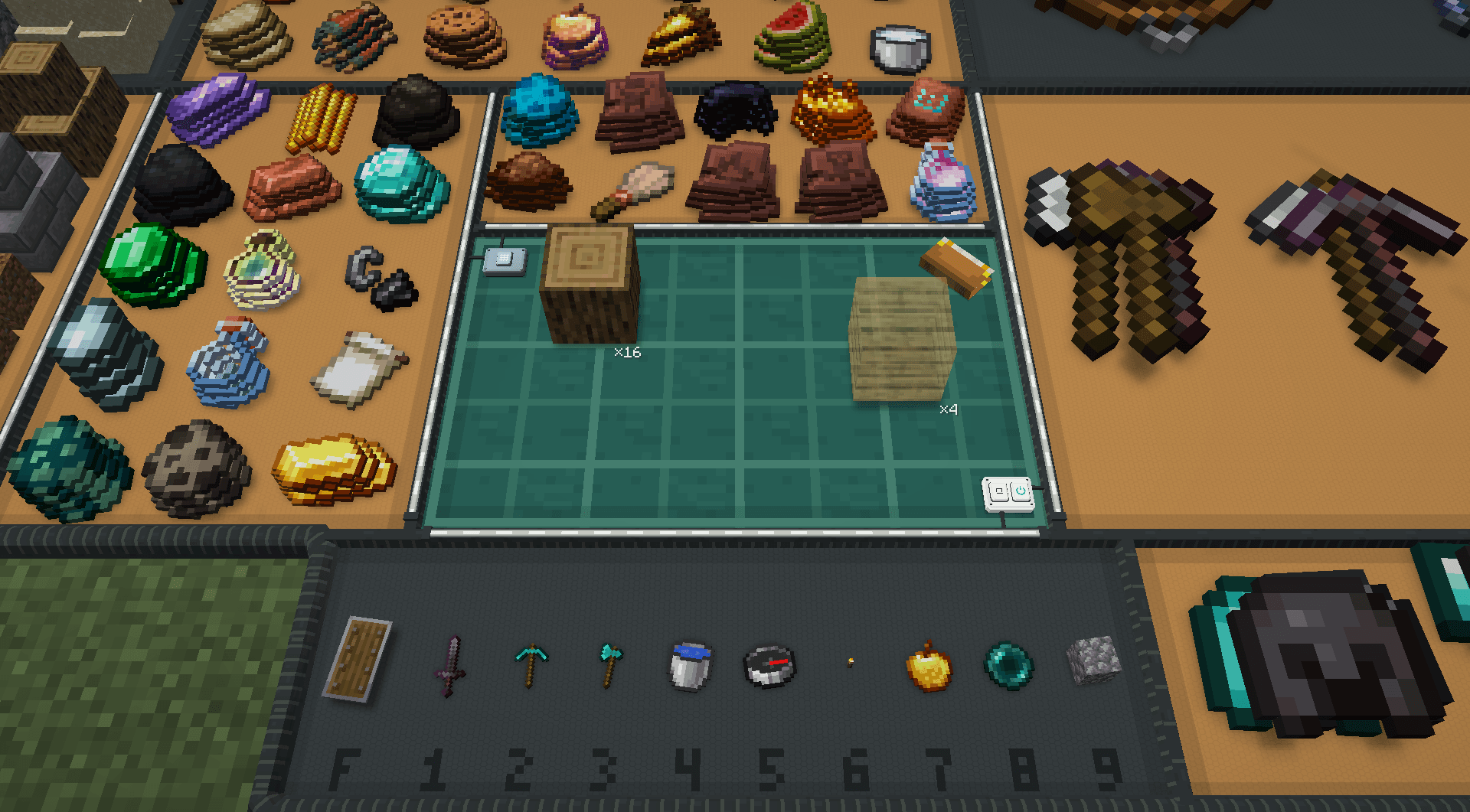
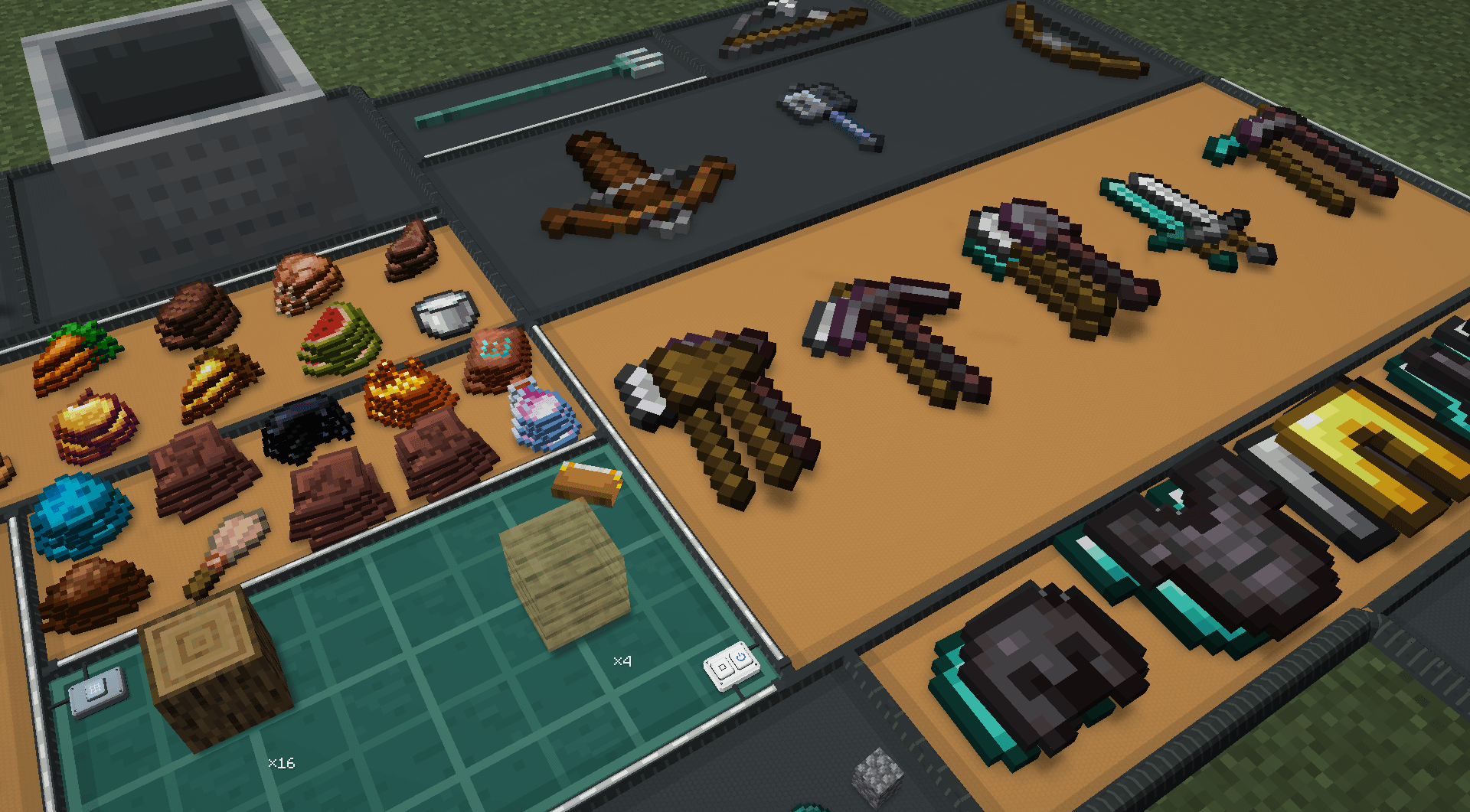
Inventory Expanded is an inventory overhaul that transforms item management into a fully animated 3D experience. Instead of a traditional inventory screen, your equipment is laid out on a customizable mat, with dedicated sections for blocks, crafting materials, food, tools, weapons, and armor.
Opening your inventory unfolds the mat. Items respond as you pick them up and move them, while contextual labels and mouse-button hints keep interactions easy to understand. Customizable mat colors and LED lighting let you personalize the presentation.
The mod combines expanded storage with automatic organization and flexible placement. Keep items aligned using the grid, or disable it to arrange them freely within supported storage areas. Alt + right-click lets you separate matching items into independent positions, while Ctrl + right-click equips or removes supported equipment. Bundles display their contents and capacity automatically, with mouse-wheel selection and right-click extraction.
Inventory Expanded also supports modded items and includes saved scale adjustments for individual item types, entire mods, and detected resource packs. These adjustments affect only their appearance inside the inventory, helping you fine-tune models without changing their size in the world.
Your inventory, expanded!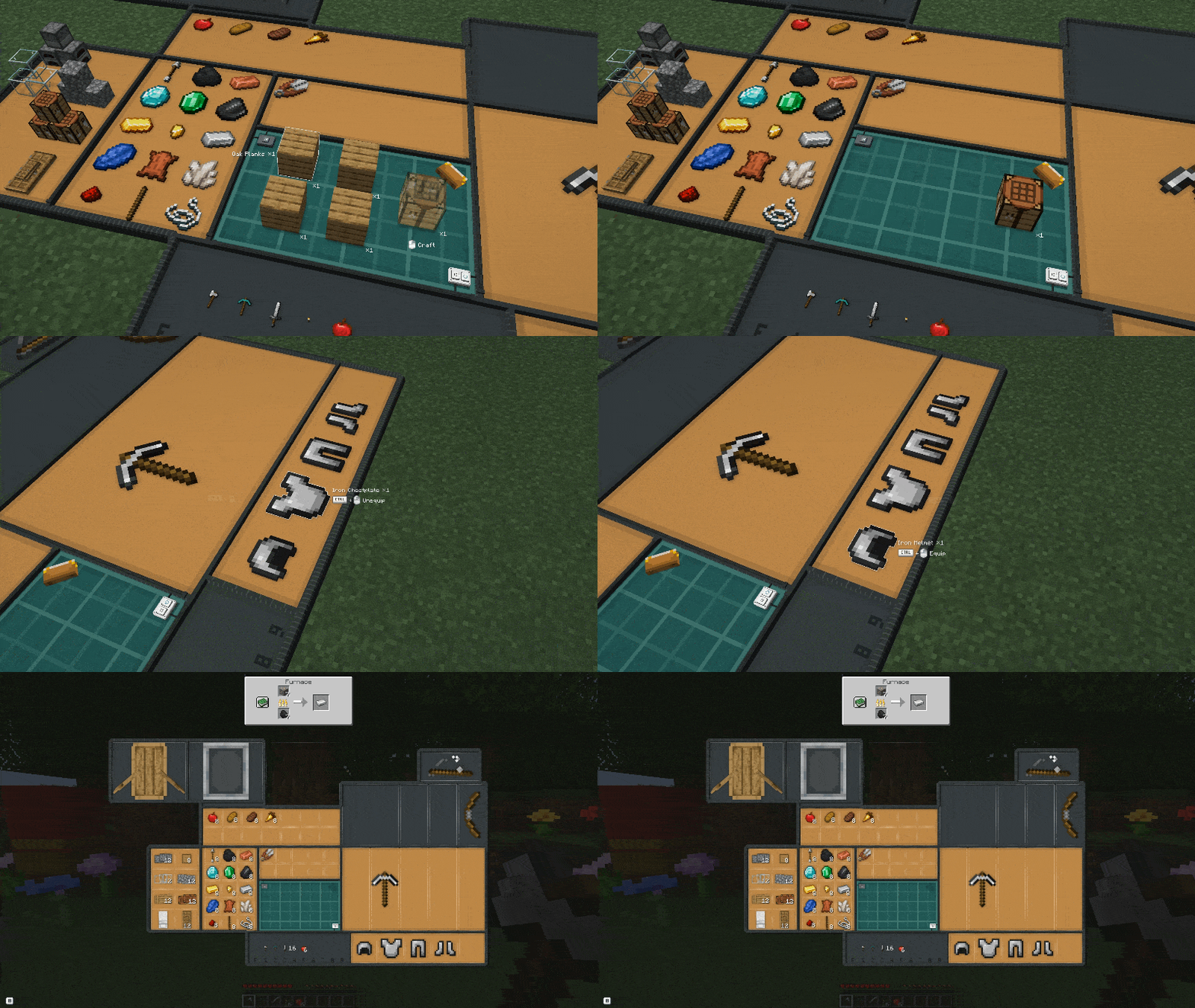
Commands & Debugging
Inventory Scaling
Use /inventory scale <target> <value> to customize item sizes in your inventory.
Available targets:
- vanilla — Adjusts vanilla Minecraft items.
- item — Adjusts the item type held in your main hand.
- Mods & Resource Packs — Adjusts items from detected mods or resource packs.
Autocomplete displays all available targets.
Use /inventory settings to configure your inventory
Examples:
/inventory scale vanilla 50%— Increases vanilla item sizes by 50%./inventory scale item -50%— Reduces the size of the held item type.
Use normal to restore the default scale.
Values range from -200 to 200, with the % symbol optional. Positive values increase size (100% doubles it), while negative values gradually reduce it (-100% halves it, -200% reduces it to one-third).

Inventory Expanded is an inventory overhaul that transforms item management into a fully animated 3D experience. Instead of a traditional inventory screen, your equipment is laid out on a customizable mat, with dedicated sections for blocks, crafting materials, food, tools, weapons, and armor.
Opening your inventory unfolds the mat. Items respond as you pick them up and move them, while contextual labels and mouse-button hints keep interactions easy to understand. Customizable mat colors and LED lighting let you personalize the presentation.
The mod combines expanded storage with automatic organization and flexible placement. Keep items aligned using the grid, or disable it to arrange them freely within supported storage areas. Alt + right-click lets you separate matching items into independent positions, while Ctrl + right-click equips or removes supported equipment. Bundles display their contents and capacity automatically, with mouse-wheel selection and right-click extraction.

Inventory Expanded also supports modded items and includes saved scale adjustments for individual item types, entire mods, and detected resource packs. These adjustments affect only their appearance inside the inventory, helping you fine-tune models without changing their size in the world.
Your inventory, unfolded.

Commands & Debugging
Inventory Scaling
Use /inventory scale <target> <value> to customize item sizes in your inventory.
Available targets:
vanilla — Adjusts vanilla Minecraft items.
item — Adjusts the item type held in your main hand.
Mods & Resource Packs — Adjusts items from detected mods or resource packs.
Autocomplete displays all available targets.
Use /inventory settings to configure your inventory
Examples:
/inventory scale vanilla 50% — Increases vanilla item sizes by 50%.
/inventory scale item -50% — Reduces the size of the held item type.**
Use normal to restore the default scale.
Values range from -200 to 200, with the % symbol optional. Positive values increase size (100% doubles it), while negative values gradually reduce it (-100% halves it, -200% reduces it to one-third).
Settings persist between sessions, and individual item settings override broader adjustments.
Screenshots
Gallery
-
 centro.png centro.png
-
 direita.png direita.png
-
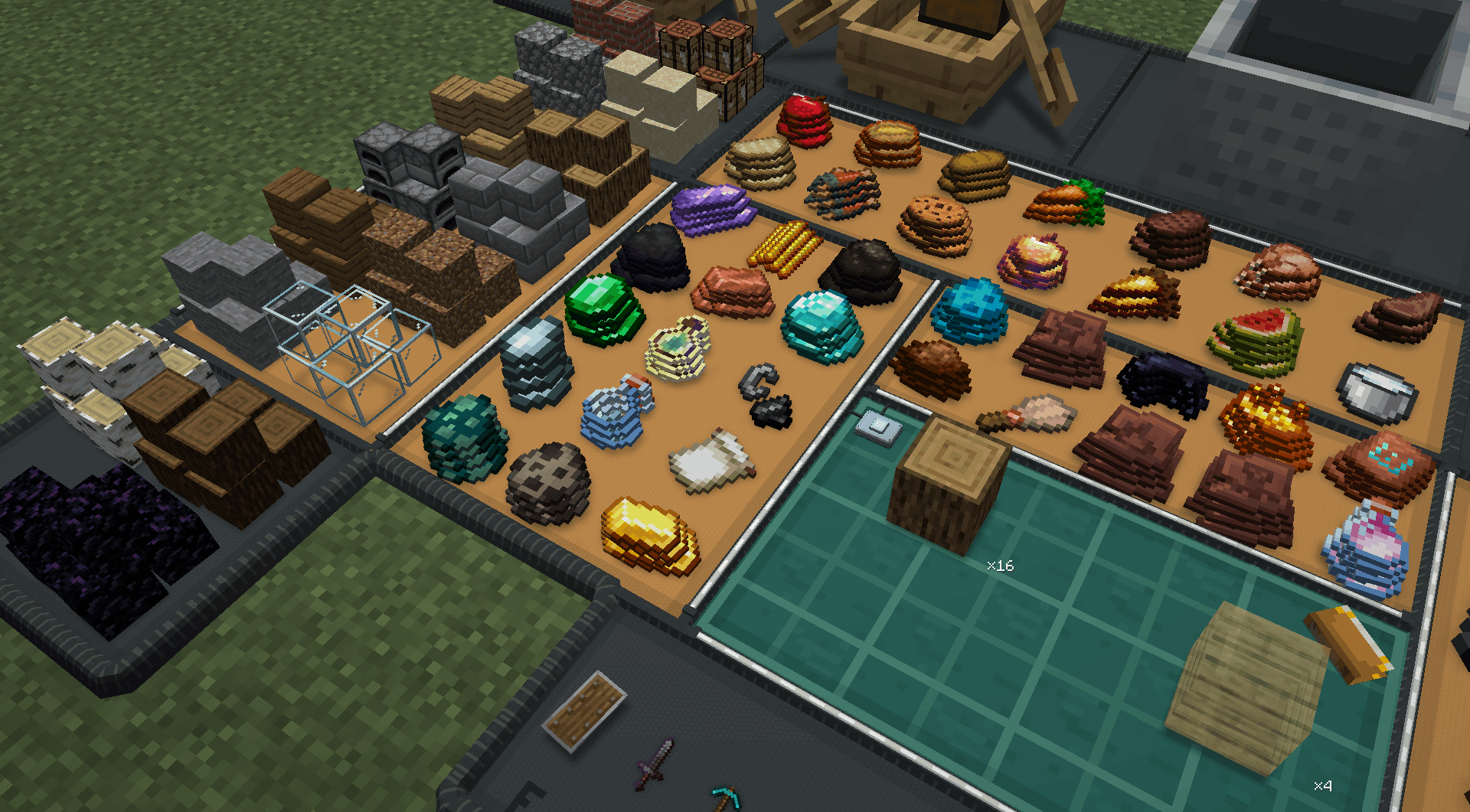 esquerda.png esquerda.png


Versions
Files
Relations
Project Relations
More like this
Similar Mods
Suggestions use data such as tags, dependencies, dependents, descriptions, titles, and more to rank how much they overlap with this mod.
On ModDex
Community snapshot
By the numbers
Statistics

Get it on
Available Platforms
On ModDex
Community snapshot
By the numbers
Statistics
Resources