
Community listing page, reviews here may not be monitored by the author.
InvSort

No reviews yet
Quickly sort Minecraft inventories and containers into a clean, predictable order.
Community voices
Reviews
No reviews yet. Be the first to review this project!
Get it on
Available Platforms
Compatibility
Supported Environments
Runs entirely on the client. Works on vanilla servers.
About
Project Details
For authors
Embed Badge
If you're the author of this project, you can embed a live badge anywhere that supports HTML or Markdown. It updates automatically whenever ratings change.
Use HTML for any page that supports it, or Markdown for README files and Markdown-based descriptions.
Identifiers
Platform IDs
Resources
External Links
About
Description
InvSort is a lightweight Fabric client mod that adds fast, practical inventory sorting to Minecraft. It cleans up messy inventories and containers without making you manually drag every stack around.
It focuses on predictable survival-friendly sorting: restacking partial piles, compacting empty gaps, and ordering items in a way that keeps common storage readable. Use it on its own, or alongside InvSearch and InvCatalogue as part of the wider inventory management suite.
Open supported inventories and containers to use the Sort button. Right-click that button to open the rules screen, where you can protect slots, assign exact items to specific slots, and control the order that categories or exact items should follow.
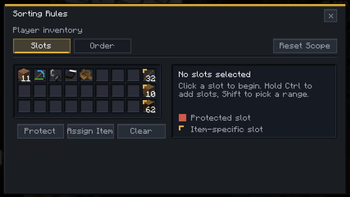
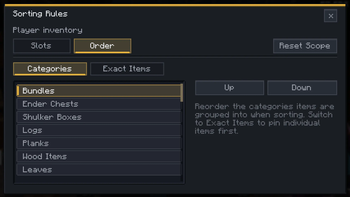
The rules screen has separate Slots and Order views. Use Slots when you want parts of an inventory or chest to stay untouched, or when one slot should only receive a particular item. Use Order when you want logs, planks, tools, stone, food, or exact items to appear in your preferred sequence.
Features
- Sort button for supported inventory and container screens
- Right-click rules screen for custom inventory and container layouts
- Protected slots that sorting will not move items into or out of
- Item-specific slots for keeping resources, tools, or building blocks in fixed places
- Custom category and exact-item sort ordering
- Per-screen, per-container, and global rule scopes
- Restacks partial piles before laying items out cleanly
- Compacts empty gaps so storage is easier to scan
- Practical default ordering by stack size, item category, and item id
- Hotbar-friendly player inventory behavior
- Skips slot-sensitive screens such as hoppers, furnaces, and brewing stands
- Works client-side in singleplayer, LAN, Realms, and multiplayer where client-side utility mods are allowed
Good for
- Cleaning up messy chests, barrels, and shulker boxes
- Keeping survival storage readable
- Resetting dump chests after a mining or building session
- Keeping hotbar supplies, building palettes, and tool slots where you expect them
- Players who want predictable sorting without server-side changes
- Using alongside InvSearch and InvCatalogue for broader inventory management
Install note
InvSort does not require a server install. Install Fabric Loader, Fabric API, and the InvSort jar for your Minecraft version.
It does not add blocks, items, or server mechanics. Server rules still apply, so only use it where client-side utility mods are allowed.
Screenshots
Gallery
-
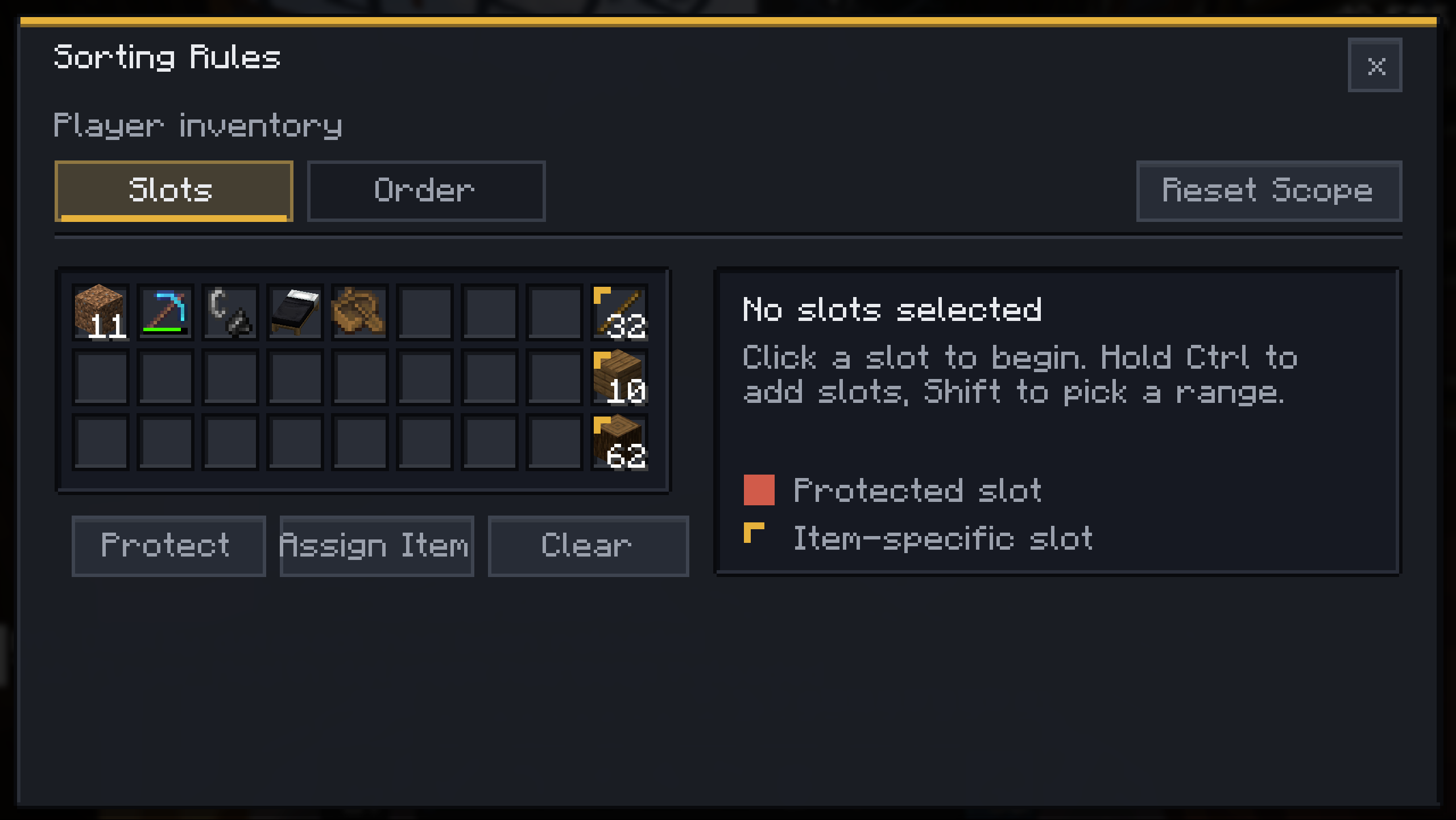 Rules: Inventory Slots Protect slots or assign exact items before sorting runs.
 -
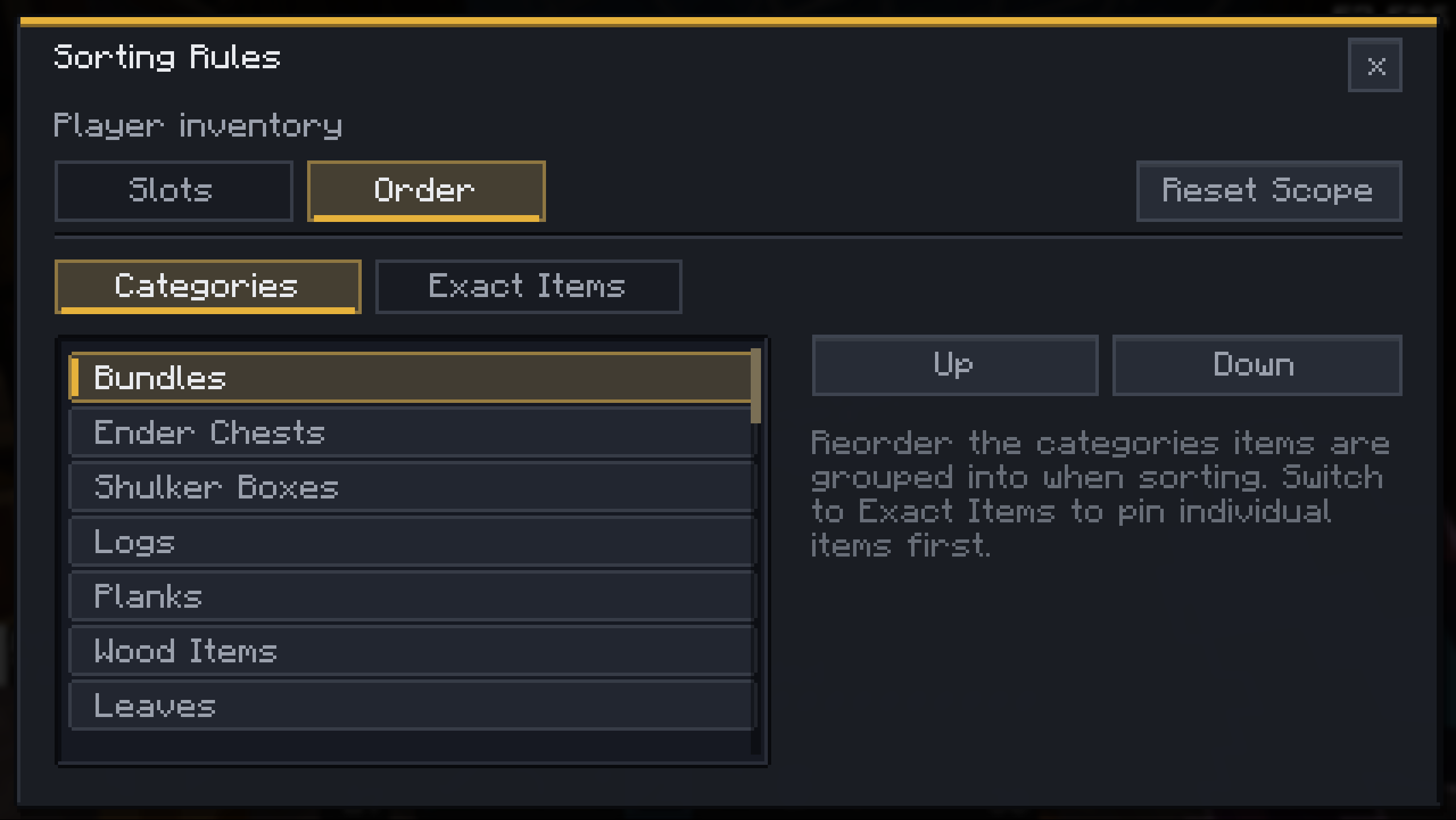 Rules: Inventory Order Set category and exact-item order for your inventory.
 -
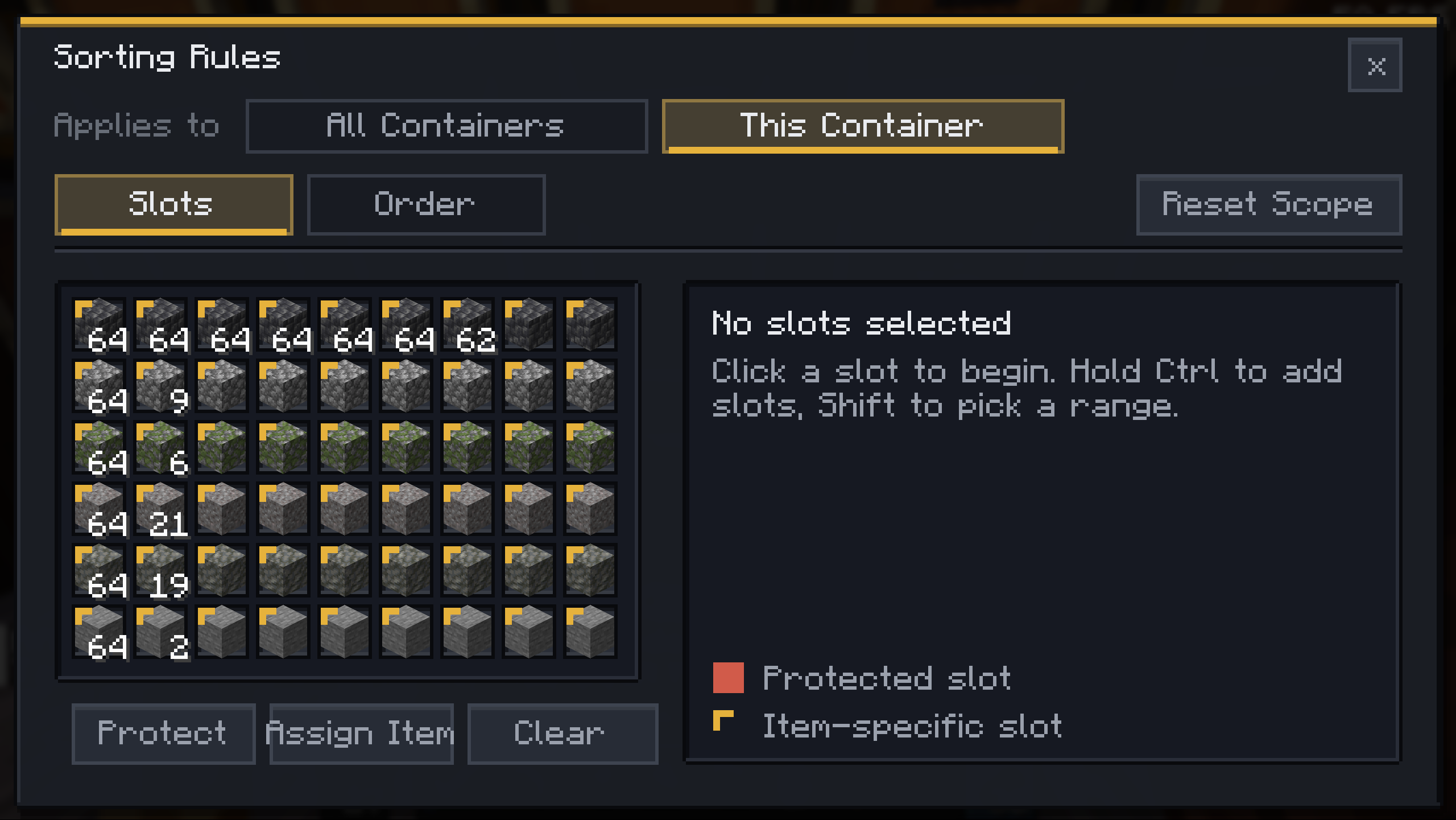 Chest Rules Apply protected slots and custom order rules to containers.
 -
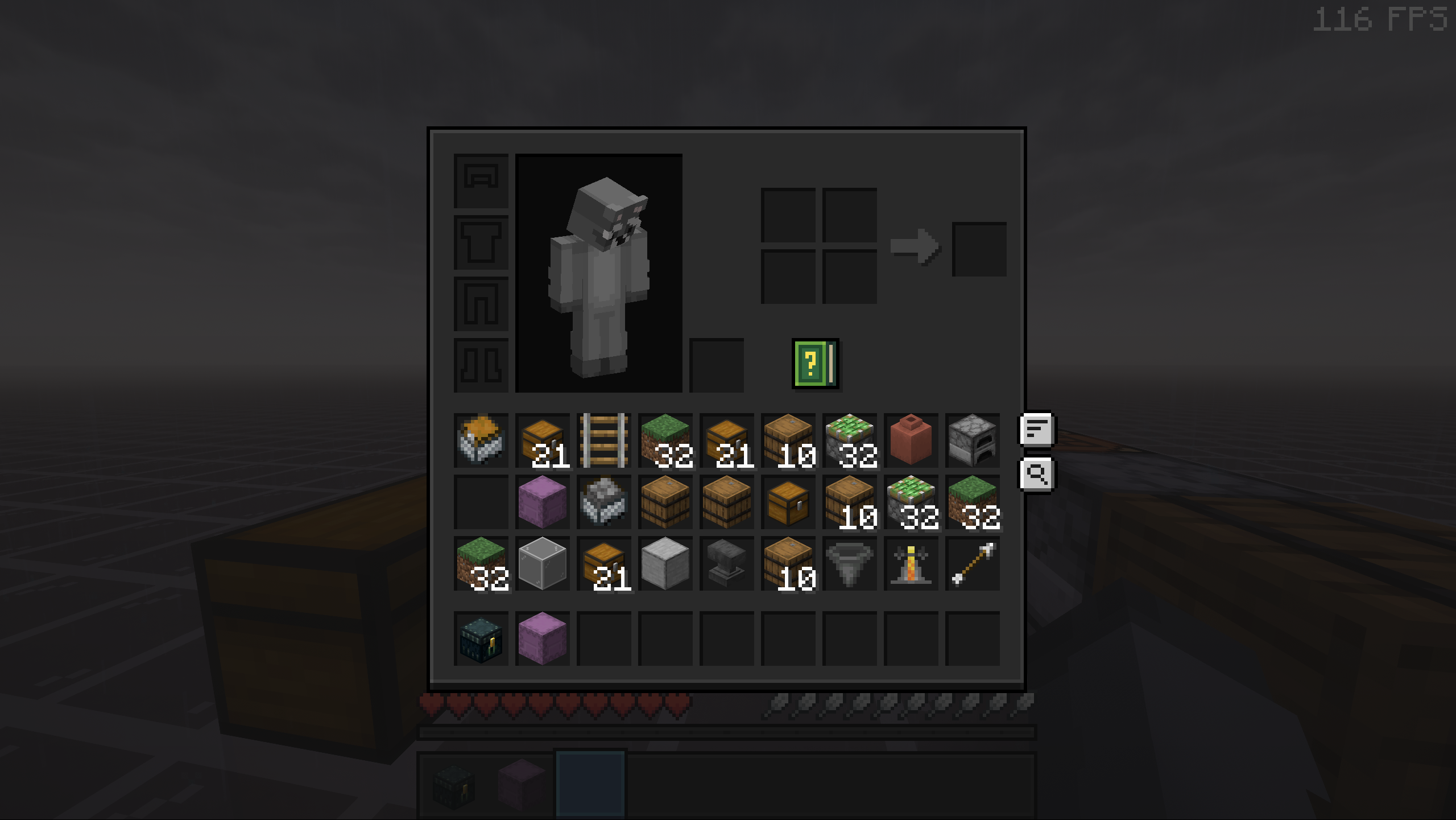 Inventory Sort Button: Before A messy player inventory before pressing the sort button.
 -
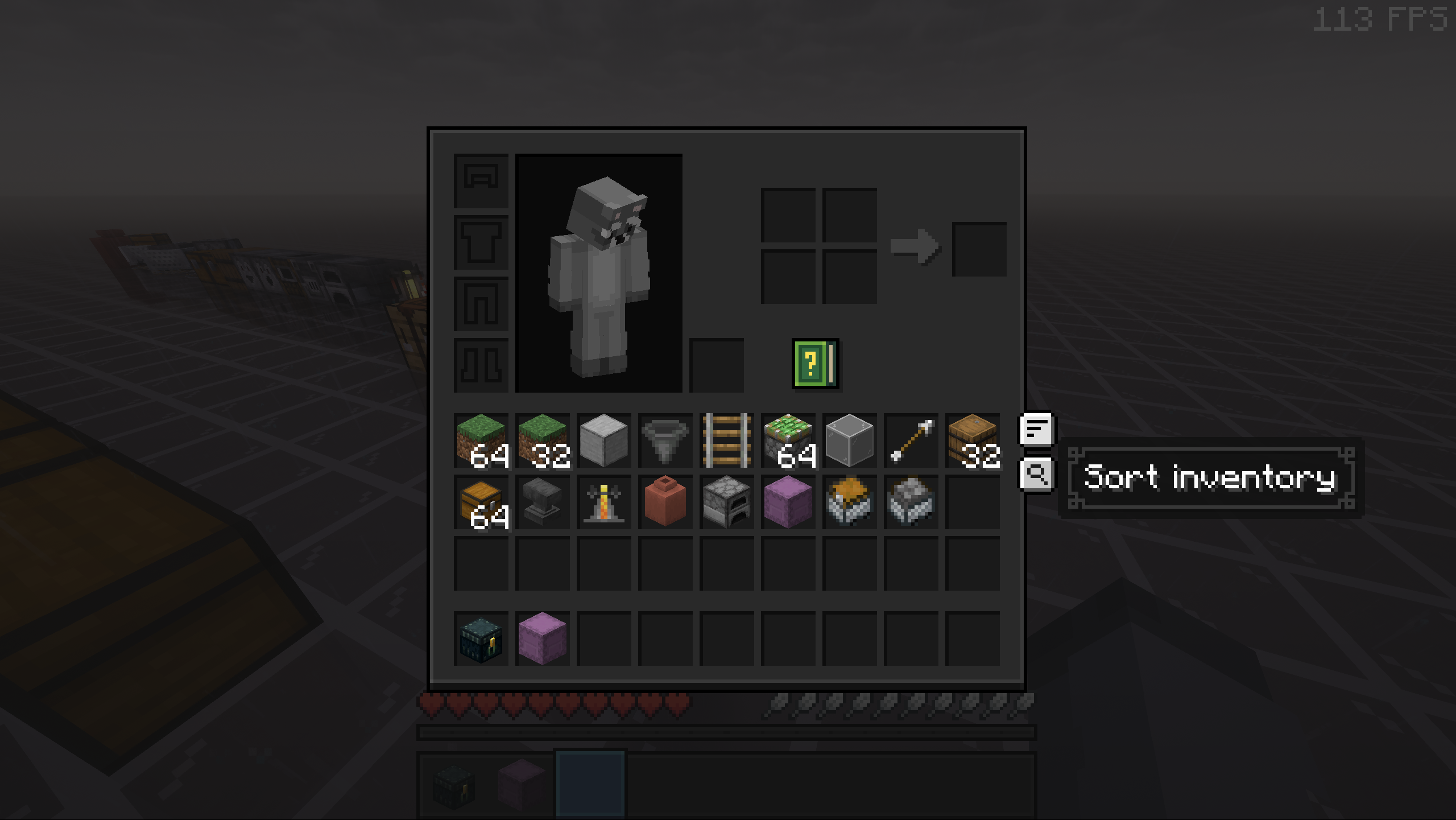 Inventory Sort Button: After The same inventory after InvSort restacks and orders items.
 -
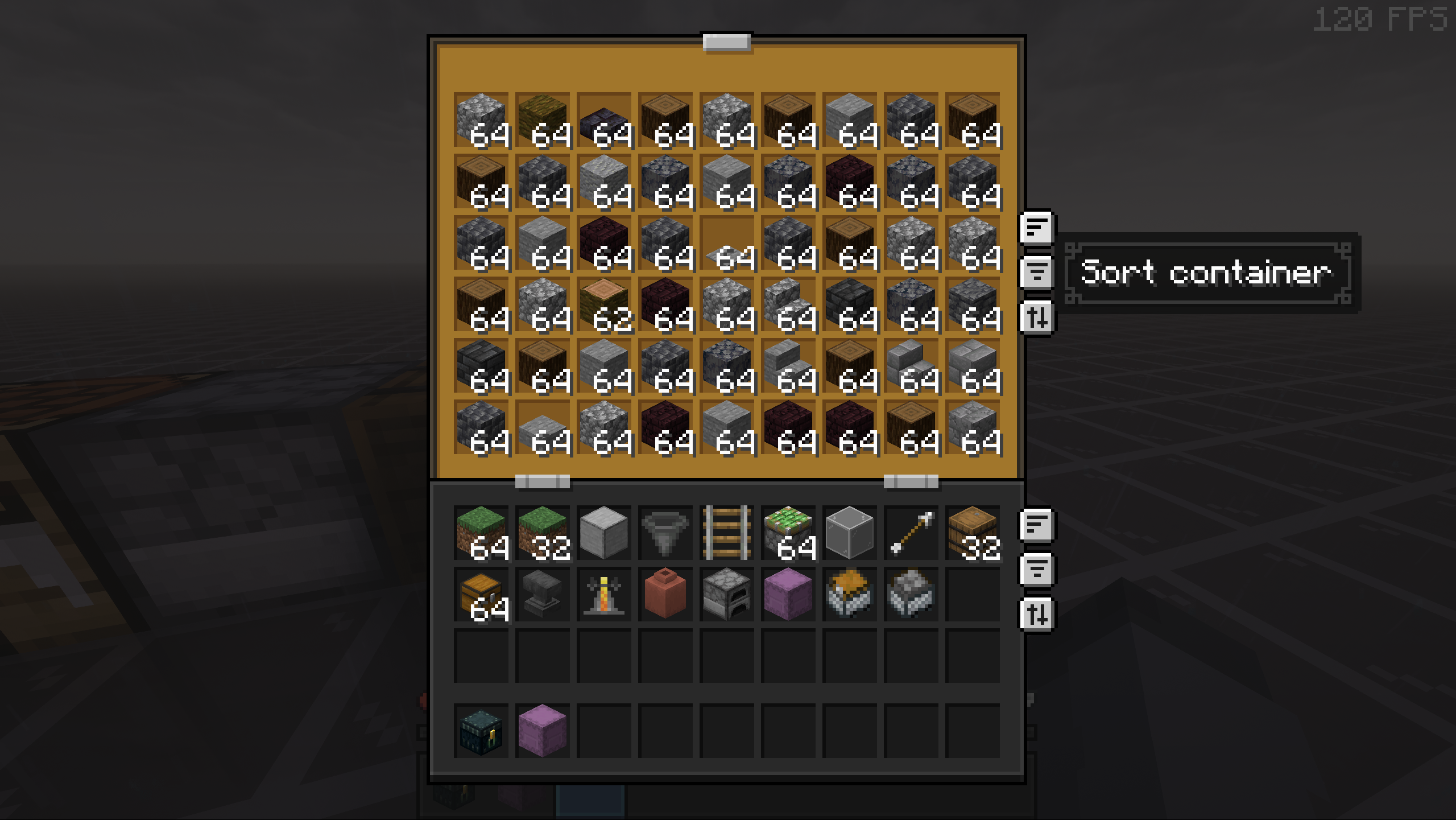 Chest Sort Button: Before A mixed chest before container sorting.
 -
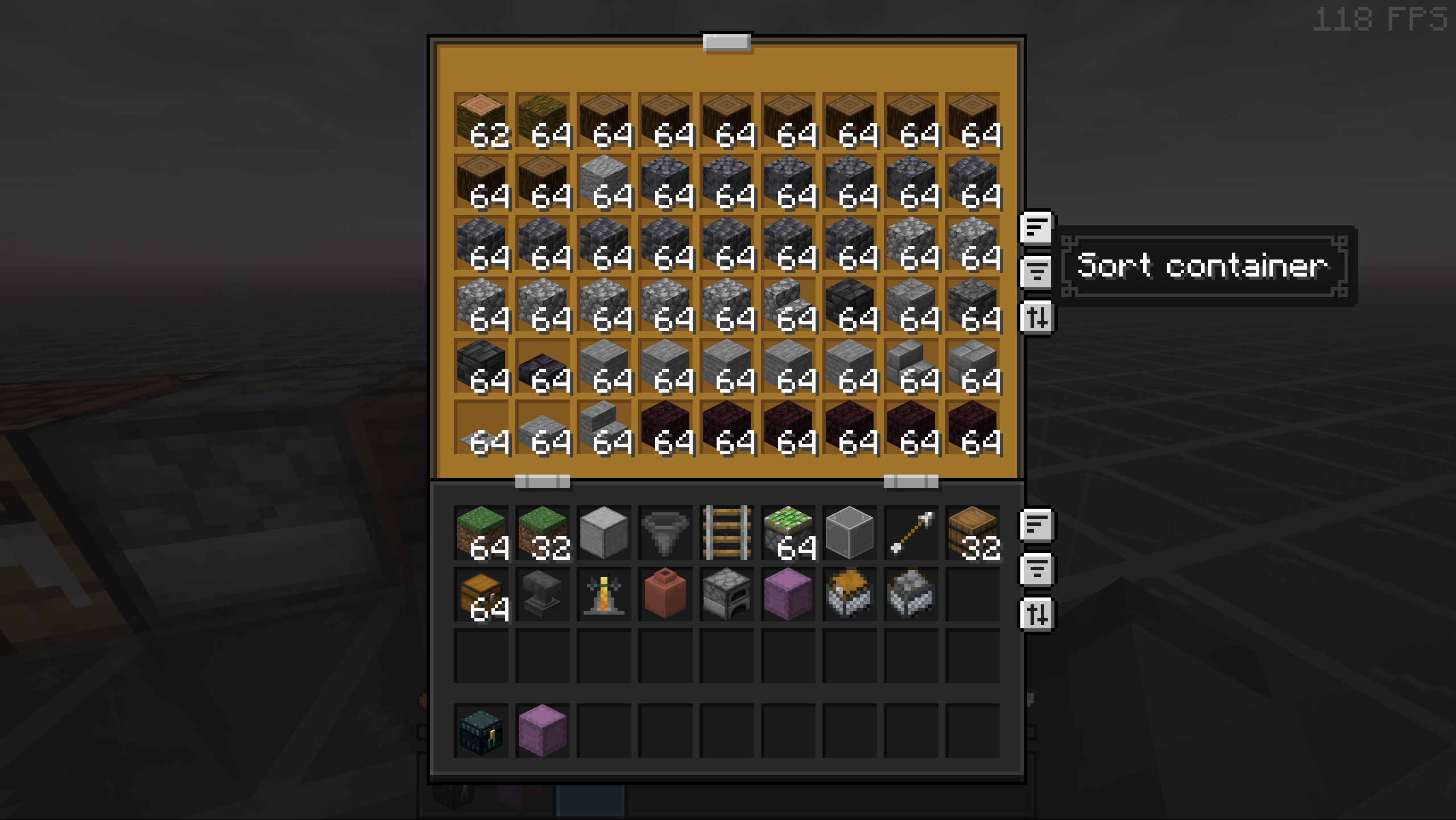 Chest Sort Button: After The chest after InvSort compacts and sorts it.
 -
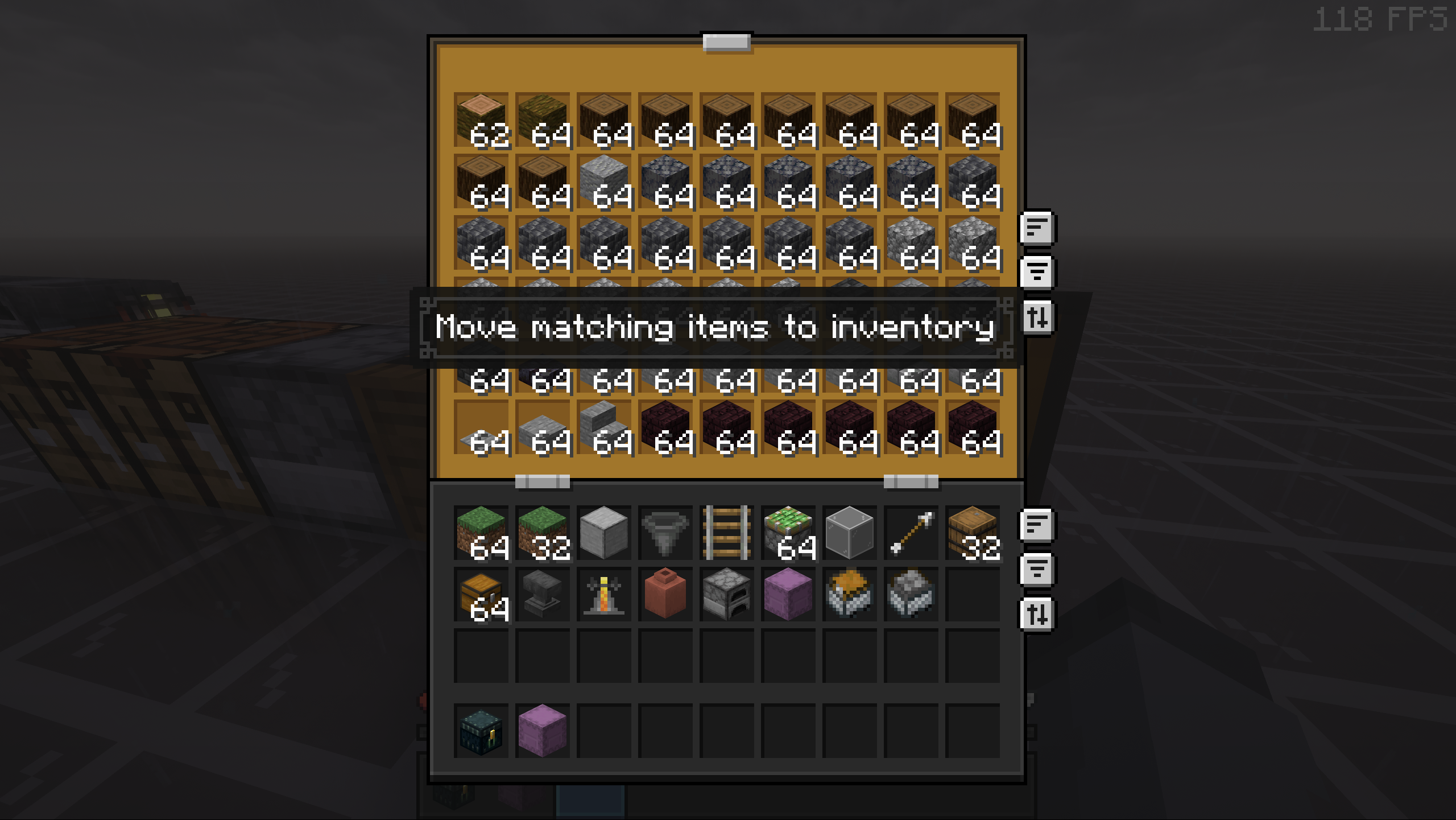 Move Matching Move matching stacks into a container with one button.
 -
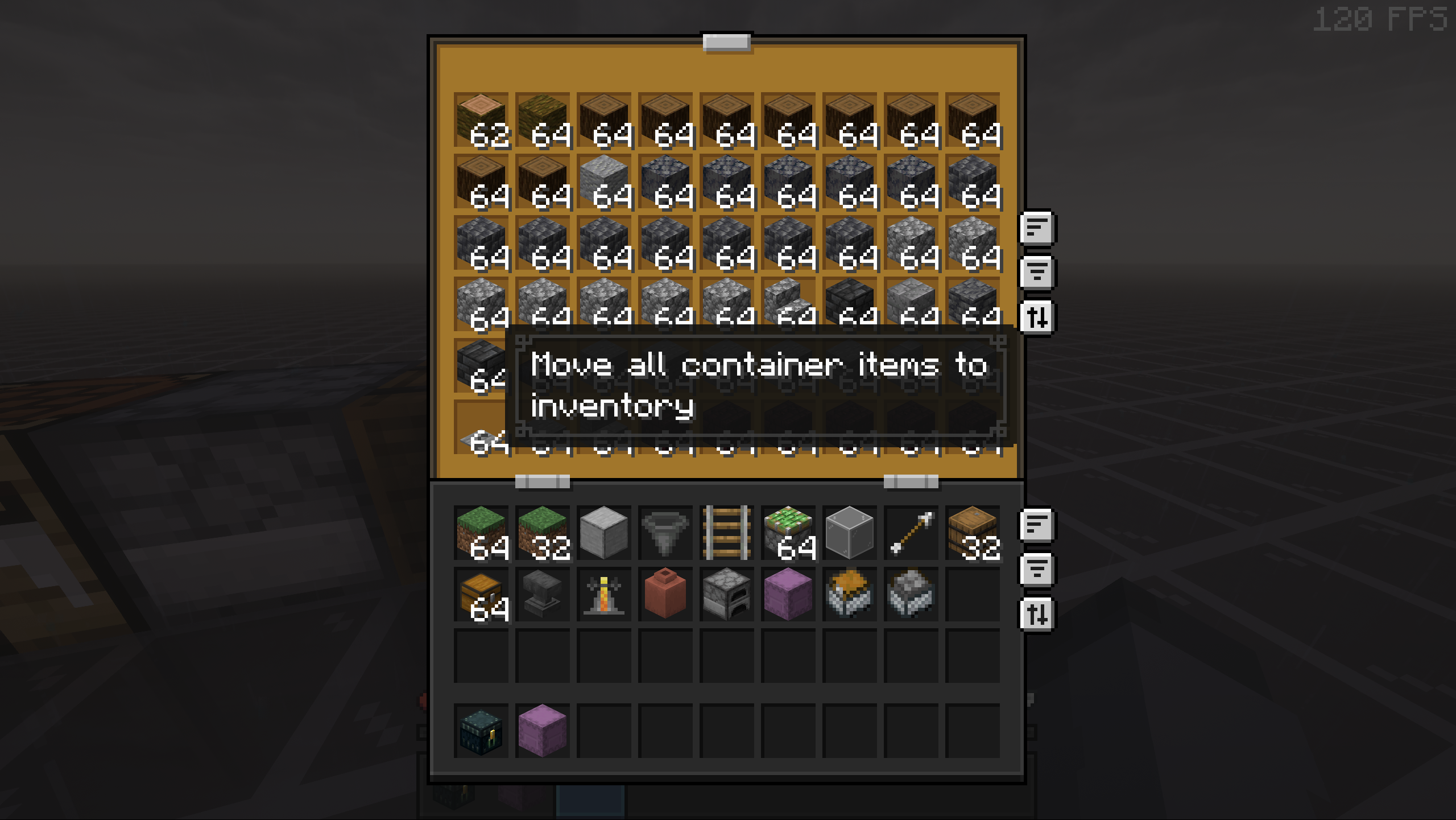 Move All Move all compatible items into a container quickly.
Versions
Files
Relations
Project Relations
More like this
Similar Mods
Suggestions use data such as tags, dependencies, dependents, descriptions, titles, and more to rank how much they overlap with this mod.
On ModDex
Community snapshot
By the numbers
Statistics

Want to reach Minecraft players?
We're looking for a server hosting partner to feature here and other parts of the site. Interested? Send us a message!
Get in touchGet it on
Available Platforms
On ModDex
Community snapshot
By the numbers
Statistics
Resources