
Community listing page, reviews here may not be monitored by the author.
Iris Utils

No reviews yet
This is a simple mod that adds the option to swap shaders with the up and down arrow keys and also allows the player to download a shader from modrinth with the dlshader command.
Community voices
Reviews
No reviews yet. Be the first to review this project!
Get it on
Available Platforms
Compatibility
Supported Environments
Runs entirely on the client. Works on vanilla servers.
About
Project Details
For authors
Embed Badge
If you're the author of this project, you can embed a live badge anywhere that supports HTML or Markdown. It updates automatically whenever ratings change.
Use HTML for any page that supports it, or Markdown for README files and Markdown-based descriptions.
Identifiers
Platform IDs
About
Description
About:
This is a simple mod that adds the option to swap Iris shaders with the up and down arrow keys, and also allows the player to download a shader from modrinth with the /dlshader <url> command.
Since this is an Iris addon, it requires the correct versions of Iris and Sodium to be present to function
I am not affiliated in any way with iris or any of the shaders or their creators shown in these examples.
NOTE:
Since this mod can download shaders if you ask it to, it will affect your file system. The source code is available if you click on the 'view source' button under the links section if you want to verify it yourself.
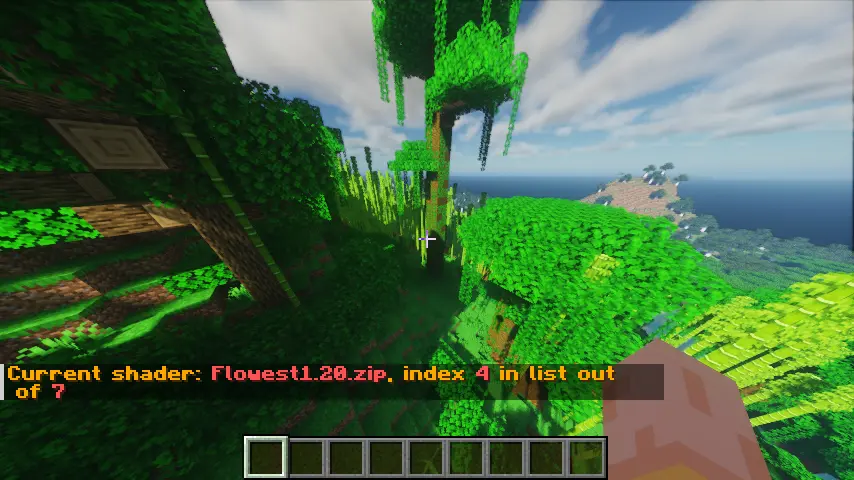
An example of the shader swapping info:
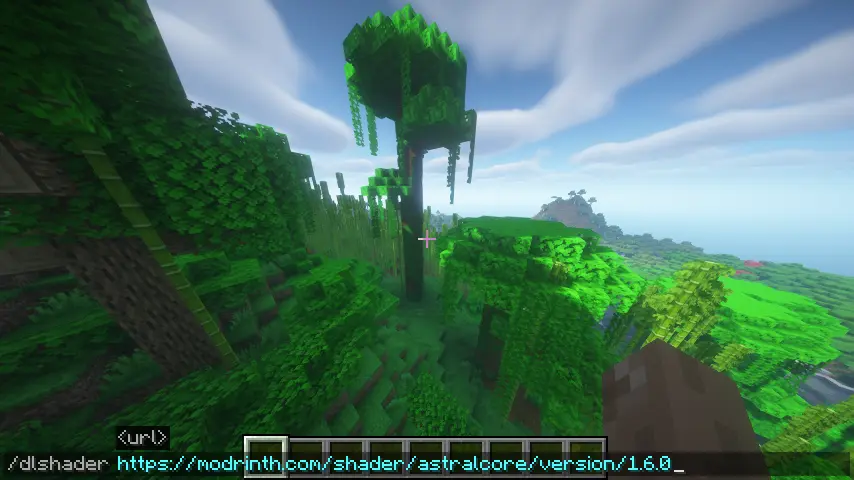
The command to download a shaderpack:
You can include either https://, http:// or nothing at the start, and it will be accepted.
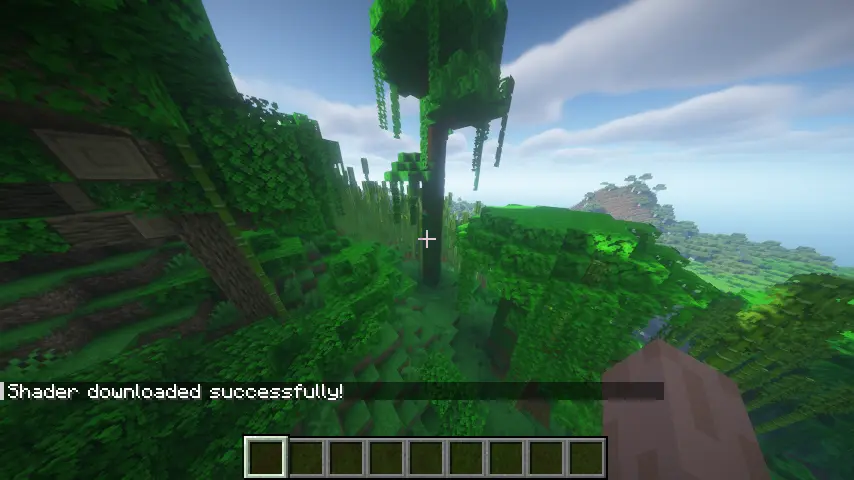
A shader being downloaded correctly
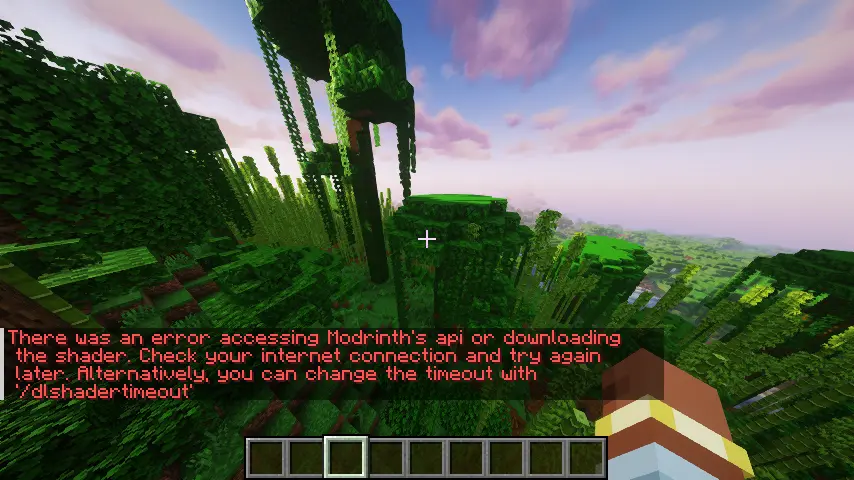
Failures
There are two main reasons a shader may fail to download:
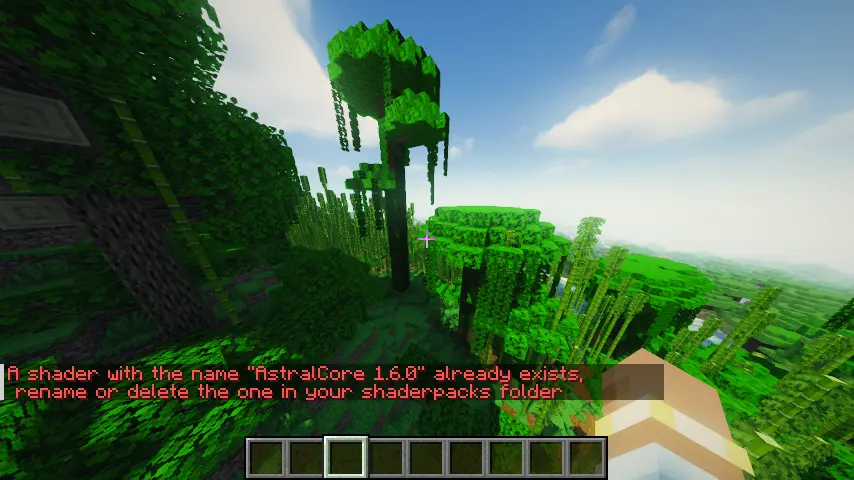
- The shader you're trying to download has the same name as one already present
- An internet connection error
Both are shown in screenshots below.
If there is a connection error, the game may freeze for a few seconds before the connection attempt times out. This is set to 5 seconds by default but can be changed with the /dlshadertimeout command. This command takes in the time (in milliseconds) that the client should try to download the shader for.
Screenshots
Gallery
-
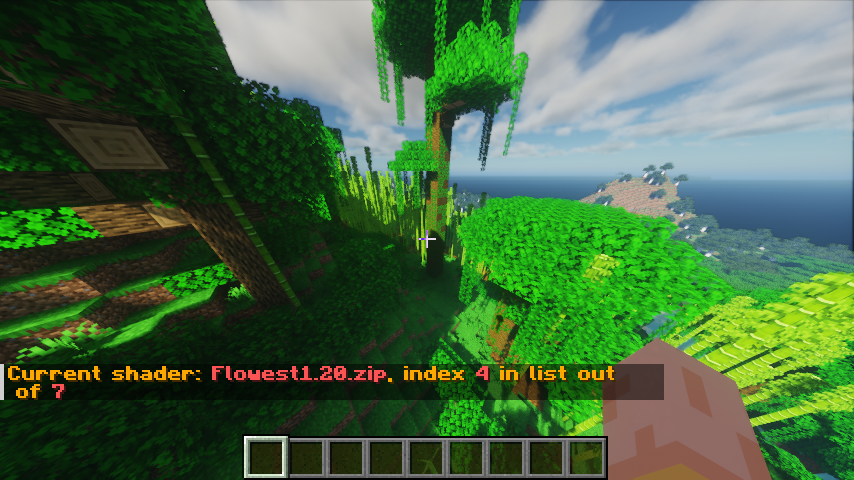 Shader switcher example
 -
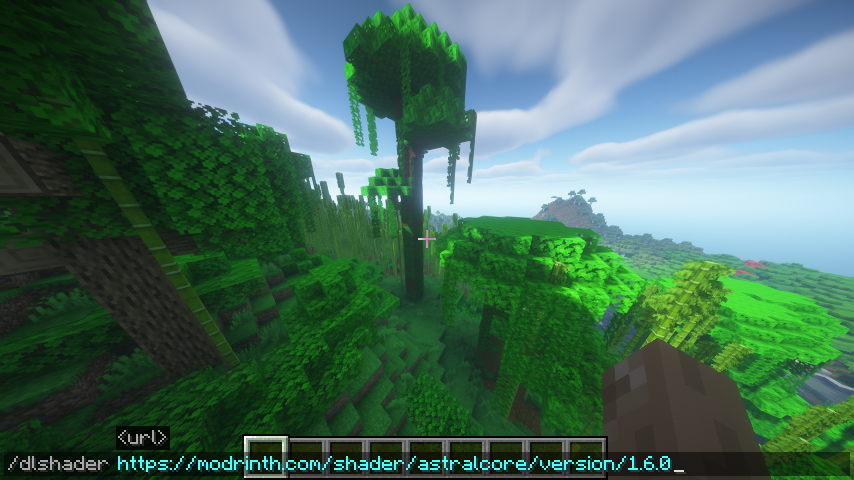 /dlshader command example
 -
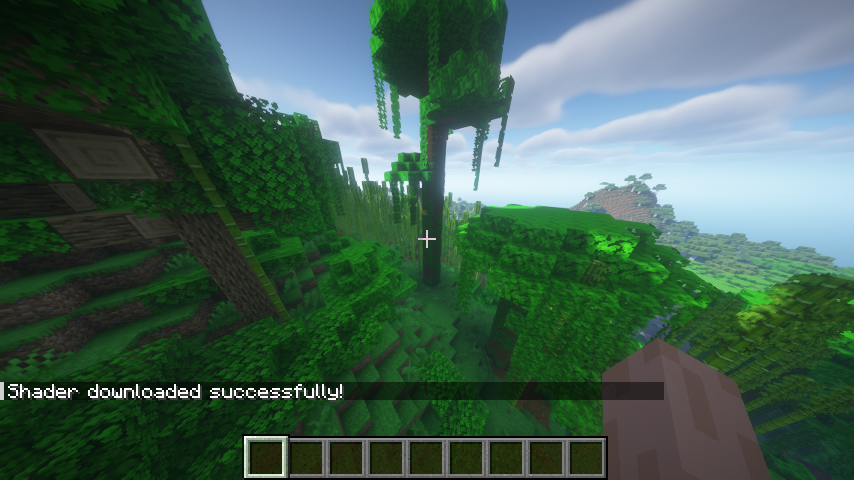 /dlshader command success
 -
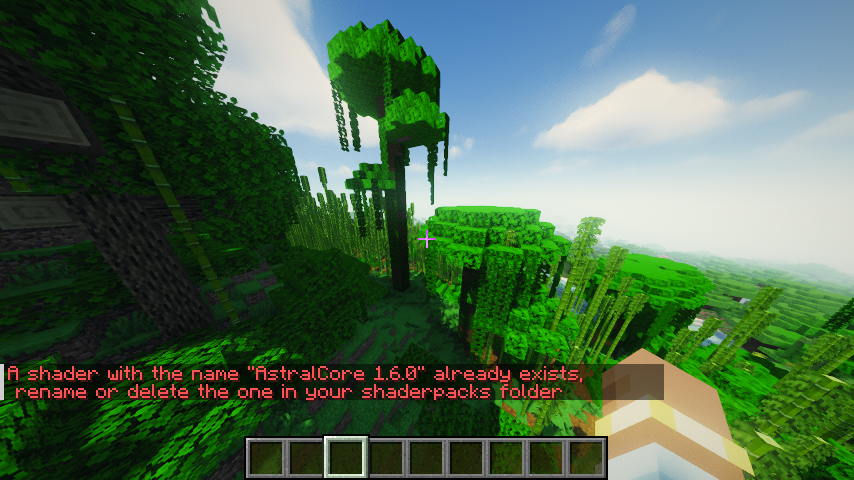 /dlshader command failure, file already exists
 -
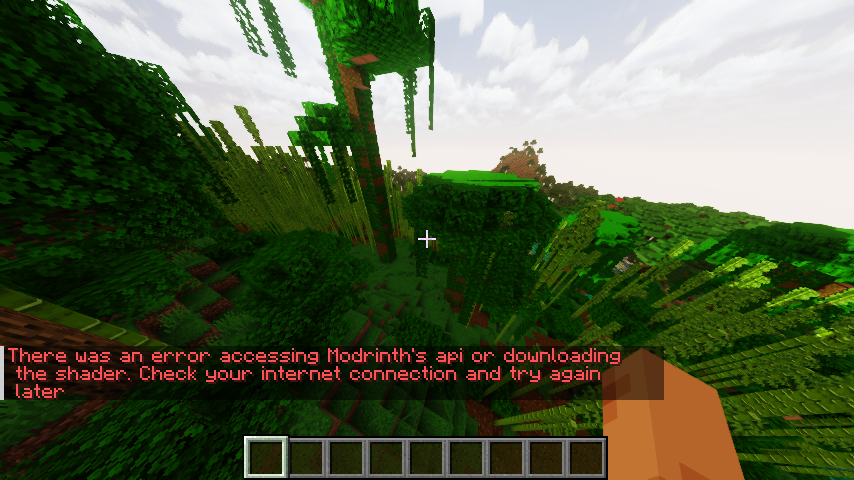 /dlshader command failure, http request failure
Versions
Files
Relations
Project Relations
More like this
Similar Mods
Suggestions use data such as tags, dependencies, dependents, descriptions, titles, and more to rank how much they overlap with this mod.
On ModDex
Community snapshot
By the numbers
Statistics

Want to reach Minecraft players?
We're looking for a server hosting partner to feature here and other parts of the site. Interested? Send us a message!
Get in touchGet it on
Available Platforms
On ModDex
Community snapshot
By the numbers