Community listing page, reviews may not be monitored by the author.
Jei UI Scaler

No reviews yet
**"GUI Scale 3 makes my tooltips a wall of text — and JEI's icons a row of ants."**

Community voices
Reviews
No reviews yet. Be the first to review this project!
Get it on
Available Platforms
About
Project Details
For authors
Embed Badge
If you're the author of this project, you can embed a live badge anywhere that supports HTML or Markdown. It updates automatically whenever ratings change.
Use HTML for any page that supports it, or Markdown for README files and Markdown-based descriptions.
Identifiers
Platform IDs
Resources
External Links
About
Description
UI Scaler
"GUI Scale 3 makes my tooltips a wall of text — and JEI's icons a row of ants."
Minecraft gives you exactly one knob for interface size, and it moves everything at once. Crank it up so the JEI item list is readable, and every tooltip turns into a billboard that covers half the screen. Turn it down so tooltips fit, and you are squinting at 16-pixel icons again.
UI Scaler splits that one knob into two. JEI's ingredient list gets the size you want. Tooltips get the size you want. Everything else stays exactly where you put it.
What it does
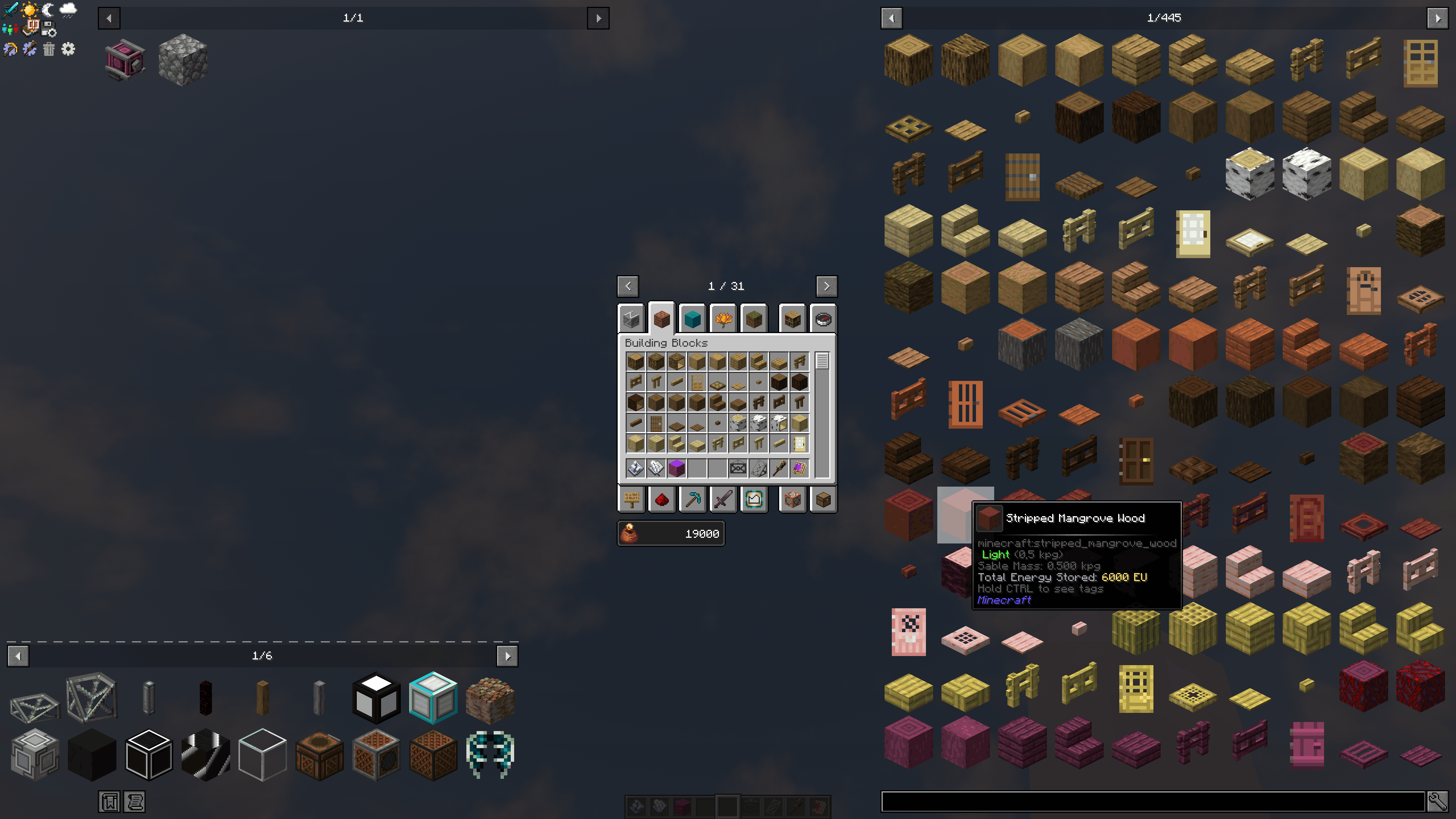
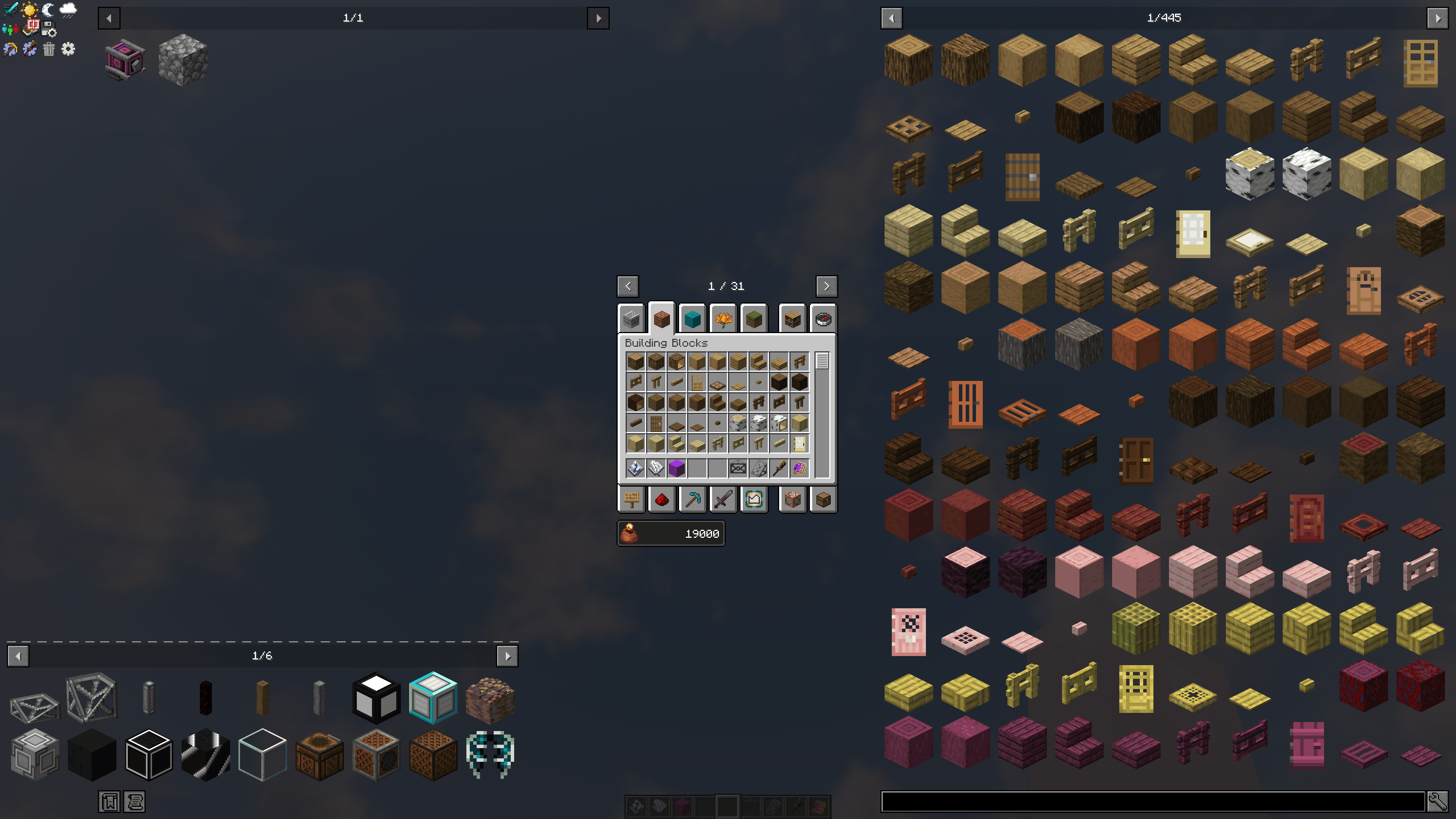
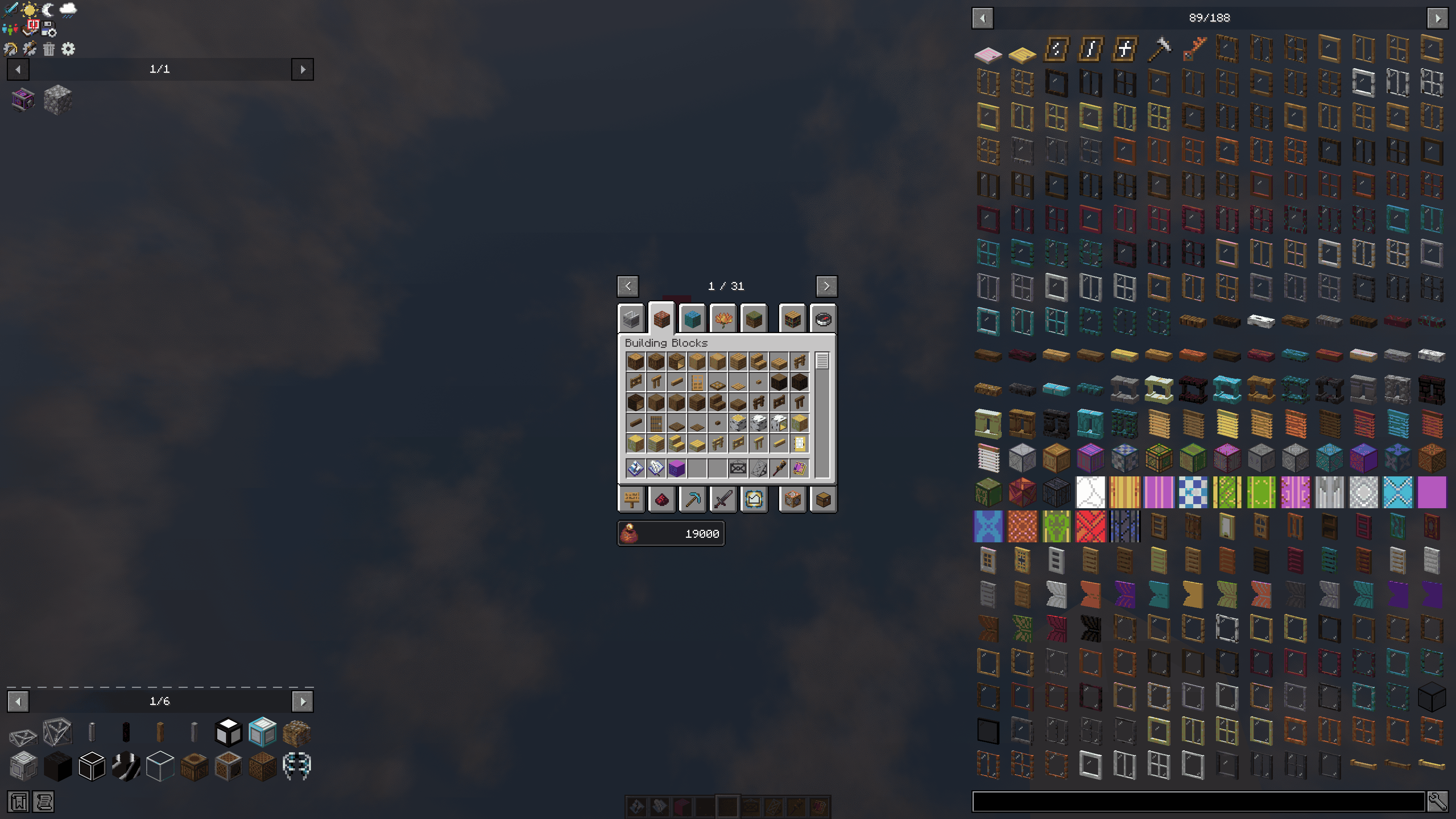
- 🔍 Resize JEI's icons — Scale the ingredient list from 1.0 up to 4.0. Icons are rendered natively at the target size, not blown up from a finished 16-pixel image, so they stay crisp instead of going blurry.
- 🎯 Clicks still land — The slot layout, the grid geometry and the mouse hit zones all grow from the same value, so the box you see is the box you click. The global GUI scale is never touched or faked.
- 📏 Resize tooltips — Scale tooltips anywhere from a quarter size up to double, pivoted around the cursor. Works on every tooltip in the game, not just JEI's.
- 🧩 Handles the awkward items — Shields, banners, decorated pots, Sophisticated Backpacks and anything else with a custom item renderer scale along with the rest. So do fluids in the ingredient list.
- 📖 Recipes stay untouched — The ingredient list, the bookmark list and the lookup history change size together. Recipe slots, categories and every other JEI screen render exactly as before.
Configuration
config/uiscaler-client.toml
| Option | Range | Default | Effect |
|---|---|---|---|
jeiIconScale |
1.0 – 4.0 | 1.5 | Icon and slot size of the JEI ingredient list |
tooltipScale |
0.25 – 2.0 | 0.8 | Size of all tooltips (below 1.0 shrinks, above 1.0 enlarges) |
Any value in between works — 1.75 is just as valid as 1.5.
⚠️
jeiIconScaletakes effect on the next game start.JEI computes its slot geometry once, when it loads, and keeps it in constants that the grid, the scrollbar, the bookmark overlay and the mouse hit test all read from. UI Scaler therefore locks the factor in at that same moment, so the grid, the click zones and the icons can never disagree. Change the value, restart the game, and everything lines up.
tooltipScalehas no layout attached to it and applies immediately.
Requirements
- NeoForge 1.21.1
- JEI (optional — required only for the icon scaling; the tooltip scaling works on its own)
Client-side only. Nothing to install on the server.
Compatibility
The JEI hooks degrade quietly: if a future JEI release moves the code they attach to, the icon scaling simply stops applying instead of crashing your game. Tooltip scaling is pure vanilla and unaffected.
One knob for tooltips, one for JEI. That's all this does.
Screenshots
Gallery
-
 2026-10-31_21.08.07.png 2026-10-31_21.08.07.png
-
 2026-10-31_21.07.57.png 2026-10-31_21.07.57.png
-
 2026-10-31_20.55.59 (1).png 2026-10-31_20.55.59 (1).png
-
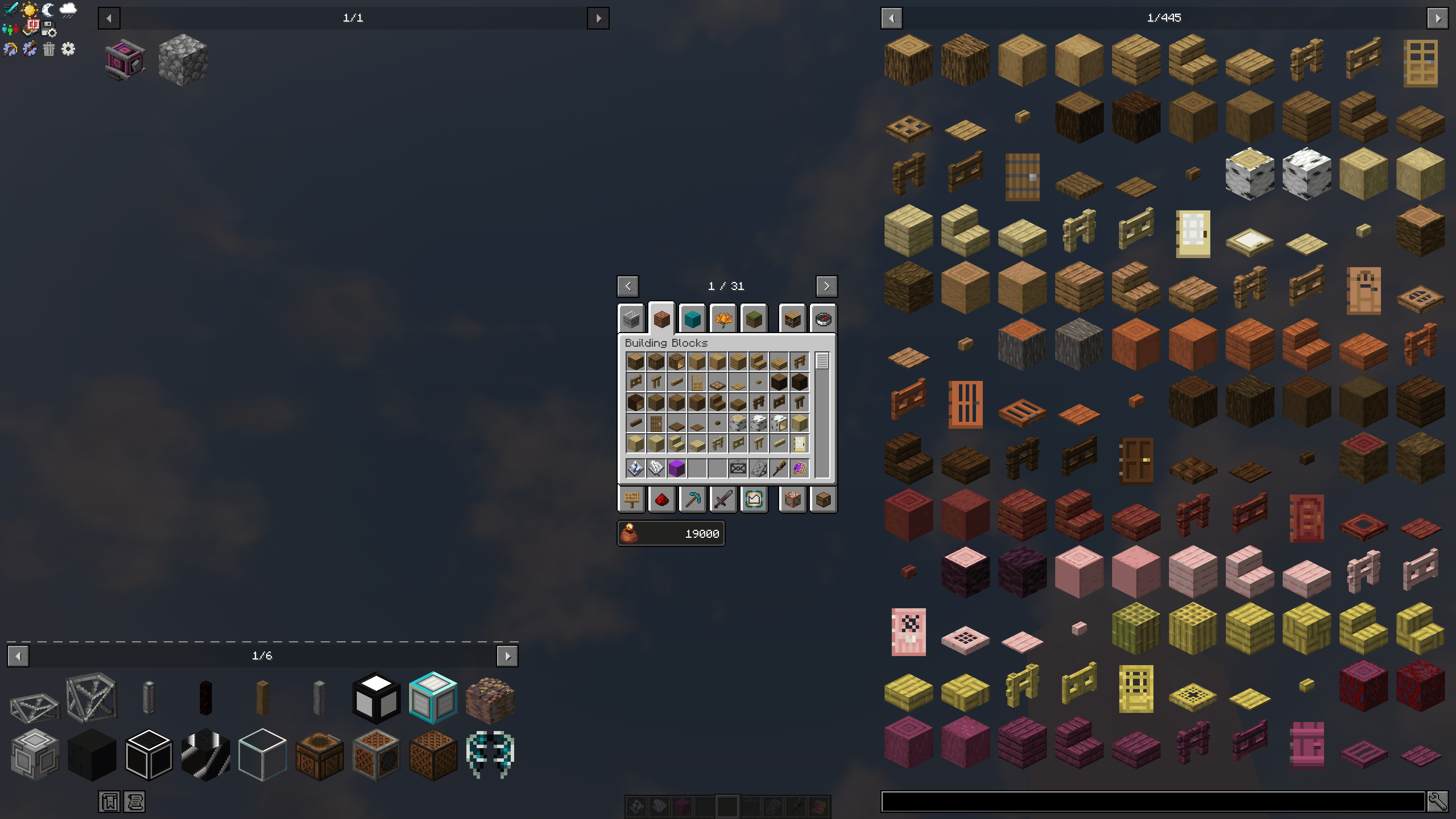 2026-10-31_21.07.57.png 2026-10-31_21.07.57.png
-
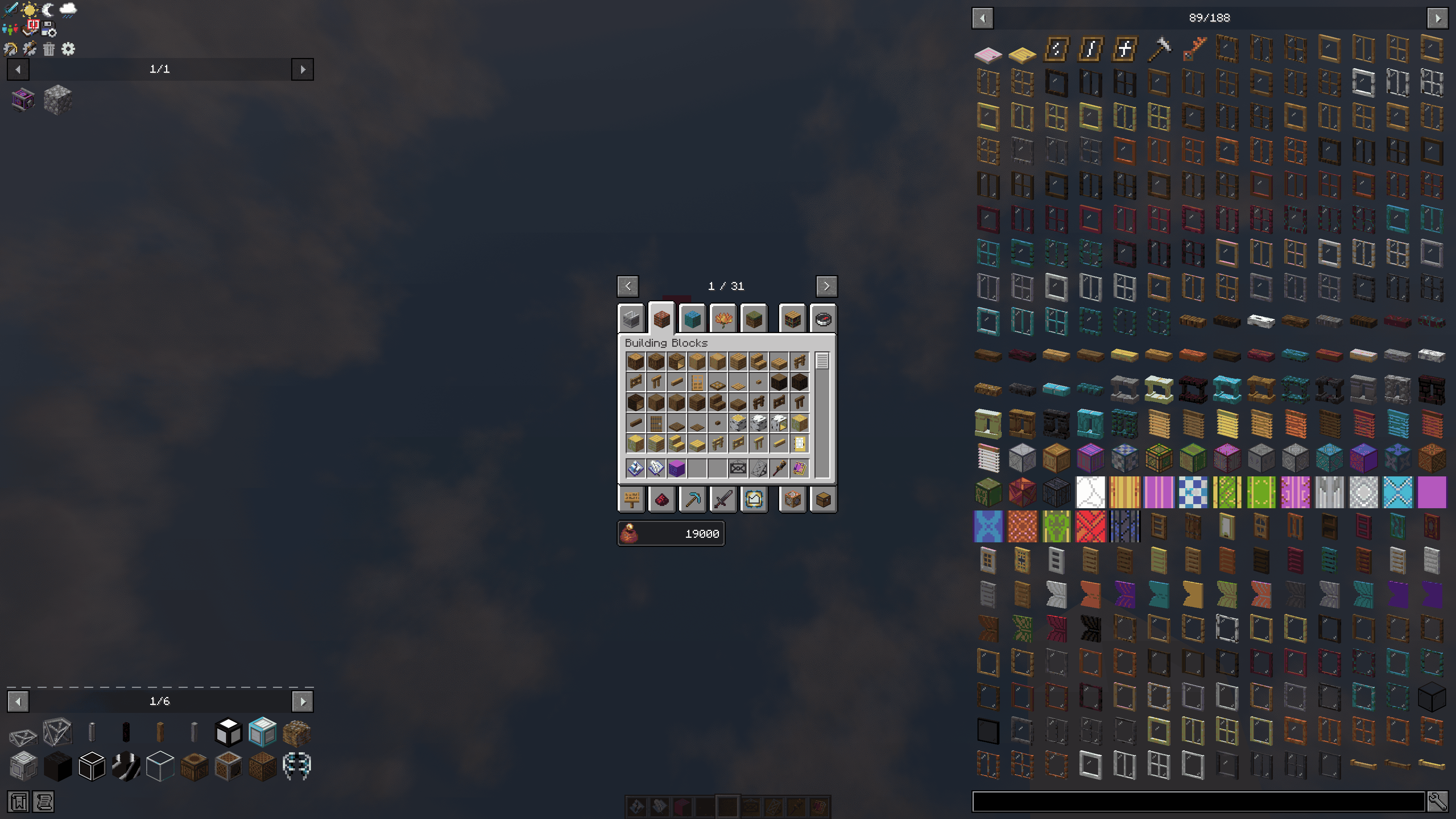 2026-10-31_20.55.59 (1).png 2026-10-31_20.55.59 (1).png
Versions
Files
Relations
Project Relations
More like this
Similar Mods
Suggestions use data such as tags, dependencies, dependents, descriptions, titles, and more to rank how much they overlap with this mod.
On ModDex
Community snapshot
By the numbers
Statistics

Get it on
Available Platforms
On ModDex
Community snapshot
By the numbers
Statistics
Resources