
Community listing page, reviews may not be monitored by the author.
JP FPS Displayer


No reviews yet
Advanced FPS display with coordinates, CPS counter, armor info and key binding system

Community voices
Reviews
No reviews yet. Be the first to review this project!
Get it on
Available Platforms
Compatibility
Supported Environments
Must be installed on both the client and the server.
About
Project Details
For authors
Embed Badge
If you're the author of this project, you can embed a live badge anywhere that supports HTML or Markdown. It updates automatically whenever ratings change.
Use HTML for any page that supports it, or Markdown for README files and Markdown-based descriptions.
Identifiers
Platform IDs
About
Description
```markdown
# JustProject FPS Display
Advanced FPS display mod for Minecraft 1.16.5 with comprehensive game statistics and customization options.
## ✨ Features
### 📊 Real-time Statistics Display
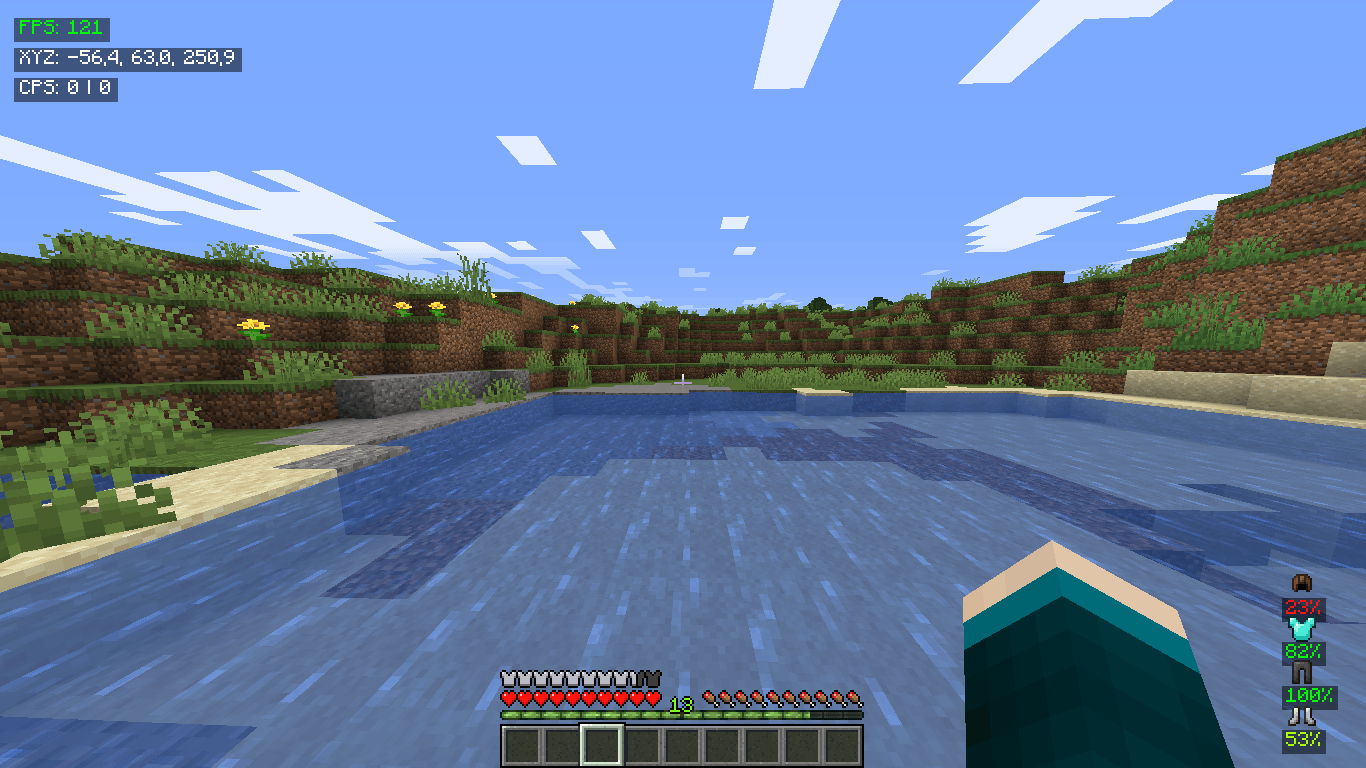
- **FPS Counter** with color-coded performance indicators
- **Player Coordinates** (X, Y, Z) in real-time
- **CPS Counter** (clicks per second) for both mouse buttons
- **Armor Information** with durability percentages
- **Entity Info** when looking at mobs (real HP values)
### 🎮 Advanced Controls
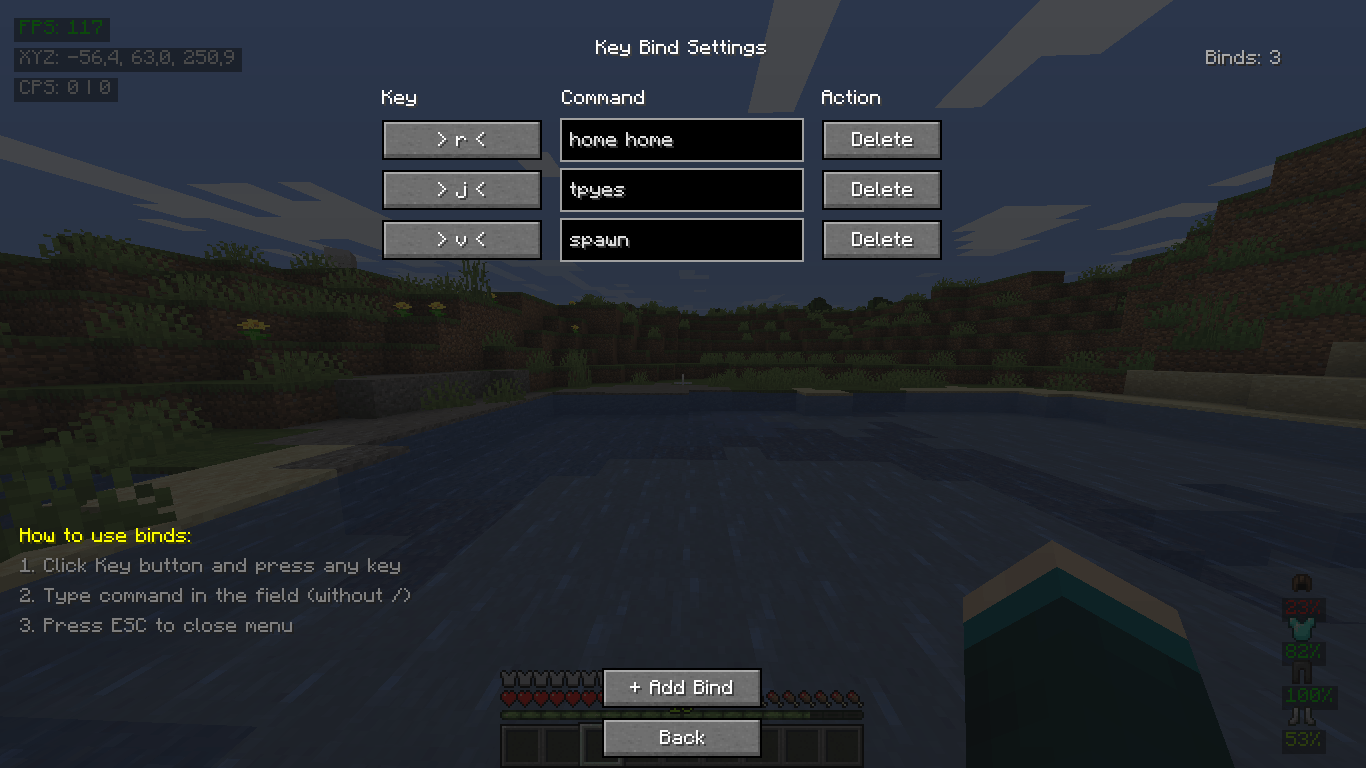
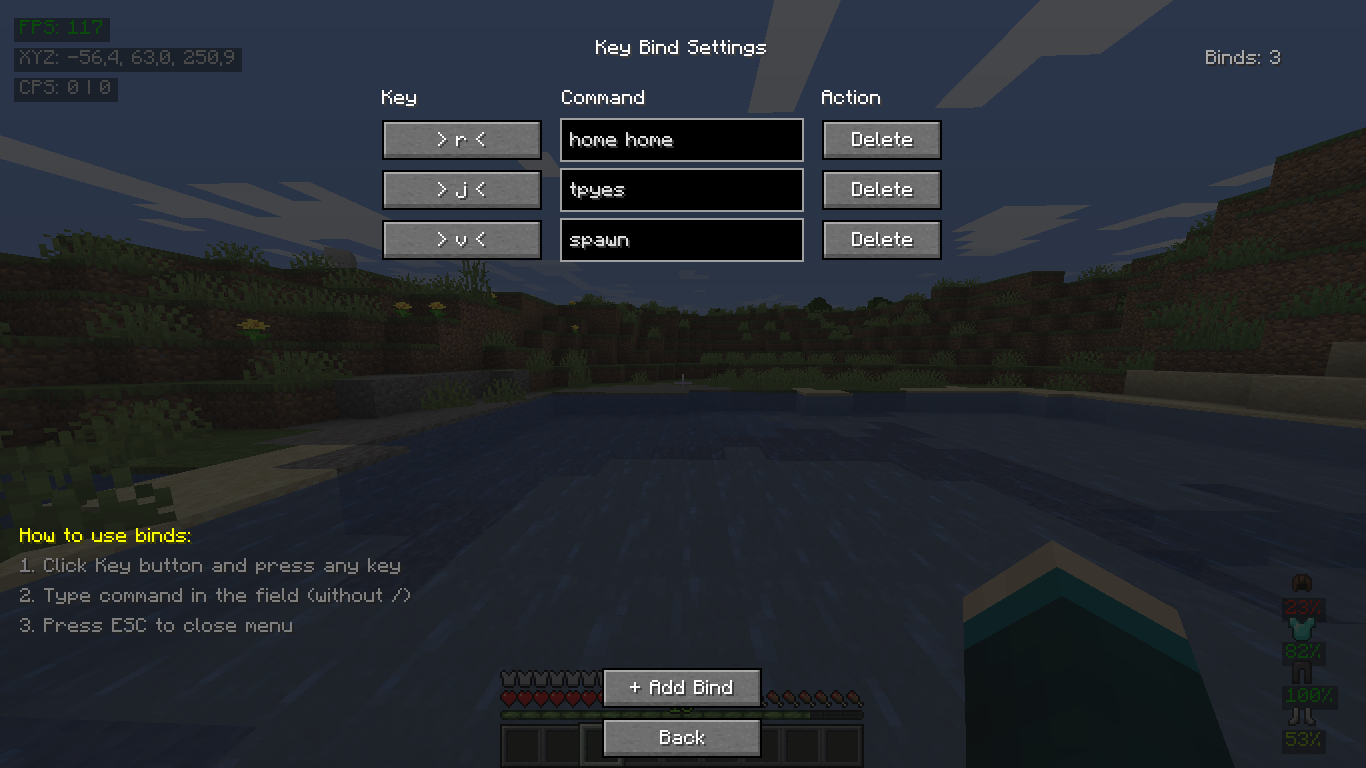
- **Key Binding System** with command support
- **GUI Interface** for easy settings management
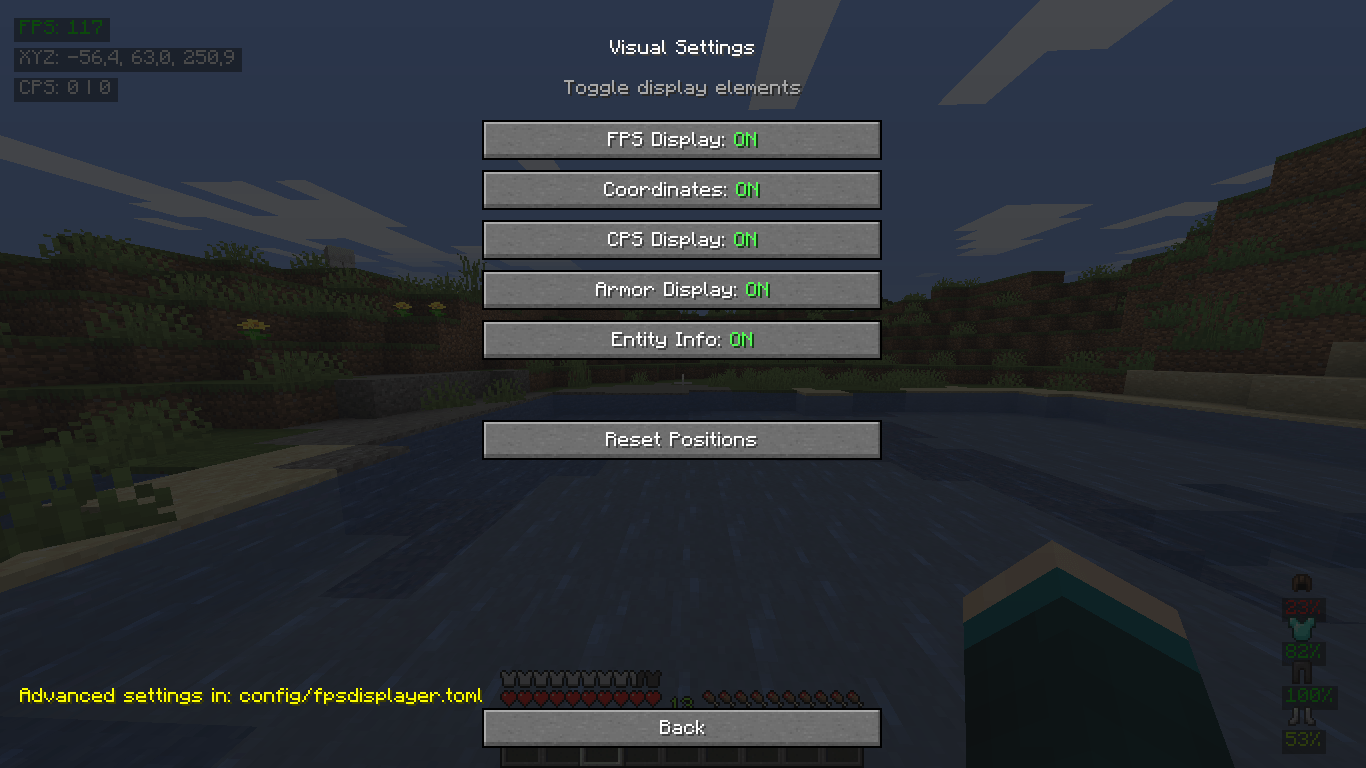
- **Customizable Positions** of all screen elements
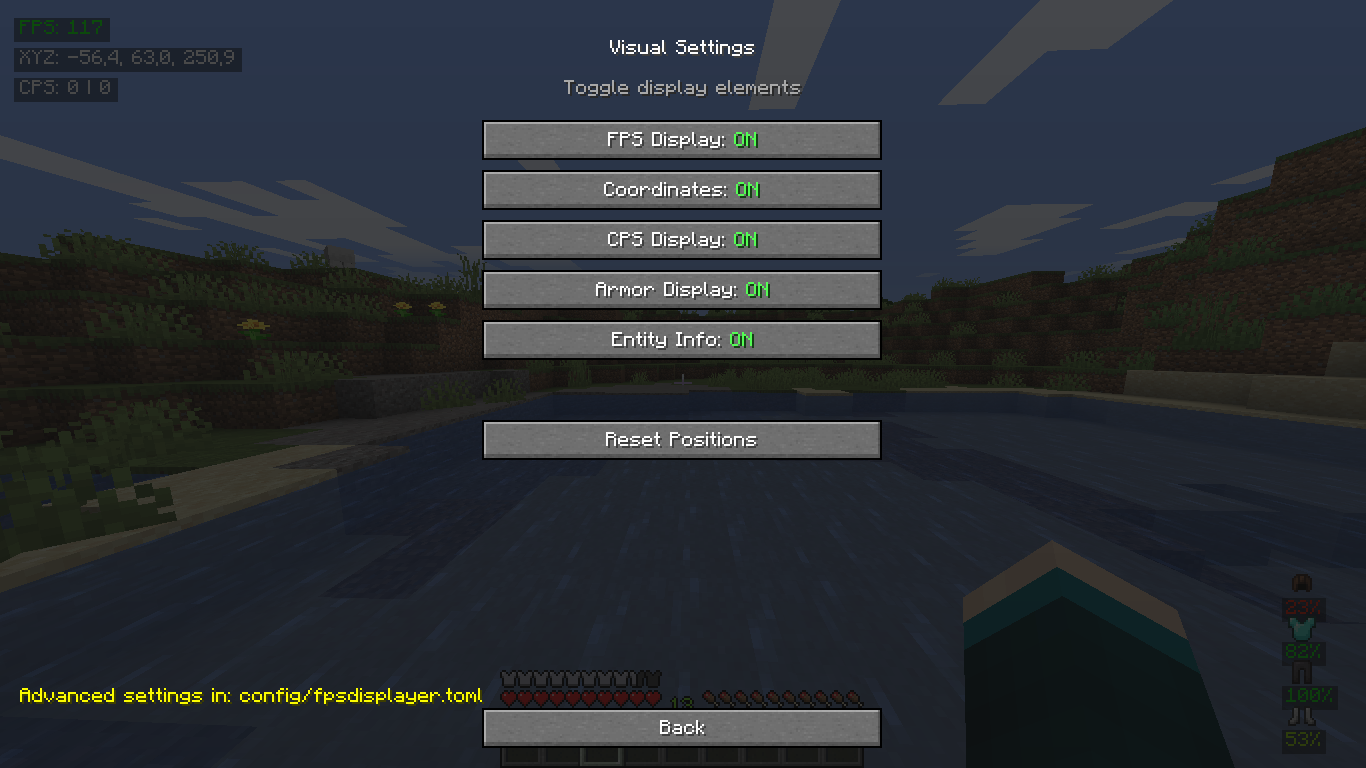
- **Toggle On/Off** individual display elements
### ⚙️ Customization
- **In-game configuration** via settings menu
- **Position editing** with pixel precision
- **Multi-language support** (English & Russian)
## 🚀 Installation
1. **Download** the mod file
2. **Place** the `.jar` file in your Minecraft `mods` folder
3. **Launch** the game with **Forge 36.2.42+** for **Minecraft 1.16.5**
4. **Enjoy!** The mod will automatically activate
## 🎮 Usage
### 🔧 Commands
- `.bind <key> <command>` - Create a key binding
- `.binds` - List all active bindings
- `.unbind <key>` - Remove a binding
- `/binds` - Open GUI bind settings
### 🎛️ Configuration
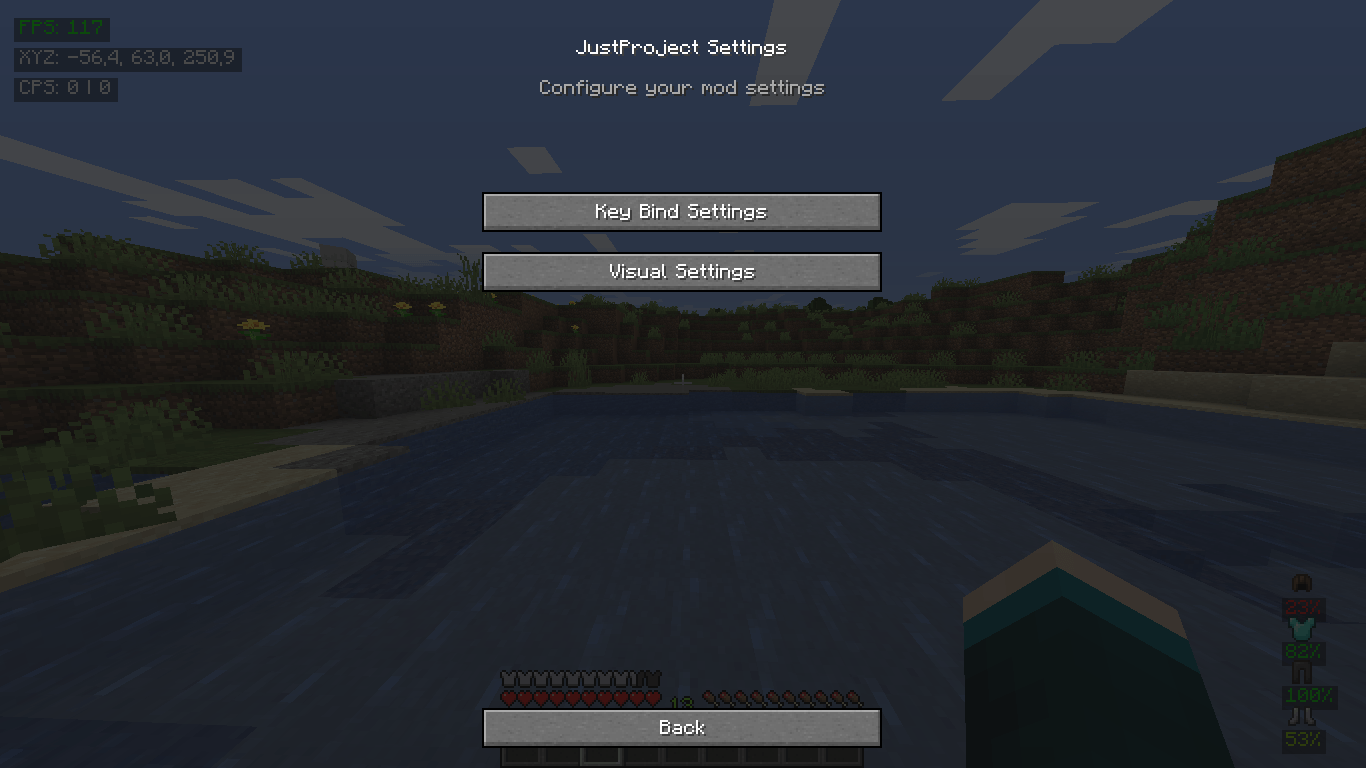
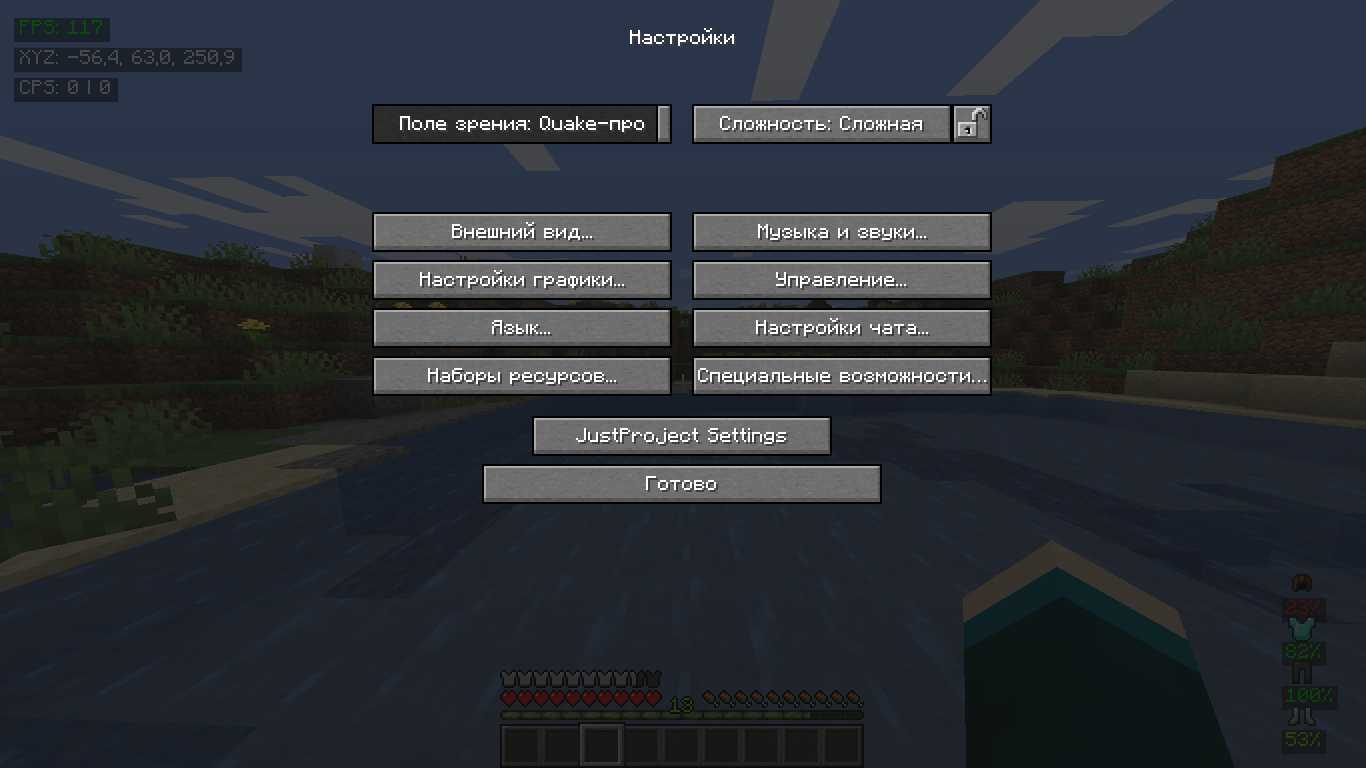
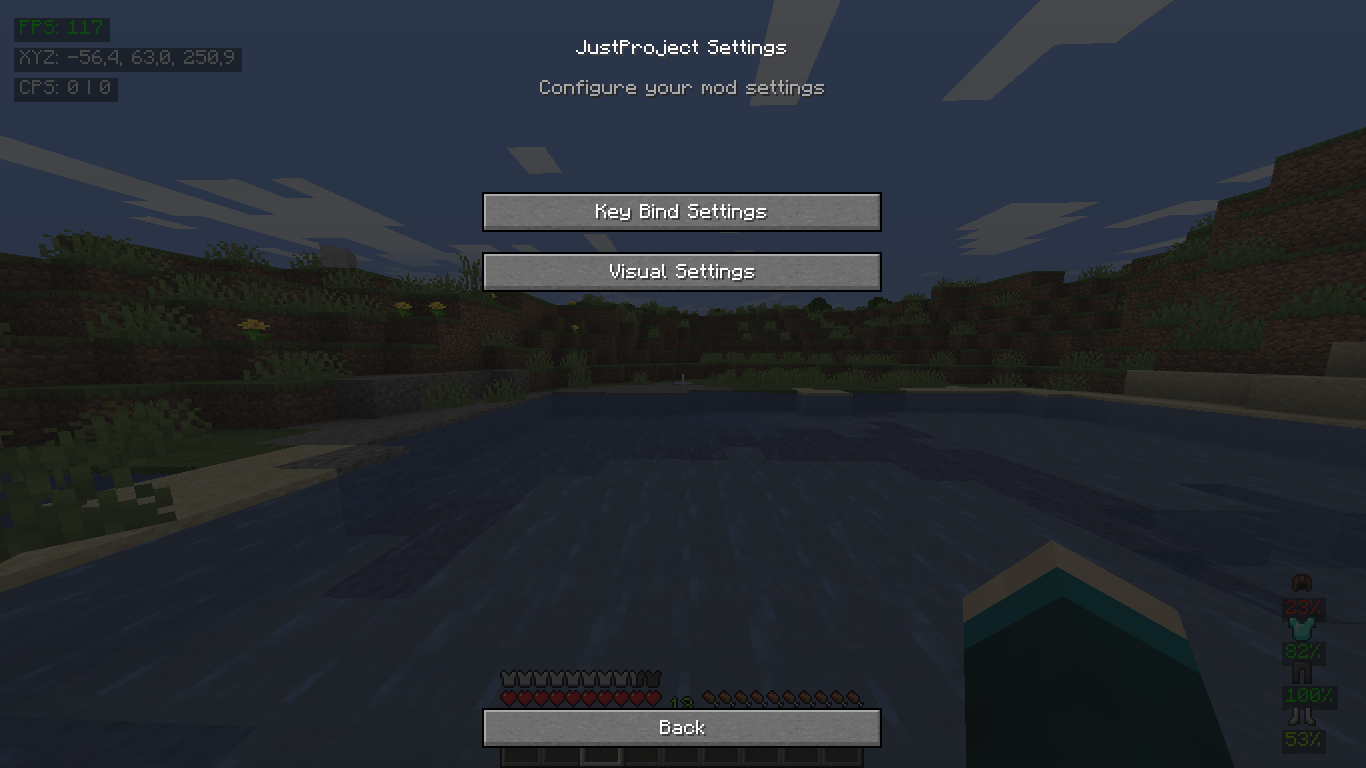
- **In-game**: `Options` → `JustProject Settings`
- **Manual**: Edit `config/fpsdisplayer.toml`
## 🛠️ Technical Details
- **Minecraft Version**: 1.16.5
- **Forge Version**: 36.2.42 or newer
- **Client Side**: Required
- **Server Side**: Unsupported
## 🔧 Building from Source
```bash
git clone https://github.com/JustProjectMods/FPS-displayer.git
cd FPS-displayer
./gradlew build
```
## 📜 License
This project is licensed under the MIT License.
## 🔗 Links
- **GitHub**: https://github.com/JustProjectMods/FPS-displayer
- **Issues**: https://github.com/JustProjectMods/FPS-displayer/issues
---
**Enjoy enhanced gaming with JustProject FPS Display!** 🎮
JustProject FPS Display Mod
Advanced FPS display mod for Minecraft 1.16.5 with comprehensive game statistics.
✨ Features
- Real-time FPS counter with colors
- Player coordinates (X, Y, Z)
- CPS counter (clicks per second)
- Armor durability percentages
- Entity info when looking at mobs
- Custom key binding system
- GUI configuration
🎮 Commands
.bind <key> <command>- Create key bind.binds- List active binds.unbind <key>- Remove bind/binds- GUI bind settings
⚙️ Configuration
In-game: Options → JustProject Settings
Requires: Minecraft 1.16.5, Forge 36.2.42+
Screenshots
Gallery
-
 2025-11-05_22.11.04.png 2025-11-05_22.11.04.png
 -
 2025-11-05_22.10.54.png 2025-11-05_22.10.54.png
 -
 2025-11-05_22.10.47.png 2025-11-05_22.10.47.png
 -
 2025-11-05_22.10.31.png 2025-11-05_22.10.31.png
 -
 2025-11-05_22.10.20.png 2025-11-05_22.10.20.png
 -
 d3c61a29-8acd-4061-9a0d-448c1c1c89be.png d3c61a29-8acd-4061-9a0d-448c1c1c89be.png
-
 Bind settings Bind settings menu
 -
 Settings menu Settings menu
 -
 Visual settings Visual settings menu
 -
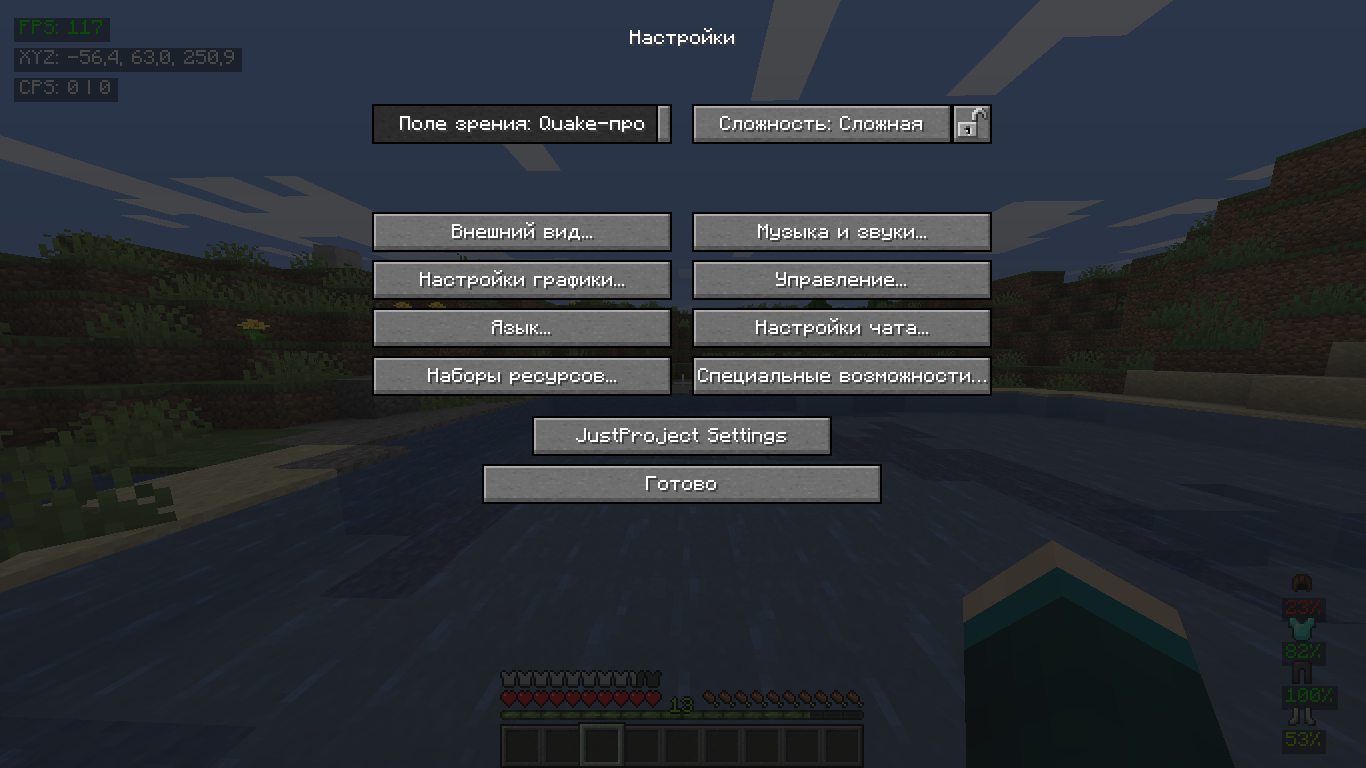 Settings button Settings button
 -
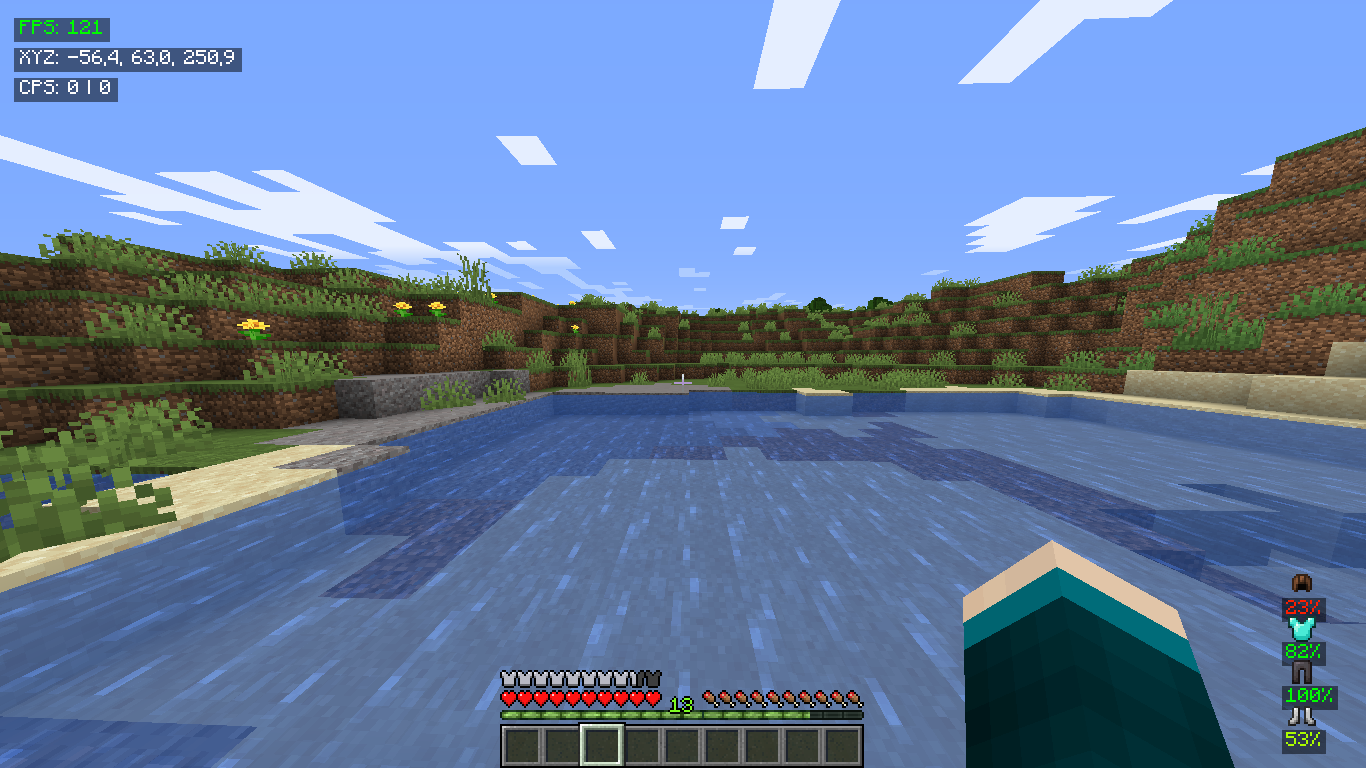 FPS Displayer visuals
Versions
Files
Relations
Project Relations
More like this
Similar Mods
Suggestions use data such as tags, dependencies, dependents, descriptions, titles, and more to rank how much they overlap with this mod.
On ModDex
Community snapshot
By the numbers
Statistics
 (opens in a new tab)
Get it on
Available Platforms
On ModDex
Community snapshot
By the numbers