Community listing page, reviews here may not be monitored by the author.
Keep My Options


No reviews yet
Keep My Options saves, loads, and syncs your Minecraft settings and resource packs across different instances. Create profiles, make backups, and switch between your preferred setups with one click.
Community voices
Reviews
No reviews yet. Be the first to review this project!
Get it on
Available Platforms
Compatibility
Supported Environments
Runs entirely on the client. Works on vanilla servers.
About
Project Details
For authors
Embed Badge
If you're the author of this project, you can embed a live badge anywhere that supports HTML or Markdown. It updates automatically whenever ratings change.
Use HTML for any page that supports it, or Markdown for README files and Markdown-based descriptions.
Identifiers
Platform IDs
Resources
External Links
About
Description
Keep My Options
Keep My Options makes it easy to manage your Minecraft settings across different instances.
Save your preferred options and enabled resource packs as profiles, then restore them whenever you need them. This is useful for different modpacks, separate Minecraft installations, or switching between setups.
Main Features
• Save and load complete settings profiles
• Store enabled resource packs with each profile
• Create multiple profiles
• Choose favorite and default profiles
• Sort profiles by name, creation date, or latest update
• Optional automatic profile loading
• Create and restore backups
• Completely reset the mod
Auto Load is disabled by default and only activates when your current settings differ from the selected profile.
Compatibility
Fabric: Minecraft 1.20.1–26.2
Forge: Minecraft 1.20.1 and 1.21.1
NeoForge: Minecraft 1.21.1
Always install the file created for your exact Minecraft version.
Keep My Options
Keep My Options lets you save, load, and reuse your Minecraft settings and resource packs across different instances.
Features
- Create multiple settings profiles
- Save and load options with one click
- Include enabled resource packs
- Mark profiles as favorites or defaults
- Optional automatic profile loading
- Create and restore backups
- Reset the mod and its settings
- Sort profiles by name, creation date, or last update
Your settings stay under your control—Auto Load is disabled by default.
Supported versions
Fabric for Minecraft 1.20.1 through 26.2.
Each Minecraft version has its own compatible JAR. Always download the file made for your exact game version.
Screenshots
Gallery
-
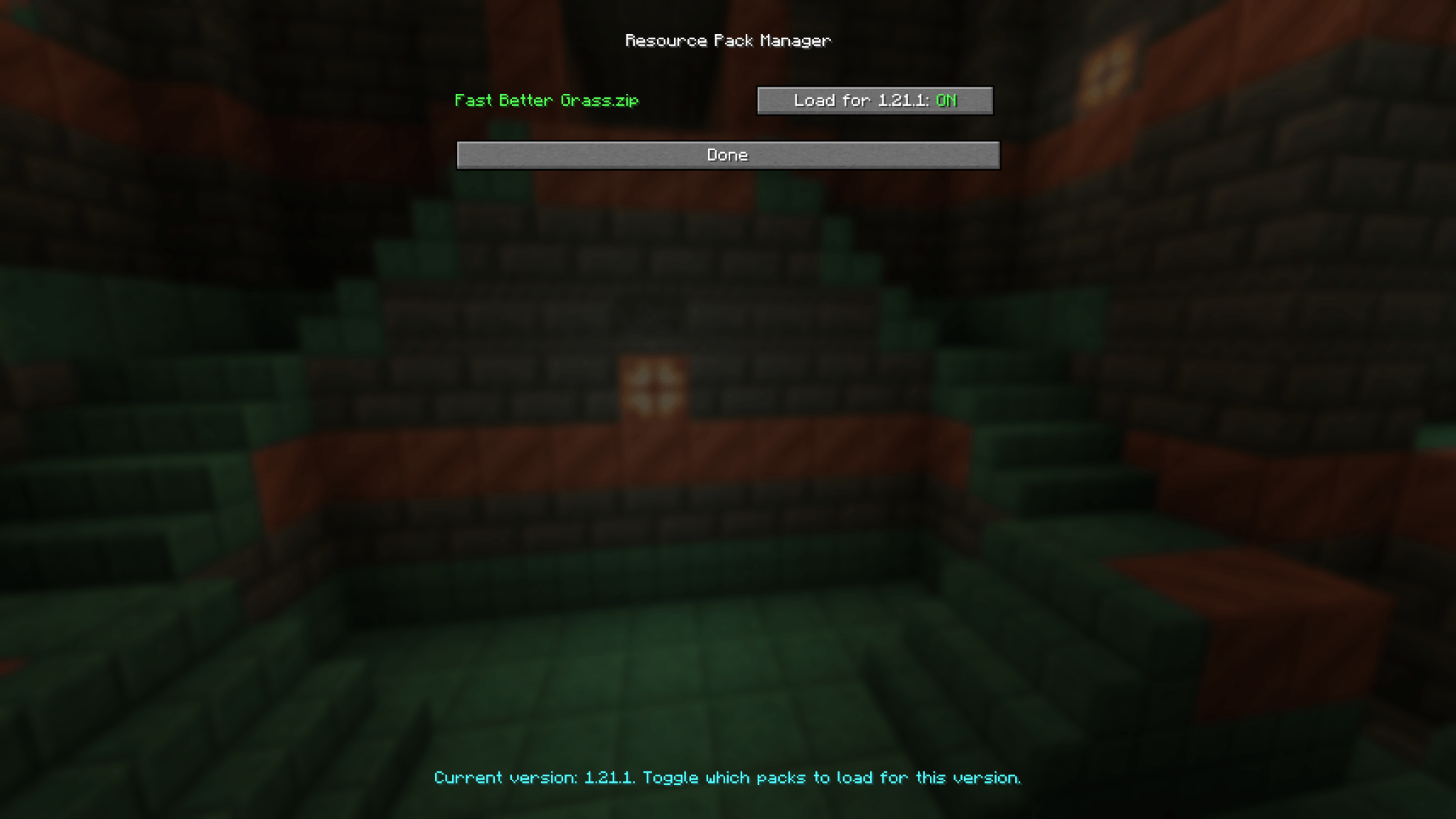 Resource Pack Manager Choose which resource packs should automatically load for each Minecraft version.
 -
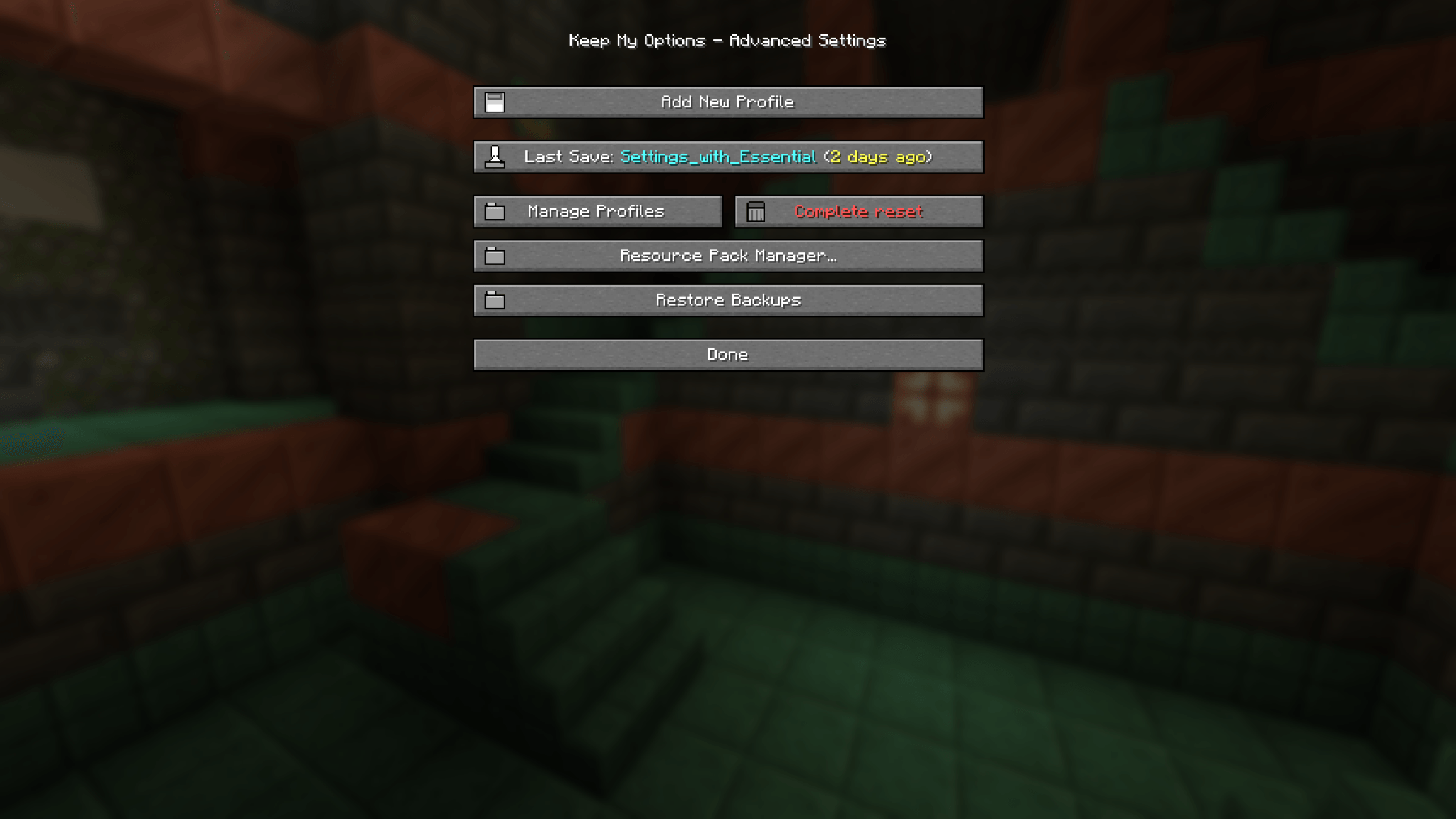 Advanced Settings Manage profiles, create backups, reset settings, and access additional tools.
 -
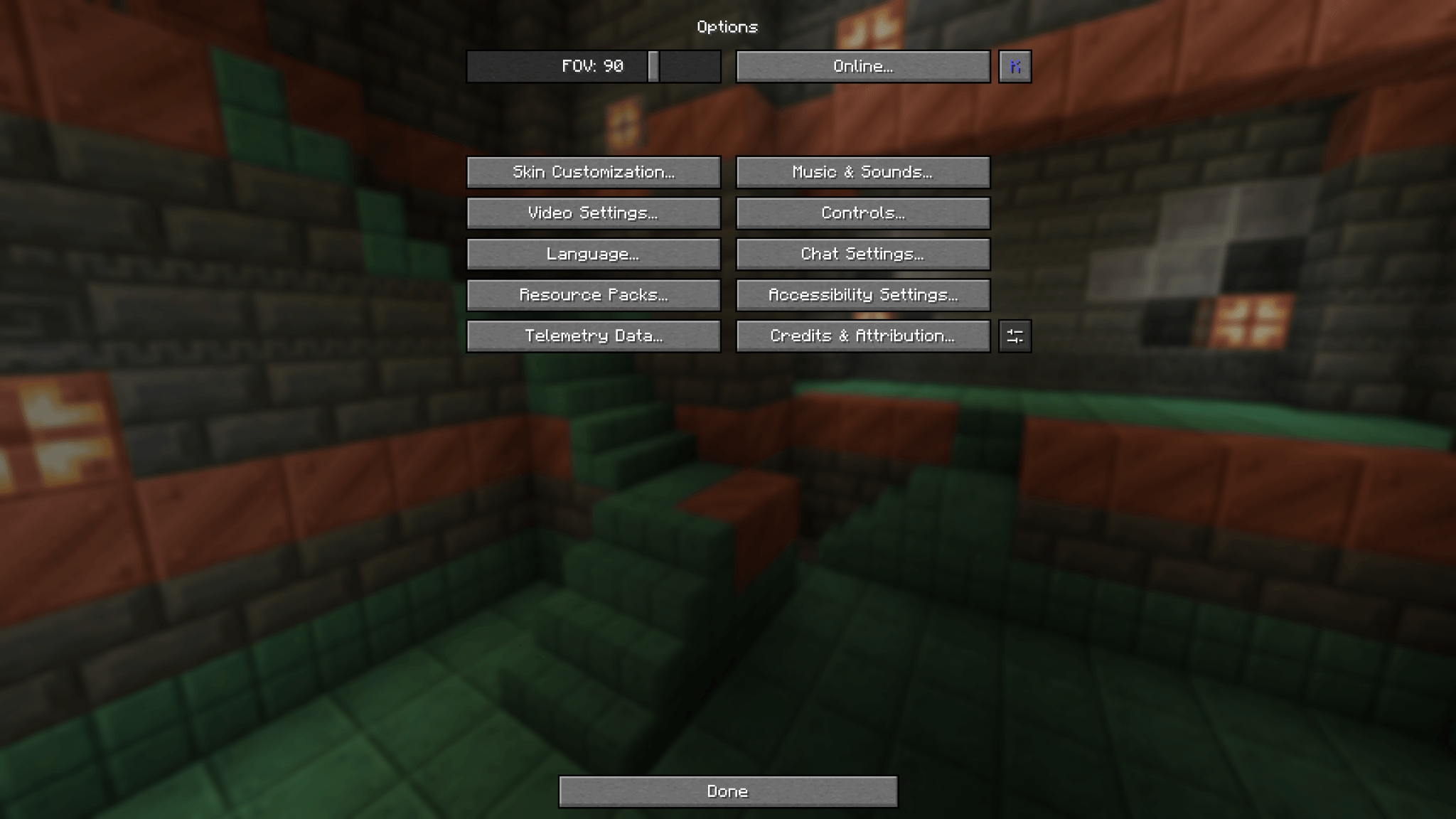 Options Menu Integration Open Keep My Options directly from the standard Minecraft options menu.
 -
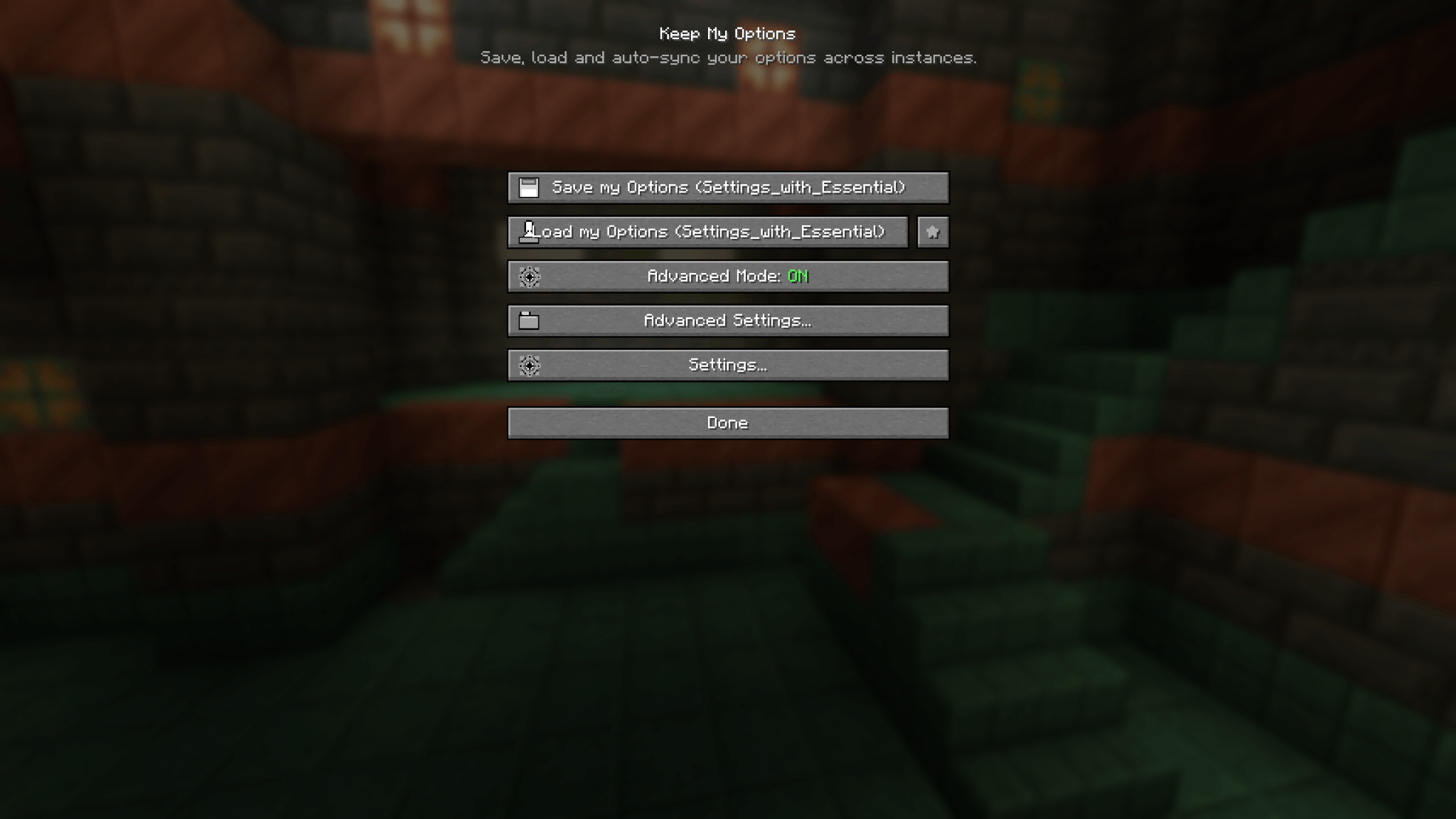 Main Menu Save, load, and automatically sync your Minecraft settings across different instances.
-
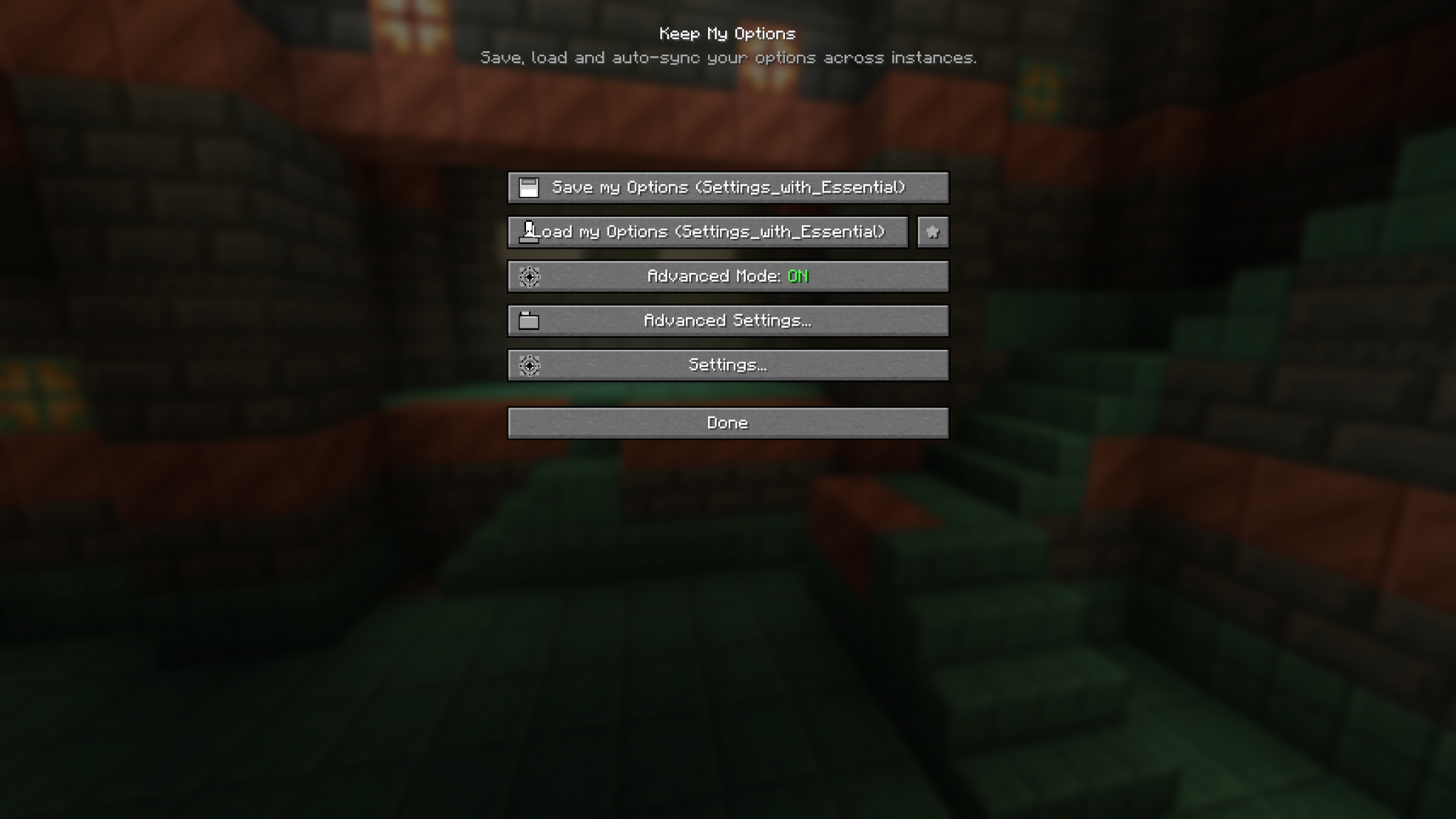 Main Menu Save, load, and automatically sync your Minecraft settings across different instances.
 -
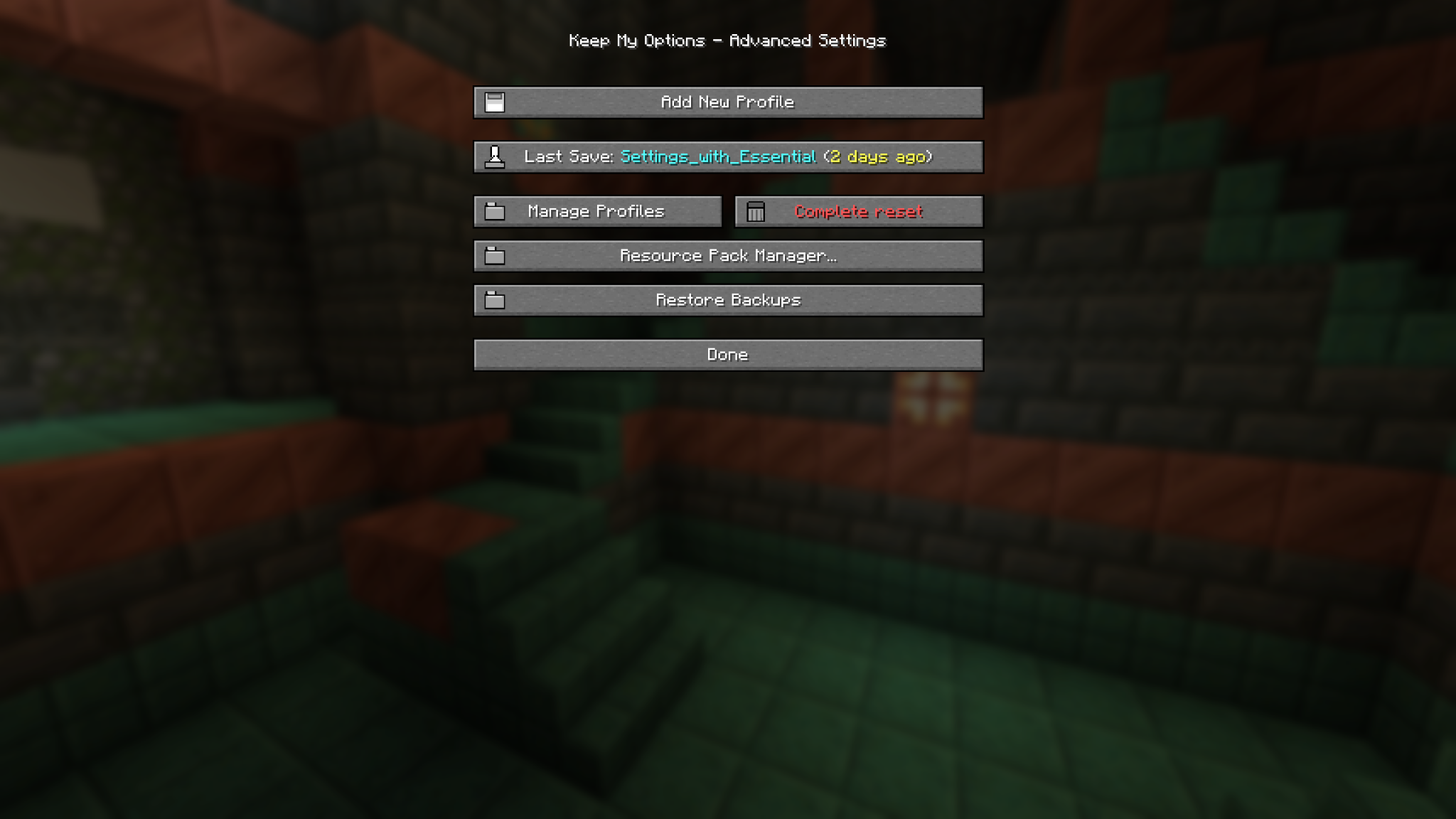 Advanced Settings Manage profiles, create backups, reset settings, and access additional tools.
 -
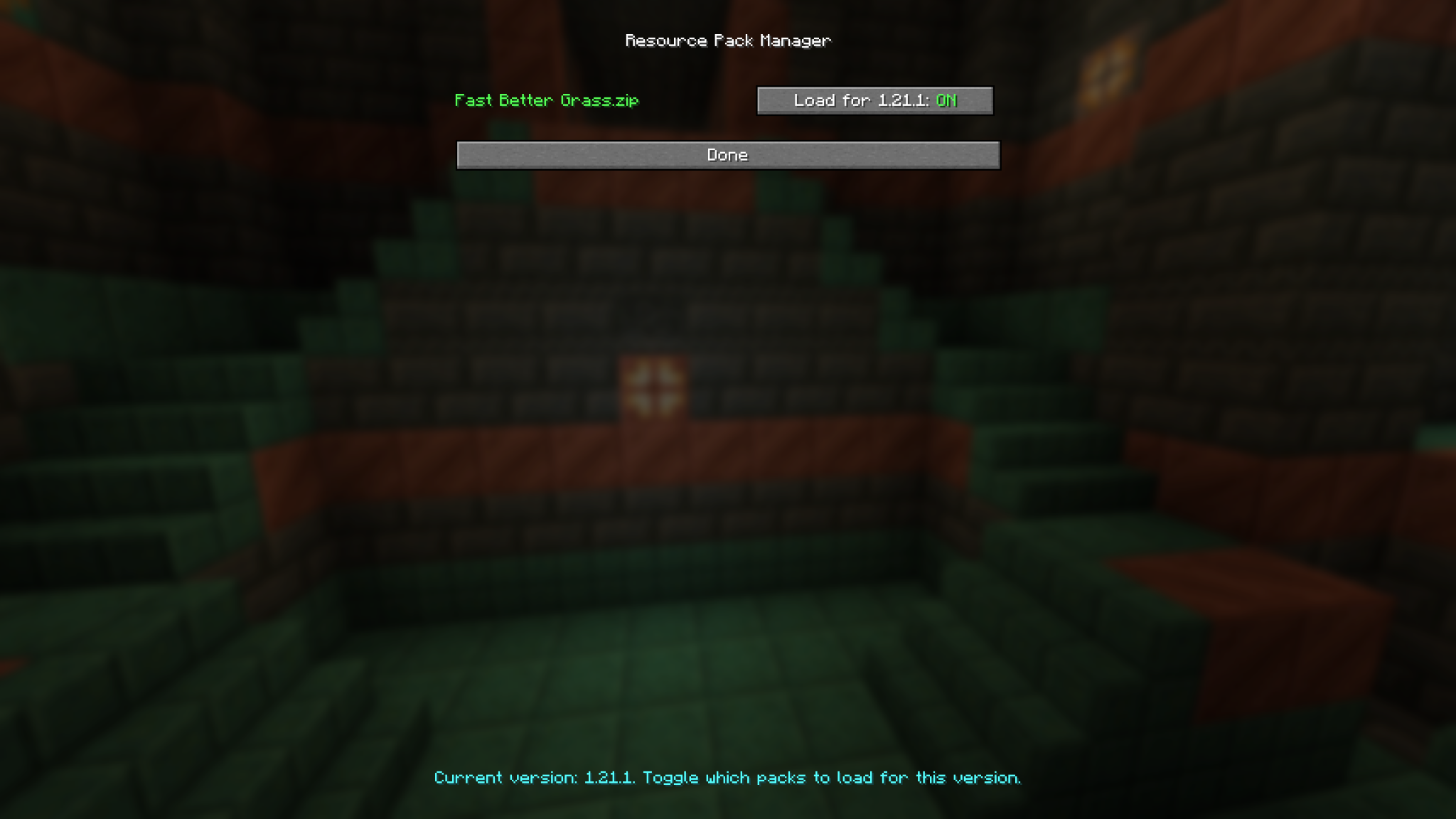 Resource Pack Manager Choose which resource packs should automatically load for each Minecraft version.
 -
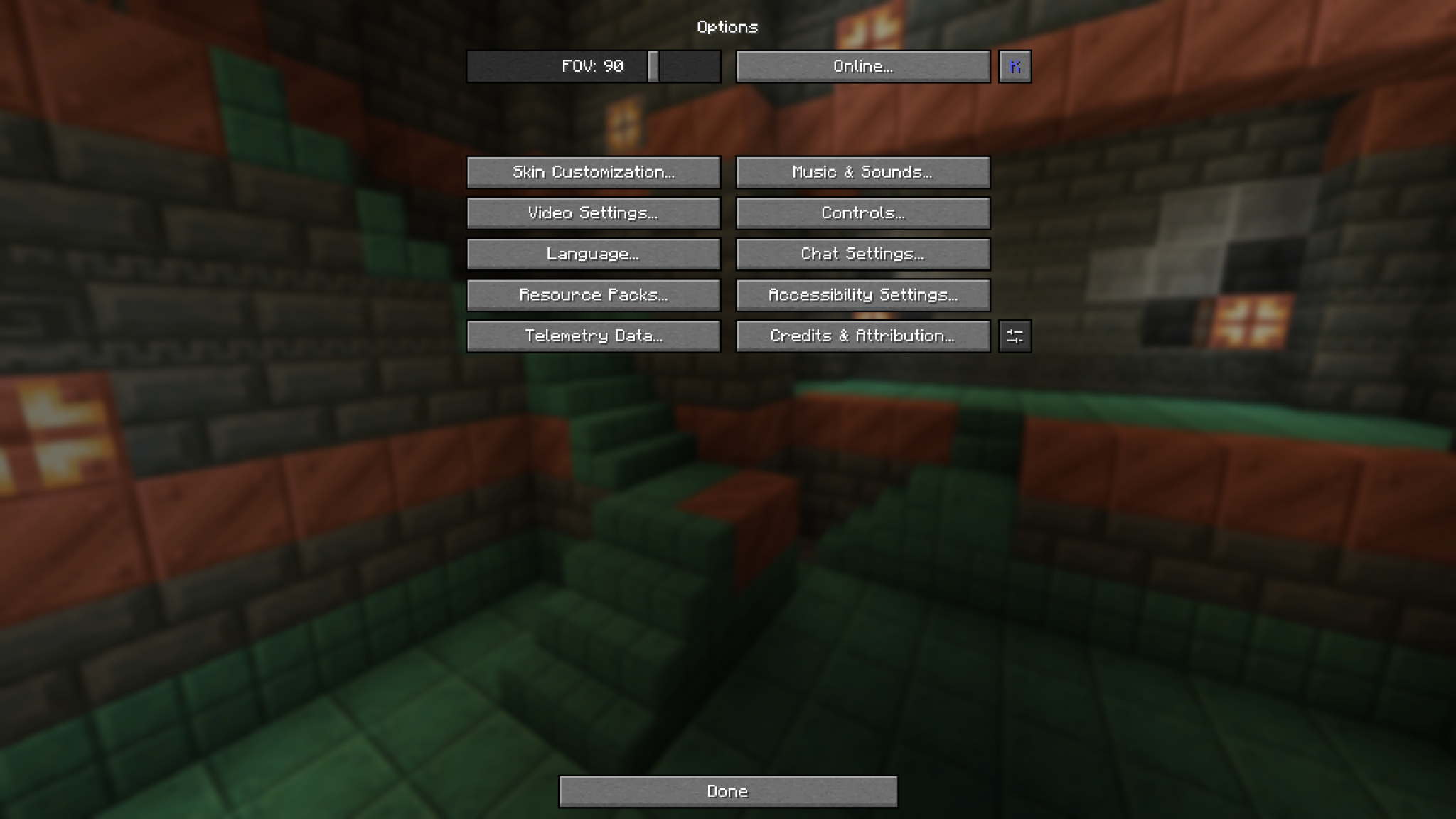 Menu Integration Open Keep My Options directly from the K Symbol.
Versions
Files
Relations
Project Relations
More like this
Similar Mods
Suggestions use data such as tags, dependencies, dependents, descriptions, titles, and more to rank how much they overlap with this mod.
On ModDex
Community snapshot
By the numbers
Statistics
Want to reach Minecraft players?
We're looking for a server hosting partner to feature here and other parts of the site. Interested? Send us a message!
Get in touchGet it on
Available Platforms
On ModDex
Community snapshot
By the numbers
Statistics
Resources