Community listing page, reviews may not be monitored by the author.
KeybindProfile

No reviews yet
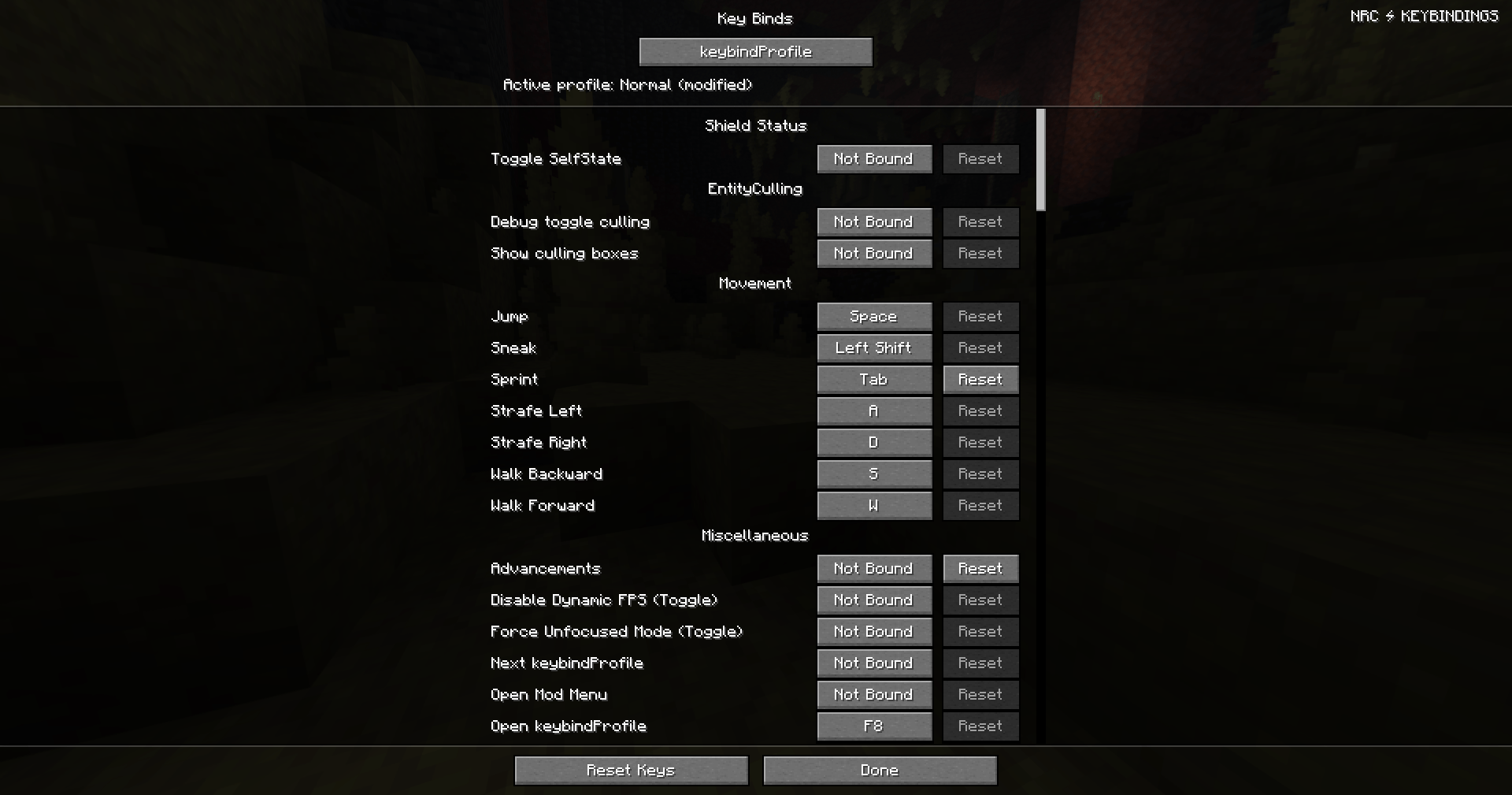
Save, organize and share your Minecraft keybind profiles with change previews, conflict warnings, custom shortcuts and undo/redo.

Community voices
Reviews
No reviews yet. Be the first to review this project!
Get it on
Available Platforms
About
Project Details
For authors
Embed Badge
If you're the author of this project, you can embed a live badge anywhere that supports HTML or Markdown. It updates automatically whenever ratings change.
Use HTML for any page that supports it, or Markdown for README files and Markdown-based descriptions.
Identifiers
Platform IDs
Resources
External Links
About
Description
⌨️ keybindProfile
Your keybinds. Your profiles. Your playstyle.
keybindProfile is a client-side Fabric mod designed to make managing your Minecraft controls easier than ever.
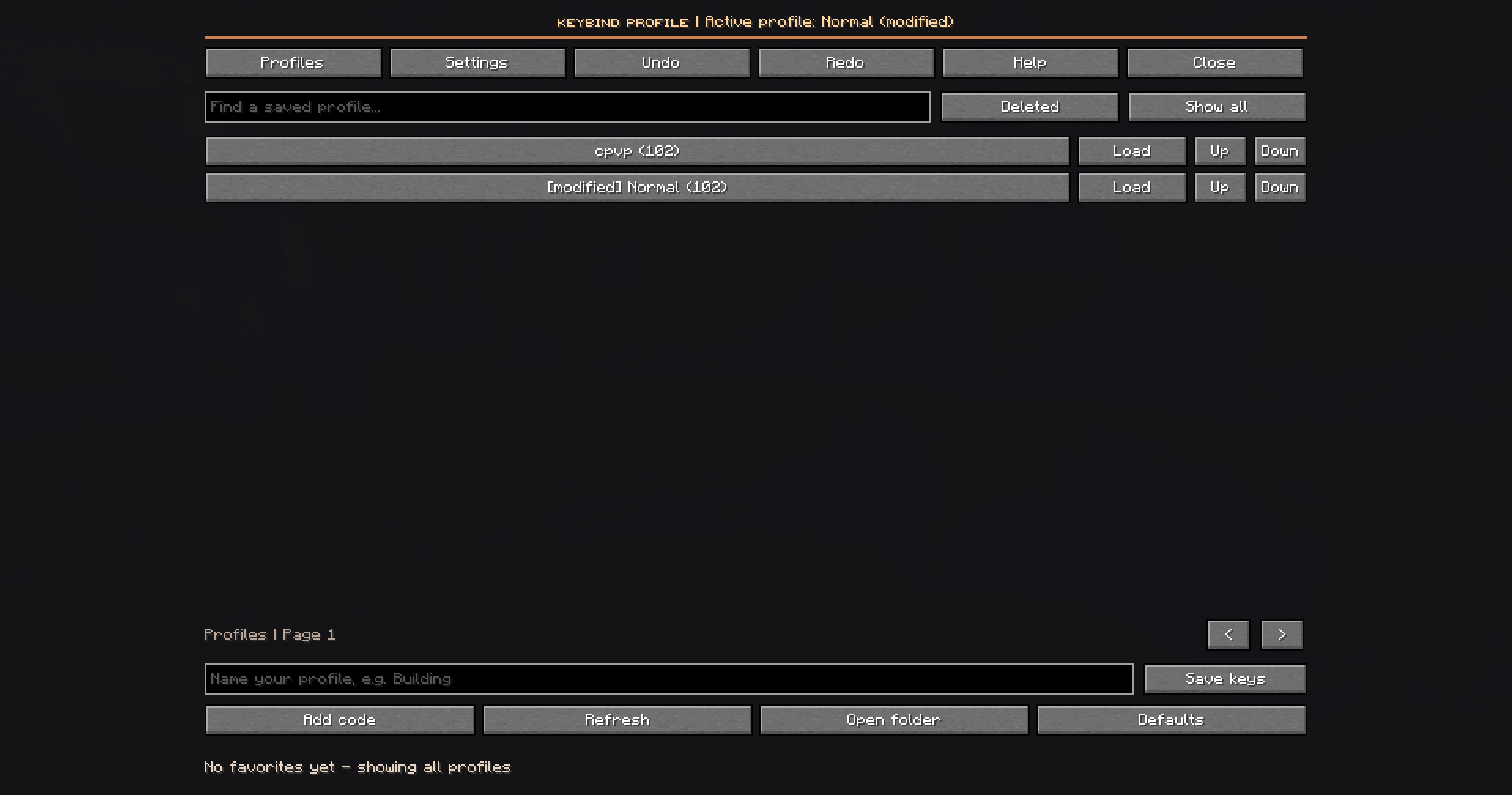
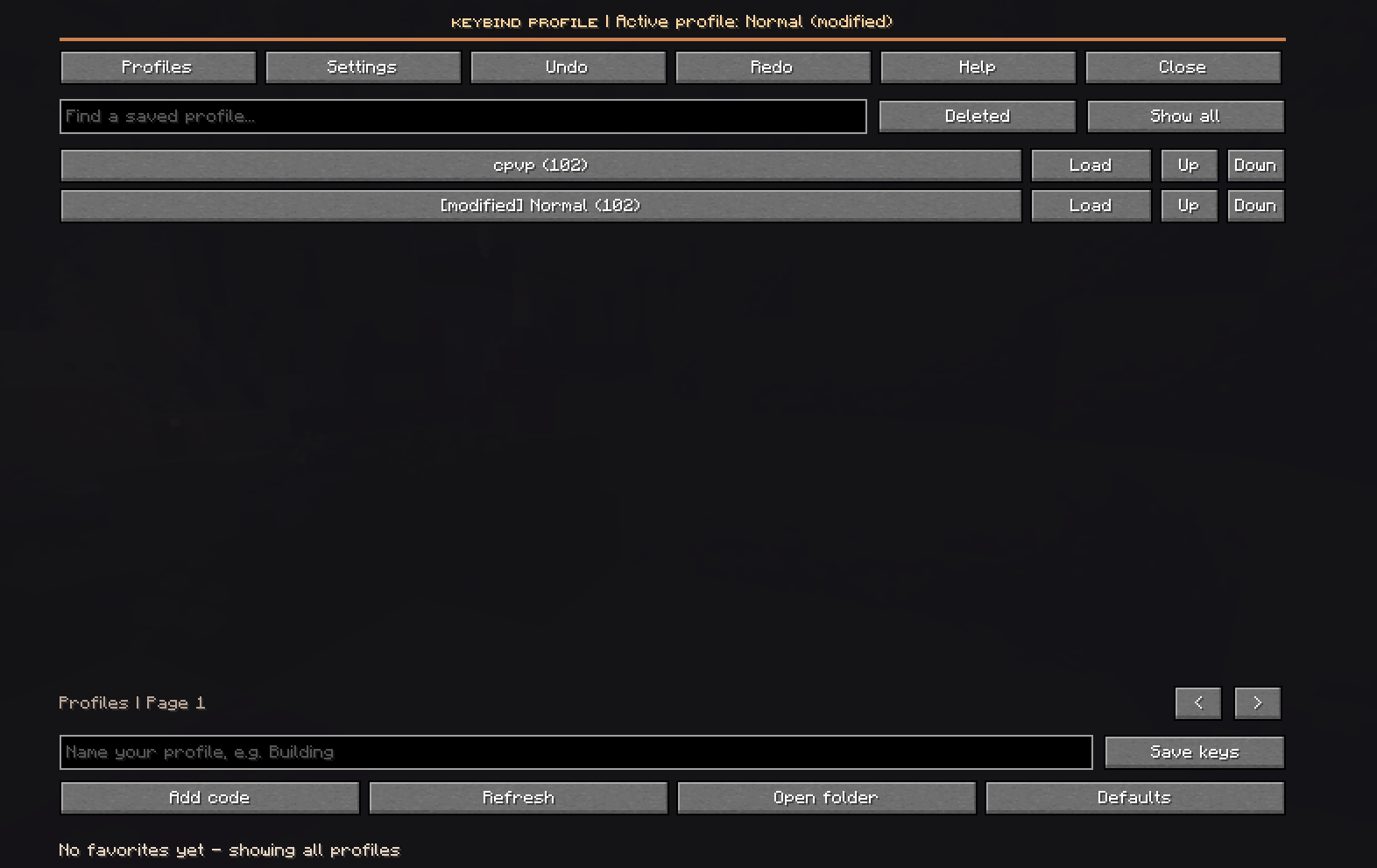
Create custom keybind profiles for Crystal PvP, Sword PvP, Building, Survival and Modpacks, then switch between them instantly without manually reconfiguring your controls.
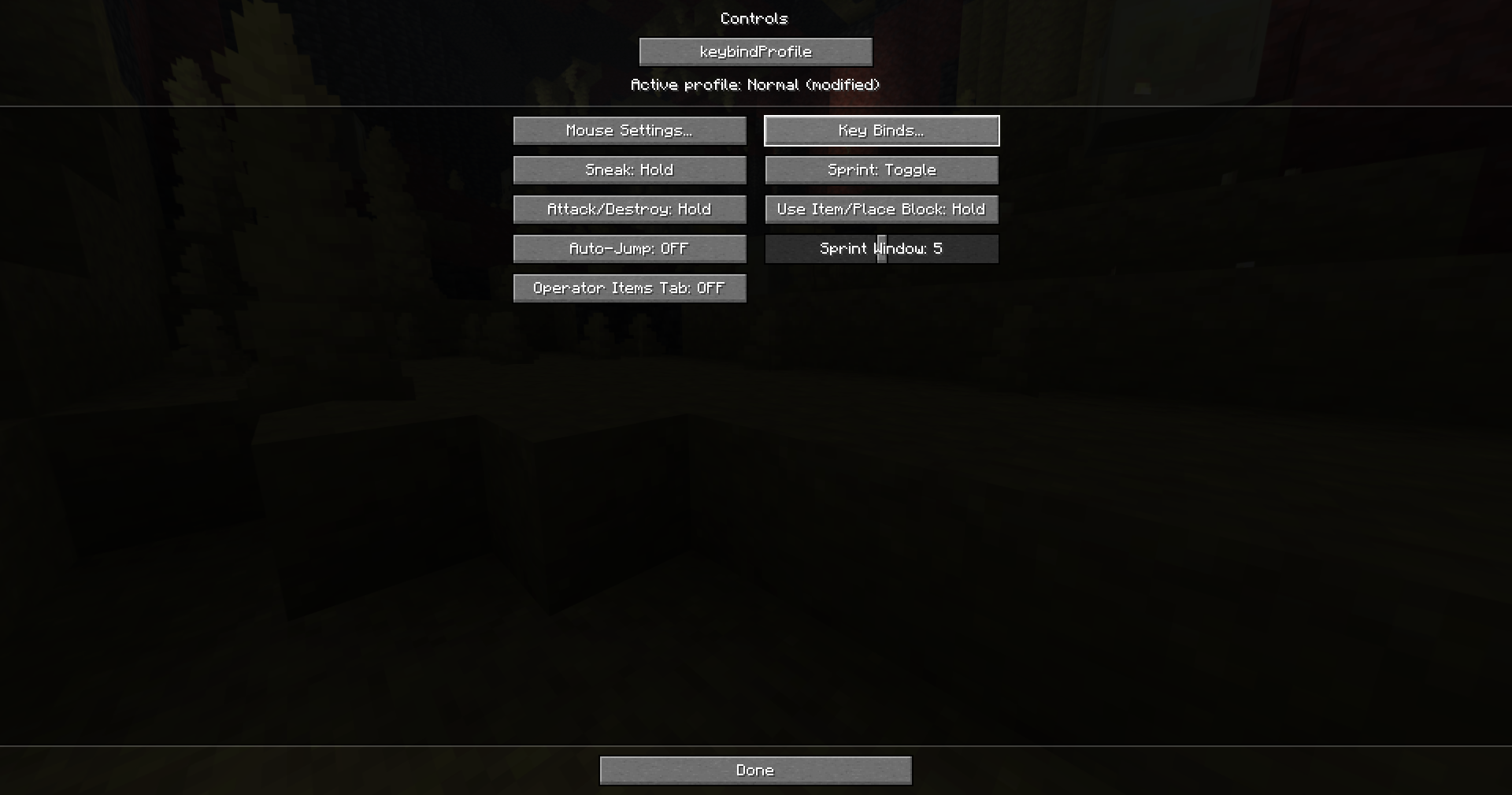
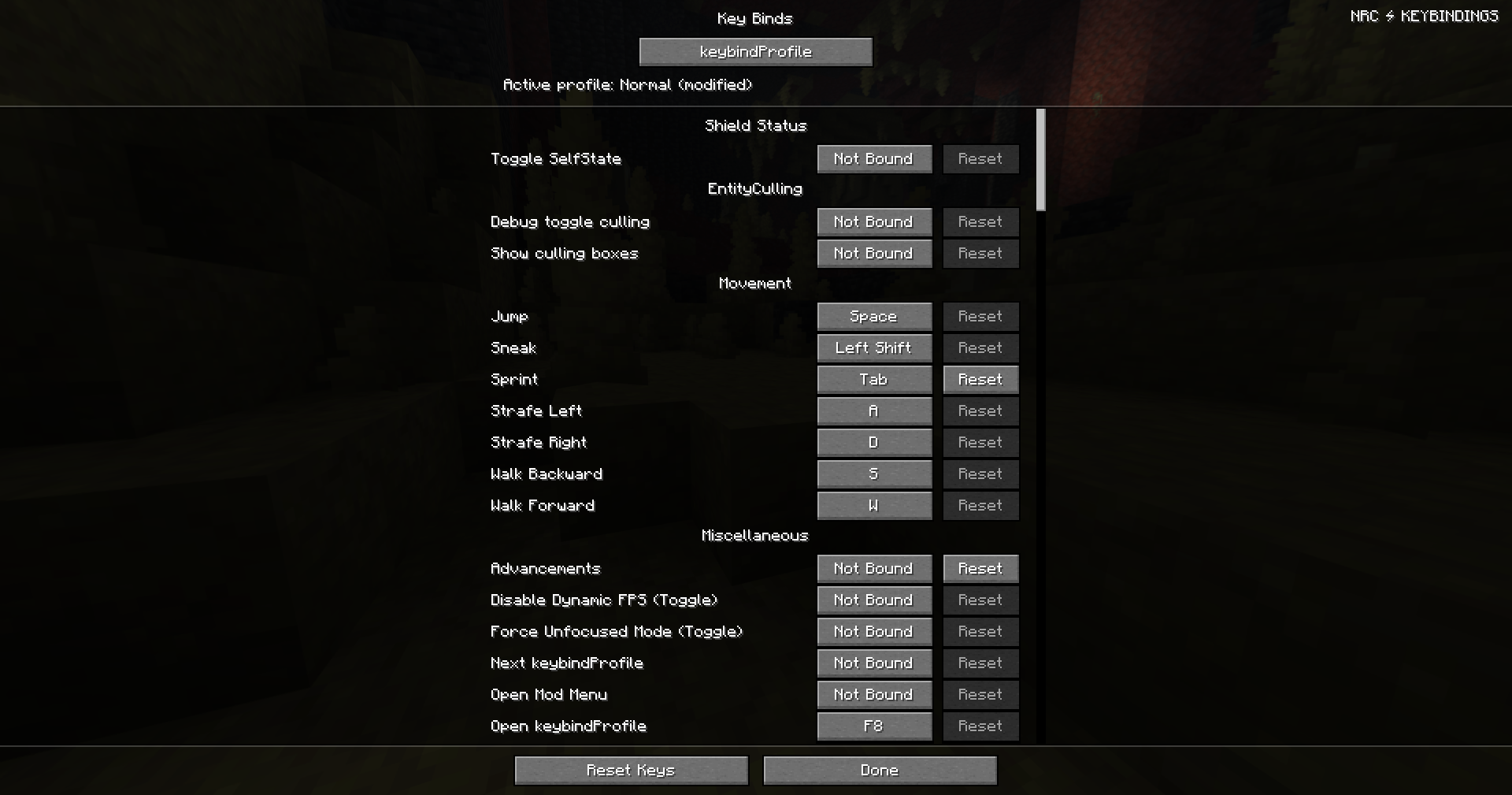
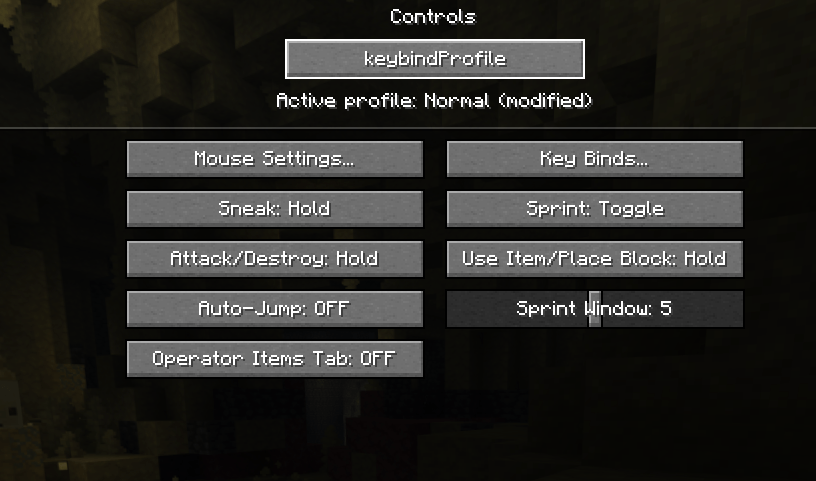
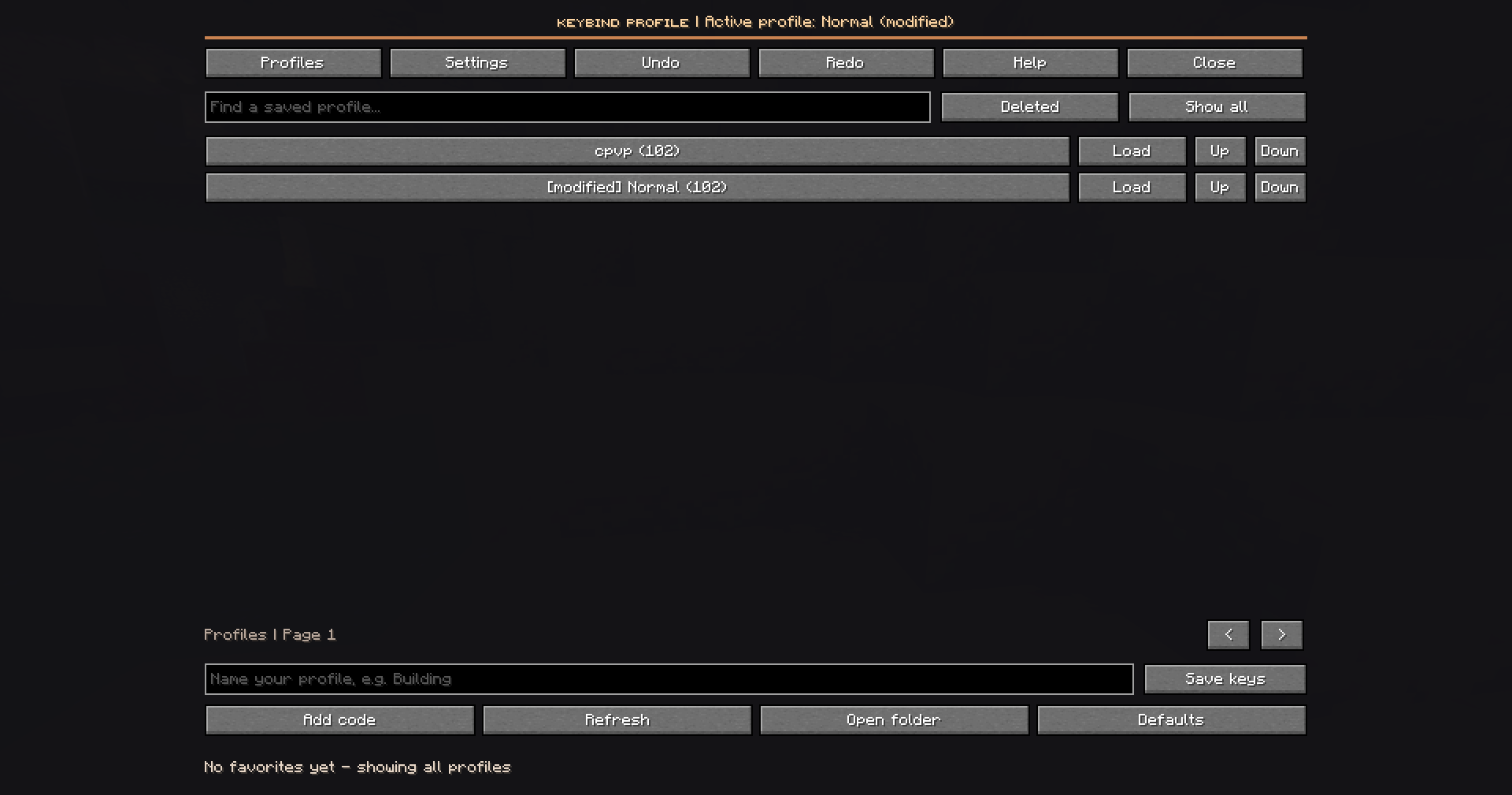
Open the profile manager with F8, or access it directly from the Controls and Key Binds menus.
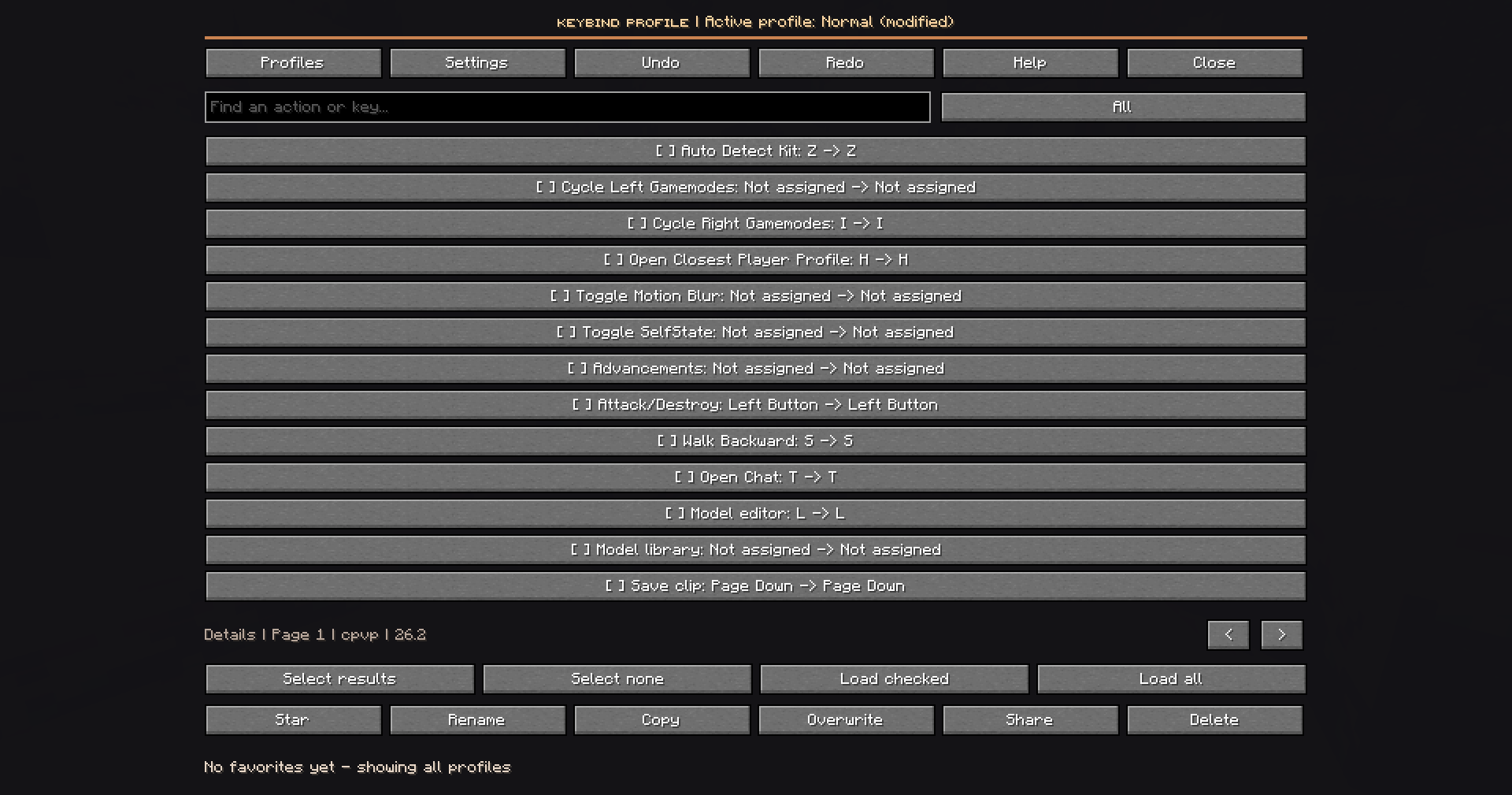
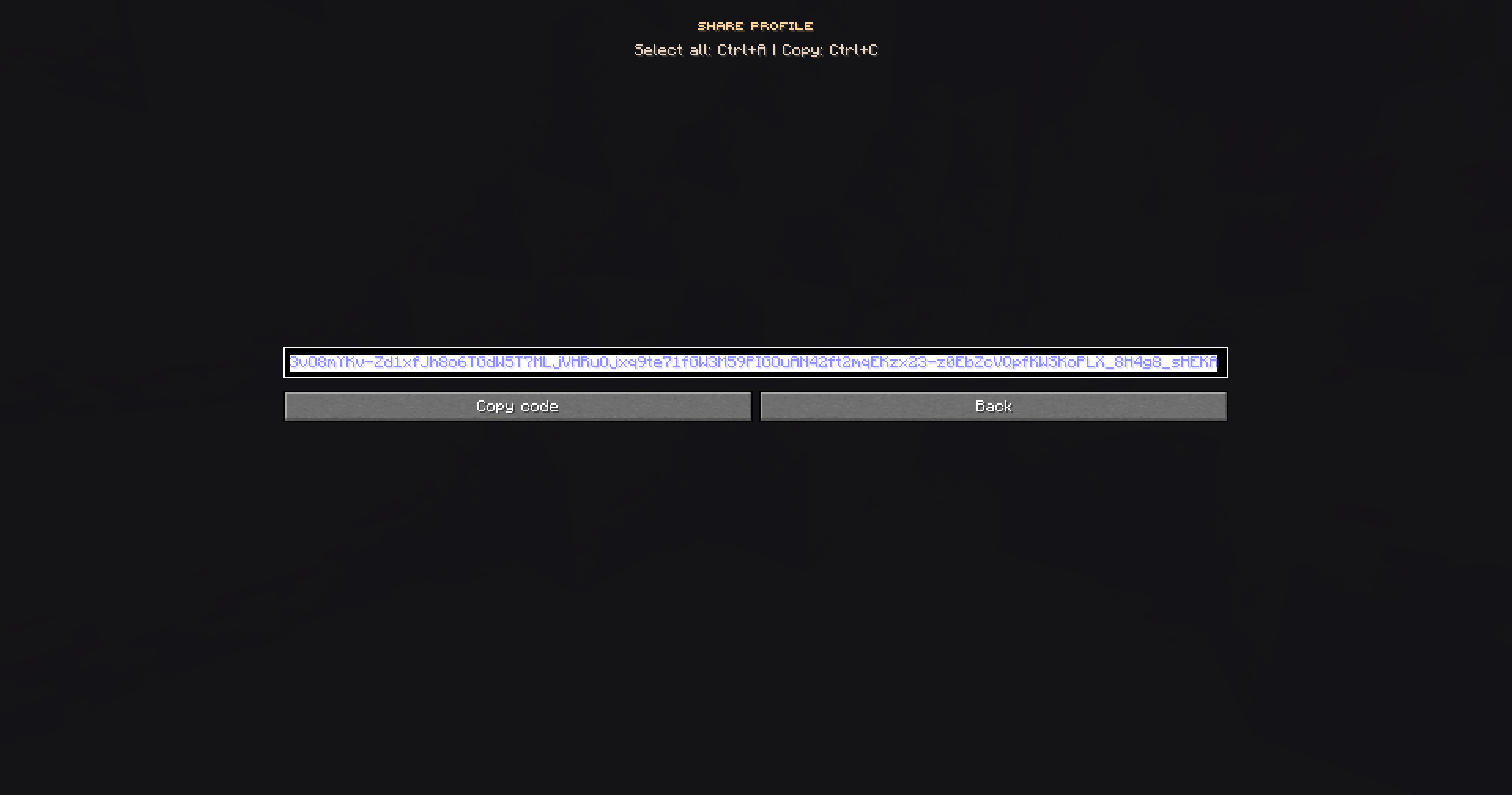
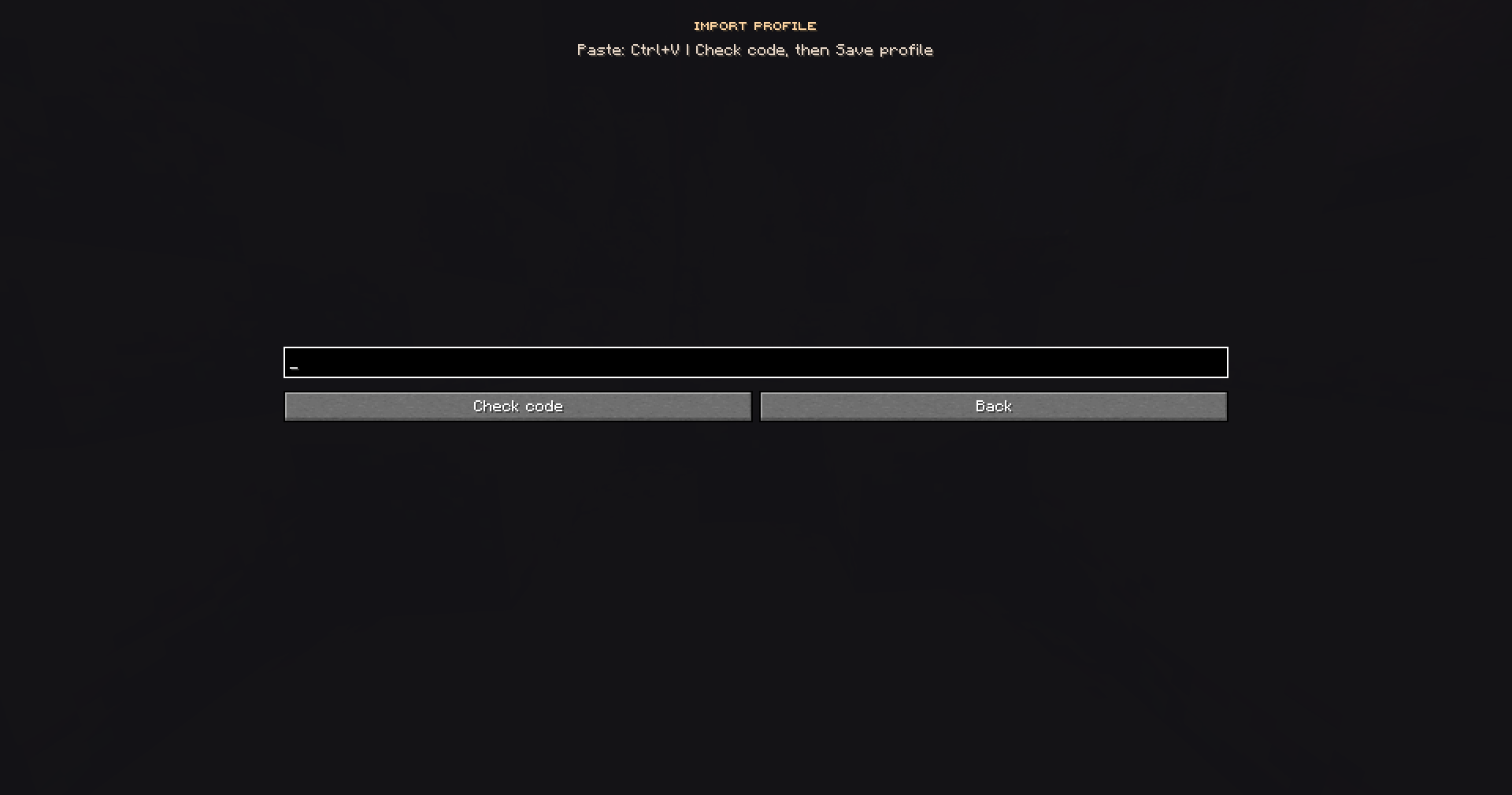
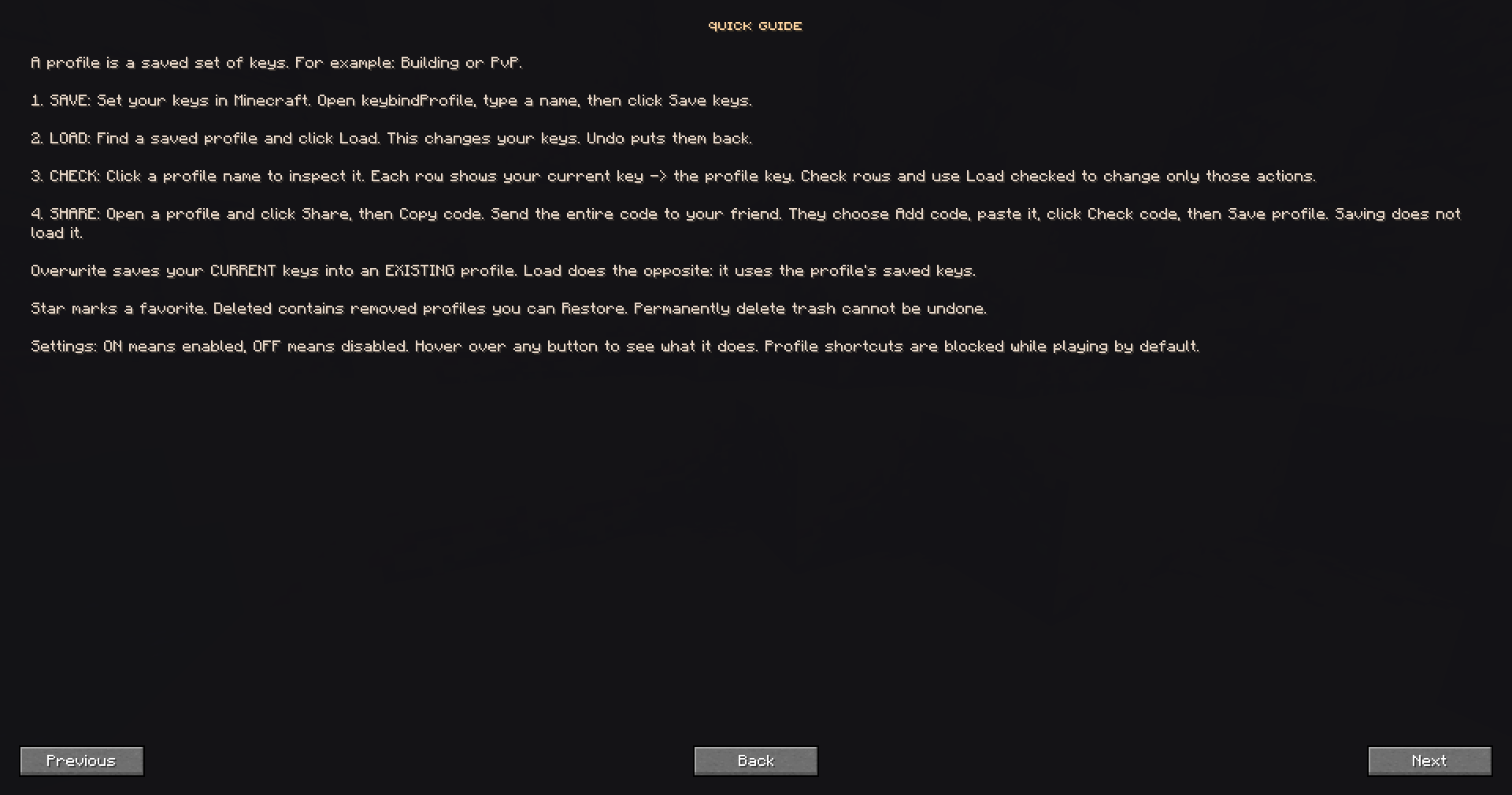
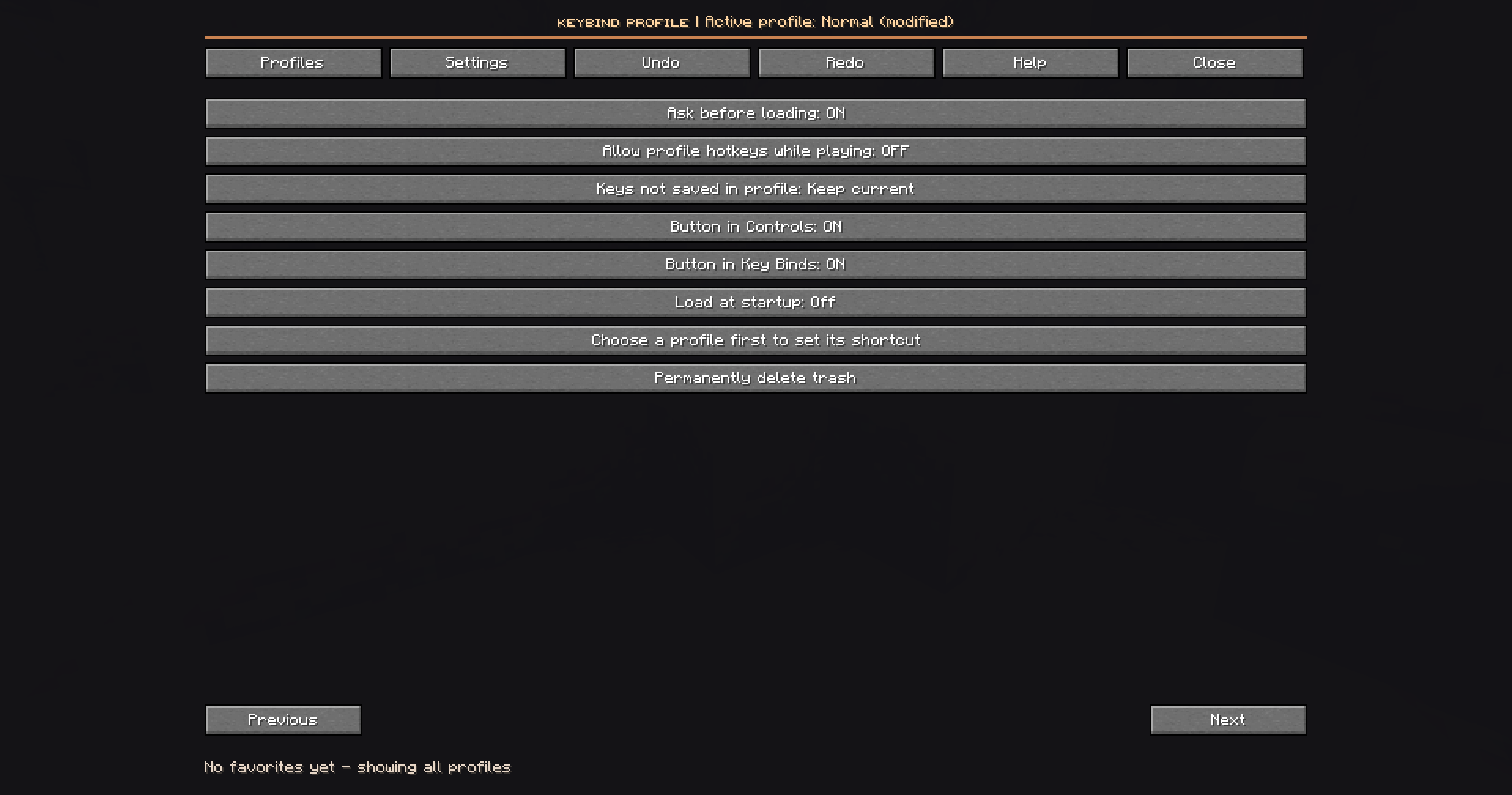
📸 Preview
✨ Features
📁 Profile Management
Create, customize and organize your keybind layouts.
- Unlimited Profiles – Create as many profiles as you need.
- Save & Update – Save your current keybind configuration at any time.
- Rename & Duplicate – Easily manage existing profiles.
- Trash & Recovery – Restore accidentally deleted profiles.
⚡ Instant Profile Switching
Switch your entire control setup in seconds.
- Quick Switching – Apply saved profiles instantly.
- Favorites – Keep frequently used profiles within reach.
- Cycle Hotkey – Switch through profiles with a single shortcut.
- Custom Shortcuts – Assign individual hotkeys to specific profiles.
🔍 Advanced Keybind Editor
Take full control of your keybind configurations.
- Live Comparison – Preview differences before applying a profile.
- Selective Application – Apply only the bindings you want.
- Smart Search – Quickly locate actions and assigned keys.
- Advanced Filters – Find conflicts, changed bindings and missing mod entries.
- Mod Compatibility – Supports keybinds registered by other mods.
🛡️ Safety & Recovery
Your keybind configurations are protected against accidental changes.
- Undo & Redo – Restore up to 20 previous changes.
- Recovery History – Save recovery data before applying changes.
- Profile Validation – Validate configurations before application.
- Confirmation Dialogs – Optionally confirm important changes.
- In-Game Protection – Reduce accidental hotkey activation during gameplay.
🌐 Sharing & Cross-Instance Support
Use your profiles wherever you play.
- Share Codes – Export profiles and share them with friends.
- Import Preview – Review imported configurations before saving.
- Shared Profile Library – Access profiles across Minecraft instances.
- Independent Settings – Configure startup preferences separately for each instance.
🎮 Made for Every Playstyle
| Playstyle | Recommended Setup |
|---|---|
| ⚔️ Crystal PvP | Crystals, obsidian and combat keybinds |
| 🗡️ Sword PvP | Movement and combat controls |
| 🏗️ Building | Building tools and shortcuts |
| 🌍 Survival | Everyday Minecraft controls |
| 🧩 Modpacks | Custom mod-specific keybinds |
Switch between different playstyles without losing your preferred controls.
📦 Compatibility
| Minecraft Version | Mod Loader |
|---|---|
| 1.21.11 | Fabric |
| 26.1 | Fabric |
| 26.2 | Fabric |
| 26.3 | Fabric |
⚙️ Requirements
- Fabric Loader:
0.20.1+ - Fabric API: Matching Minecraft version
- Side: Client-side only
- Server Installation: Not required
🚀 Getting Started
- Install Fabric Loader and the matching Fabric API.
- Download the correct keybindProfile version.
- Place the
.jarfile inside your Minecraftmodsfolder. - Launch Minecraft and press
F8. - Create your first profile and save your keybinds.
You're ready to switch between your favorite control layouts.
⌨️ One Mod. Every Playstyle.
Create your profiles. Customize your controls. Switch instantly.
keybindProfile — Your controls, your way.
Screenshots
Gallery
-
 Screenshot 2026-11-07 143336.png Screenshot 2026-11-07 143336.png
-
 Screenshot 2026-11-07 143358.png Screenshot 2026-11-07 143358.png
-
 2026-11-07_14.34.54.png 2026-11-07_14.34.54.png
-
 2026-11-07_14.34.57.png 2026-11-07_14.34.57.png
-
 2026-11-07_14.35.16.png 2026-11-07_14.35.16.png
-
 2026-11-07_14.34.32.png 2026-11-07_14.34.32.png
-
 2026-11-07_14.34.41.png 2026-11-07_14.34.41.png
-
 2026-11-07_14.34.47.png 2026-11-07_14.34.47.png
-
 2026-11-07_14.35.36.png 2026-11-07_14.35.36.png
Versions
Files
Relations
Project Relations
More like this
Similar Mods
Suggestions use data such as tags, dependencies, dependents, descriptions, titles, and more to rank how much they overlap with this mod.
On ModDex
Community snapshot
By the numbers
Statistics

Get it on
Available Platforms
On ModDex
Community snapshot
By the numbers
Statistics
Resources