
Community listing page, reviews may not be monitored by the author.
kiem addons

No reviews yet
A Quality of Life mod with the stuff i like and custom anime capes ofc

Community voices
Reviews
No reviews yet. Be the first to review this project!
Get it on
Available Platforms
About
Project Details
For authors
Embed Badge
If you're the author of this project, you can embed a live badge anywhere that supports HTML or Markdown. It updates automatically whenever ratings change.
Use HTML for any page that supports it, or Markdown for README files and Markdown-based descriptions.
Identifiers
Platform IDs
Resources
External Links
About
Description
✦ Kiem Addons
A clean, modern Quality of Life (QoL) and visual enhancement mod for Minecraft (Fabric 26.1.2 & 26.2).
Crafted by gamedese.
🌟 Key Features
✨ Animated & Static Capes
- Smooth 24 FPS & HD Capes: High-resolution animated and static anime capes (Sanara V1/V2/V3 and Rikka).
- In-Game Selector: Live preview and equip capes directly inside the in-game menu (
F6).
🗡️ Custom Viewmodel & Swing
- Item Positioning: Full 3D control over held item scale, position (X, Y, Z), and rotation (Pitch, Yaw, Roll).
- Swing Speed: Control attack animation speed without affecting your actual hit cooldown or CPS.
- Smooth Animations: Prevents click spam from cutting off swing animations prematurely.
🔍 Smooth Zoom
- Smooth Zoom (
C): Cinematic zoom with mouse wheel distance control (up to 15x magnification). - Cinematic Black Bars (Optional): Movie-style letterbox black bars during zoom for cinematic screenshots and videos.
🎥 Better Third Person & Camera Lag
- Cinematic Camera Lag: Natural camera trailing that smoothly follows your momentum while sprinting or flying.
- Shoulder View (
V): Over-the-shoulder perspective with smooth left/right shoulder switching. - Free 360° Rotation: Rotate and inspect your character without altering player direction.
💬 Chat QoL
- Quick Peek (
Z): Hold hotkey to quickly glance at and scroll chat history without stopping your movement. - Infinite Chat: Removes the default 100-line chat scrollback limit.
- Copy Message:
Ctrl + Left Clickon any chat message to copy it to your clipboard. - Chat Compactor: Automatically stacks identical consecutive messages with a
(x2, x3)counter.
📜 Scrollable Tooltips
- Scroll Long Tooltips: Smoothly scroll oversized item tooltips with your mouse wheel so lengthy stats never get cut off off-screen.
- Scale Tooltips:
Ctrl + Scrollto make item tooltips larger or smaller dynamically.
🎬 AFK Cinematic Camera
- Dynamic Angles: Switches to cinematic camera sweeps when going idle.
- Instant Wakeup: Touch your mouse or keyboard, and you are instantly back in normal first-person view.
🧍 Mini Player Models
- 3D Scale: Adjust your character's visual model size independently across X, Y, and Z axes.
- Multiplayer Support: Works for both your own view and other players.
🌐 Multi-Language Support
- Full in-game toggle between English 🇬🇧 and Türkçe 🇹🇷 with one click.
⌨️ Default Keybinds
| Key | Action |
|---|---|
| F6 | Open Kiem Addons Menu |
| Z (Hold) | Quick Chat Peek |
| C (Hold) | Smooth Zoom (Scroll to adjust zoom level) |
| V | Toggle Shoulder View |
| Ctrl + Scroll | Resize Item Tooltip |
(All keybinds are fully rebindable in the standard Controls > Key Binds menu).
🛠️ Installation
- Install Fabric Loader for Minecraft 26.2 or 26.1.2.
- Put the
kiem-addons-1.0-*.jarfile into your.minecraft/modsfolder. - Launch Minecraft and press
F6in-game!
Screenshots
Gallery
-
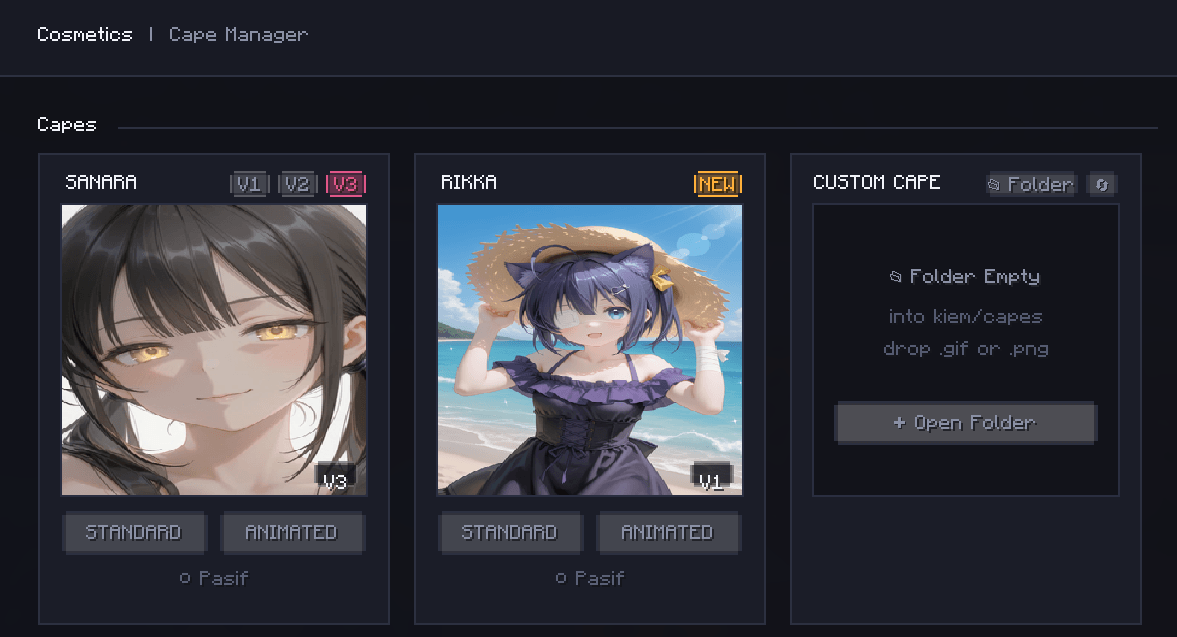 Make your own cape with gifs
 -
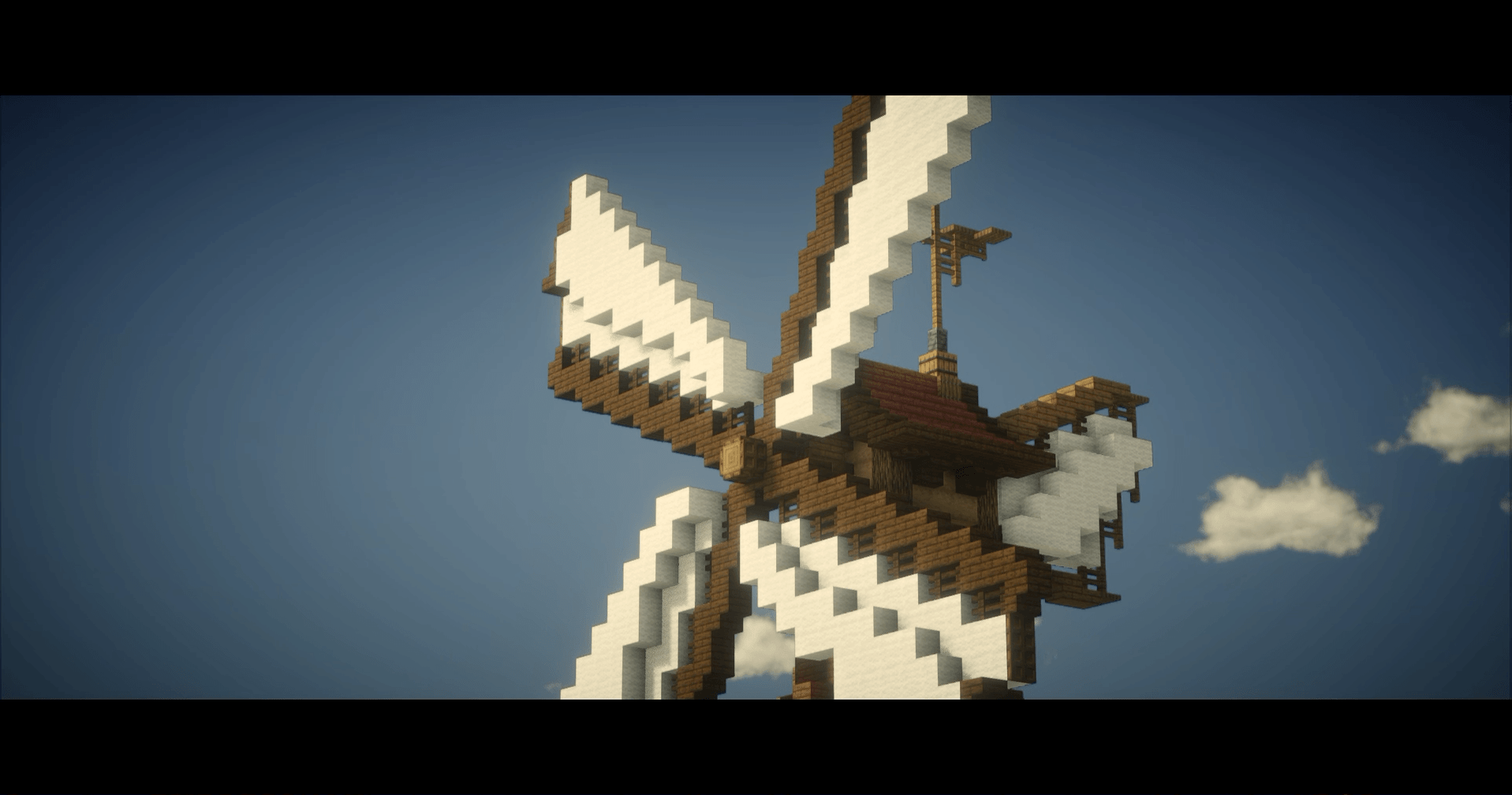 Cinematic zoom
 -
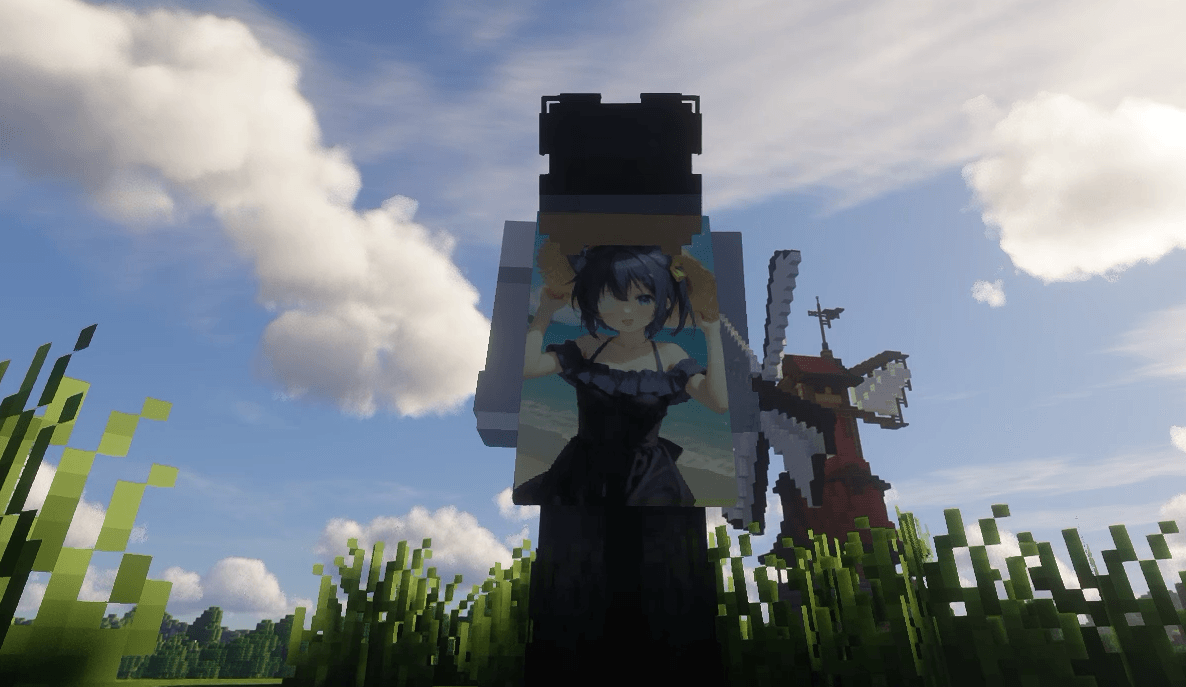 Animated Capes
 -
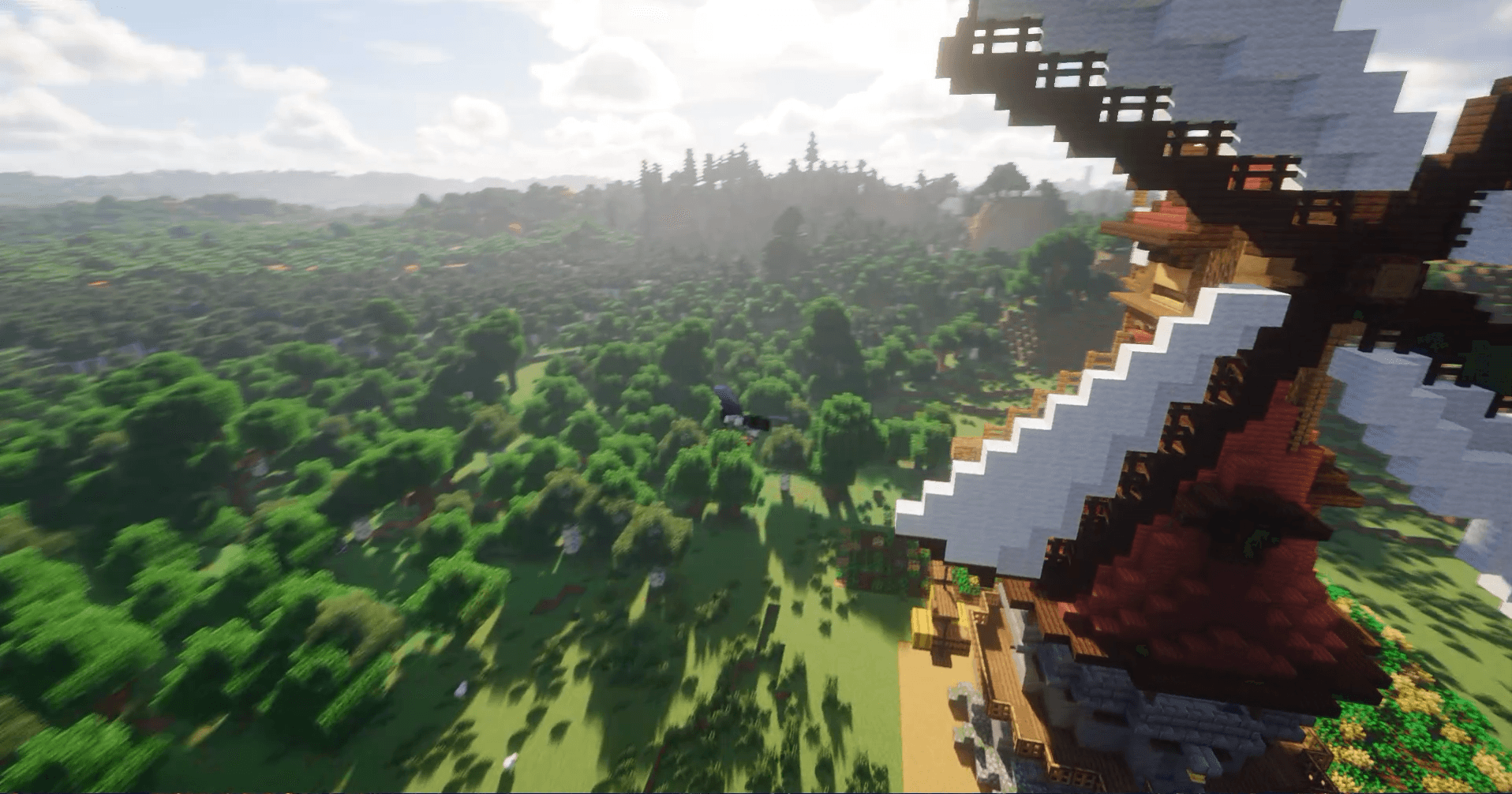 A better third person
 -
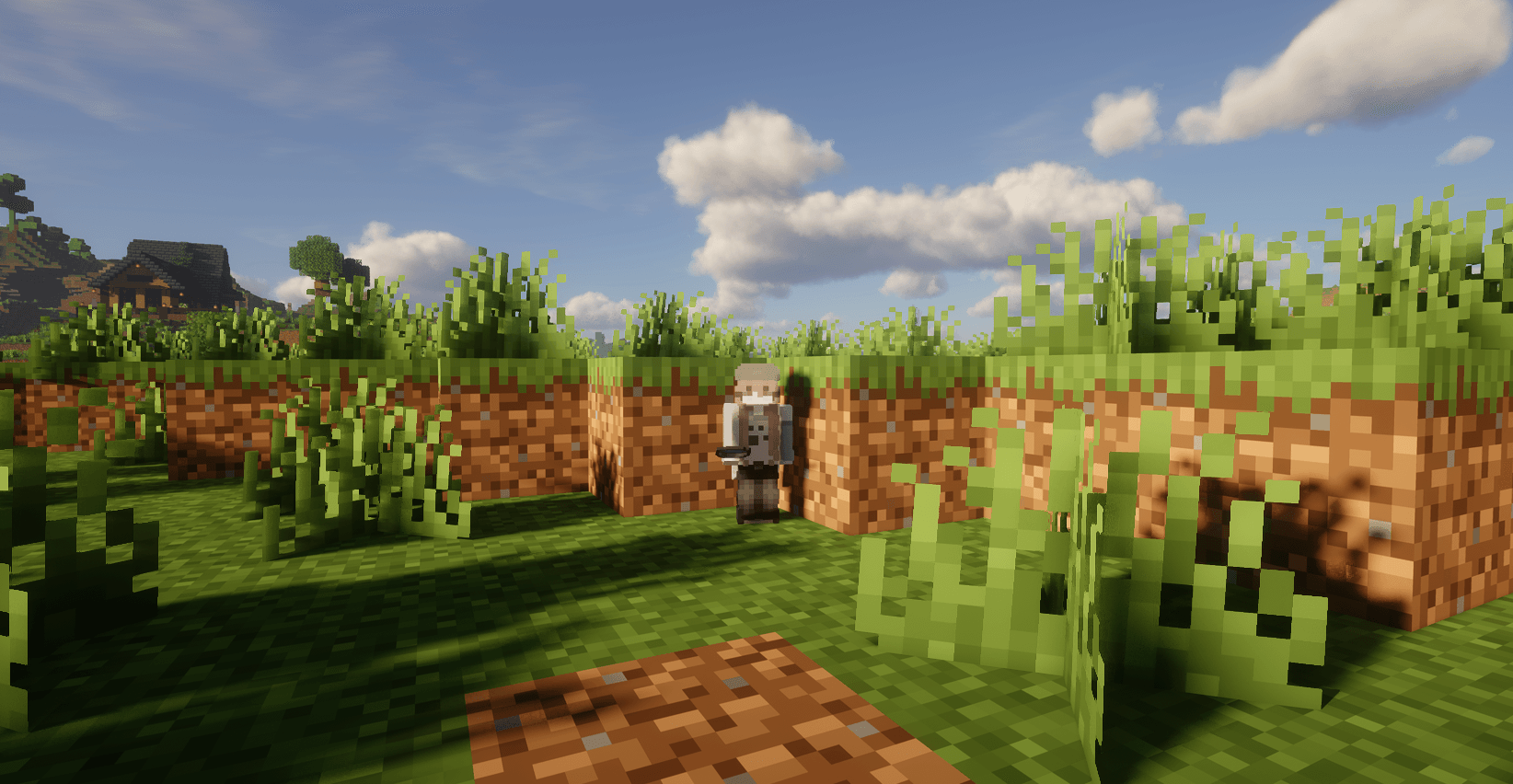 Mini Models
Versions
Files
Relations
Project Relations
More like this
Similar Mods
Suggestions use data such as tags, dependencies, dependents, descriptions, titles, and more to rank how much they overlap with this mod.
On ModDex
Community snapshot
By the numbers
Statistics

Get it on
Available Platforms
On ModDex
Community snapshot
By the numbers
Statistics
Resources